
Roblox Studio alternatives are game creation tools beyond the Roblox ecosystem. They are not the same as Roblox alternatives, which usually means games or platforms that feel similar to Roblox. This guide focuses on creation tools: engines, no-code game makers, browser tools, UGC platforms, and AI prototyping workflows.
Roblox Studio is still a strong free tool if you want to create and publish Roblox experiences. Roblox's own documentation describes Studio as a free tool for building, scripting, testing, and publishing creations to Roblox users across console, desktop, and mobile devices. But if you want to publish outside Roblox, avoid platform lock-in, make a standalone web game, or test an idea before learning Luau scripting, you may need a different tool.
The best choice is not the tool with the biggest feature list. The best choice is the tool that matches where you want to publish, how much coding you want to learn, and what kind of game you want to build next.
Turn your idea into aplayable game
Describe the game you want to make, and SoonLab will help you start building it.
What Are Roblox Studio Alternatives?
Roblox Studio alternatives help creators design, prototype, build, and publish games without relying only on Roblox Studio. This includes professional engines like Unity, Godot, and Unreal Engine; no-code or low-code tools like GDevelop and Construct 3; learning platforms like Scratch; UGC platforms like Core and UEFN; and AI game makers for fast browser-playable prototypes.
The distinction matters. Roblox alternatives usually means platforms or games that players might use instead of Roblox. The phrase means tools creators can use instead of, before, or alongside Roblox Studio.
Roblox Studio remains the right tool if your goal is to publish inside Roblox. It includes building, scripting, testing, collaboration, Creator Store assets, and Roblox-specific publishing, plus platform rules, monetization, and discovery.
But a creator may want something else. A Roblox creator who wants a Steam game, mobile game, classroom project, 2D web game, or browser-playable game prototype will often need a tool outside Roblox Studio.
Why Look for an Alternative to Roblox Studio?
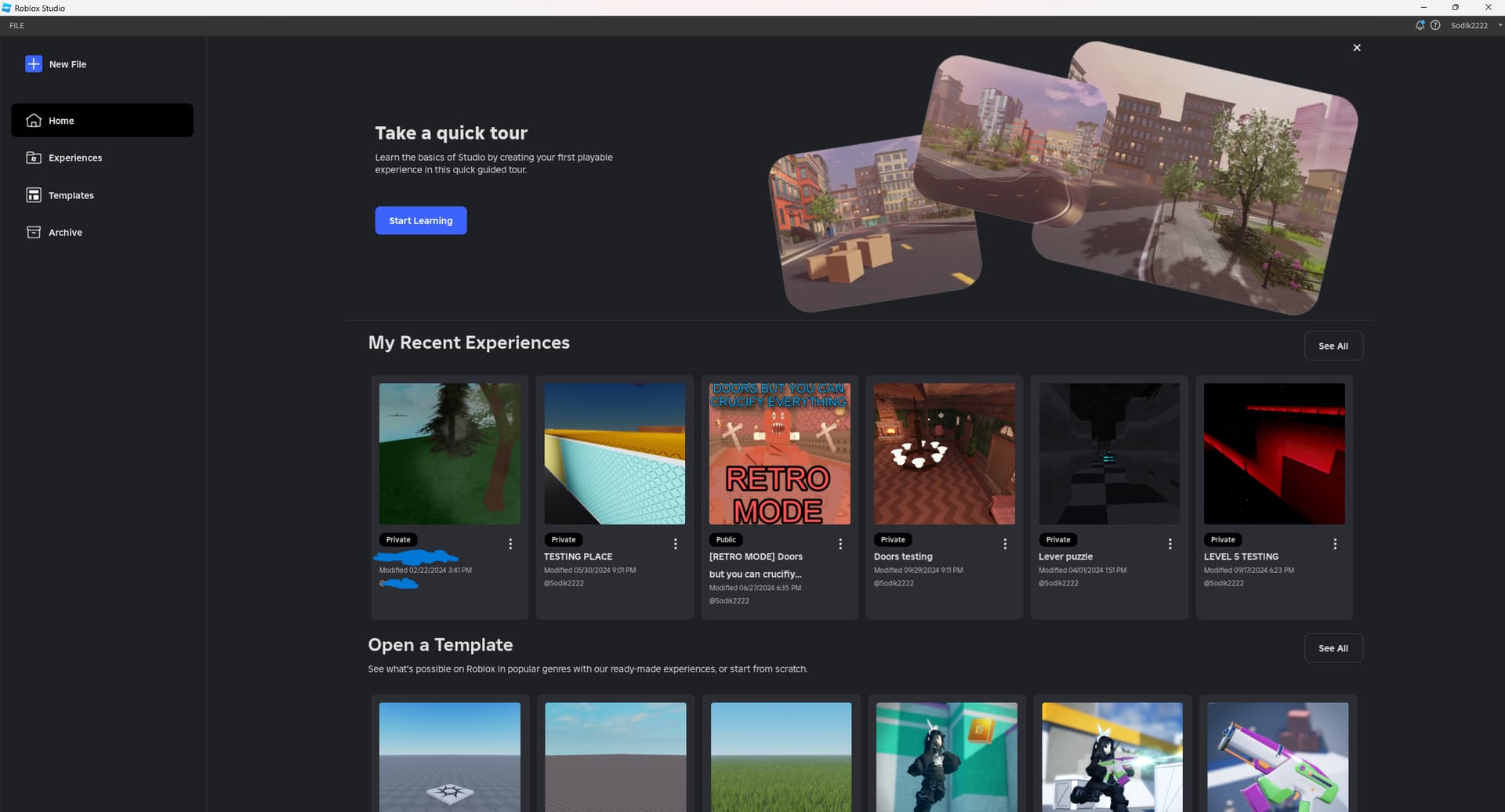
Looking for an alternative to Roblox Studio does not mean Roblox Studio is bad. It means your creative goal may be different from what Roblox Studio is optimized for.
First, Roblox Studio mainly serves the Roblox ecosystem. That is a major advantage if you want Roblox's built-in audience and publishing flow, but it is a limitation if you want an independent game build, a web-first prototype, or a project you can move across platforms.
Second, Roblox development often involves Luau scripting. Luau is officially described as a small, fast, embeddable language based on Lua with a gradual type system. It is designed to be approachable, but beginners still need to learn scripting logic, events, services, UI, data, and debugging. If scripting is the main reason you are looking for another tool, you can also compare the best AI for Roblox scripting before leaving Roblox Studio completely.
Third, Roblox games are shaped by platform rules. Your style, moderation, publishing, monetization, and discovery are connected to Roblox's ecosystem. For many creators that is useful; for others it can feel restrictive.
Finally, a full engine can be too heavy if your real goal is to test a game loop quickly. If you only need to test an obby, tycoon, quiz, horror chase, or idle loop, you may not need a large project structure.
That is why the best option depends on your creation goal, not on a universal ranking. If you have not settled on a concept yet, start with these Roblox game ideas first. Once you know whether you want to build an obby, social game, horror experience, simulator, or something more experimental, it becomes much easier to decide whether Roblox Studio or another tool fits the project.
Best Roblox Studio Alternatives in 2026
The table below compares common alternatives to Roblox Studio by creator goal, coding level, game type, browser support, and best-fit use case.
| Tool | Best For | Coding Level | 2D/3D | Browser-Based? | Best Roblox Studio Alternative For |
|---|---|---|---|---|---|
| Unity | Cross-platform commercial games, mobile games, long-term projects | Medium to high, mainly C# | 2D and 3D | Editor is desktop; web export available | Roblox creators moving toward professional game development |
| Godot | Indie games, open-source workflows, 2D games, lightweight 3D | Medium, mainly GDScript or C# | 2D and 3D | Desktop editor, web deployment options | Creators who want more control and less platform dependency |
| Unreal Engine | High-end 3D, realistic visuals, complex environments | High, Blueprints and C++ | Mostly 3D, some 2D possible | Desktop editor | Creators aiming for advanced 3D production |
| UEFN | Fortnite islands, UGC worlds, Fortnite creator ecosystem | Medium, Verse for advanced logic | 3D | Desktop editor tied to Fortnite | Roblox creators who like platform-based UGC but want Fortnite |
| GDevelop | No-code 2D games, web games, prototypes, education | Low, optional JavaScript | Mostly 2D, some 3D features | Yes, web editor available | Beginners who find Luau too difficult |
| Construct 3 | Browser-based 2D games, casual games, classroom projects | Low, optional JavaScript | Mostly 2D with some 3D features | Yes | Creators who want to build inside the browser |
| Scratch | Kids, classrooms, coding basics, logic learning | Very low, block-based | 2D | Yes | Beginners learning game logic before bigger tools |
| Core | 3D multiplayer worlds, social experiences, UGC games | Low to medium | 3D | Desktop tool/platform ecosystem | Creators exploring Roblox-like social game creation outside Roblox |
| SoonLab | Fast AI-assisted prototypes, browser games, idea testing | Very low | Mainly lightweight browser prototypes | Yes | Creators who want prompt-to-play testing before choosing a full engine |
1. Unity
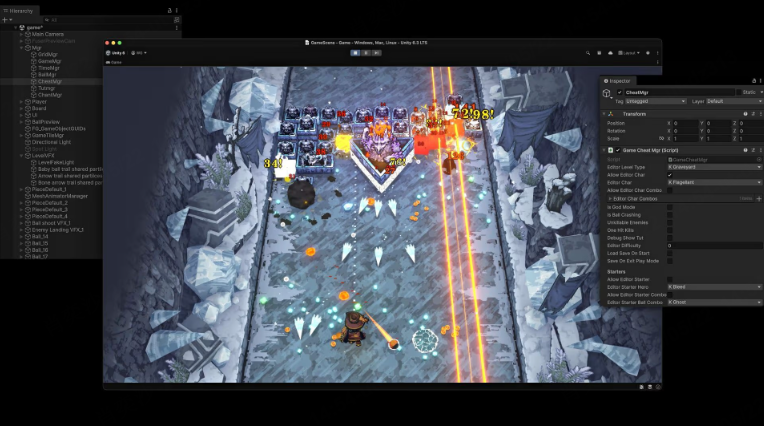
Unity is a strong fit for Roblox creators moving toward professional, cross-platform development. Unity's official engine page describes it as a platform for building 2D and 3D experiences across many styles and platforms, with C# scripting as part of its workflow.
Choose it for mobile games, commercial indie projects, multiplayer systems, or long-term products, but expect a higher learning curve than Roblox Studio.
2. Godot
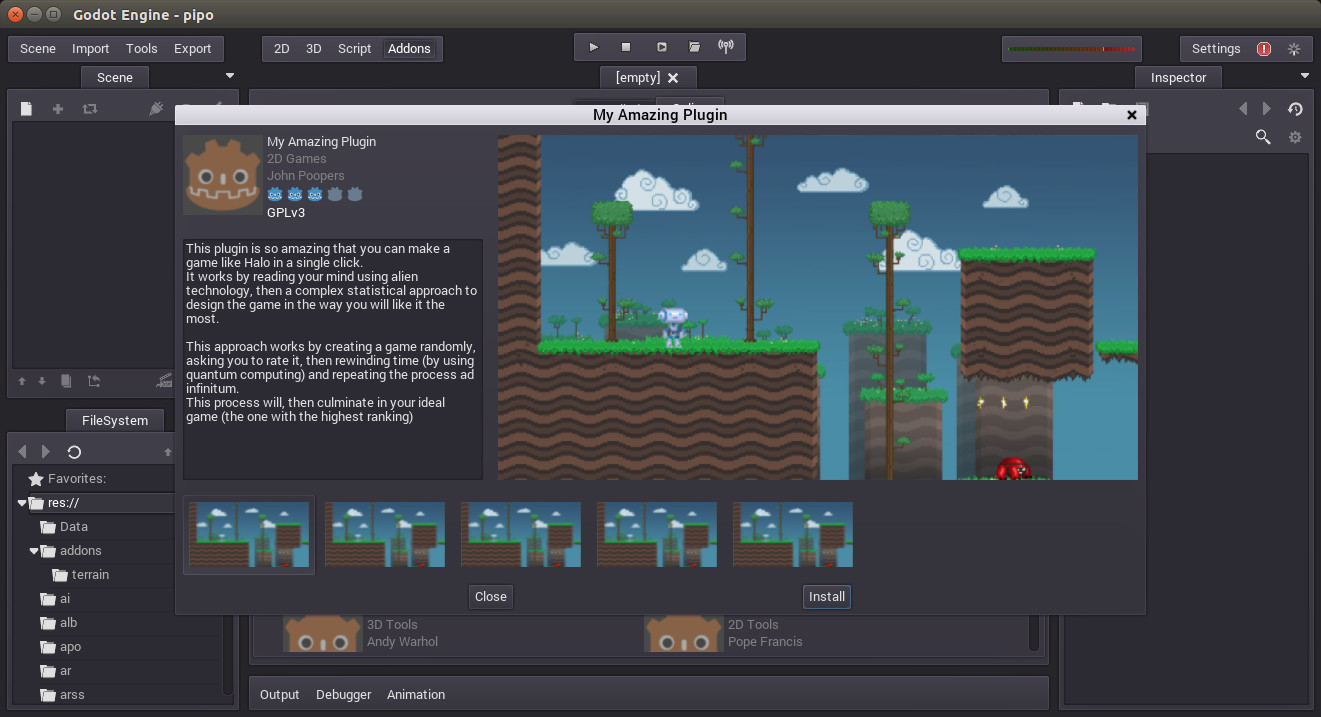
Godot is a good fit for indie developers who want an open-source engine, strong 2D workflows, lightweight 3D, and more control over their project. Godot's official feature page highlights scene-driven design, GDScript, C# support, 2D tools, 3D support, web/mobile deployment, and an MIT license.
Choose it if you want to move away from platform dependency while still learning a real engine.
3. Unreal Engine
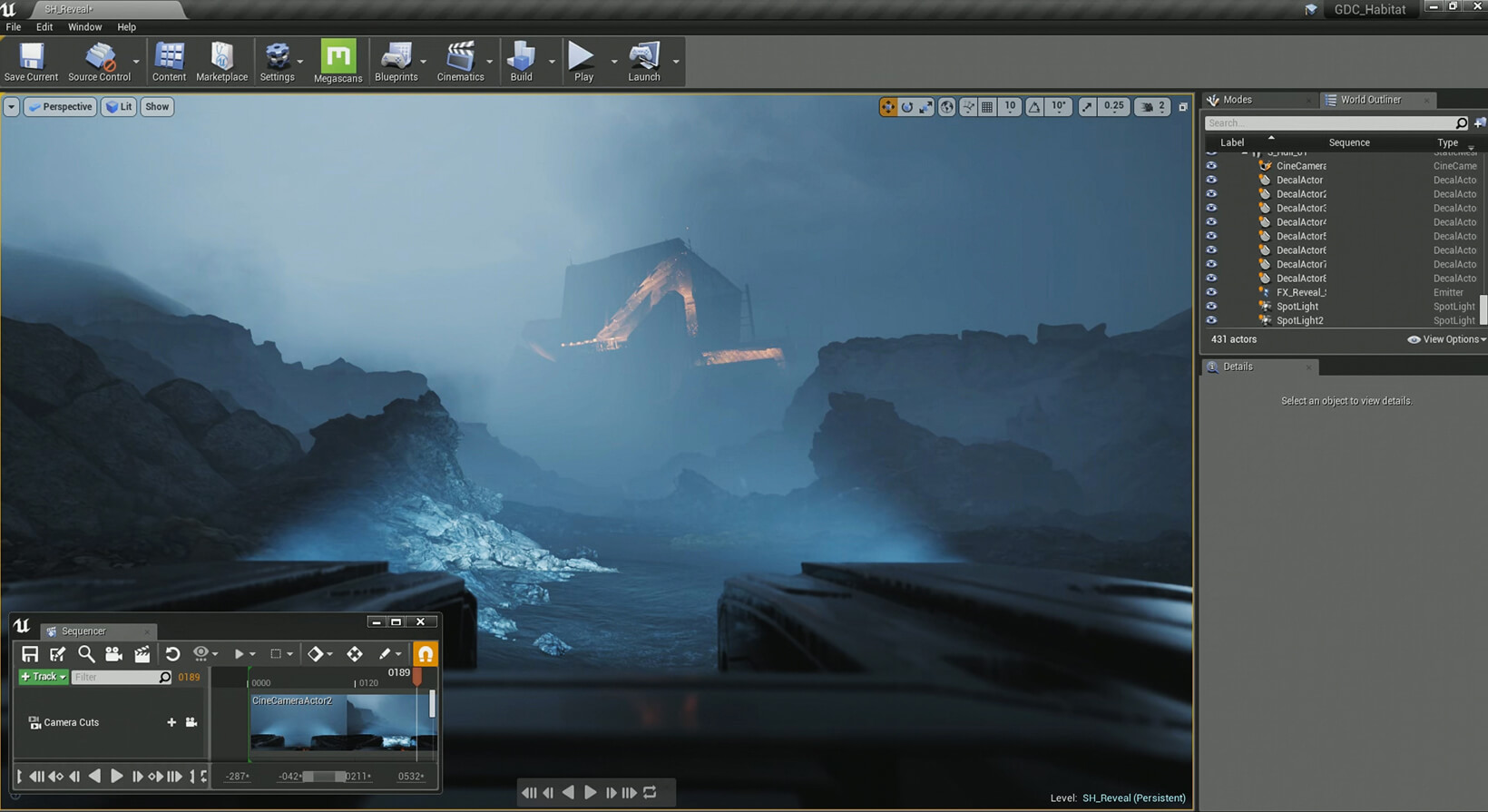
Unreal Engine is best for advanced 3D visuals, realistic environments, cinematic tools, and complex worlds. Epic describes it as an advanced real-time creation tool for games, films, visualization, and immersive experiences.
For Roblox creators, it is a professional upgrade path rather than a lightweight replacement, so choose it only if visual quality and 3D complexity matter more than quick iteration.
 Also Read:
4. UEFN
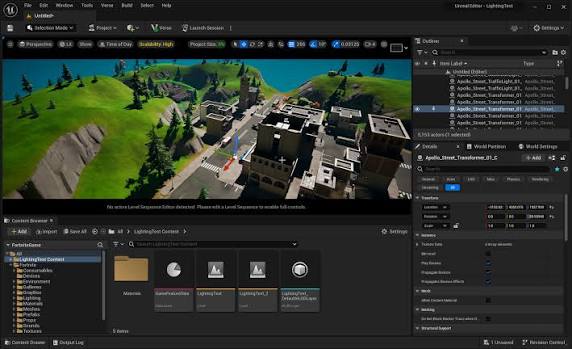
UEFN (Unreal Editor for Fortnite) is useful if you like platform-based UGC but want to create for Fortnite instead of Roblox. It is still tied to Fortnite's rules, audience, and publishing systems, so it is not a fully independent engine.
Choose UEFN for Fortnite islands, social spaces, branded experiences, or UGC gameplay inside Fortnite, not for a standalone game you can publish anywhere.
5. GDevelop
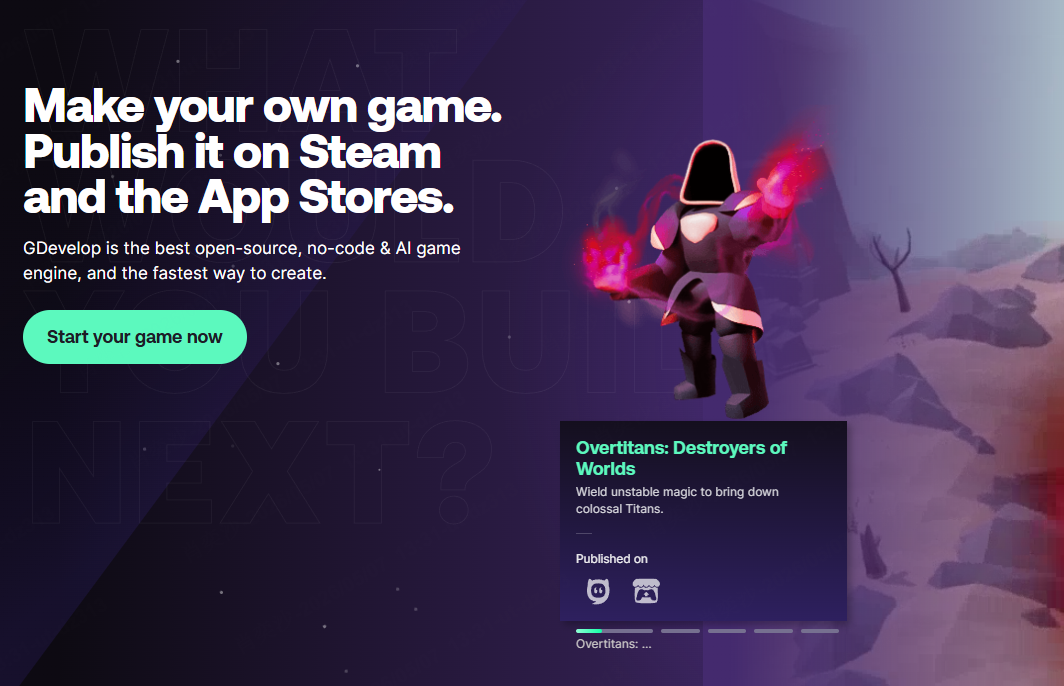
GDevelop is a low-code game maker for creators who want to build without starting from scripting. Its homepage describes it as an open-source, no-code game engine for making games and publishing them on platforms such as Steam and app stores.
It is useful for 2D platformers, arcade games, education games, idle games, and web prototypes, especially if your goal is to create a game without coding.
6. Construct 3
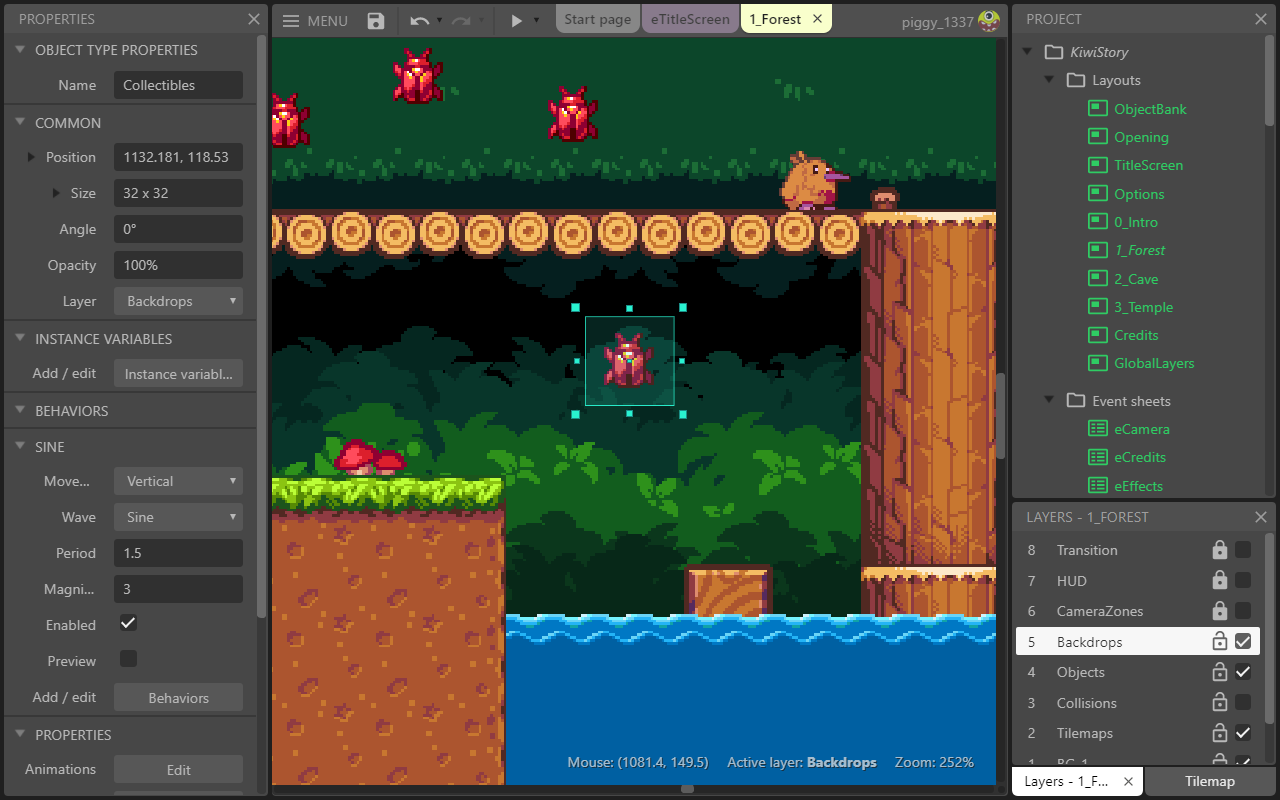
Construct 3 is a browser-based 2D game engine for creators who want a low-code workflow without installing a heavy desktop engine. Construct says its editor runs in the browser, uses visual event sheets, supports optional JavaScript, and can export to web, desktop, mobile, Steam, itch.io, Newgrounds, and more.
It is best for casual games, classroom projects, browser prototypes, and polished 2D games.
7. Scratch
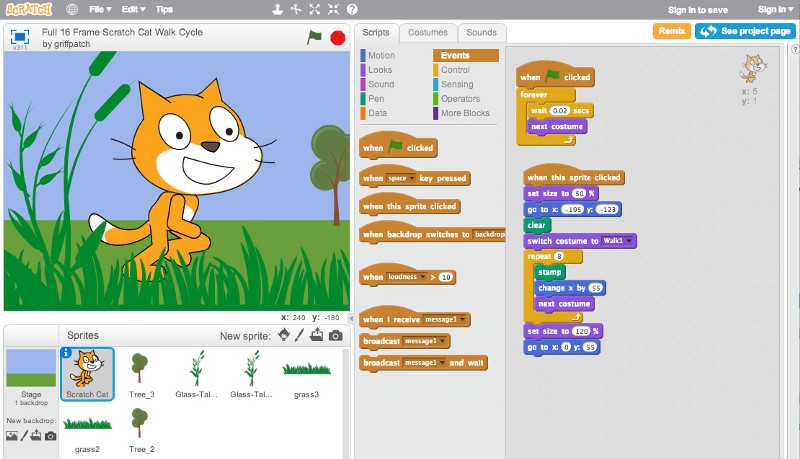
Scratch is best for children, classrooms, and beginners learning game logic. The Scratch Foundation describes Scratch as free for everyone and focused on helping kids create what they imagine.
It is not built for complex commercial games, but it is a useful first step for loops, variables, collisions, sprites, and simple interactive stories.
For beginners who want a practical starting point, learning how to make a platformer game on Scratch is one of the easiest ways to understand basic movement, jumping, obstacles, and win conditions before moving to more advanced Roblox Studio alternatives.
8. Core Games
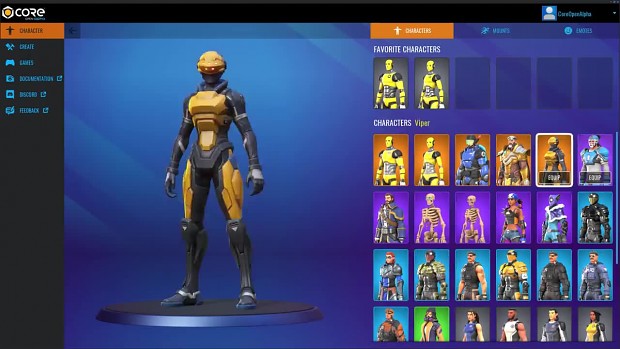
Core is close to Roblox Studio in spirit because it focuses on social 3D experiences and user-generated content. Its official site says creators can create, publish, and earn using an accessible interface built around Unreal, with free assets and one-button publishing.
Choose Core if you want another platform-based 3D social creation ecosystem, not a fully independent engine pipeline.
9. SoonLab
SoonLab is not a Roblox Studio clone. It is an AI-powered Roblox-style game maker for turning prompts into original browser-playable games before committing to Roblox Studio or a traditional game engine.
Turn your idea into aplayable game
Describe the game you want to make, and SoonLab will help you start building it.
You can tell it exactly what kind of game you want—gameplay, mechanics, sound effects, levels, visual style, everything—through natural conversation. Then just wait, and you'll get a fully playable game. Look at this game I generated with a prompt—the result is way better than I imagined!
Use it if you do not want to start with Luau, C#, GDScript, or Verse. It can help you test a puzzle game, idle game, quiz game, horror prototype, platformer prototype, or simple browser game from a written prompt. If you are exploring horror ideas, studying the scariest Roblox games can also help you understand how chase scenes, limited vision, sound cues, and simple survival goals create tension.
The limitation is important: if your goal is to publish a Roblox experience, Roblox Studio remains the right tool. If you still want to build for Roblox but need help turning an idea into mechanics, scripts, or a playable concept, start with this guide on how to make a Roblox game with AI. If your goal is fast AI-assisted prototyping outside Roblox, SoonLab can be a lighter workflow before deeper development.
Which Roblox Studio Alternative Should You Choose?
Use this quick list if you already know your goal:
- Choose Roblox Studio if you want to publish inside Roblox.
- Choose Unity if you want long-term cross-platform development.
- Choose Godot if you want an open-source engine for indie games.
- Choose Unreal Engine if you want advanced 3D visuals.
- Choose UEFN if you want to create for Fortnite.
- Choose GDevelop or Construct 3 if you want no-code or low-code 2D creation.
- Choose Scratch if you are learning or teaching basic game logic.
- Choose Core if you want another platform-based 3D social creation ecosystem.
- Choose SoonLab if you want to turn a prompt into a playable browser prototype quickly.
How to Choose the Right Roblox Studio Alternative
The right tool depends on your next step, not your dream final game.
- Decide where you want to publish the game. If you want Roblox players, use Roblox Studio. If you want Steam, mobile, web, or itch.io, consider Unity, Godot, GDevelop, Construct, or another export-friendly tool.
- Decide whether you need 2D, 3D, multiplayer, or browser-first gameplay. A 2D quiz game does not need the same tool as a 3D social world. A browser game maker may be better for fast sharing than a large 3D engine.
- Choose how much coding you are willing to learn. Roblox Studio uses Luau; Unity uses C#; Godot often uses GDScript; Unreal may involve Blueprints and C++; UEFN uses Verse for advanced logic. If you want less code, compare GDevelop, Construct, Scratch, or AI-assisted workflows.
- Build one small playable game prototype before committing to a full engine. A tiny version of the core loop will teach you more than a long design document.
- Pick the tool based on your next 30 days, not your dream final game. If you want to test an obby idea this week, a fast prototype matters. If you want to spend a year building a commercial 3D game, a professional engine matters.
FAQs About Alternatives to Roblox Studio
What is the best Roblox Studio alternative?
There is no single best tool for everyone. If you want to publish inside Roblox, Roblox Studio is still the best choice. If you want professional cross-platform development, compare Unity, Godot, and Unreal Engine. If you want no-code or low-code 2D creation, look at GDevelop or Construct 3. If you want fast AI-assisted prototyping, an AI workflow is a better fit than a full engine.
Is there a free alternative to Roblox Studio?
Yes, but check official pricing pages before choosing because plans can change. Godot is free and open source under the MIT license, Scratch is free for learners and classrooms, and tools such as GDevelop, Unity, Unreal Engine, and Construct have their own free paths, trials, or licensing rules.
What is the easiest alternative to Roblox Studio?
For children and classroom learning, Scratch is usually the easiest. For no-code 2D game creation, GDevelop and Construct 3 are more approachable than professional engines. For fast idea testing from natural language, SoonLab can be easier than learning Luau, C#, or GDScript first.
Can I make games like Roblox without Roblox Studio?
You can make social games, multiplayer games, 3D worlds, obbies, tycoons, and UGC-style experiences with other tools. If you want to publish to Roblox, you still need Roblox Studio. If you want the idea outside Roblox, consider Unity, Godot, Unreal Engine, Core, UEFN, GDevelop, or a browser prototype workflow.
Is SoonLab a Roblox Studio alternative?
Yes, but only for the right use case. It is not a full Roblox Studio replacement for building Roblox experiences. It is an AI game maker for fast browser-based game prototyping, especially when you want to test a concept before committing to Roblox Studio or a traditional engine.
Should I learn Roblox Studio, Unity, Godot, or use an AI game maker?
Choose based on your goal. For Roblox publishing, learn Roblox Studio. For indie games, compare Godot and Unity. For advanced 3D visuals, consider Unreal Engine. For no-code 2D games, look at GDevelop or Construct 3. For fast gameplay validation, use an AI game maker or browser prototype workflow before choosing a larger tool.
Final Thoughts
The best Roblox Studio alternative is the one that helps you make the next playable game of your idea. Roblox Studio is excellent if you want to build for Roblox. Unity, Godot, and Unreal Engine are stronger when you need more control, broader publishing, or professional development workflows. GDevelop, Construct, and Scratch lower the barrier for beginners, classrooms, and simple 2D projects.
If you are not sure which tool to choose, start by testing one small playable game prototype. That will reveal whether your idea needs Roblox Studio, a full engine, a no-code game maker, or an AI-assisted workflow.
Try SoonLab to turn your first game idea into a playable browser prototype. Among the many roblox studio alternatives, the right starting point is the one that helps you learn from real play as quickly as possible.