
A beginner opens Roblox Studio thinking they only need "a script," then suddenly Luau, events, physics, UI, player data, RemoteEvents, tools, NPCs, leaderboards, and multiplayer behavior all pop up.
A coin pickup is no longer just a coin pickup. It touches the player, updates currency, maybe triggers a sound, maybe respawns, maybe saves progress, and maybe breaks because one object in Explorer has the wrong name.
So it makes sense that people fish for the best AI for Roblox scripting. A good AI tool can turn a vague idea into a working first version.
But a Roblox scripting AI that promises to build a full game from a single prompt sounds way too good to be true, that kind of tool just doesn't exist yet. AI is better at small, clearly defined scripting tasks than full game creation.
That is the line this guide cares about: AI-assisted scripting versus low-effort AI-generated games.
Turn your script into aplayable game
Describe the game you want to make, and SoonLab will help you start building it.
What Makes an AI Tool "Best" for Roblox Scripting?
You should not judge an AI Roblox scripter by hype alone. Popularity helps. Raw model power helps. Neither is enough.
If you want to build a Roblox game with AI, then you need one that helps with these things:
It should know basic Roblox scripting patterns, such as Script, LocalScript, ModuleScript, Touched events, leaderstats, RemoteEvents, UI scripts, and object paths.
Beginners should not only get code. They should understand what the code does, where to put it, and why each part matters.
A shop system, quest system, pet system, or save system should not arrive as one giant script. A better AI tool helps you build one piece at a time.
Weak AI tools sometimes make up functions or ignore how Roblox actually works. A reliable tool asks for the script location, object names, Output errors, and expected behavior before giving a fix.
Good AI should push you to test each feature in Roblox Studio instead of pasting ten scripts and hoping the whole thing behaves.
It should work well with how Roblox projects are actually organized: Explorer, Properties, StarterGui, ServerScriptService, ReplicatedStorage, Workspace, and Play testing.
The "best" tool also depends on the creator:
So the real gut-check is simple: the best AI for Roblox coding is the one that keeps you in control. It should help you write faster, understand more, and make fewer blind guesses.
What Is the Best AI for Roblox Studio Scripting?
The best AI for Roblox scripting depends on the help you need. ChatGPT, Claude, and Gemini can explain Luau, review scripts, and suggest fixes. Roblox Assistant and MCP-connected tools can also work directly with your Studio project.
Choose based on the task, the project context the tool can access, and how you will test its changes. Here are six tools and workflows to consider.
| AI / Tool | Useful For | What to Check |
|---|---|---|
| ChatGPT | Explaining Luau, drafting small scripts, and debugging with code and error logs | Provide script locations and object paths; verify suggested APIs and test the code in Studio |
| Claude | Reviewing related scripts, planning changes, and explaining how systems interact | Provide the relevant files and dependencies; review changes to client/server logic |
| Roblox Assistant | Inspecting and editing objects and scripts directly in Studio, explaining code, and assisting with playtests | Check feature availability, review project changes, and confirm the result works as intended |
| Gemini | Explaining scripts, reviewing errors, and exploring alternative implementations | Supply project context and test suggestions against current Roblox APIs |
| Custom GPTs / Claude Projects | Reusing project instructions, reference files, and preferred coding conventions | Keep reference material current; uploaded files do not automatically reflect changes in Studio |
| Studio MCP Server / Connected Tools | Letting an external AI client inspect, modify, and playtest an open Studio project | Check the client’s supported tools, review edits, and keep a recoverable project version |
1. ChatGPT
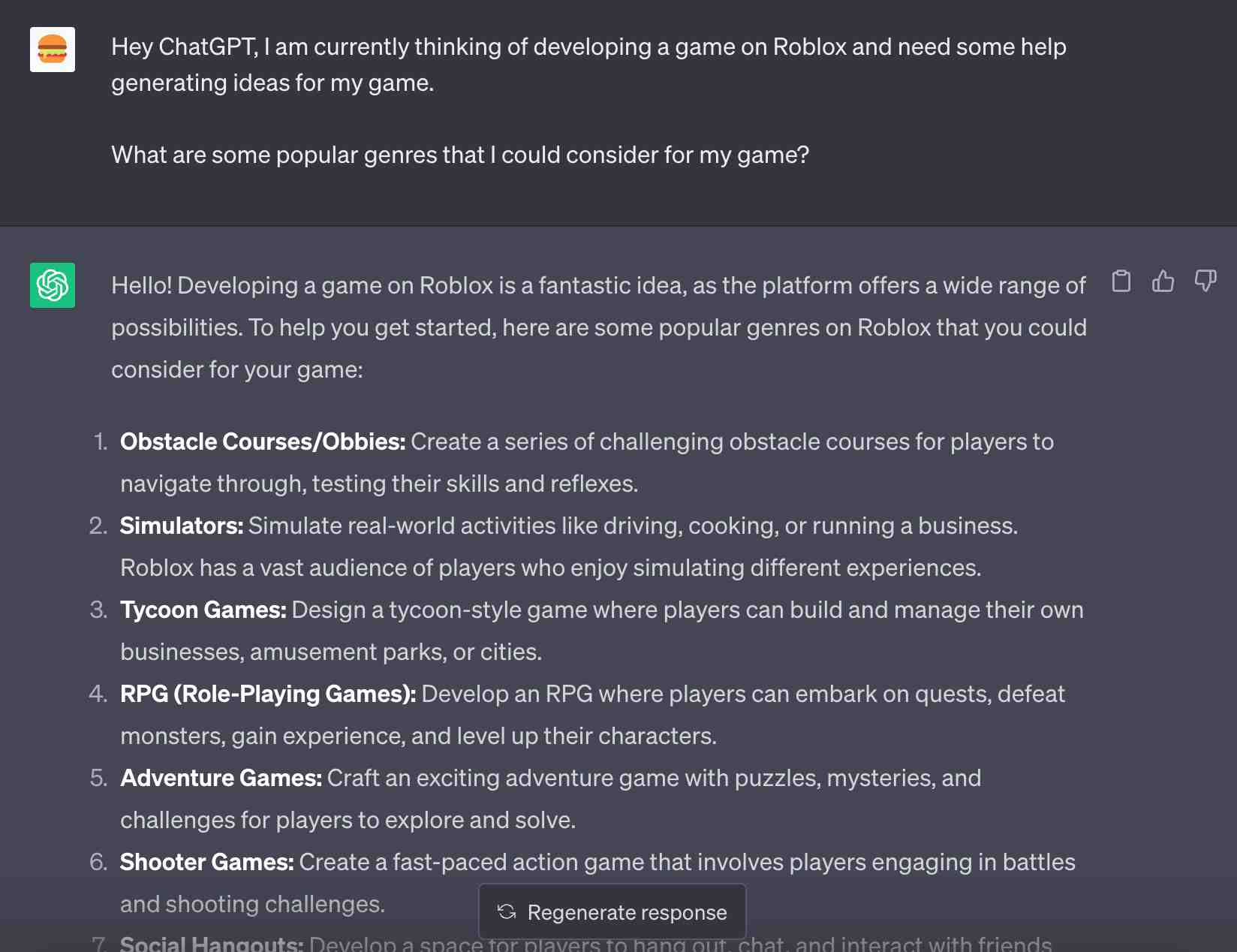
ChatGPT is useful when you want to understand a Luau script, draft a small feature, or investigate an error. Give it the code, where the script sits in Explorer, and the exact Output message.
For beginners, a practical approach is to ask for an explanation before a fix. If a coin pickup stops working, ask which event should fire, which object the script expects, and how to check each assumption in Studio.
A chat without a Studio connection only has the project information you provide. Missing object paths, related scripts, or RemoteEvents can lead to a fix that looks reasonable but fails in your game. Check the suggested APIs and test one change at a time.
2. Claude
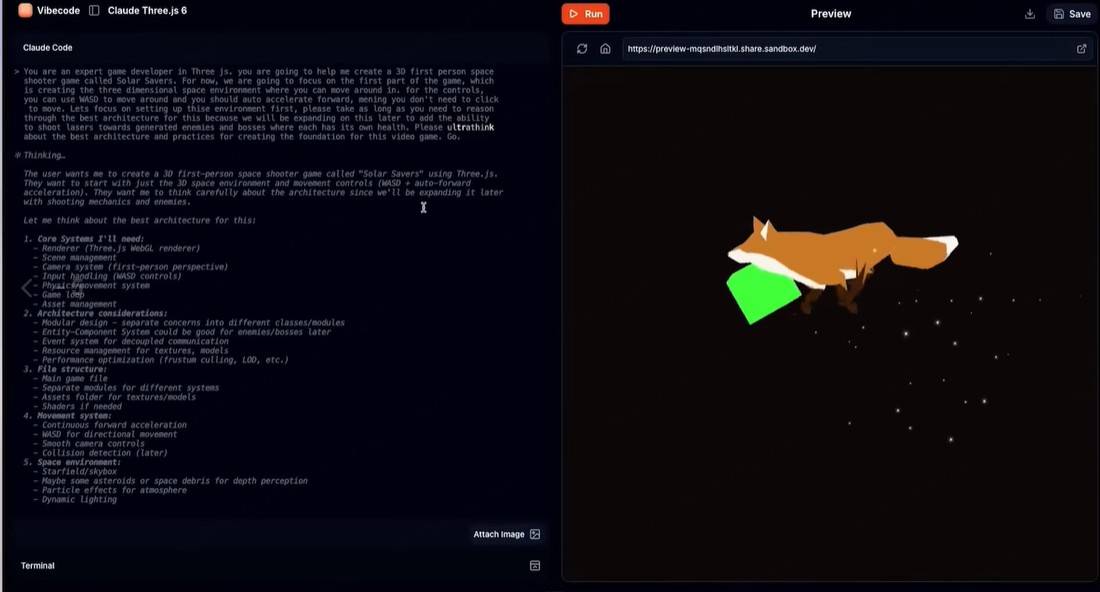
Claude is an option when your question involves several related scripts. You might provide a round manager, a reward script, and a UI controller, then ask how information moves between them and where the behavior breaks.
Keep the request specific. Ask it to trace one problem, explain the relevant dependencies, and propose the smallest change. This makes the response easier to review than a complete rewrite of your game systems.
Without a Studio connection, Claude cannot inspect your live project. It needs the relevant code and object structure, and its suggestions still require testing. Pay particular attention to RemoteEvents, saved player data, and which actions run on the server.
3. Roblox Assistant
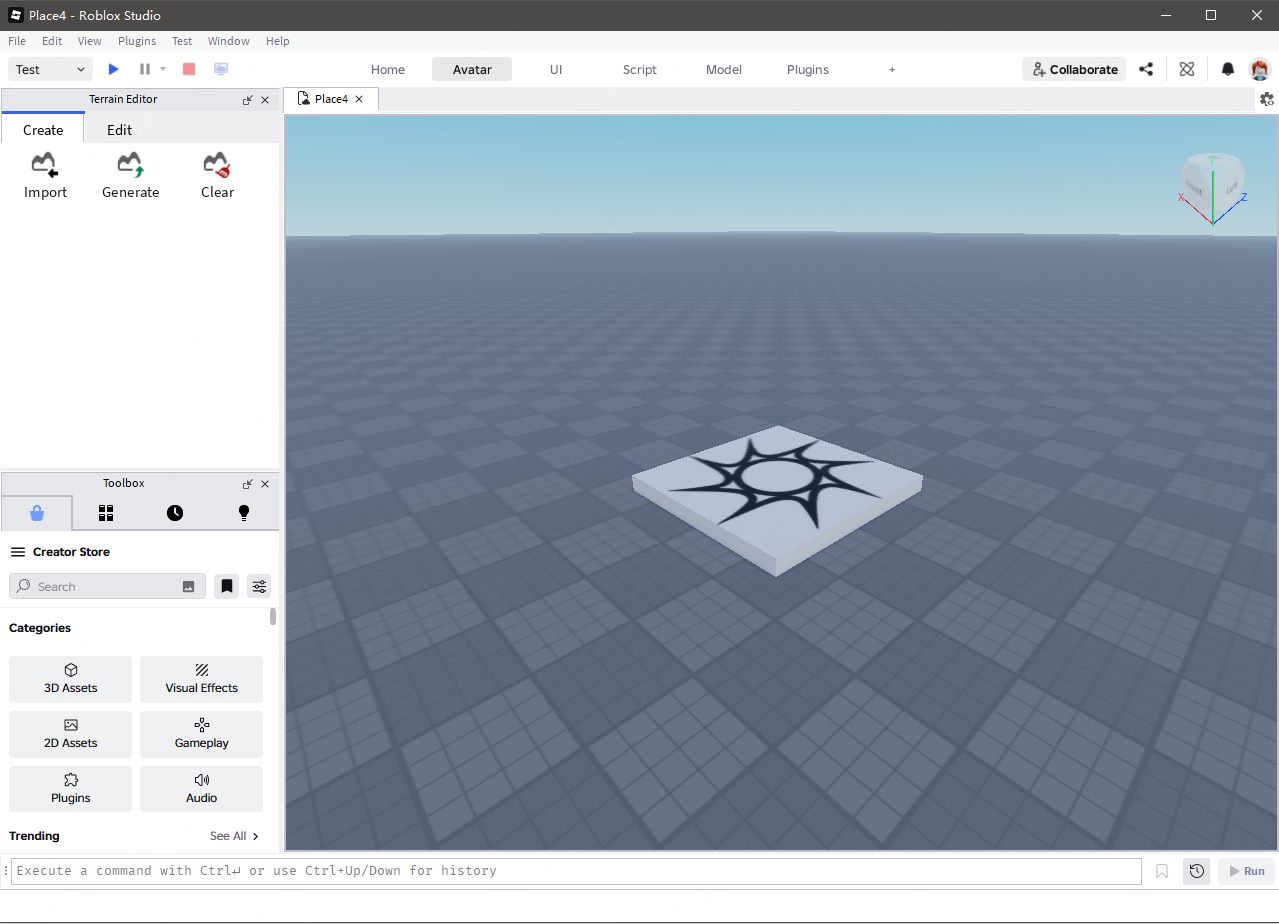
Roblox Assistant works inside Studio and can act on your project. It can create and modify objects and scripts, explain selected code, insert Creator Store assets, and generate materials, meshes, and procedural models.
Its project access makes requests more concrete. You can identify an existing part or script and ask Assistant to change its behavior, rather than describing the whole setup in a separate chat.
Roblox’s current AI workflow documentation also describes writing and running Luau, simulating inputs, and assisting with playtests. Some features require enabling the relevant Studio beta. Assistant can additionally use viewport screenshots to reason about what is visible in Edit and Play modes.
Start with a small request and inspect what changed. Playtest the result, check Output, and confirm that the feature behaves correctly when the player repeats the action, respawns, or leaves and rejoins.
4. Gemini
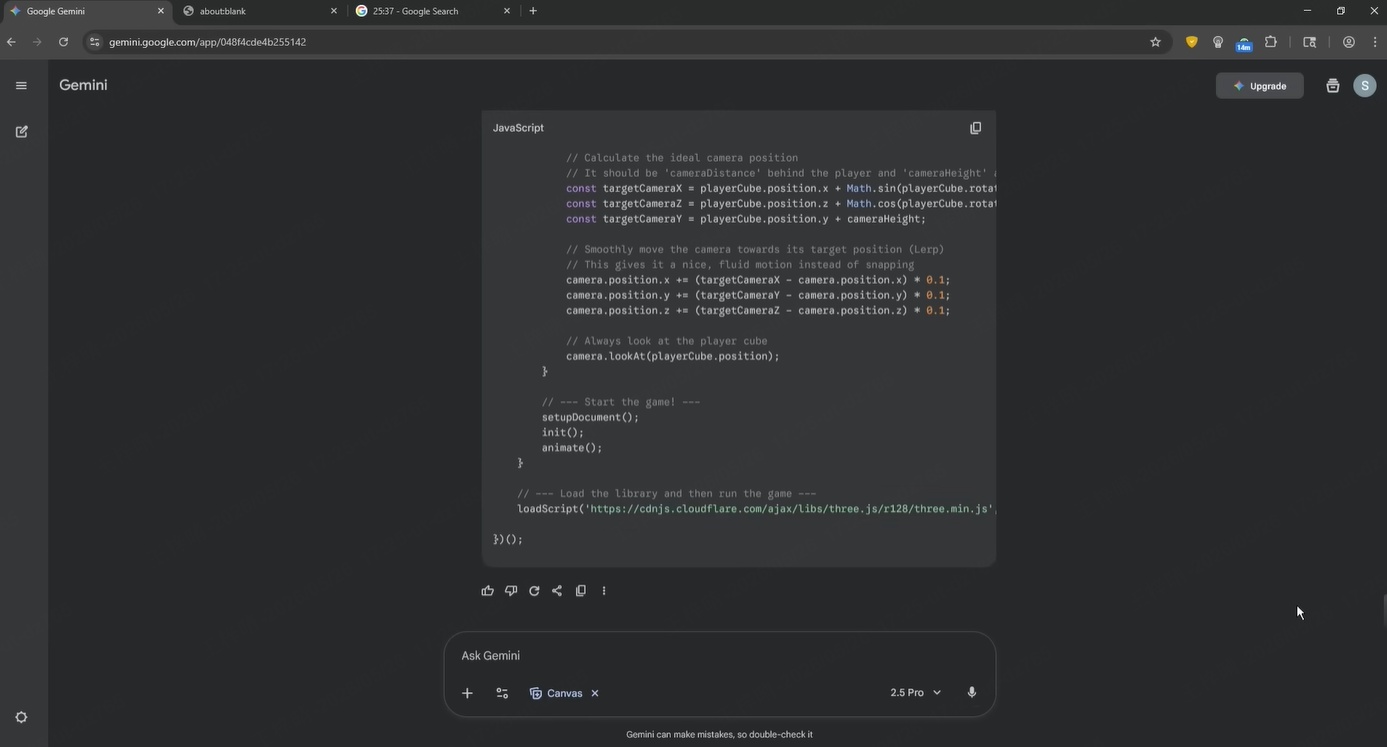
Gemini is another option for explaining Luau, reviewing a script, or investigating an error. Ask it to identify the assumptions behind a proposed fix and explain how you can check them in Studio.
It can also provide another approach when a solution feels unnecessarily complicated. For example, ask whether a checkpoint script needs every function it contains or whether the same behavior can be implemented more simply.
Give it the same context you would provide to any scripting assistant: code, script type, location, object names, expected behavior, and the actual result. Unless connected through compatible tooling, it cannot see changes in your live Studio project. Verify API details and test its suggestions before keeping them.
5. Custom GPTs / Claude Projects
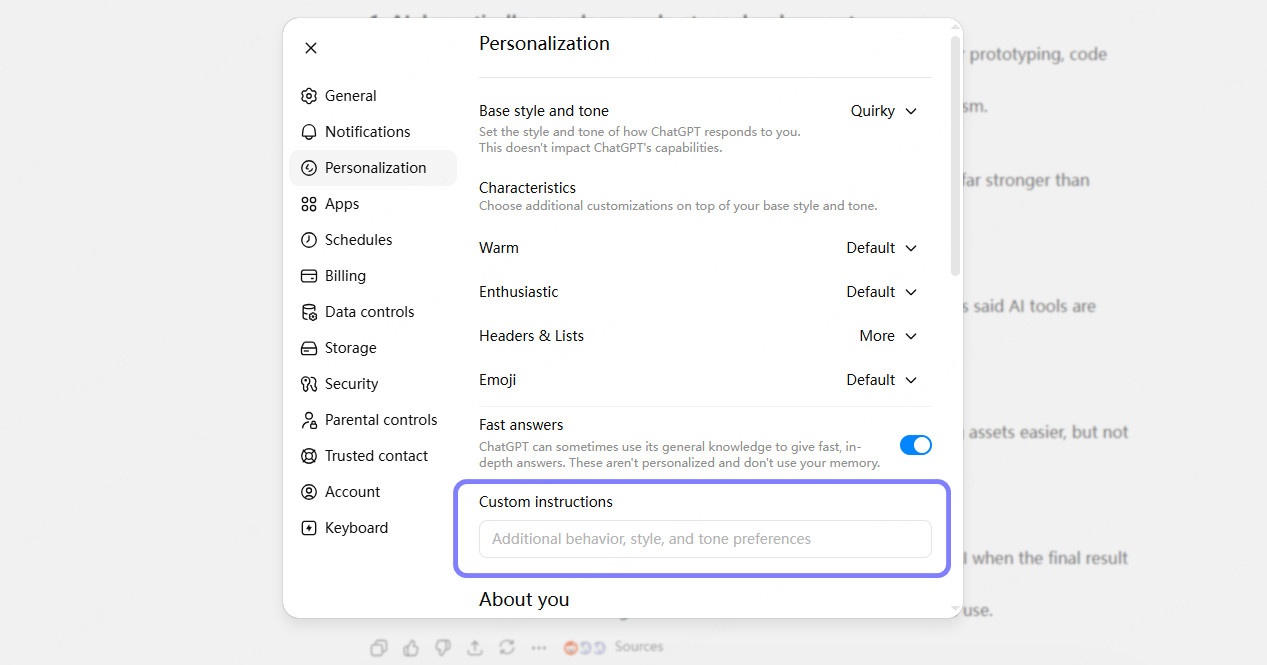
Custom GPTs and Claude Projects let you reuse instructions and reference material across related tasks. For Roblox work, that could include your object hierarchy, coding conventions, relevant scripts, and notes about how your game systems interact.
The benefit is consistency. You can ask the assistant to explain changes before providing code, preserve your naming conventions, and include testing steps without repeating those instructions in every conversation.
This setup does not train a new Roblox model or automatically connect it to Studio. Files can become outdated as your project changes. Replace stale references and provide the current script whenever you ask for a fix.
6. Studio MCP Server / Connected Tools
Roblox’s built-in Studio MCP server lets a compatible external AI client work with an open Studio session. MCP stands for Model Context Protocol: it provides a way for the client to use tools exposed by Studio.
According to Roblox’s Studio MCP setup guide, a connected client can read the data model, create and run scripts, edit instances, and playtest. Enable Studio as an MCP server through Assistant’s MCP settings, then follow the connection instructions for your client.
This can help when a problem depends on the actual project structure. A connected tool can inspect the objects and scripts involved instead of relying entirely on copied code and a written description. The available actions depend on the client and the tools it supports.
Keep requests focused: inspect one issue, propose a change, apply it, and test the result. Save a recoverable version before larger edits, review the code changes, and check the game yourself. Access to Studio gives an AI more context, but it does not guarantee a correct implementation.
How to Prompt AI for Better Roblox Scripts
Most bad Roblox AI scripts start with a bad prompt. If you ask AI to "make a 67 game", it has to guess the objects, script locations, player data, UI behavior, client/server split, and half the logic hiding in your head. Of course the result gets weird. You gave it fog and asked for architecture.
A stronger prompt defines one mechanic, the objects involved, and a clear result to test. If you have not settled on the gameplay yet, these game prompt examples can help you define the goal, controls, and rules before requesting a Roblox script.
Good prompts look like this:
And bad prompts are too wide:
These prompts invite pure chaos. Before asking for a Roblox AI script, give the tool the practical details:
The better your prompt, the less AI has to guess. And guessing is where many AI-generated Roblox scripts quietly start to rot.
Where Roblox AI Scripter Helps Most and Where It Fails
A Roblox AI scripter is most useful when the job is small, clear, and testable. It helps you start faster, understand faster, and iterate faster. Finishing the game still rests with you.
Where AI Scripter Helps Most
Where AI Still Fails
AI starts to wobble when the project becomes large or security-sensitive. Full game systems are a different beast. Inventory, combat, trading, saving, matchmaking, economies, anti-exploit logic, and multiplayer architecture all need careful design.
This is where AI often causes headwinds.
It may guess object paths it cannot see. It may use deprecated methods. It may write client-side code that should run on the server. Worse, it can generate code beginners cannot understand, which makes every future bug harder to fix.
Security is the biggest danger zone. Anything involving player data, purchases, RemoteEvents, rewards, or exploit prevention needs human review. AI can suggest patterns, but you should never trust it blindly with server/client boundaries.
So the useful rule is simple: use AI to start, explain, debug, and refine. Do not hand it the steering wheel for the whole game.
Before Roblox Studio: Test Your Game Idea with an AI Prototype
Many beginners ask AI for code before deciding how the game should work.
An idea like “a Roblox survival game with monsters” still leaves important questions unanswered. What does the player do? How do they make progress? What happens when they fail? Answering these questions first makes it easier to request specific scripts.
With structured AI-assisted prototyping, you can test a small gameplay idea before writing Luau. SoonLab’s text-to-game AI tool lets you explore that idea as a playable browser game.
Start with one short challenge, such as collecting five objects or reaching a checkpoint before time runs out. These simple 3D game ideas can help you choose a manageable project with basic movement, collisions, and a clear win condition.
The browser prototype helps you decide which mechanics to keep and what needs changing. You will still build the Roblox version separately in Studio, but you can approach each script with a clearer goal and a specific result to test.

Conclusion
That is why the best AI for Roblox scripting is not just the one that writes the fastest code. It should be the one that helps you move from a rough idea to a clear, testable mechanic, then explains the script well enough for you to own it.
For beginners, that means using AI to learn Luau, fix small errors, and build simple features one at a time. For intermediate creators, it means faster iteration, cleaner structure, and better debugging support. Either way, AI should remain a helper, not the whole development team.
Low-effort AI-generated games create trust problems fast: broken scripts, generic loops, fake polish, no real player feel.
So keep the workflow grounded. Learn the basics. Prompt for one small script. Review the code. Playtest everything. Let the player experience, not AI novelty, decide whether the game is any good.