
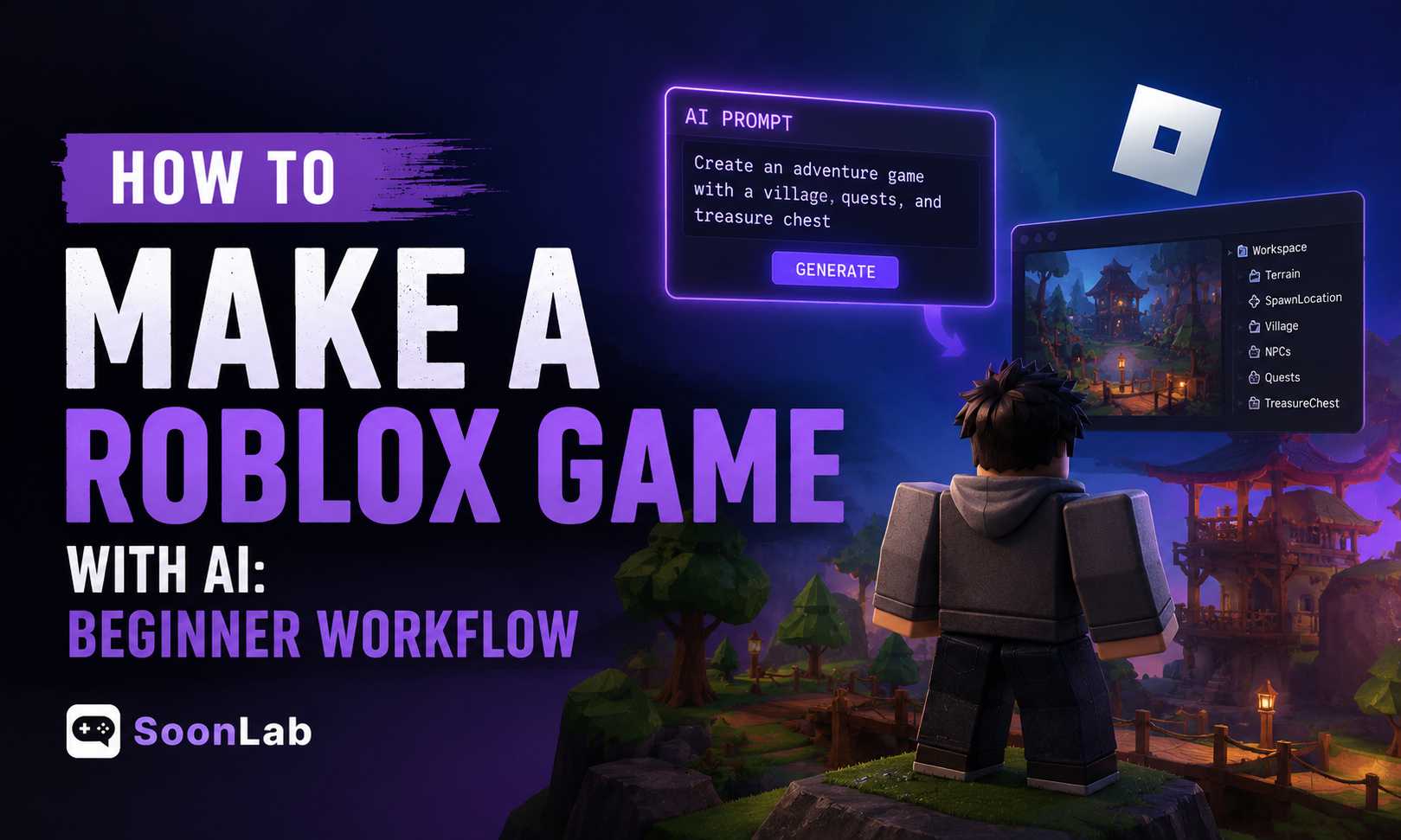
"Can I make a full Roblox game with AI?"
That is the beginner dream. As of today, AI is not that powerful to let you type one prompt, press enter, and somehow get a polished obby, tycoon, simulator, or pet game waiting on the other side.
It still struggles in many aspects, but on the bright side, it does help people without professional coding knowledge create playable games on Roblox.
So this guide is not about letting AI create everything while you hope for the best. It is about using AI safely, one step at a time, so you can build a real Roblox game instead of a fragile bug pile.
Turn your idea into aplayable game
Describe the game you want to make, and SoonLab will help you start building it.
How Roblox Games Are Traditionally Made
Before using AI, it helps to understand how Roblox games are usually made.
Most projects start with a rough idea, such as an obby or a car game.
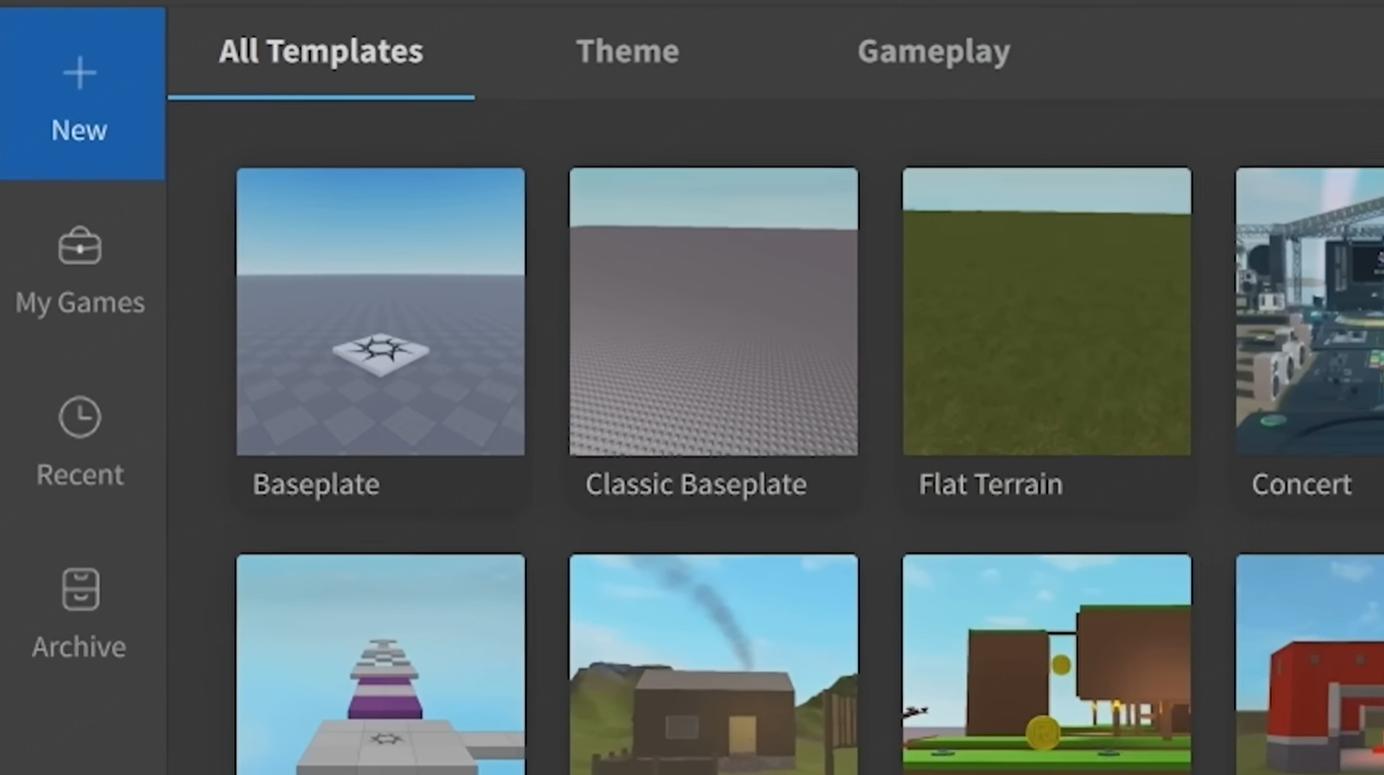
Then you build the world in Roblox Studio, an official creation tool of Roblox, where you place parts, shape terrain, add models, adjust properties, and organize everything.
After the map comes scripting, all by yourself. Roblox games use Luau scripts to control what actually happens: coins, doors, enemies, shops, UI, checkpoints, rewards, speed boosts, and save systems.
Then comes the loop every developer knows: You build, you play, you spot bugs, fix bugs, test again, polish, fix bugs, and publish.
In 2026, Roblox is clearly embracing AI into this workflow. Roblox AI Assistant can help creators do a lot of things throughout the development.
But the foundation is still the same. AI can help you move faster, but you still need to understand what you are building.
What AI Can and Can't Do in Making Roblox Games
The AI-integrated workflow, added with the newly-introduced Planning Mode, is exciting, but the limits are also real. Here's what AI can and can't help you with in Roblox game development.
What AI Can Help You Do
AI can no doubt help you move faster on small, clear Roblox development tasks, including:
What AI Still Cannot Do Well
This is where the list gets longer, and it's exactly why the 'AI Slop' critics have a point.
AI cannot reliably turn a vague idea into a polished Roblox game by itself. It struggles with:
How to Make A Roblox Game with AI: Safe Beginner Workflow
Now we know where AI's limits are, and the safer way is to treat AI like a coding assistant, design partner, and debugging buddy, instead of trusting it with the whole process. Let's break it down.
1. Pick a Small Game Idea
Start with a game idea that can survive beginner reality. Assume you've already had an idea, ask AI to simplify it. Your first Roblox game does not need ten systems fighting for attention. It needs one playable idea that works.
If you come with bare hands, use AI to brainstorm small Roblox game ideas with one clear loop.
2. Ask AI to Break It Into Systems
This is where AI becomes genuinely useful.
A Roblox game may look like one thing from the outside, but under the hood, it is a bunch of smaller systems shaking hands.
You can't just ask AI to "make a coin collector game" and then wonder why the result is a tangled script-beast with errors hiding in every corner.
Instead, ask AI to break the game into modules. For a simple coin collector game, you might need:
Each piece has a job, and each piece can be tested before you add the next one.
That one prompt can save you hours. More importantly, it teaches the right habit: games are not built as one giant script. They are built from small parts that cooperate.
3. Build the Map in Roblox Studio
It's not the time to ask AI for scripts yet. Before you do that, build a small playable space inside Roblox Studio. Just a basic space where your scripts have something real to touch.
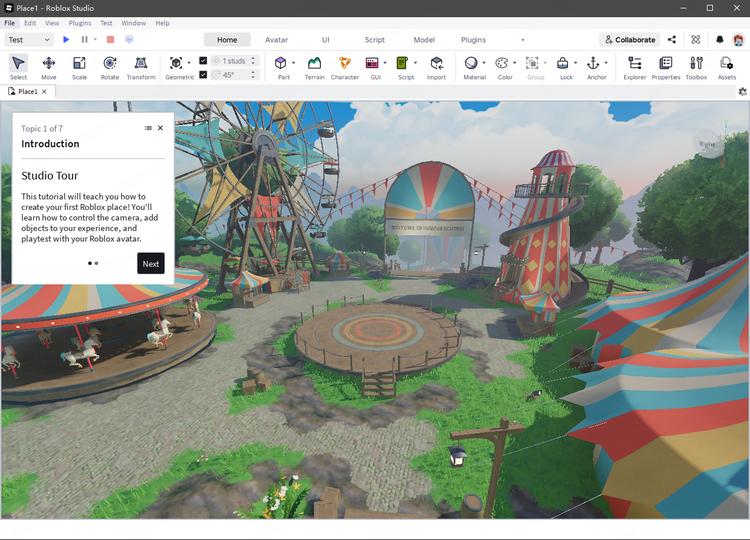
This is important because AI cannot read your messy project unless you describe it clearly. If your coin object is named CoinPart, but AI writes code for an object named Coin, your script may fail before the game even gets its shoes on.
For a simple coin collector game, start with:
Then keep your Roblox Studio structure clean. For example:
Workspace > Coins > CoinStarterGui > CoinCounterReplicatedStorage > RemoteEventsThis looks boring. Good. Boring structure saves beginners from chaos. A clean map also makes AI help much more accurate. When you ask AI for a coin pickup script, you can say, "My coins are inside a folder named Coins in Workspace." That one sentence gives AI a real target instead of making it guess in the dark.
Roblox's own Assistant can also help beginners build faster. According to the Roblox Creator Hub, Assistant is designed to help with creation and development tasks. Roblox's Studio documentation says Assistant can add objects in bulk, modify scripts in place, optimize code, generate materials and textures, and more.
4. Ask AI for One Script at a Time
This may be the most important rule: never ask AI to make the whole game in one prompt, or you'll end with a bug zoo.
Ask for one small script at a time, such as:
Before asking for code, give AI the details it needs: where the script will go, whether it is a Script, LocalScript, or ModuleScript, object names in Explorer, existing code, error messages, desired behavior, what already works, and what is broken.
5. Test Each Feature Immediately
After you add one AI-generated script, test it immediately in Roblox Studio.
Do not paste five scripts, press Play, and hope the game gods are feeling generous. That is how beginners create a mystery swamp where nobody knows which script broke what.
Use this rhythm:
For example, if you just added a coin pickup script, test only that. Does the coin disappear when touched? Does the player get Coins? Does the Output window show an error? If something breaks, fix it before adding shops, boosts, UI, or save data.
6. Debug with AI Using Error Messages
Debugging is where many beginners panic, but AI can help if you feed it real information.
A prompt like "my script is broken" is almost useless. Broken how? Where is the script? What should happen? What actually happened? Roblox Studio usually gives you clues in the Output window, and those clues are gold. Copy them.
A better debugging prompt includes:
Also, learn enough Luau to catch bad AI output. You do not need to become a senior engineer overnight, but you should understand variables, functions, events, and basic object paths.

How to Make Your AI-Assisted Roblox Game Not Look Like AI Slop
Here is the awkward part: developers and players often talk about AI in completely different languages.
On the developer side, AI feels useful. Even exciting. Like a low-paid yet diligent assistant.
Players, though, are not grading your workflow. In player-heavy Roblox spaces, AI has already picked up some ugly baggage. People connect AI-made content with "AI slop," lazy design, soulless worlds, cash-grab simulators, misleading thumbnails, and games that feel assembled rather than crafted.
The same fate has befallen AI games on Steam. Brothers in misfortune.
So, can you use AI without making the game feel cheap? Here are some tips.
Players Judge AI Games by Quality Signals
Players do not care how clever your workflow was.
They judge the final game by visible quality signals. A Roblox AI thumbnail already puts them on guard. A misleading icon makes it worse. Players feel clickbaited. If the game opens into a soulless map with random props, copied simulator mechanics, empty paths, broken scripts, and a shop button screaming for Robux before anything fun happens, players will smell the shortcut immediately.
That is where "AI slop" becomes less about AI itself and more about carelessness.
A Roblox game can use AI and still feel crafted with heart. A fully human-made game can also feel lazy and low-effort.
So yes, you can use AI. But don't let AI generate the first impression and walk away. Your thumbnail, icon, map layout, UI, rewards, and first minute of gameplay all tell players whether this is a real game or another content smoothie poured into Roblox.
Add Human Taste Everywhere
It's a bad idea to hide AI from your players. Just imagine the backlash if they find out. The cure is to add taste.
Taste means the game feels intentional. The colors belong together. The UI is readable. The goal is obvious within seconds. The rewards make a small satisfying click in the player's brain. The sound effects are not random beeps tossed in like digital confetti. Even the names matter. "Speed Boost Shop" works, but "Bolt Shack" or "Rocket Sneakers" gives the game a tiny fingerprint.
None of this requires a giant budget. It just requires judgment.
Use AI to Support Creativity, Not Replace It
The best way to use AI in Roblox development is as a helper for execution.
Let AI draft a simple Luau script. Let it explain an error. Let it suggest ways to organize your game systems. Let it help you brainstorm upgrade ideas when your brain feels like a loading screen.
But the game's identity should still come from you: the joke, the pacing, the reward feel, the weird little mechanic, the reason someone keeps playing after the first minute.
That is the difference between AI-assisted and AI-abandoned.
Best AI Tools for Making Roblox Games
There is no single "make me a perfect Roblox game" button. The better approach is to use different AI tools for different jobs, then keep Roblox Studio as the place where everything gets tested, fixed, and turned into an actual game.
| Need | Tool | Best for |
| Game prototyping | SoonLab | Turning game ideas into playable prototypes, testing mechanics, and exploring AI-assisted game concepts |
| Scripting | Claude | Luau scripting help, debugging Roblox errors, explaining systems, generating NPC or game logic |
| Roblox integration | Roblox Studio Assistant | In-editor Roblox AI help, beginner scripting, object setup, quick prototyping |
| Asset generation | Meshy AI | Generating 3D models, quick props, environment prototyping |
| UI/art | Leonardo AI or Midjourney | Concept art, icons, UI inspiration, thumbnails |
| Code organization later | Cursor | Larger scripting projects, organizing code, editing multiple scripts |
FAQ
Can AI make a full Roblox game?
Not reliably. Technically, AI can generate pieces of a Roblox game: scripts, quest ideas, UI text, NPC logic, thumbnails, icons, and simple systems. But a full, polished Roblox game from one prompt?
Do I need to learn Luau to make a Roblox game?
Yes, at least the basics. You do not need to become a professional programmer before making your first Roblox game. But you should understand simple Luau concepts like variables, functions, events, conditionals, and object paths.
Do you need to disclose using AI in Roblox games?
You do not need to legally disclose the use of AI tools, according to Roblox's Creator Hub, but you are responsible for ensuring you have the rights to anything you upload, regardless of whether generative AI was used.
Conclusion
AI can help you make a Roblox game faster. No question.
But it is not magic, and it is definitely not a replacement for learning how games work. If you ask AI to build everything at once, you will probably get the thing every beginner fears: a shiny bug pile with five scripts arguing in the corner.
The better workflow is smaller, safer, and much more realistic. Pick a simple idea. Break it into modules. Build a clean map in Roblox Studio. Ask AI for one script at a time. Test every feature immediately. Use real error messages when you debug. That rhythm may feel slow, but it is how you turn AI from a chaos machine into a useful building partner.
The best part is that you learn while building. You start to understand Luau, Roblox Studio, object names, game loops, UI, rewards, and all the tiny decisions that make a game feel playable instead of pasted together.
The best AI-assisted Roblox games will not be the ones where AI does everything. They will be the ones where the creator uses AI to move faster, then adds the judgment, polish, and personality that makes the game worth playing.