
AI game makers are changing how beginners create games. Instead of starting with code, you can describe a game idea in plain language and let AI help turn it into something playable.
That sounds exciting, but beginners usually have one practical question:
Can an AI game maker actually help me create a real playable game, or is it just a toy?
The honest answer is: yes, AI game makers can help you create playable games, especially simple 2D games, browser games, puzzle games, arcade games, quiz games, and early prototypes. But they are not magic. A good result still needs clear prompts, testing, and small improvements.
This guide compares 8 of the best AI game makers for beginners. It focuses on what each tool is best for, where it may fall short, and which tool fits your goal. Let's go!
What Is an AI Game Maker?
An AI game maker is a tool that helps you create a game using prompts instead of traditional programming.
Instead of opening a game engine, writing scripts, building systems, and debugging everything by hand, you describe what you want in normal language. A text-to-game AI can then turn those instructions into a playable browser game or early prototype.
For example:
Create a 2D platformer where a small fox collects stars, avoids spikes, and reaches a glowing portal to win.
A good AI game maker can help turn that idea into a playable prototype. Depending on the tool, it may generate game logic, characters, levels, controls, UI, rules, and basic art.
AI game makers are especially useful for beginners because they reduce the first big barrier: getting from an idea to a playable version.
Are AI Game Makers Worth Using?
Yes. AI game makers are worth using if your goal is to create a simple playable game, test an idea, or learn how games work.
They are not the best choice if you expect a polished commercial game from one prompt. Most AI-generated games still need editing. You may need to adjust the controls, balance the difficulty, improve the visuals, fix bugs, or make the goal clearer.
This is why AI game makers are best understood as fast prototyping tools. They help you start quickly. Then you improve the game step by step.
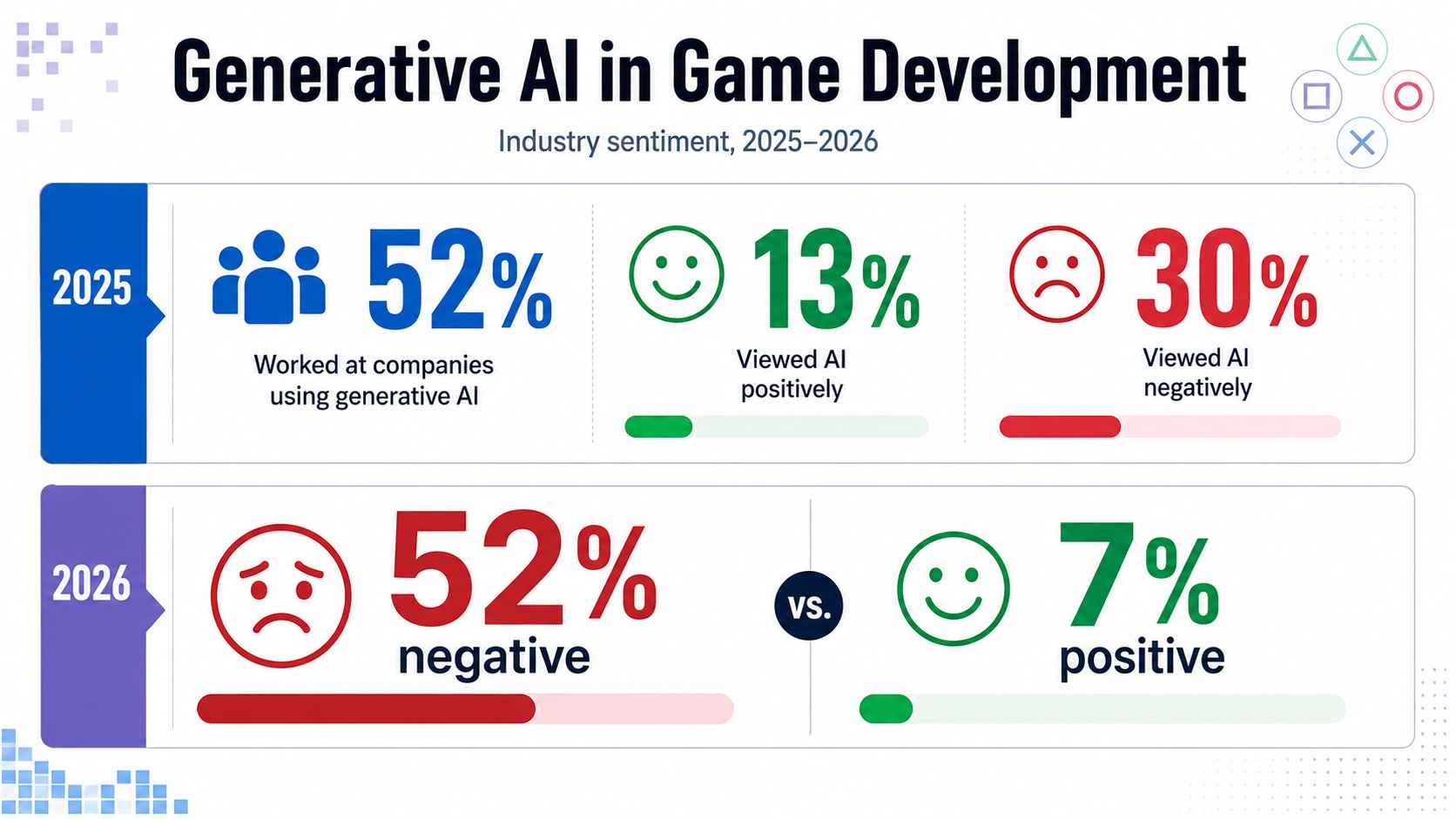
The game industry is also cautious about generative AI. The original draft notes that GDC's State of the Game Industry research showed many studios were using generative AI, while many developers still had concerns about its impact. That mixed view makes sense. AI can speed up early creation, but it can also raise questions about originality, quality, asset rights, and long-term production.
For beginners, the key point is simple:
AI game makers are not a shortcut to a perfect game. They are a faster way to build your first playable version.
Quick Comparison: Best AI Game Makers
| AI game maker | Best for | Main strength | Best fit |
|---|---|---|---|
| Rosebud | Prompt-based 2D and 3D games | Fast browser game generation | Creators who want to generate and play quickly |
| Astrocade | Casual AI game creation | Turns simple ideas into playable games | Beginners testing quick game ideas |
| SoonLab | Beginner-friendly prompt-to-play games | Simple browser game creation without coding | Non-technical users who want to create and share games |
| GDevelop | No-code game development with AI support | More control over game logic and publishing | Beginners who want to keep building a real project |
| Jabali | AI-native game creation and iteration | Deeper AI-assisted production workflow | Users who want more editing and source access |
| Flowlab | Browser-based no-code game making | Visual logic for 2D games | Students, educators, and beginners learning game logic |
| Ludo | Game ideas, research, and assets | Helps with pre-production and visual direction | Creators who need concepts before building |
| Seele | Free AI game maker and 2D/3D prototyping | Free positioning and export options | Users who want to test 2D or 3D prototypes |
8 Best AI Game Makers for Beginners
1. Rosebud
- Best for: Prompt-based AI game creation.
- Good for: 2D games, 3D games, browser games, and creative prototypes.
- Less ideal for: Users who expect a fully polished game from one prompt.
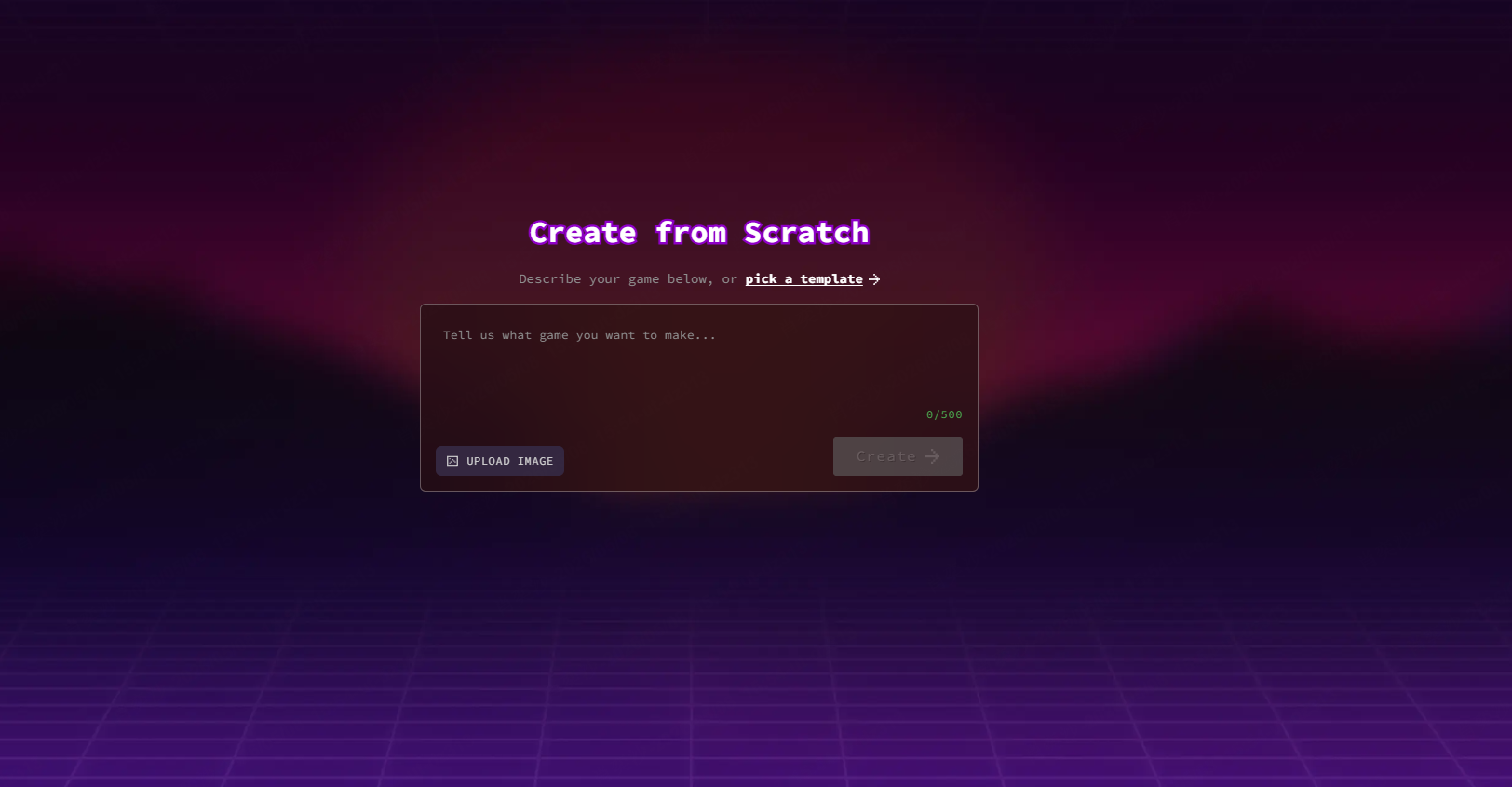
Rosebud is one of the most recognizable AI game makers for prompt-based game creation. Users can describe a game idea, generate it with AI, and play the result in the browser.
Rosebud is useful for beginners because it supports a simple idea-to-game workflow. It also offers related tools for different game styles, such as 3D games, sprites, AI NPCs, visual novels, RPGs, and interactive stories.
 Pros
Pros Cons
ConsChoose Rosebud if you want a popular AI game maker that can quickly turn prompts into playable browser games.
2. Astrocade
- Best for: Fast AI game building.
- Good for: Casual games, quick prototypes, and community-made games.
- Less ideal for: Complex games that need deep customization.
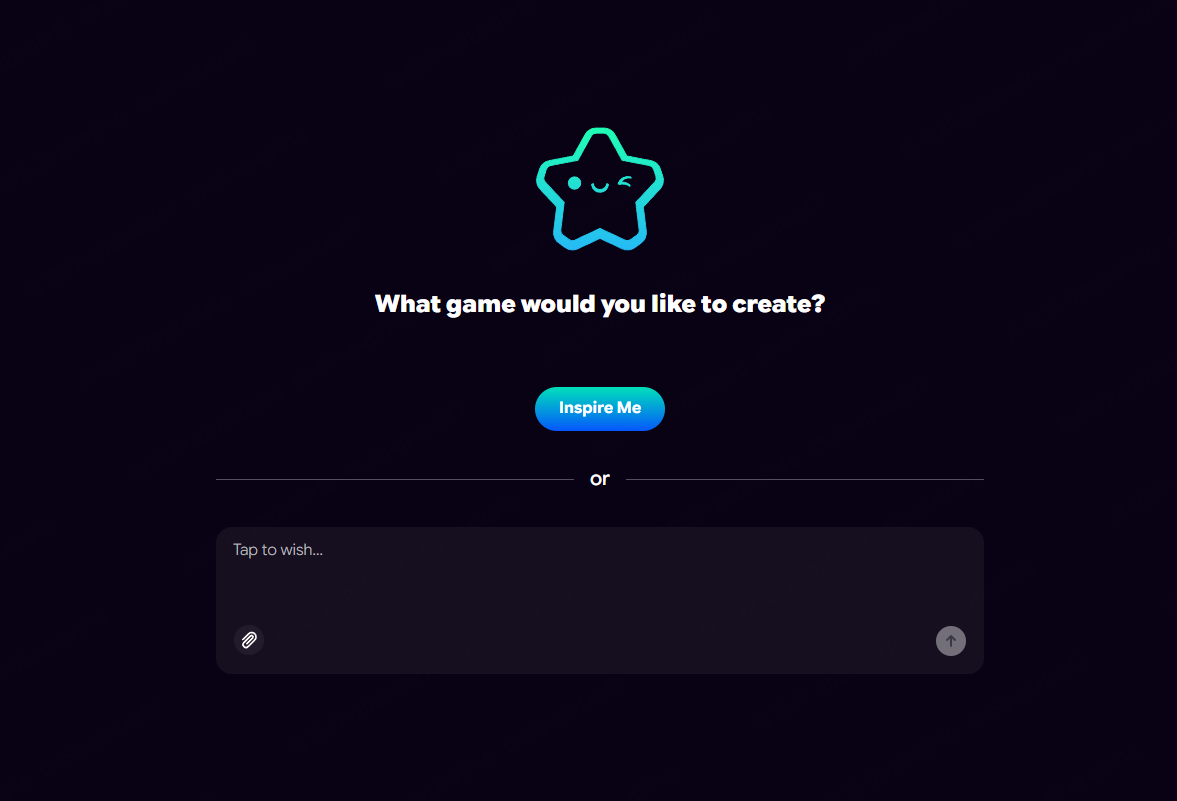
Astrocade focuses on speed and accessibility. It is designed for people who want to describe a game idea and turn it into something playable without programming.
That makes it a good fit for beginners who want to test an idea before spending more time on it.
ProsConsChoose Astrocade if you want a fast AI game maker for casual prototypes and simple playable ideas.
3. SoonLab
- Best for: Beginners who want simple prompt-to-play game creation.
- Good for: Browser games, casual games, 2D prototypes, and easy sharing.
- Less ideal for: Large commercial games with complex systems.
SoonLab is an AI game maker for users who want to create playable games from prompts without coding. It is a strong fit for beginners because the workflow is simple: describe your game, generate a playable version, test it in the browser, improve it with follow-up prompts, and share it with others.
SoonLab works especially well for small and clear game ideas, such as platformers, puzzle games, endless runners, quiz games, maze games, arcade games, simple RPG prototypes, and casual challenge games.
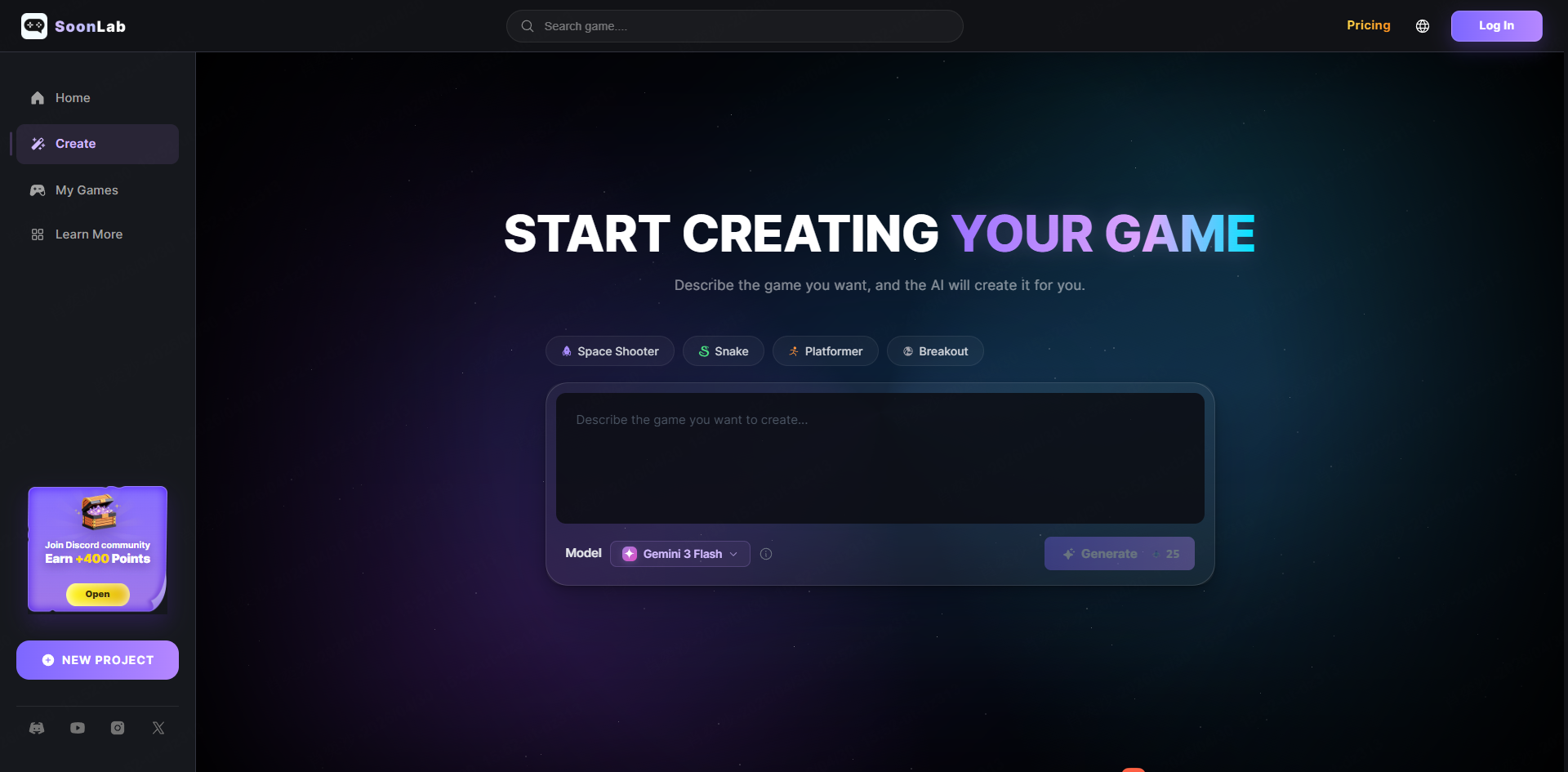
A good SoonLab prompt should include the game type, controls, goal, obstacles, and win/loss condition.
SoonLab is most useful when you treat AI game creation as an iterative process. The first version gives you a playable starting point. Then you can improve it with short follow-up prompts such as "Make the game easier in the first 30 seconds," "Add three lives," "Add a win screen after the player collects 20 fish," or "Add a restart button."
ProsConsChoose SoonLab if you want a beginner-friendly AI game maker for creating simple playable browser games quickly.
4. GDevelop
- Best for: No-code game development with more control.
- Good for: 2D games, 3D games, publishing, and learning game logic.
- Less ideal for: Users who only want one-prompt generation.
GDevelop is different from many pure AI game makers. It is an open-source no-code game engine with AI-powered features. It can be used to make 2D and 3D games with no-code tools, code, or AI assistance.
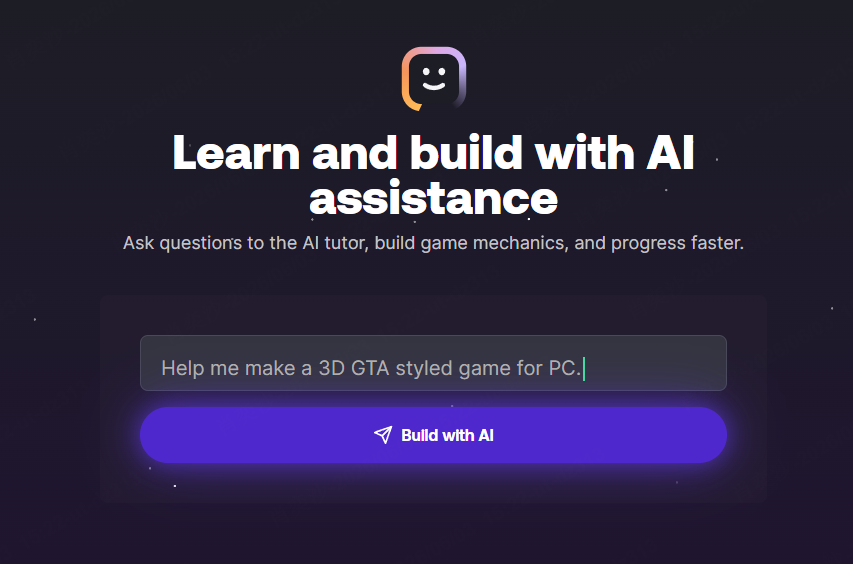
GDevelop is useful if you want to understand how games work behind the scenes. It gives users more control over objects, events, behaviors, levels, UI, and publishing.
ProsConsChoose GDevelop if you want a no-code game maker with AI support and more control over the final game.
5. Jabali
- Best for: AI-native game creation and iteration.
- Good for: Playable AI game experiences, 2D/3D games, and deeper prototypes.
- Less ideal for: Users who only want a very simple browser toy.
Jabali is an AI-powered game creation platform. It is built around creating playable game experiences from simple text prompts and then improving them through iteration.
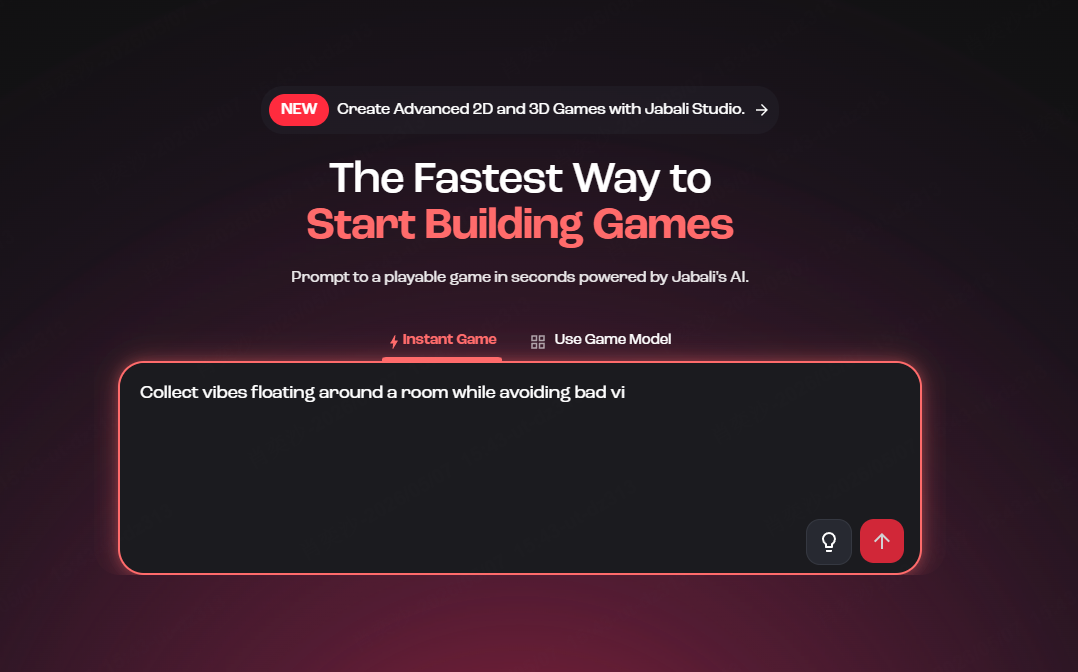
That focus on iteration matters. Many AI-generated games are playable at first, but they still need better controls, clearer goals, balanced difficulty, and stronger feedback.
ProsConsChoose Jabali if you want an AI-native game creation tool that supports deeper editing and production control.
6. Flowlab
- Best for: Browser-based no-code game making.
- Good for: Students, educators, 2D games, and visual logic building.
- Less ideal for: Users looking for full prompt-to-game AI generation.
Flowlab is not mainly a prompt-based AI game maker, but it is still useful for beginners. It runs in the browser and uses a visual logic builder, so users can create game rules without writing code.
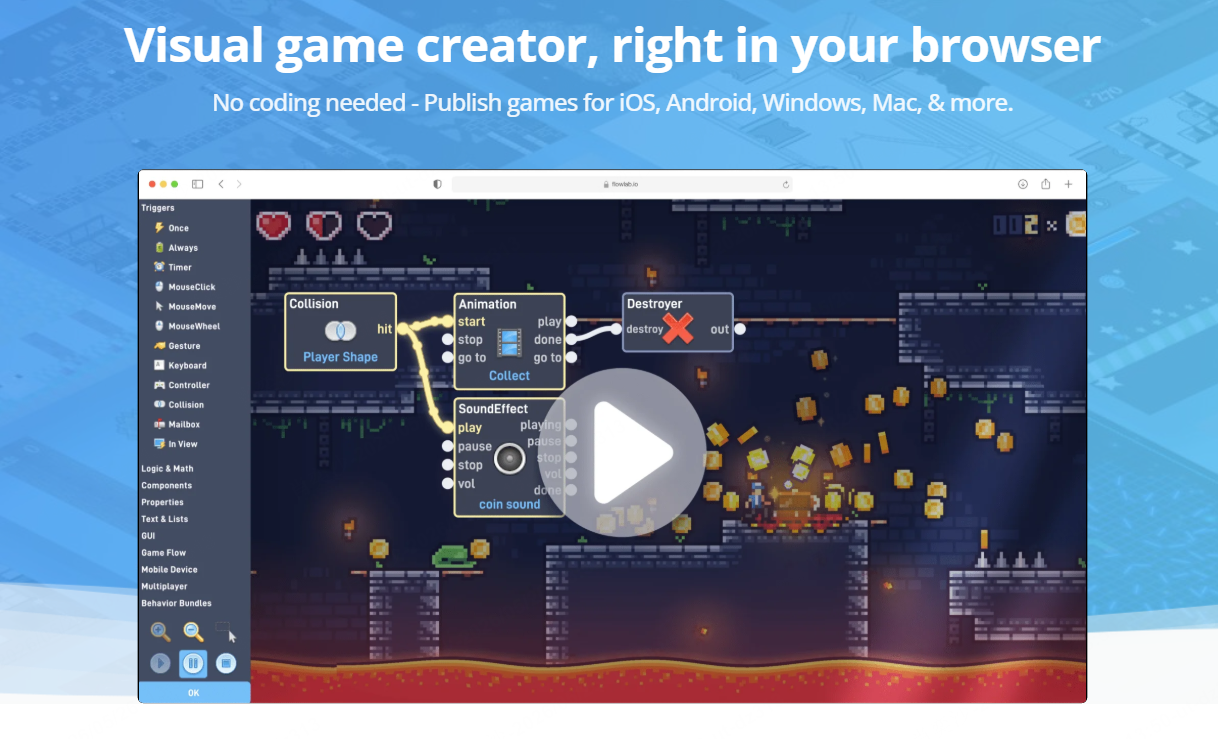
Flowlab is helpful if you want to understand cause and effect in game design. For example, when the player touches a coin, increase the score; when the player touches an enemy, lose a heart; when the score reaches 10, open the door; and when the player falls, restart the level.
ProsConsChoose Flowlab if you want a browser-based no-code game maker that helps you learn how game mechanics work.
7. Ludo
- Best for: Game ideation, design, and asset generation.
- Good for: Brainstorming game concepts, design documents, and visual assets.
- Less ideal for: Users who want instant playable game generation.
Ludo AI is different from most tools on this list. It is not mainly a prompt-to-play AI game maker. It focuses more on AI-assisted game design, research, and asset creation.
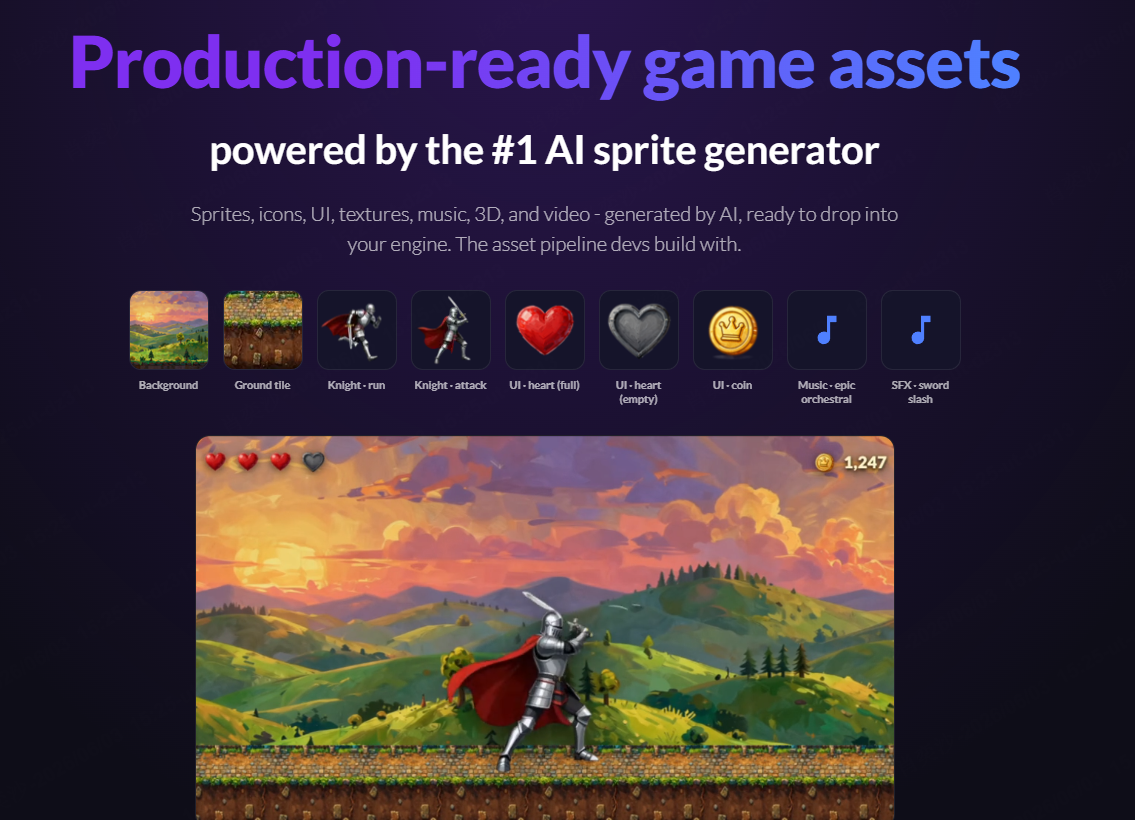
Ludo can be useful before the building stage. If you are not sure what game to make, what style to use, or how to shape your concept, it can help with ideas, mockups, assets, and direction.
ProsConsChoose Ludo if you need help with game ideas, assets, art direction, or design planning before development. For creators who simply need ready-to-use sprites, models, UI packs, or sound resources, our list of the best free game asset websites may be a better starting point.
8. Seele
- Best for: Free AI game maker and 2D/3D prototyping.
- Good for: No-code game generation, exports, and quick prototypes.
- Less ideal for: Users who do not need export features.
Seele targets users searching for a free AI game maker. It is positioned around creating 2D and 3D games with no coding, with options for playable exports.
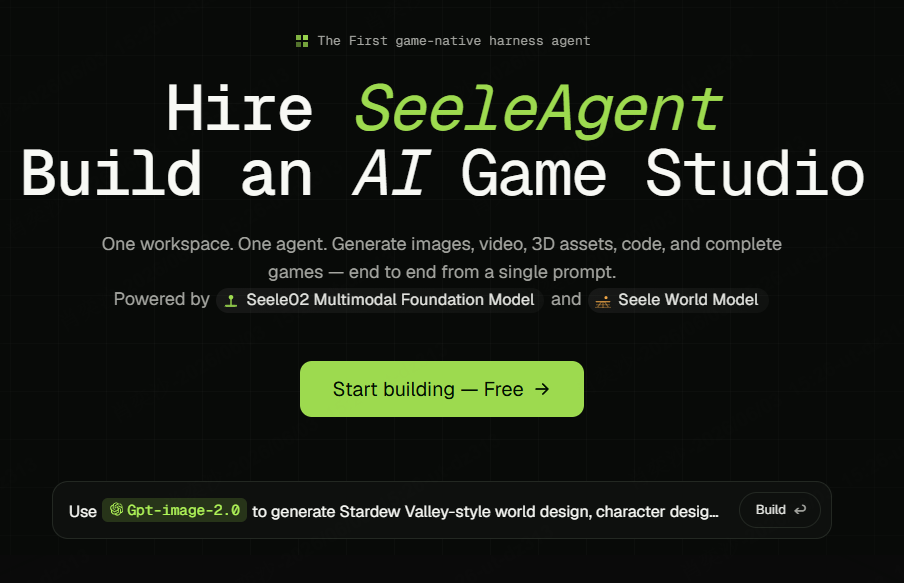
This matters because many users are skeptical of "free" AI tools. Some platforms are free only for a small number of generations. Others require credits, sign-up, or payment before users can access important features.
ProsConsChoose Seele if you want to test a free AI game maker with 2D/3D prototyping and export options.
Which AI Game Maker Should You Choose?
Different AI game makers are built for different goals. A beginner who wants a quick browser game does not need the same tool as a developer who wants source code, export options, or full publishing control.
| Your goal | Best AI game makers to try | Why |
|---|---|---|
| Create a game from a text prompt | SoonLab, Rosebud, Astrocade, Jabali | These tools focus on prompt-based AI game creation. |
| Make a simple browser game | SoonLab, Rosebud, Astrocade, Flowlab | Good for quick playtesting and sharing. |
| Build a game with more control | GDevelop, Flowlab | Better for visual logic, events, publishing, and long-term editing. |
| Create 2D games | SoonLab, GDevelop, Flowlab, Rosebud | 2D games are usually easier for beginners to build and improve. |
| Explore 3D game creation | Rosebud, Jabali, Seele, GDevelop | Better for users interested in 3D prototypes or 3D workflows. |
| Plan a game before building | Ludo | Better for ideas, assets, research, and design planning. |
If you are a complete beginner, start with a small 2D game. A simple platformer, maze game, quiz game, or endless runner is easier to generate, test, and improve than a large 3D RPG.
A good first prompt could be:
This kind of prompt gives the AI clear rules. Clear rules usually lead to a better first playable version.
How to Make Your First Game With an AI Game Maker
If you want to make your first AI game, a free AI game maker like SoonLab can help you turn a simple prompt into a playable browser game without coding.
STEP 1 Start With a Small Game Idea
Choose one simple game loop, such as a cat jumping over boxes, a robot collecting batteries, or a quiz game with 10 questions.
STEP 2 Write a Clear Prompt
Describe the game type, character, controls, goal, obstacles, and win/loss condition in one clear prompt.
STEP 3 Generate and Play the First Version
Generate the game in SoonLab, then test whether it starts correctly, has clear controls, and gives players a clear goal.
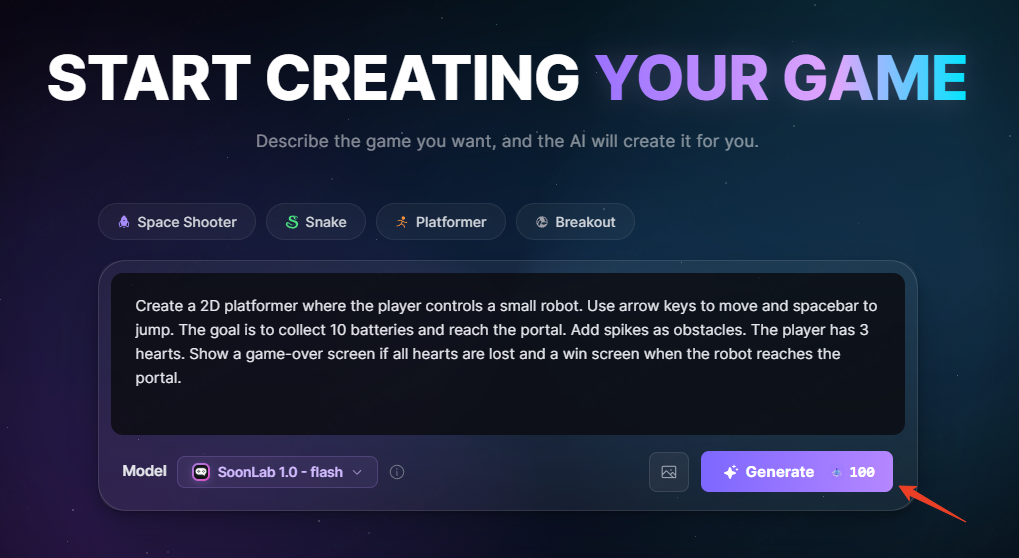
STEP 4 Improve With Follow-Up Prompts
Use short follow-up prompts to fix specific problems, such as "add a restart button," "make the player move faster," or "make the first level easier."
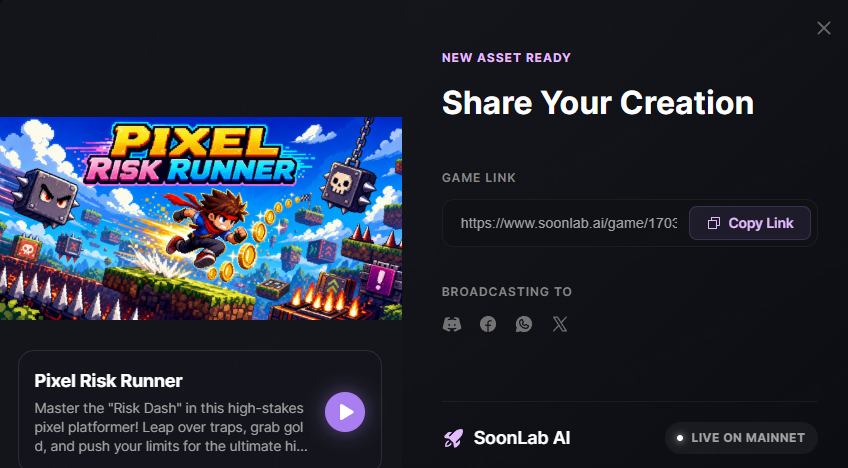
STEP 5 Share and Collect Feedback
Share the playable game with friends or your community, then use their feedback to improve the goal, difficulty, controls, and fun factor.
FAQs About AI Game Makers
What is the best AI game maker for beginners?
The best AI game maker for beginners depends on your goal. If you want prompt-to-play game creation, SoonLab, Rosebud, Astrocade, and Jabali are good starting points. If you want more no-code control, GDevelop and Flowlab may be better.
Can AI game makers create real playable games?
Yes. AI game makers can create playable prototypes, especially simple 2D games, browser games, quiz games, platformers, runners, and puzzle games. The first version may still need editing before it feels fun or polished.
Are free AI game makers really free?
Some AI game makers offer free plans, but limits vary. A free plan may limit generations, credits, exports, sharing, or advanced editing. Always check what you can create, edit, share, and export before starting a serious project.
Can I make a game without coding?
Yes. Many AI game makers and no-code game makers let you create games without traditional programming. Prompt-based tools help generate games from text, while no-code engines like GDevelop and Flowlab use visual logic systems.
What should I include in an AI game prompt?
A strong AI game prompt should include the game type, character, controls, goal, obstacles, win condition, and loss condition. For example, "Create a 2D maze game where the player collects 3 keys, avoids an enemy, and reaches the exit door."
Should beginners start with 2D or 3D games?
Most beginners should start with 2D games. 2D games are easier to generate, test, balance, and understand. 3D games can be exciting, but they usually involve more complex movement, cameras, assets, and performance issues.
Can I publish a game made with an AI game maker?
It depends on the tool. Some AI game makers focus on browser sharing, while others support exports or publishing. If publishing matters, check each platform's export options, commercial usage rules, and asset rights.
Conclusion
AI game makers make game creation easier for beginners by turning simple ideas into playable prototypes without coding. The right tool depends on your goal: use Rosebud, Astrocade, SoonLab, or Jabali for prompt-based AI game creation; GDevelop or Flowlab for more no-code control; Ludo for game ideas and assets; and Seele for free AI game maker options with 2D/3D prototyping.
If you want a simple way to start, SoonLab is a beginner-friendly AI game maker for creating playable browser games from prompts. Start small, test your first version, improve it step by step, and share it with others. That is the easiest way to turn an idea into a game people can actually play.