
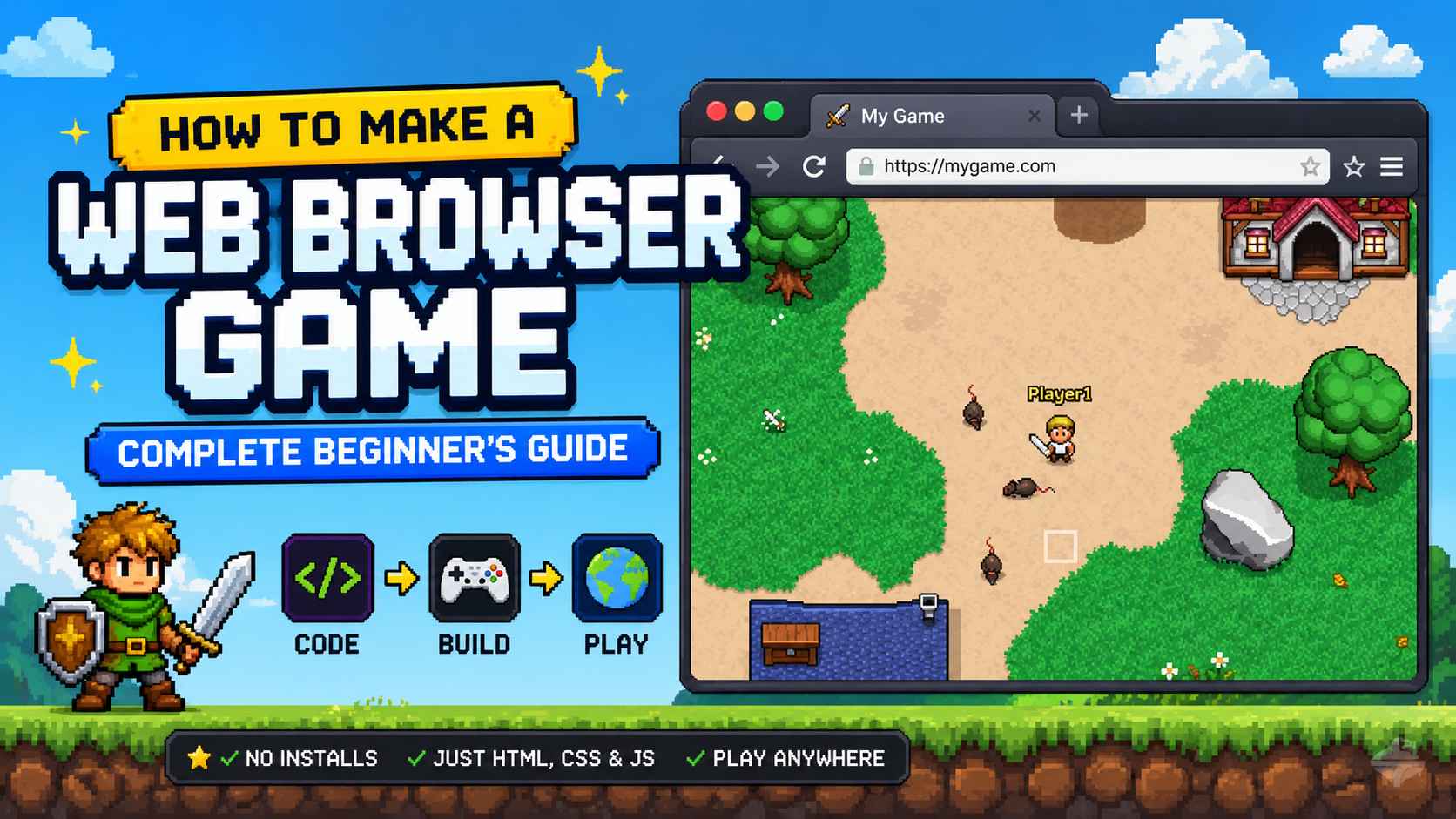
Let me be honest with you: I still remember the moment I decided to make a web browser game for the first time. I had an idea I loved—but when I actually tried to start, I had no idea what to do next.
Should I learn HTML? JavaScript? Or use a game engine? Everything felt confusing, and I ended up stopping before building anything.
Most beginners who want to make a browser game get stuck at this exact stage. Not because it's hard—but because they don't have a clear starting point.
That's why this guide exists. In this article, I'll show you a simple way to create a web browser game, even if you've never coded before. You'll learn the easiest tools and a step-by-step path from idea to playable game. Let's get started.
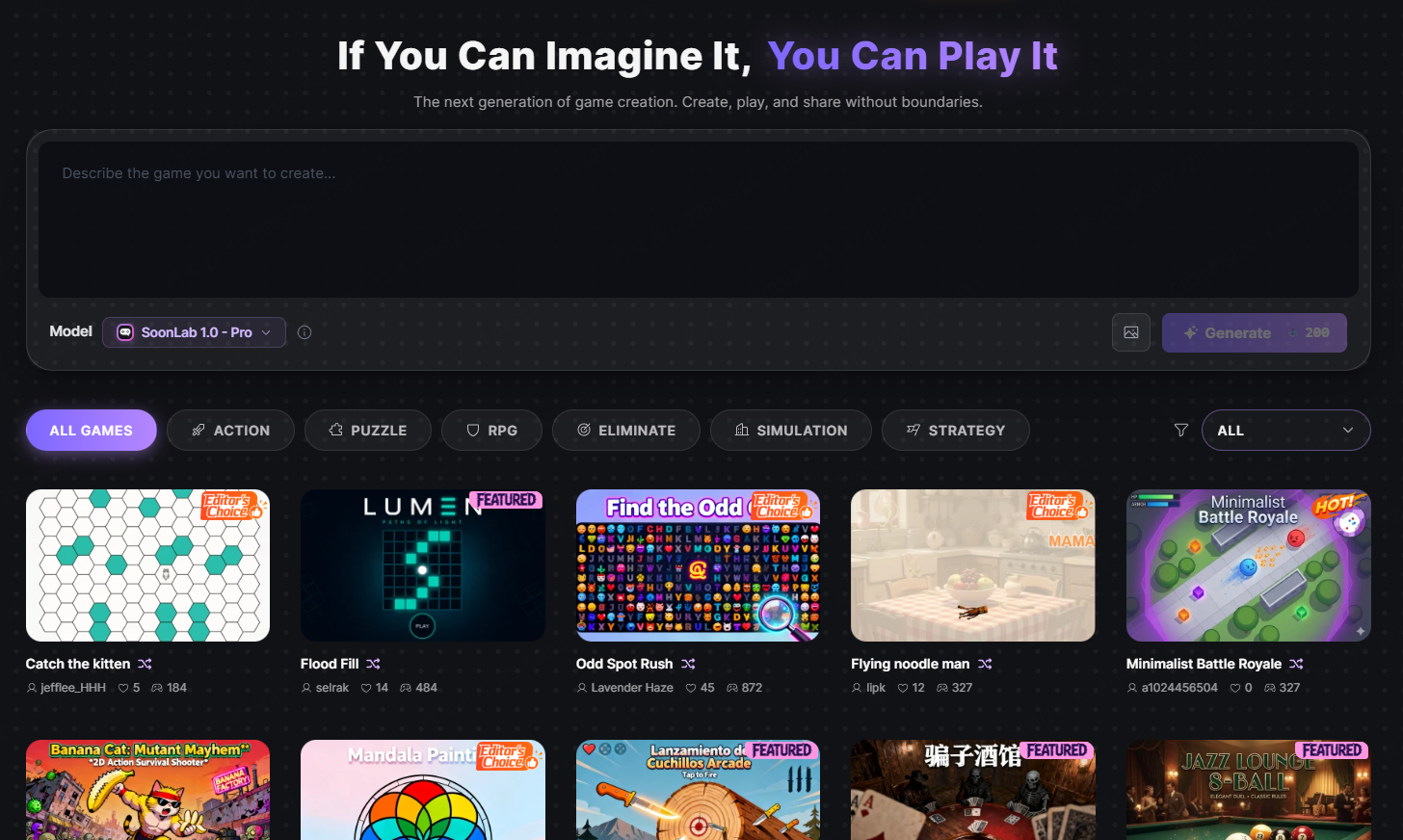
Turn your idea into aplayable game
Describe the game you want to make, and SoonLab will help you start building it.
What Is a Browser Game?
A browser game is a game you play in your web browser. No downloads, no installation, no waiting for large files to install. You click a link, and you're playing.
Behind the scenes, browser games use the same building blocks as websites:
- HTML creates the structure (where things appear on screen)
- CSS handles the styling (colors, fonts, animations)
- JavaScript makes things work (player movement, scoring, enemy behavior)
The magic of browser games is that they run anywhere. Your players don't need a powerful gaming computer or the latest console. If they have a web browser—and almost everyone does—they can play your game.
Why Browser Games Are So Popular?
I've been making web games for years, and I still find browser games incredibly exciting. Here's why they matter—and why more creators are choosing to build them.
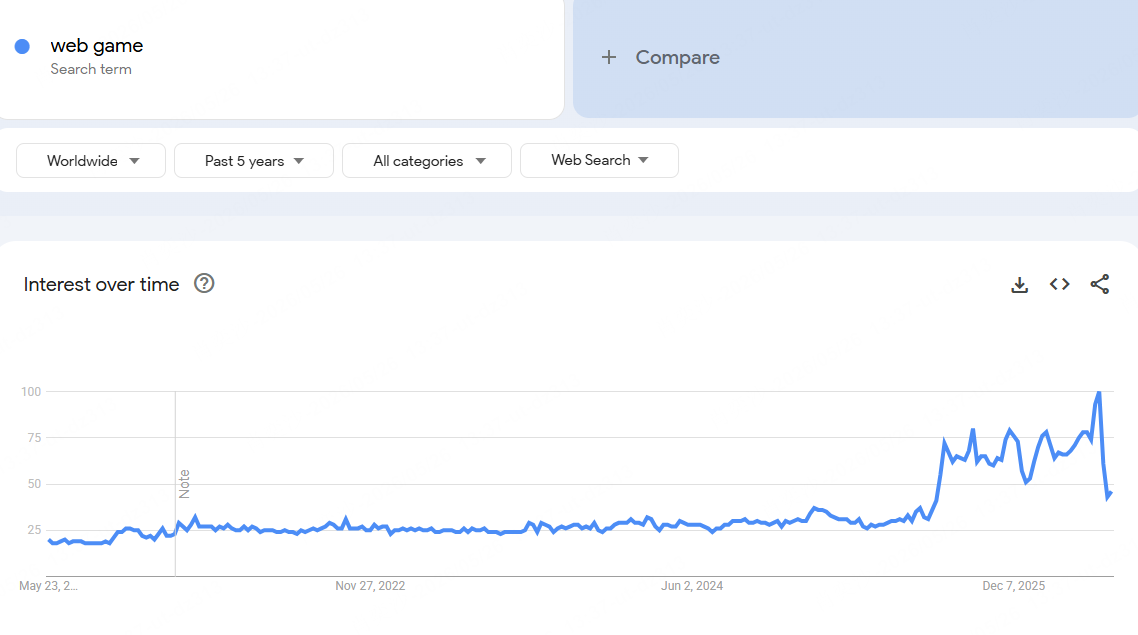
Google Trends for web games over the past five years
1. Instant Access
Players can try your game in seconds. They click a link and start playing immediately—no downloads, no waiting, no friction.
2. Easy Sharing
Sharing a web browser game is as simple as sending a link. One click can spread your game across social media, chats, and communities. A single share can sometimes turn into thousands of players.
This low-friction format also works well for product launches, events, and branded campaigns. If that is your goal, an advergame maker can help you turn a campaign idea into a short branded mini game that people can open from a browser link.
3. No Downloads Required
Most players don't want to install software just to try a game. Browser games remove that barrier completely. If they don't enjoy it, they just close the tab—no uninstall needed.
4. Cross-Platform Play
A browser game works across desktop, tablet, and mobile devices. You build once, and your game is accessible almost everywhere.
5. Lower Barrier to Entry
You don't need expensive engines or advanced tools to start. With just a laptop and free resources, you can begin creating browser games right away.
What You Need to Make a Browser Game?
To make a browser game, you only need a very small setup. The goal is not perfection—it's getting your first playable version online as quickly as possible.
Essential Setup:

Recommended Starter Tools
If you are new to making web browser games, these tools will make your life much easier:
Best Free Methods to Create Browser Games
There are more ways than ever to make browser games, and the good news is that you don't need to start with coding.
Below are the main approaches, from easiest to most advanced, so you can choose the one that fits your goals.
Method 1: AI Game Builders (No Coding Required)
Best for: Beginners who want to create a browser game quickly
AI tools allow you to build a game by simply describing your idea in plain English. The system then generates a playable version for you.
Popular AI tools:
This method is ideal if you want to quickly test ideas or create a first playable web browser game without technical barriers.
Method 2: No-Code Game Builders (Visual Development)
Best for: Beginners who want more control without writing code
No-code tools let you build games using visual editors. Instead of typing code, you design logic and gameplay using drag-and-drop or visual scripting.
Popular tools:
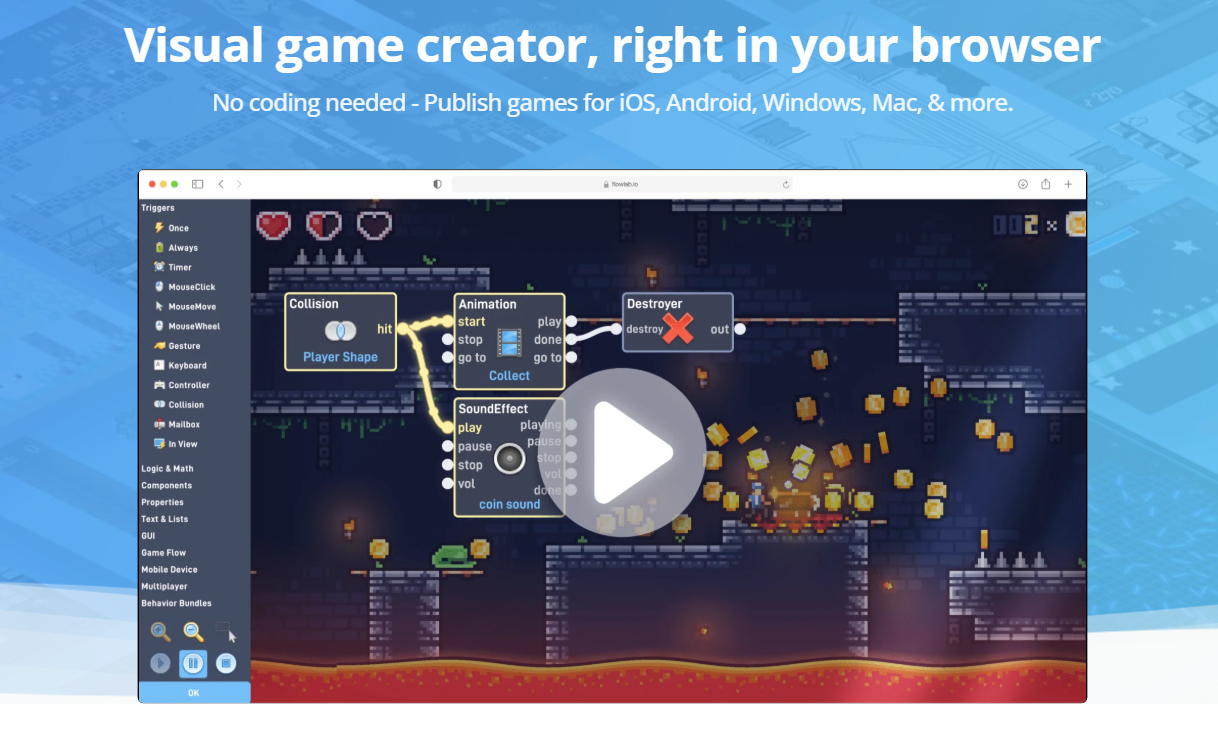
This approach gives you more structure and flexibility compared to AI tools, while still being beginner-friendly for browser game creation.
Method 3: HTML5 Game Frameworks (Beginner to Intermediate Coding)
Best for: Users who want to learn real video game development
HTML5 frameworks give you a structured way to build games using JavaScript.
Common frameworks:
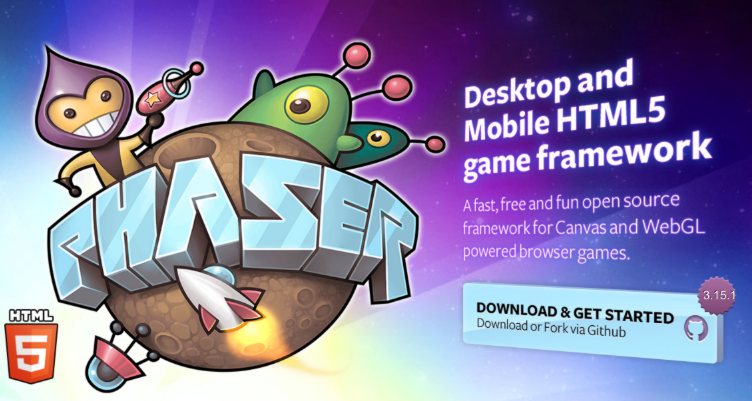
This path requires learning basic coding, but it gives you much more control over how your web browser game works.
If you want to create a playable browser game without learning JavaScript first, an HTML5 game maker offers a simpler starting point. With SoonLab, you can describe the character, controls, goal, challenges, and visual style in plain language, then generate and test the game directly in your browser.
Method 4: Vanilla JavaScript (Full Control Approach)
Best for: Developers who want complete flexibility
You can also build a browser game using only HTML, CSS, and JavaScript without any framework. Most games use the HTML5 Canvas to render graphics.
This is the most flexible approach to make a browser game, but it also requires the most learning time.
How to Make a Web Browser Game With AI: Step-by-Step
If you want to make a browser game without coding, AI tools are currently the easiest way to start. In this guide, we'll use SoonLab as an example, since it is designed specifically for creating playable web games from simple text prompts.
STEP 1 Start With a Simple Game Idea
Before using any AI tool, you need a clear idea of what you want to build. It doesn't need to be complex.
Ask yourself:
- What type of browser game do I want? (puzzle, quiz, action, etc.)
- Who will play it?
- What is the main gameplay loop?
STEP 2 Write a Clear Prompt for SoonLab
Now go to SoonLab and describe your game. The key is clarity, not technical detail.
Include:
- Core gameplay (what players do)
- Win / lose conditions
- Visual style (simple or colorful, theme, etc.)
The clearer your description, the better your web browser game will be generated.
STEP 3 Generate and Play Instantly
After submitting your prompt, SoonLab will generate a playable version of your game.
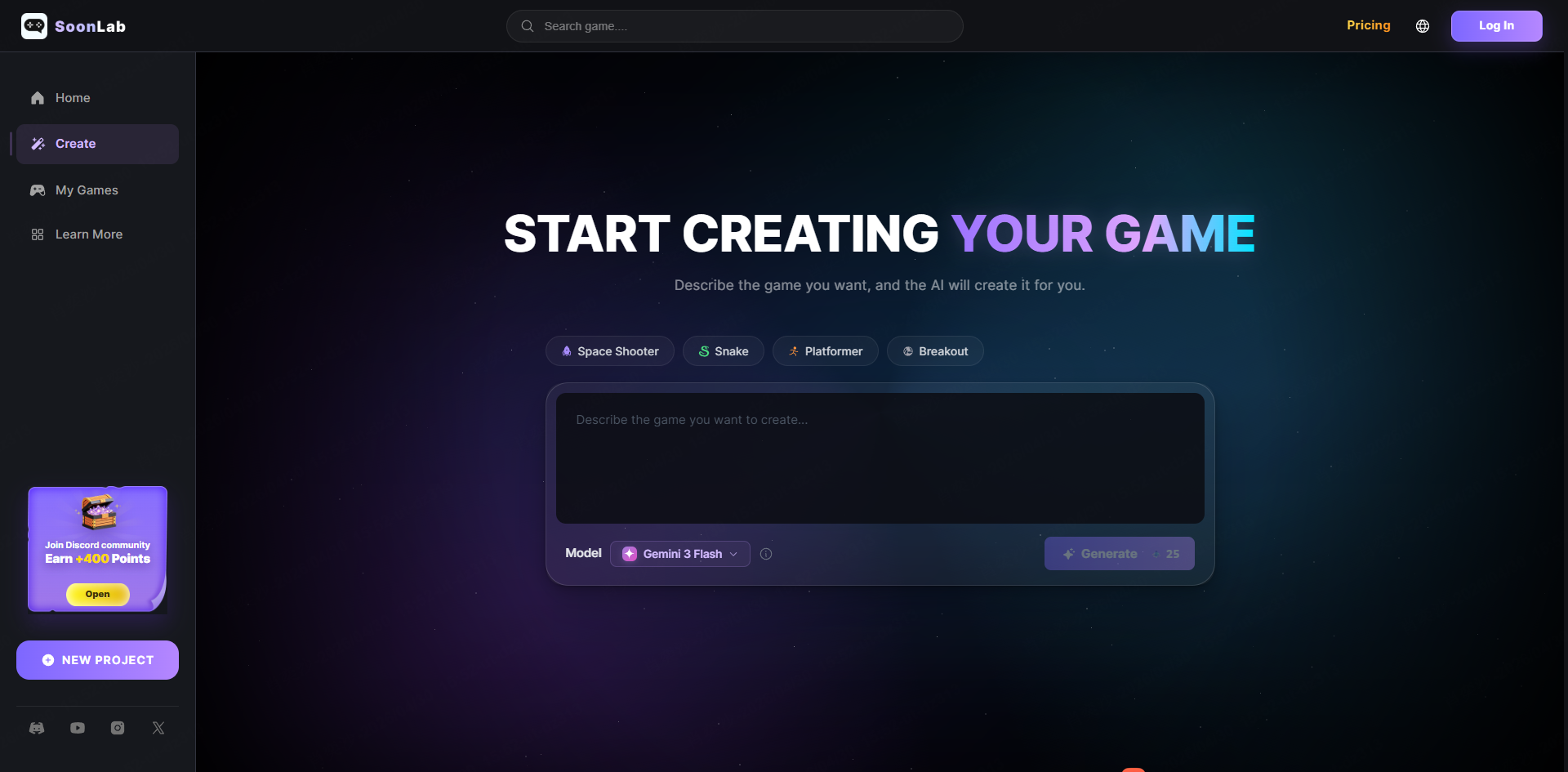
At this stage, don't worry about perfection. Just test:
- Does the game run properly?
- Is the gameplay fun and clear?
- Does it match your idea?
If something feels off, you can simply adjust your prompt and generate again.
STEP 4 Improve Your Browser Game
Once you have a working version, you can refine it by updating your prompt. For example:
- Increase or decrease difficulty
- Change colors or theme
- Add new mechanics or levels
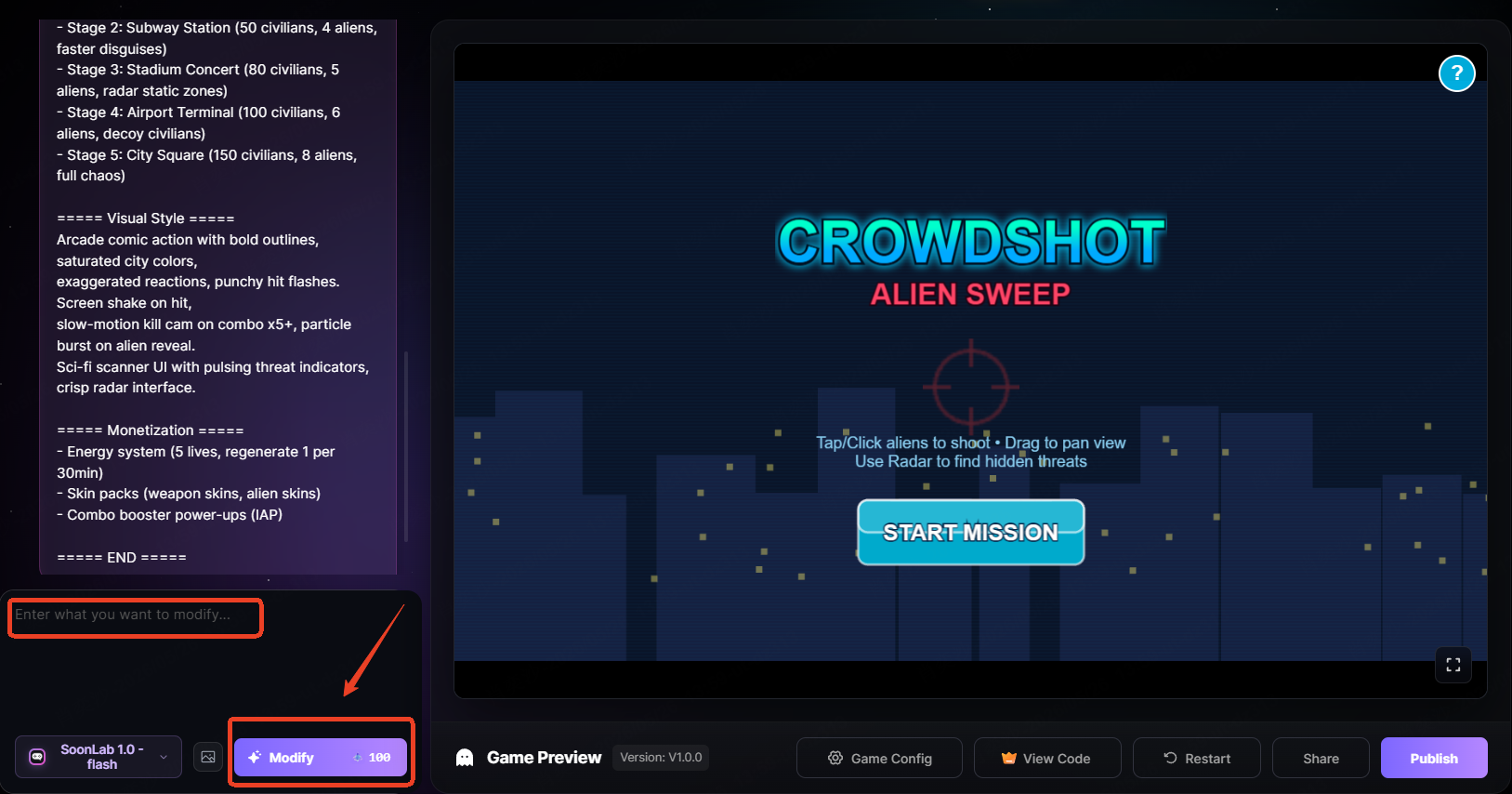
This is where AI becomes powerful—you can iterate your browser game quickly without coding.
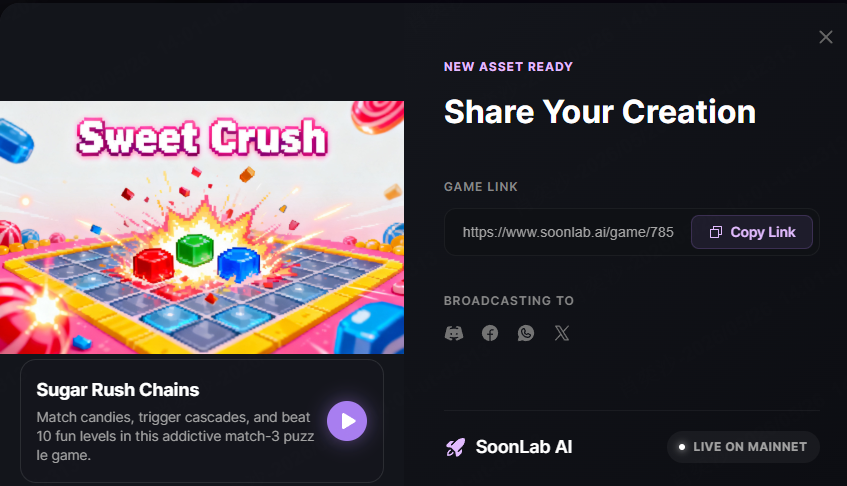
STEP 5 Share Your Web Game
When your game feels ready, you can publish it or share it directly.
Most AI game builders, including SoonLab, generate a playable link. You can:
- Share it with friends
- Post it on social media
- Collect feedback and improve further
At this point, you already have a working web browser game created from scratch.
Best Browser Game Ideas for Beginners
Choosing the right idea is the easiest way to successfully make a browser game, especially if you are just starting out. The best beginner games are simple, fun, and easy to finish.
Here are some proven ideas that work well for first-time creators:
1. Memory Card Game
A classic matching game where players flip cards to find pairs. It's simple to build and teaches basic game logic.
2. Quiz Game
Players answer questions and get scores based on performance. This type of web browser game is great for learning data handling and UI logic.
3. Clicker Game
Players click to earn points or resources. It's one of the easiest game types and helps you understand progression systems.
4. Snake Game
A timeless arcade game where the snake grows as it eats items. It introduces movement, collision, and basic game loops.
5. Brick Breaker Game
Control a paddle to bounce a ball and destroy bricks. This is useful for learning physics and collision detection.
6. Simple Tower Defense
Place units to stop incoming enemies. Start with one enemy type and one defense unit to keep it manageable.
7. Idle / Incremental Game
Progress continues automatically, while players click to speed things up. These games are simple but highly engaging. If you want to create one yourself, use our free idle game maker and turn a simple loop into a playable game.
FAQs About Making Browser Games
Do I need coding skills to make a browser game?
No. You can make a browser game using AI tools or no-code platforms like SoonLab or GDevelop without writing code. However, learning basic JavaScript will give you more control later.
What is the easiest way to create a browser game?
The easiest way is using AI tools like SoonLab, where you simply describe your game idea and the system generates a playable version. This is the fastest way to go from idea to working web game.
How long does it take to make a browser game?
With AI or no-code tools, a simple browser game can be created in a few hours to a couple of days. If you learn coding from scratch, it may take weeks depending on complexity.
Can I make money from browser games?
Yes. Browser games can generate income through ads, in-game purchases, premium versions, or by using the game as a portfolio to get freelance or job opportunities.
Do browser games work on mobile devices?
Yes. Most modern web browser games work on both desktop and mobile browsers. However, good mobile experience depends on responsive design and touch-friendly controls.
What should I build as my first browser game?
Start with something small like a memory game or clicker game. The goal is not complexity—it's finishing your first playable browser game.
Conclusion
Making a browser game is much easier today thanks to tools like SoonLab, which allow you to build games from simple text descriptions without coding. If your goal is to start quickly, this is one of the fastest ways to turn an idea into a playable web browser game.
The key is to start simple, finish your first project, and improve step by step. You don't need advanced skills to begin—just a small idea and the willingness to build something real.
Once you complete your first game, you'll understand the full process of how to make a browser game, and you'll be ready to create better and more complex projects in the future.