Create a playable branded mini game from a prompt and approved visual references. Define the gameplay, audience, brand colors, product theme, campaign message, controls, and goal, then generate, test, and refine the game without coding.
0/10000
Points based on the model's starting price will be deducted before each creation. (Actual deducted points may vary depending on generation difficulty.)
What Is an Advergame?
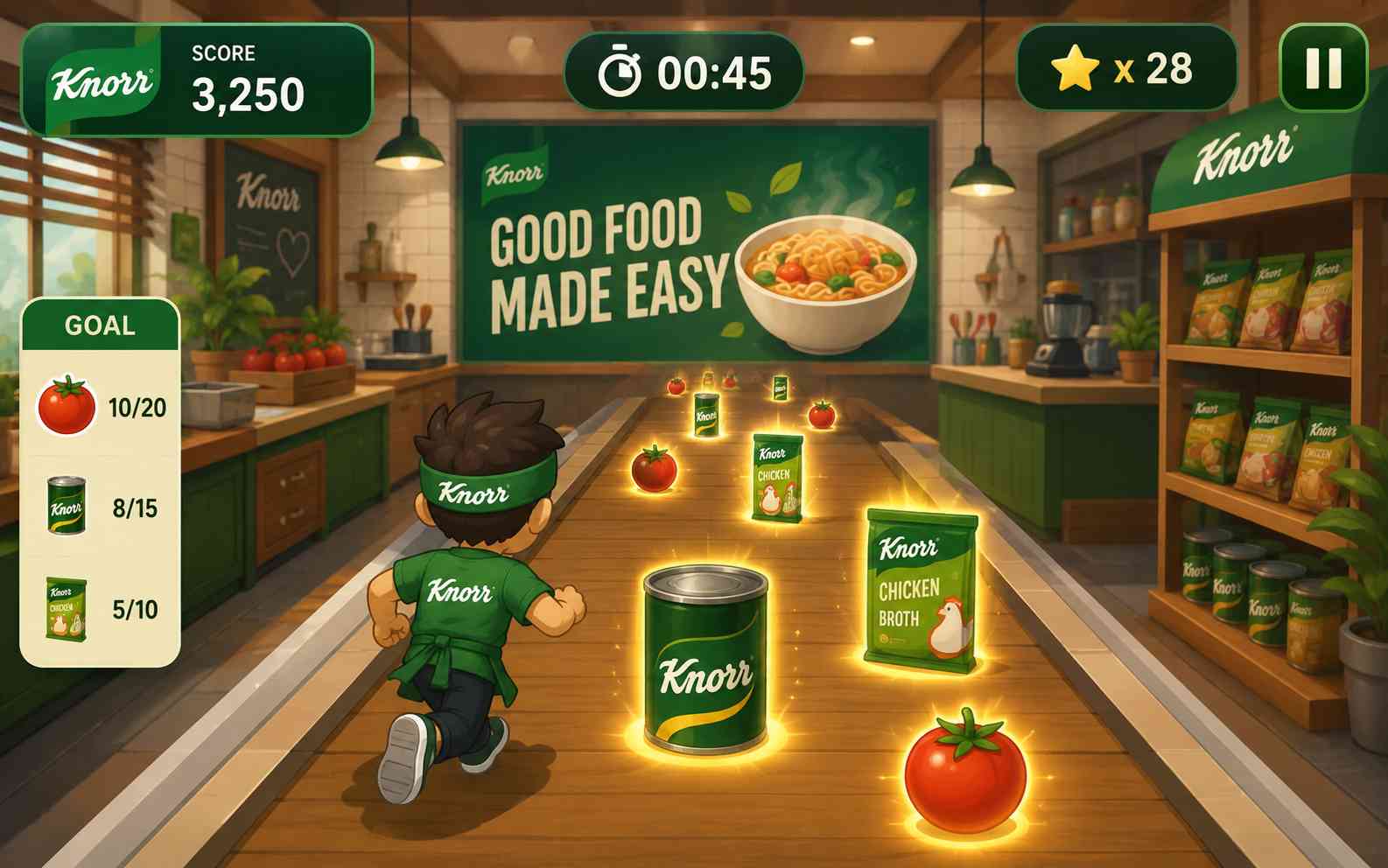
An advergame is a game created to promote a brand, product, service, event, or campaign. Unlike an advertisement placed inside an existing game, the game itself becomes part of the marketing experience. Players might collect product ingredients, match brand images, answer questions about a new feature, complete a short delivery challenge, or compete for a high score. The strongest advergames connect the brand to the main action instead of adding a logo to an unrelated game.
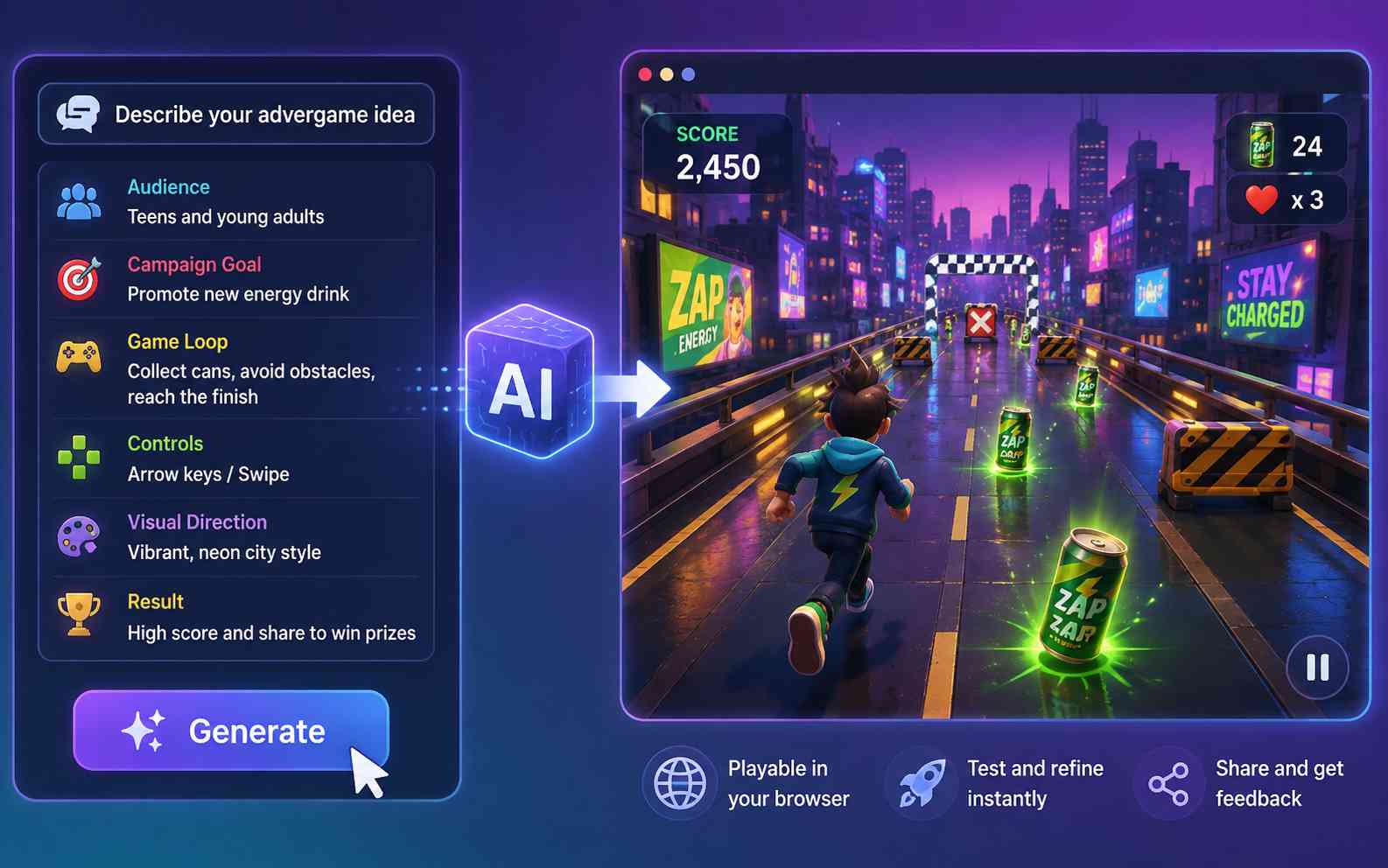
Describe the audience, campaign goal, game loop, controls, visual direction, and result you want. SoonLab turns the idea into a playable browser game so you can evaluate the experience before investing in a larger campaign build.
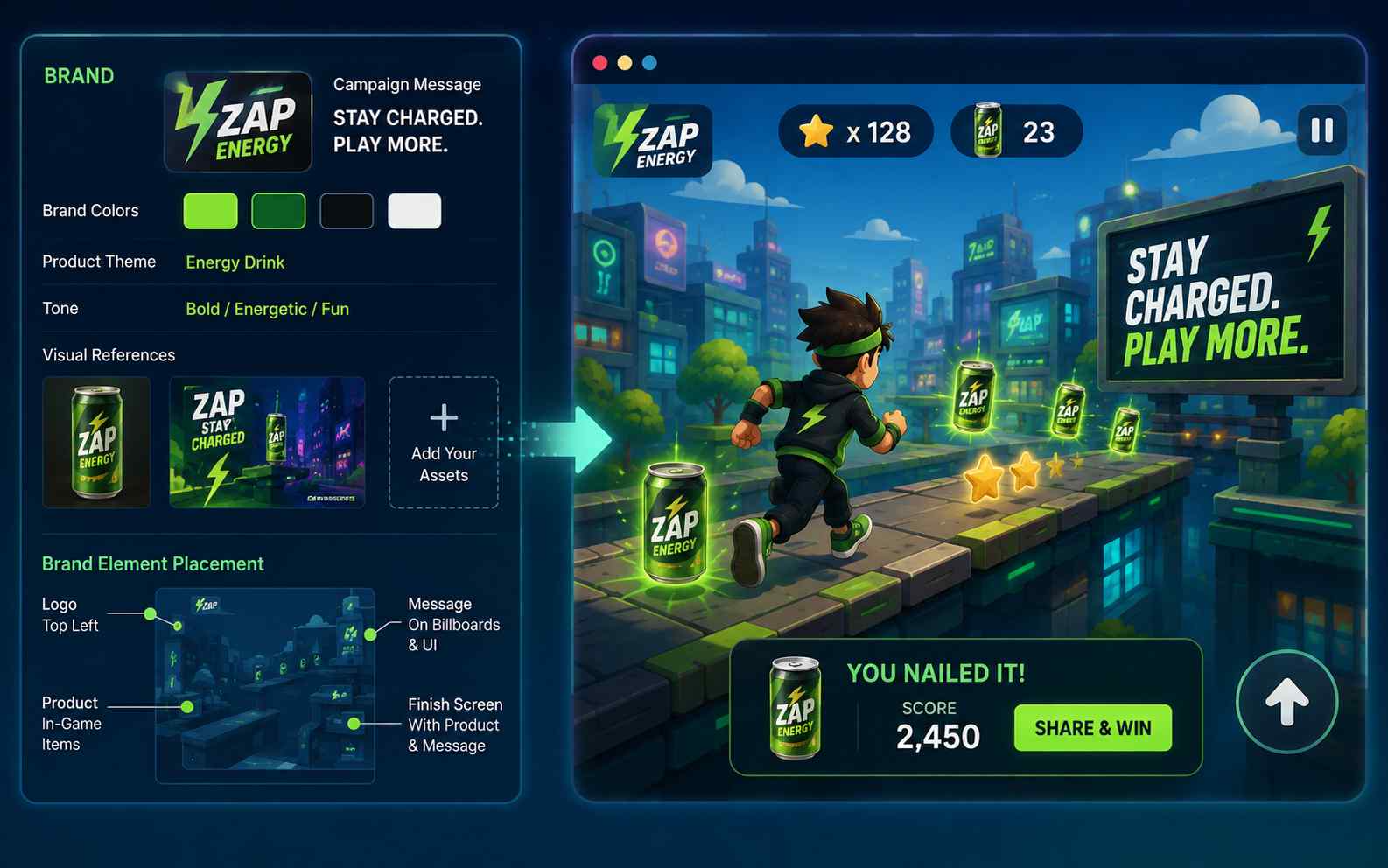
Specify your approved brand colors, product theme, tone, campaign message, and visual references. Add image assets you have permission to use and explain where important brand elements should appear.
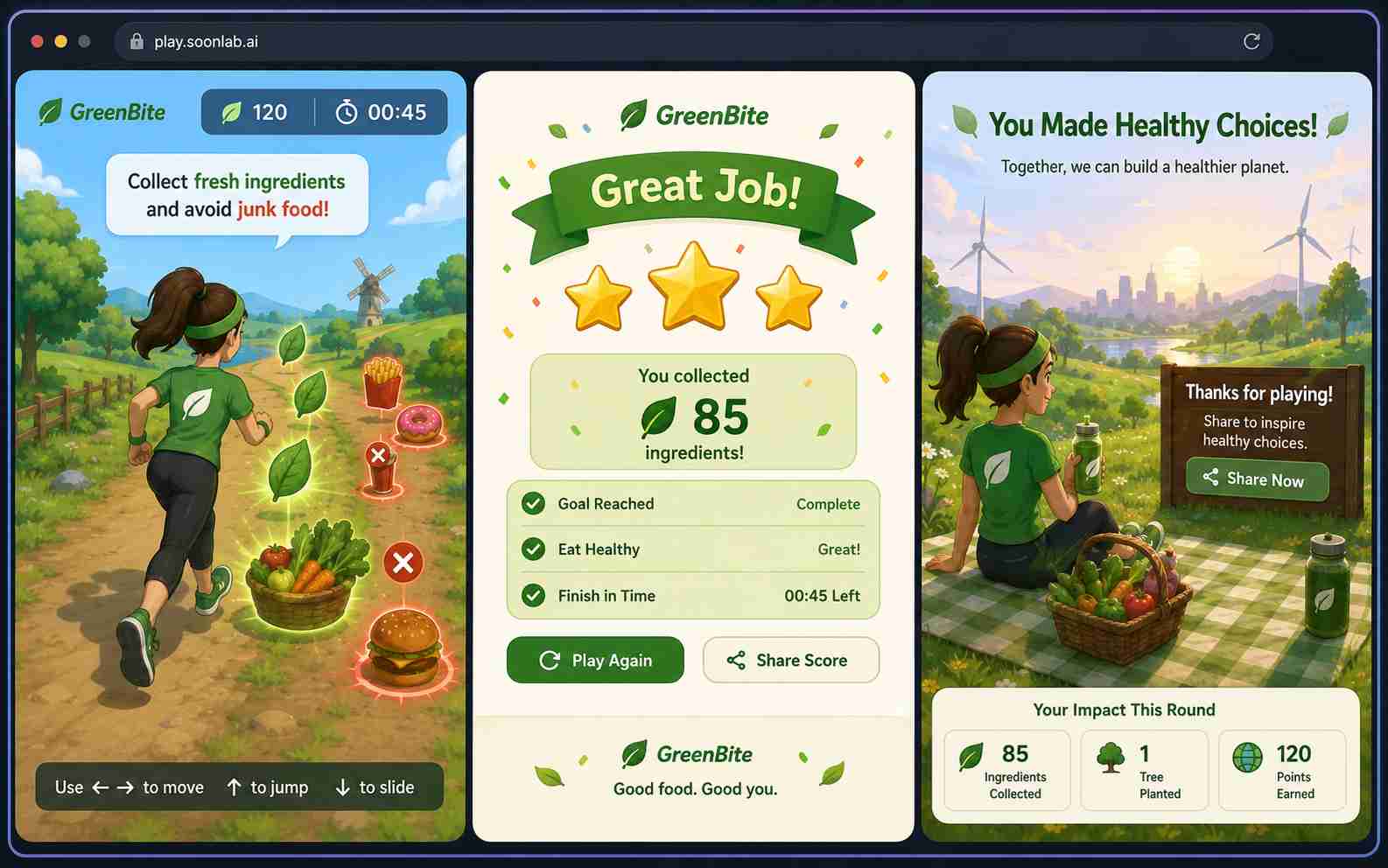
Open the generated game and complete a full round. Check whether the controls, goal, brand message, difficulty, and ending are clear. A playable test reveals problems that are easy to miss in a static campaign mockup.
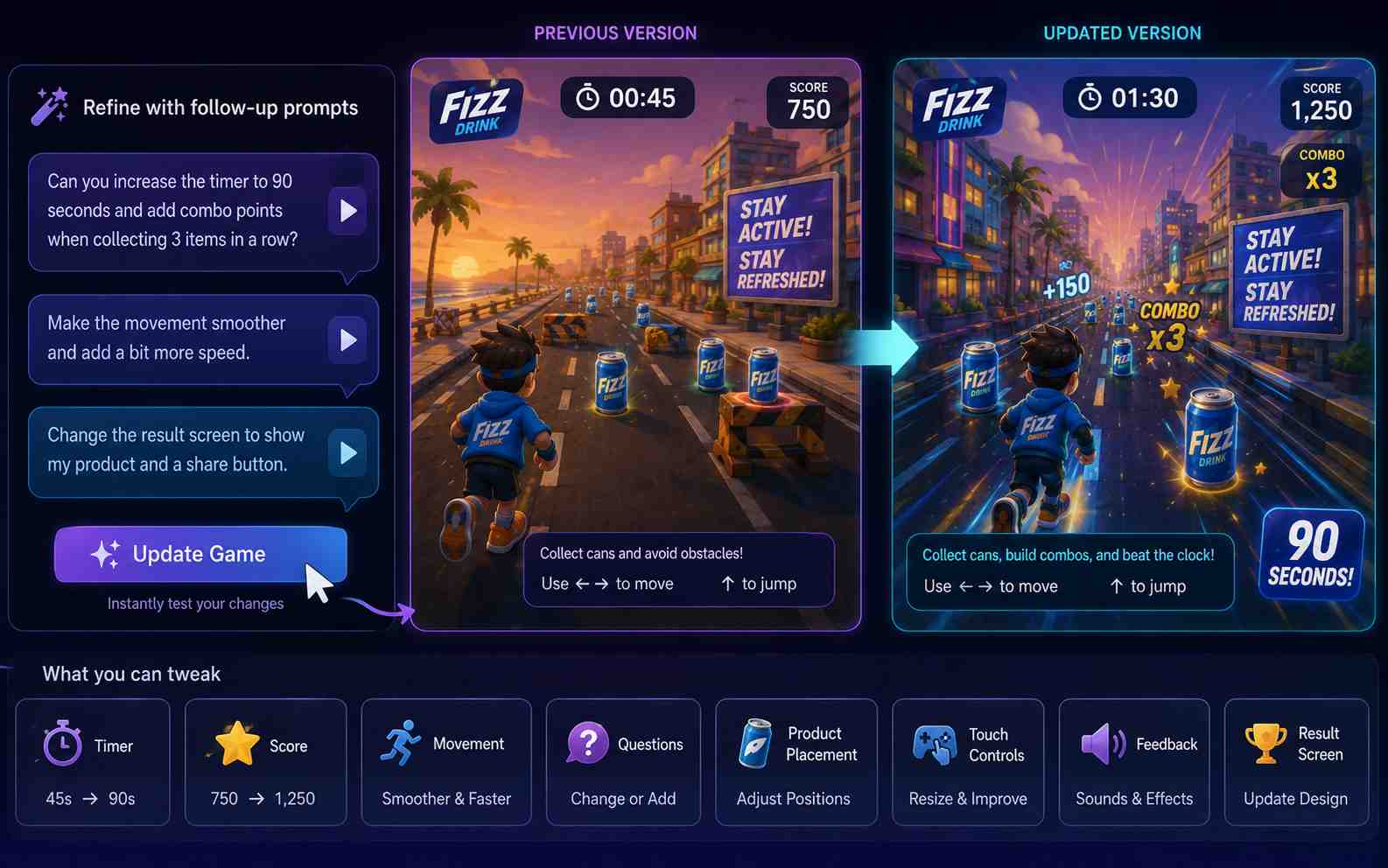
Change one part at a time. Adjust the timer, score, movement, questions, product placement, color balance, touch controls, feedback, or result screen, then test the updated version.
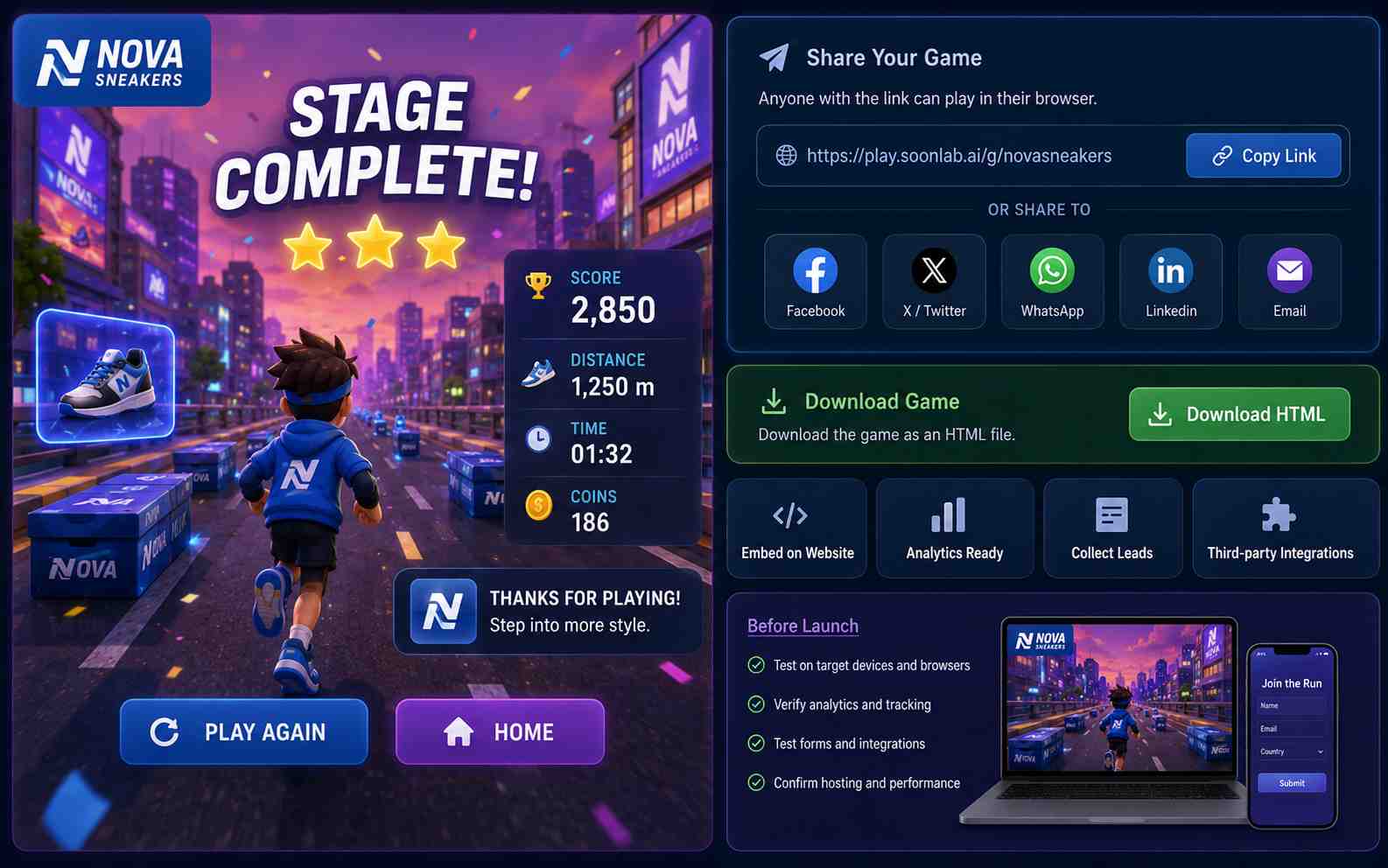
Share the published browser game with a link or download it as an HTML file. If the campaign needs custom hosting, website embedding, analytics, forms, or third-party integrations, plan and test those elements separately before launch.
Create a branded mini game in three steps: choose one campaign goal and game loop, add your brand direction, then generate, test, and refine the playable result.
Step1.Choose One Campaign Goal and Game Loop
Decide what the game should help people do, such as discover a product, learn one feature, join an event activity, or compare scores. Choose one simple action such as collecting, matching, sorting, answering, dodging, or stacking.
Step2.Add Your Brand Direction and Generate
Describe the audience, controls, goal, scoring, ending, brand colors, product theme, and visual style. Add approved image references, then let SoonLab generate the first playable browser version.
Step3.Playtest, Refine, and Prepare to Share
Play the complete game and check the instructions, controls, brand message, difficulty, feedback, result screen, and restart flow. Improve one issue at a time, then share the game or download the HTML file for further setup.
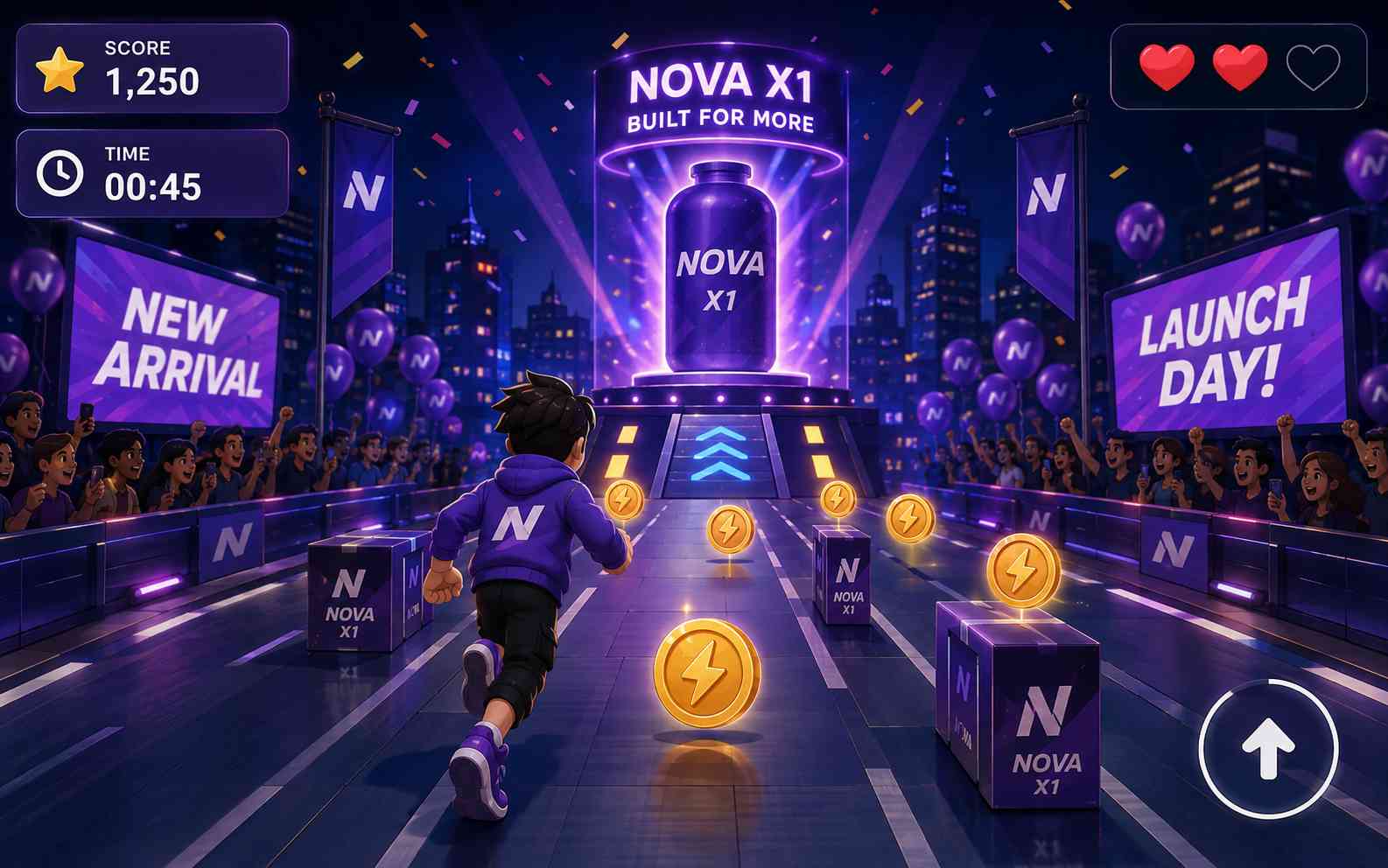
Introduce a new product through a short collection, sorting, racing, or assembly challenge. Focus on one product idea instead of trying to explain every feature at once.
Branded Quiz Games
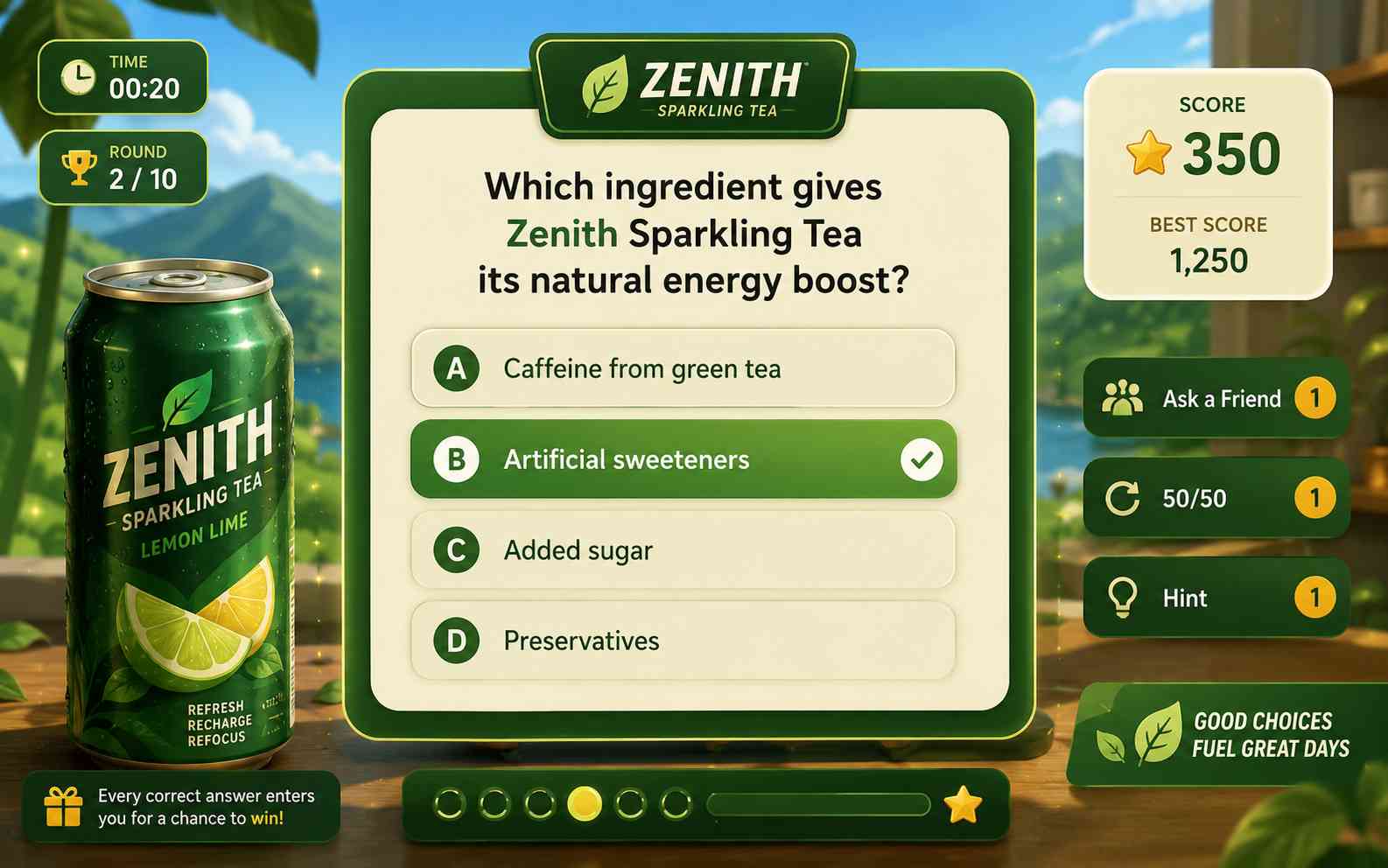
Turn product knowledge, event content, or customer preferences into a quiz with visible progress, useful feedback, a final score, and a replay option. Keep the questions short and natural instead of writing them like advertisements.
Promotional Matching Games
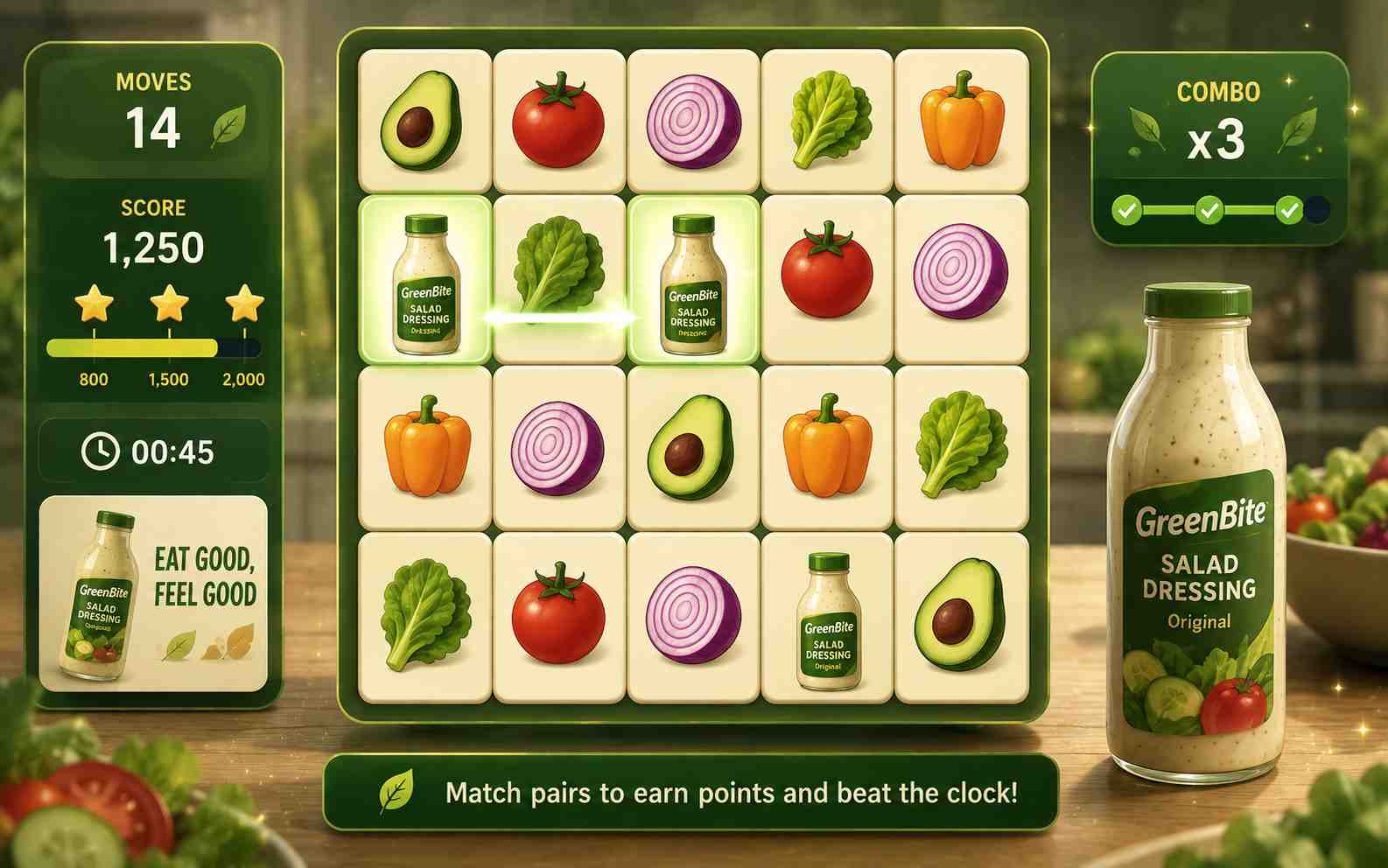
Ask players to match products, benefits, ingredients, destinations, campaign icons, or other related visual pairs. Matching games are easy to understand and work well for short mobile sessions.
Trade Show and Event Challenges
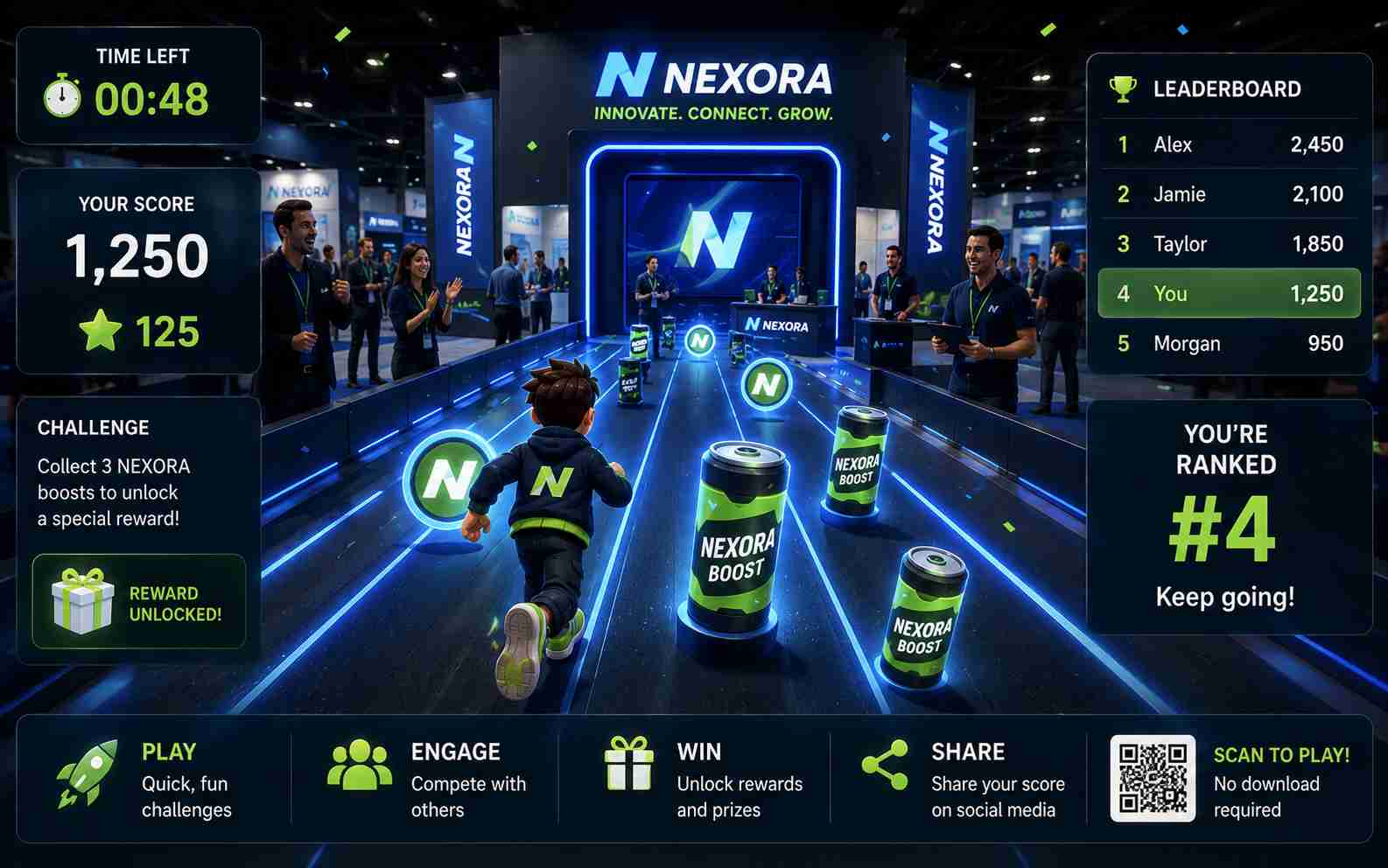
Create a quick score challenge that visitors can play on a tablet, laptop, or large touch display. Use short rounds, visible instructions, large controls, and a clear restart flow to keep the experience moving.
Social Media Score Games
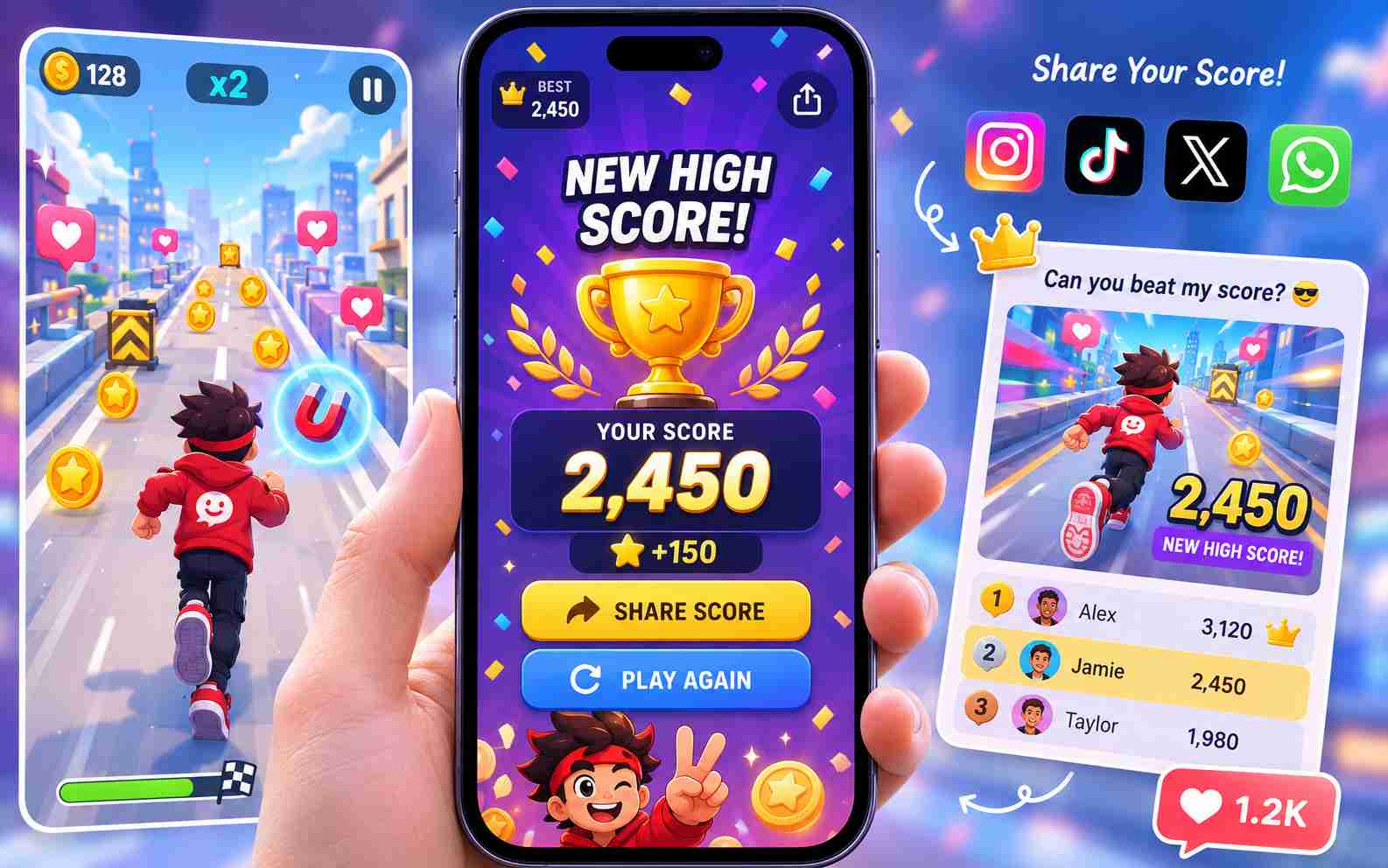
Build a short runner, catcher, stacker, or reaction game with a final score players can compare. Make the result screen easy to understand and test the complete experience on mobile before sharing it.
Product Education Games
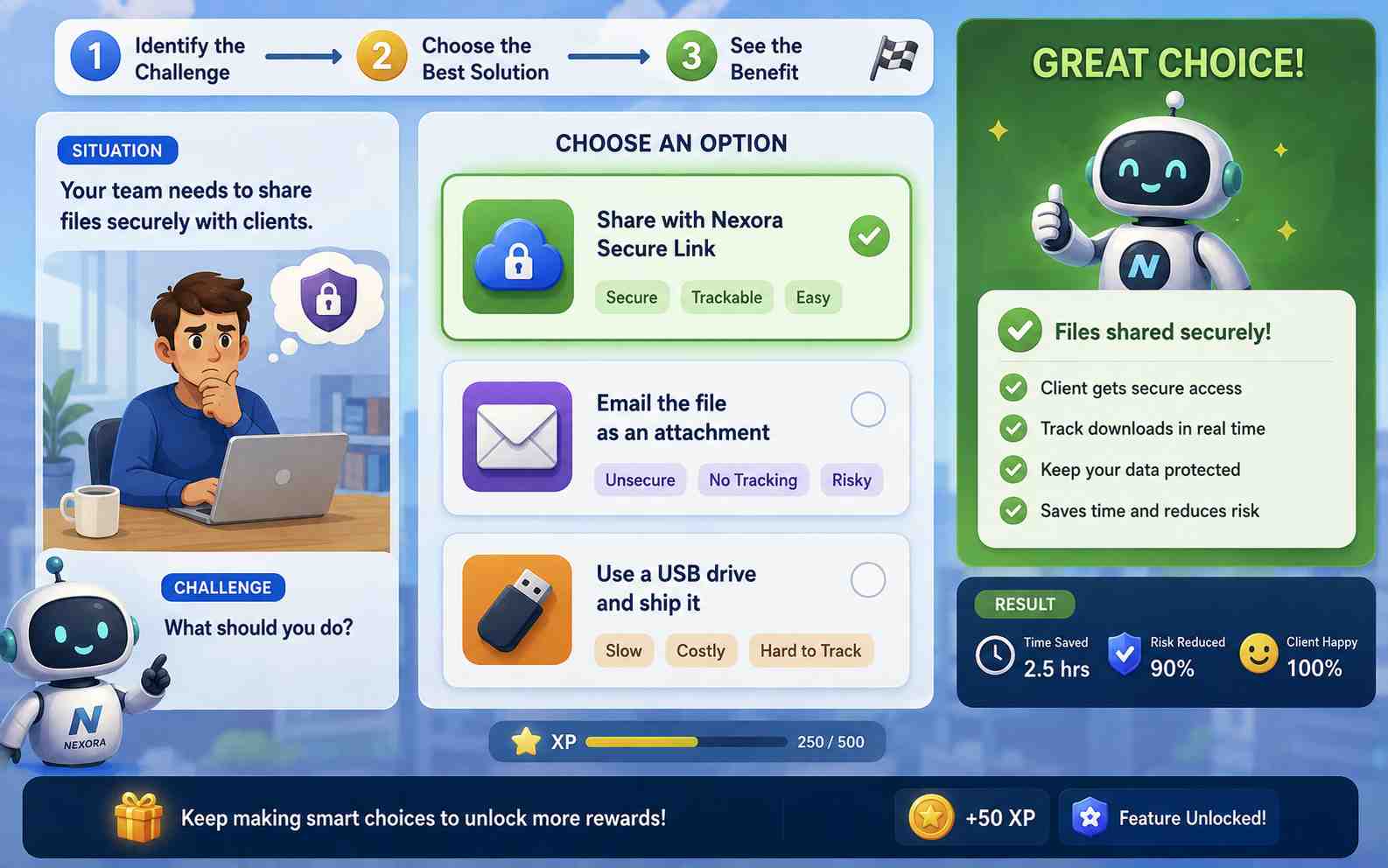
Help players understand a process, feature, or product difference through decisions and feedback. Keep the experience enjoyable without requiring players to read long blocks of marketing copy.
Advergame Prompts You Can Copy
A useful advergame prompt explains the audience, campaign goal, main action, controls, brand direction, time limit, scoring, ending, and device requirements. Copy one of these prompts, then replace the bracketed details with information from your campaign.
Prompt idea
Prompt
Difficulty
Best for
Style
Copy
Product Launch Catch Game
PromptCreate a 60-second branded catch game for [BRAND NAME] and its new [PRODUCT]. The player moves a basket left and right to collect three approved product ingredients while avoiding unrelated items. Add keyboard controls and large touch buttons, a score counter, a combo bonus, clear hit feedback, a final score, and a replay button. Use [BRAND COLORS] and a clean illustrated style. Place the uploaded brand-approved logo on the opening and result screens without blocking gameplay.
DifficultyBeginner
Best forProduct launch games
StyleClean illustrated
Copy failed. Try again.
Branded Memory Match
PromptCreate a branded memory matching game for [BRAND NAME]. Use eight pairs of uploaded product and campaign images. Show the cards in a four-by-four grid with large touch-friendly areas. Add a move counter, timer, match animation, final result, and play-again button. Use [BRAND COLORS], a simple background, and readable text. Keep one full round under two minutes.
DifficultyBeginner
Best forPromotional matching games
StyleSimple branded
Copy failed. Try again.
Trade Show Quiz Sprint
PromptCreate a five-question trade show quiz for [BRAND NAME] about [TOPIC OR PRODUCT]. Show one question at a time with three large answer buttons. Give immediate feedback, add a progress bar and score, and show a simple result after the final question. Use a landscape tablet layout, touch controls, high contrast, [BRAND COLORS], and the uploaded logo on the start and result screens. Add a restart button for the next visitor. Do not collect personal information.
DifficultyBeginner
Best forTrade show quiz games
StyleHigh-contrast branded
Copy failed. Try again.
Social Score Challenge
PromptCreate a 45-second one-button runner for [CAMPAIGN NAME]. The player guides an original mascot through a themed course, collects [PRODUCT OR CAMPAIGN ITEMS], and avoids three types of obstacles. Add tap, click, and spacebar controls, increasing speed, a score multiplier, a final score, and a replay button. Use [BRAND COLORS] and the uploaded campaign visual references. Make the interface responsive and easy to play on a phone.
How to Make an Advergame Feel Like Part of the Brand
A strong advergame connects the brand to the main game mechanic instead of placing a logo over an unrelated experience. Keep the message focused, use approved assets, design for the target device, and test the game with real players.
Make the Brand Part of the Gameplay
Build the brand into the main action. Let players use, collect, assemble, compare, or learn something connected to the campaign.
Focus on one main message instead of interrupting the game with long product descriptions or multiple competing CTAs.
Upload only logos, product images, music, fonts, characters, and other assets you own or have permission to use.
Keep the Experience Short and Easy to Test
Use a focused 30- to 90-second first round that is easy to understand, test, and replay.
Design for the real device. Request touch controls for mobile or tablet campaigns and test the game on actual target devices.
Ask new players to try the game without instructions. Simplify the goal, controls, or ending if they cannot understand the experience.
Related Game Makers and Guides
Explore related SoonLab tools for creating branded browser games, promotional quizzes, matching challenges, arcade experiences, and playable campaign prototypes.
An advergame maker is a tool or service used to create games that promote a brand, product, event, or campaign. Some platforms use fixed marketing game templates, while others provide custom development. SoonLab uses AI prompts to generate playable browser games that can be tested and refined.
Create Your Branded Mini Game
Choose one campaign goal, one main action, and one clear result. Add your brand direction and approved visual references, generate a playable browser game, then test and refine it before sharing or preparing it for a campaign.