Quiz Game Maker: Create a Playable Quiz Online
Turn your questions into a playable quiz game with SoonLab's AI quiz game maker. Describe the topic, audience, rules, scoring, feedback, and visual style. Generate a first version, test it, improve it, then publish, share, or download it—no coding required.
0/10000
Game inspiration sources







Play Quiz Games Made with SoonLab
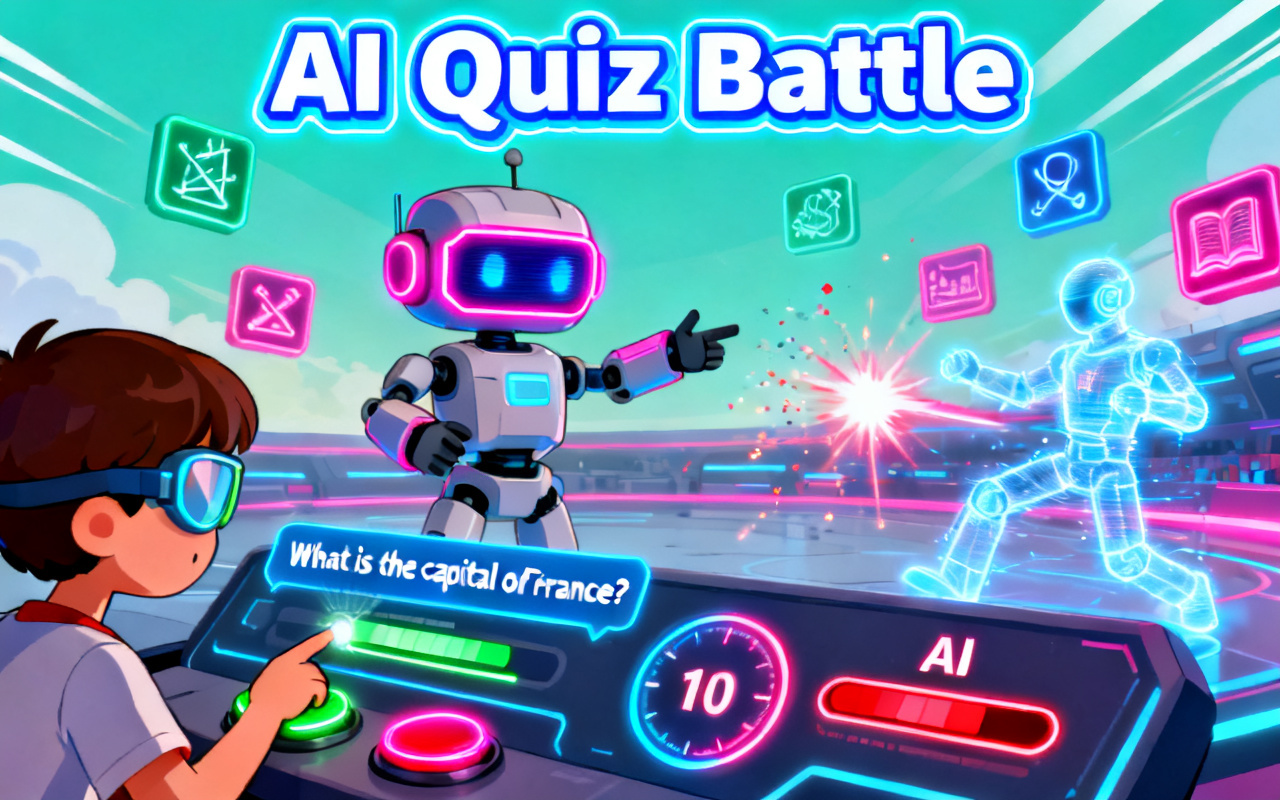
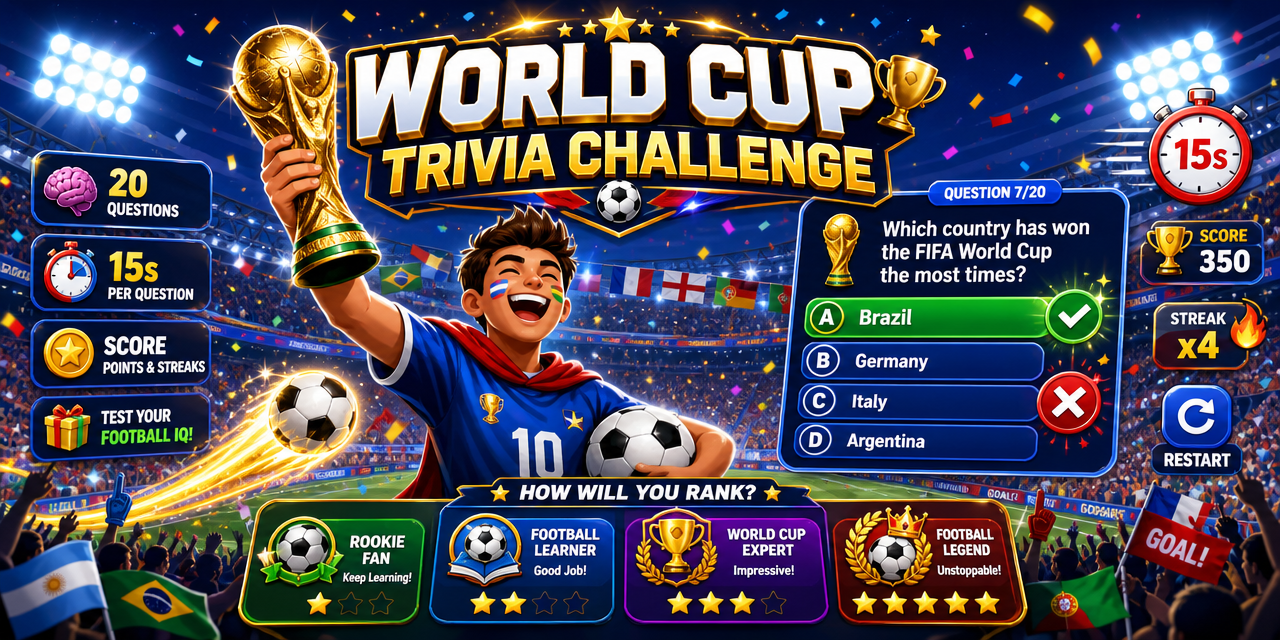
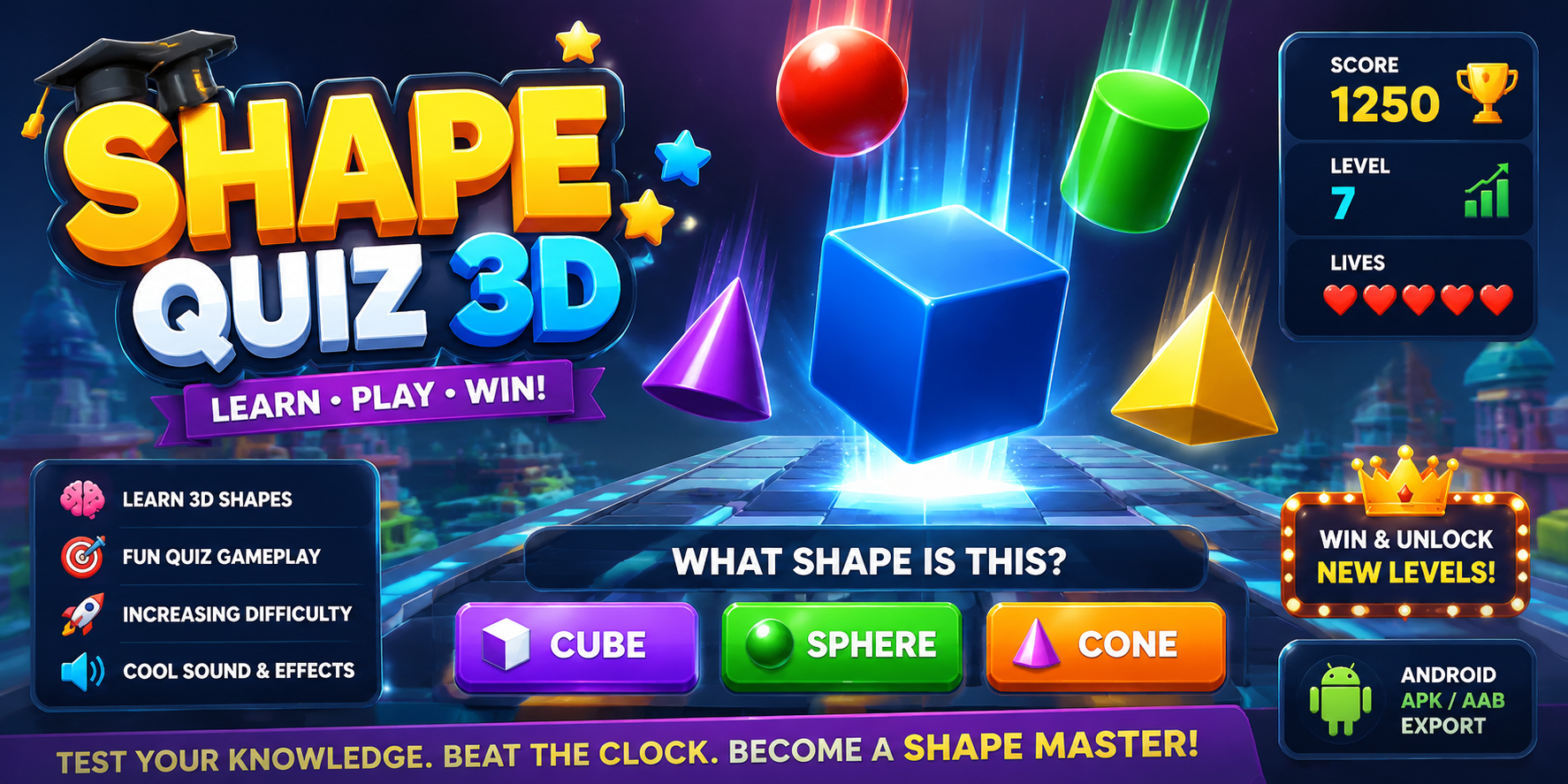
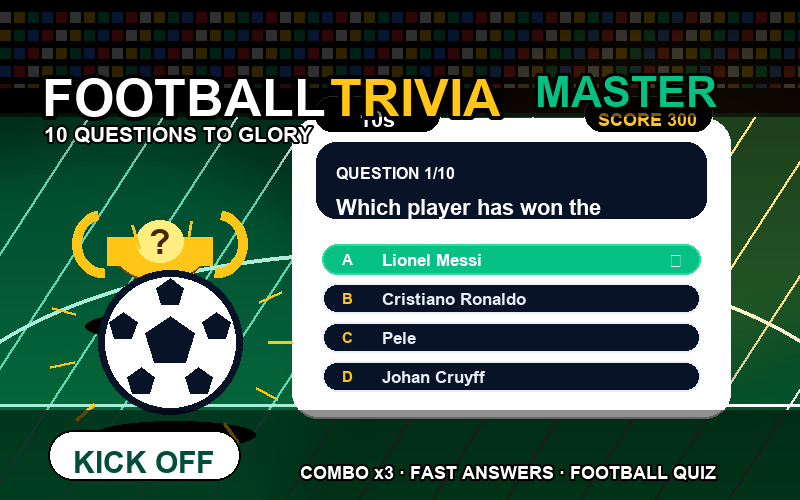
Try quiz games created with SoonLab before making your own. See how questions can work with scores, timers, lives, levels, visual rewards, and different game themes.
What Is a Quiz Game Maker?
A quiz game maker is a tool for creating games in which players answer questions, earn points, receive feedback, and work toward a result. A basic quiz records answers. A quiz game adds a playable loop: correct answers might move a character, repair an object, unlock a round, or build a streak. With SoonLab, describe the questions and game rules in plain language, then generate a browser-playable first version.
Make Your Own Quiz Game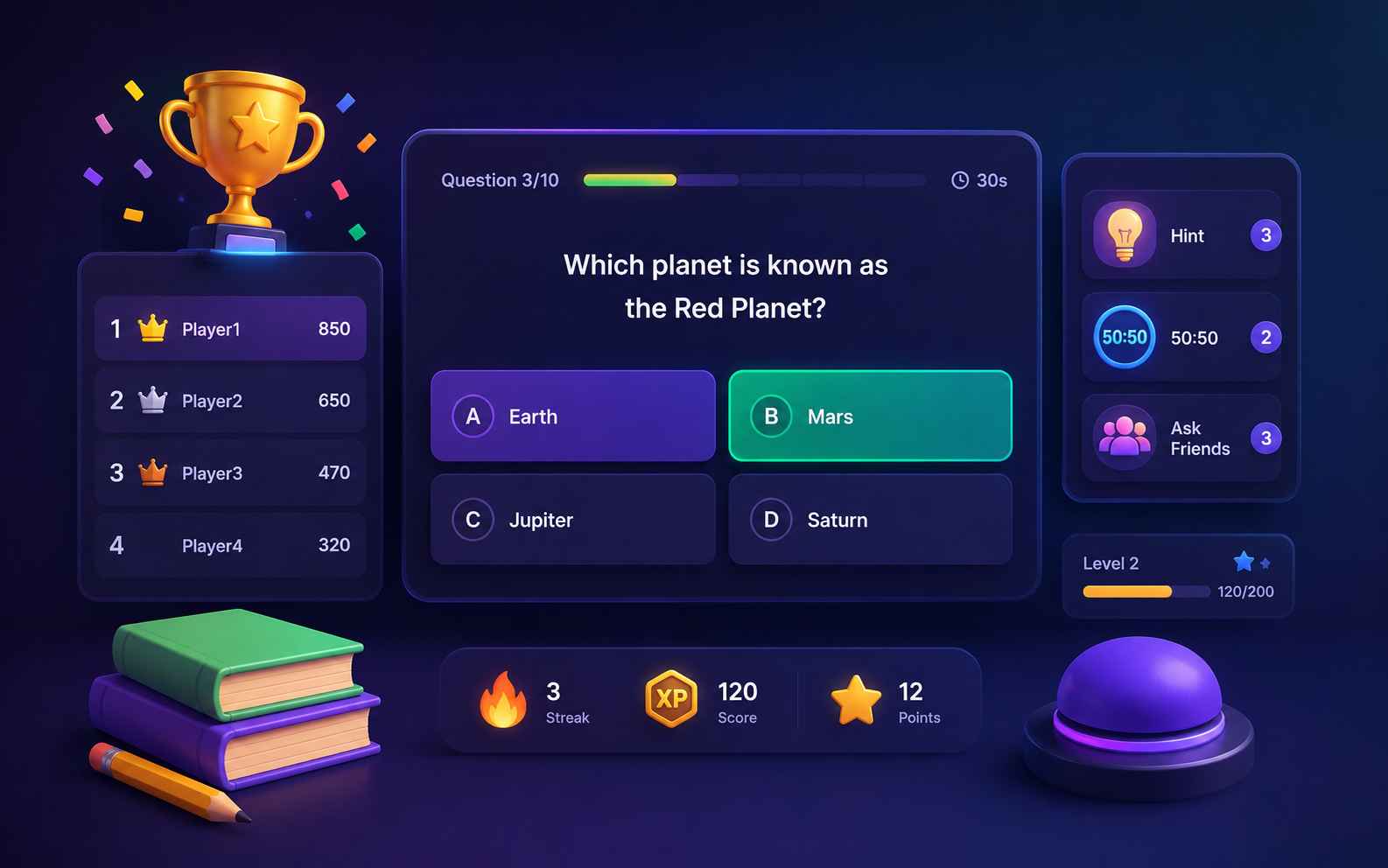
Why Make Your Quiz Game with SoonLab?
Quiz Games Players Want to Finish
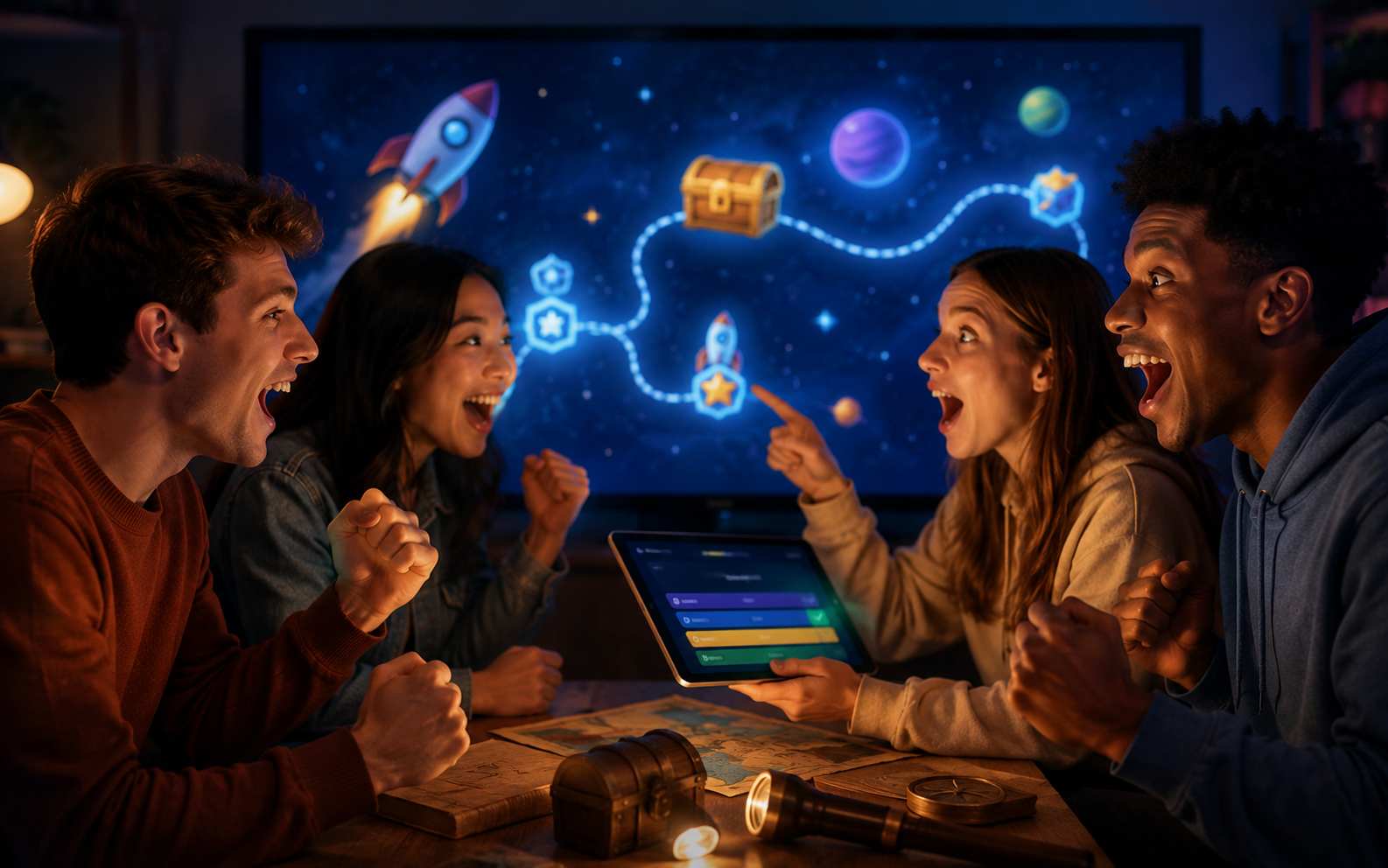
A quiz does not have to feel like a test. Turn your questions into a space mission, treasure hunt, battle, race, or adventure. Every correct answer can move the story forward, unlock a reward, or bring the player closer to winning.
One Prompt to a Playable Game
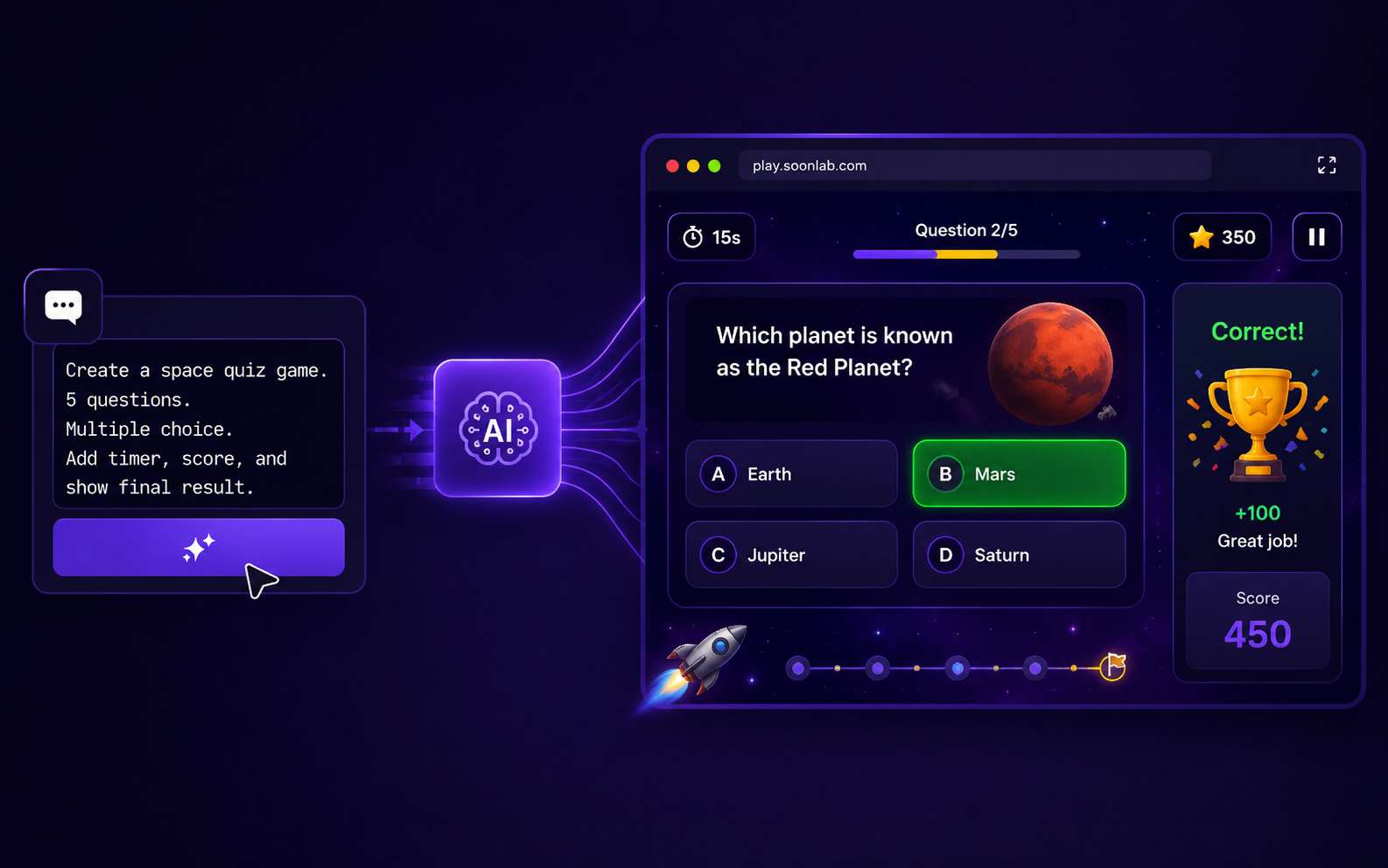
Describe the quiz you want instead of building screens and rules one by one. SoonLab creates the answer flow, scoring, feedback, progress, and final result as one playable browser game without coding.
Creative Freedom Beyond Templates
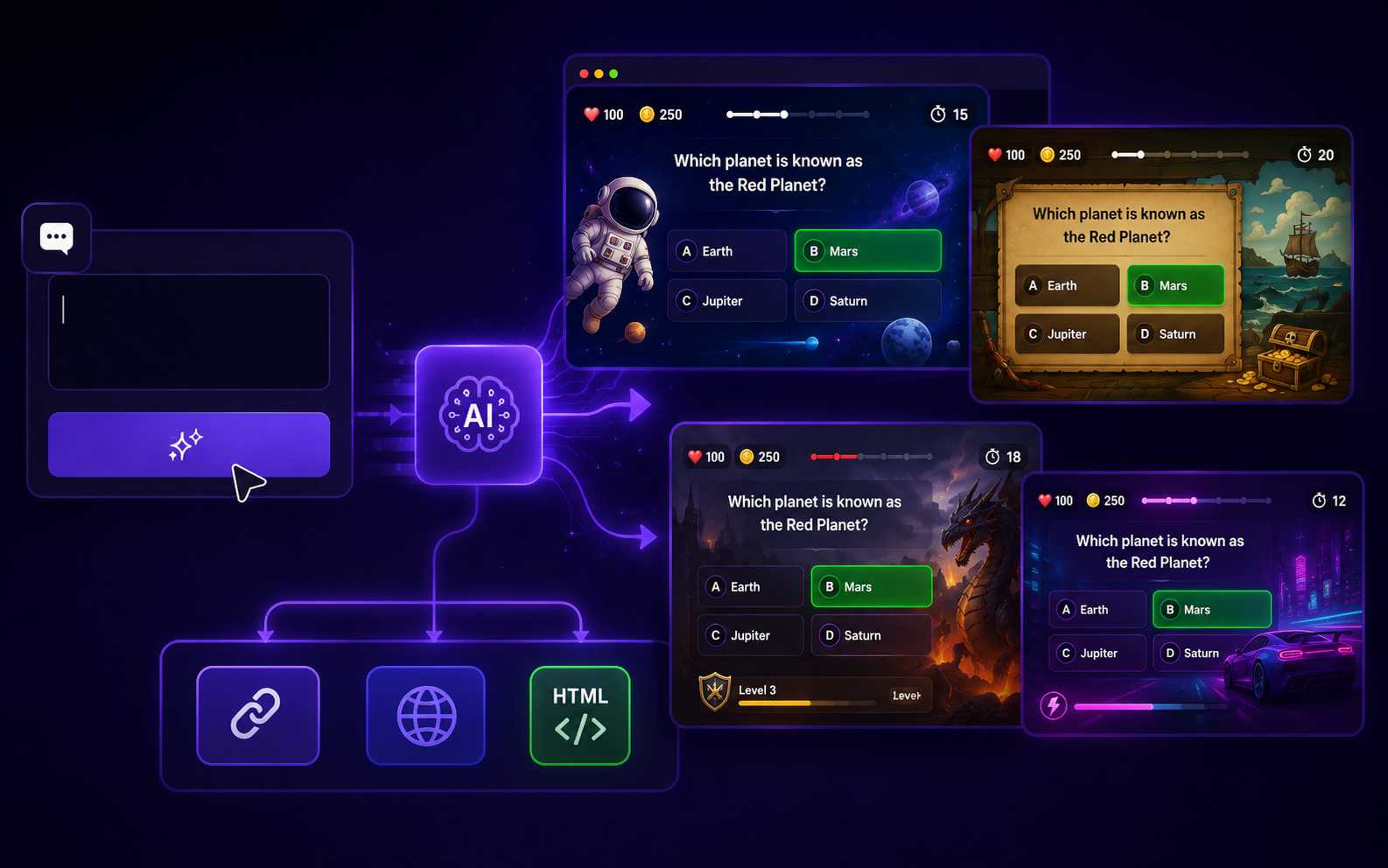
Move beyond fixed layouts that only let you change the questions and colors. Use follow-up prompts to reshape the theme, gameplay, difficulty, rewards, and ending. Publish the finished game, share its link, or download it as an HTML file.
What Quiz Games Can You Create?
Trivia Quiz Games
Challenge players with questions about history, movies, science, sports, geography, music, gaming, or any topic you choose. Add categories, timed rounds, score bonuses, answer streaks, hints, and a final rank.
Create Quiz Game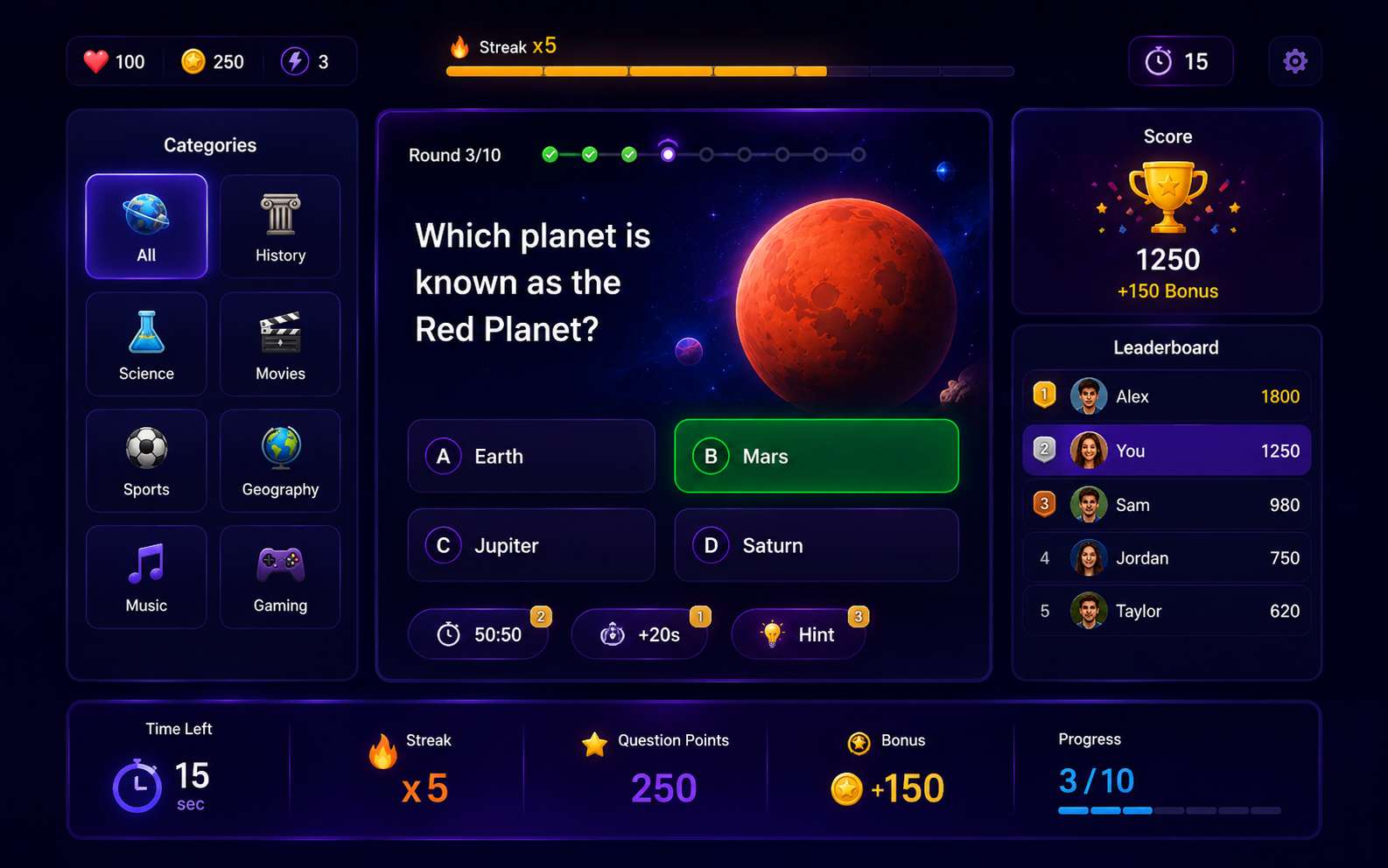
Educational Quiz Games
Turn math, science, history, vocabulary, language, or test review into a playable learning activity. Match the questions to the student level and provide helpful explanations after incorrect answers.
Create Quiz Game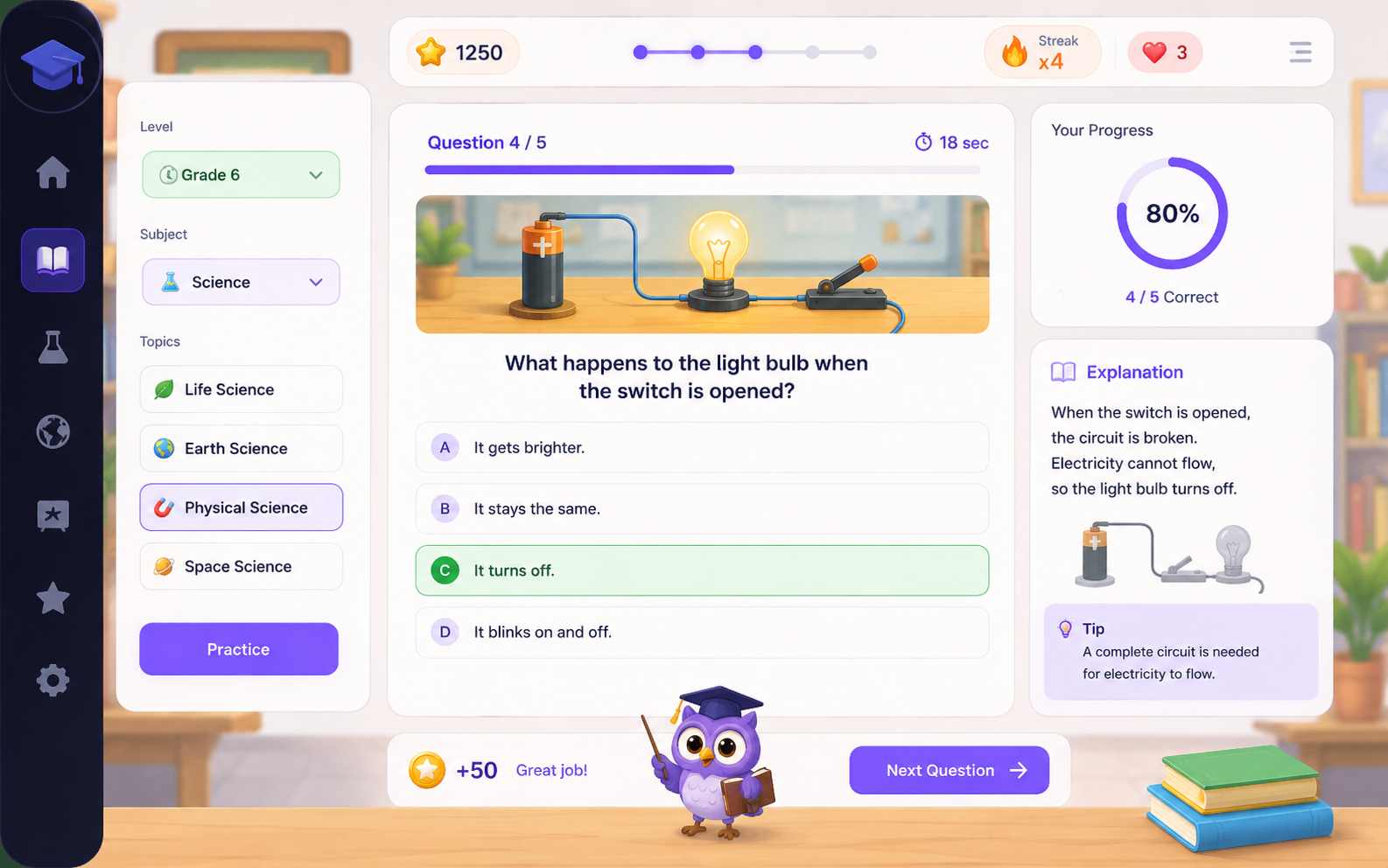
Quiz Show Games
Create a game show with themed rounds, countdowns, score reveals, lifelines, prize levels, and a final challenge. Use stage effects and clear feedback to make every correct answer feel rewarding.
Create Quiz Game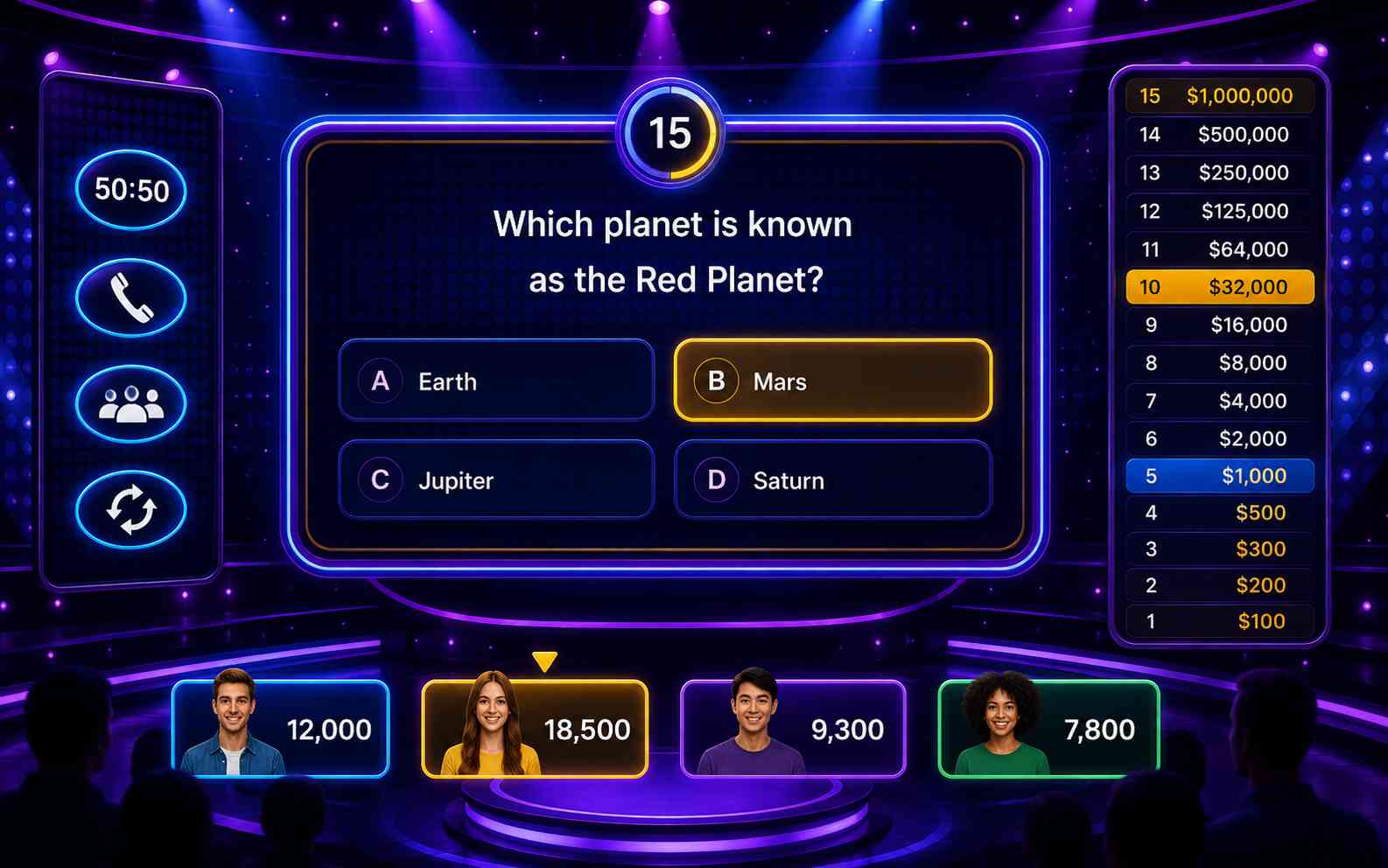
Personality Quiz Games
Create a quiz with no right or wrong answers. Connect each choice to a result type, then give players a personalized outcome based on their answers. Add clear result descriptions and a replay option.
Create Quiz Game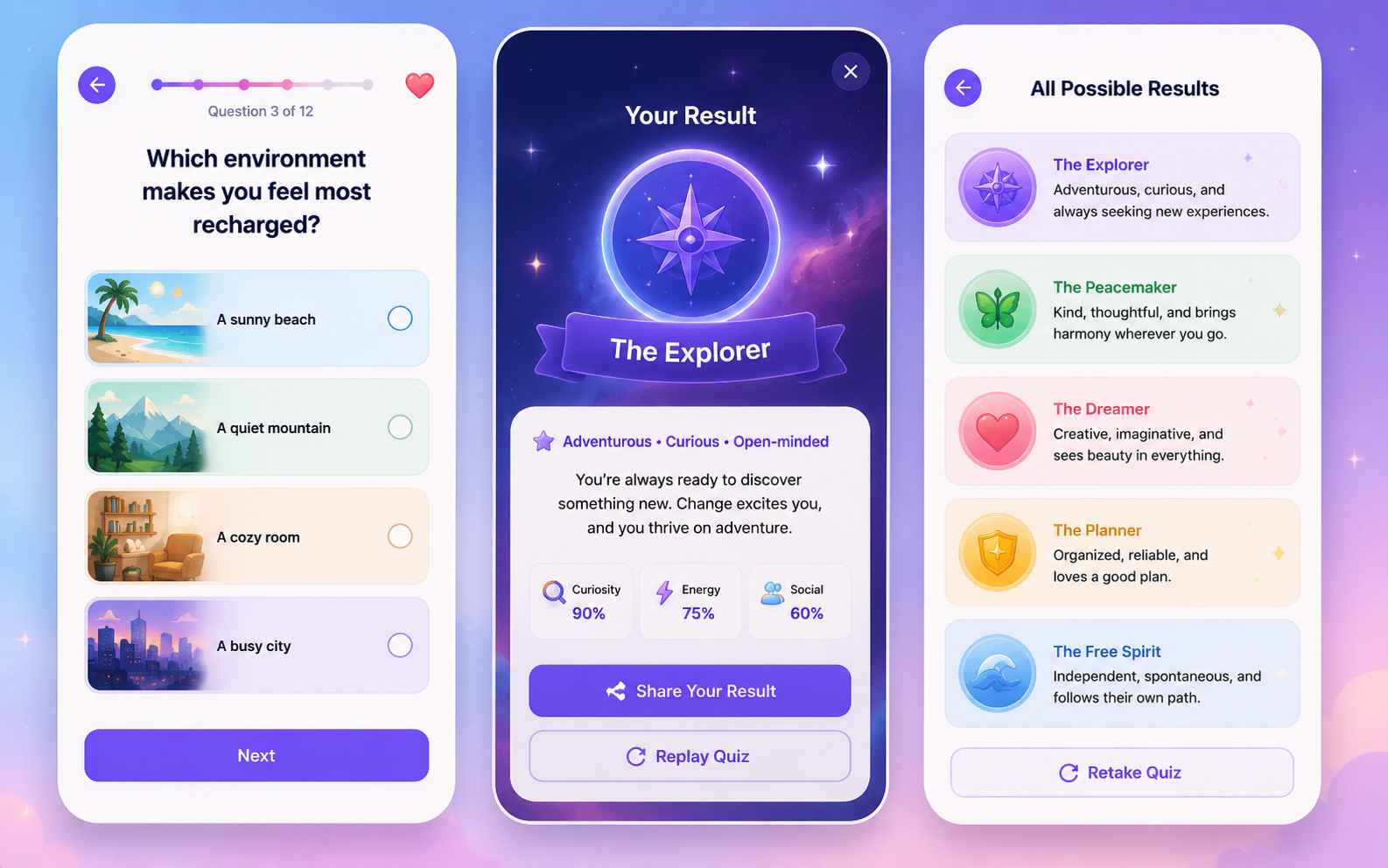
Create a Quiz Game in Three Steps
Go from a question set to a playable quiz game in three steps: describe the content and rules, generate and test the game, then improve and share it.

Step 1.Describe the Questions and Game Rules
Choose the audience, topic, question type, number of questions, and difficulty. Add the scoring, timer, lives, progress, rewards, feedback, and final result you want.

Step 2.Generate and Play the First Version
SoonLab turns your prompt into a playable browser quiz. Complete one full round and check the questions, correct answers, score, timer, feedback, ending, and restart flow.

Step 3.Improve, Publish, and Share
Use follow-up prompts to fix one problem at a time. Test the updated version, then publish and share the game or download it as an HTML file.
Quiz Game Maker Prompts You Can Copy
A strong quiz game prompt explains the audience, topic, question format, answer behavior, scoring, progression, feedback, final result, controls, and visual style. Copy one of these prompts and replace the topic or questions with your own.
| Prompt idea | Prompt | Difficulty | Best for | Style | Copy |
|---|---|---|---|---|---|
| Planet Rescue Science Quiz | Create a browser quiz game called Planet Rescue for students aged 10 to 12. The player must repair a research station by answering 10 multiple-choice questions about the solar system. Show one question at a time with four large answer buttons. A correct answer repairs one part of the station and gives 100 points. A wrong answer shows a short explanation before continuing. Add a progress bar, three optional hints, a final accuracy score, a restart button, and keyboard and touch controls. Use a bright illustrated science-fiction style. | Beginner | Classroom learning | Bright sci-fi | |
| Retro Trivia Rush | Create a fast trivia game with three rounds about 1980s and 1990s pop culture. Include five questions in each round, four answer choices, and a 15-second timer. Give points for correct answers and a small speed bonus. Add a streak meter, clear answer feedback, a score summary after every round, and a final rank based on the total score. Use a colorful retro TV game-show style and include a restart button. | Beginner | Parties and trivia | Retro game show | |
| Castle of Questions | Create a fantasy quiz adventure where the player explores five rooms in a castle. Each room contains two questions about world history. Correct answers unlock doors and give the player a key. Wrong answers remove one heart and show a short historical explanation. Give the player three hearts, a visible key counter, a progress map, and a final treasure room after all five keys are collected. Use simple keyboard and touch controls, readable text, and a friendly illustrated fantasy style. | Intermediate | Quiz adventures | Light fantasy | |
| What Kind of Game Hero Are You? | Create a personality quiz called What Kind of Game Hero Are You? Ask eight questions about decisions, teamwork, exploration, and risk. Each answer should add points to one of four results: Guardian, Explorer, Strategist, or Trickster. There are no wrong answers. At the end, show the strongest result with a short description, two strengths, one challenge, and a replay button. Use a clean illustrated adventure style with large mobile-friendly buttons. | Beginner | Personality quizzes | Modern illustrated |
Four Ways to Make a Quiz Feel Like a Game
A good quiz game gives players clear questions, visible progress, useful feedback, and a reason to complete another round.
Connect Answers to Visible Progress
- Let correct answers repair, build, unlock, move, collect, or defeat something.
- Make it easy for players to see how each answer changes the game.
Use One Main Reward System
- Choose points, lives, streaks, keys, or progress toward one goal.
- Avoid adding every reward system at once, especially in the first version.
Give Useful Feedback
- Use short feedback to keep entertainment quizzes moving.
- For educational quizzes, explain why an answer is correct or give a useful hint after a mistake.
End with a Clear Result
- Show a final score, accuracy, rank, personality type, completed mission, or review summary.
- Add a restart button so players can try again or explore another result.
Related Quiz Game Makers and Guides
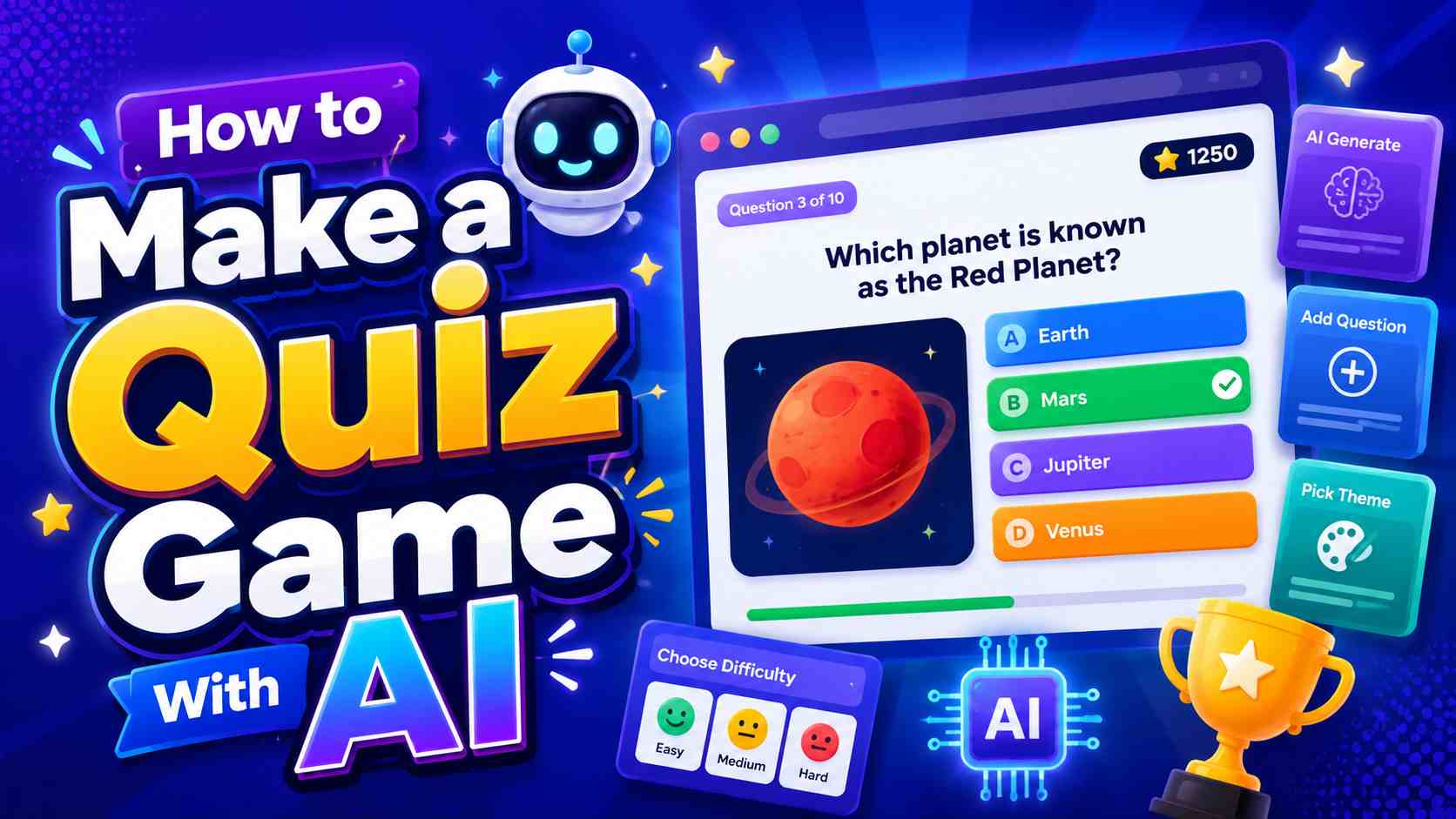
Explore related game makers and beginner guides. Learn how to plan questions, choose a clear game mechanic, generate a playable version, and improve the quiz after testing.
View More

Quiz Game Maker FAQs
A quiz game maker is a tool for creating games based on questions, answers, feedback, scoring, and results. Quiz games may also include timers, lives, levels, streaks, characters, rewards, or story progression.
Make Your Own Quiz Game
Choose a topic, write a few clear questions, and decide what happens after every answer. SoonLab can turn those rules into a playable browser game that you can test, refine, publish, share, or download.
Create a Quiz Game