No-Code Game Maker: Create Games Without Coding
Turn a simple idea into a playable browser game with SoonLab's no-code game maker. Describe the gameplay in plain language, generate the first version with AI, then test, refine, share, or download it without writing code.
0/10000
Game inspiration sources







Play Games Made with SoonLab's No-Code Game Maker
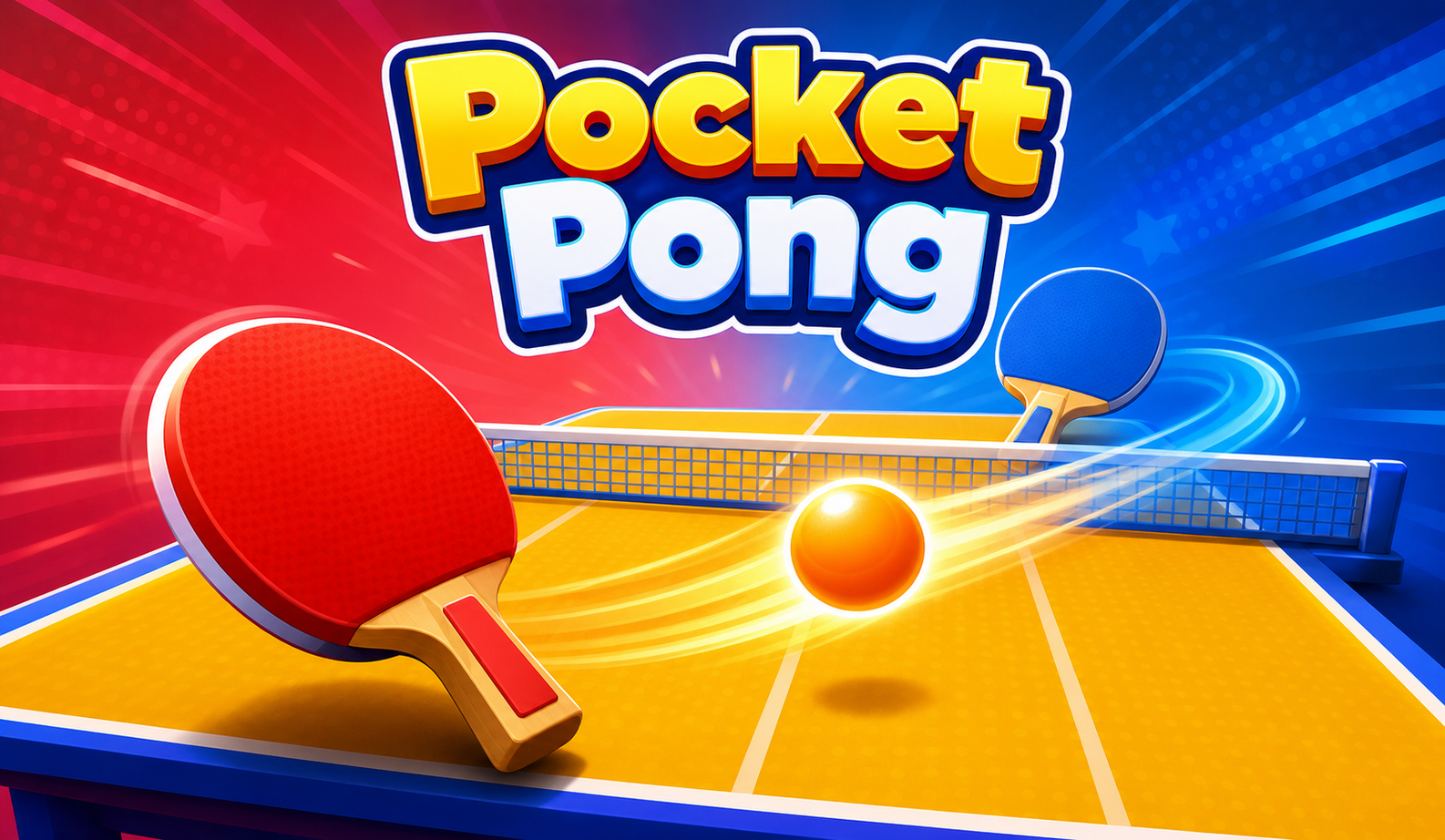
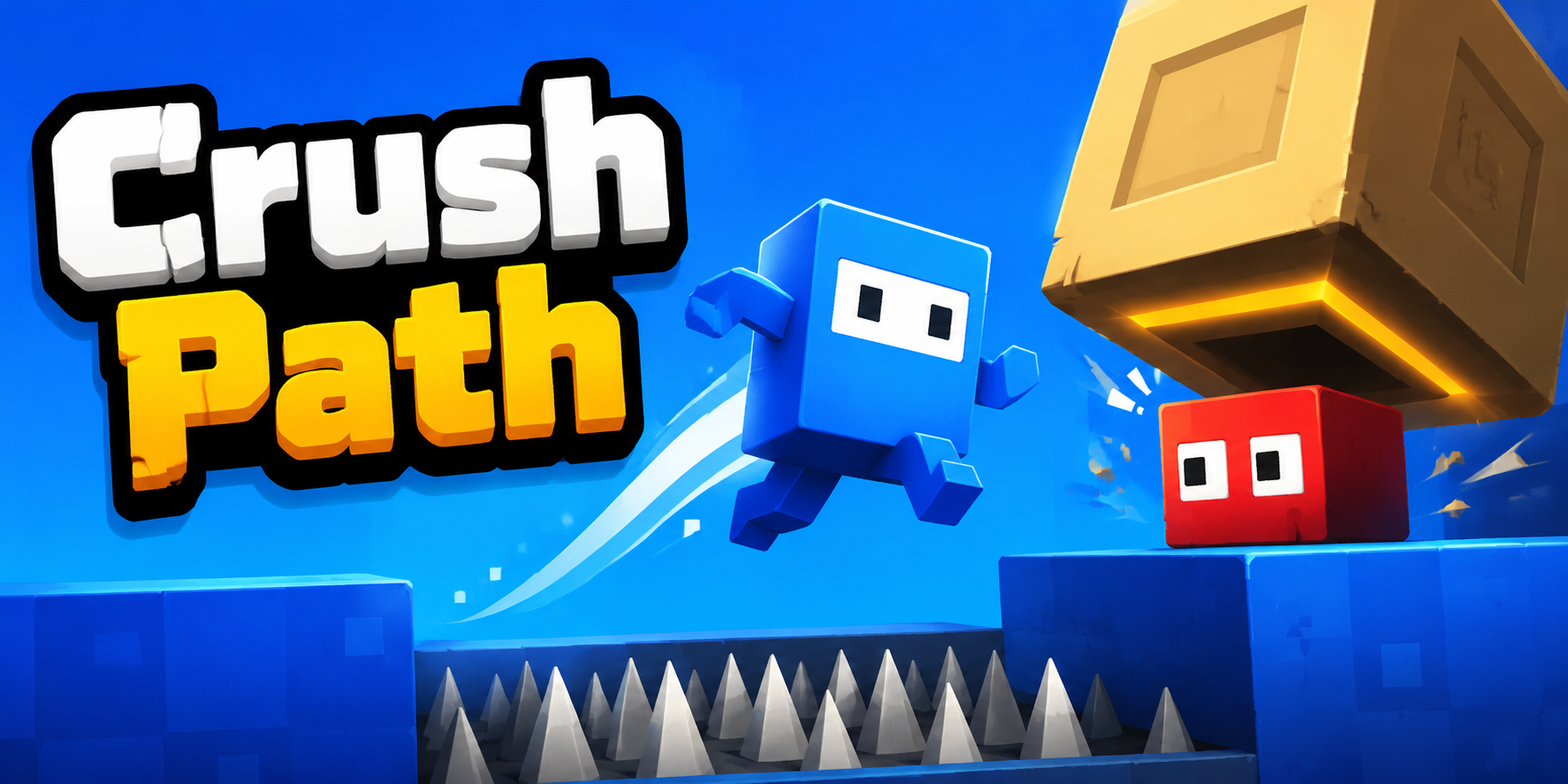
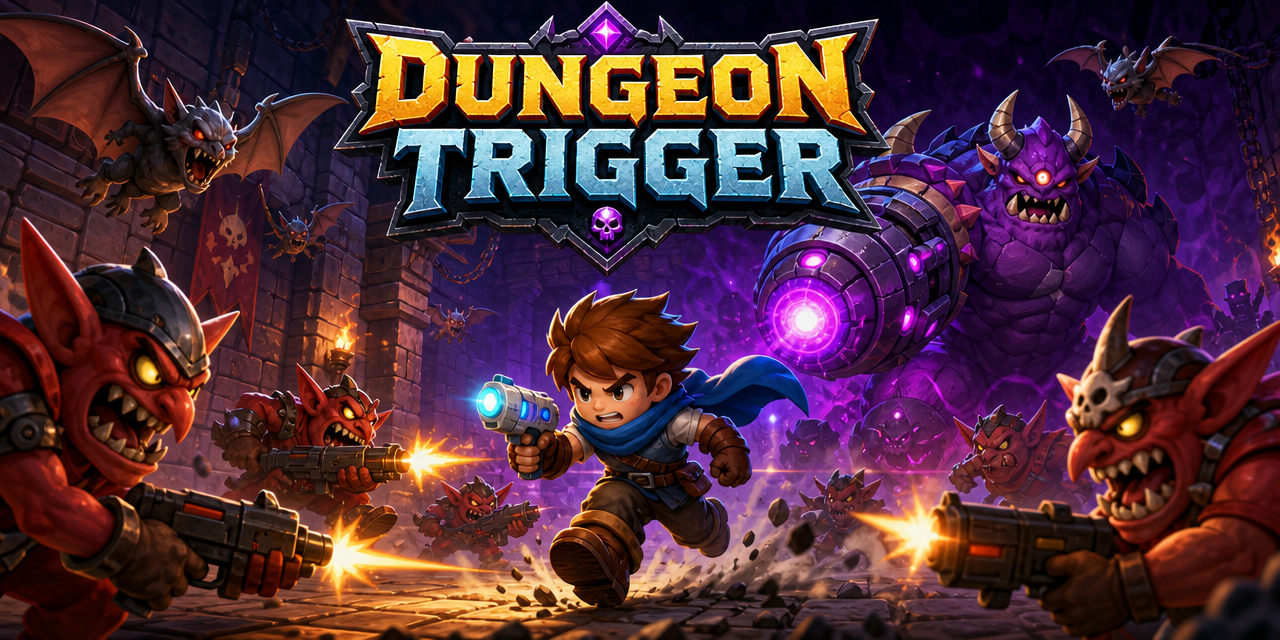
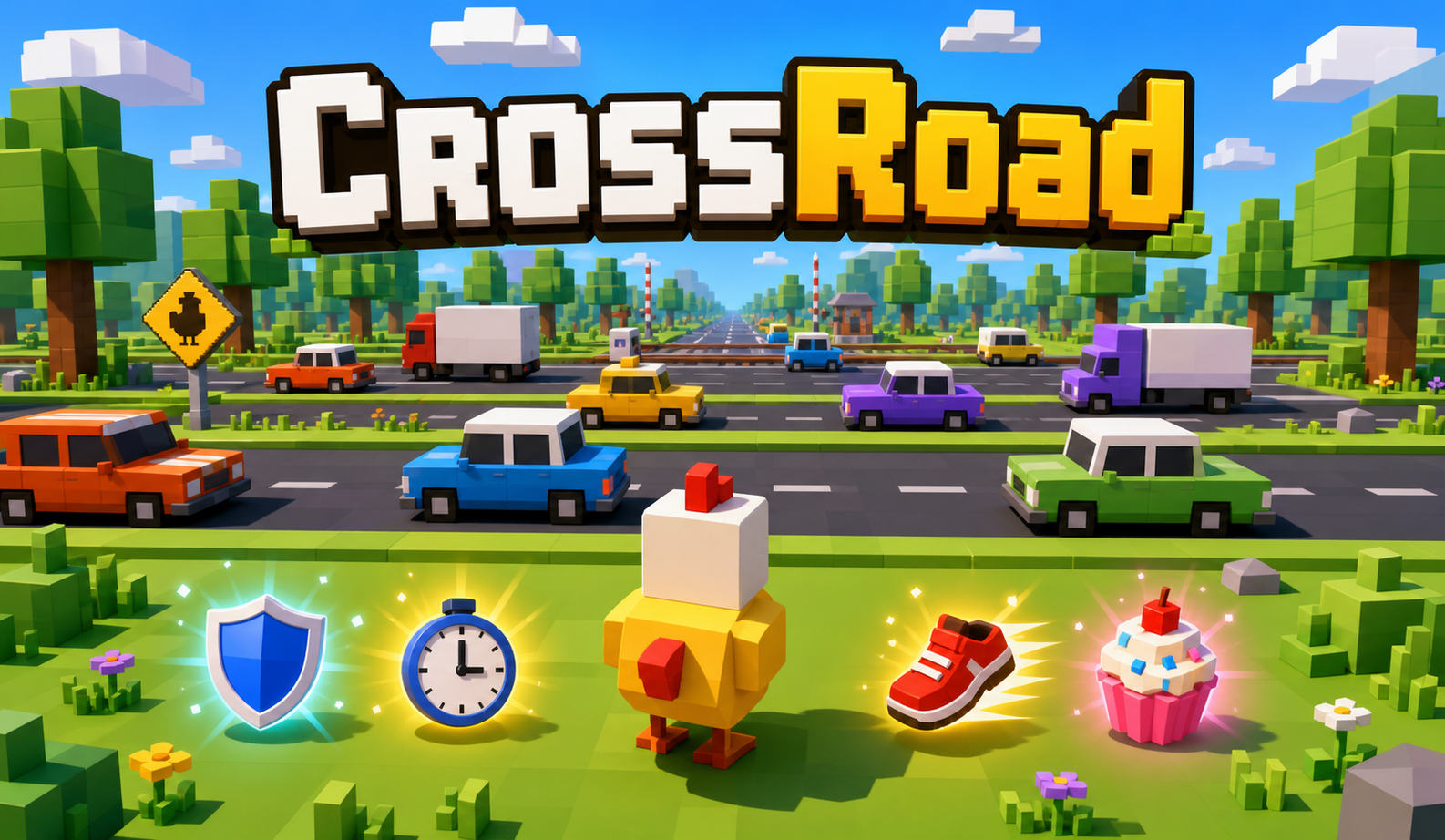
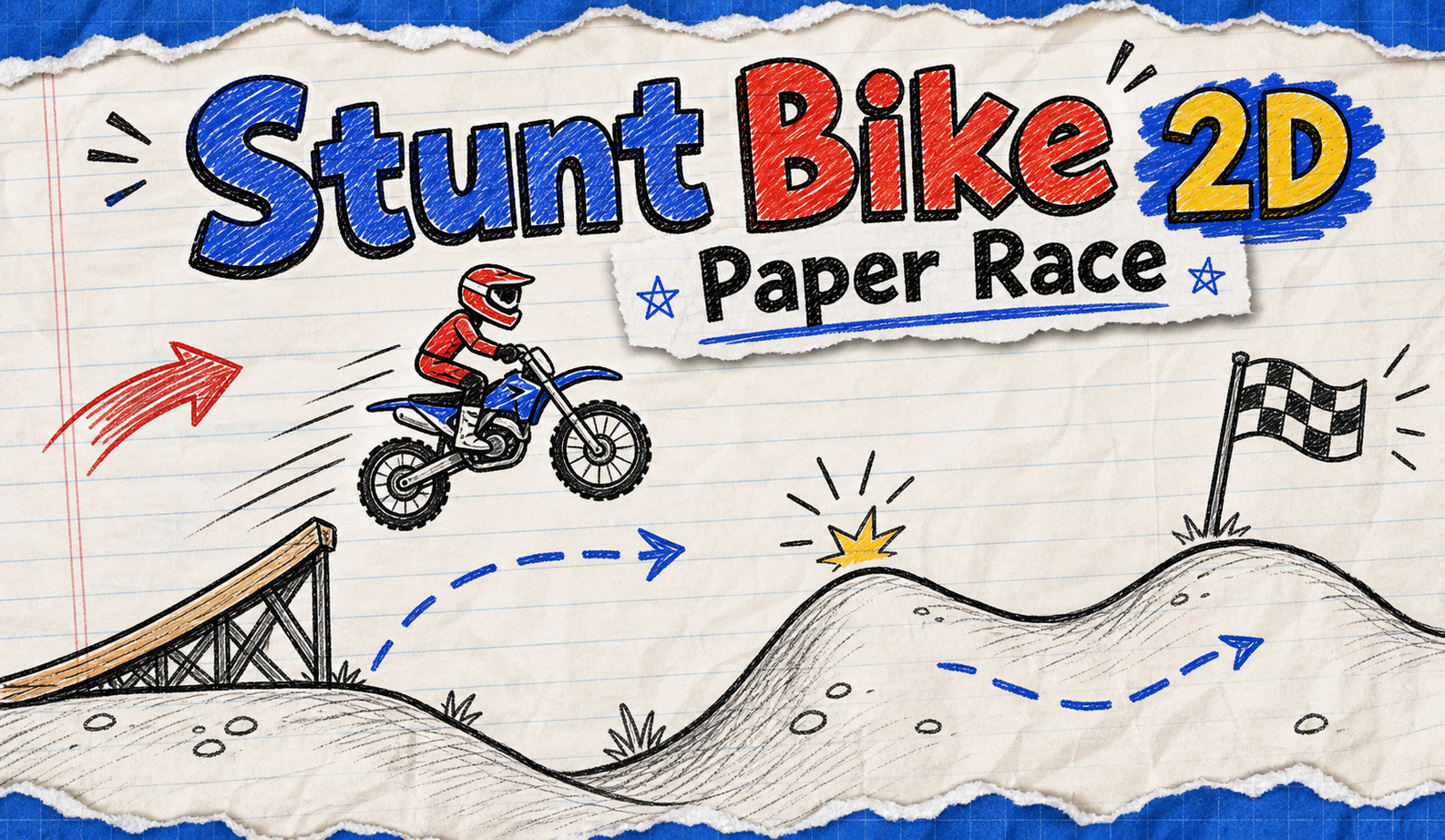
Play real browser games created with SoonLab. Explore different controls, rules, game loops, and visual styles, then use one mechanic as inspiration for an original game idea.
What Is a No-Code Game Maker?
A no-code game maker lets you create game logic, controls, levels, and interactive elements without writing a programming language. Traditional codeless game makers often use templates, event sheets, or visual blocks. SoonLab uses a prompt-based workflow: describe the player, rules, goal, controls, and visual style, and AI creates a playable browser version you can test and improve. No code does not mean no decisions. You still shape the challenge, difficulty, and player experience while the tool handles the technical work.
Create a Game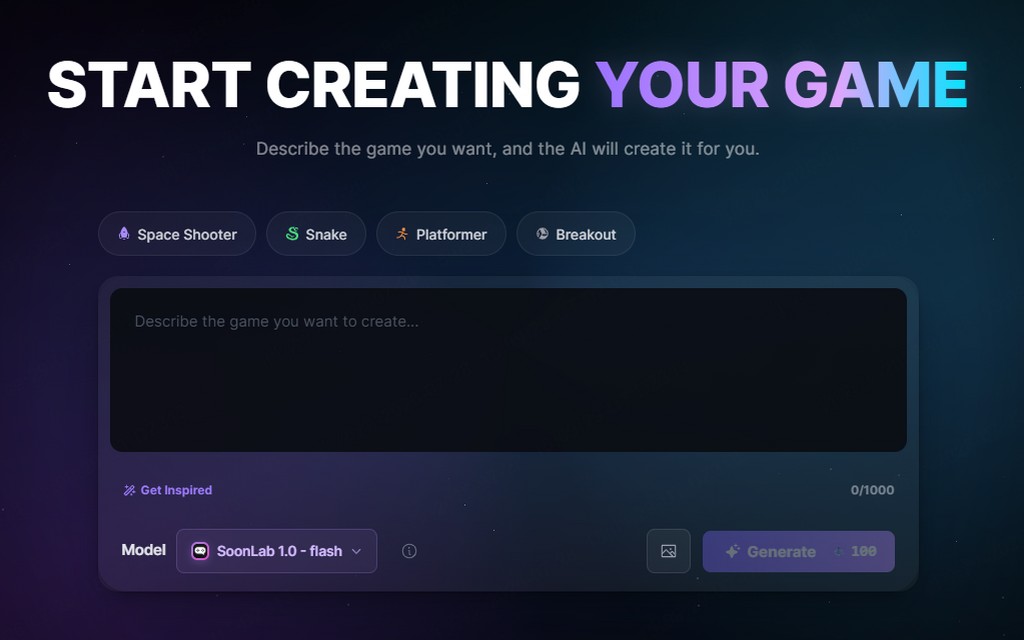
Why Use SoonLab as a Codeless Game Maker?
Create with Words Instead of Visual Code
You do not need to connect logic nodes, manage an event sheet, or learn programming syntax. Explain what the player does, how the game responds, and what creates a win or loss.
Get a Playable Version Quickly
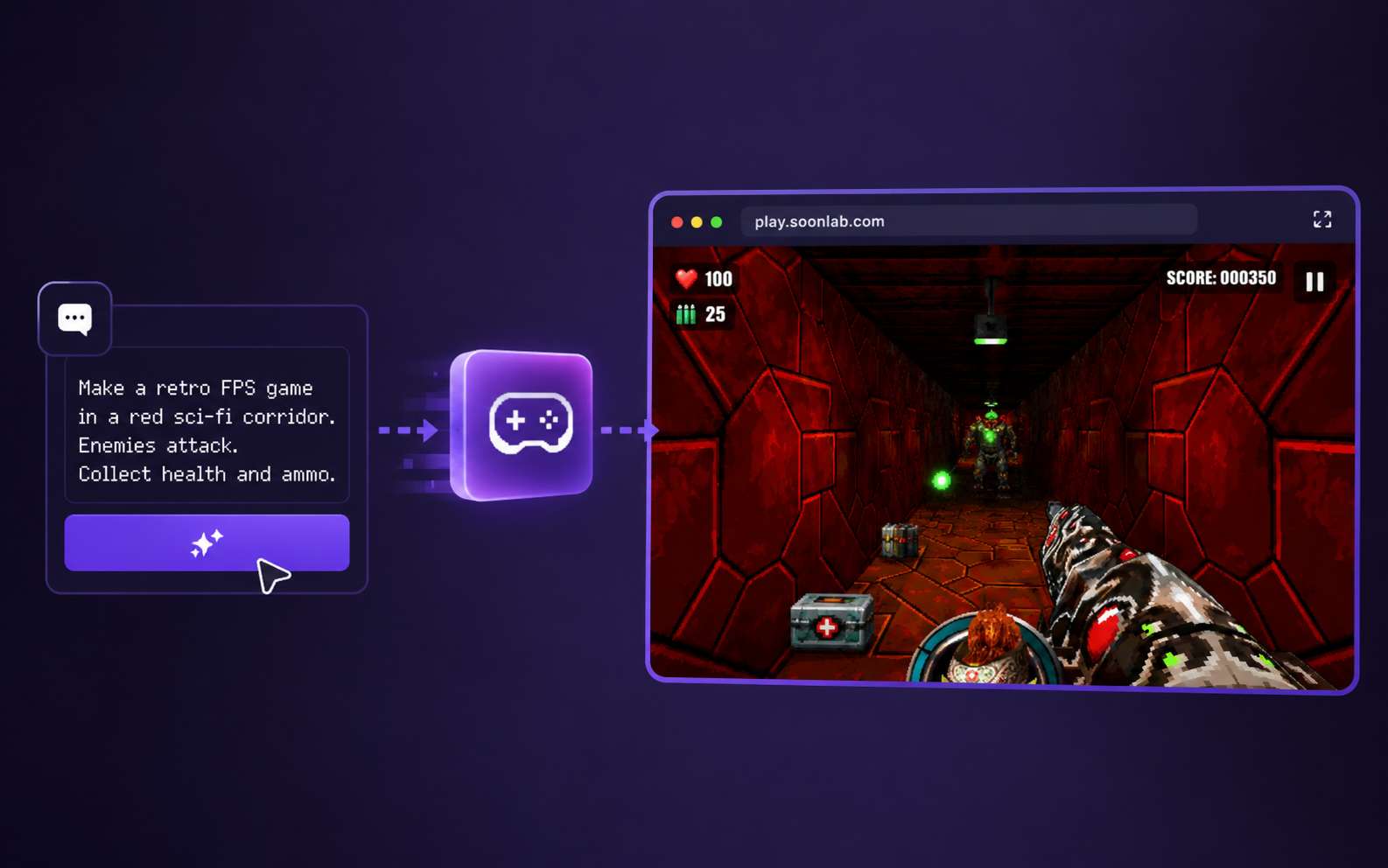
Turn a written idea into a browser game you can open and play. A fast first version helps you test the main mechanic before spending more time on levels, artwork, or complex systems.
Improve the Game with Follow-Up Prompts
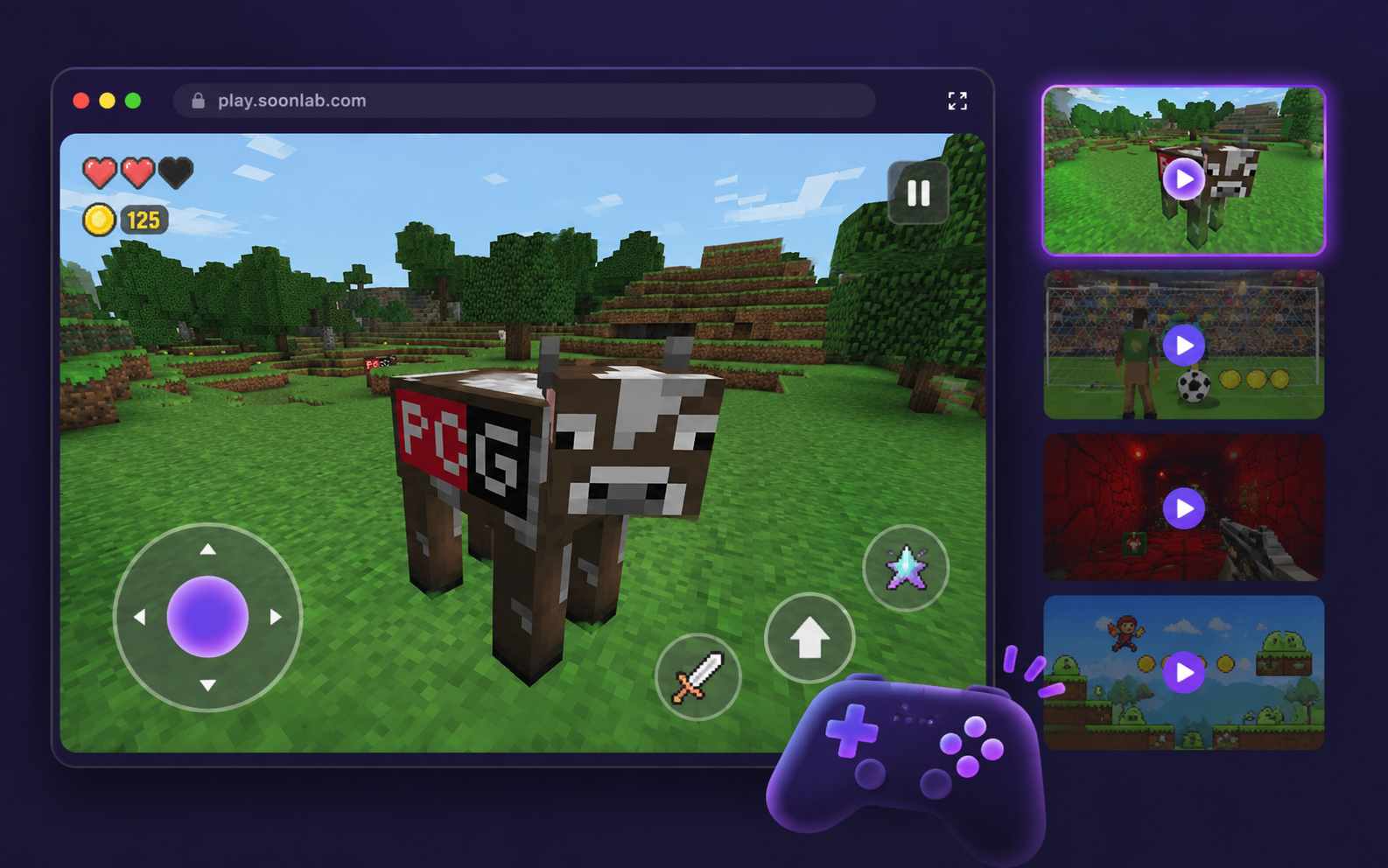
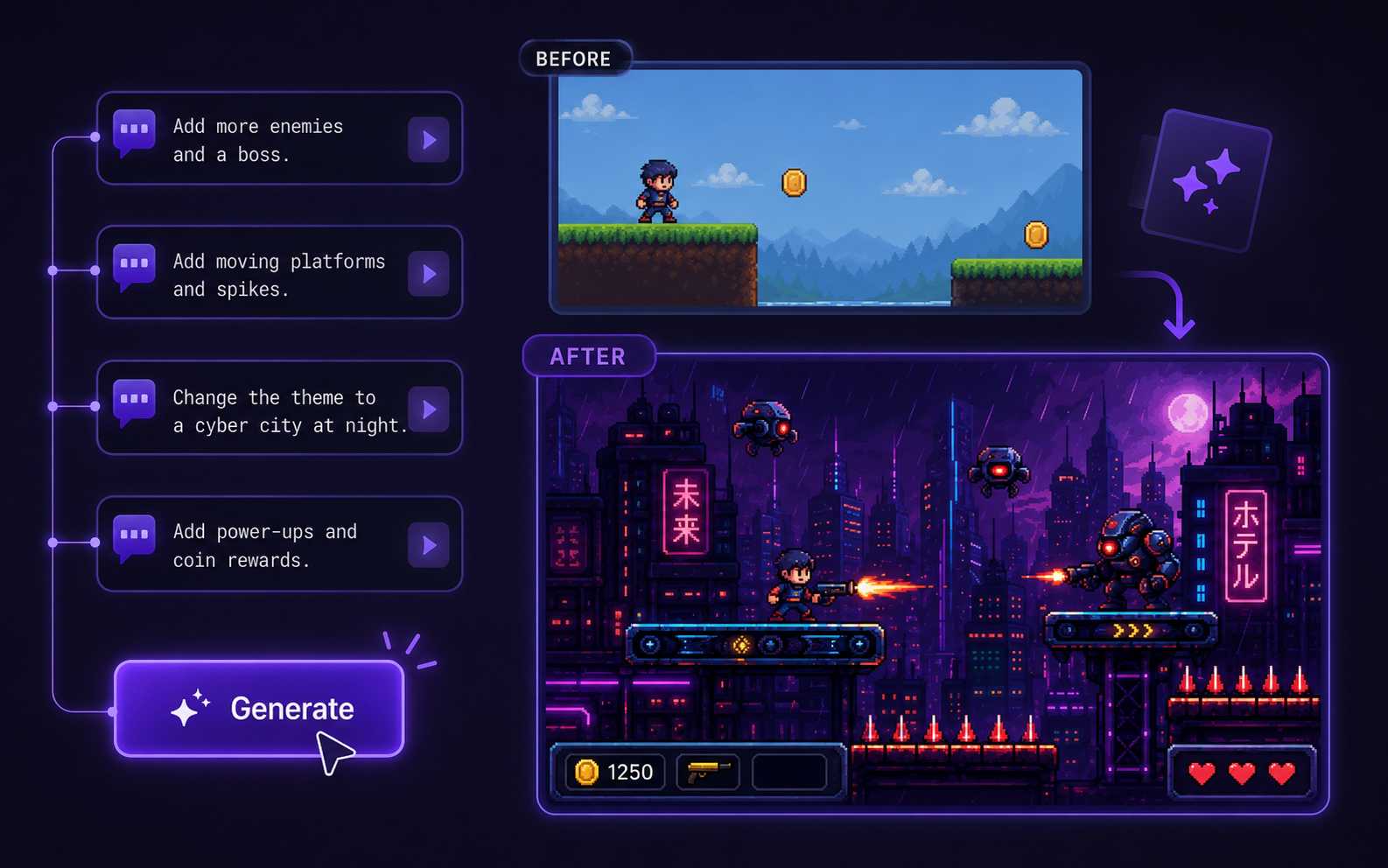
Change the controls, speed, enemies, scoring, difficulty, layout, or visual style without rebuilding the whole project. Request one clear change at a time and test the updated result.
Share, Publish, and Download in the Browser
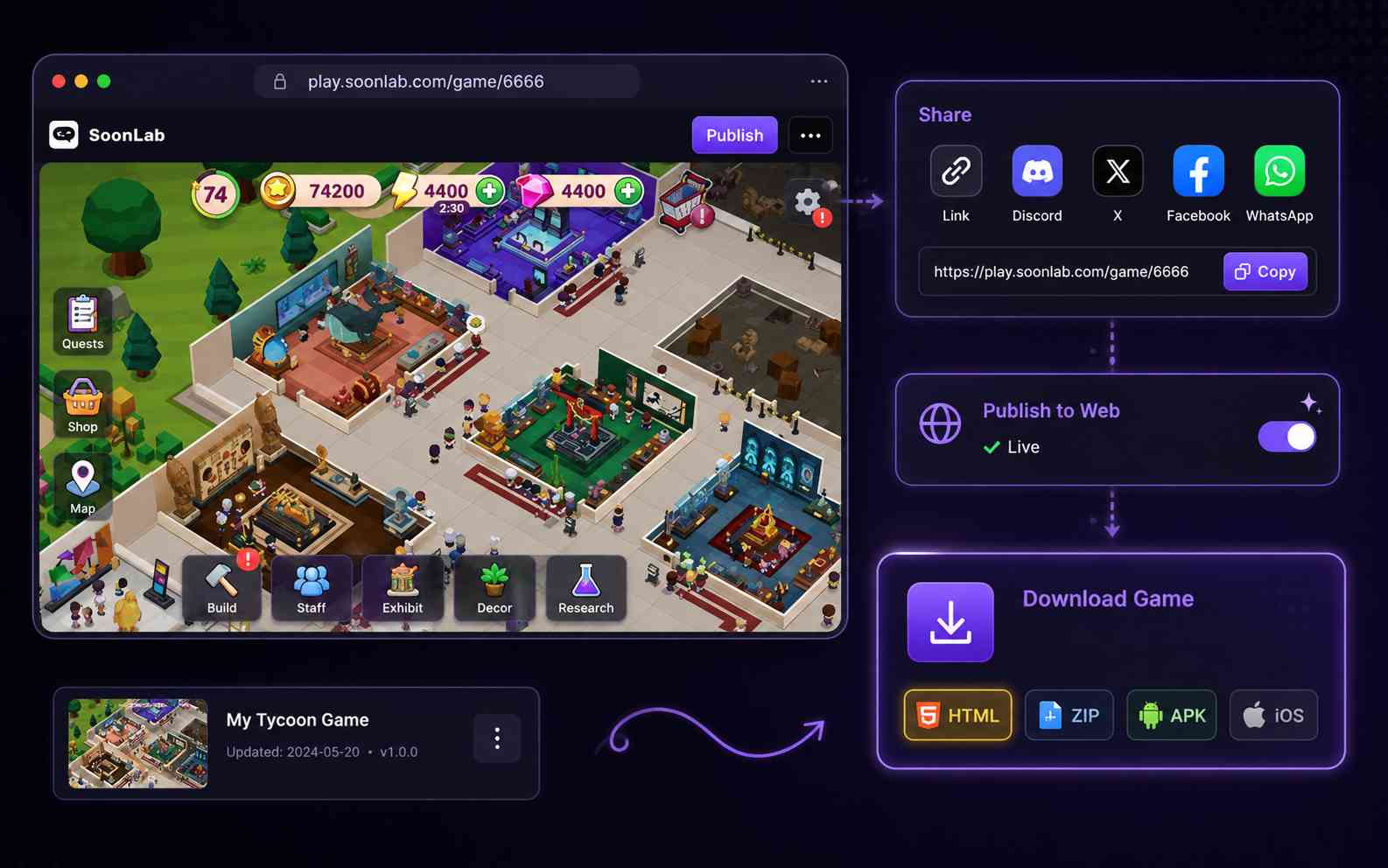
Play the generated game in a supported browser and share its online game page with other people. You can also download the game as an HTML file when you want to save a local copy or use it outside SoonLab.
What Games Can You Make Without Coding?
Platformer and Arcade Games
Create side-scrolling platformers, endless runners, obstacle courses, shooters, survival rounds, and score-based arcade games. Define the controls, hazards, collectibles, difficulty, and finish condition.
Create a Game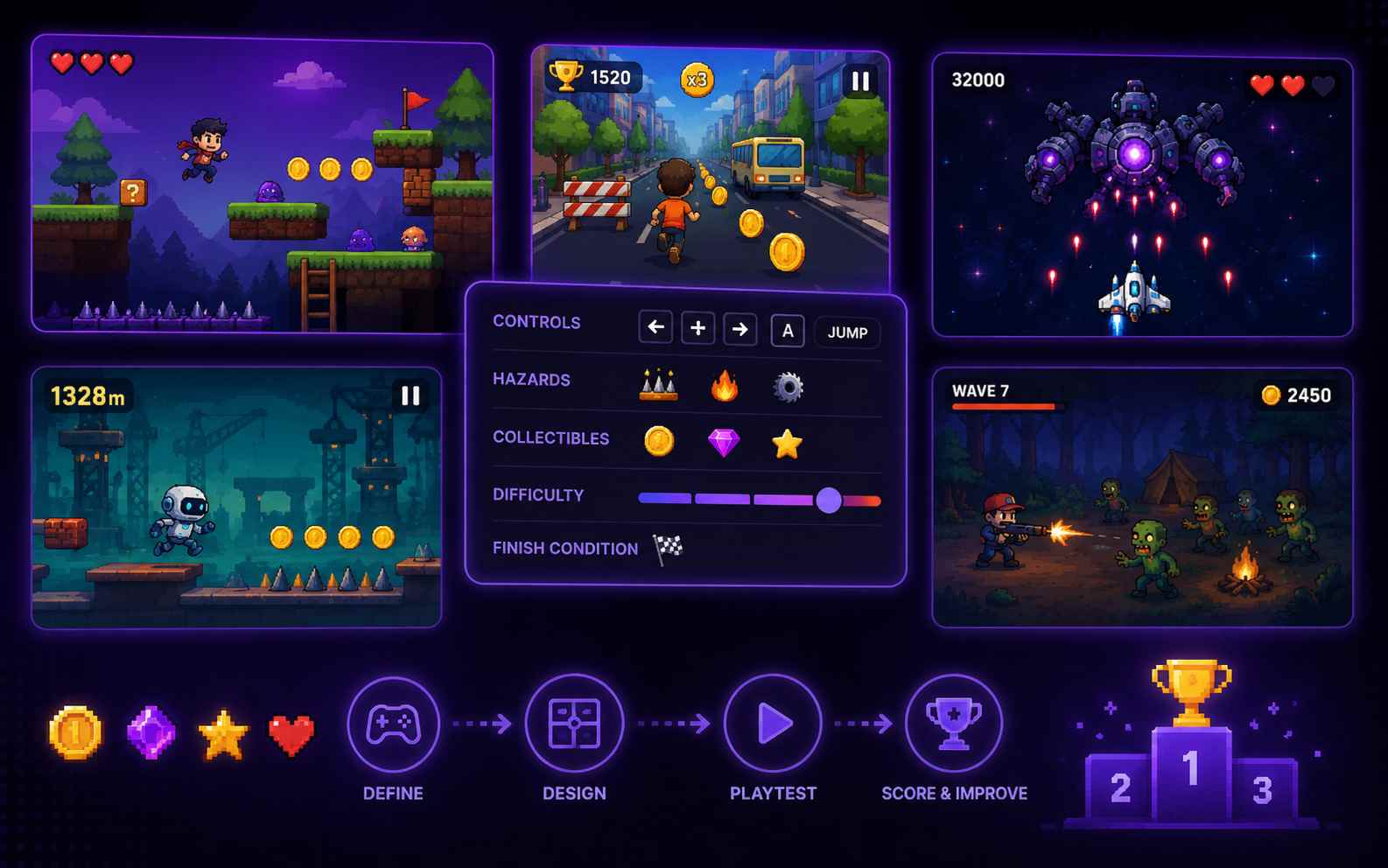
Puzzle, Matching, and Quiz Games
Build memory games, sorting challenges, logic puzzles, matching activities, spot-the-difference games, or educational quizzes. Add clear feedback, visible progress, a final result, and a restart button.
Create a Game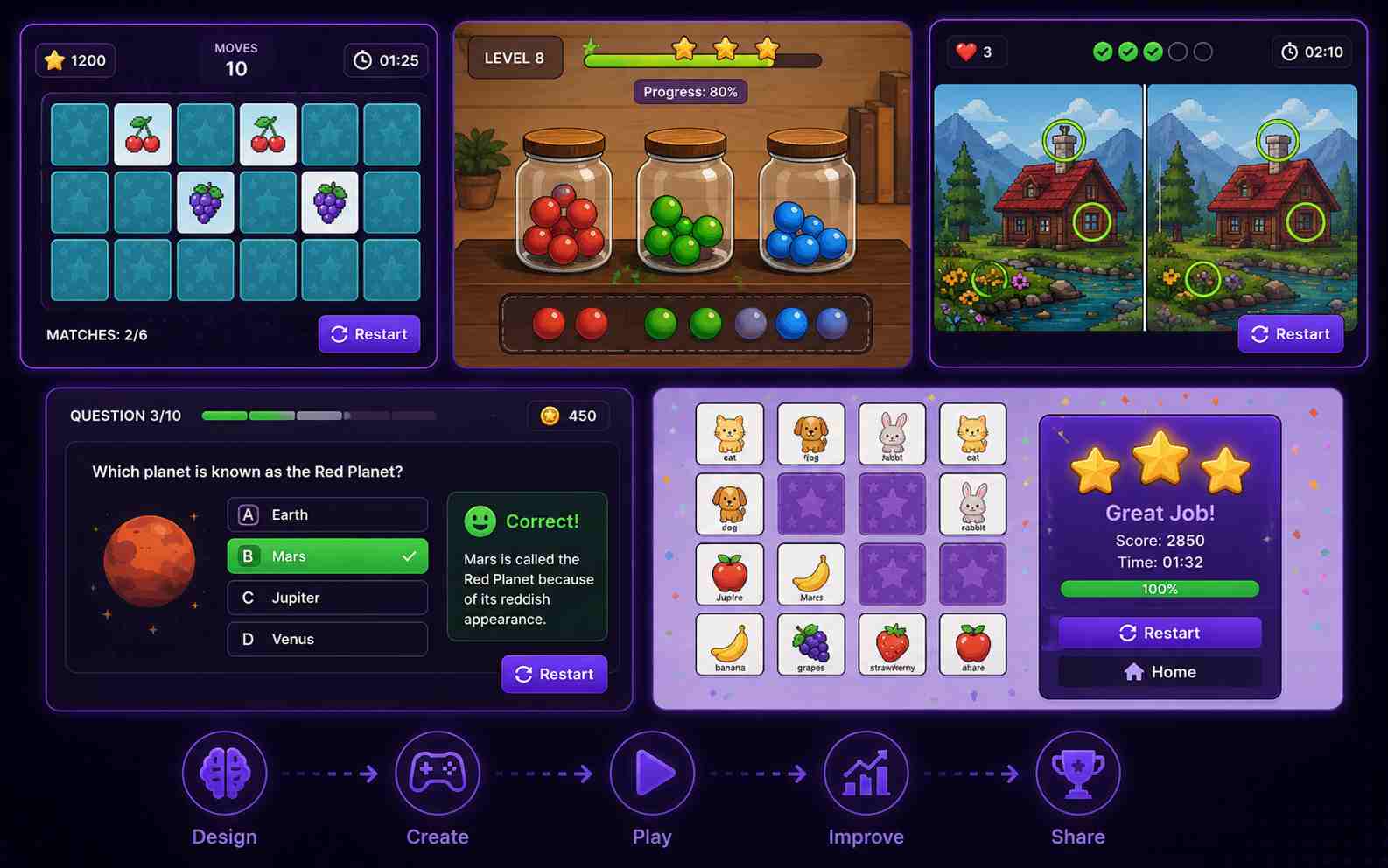
RPG, Adventure, and Horror Games
Make a short adventure with exploration, dialogue, items, simple combat, clues, quests, or multiple endings. Keep the first map small and give the player one clear objective.
Create a Game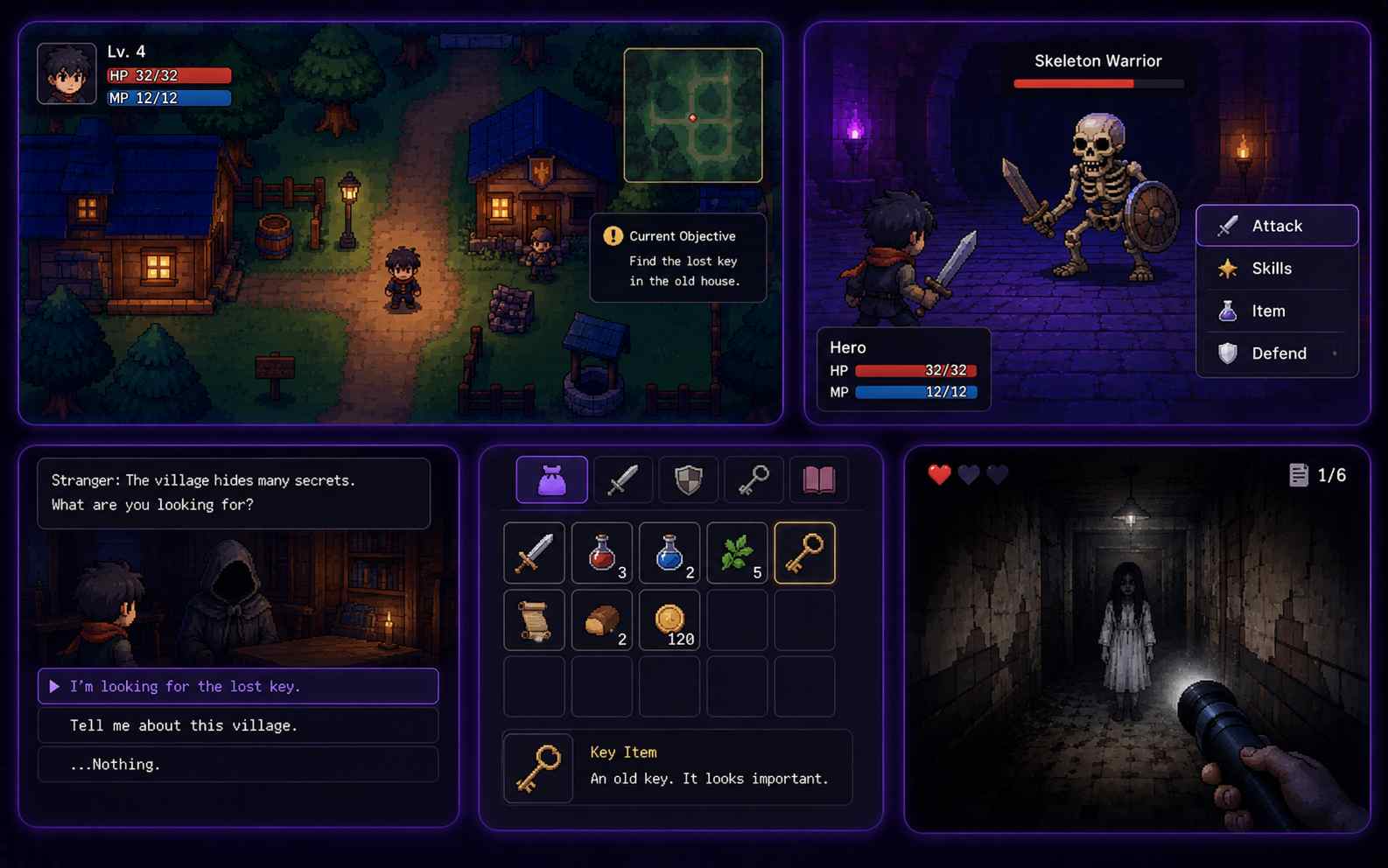
Sports, Racing, and Simulation Games
Create a penalty challenge, driving game, simple sports match, cooking activity, or focused simulation. These ideas work best when the player can understand the controls and complete one round in a few minutes.
Create a Game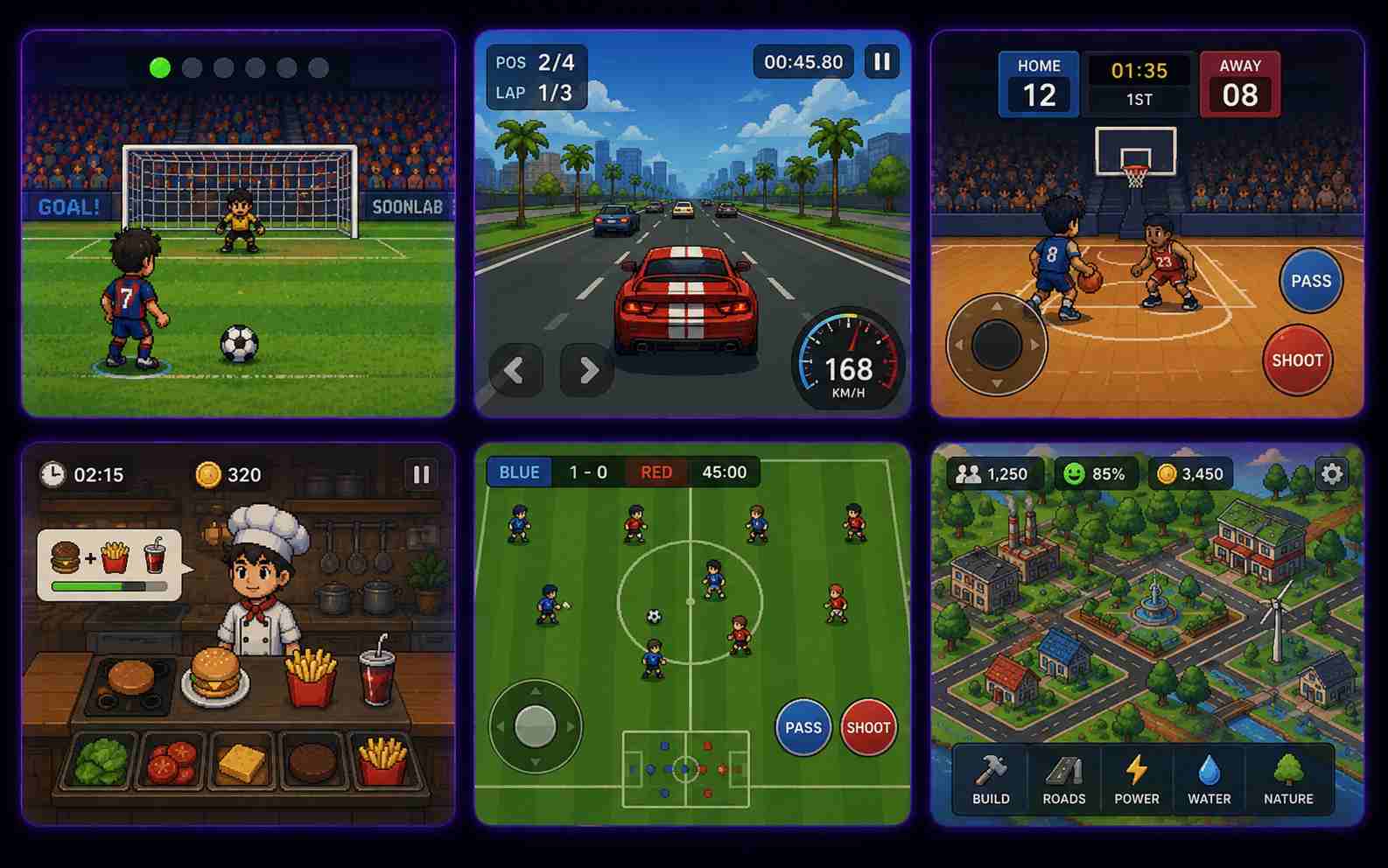
How to Make a Game with No Code
Go from an idea to a playable game in three steps: define one clear game loop, generate and test the first version, then improve and share it.

Step1.Describe One Clear Game Loop
Start with the action the player repeats, such as jumping, matching cards, answering questions, collecting items, avoiding enemies, or reaching an exit. Include the player, main action, goal, obstacles, controls, visual style, and win or lose conditions in your prompt.

Step2.Generate and Play the First Version
Enter the prompt into SoonLab's no-code AI game maker and generate a playable browser game. Complete one full round before making changes. Check whether the instructions, controls, goal, difficulty, feedback, and ending are easy to understand.

Step3.Refine, Share, or Download the Game
Use follow-up prompts to adjust one part at a time. Ask for a slower player, clearer damage feedback, larger mobile buttons, a new checkpoint, or a smoother difficulty curve. Test again, then share the game page or download the game as an HTML file.
No-Code Game Prompts You Can Copy
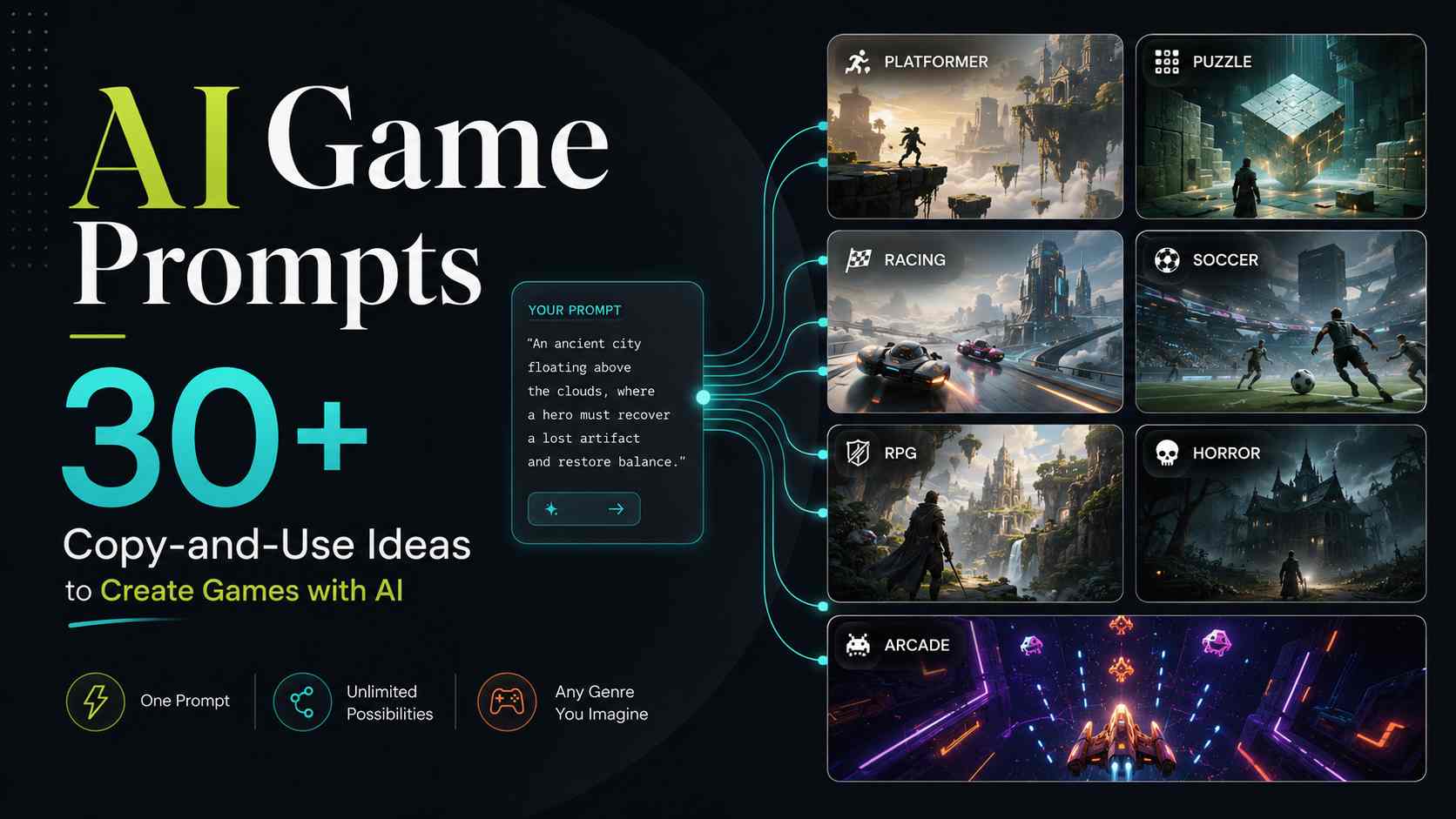
A useful no-code game prompt explains the player, main action, controls, goal, obstacle, progression, and ending. Copy one of these prompts, then change the theme, rules, or visual style to make the result your own.
| Prompt idea | Prompt | Difficulty | Best for | Style | Copy |
|---|---|---|---|---|---|
| Cloud Garden Dash | Create a one-screen platform game where a small gardener jumps across floating islands to collect six seeds. Use the arrow keys or large touch buttons to move and jump. Add moving platforms, falling rocks, three lives, a seed counter, clear win and game-over screens, and a restart button. Use a bright illustrated sky-garden style. | Beginner | Platformer games | Bright illustrated | |
| Museum Clue Hunt | Create a short top-down mystery game set in a small museum. The player explores four rooms, finds three clues, avoids a patrolling guard, and unlocks the final display case. Use WASD or arrow-key controls. Add a clue counter, simple dialogue, a five-minute timer, clear success and failure screens, and a replay button. Use a colorful cartoon mystery style. | Intermediate | Adventure games | Cartoon mystery | |
| Tiny Café Sort | Create a drag-and-drop café game where customers place food and drink orders. The player drags the correct items onto each order card before the customer's patience reaches zero. Add a 90-second timer, score counter, combo bonus, visible patience bars, a final score, and a play-again button. Use large draggable objects that work with a mouse or touch screen. Use a warm illustrated café style. | Beginner | Mouse and touch games | Cozy illustrated | |
| Space Quiz Rescue | Create an educational quiz game where the player repairs a spaceship by answering ten questions. Show one question at a time with four large answer buttons. A correct answer repairs part of the ship and adds points. A wrong answer shows a short explanation before the next question. Add a progress bar, final score, restart button, and touch-friendly layout. Use a colorful science-fiction style. | Beginner | Educational games | Bright sci-fi |
Who Is This No-Code Video Game Maker For?
Beginners and Hobbyists
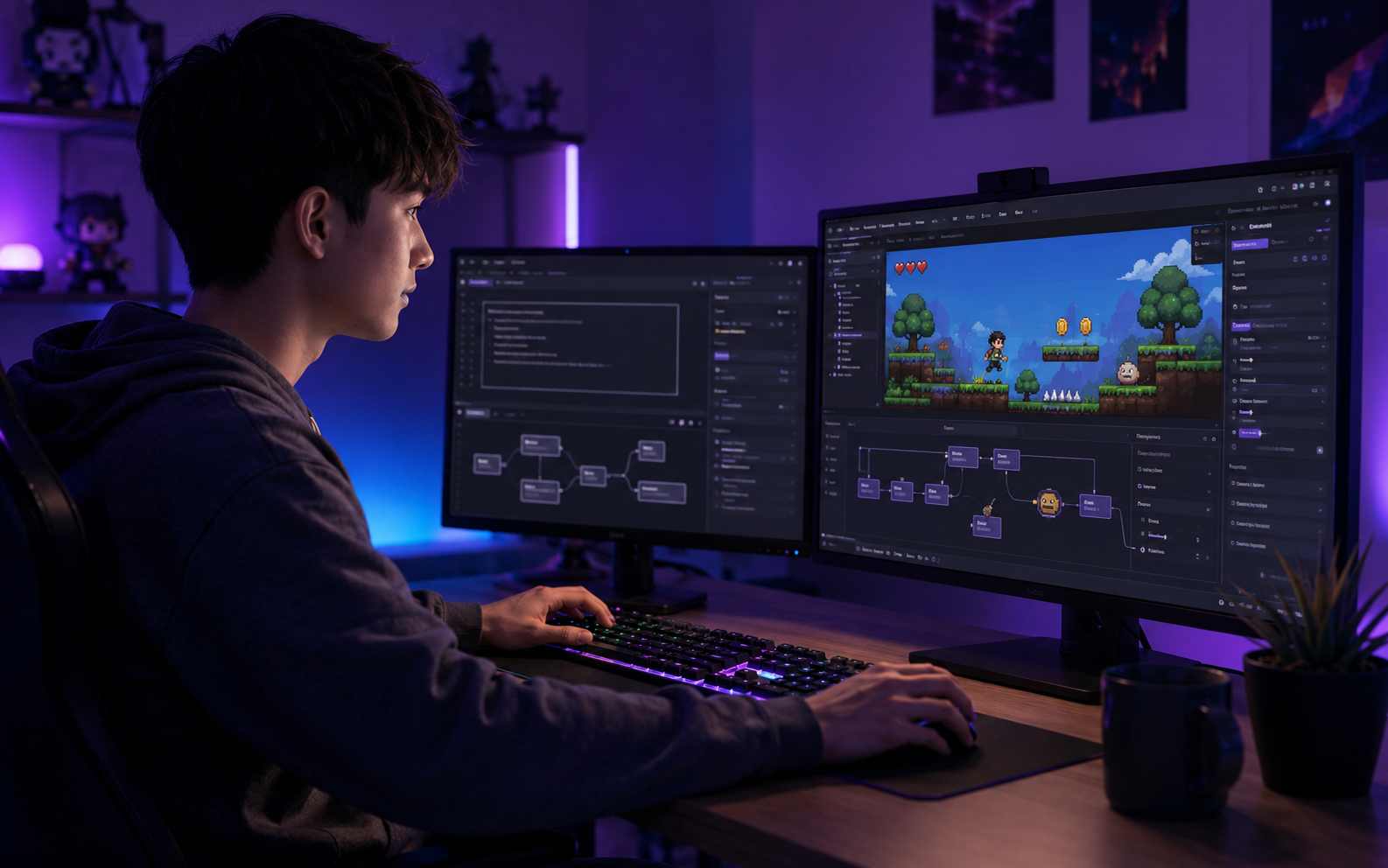
Make a first playable game without installing a complex engine or learning programming syntax. The prompt-first workflow helps you focus on the rules, challenge, and player experience.
Indie Developers and Game Designers
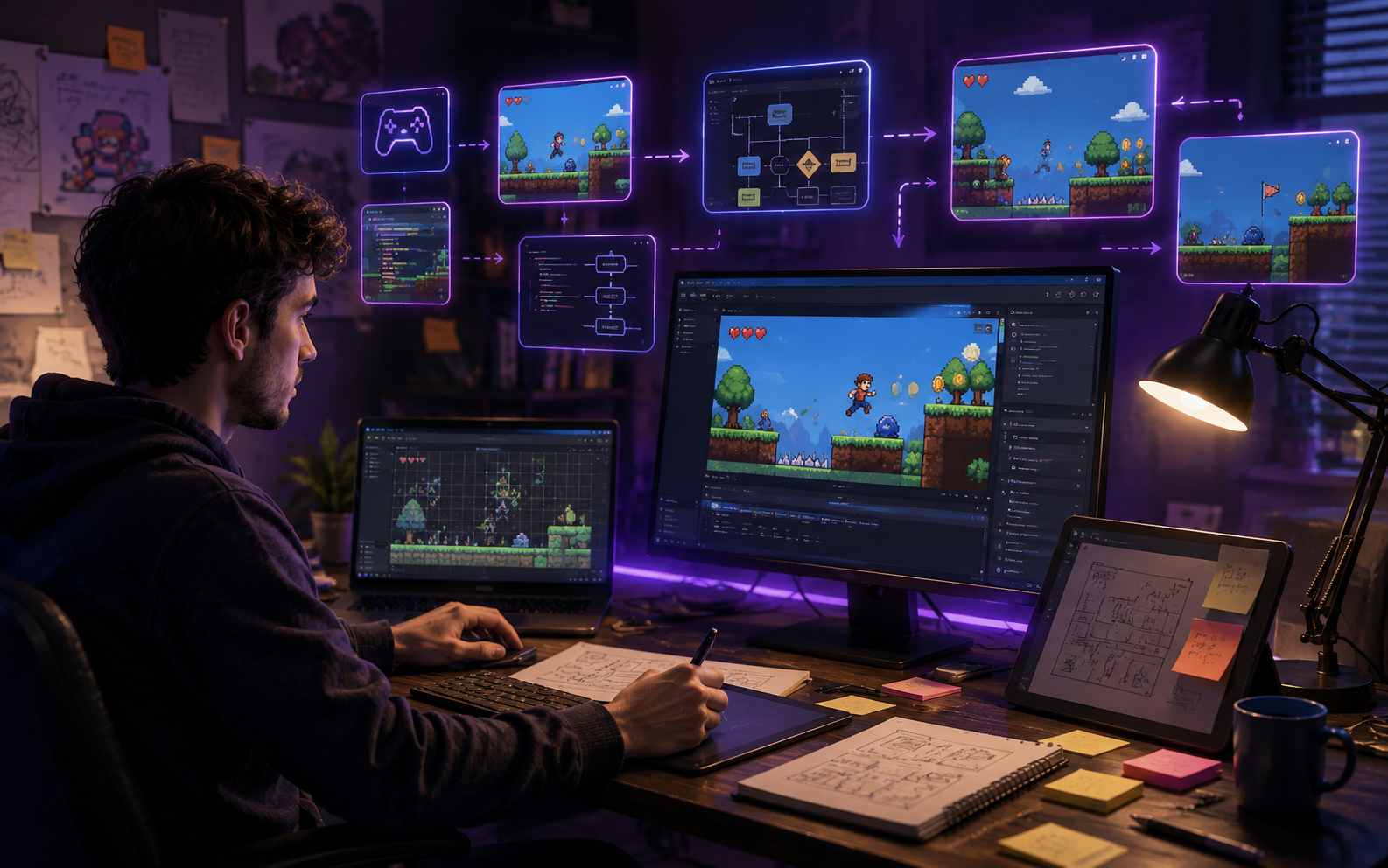
Create a quick browser prototype to test a mechanic, level idea, control scheme, or gameplay loop before committing to a larger production.
Teachers, Students, and Content Creators
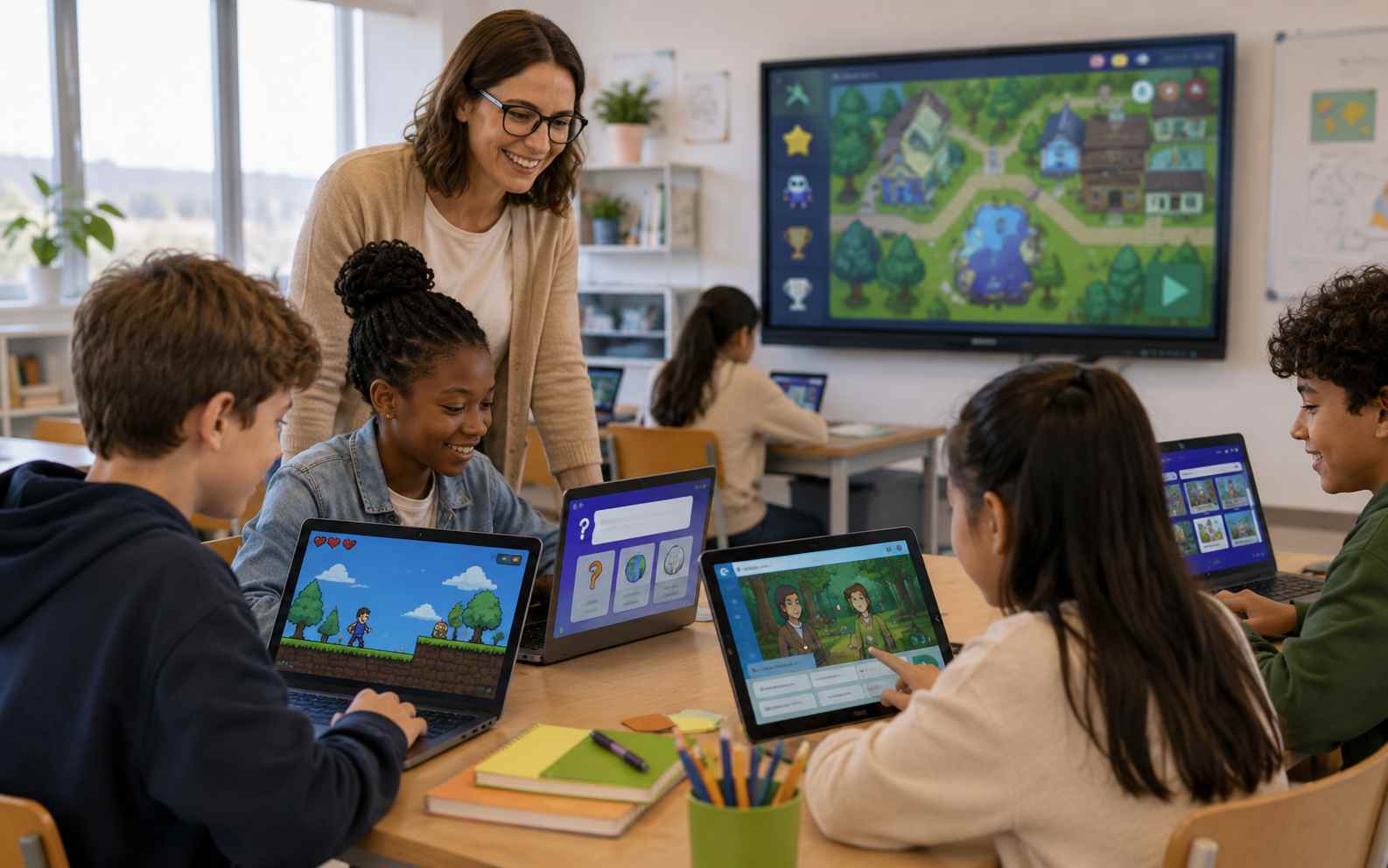
Build quizzes, learning activities, interactive stories, and short community challenges. Players can open the game in a supported browser without installing extra software.
Related No-Code Game Makers and Guides
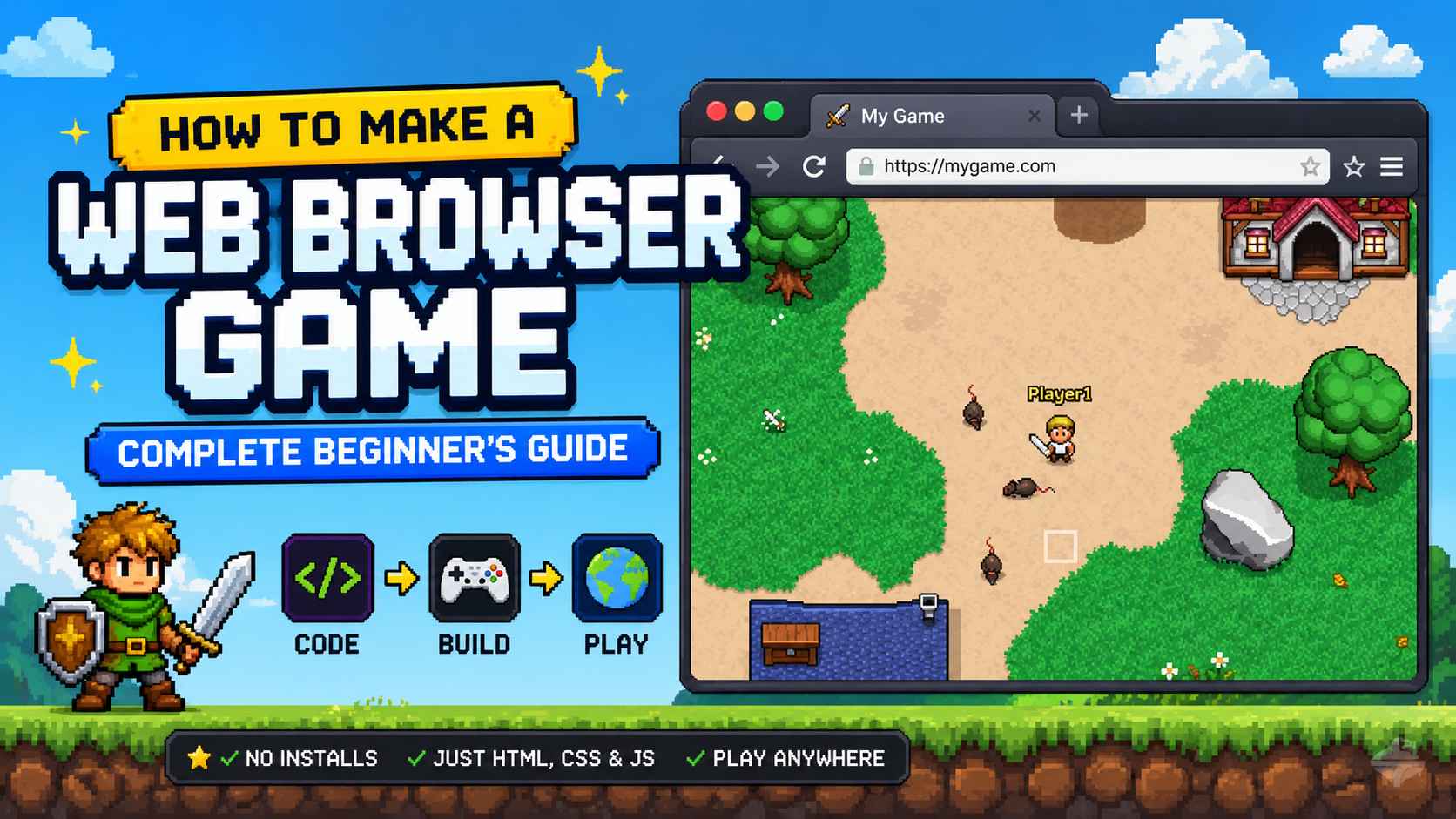
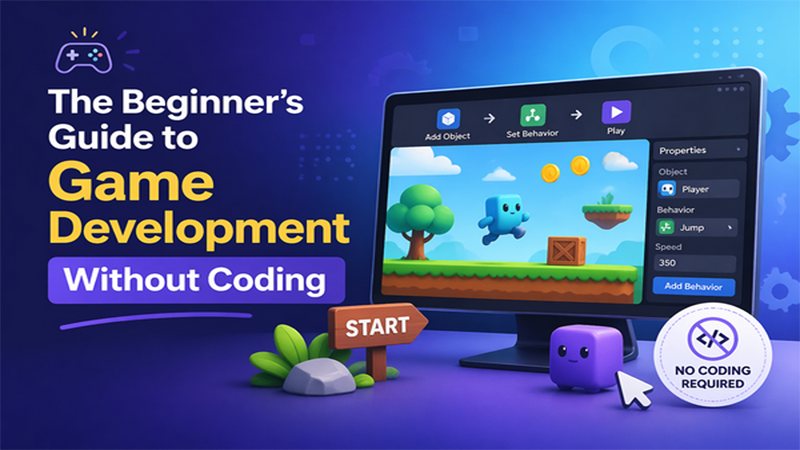
Explore related AI game makers and beginner guides. Learn how to plan a small game, describe the gameplay clearly, generate a playable version, and improve it after testing.
View More
No-Code Game Maker FAQs
A no-code game maker is a tool that lets you create game logic, controls, levels, and interactive elements without writing programming syntax. Depending on the tool, you may use templates, visual scripting, or natural-language prompts.
Create Your First Game Without Code
Start with one player, one main action, one challenge, and one clear goal. Describe the game you want, generate a playable browser version, refine it after testing, then share or download the result.
Create a Game Without Code