Matching Game Maker: Make Your Own Matching Game Online
Create your own matching or memory game online with SoonLab. Describe the pairs, card style, rules, timer, and difficulty, then generate a playable browser game you can test, edit, share, and download—no coding required.
0/10000
Game inspiration sources







Play Matching Games Made with SoonLab
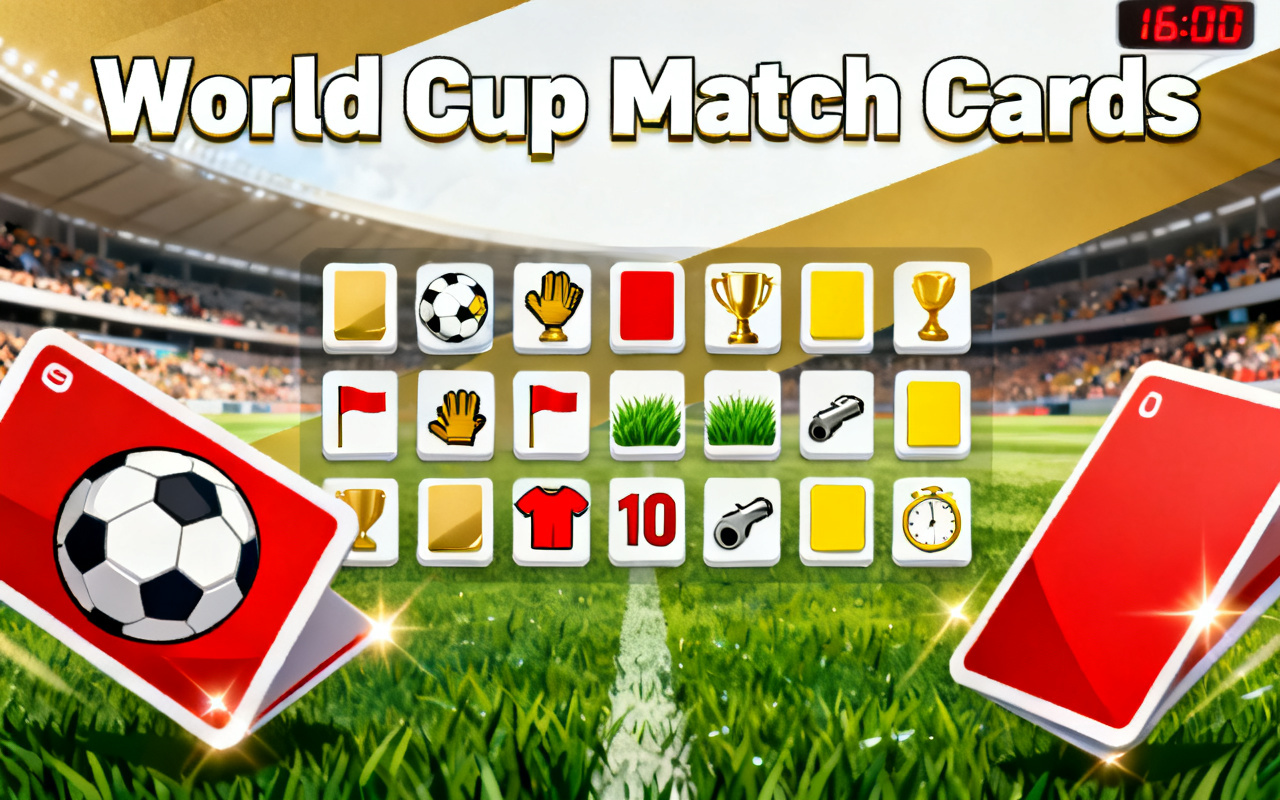
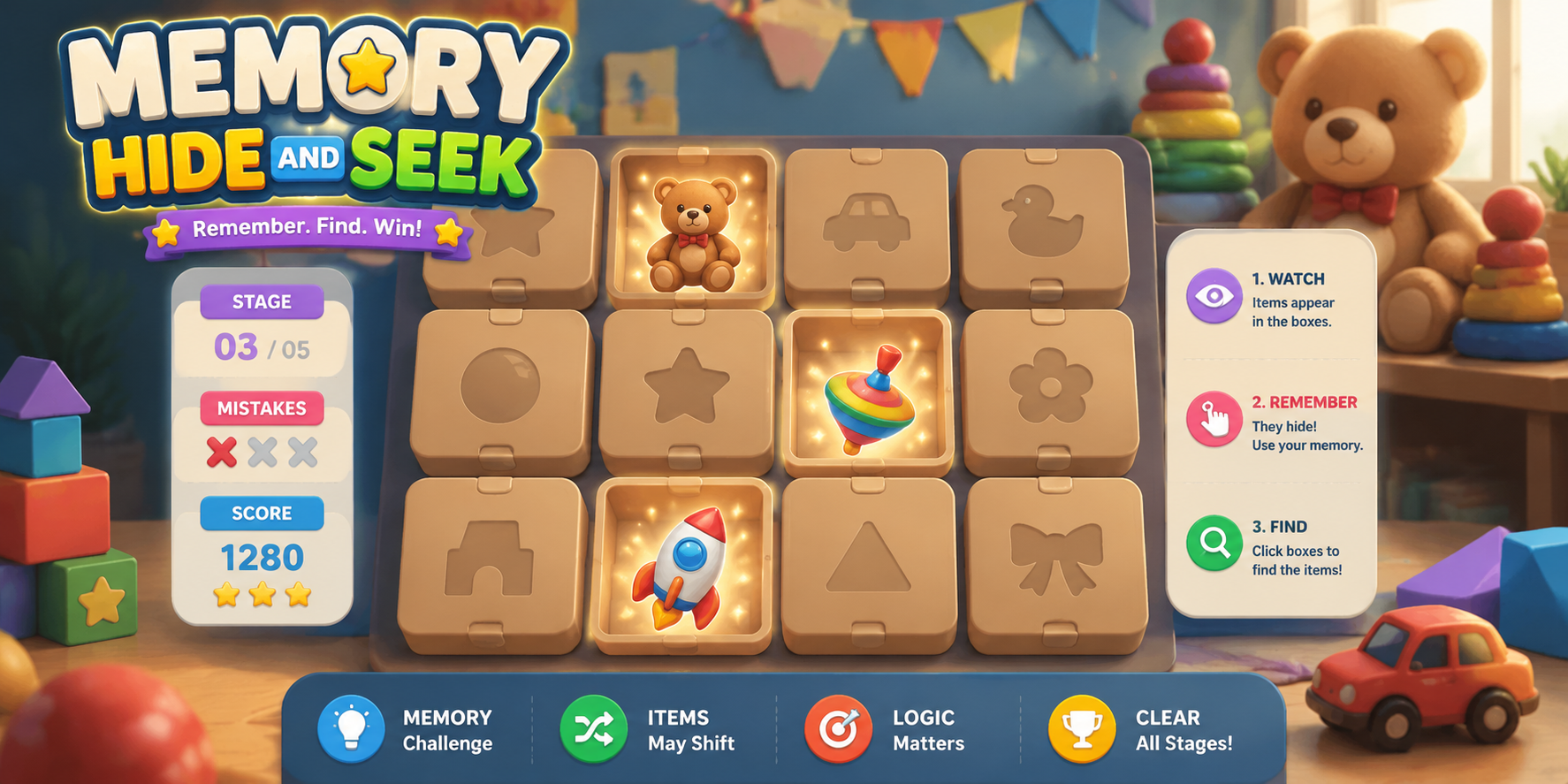
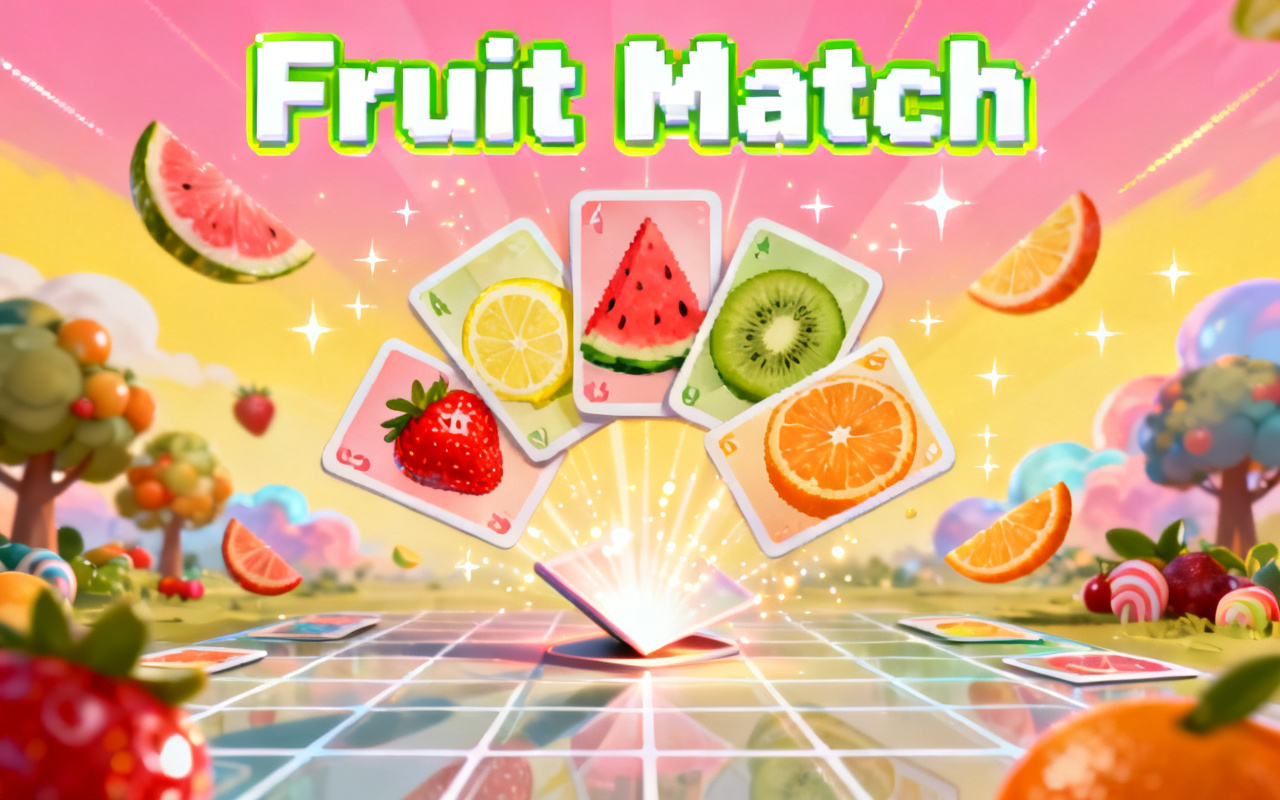
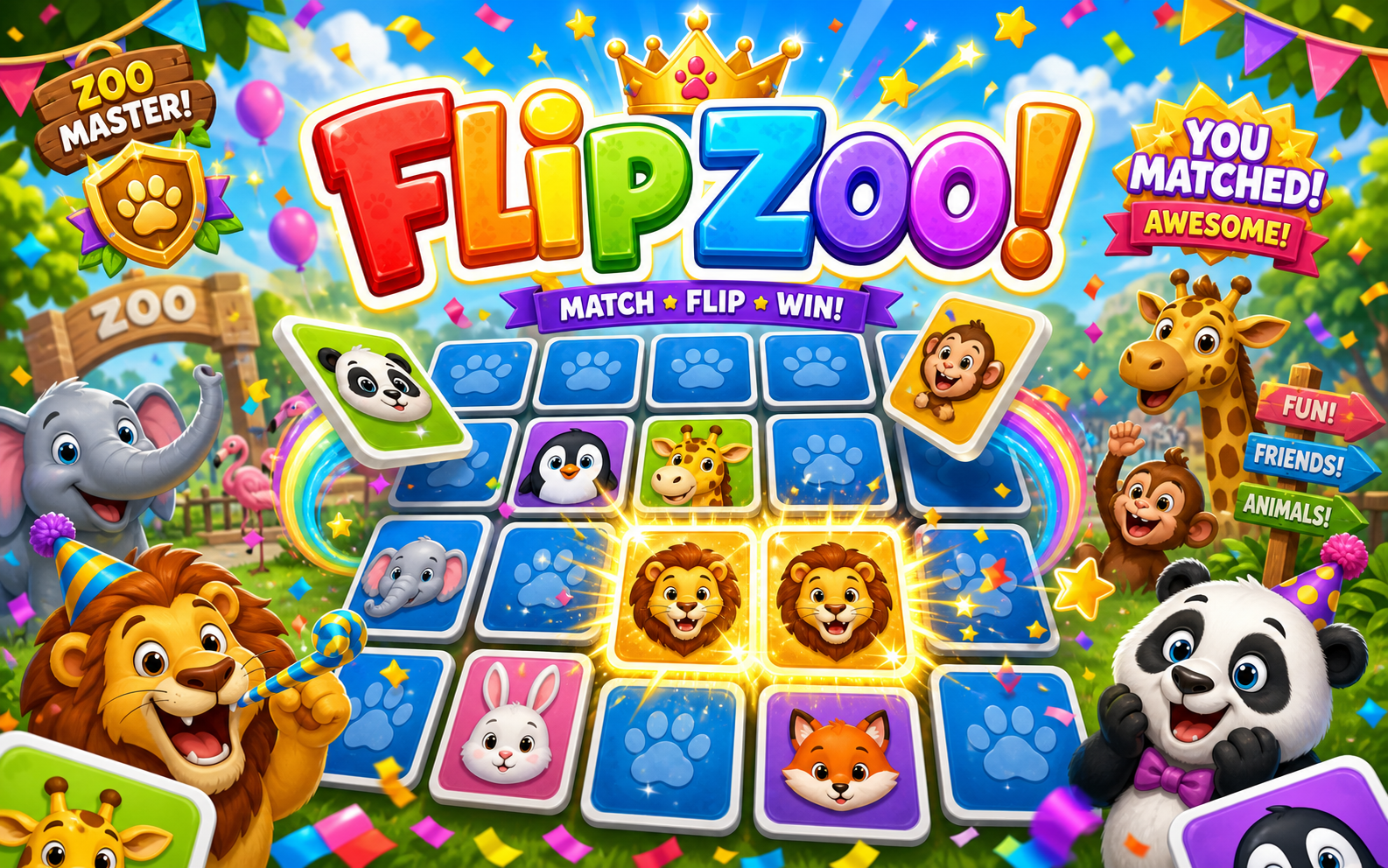
Play matching and memory games created with SoonLab. Explore different card themes, timers, difficulty levels, and visual styles, then use them as inspiration for your own game.
What Is a Matching Game Maker?
A matching game maker is an online tool for creating games where players find items that belong together. The pairs can be identical pictures, words and meanings, countries and flags, questions and answers, or other related content. With SoonLab, you can make your own matching game by describing the cards, rules, score, timer, levels, and visual style in simple language. AI then turns the idea into a playable browser game.
Make Matching Game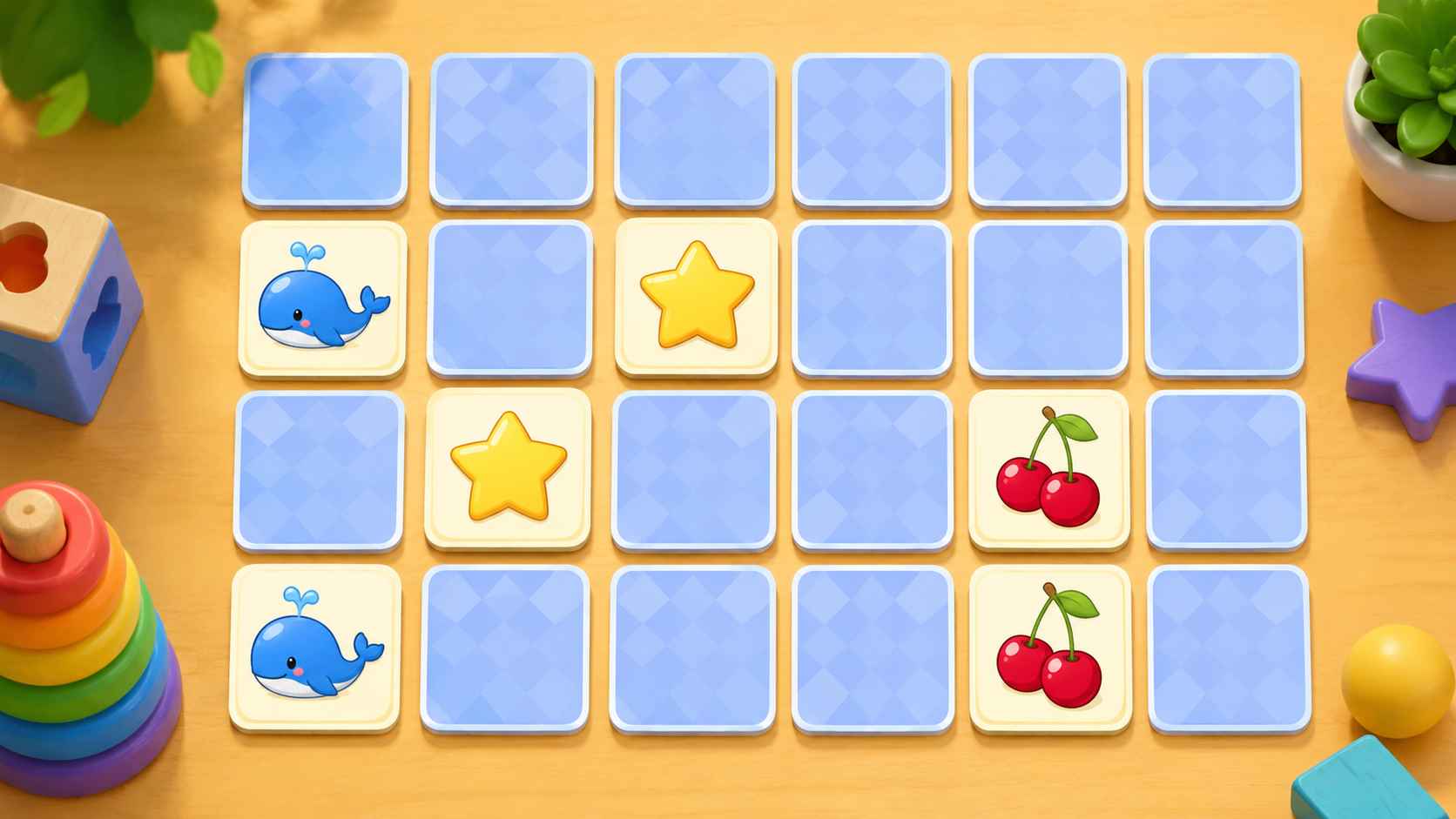
Why Use SoonLab as a Matching Game Maker?
Create a Complete Game from One Prompt
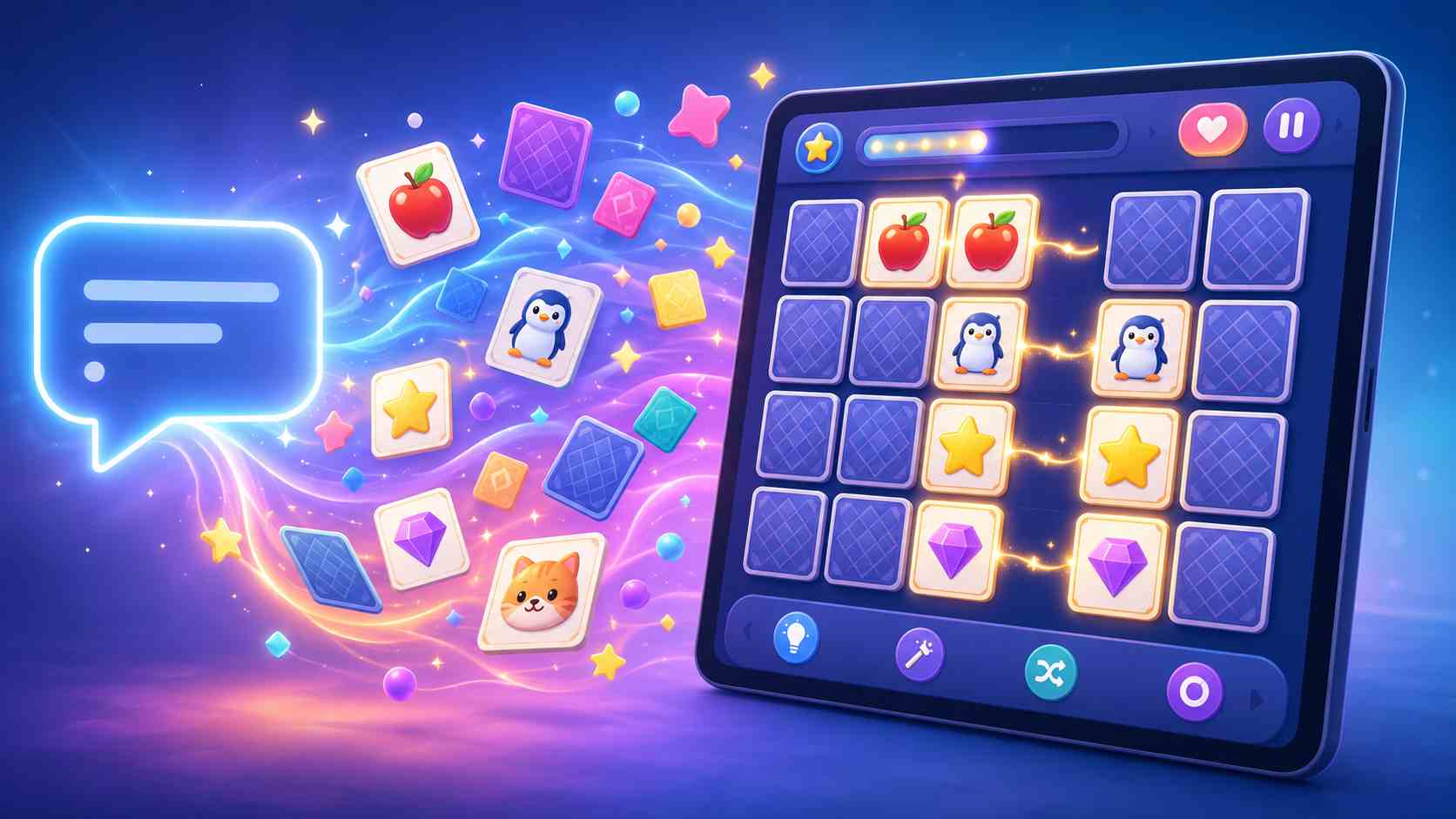
SoonLab can generate the card grid, pair logic, score, feedback, and result screen together. You can create a playable first version without building each part separately.
Go Beyond Fixed Templates
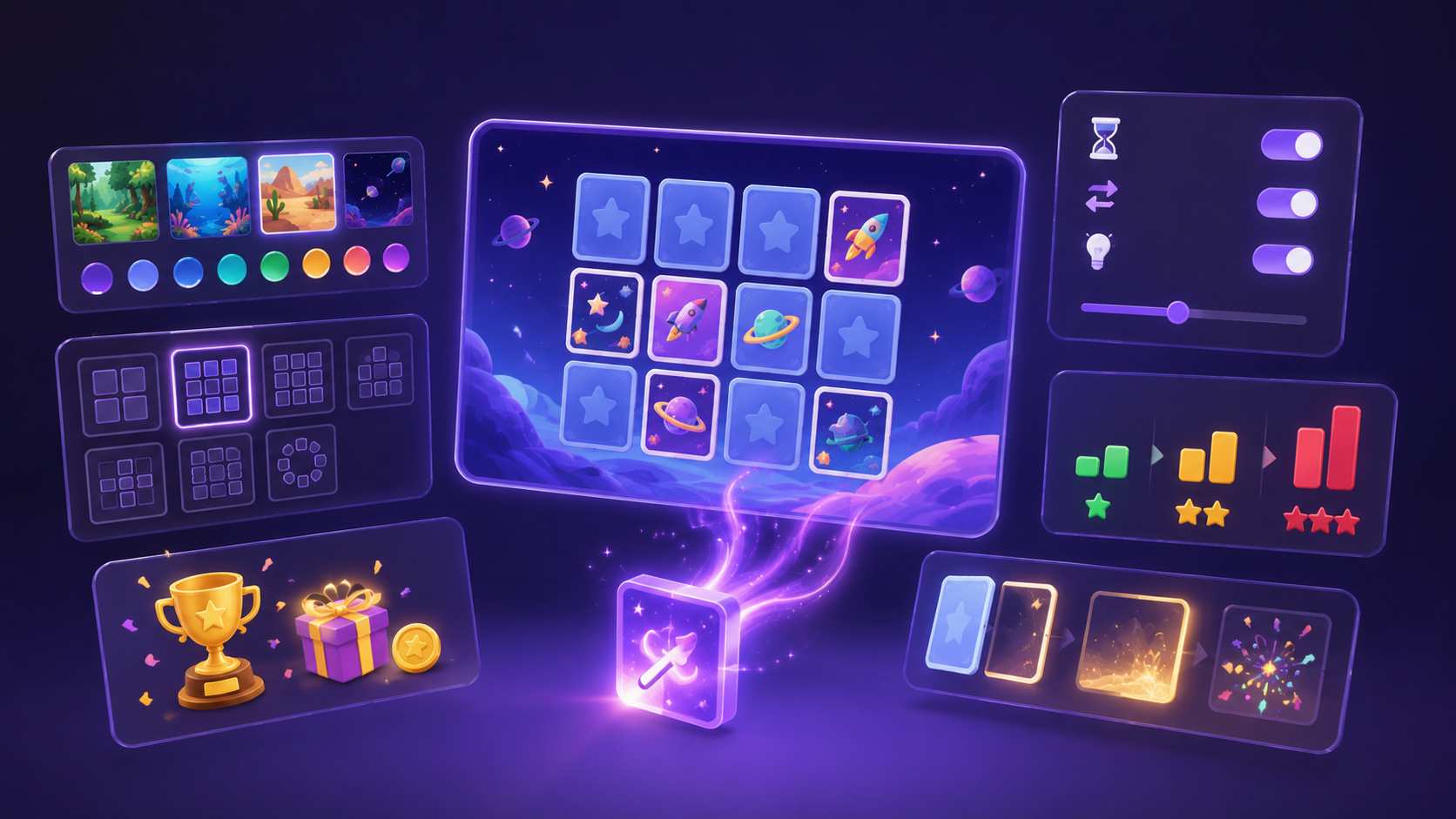
Traditional matching game templates often limit you to changing the words and images. With SoonLab, you can also customize the layout, rules, difficulty, animations, levels, background, and reward system.
Improve the Game Without Coding
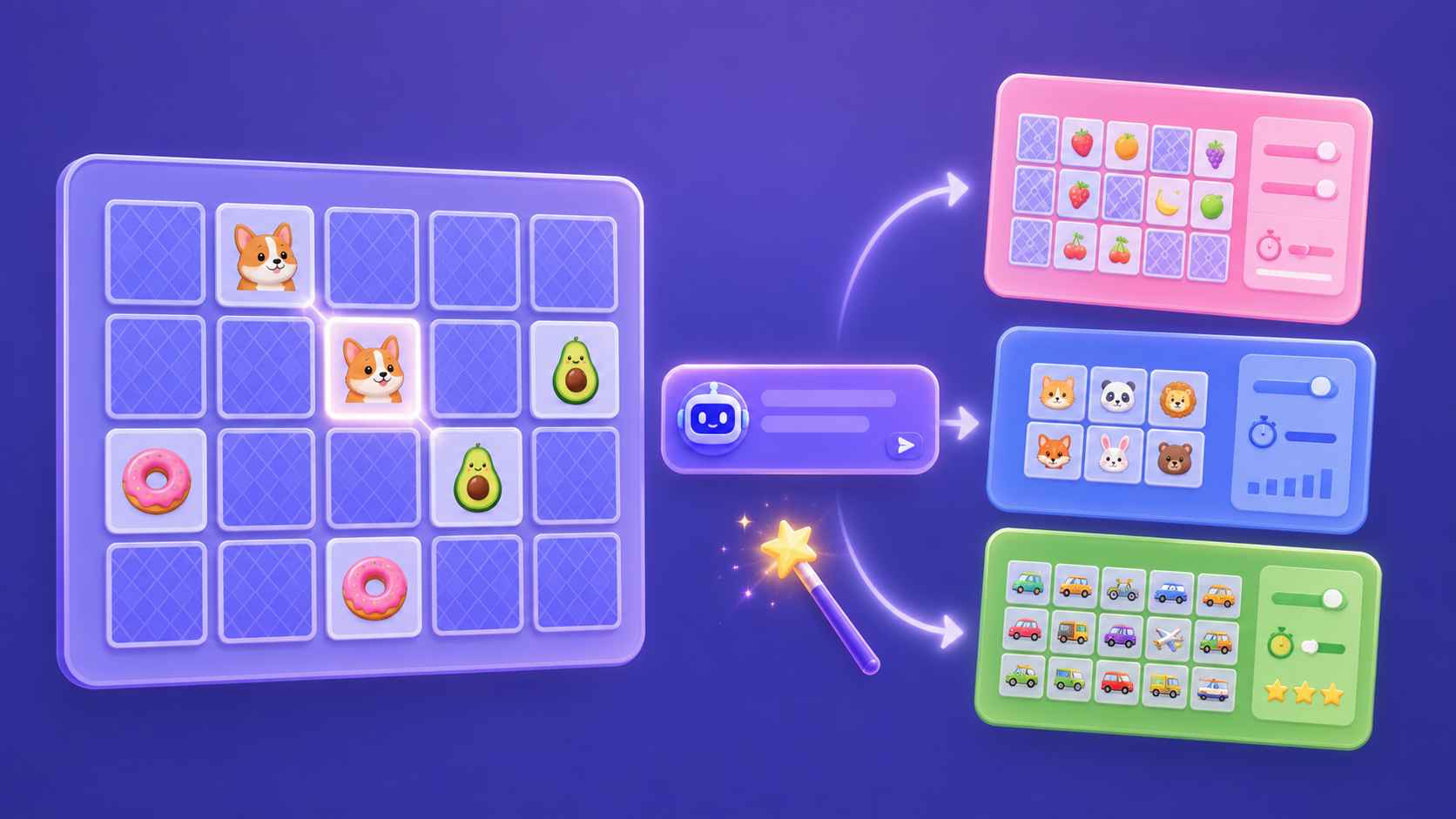
Use follow-up prompts to change the number of pairs, card size, timer, colors, scoring, or difficulty. You can refine the game without editing code or starting again.
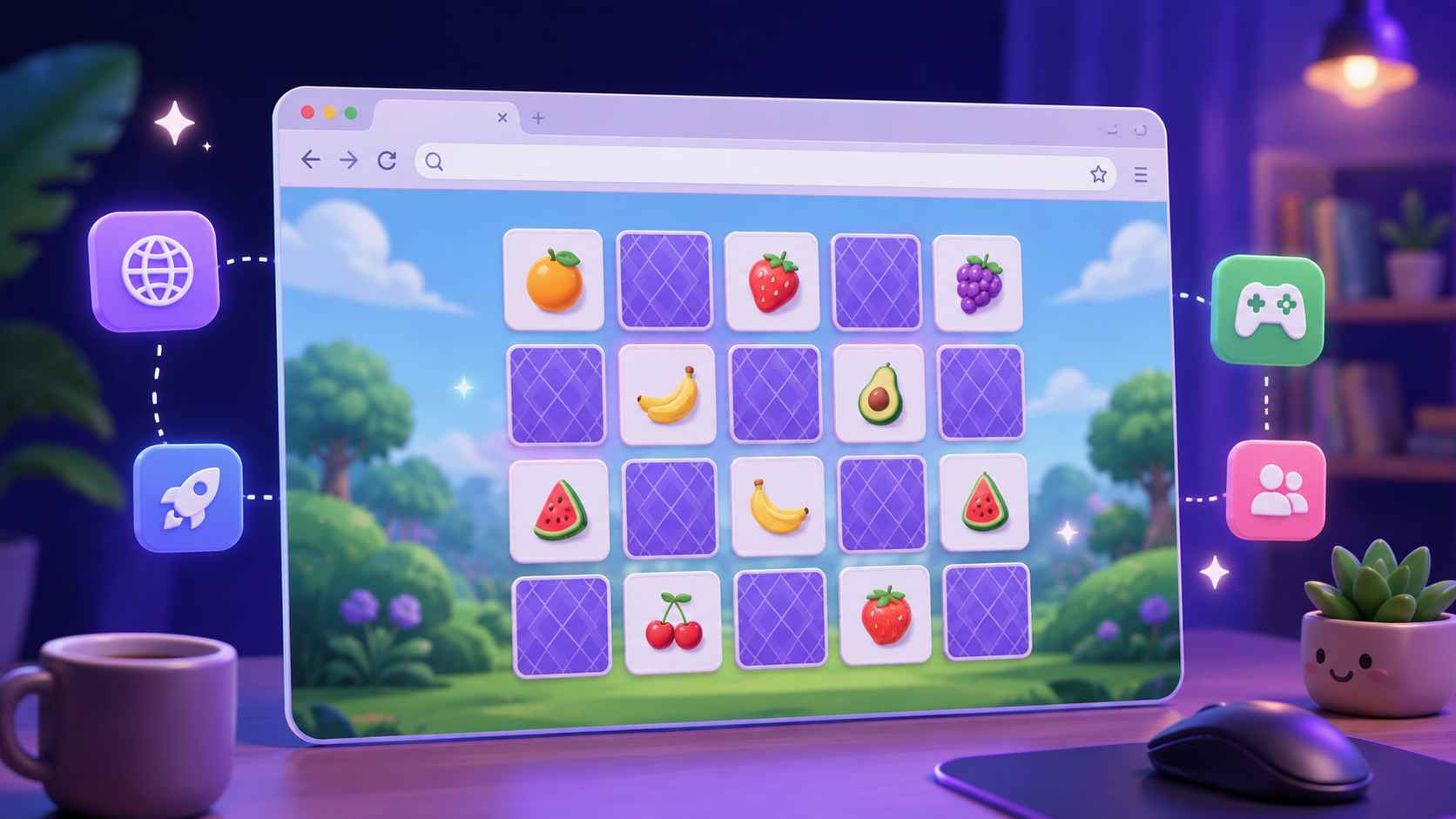
Play Directly in Your Browser
Generate and test your matching game online without installing a traditional game engine. Players can open the published game directly in a modern browser.
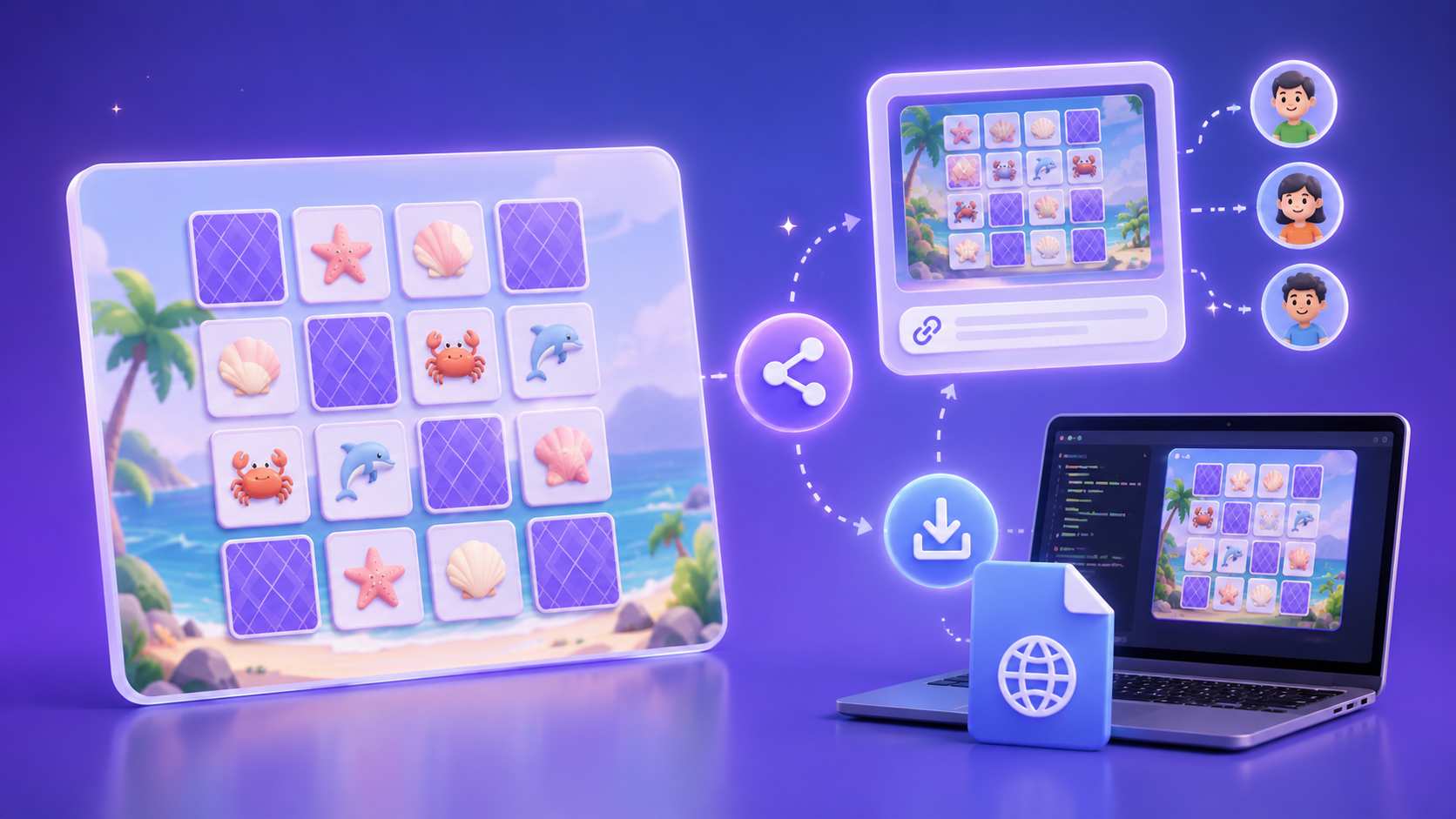
Publish, Share, or Download
Publish your completed game and share it with one link. You can also download the game as an HTML file when you want to save or host it elsewhere.
What Matching Games Can You Make?
Memory Card Games
Create a classic memory game where players turn over two cards and try to find matching pairs. Add a move counter, timer, score, sound effects, or several difficulty levels.
Make Memory Game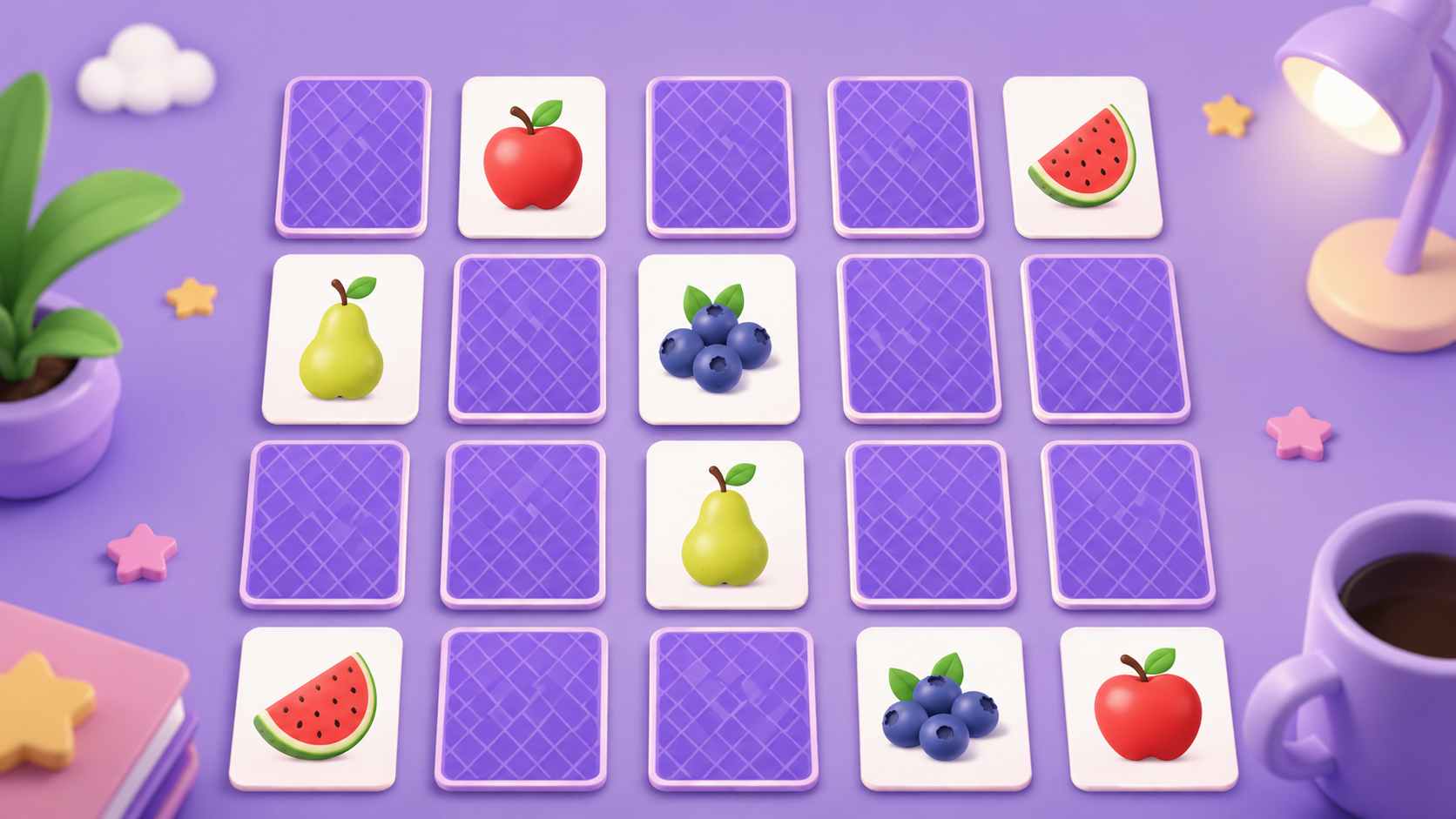
Word and Image Matching Games
Ask players to match each word with the correct picture. This format works well for vocabulary, animals, food, objects, languages, and early learning activities.
Make Matching Game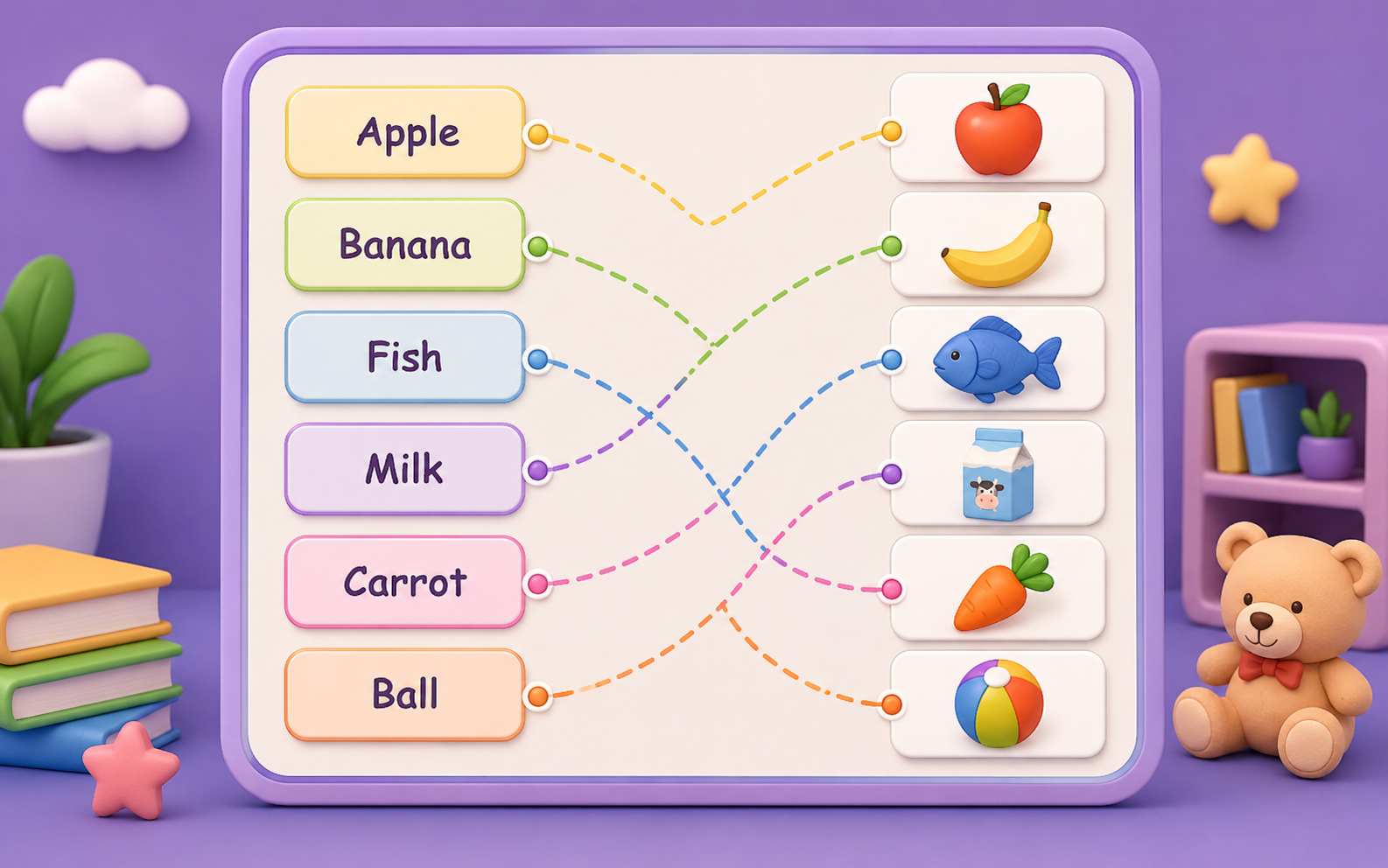
Question and Answer Games
Match each question with its correct answer. Players can connect countries with capitals, science terms with definitions, historical events with dates, or math problems with answers.
Make Matching Game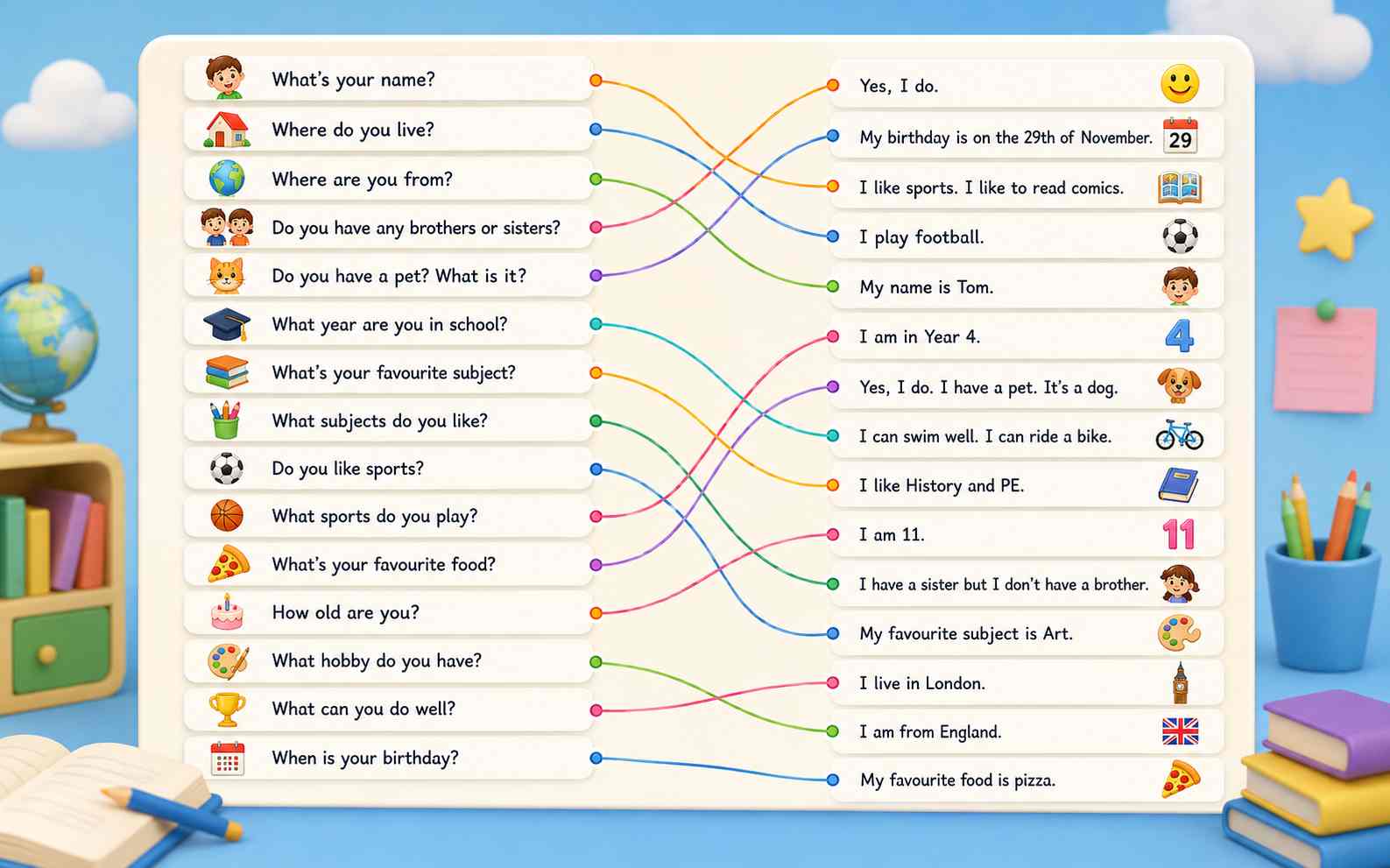
Timed Matching Challenges
Challenge players to complete the board before time runs out. Add combo bonuses, limited moves, score targets, or harder levels to turn a simple matching activity into a more competitive game.
Make Matching Game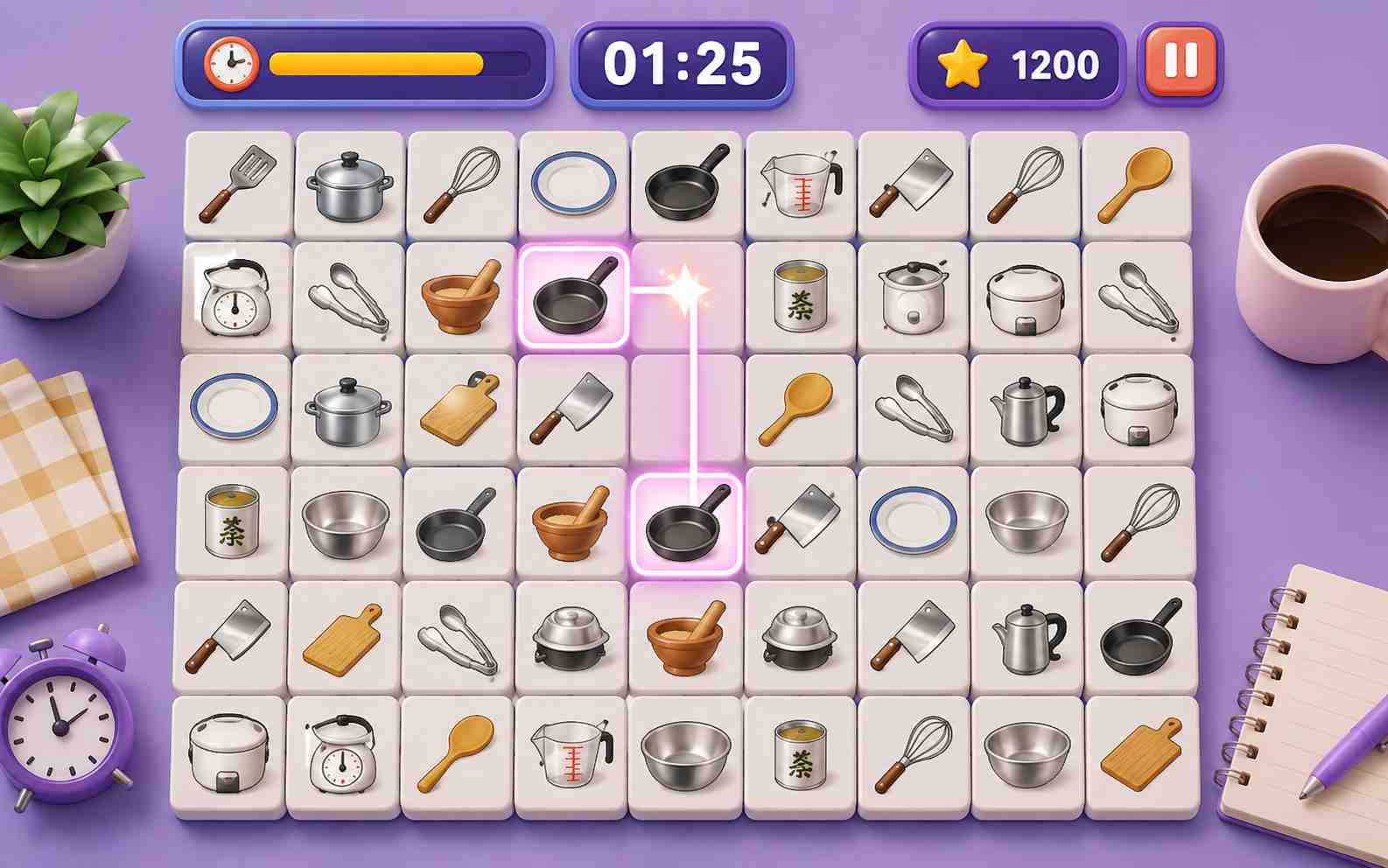
How to Make a Matching Game Online
Describe the pairs and rules, generate a playable version, then test and improve your matching game with simple follow-up prompts.

Step1.Describe Your Matching Game
Explain what players should match and how the game should work. Include the number of pairs, card content, visual theme, timer, score, difficulty, and win condition.

Step2.Generate and Test a Playable Version
Enter your prompt into SoonLab and generate the first version. Play it in your browser and check the card layout, matching rules, feedback, difficulty, score, and ending.

Step3.Edit, Publish, and Share
Use follow-up prompts to fix unclear pairs or improve the design. When the game is ready, publish it online, share the link, or download it as an HTML file.
Matching Game Prompts You Can Copy
A useful matching game prompt explains what players should pair, how the cards are selected, and how the game ends. It should also define the number of cards, difficulty, feedback, timer, and scoring rules.
| Prompt idea | Prompt | Difficulty | Best for | Style | Copy |
|---|---|---|---|---|---|
| Ocean Animal Memory | Create a colorful memory matching game with eight pairs of ocean animals. Players turn over two cards at a time. Matched cards should stay visible. Add a move counter, a 60-second timer, clear feedback for correct and incorrect pairs, a celebration after all pairs are found, and a restart button. Use large cards and a mobile-friendly layout. | Beginner | Children and beginners | Colorful ocean | |
| Food Vocabulary Match | Create an English vocabulary matching game where players match eight food words with the correct pictures. Show all cards on the board and let players select two related cards. Add a score counter, simple feedback after each choice, a final result screen, and a play-again button. Use clear text and large images. | Beginner | Language learning | Bright classroom | |
| Country and Flag Challenge | Make an online matching game where players match ten countries with their flags. Hide all cards at the start. Add a 90-second timer, a move counter, three difficulty levels, and a final score based on time and mistakes. Make the game responsive for desktop and mobile. | Intermediate | Geography games | Clean travel | |
| Math Pair Quest | Create a math matching game for elementary students. Players match ten addition problems with their correct answers. Use large readable numbers, clear correct and incorrect feedback, a star score, no strict time limit, and a happy result screen. Use a friendly space theme and simple controls. | Beginner | Educational games | Friendly space |
Tips for Making a Better Matching Game
A good matching or memory game uses clear pairs, readable cards, helpful feedback, and a level of difficulty that fits its players.
Tips for better matching games
- Start with four to six pairs for children or beginners. Use six to ten pairs for a normal casual game.
- Make the connection between each pair easy to understand. Add a short label when the relationship is not obvious.
- Use an animation, color change, or sound to show whether a match is correct or incorrect.
- Choose readable text and clear images. Make the full card area easy to select with a mouse or touch screen.
- Use responsive card sizes and test the published game on desktop, tablet, and mobile.
Matching game mistakes to avoid
- Adding too many pairs before checking whether the basic game is clear and enjoyable.
- Using pairs that look related but do not have an understandable connection.
- Failing to give players clear feedback after a correct or incorrect choice.
- Using small text, detailed images, or cards that are difficult to select.
- Designing the card grid for desktop only and forgetting mobile players.
Related Matching Game Tools and Guides
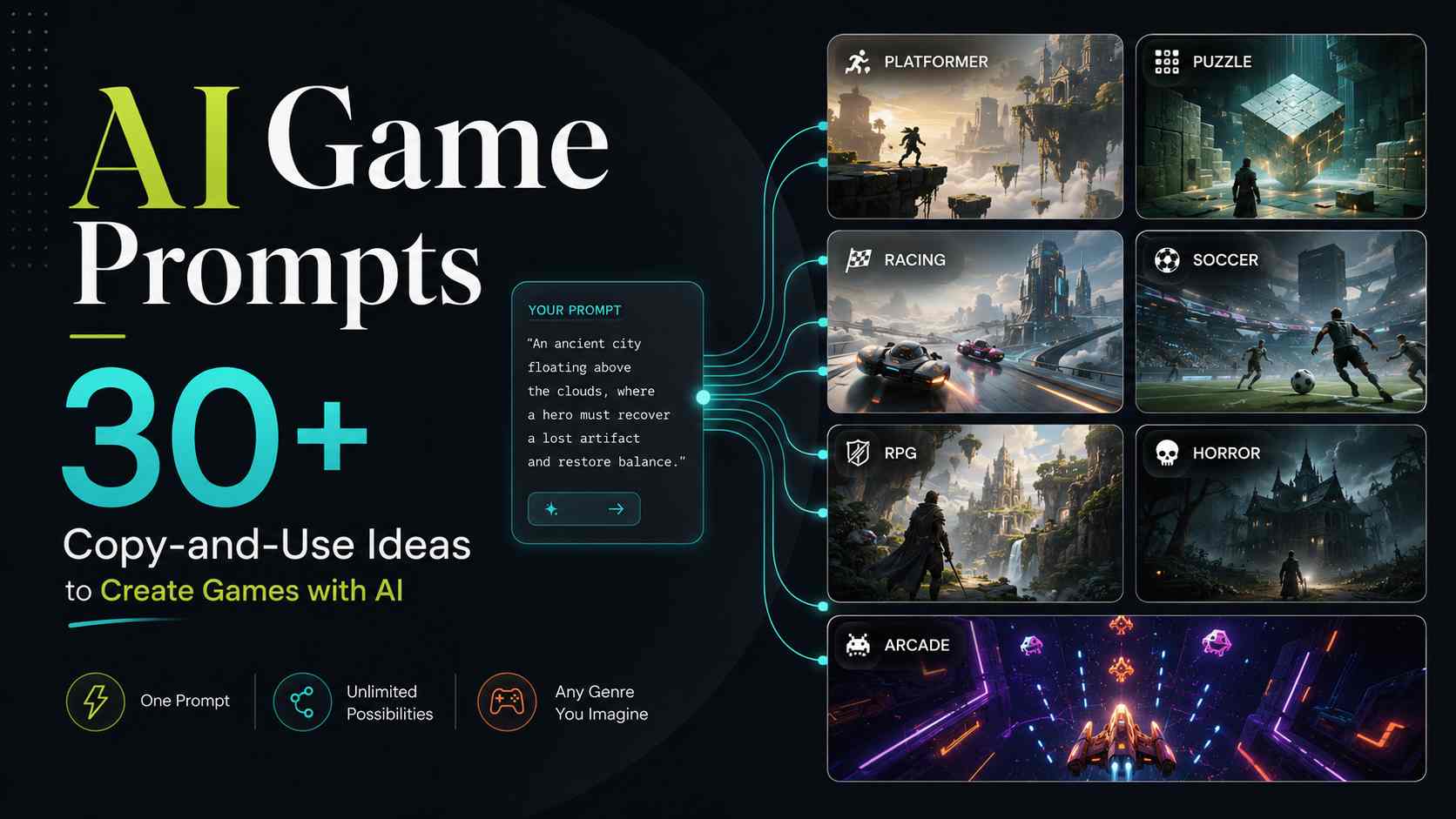
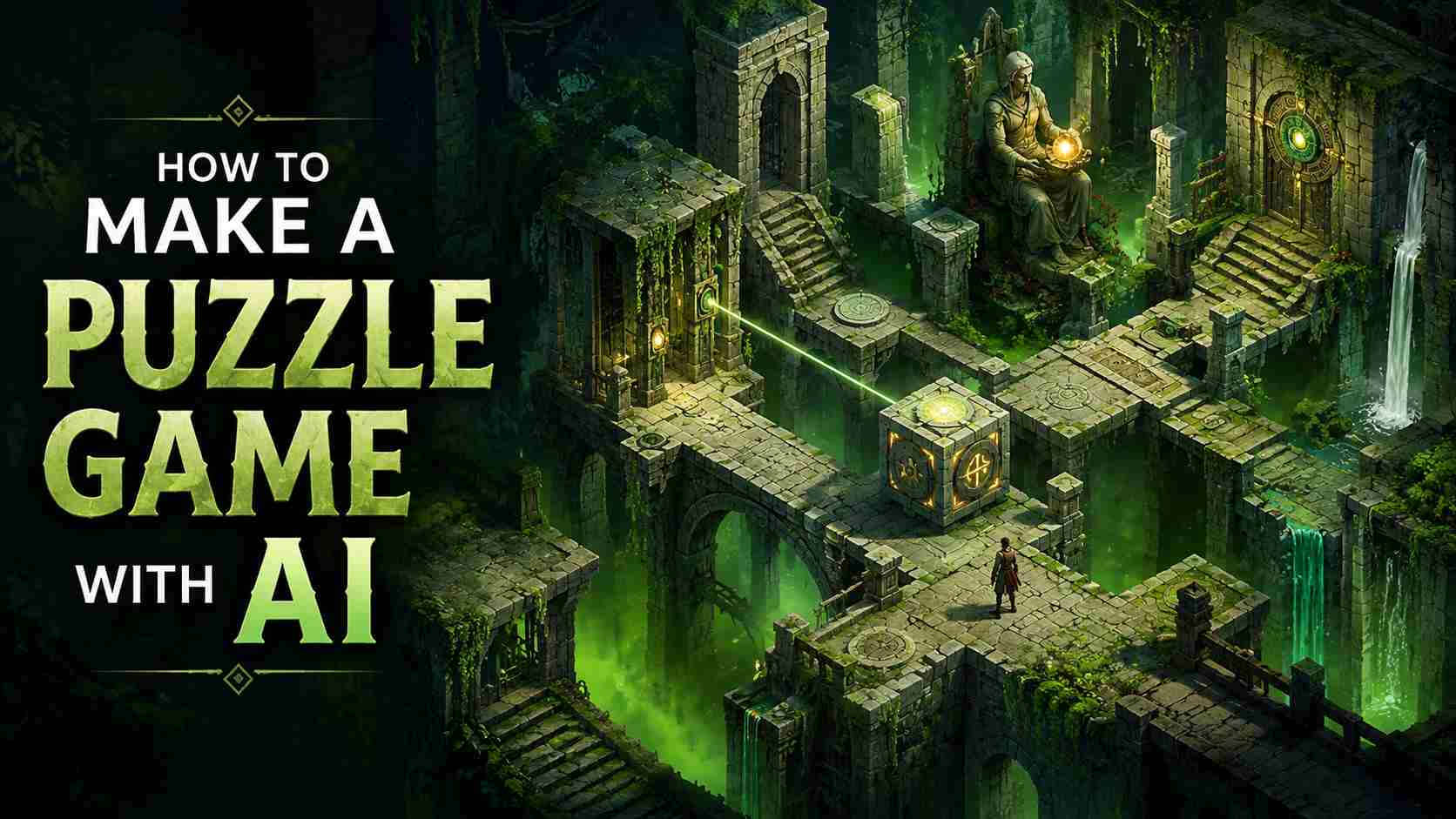
Explore related AI game tools and practical guides. Learn how to create a game without coding, write better prompts, and build your own puzzle game with AI.
View More
Matching Game Maker FAQs
Describe what players should match, how many pairs the game needs, and whether the cards should start hidden. Add the visual style, timer, score, difficulty, and win condition. SoonLab then generates a playable version that you can test and improve with follow-up prompts.
Make Your Own Matching Game Online
Describe the cards, pairs, rules, difficulty, and visual style you want. SoonLab turns the idea into a playable matching or memory game that you can test, refine, publish, share, and download—no coding required.
Make Matching Game