HTML5 Game Maker: Create a Browser Game with AI
Describe your idea and turn it into a playable browser game with SoonLab's HTML5 game maker. Generate, test, refine, share, and download your game—no coding or software installation required.
0/10000
Game inspiration sources







Play HTML5 Games Made with SoonLab
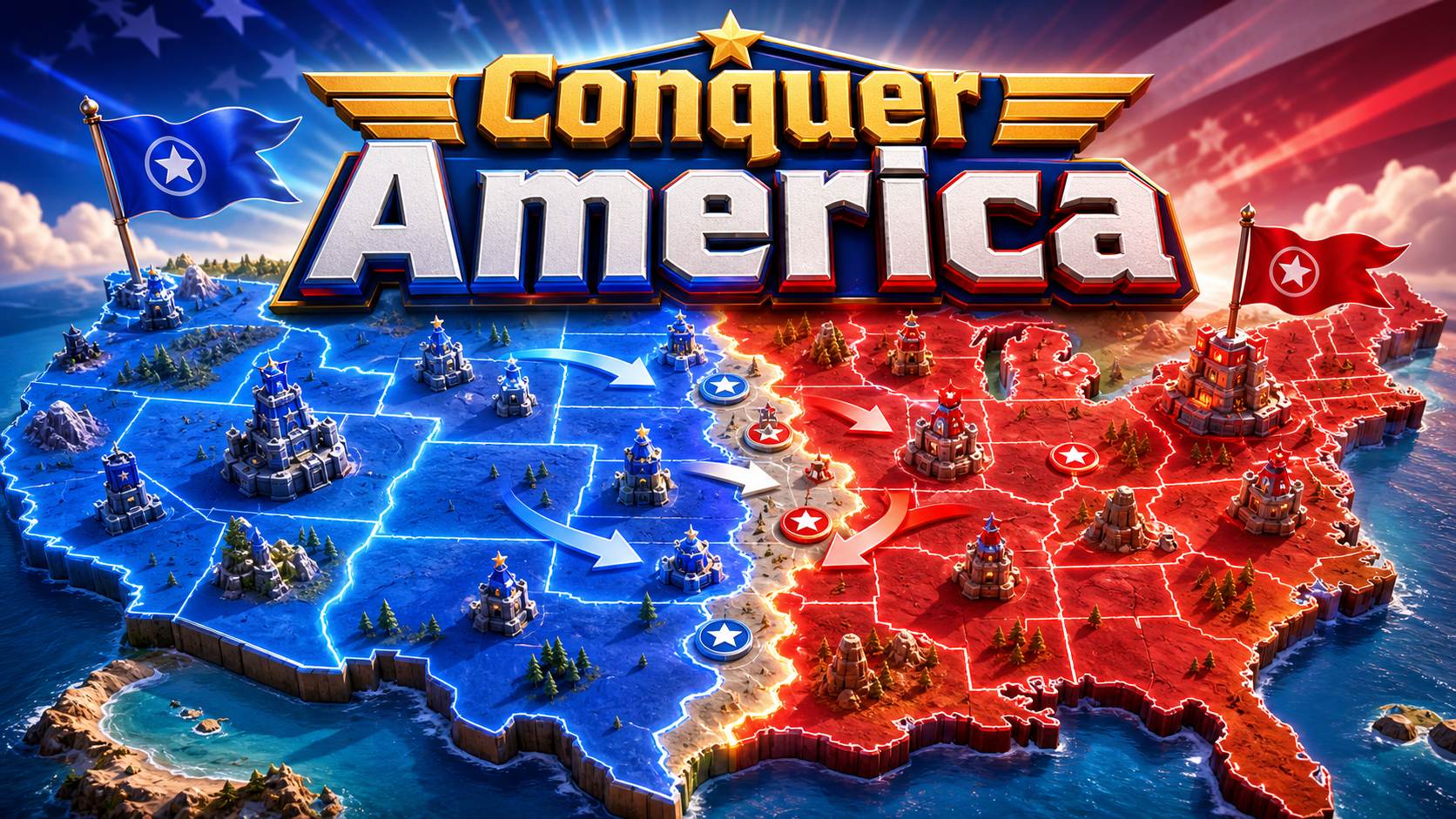
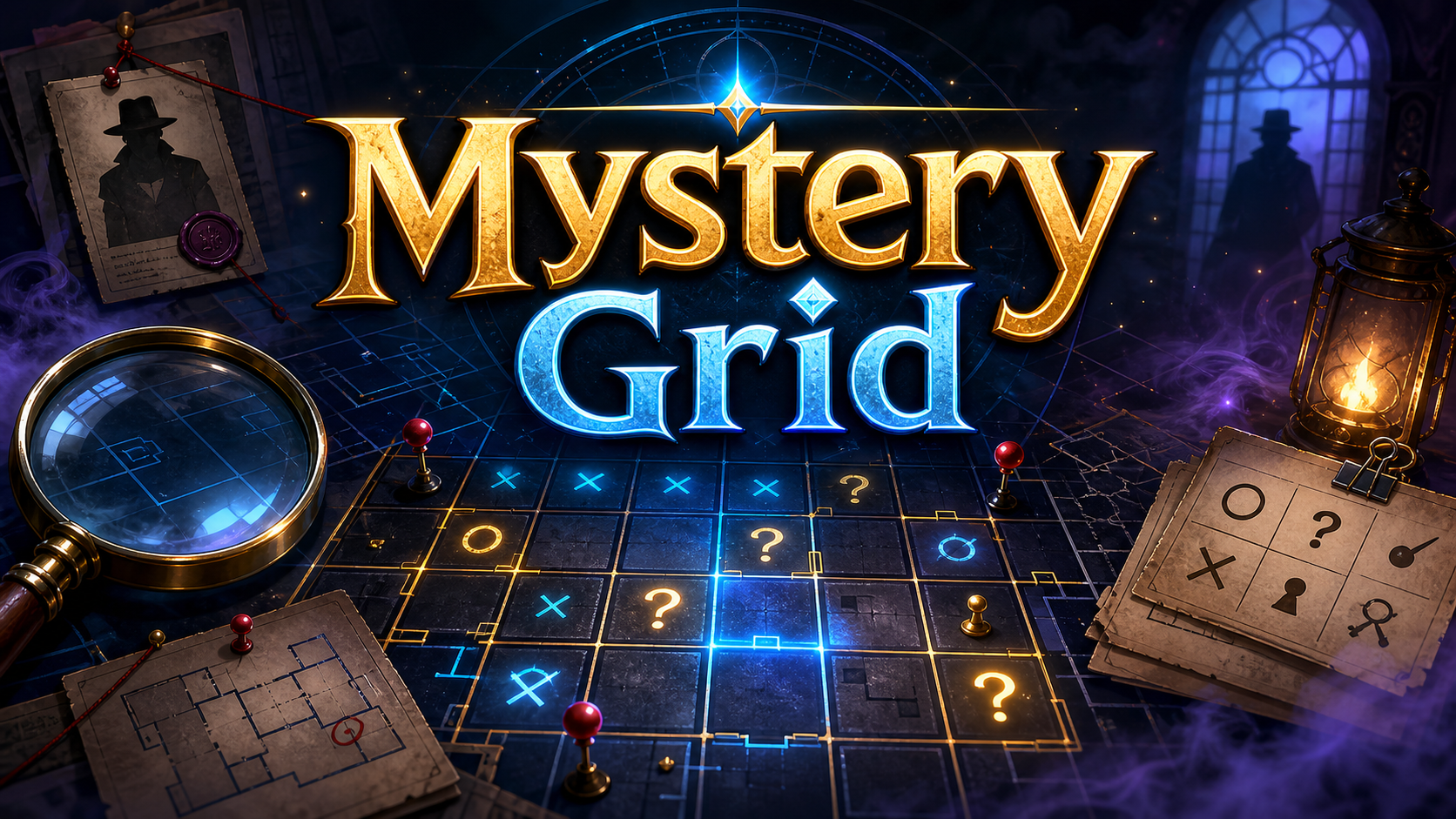
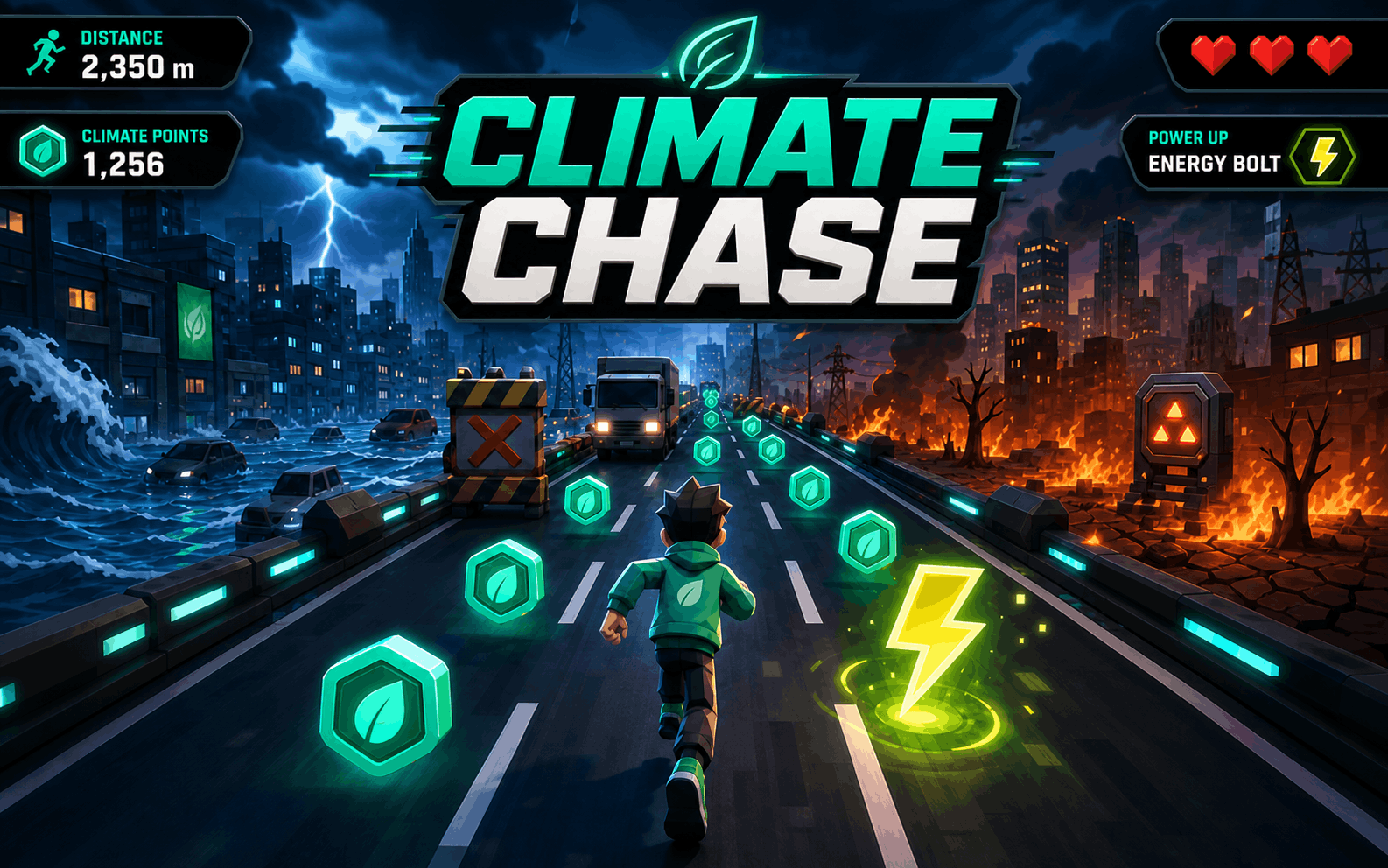
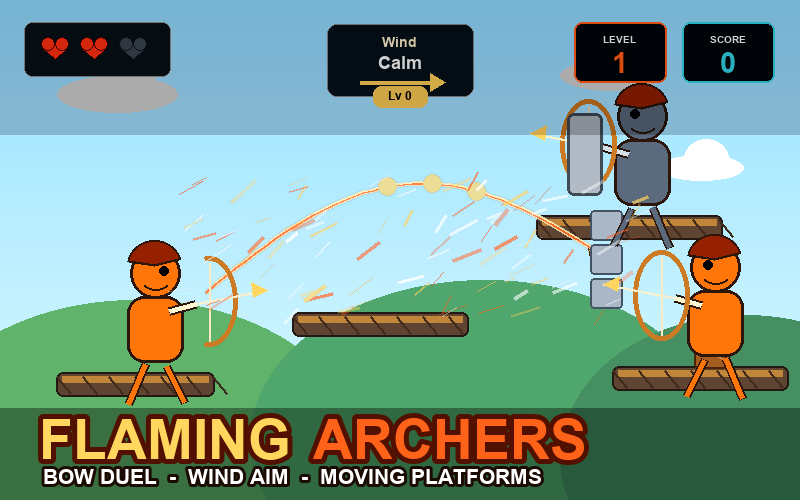
Try real browser games made with SoonLab. Explore different controls, game loops, and visual styles, then use them as inspiration for your own HTML5 game.
What Is an HTML5 Game?
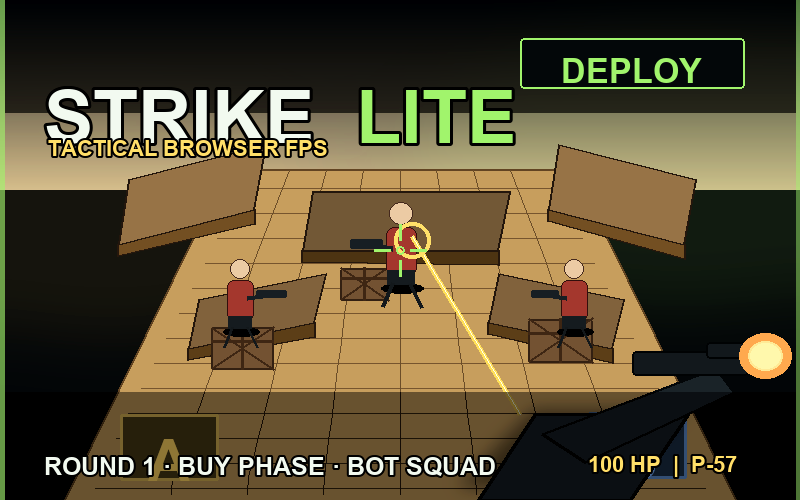
An HTML5 game is a game that runs directly in a web browser without requiring players to install extra software. It uses web technologies such as HTML, JavaScript, Canvas, WebGL, and Web Audio to handle the interface, game logic, graphics, and sound. With SoonLab, you can create a playable browser game from a text prompt without writing the code yourself.
Create HTML5 Game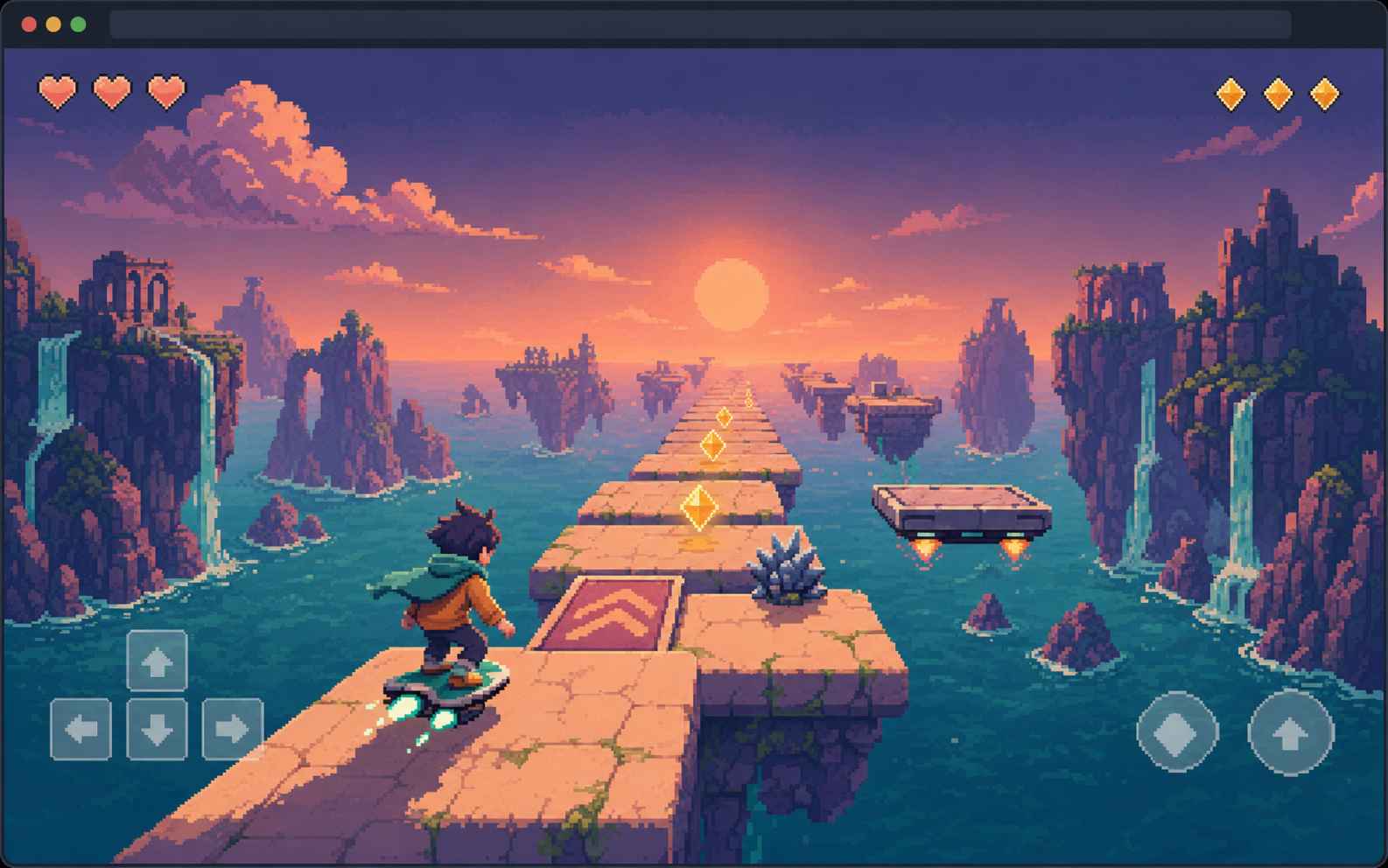
Why Create an HTML5 Game?
Play in Any Modern Browser
HTML5 games run directly in browsers such as Chrome, Edge, Safari, and Firefox. Players can open the game and start playing without installing plugins, a separate launcher, or extra software.
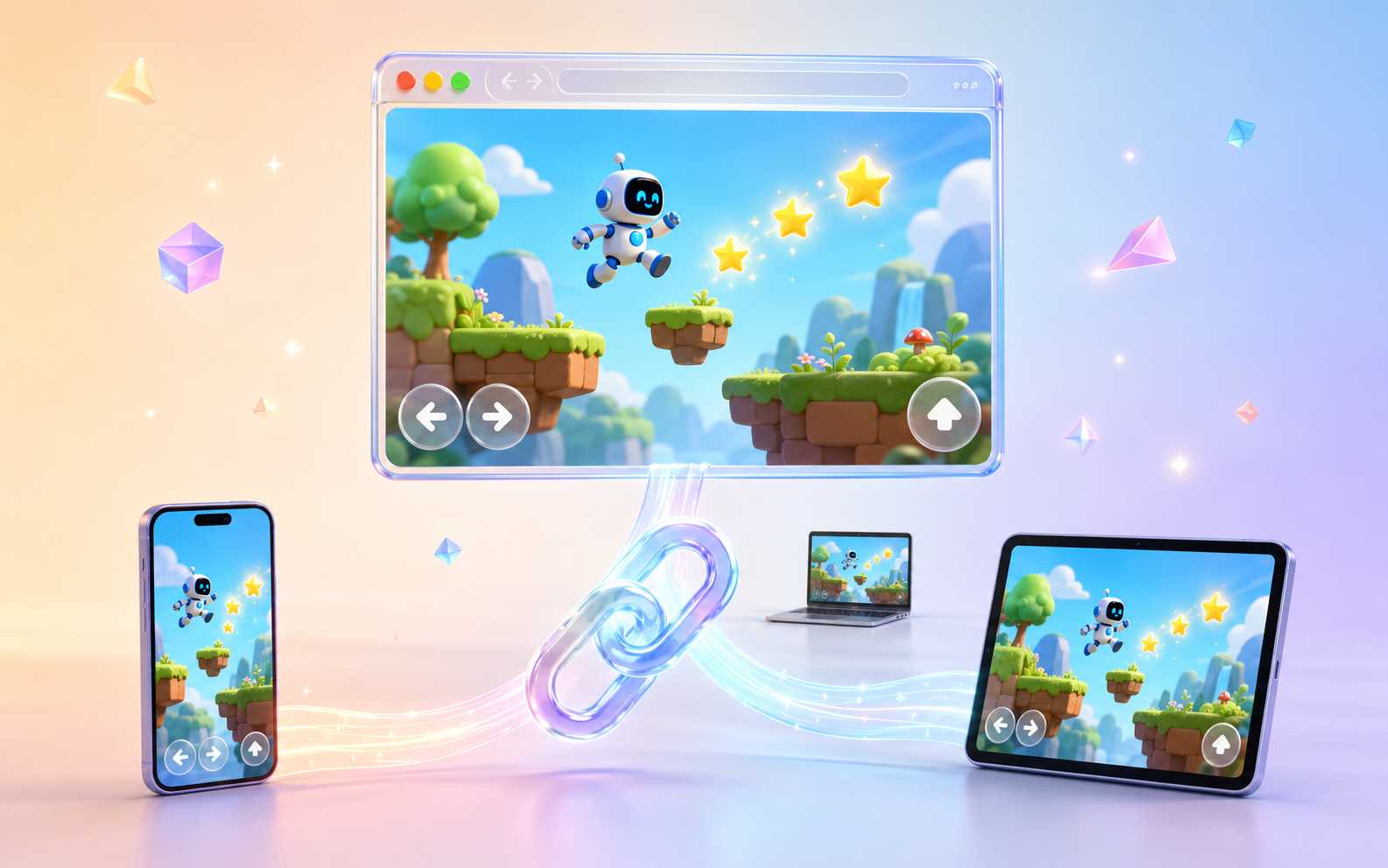
Reach Players Across Devices
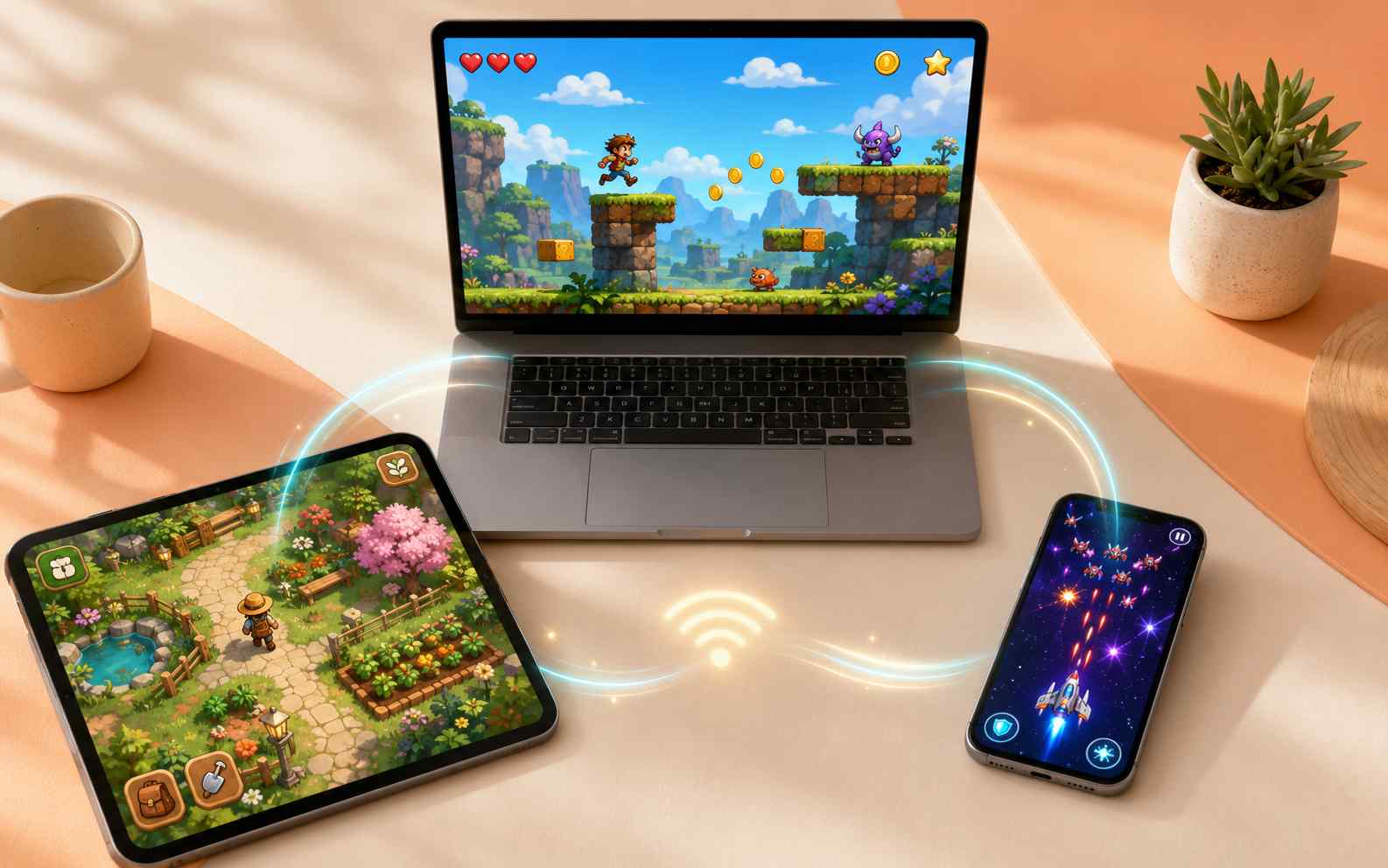
The same browser game can be opened on desktop computers, tablets, and mobile devices. Support keyboard, mouse, or touch controls based on the devices your players are most likely to use.
Share a Game with One Link
Send players a browser link instead of asking them to download and install an app. This makes HTML5 games convenient for quick demos, classroom activities, social sharing, and instant play.
Build Focused Web Experiences
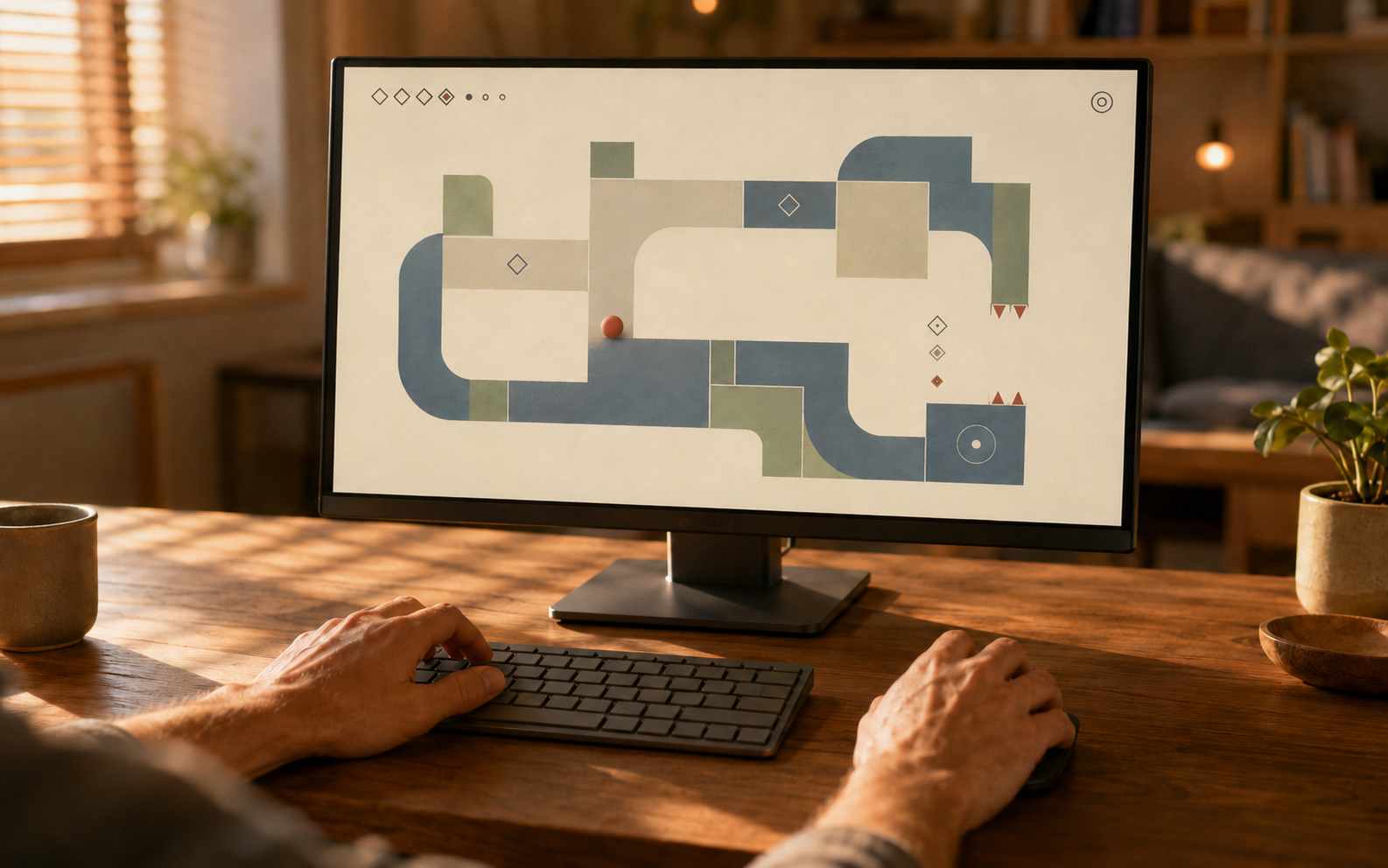
HTML5 works well for arcade games, quizzes, puzzles, playable prototypes, educational activities, and other experiences designed for short browser sessions. You can give players a complete game without the setup required by a large desktop title.
What Can You Do with SoonLab's HTML5 Game Maker?
Turn Text into Playable HTML5 Games
Describe the character, controls, goal, challenges, levels, and visual style. SoonLab turns your prompt into a playable HTML5 browser game that you can open and test right away.
Create HTML5 Game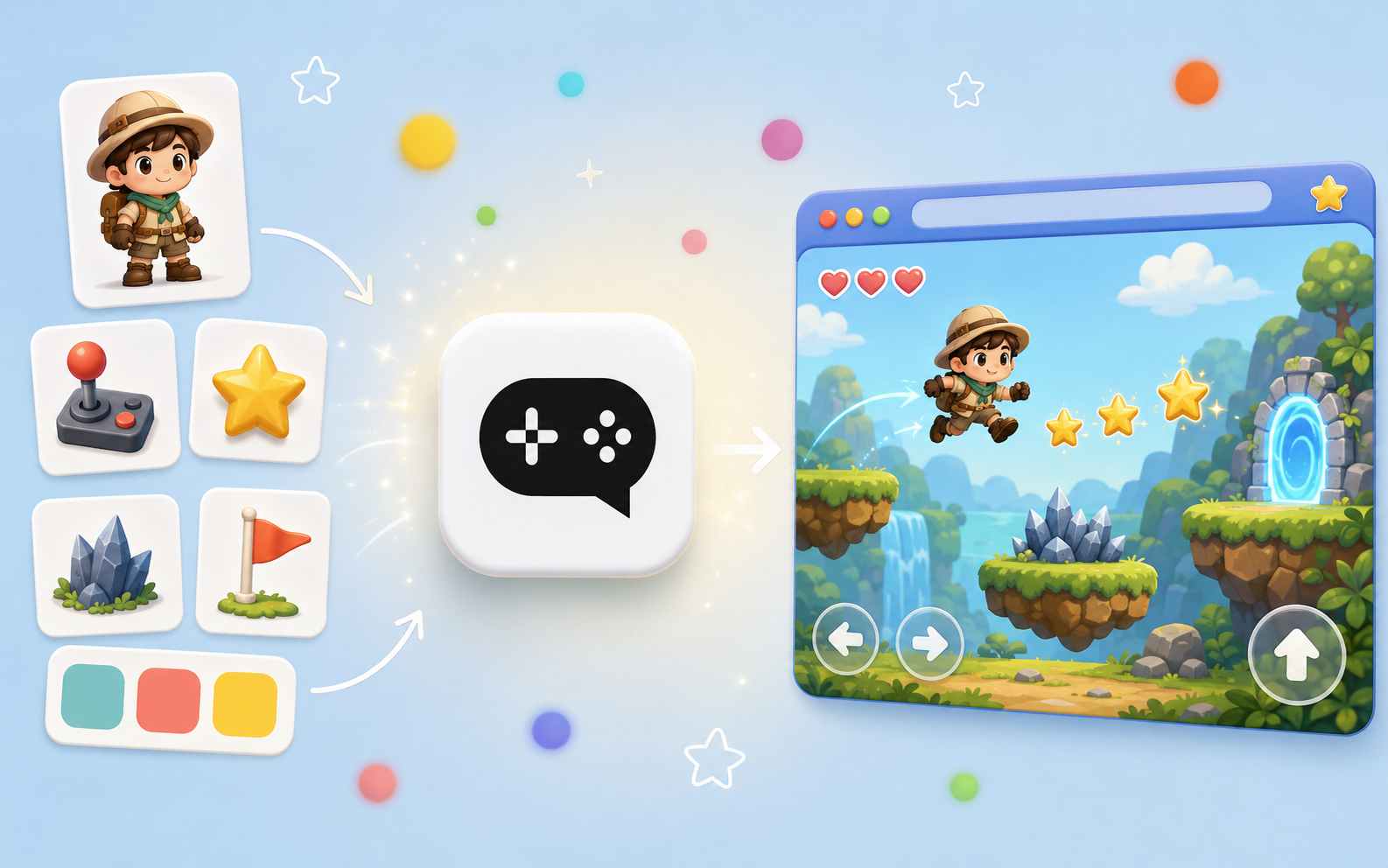
Create HTML5 Games Without Coding
You do not need to write HTML, CSS, or JavaScript or learn a complex game engine. Explain how the game should look and work, and SoonLab creates the first playable version for you.
Create HTML5 Game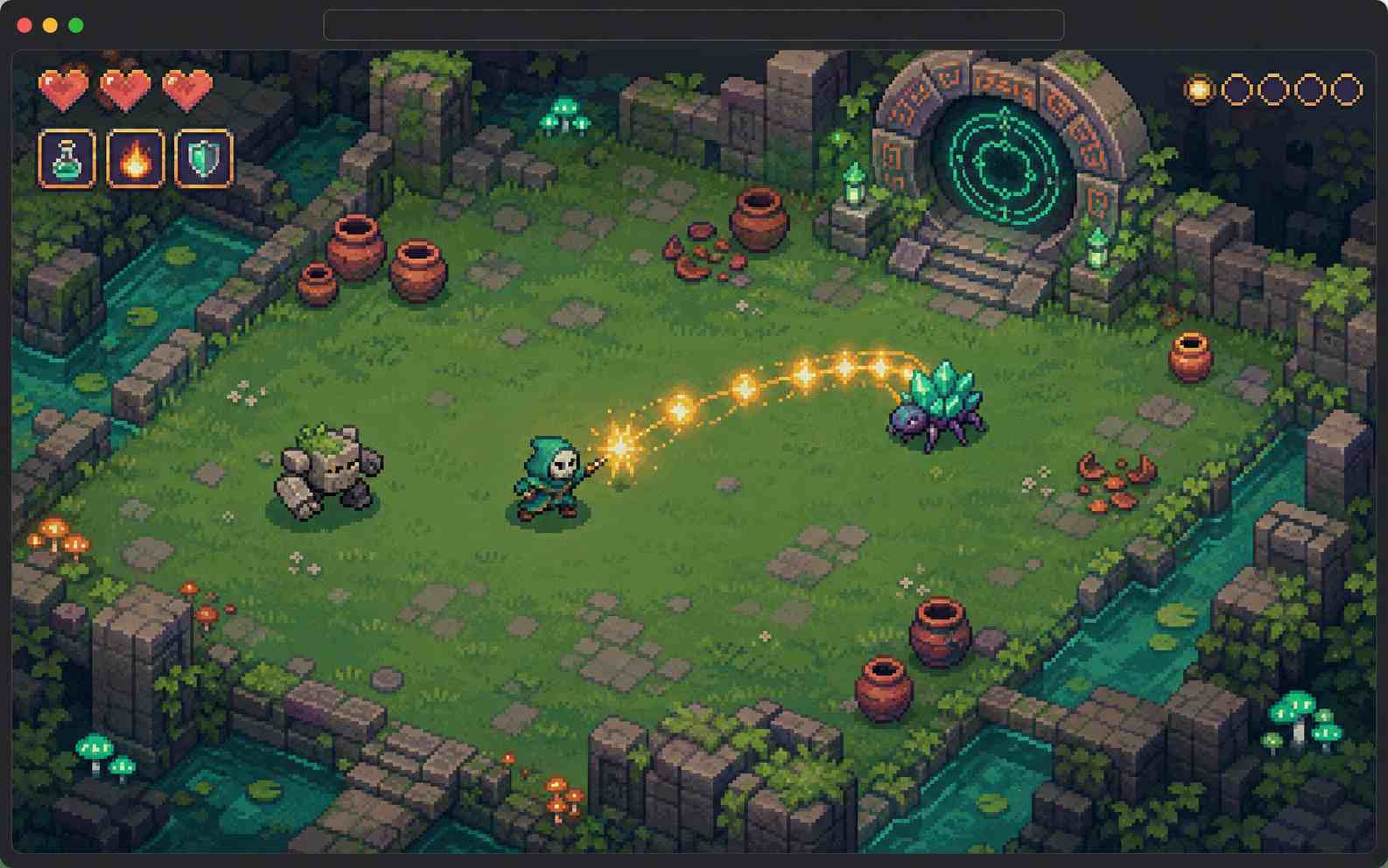
Edit HTML5 Games with AI
Improve the game with follow-up prompts instead of starting over. Adjust the controls, difficulty, enemies, levels, scoring, interface, or visual style, then play the updated version.
Create HTML5 Game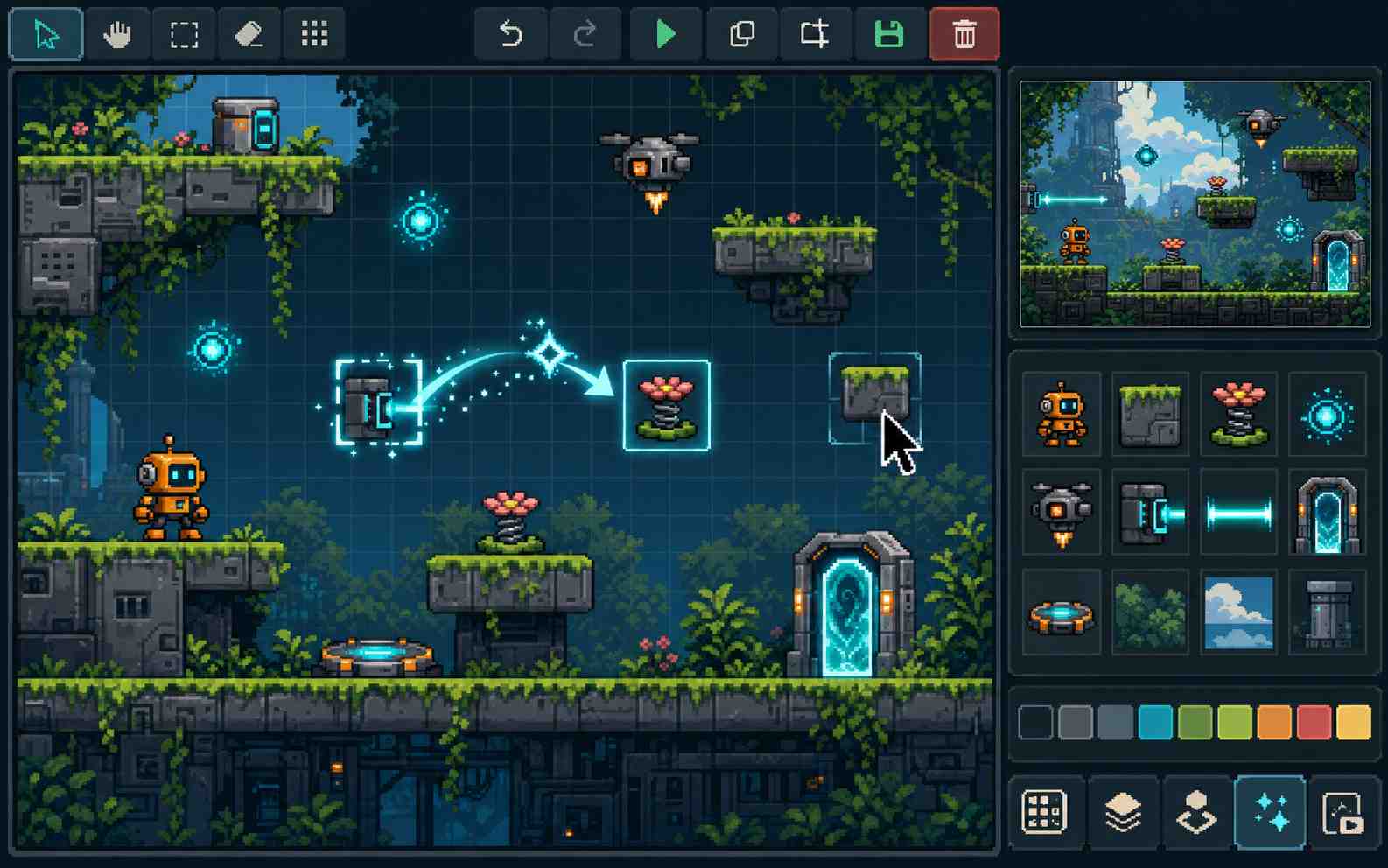
Download Your Game as HTML
Download the generated game in HTML format when you want to save a local copy or use it outside SoonLab. The downloaded HTML file gives you more flexibility than an online-only game page.
Create HTML5 Game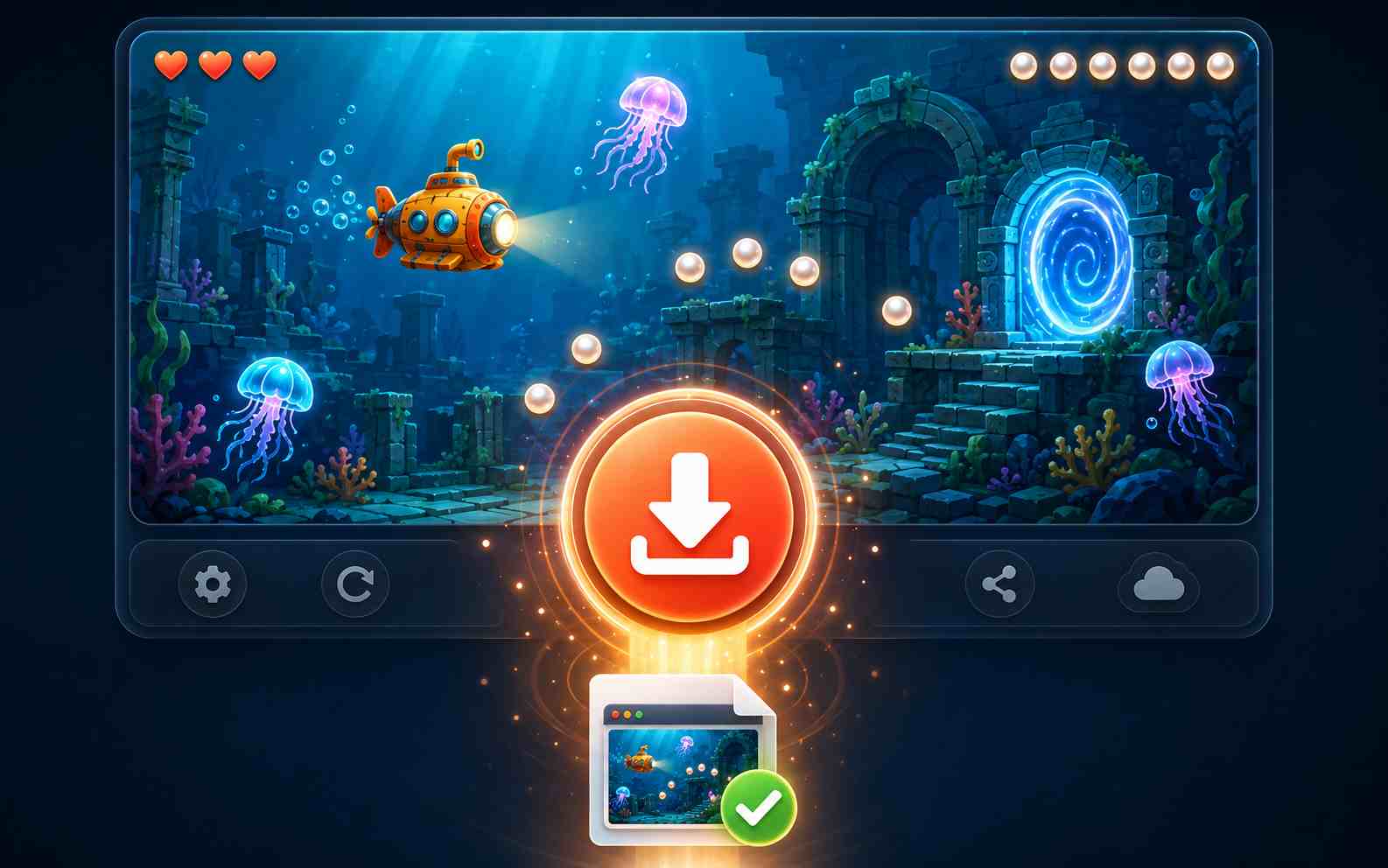
How to Create an HTML5 Game Online
Write your prompt, create a playable game with AI, then test, share, or download it.

Step1.Write Your HTML5 Game Prompt
Write a prompt in plain language. Include the character, controls, main action, goal, challenges, visual style, and win or lose conditions so AI can understand the game you want to create.

Step2.Create Your Game with AI
Enter your prompt into SoonLab and let AI create the first playable version. SoonLab builds the gameplay, interface, rules, and visual elements without requiring you to write code.

Step3.Play and Share Your HTML5 Game
Play the generated game in your browser and check the controls, difficulty, and ending. Improve it with follow-up prompts, then share the game page or download the game as an HTML file.
HTML5 Game Maker Prompts You Can Copy
A useful browser game prompt defines the main interaction, controls, goal, difficulty, visible progress, and ending. Copy one of these prompts, then change the theme or rules to make it your own.
| Prompt idea | Prompt | Difficulty | Best for | Style | Copy |
|---|---|---|---|---|---|
| One-Button Meteor Dash | Create a one-button browser arcade game where a small spaceship moves forward automatically. The player clicks, taps, or presses the space bar to move upward and releases to move downward. The goal is to pass through 20 energy gates without hitting meteors. Add three lives, a distance score, slowly increasing speed, collision feedback, a game-over screen, and a restart button. Make it playable on desktop and mobile. Use a bright retro-space style with clear obstacles and a simple interface. | Beginner | Quick arcade games | Retro space | |
| Museum Key Heist | Create a top-down browser stealth game set inside a small museum. The player uses arrow keys or WASD to move through four connected rooms. The goal is to collect three keys and reach the exit without being seen by two patrolling guards. Add hiding areas, a key counter, three lives, a warning effect when a guard is nearby, clear win and game-over screens, and a restart button. Keep the full game under five minutes. Use a colorful cartoon heist style. | Intermediate | Keyboard games | Cartoon heist | |
| Tiny Café Sort | Create a drag-and-drop browser game where customers place food and drink orders. The player drags the correct items onto each order card before the customer's patience reaches zero. Add a 90-second timer, score counter, combo bonus, three customer types, visible patience bars, a final score, and a play-again button. Use large draggable objects that work with a mouse or touch screen. Use a warm illustrated café style. | Beginner | Mouse and touch games | Cozy illustrated | |
| Solar System Quiz Mission | Create an educational browser quiz game where the player repairs a spaceship by answering 10 questions about the solar system. Show one question at a time with four large answer buttons. A correct answer repairs part of the ship and adds points. A wrong answer shows a short explanation before the next question. Add a progress bar, score counter, final results, and a restart button. Make the layout clear on desktop and mobile. Use a bright science-fiction style. | Beginner | Educational games | Bright sci-fi |
Who Is This HTML5 Game Maker For?
Beginners and No-Code Creators
SoonLab is for people who have a game idea but little or no programming experience. Describe the gameplay in plain language and create a playable HTML5 game without first learning JavaScript or a complex game engine.
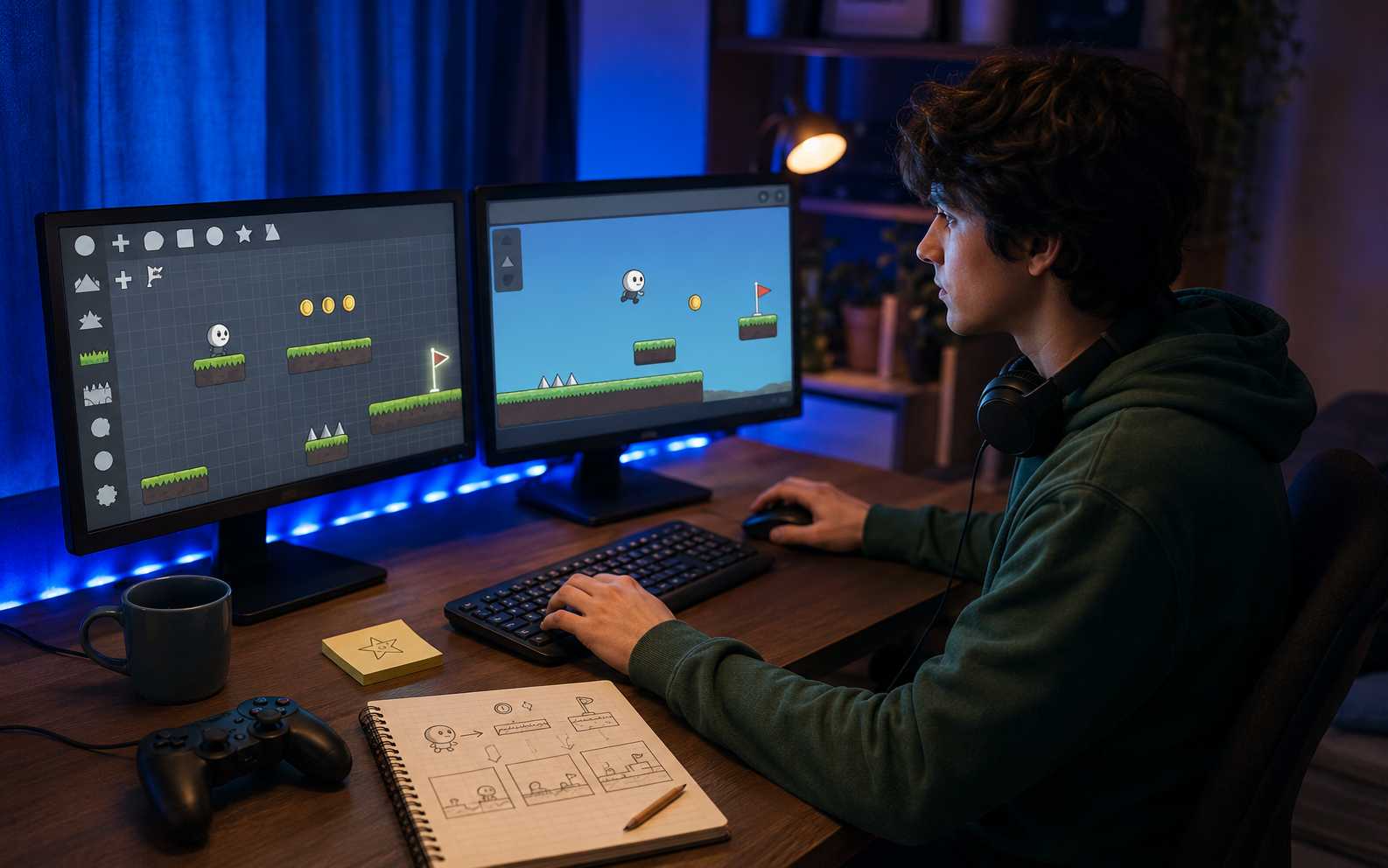
Indie Developers and Game Prototypers
Turn a concept into a browser-based prototype before investing in a larger production. Test the core mechanic, controls, difficulty, and player experience while the idea is still easy to change.
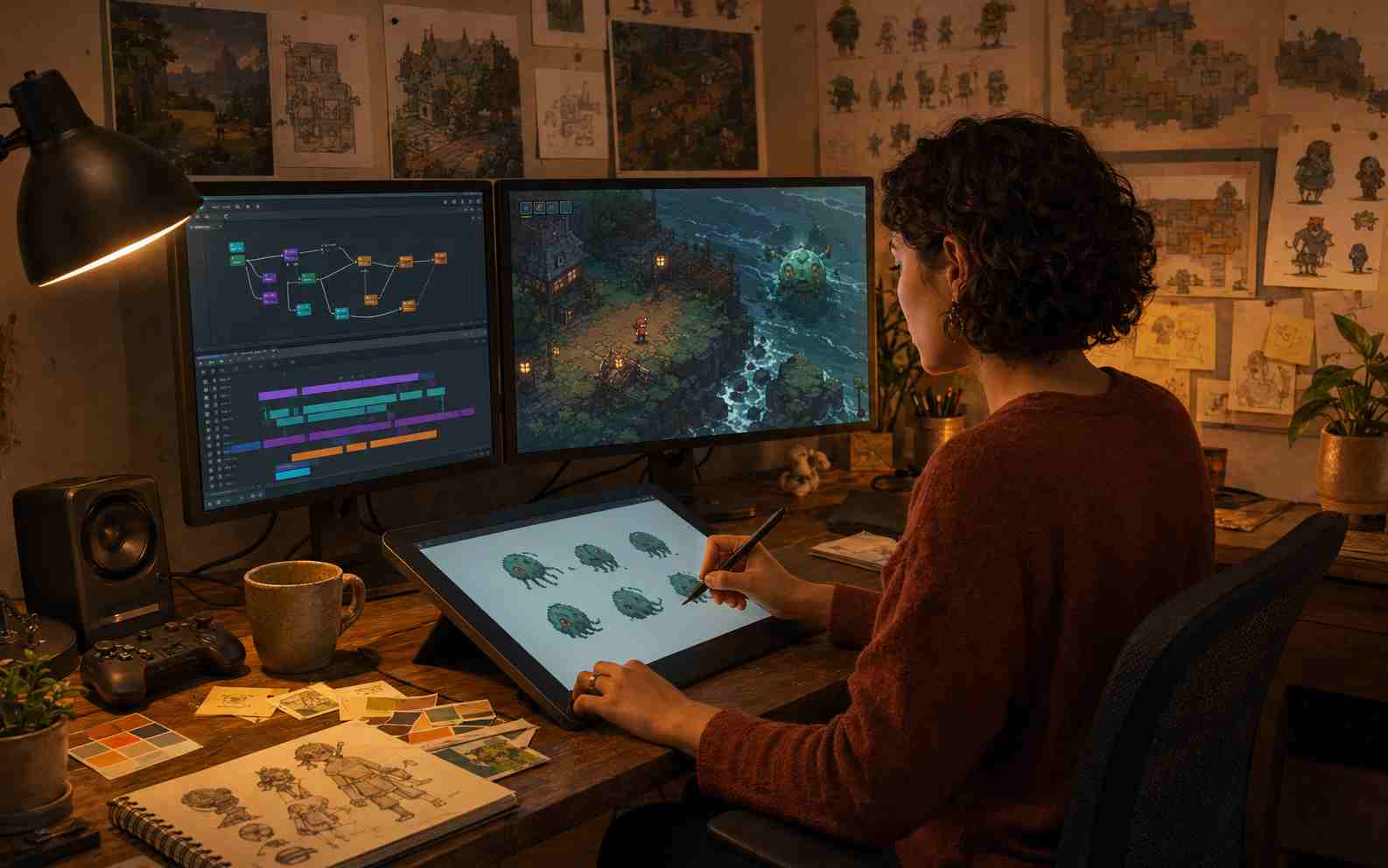
Teachers, Students, and Content Creators
Create quizzes, learning games, interactive stories, and short challenges for lessons, presentations, communities, or online content. Players can open the experience through a browser without installing extra software.

Related HTML5 Game Makers and Guides
Explore related AI game makers and beginner guides. Learn how to plan a browser game, create it without coding, write better prompts, and test a playable prototype.
View More
HTML5 Game Maker FAQs
An HTML5 game maker is a tool for creating games that run in a web browser. Depending on the tool, creators may work with JavaScript, visual scripting, templates, or AI prompts.
Create Your Own HTML5 Browser Game
Describe the player, controls, main action, challenge, goal, and visual style. SoonLab turns your idea into a playable browser game that you can test, refine, share online, and download as an HTML file.
Create HTML5 Game