Text to Game AI: Create Playable Browser Games from Prompts
Use SoonLab text to game AI to transform a written idea into a playable game. Describe the gameplay, controls, rules, visual style, and win condition. SoonLab generates a first version you can play, edit, share, and publish.
0/10000
Game inspiration sources







Playable Games Made from Text with SoonLab
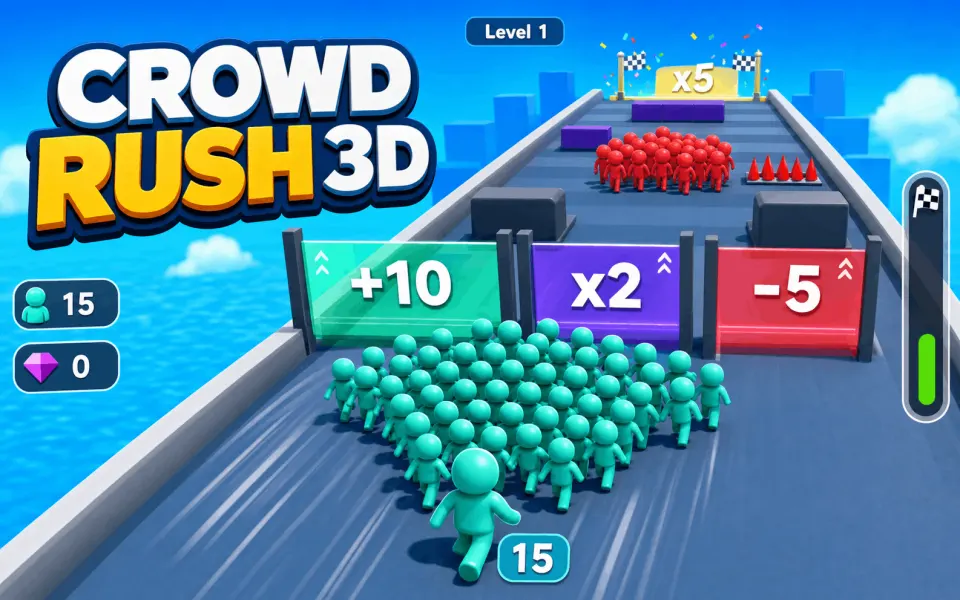
Try real SoonLab game examples to see how a short idea can become a playable game loop. Play a few games, identify one mechanic you enjoy, and use it as inspiration for an original prompt.
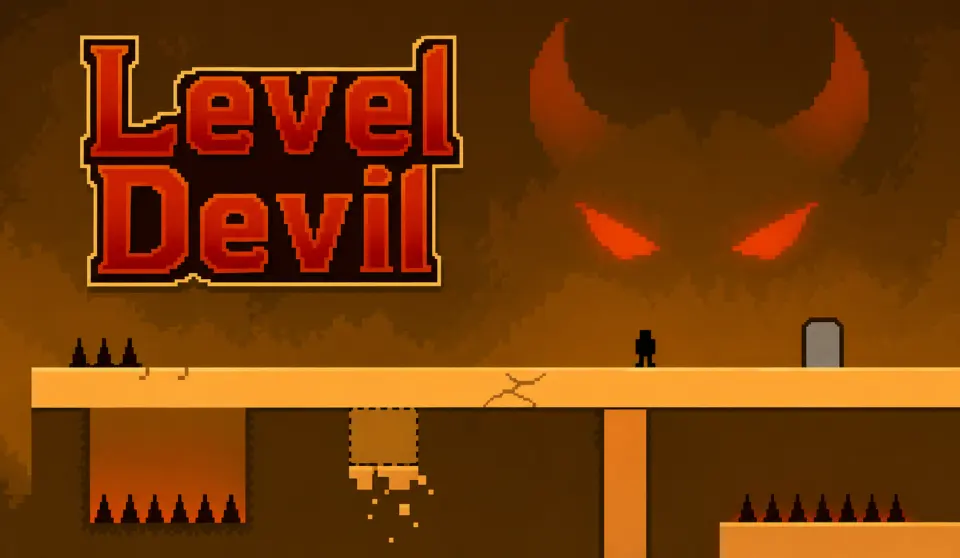
Level Devil
Play Game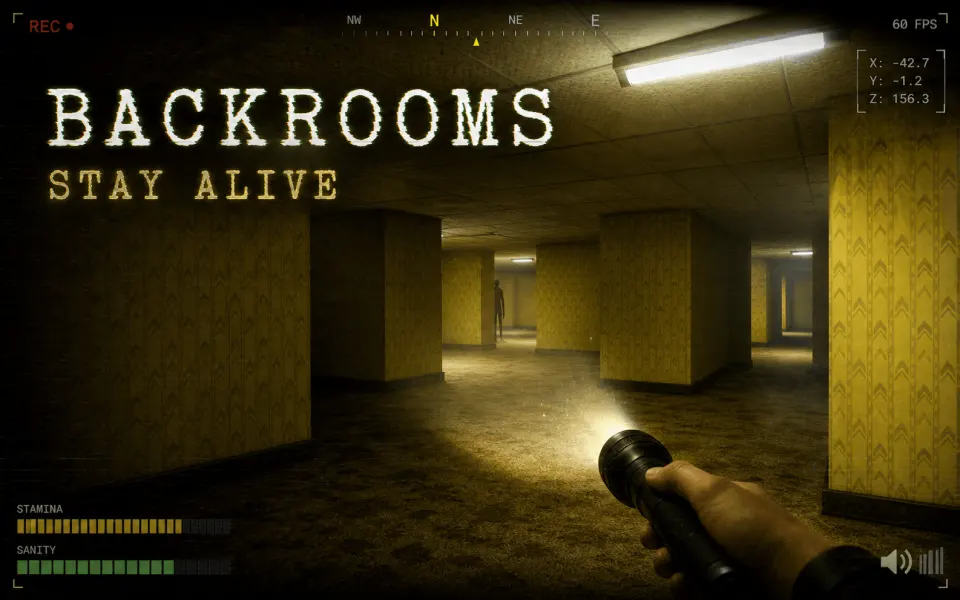
Backrooms break in smooth
Play Game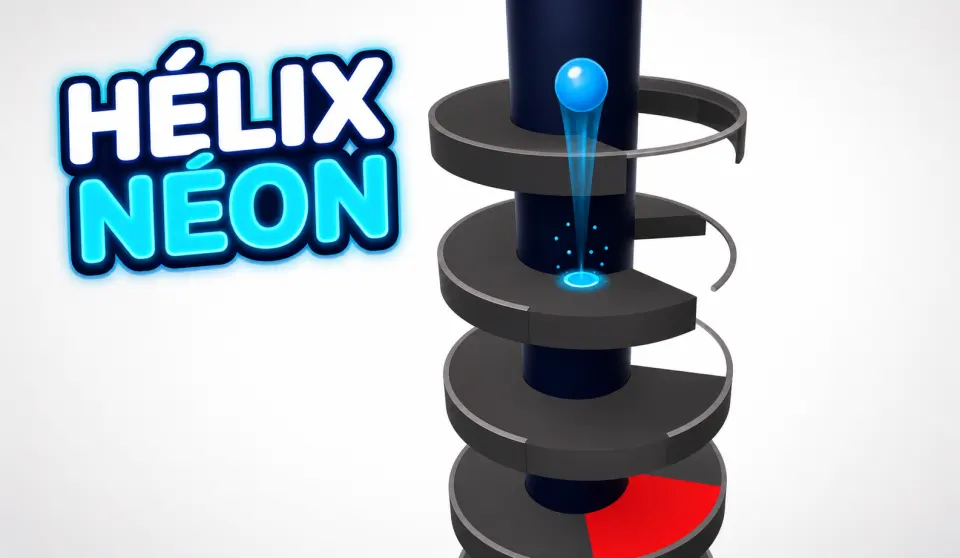
Helix neon
Play Game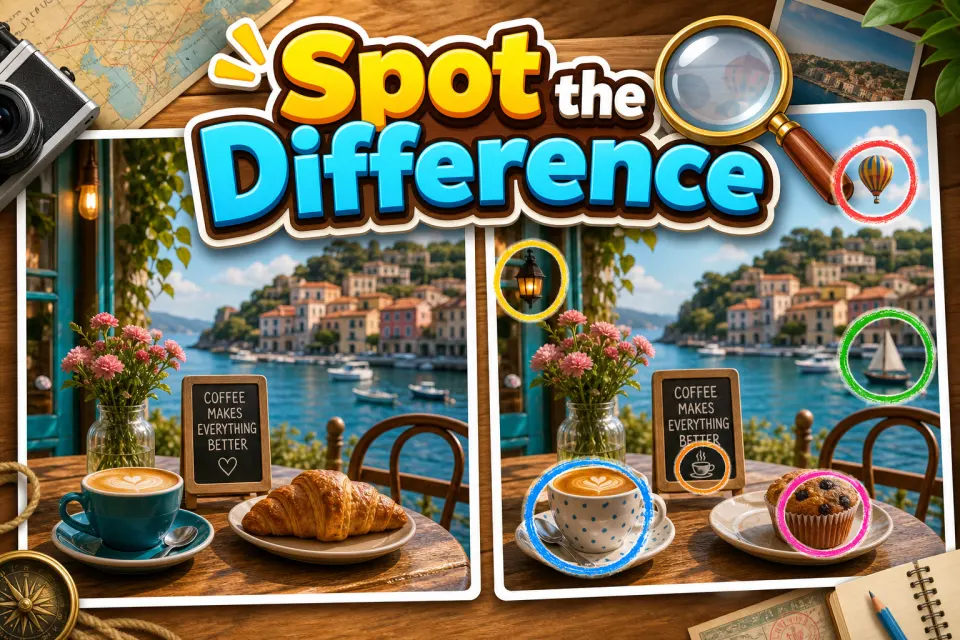
Spot the Difference
Play GameWhat Can You Do with SoonLab Text to Game AI?
Generate a Playable Game from Text
Describe your idea in plain language. SoonLab turns it into a browser game with controls, rules, objectives, and a playable game loop.
Create Your Game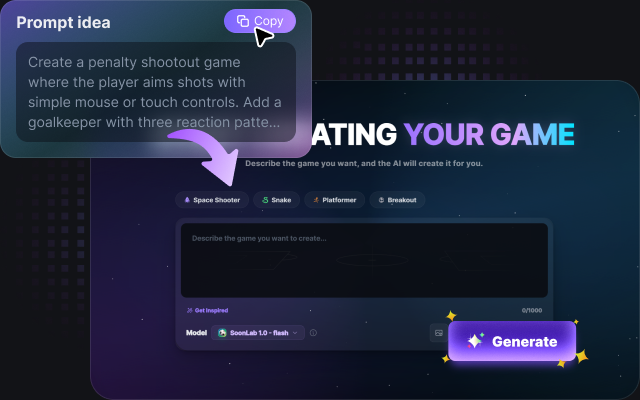
Edit the Game with Follow-Up Prompts
Ask SoonLab to change one part of the game without starting again. You can adjust the difficulty, movement speed, enemy behavior, controls, scoring, visual style, or level design.
Create Your Game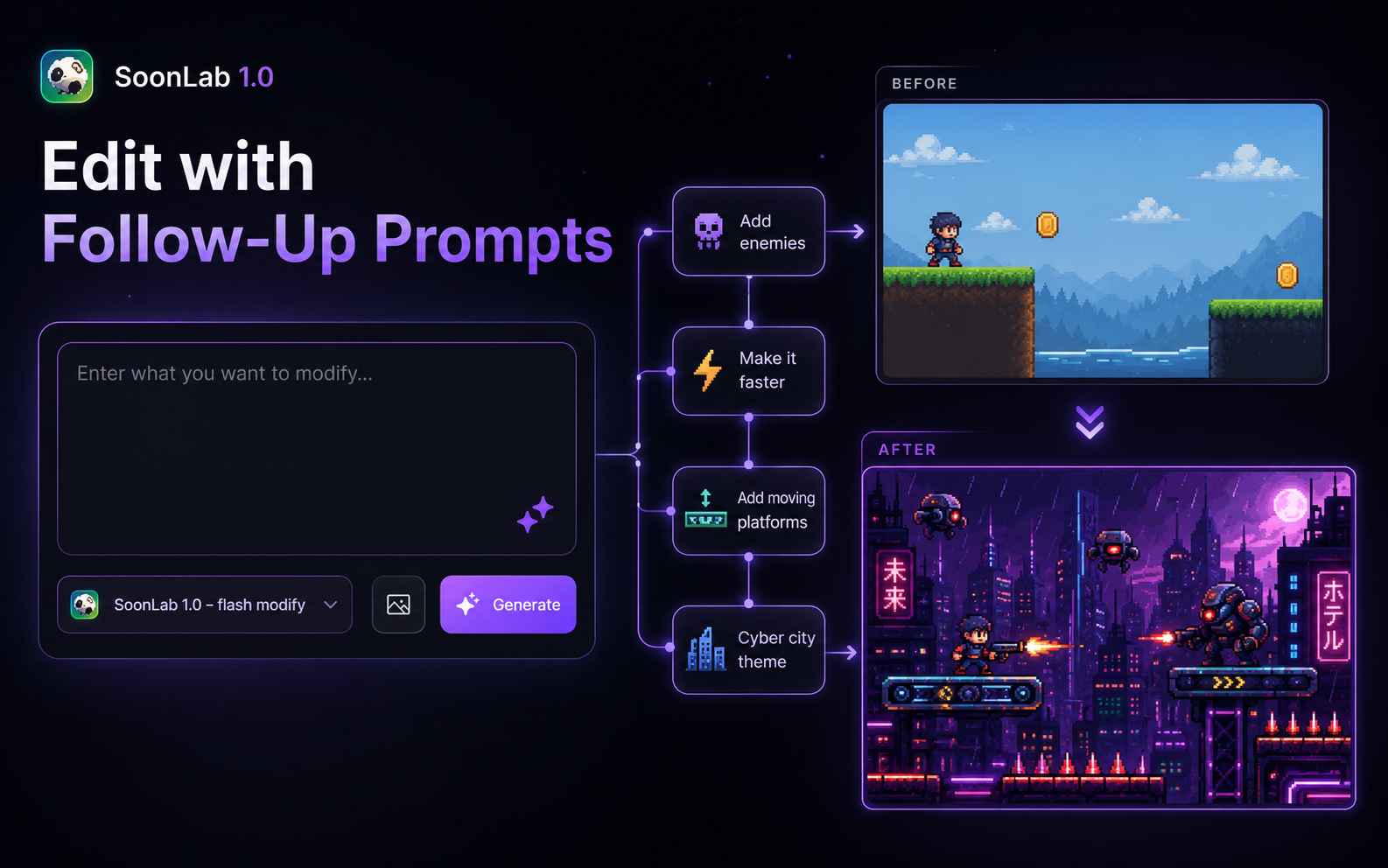
Play and Test the Result Immediately
Open the generated game in your browser and complete a full round. Check whether the controls, instructions, difficulty, and win condition are easy to understand.
Create Your Game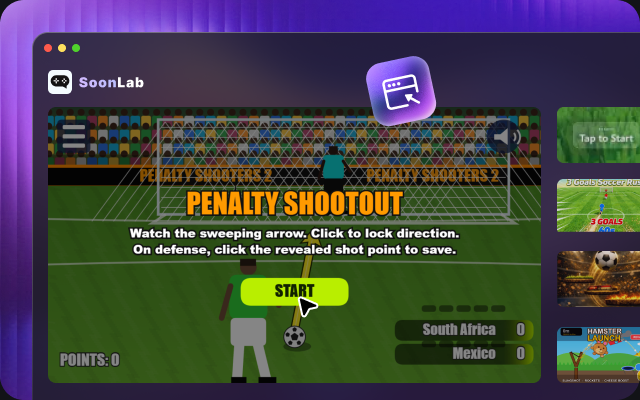
Share and Remix Browser Games
Share a playable game with other people or remix an existing SoonLab game into a new concept with different mechanics, themes, or rules.
Create Your Game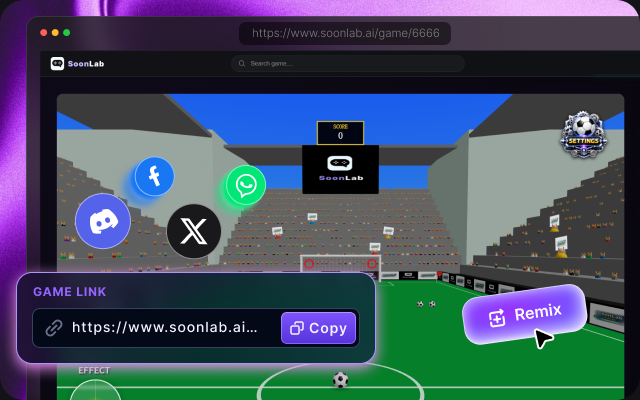
Go from Prompt to Game in Three Steps
Write the idea, play the first version, and refine it through chat. You can start without learning a game engine or preparing a full design document.

Step1.Describe the Game You Want to Create
Start with the player's main action. Explain what the player controls, the goal, the obstacle, and the format of one complete round.

Step2.Generate and Play the First Version
Paste your prompt into the AI text to game generator. Include the controls, scoring, difficulty, visual style, feedback states, and restart flow. Generate the game, then play one complete round from start to finish.

Step3.Playtest, Edit, and Share
Notice where the game feels confusing, slow, or unfair. Ask for one meaningful change at a time—for example, a shorter tutorial, clearer hit feedback, slower enemies, or touch controls. Test the result again, then share or remix the improved version.
Copy a Prompt to Start Your Game
The best prompts define a small but complete game loop. Choose an idea below, copy the prompt into SoonLab, and change the theme, controls, difficulty, or art direction to make the result your own.
| Prompt idea | Prompt | Difficulty | Best for | Style | Copy |
|---|---|---|---|---|---|
| Neon Asteroid Run | Create a top-down space survival game where the player moves with arrow keys or touch controls, dodges asteroids, and collects blue energy orbs. The round lasts 60 seconds. Increase asteroid speed every 15 seconds, award bonus points for near misses, and show a final score with a restart button. Use a neon arcade visual style. | Beginner | Fast arcade sessions | Neon sci-fi | |
| The Floor Remembers | Create a one-screen platform game where every platform disappears two seconds after the player touches it. Add three short levels, responsive keyboard and touch controls, collectible stars, a visible timer, checkpoints, and clear win and fail states. Use a colorful minimalist style. | Intermediate | Platformer prototypes | Minimal arcade | |
| Moonbase Mystery | Create a short exploration game set in an abandoned moonbase. Let the player inspect rooms, collect three clues, make one final decision, and unlock two different endings. Add simple movement, readable dialogue, an inventory counter, atmospheric sound cues, and a replay option. | Intermediate | Story experiments | Sci-fi mystery |
Make Your Game Prompt Easier to Build
Use this starting brief: create a [genre] game where the player [core action] to [goal] while [obstacle]. Use [controls]. Add [scoring or progression], [win and fail states], and [feedback]. Make it [visual style] and optimized for [desktop, mobile, or both]. You can add detail after testing the first version.
Give the First Version a Clear Scope
- Choose one main action, such as dodging, jumping, aiming, or selecting an answer.
- Define the start, goal, failure condition, and restart behavior.
- Name the keyboard, mouse, or touch controls you want.
- Keep the first version to one room, one level, or a short timed round.
- Specify what the player sees after scoring, taking damage, winning, or losing.
- Explain any difficulty increase with a clear rule, such as faster enemies after 30 seconds.
- For mobile play, request readable text and large touch buttons.
- After each revision, repeat the same test before adding another feature.
Turn Playtest Feedback into a Request
- If jumps are too difficult, ask for wider platforms or a lower jump distance.
- If the player gets lost, ask for a visible objective and clearer route markers.
- If scoring is unclear, describe exactly which action earns points.
- If a round never ends, specify the win, fail, and restart conditions.
- If touch controls are awkward, ask for larger buttons and more spacing.
- If a revision changes another mechanic, describe the issue and name the behavior you want to keep.
Explore Game Makers and Prompt Guides
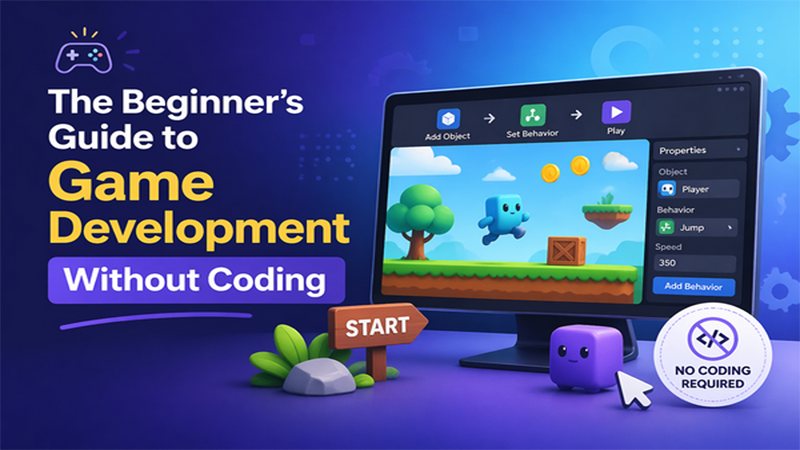
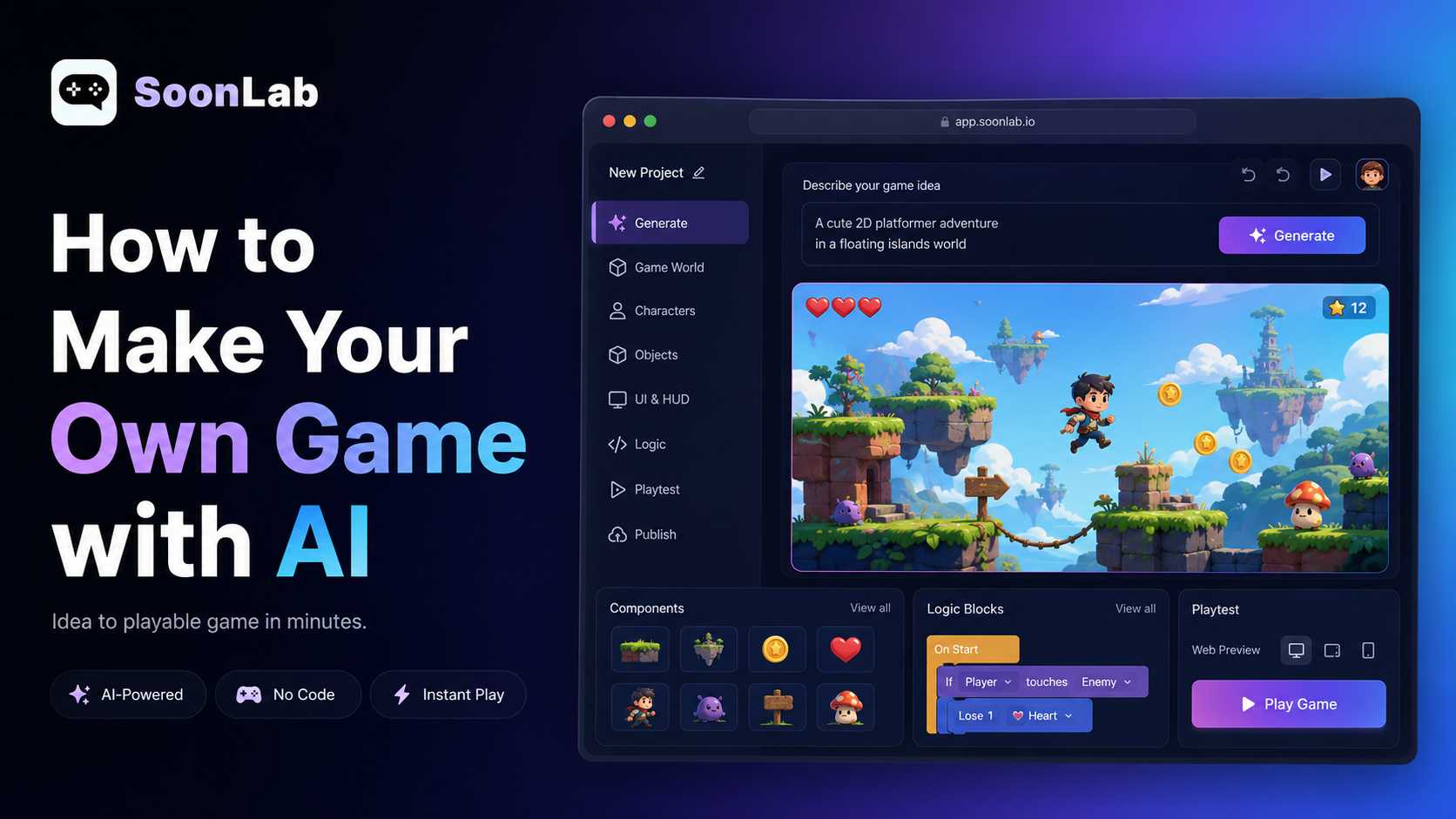
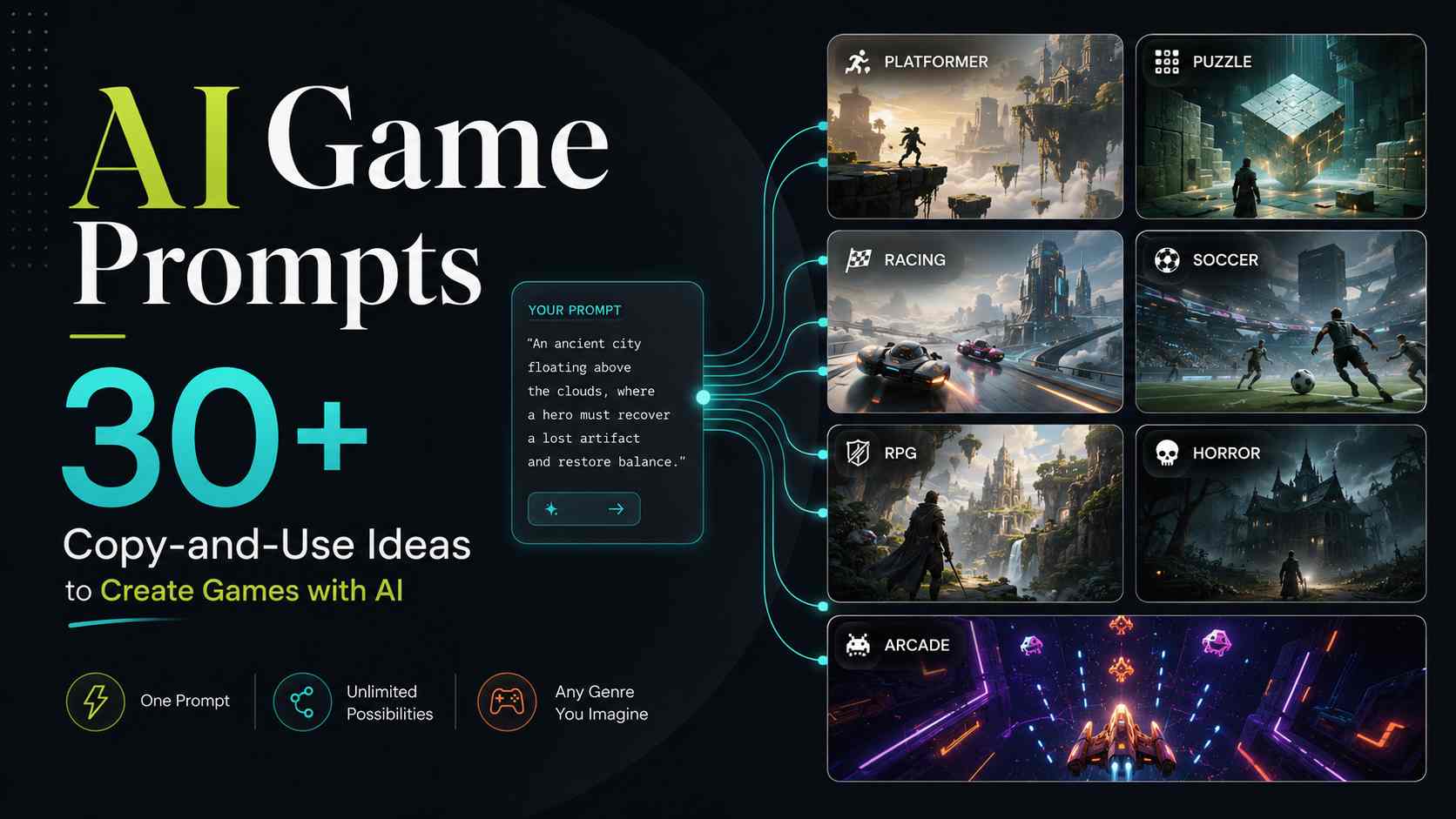
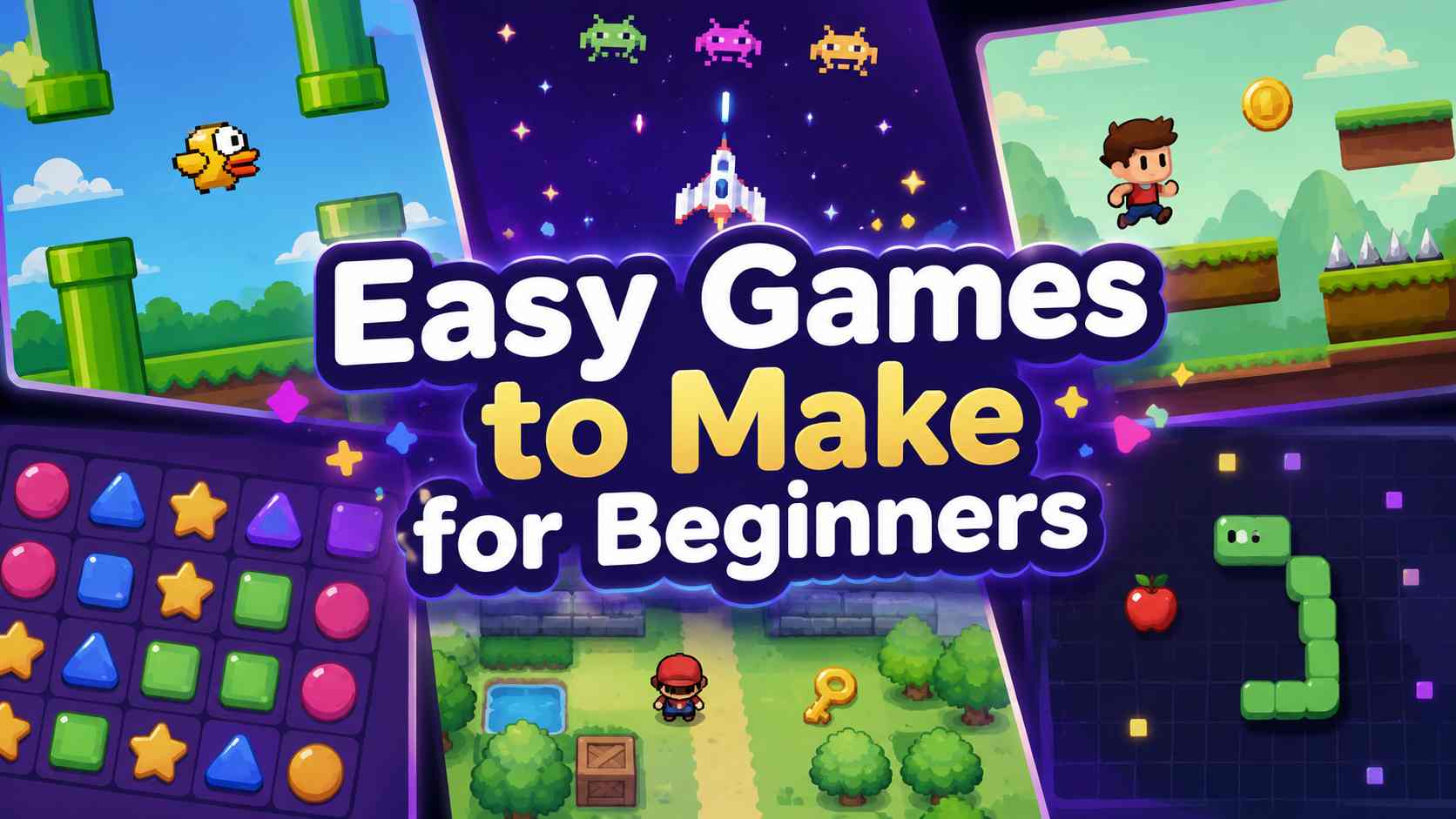
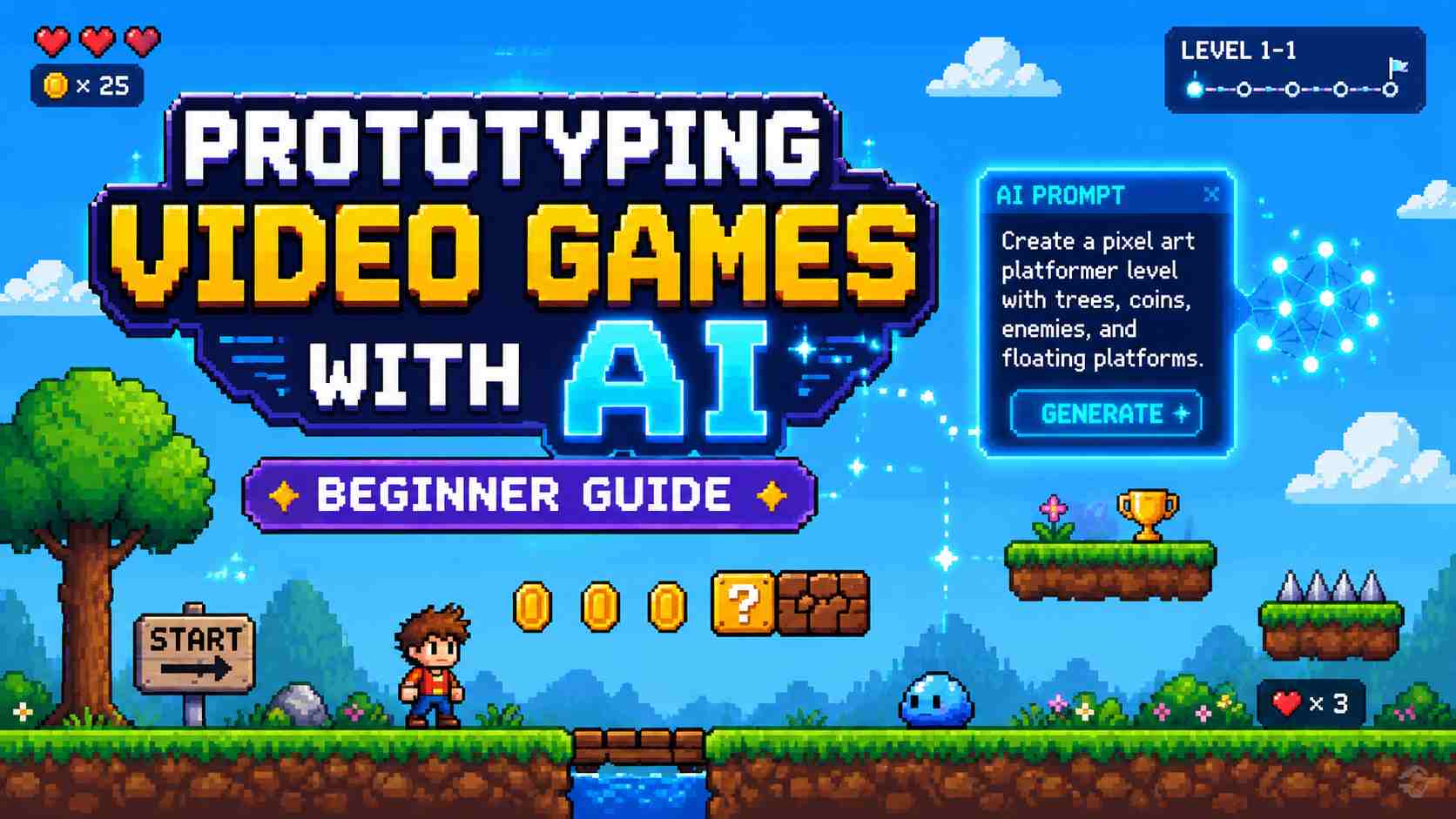
Explore practical guides for writing better game prompts, creating games without coding, comparing AI game makers, and turning early ideas into playable prototypes. Use these resources to plan your game, then return to the Text to Game AI tool to generate and test it.
View More
Text to Game AI FAQs
Text to game AI turns a written game idea into an interactive experience. You describe the gameplay, controls, objectives, obstacles, visual style, and win conditions, and the SoonLab AI generates a playable first version that you can test and improve.
Turn Your Prompt into a Game You Can Play
Bring your own idea or copy a prompt above. Start with one short round, generate the first version, and use your playtest feedback to decide what to change next.
Create Your Game