
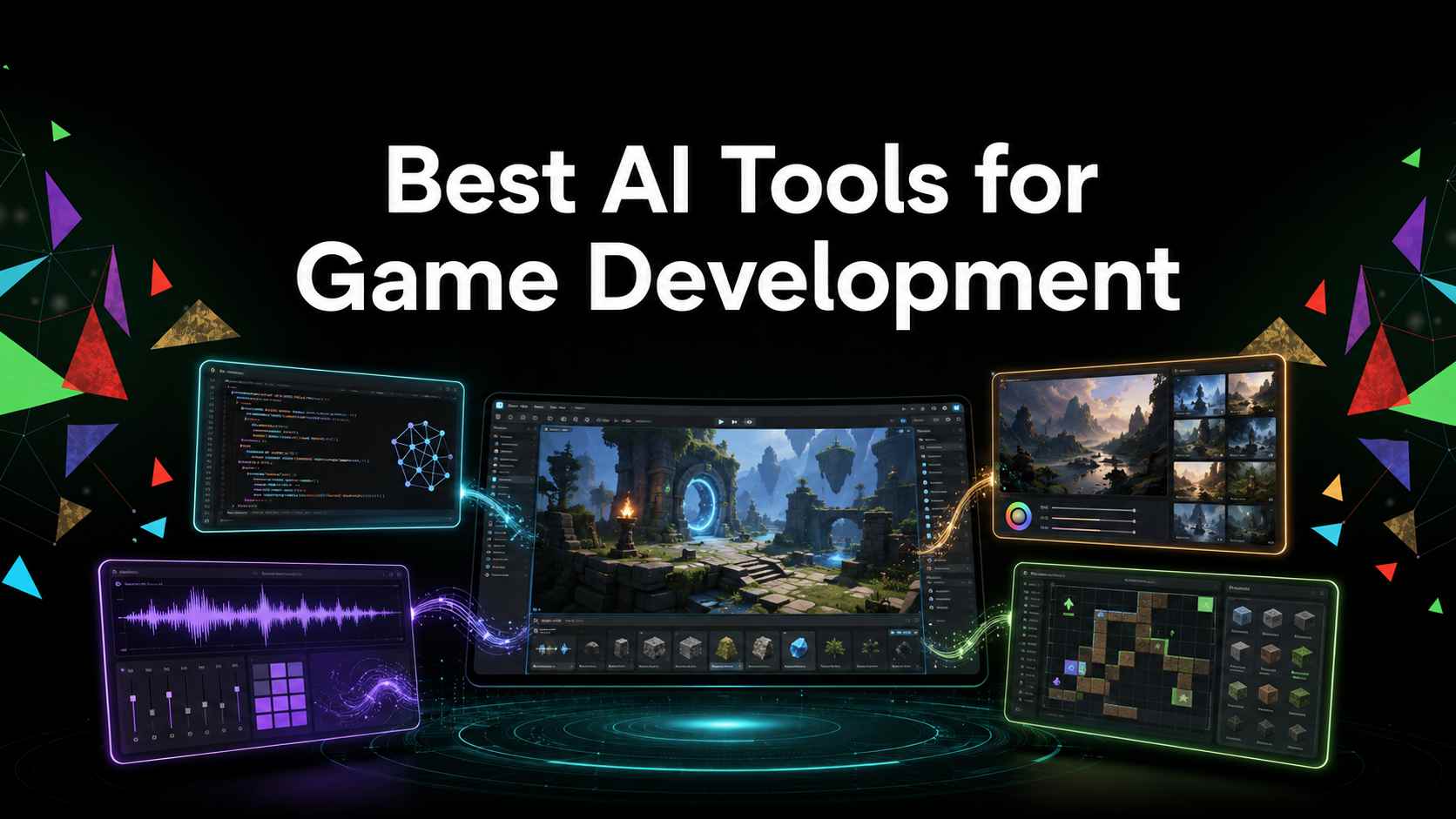
After eight years in game development, I have learned that the best tool is rarely the one with the longest feature list. It is the one that removes a real bottleneck without creating a worse problem later. For code, I want context and control. For art, I want consistency. For prototypes, I want to reach something playable before spending weeks on production.
That is how I recommend choosing an AI tool for game development. Cursor is useful when you already have a codebase. Scenario is better when visual consistency is slowing down your art pipeline. Meshy helps you move from a 2D idea to a workable 3D starting point. ElevenLabs and Cascadeur solve specific voice and animation problems. If you need to test whether a game idea is fun at all, Rosebud AI or SoonLab AI can get you to a playable browser prototype much faster.
None of these tools replaces a game engine suited to your project, good design judgment, or careful testing. I treat AI as a production assistant: give it a clear job, inspect what comes back, and keep the parts of the project that matter under human control.
AI Game Development Tools Compared
| Tool | Best For | Main Output | Biggest Limitation |
|---|---|---|---|
| Cursor | Coding in an existing project | Code edits, debugging, refactors | You still need to understand and test every change |
| Scenario | Consistent 2D art and asset variations | Images, textures, UI, video, and 3D assets | Good output still depends on strong references and art direction |
| Meshy | Fast 3D props and prototypes | Textured 3D models in common formats | Topology, materials, and details may need cleanup |
| ElevenLabs | Prototype voices and dialogue | Speech and designed voices | Consistency, consent, and performance direction need attention |
| Cascadeur | 3D character posing and animation | Poses and assisted in-between motion | It assists animators; it does not replace animation judgment |
| Ludo.ai | Ideation and pre-production assets | Concepts, sprites, 3D, audio, and video | It does not assemble those assets into a finished game |
| Rosebud AI | Prompt-based playable experiments | Browser-playable game projects | Complex mechanics still need iteration and technical review |
| SoonLab | No-code browser game prototypes | Playable browser games from prompts | It is best when the first version has a clear, limited scope |
If your only goal is to turn a prompt into a playable game, compare these AI game makers for beginners. The list below covers the wider development pipeline, from the first idea to code, art, animation, audio, and prototyping.
The Best AI Tools For Each Part Of Game Development
1. Cursor: Best For Coding In An Existing Game Project
Best for: developers working in Unity, Godot, Unreal, web frameworks, or custom engines who already have a repository and need help understanding or changing it.
I recommend Cursor when the problem lives across several files. A normal chatbot can write a function, but game bugs rarely stay inside one function. A broken inventory may involve item data, UI refresh logic, save files, and scene state. Cursor can work with that surrounding context, which makes it useful for tracing connections and planning a controlled edit.
The mistake I see beginners make is asking an agent to “finish the combat system” or “fix the whole game.” That gives it too much room to invent architecture. I would start with tasks such as adding a cooldown to one ability, locating why save data is overwritten, writing tests for an inventory function, or explaining a state machine before changing it.
My recommendation: use Cursor as a developer who can show its work, not as an invisible programmer. Review the diff, run the game, and keep each change small enough to reverse. If you cannot explain the generated code afterward, it is not ready to become part of your project.
2. Scenario: Best For Style-Consistent Game Art
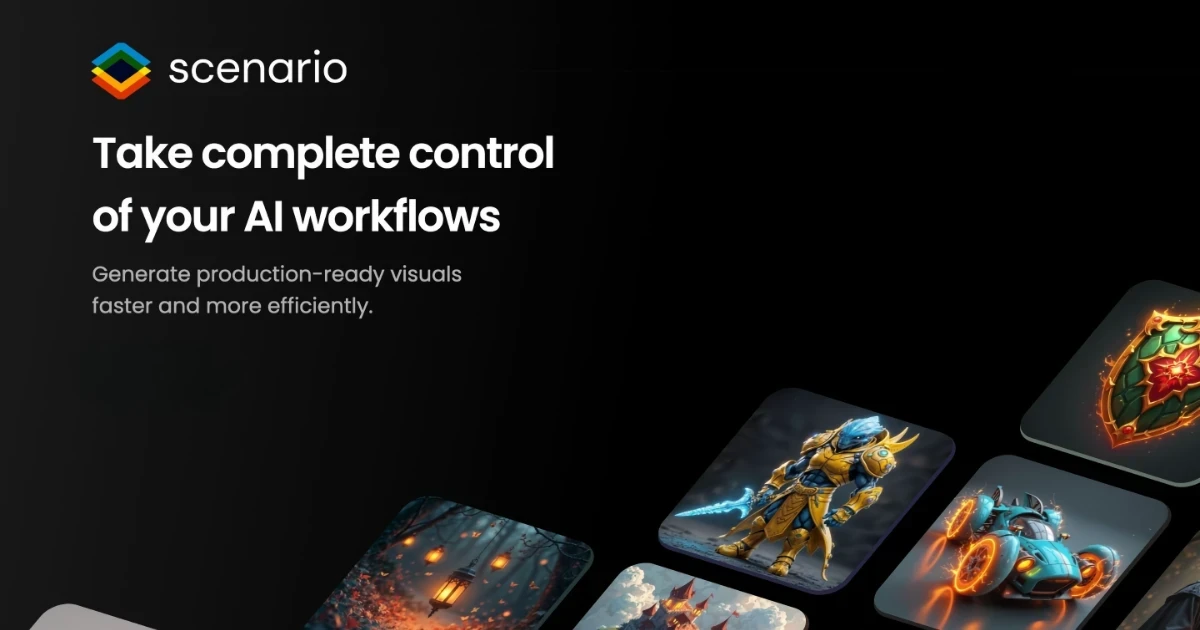
Best for: art teams and solo developers who need characters, props, UI, textures, or promotional assets to feel like they belong to the same game.
Scenario earns its place here because game art is a consistency problem, not just an image-generation problem. One beautiful character portrait is easy to admire and surprisingly hard to use. The real challenge begins when you need the same character in multiple poses, matching icons, related environments, and seasonal variations without losing the visual identity.
Scenario is designed around repeatable asset workflows and custom visual references. I would use it after deciding the palette, proportions, camera angle, lighting, and shape language—not before. Giving it a pile of conflicting references only produces inconsistency faster.
My recommendation: create a small approved style set first. Generate five assets that must work together, place them inside an actual game scene, and judge them at gameplay size. If you are still deciding between broader creation workflows, these 2D game engines provide useful alternatives.
3. Meshy: Best For Rapid 3D Props And Concept Assets
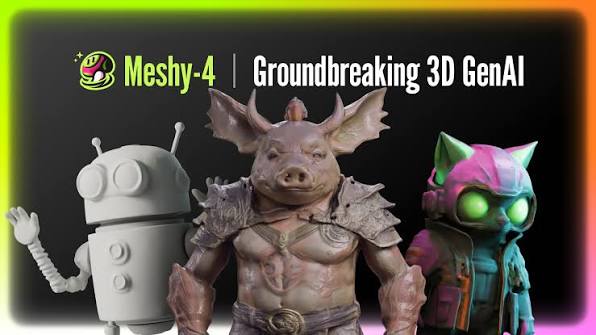
Best for: turning a written description or reference image into a first-pass 3D prop, environment object, or character concept.
Meshy is most valuable when a project needs something three-dimensional before it needs something perfect. A rough sword, crate, statue, enemy silhouette, or environment prop can help a designer test scale, composition, navigation, and interaction long before a final artist would normally build the asset.
Meshy can move from text or images to textured 3D models and export common formats used in game pipelines. That makes it a useful bridge between concept art and an engine. But I would never accept the phrase “game-ready” without checking the model inside the real project.
Inspect the pivot, scale, silhouette, topology, UVs, texture channels, polygon count, collision, rig, deformation, and LOD requirements. A model that looks excellent in a web viewer can still be expensive to render or painful to animate.
My recommendation: choose Meshy for blockouts, prototypes, background props, and visual exploration. Before using generated assets in production, measure the cleanup time. If retopology and material repair take longer than building the asset normally, the tool has not saved you time.
4. ElevenLabs: Best For Voice Prototypes
Best for: temporary dialogue, narration tests, voice direction, accessibility experiments, and prototypes that need spoken feedback before final recording.
Dialogue often looks fine in a script and feels completely different when spoken. A line may be too long for combat, too flat for a cutscene, or difficult to understand while the player is moving. That is where ElevenLabs Voice Design becomes useful: it lets you hear pacing, tone, pronunciation, and character contrast while the writing is still easy to change.
I would use generated voices early, when the goal is to improve the game rather than pretend the voice performance is finished. Test several lines together. A voice that sounds impressive for one sentence may become inconsistent across emotion, shouting, whispers, names, or repeated barks.
My recommendation: use ElevenLabs to answer production questions: Does the dialogue fit the scene? Are two characters easy to distinguish? Does a tutorial line finish before the player reaches the next trigger? For a released game, treat consent, cloning rights, performance quality, and disclosure as part of casting—not as technical details to solve at the end.
5. Cascadeur: Best For AI-Assisted 3D Character Animation
Best for: animators and developers who understand the motion they want but need help building poses, transitions, and convincing body mechanics.
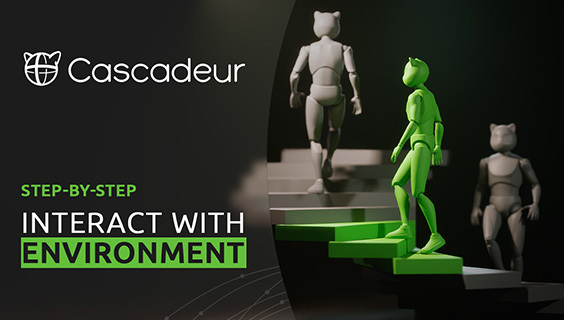
Cascadeur is the tool I would choose when an animation has the right idea but the body does not feel grounded. Its assisted posing and in-between tools can speed up blocking, while its physics-oriented workflow helps you examine balance, weight, and trajectory.
The useful distinction is that Cascadeur does not ask you to surrender the animation. You still decide the key poses, timing, intention, and gameplay readability. That matters because a physically believable attack can still feel terrible if the anticipation is too long or the hit frame does not match the combat logic.
My recommendation: use it for one bounded motion at a time—a jump, landing, dodge, hit reaction, or transition between approved poses. Test the result on the actual game rig and check foot sliding, root motion, contacts, loops, retargeting, and the exact frame where gameplay events fire.
6. Ludo.ai: Best All-In-One Pre-Production Workspace

Best for: teams that are still shaping the concept and need ideas, references, sprites, 3D assets, audio, or video without moving between many separate tools.
Ludo makes the most sense during pre-production. It can help turn a loose theme into a clearer package of mechanics, visual directions, market references, and placeholder assets. For a solo developer wearing several hats, keeping those early tasks in one workspace can reduce friction.
Its breadth is also the reason to stay disciplined. Generating a sprite, soundtrack, model, and concept page can make a project feel more complete than it really is. None of those assets proves that the core loop works.
My recommendation: give Ludo one pre-production question at a time. Define the player action, audience, session length, art direction, or asset requirement, then decide what survives into the real project. A structured indie game development workflow helps prevent attractive concept work from turning into uncontrolled scope.
7. Rosebud AI: Best For Prompt-Based Game Experiments
Best for: beginners and creators who want to describe a small idea and receive a browser-playable result they can continue changing.
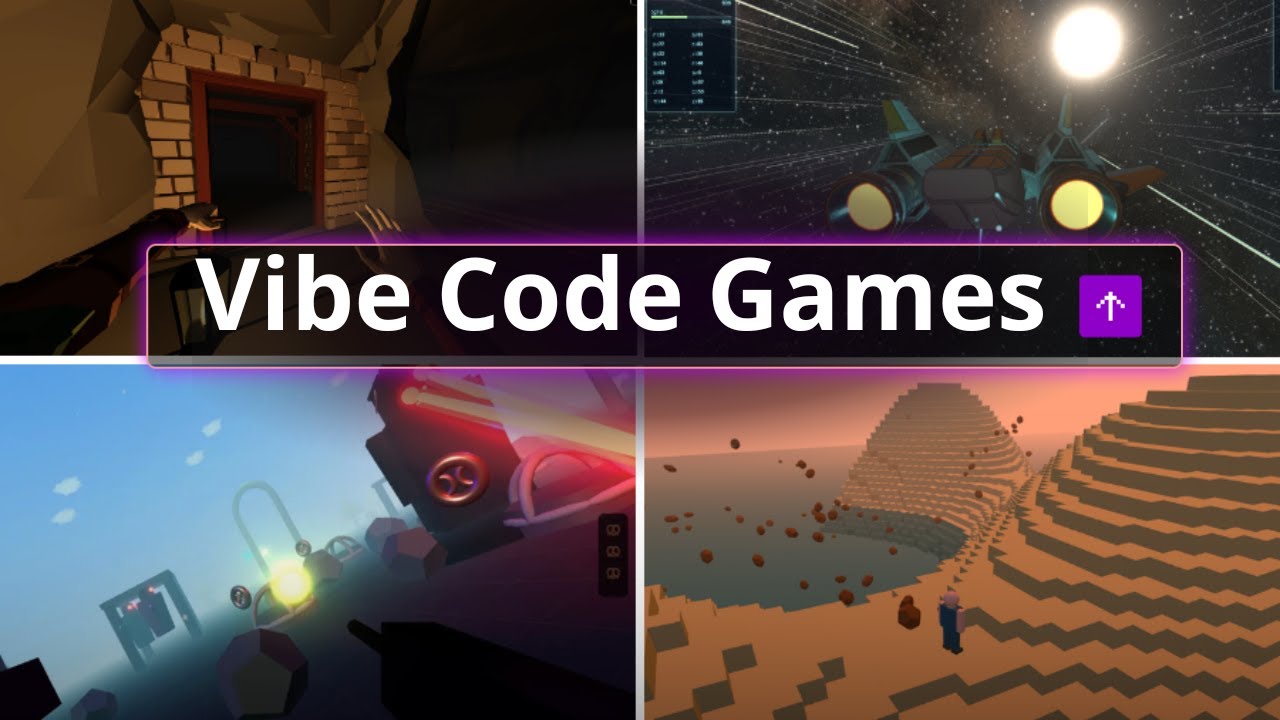
Rosebud AI is useful when the main question is not “How should I code this?” but “Is this idea worth building?” Turning a prompt into something playable exposes problems that a design document hides: unclear controls, a weak objective, awkward pacing, or a mechanic that simply is not enjoyable.
The first generation is only the start. I judge a prompt-to-game tool by the second and third edits. Can you repair a rule without breaking another one? Can you tune movement, replace an asset, understand the project state, and keep versions? A flashy first minute matters less than whether the project stays controllable.
My recommendation: choose Rosebud for fast experiments and learning through iteration. Keep the first prompt small and use follow-up changes to test one design assumption at a time. If avoiding code is the larger goal, compare these other ways of creating a game without coding.
8. SoonLab: Best For A Quick No-Code Browser Game Prototype

Best for: beginners, educators, designers, and small teams who want to move from a clear idea to a playable, shareable browser game.
SoonLab is the option I recommend when setup is the obstacle. Instead of configuring an engine before testing the idea, you describe the player action, rules, hazards, goal, and visual direction, then generate a version you can play in the browser.
Turn your idea into aplayable game
Describe the game you want to make, and SoonLab will help you start building it.
The quality of the first result depends heavily on scope. “Make an open-world RPG” gives the system too many connected decisions. “Make a one-level platformer where a robot collects five batteries, avoids moving lasers, and reaches an exit” gives you something you can judge. You can then refine the controls, difficulty, feedback, and ending through the SoonLab creation page.
My recommendation: use SoonLab to validate one mechanic and one win condition. This beginner guide to making a 2D game and the online 2D game maker are practical starting points. If the prototype proves the idea, you can decide whether to keep refining it or move the design into a larger production pipeline.
How To Choose The Right AI Tool For Your Game Development
When I evaluate a new tool, I do not begin with its demo gallery. I begin with one task that already costs the project time.
- Name the bottleneck. Choose one: code, concept art, consistent 2D assets, 3D models, animation, voice, pre-production, or a playable prototype.
- Define the deliverable. Write down the engine, file format, target device, visual direction, and quality bar.
- Use a representative task. Test the tool on something close to real production work, not a prompt designed to make the generator look good.
- Count cleanup time. Include retries, editing, debugging, retopology, importing, testing, and review.
- Check ownership and disclosure. Understand the license, commercial-use terms, input rights, voice consent, privacy, and platform requirements.
- Keep a source of truth. Store approved code, assets, prompts, licenses, versions, and decisions where the team can audit them.
A tool is useful when the finished, reviewed output arrives faster—not when the first generation appears faster.
A Practical AI-Assisted Game Development Workflow
You do not need all eight tools. For a small project, I would build the stack in this order:
- Validate the mechanic. Build a tiny browser prototype with SoonLab or Rosebud, or use this platformer game tutorial to define a focused first project.
- Choose the production environment. Set the real engine version, repository, input system, target platform, and build process.
- Use coding assistance for bounded tasks. Let Cursor help with one connected feature or bug at a time. Review the change and run the game immediately.
- Lock the visual direction. Create a small approved reference set before asking Scenario, Meshy, or Ludo to produce variations.
- Add animation and voice after the loop works. Movement timing and dialogue length are easier to judge once the game can be played.
- Replace, polish, and verify. Check performance, accessibility, rights, disclosure, consistency, edge cases, and behavior on the target device.
This order protects the project from a common trap: spending days generating impressive assets for a game loop that has not earned them yet.
What AI Game Development Tools Still Get Wrong
They Create Plausible Output, Not Guaranteed Correct Output
Generated code can compile and still damage save data, multiplayer authority, frame timing, or another connected system. A 3D model can look polished and still have bad topology, broken UVs, or unusable deformation. Always judge the output inside the project where it must work.
They Can Create Comprehension Debt
Technical debt is code that becomes expensive to change. Comprehension debt appears even sooner: the code works, but nobody on the team understands why. Keep generated changes small, ask for explanations, add tests, and reject abstractions that the maintainers cannot support.
Visual Consistency Still Requires Art Direction
A folder full of attractive images is not an art style. A game needs rules for shape, color, scale, camera, lighting, materials, UI, animation, and readability. Define those rules before generating assets in batches.
Rights And Disclosure Are Production Decisions
Do not wait until submission day to ask where an asset came from or whether a voice was used with consent. Keep records of inputs, outputs, edits, licenses, and what will reach players. If the team cannot explain an asset's origin, it should not be difficult to remove.
FAQs
What Is The Best AI Tool For Game Development?
There is no single winner for the whole pipeline. I would choose Cursor for connected codebase work, Scenario for consistent visual assets, Meshy for first-pass 3D models, ElevenLabs for voice prototypes, Cascadeur for character animation, Ludo.ai for pre-production, and Rosebud or SoonLab for playable experiments.
Can AI Make A Complete Game?
AI can create small playable prototypes and assist with many production tasks. A reliable commercial game still needs human design, engineering, art direction, testing, rights review, platform compliance, and maintenance.
What Are The Best Free AI Game Development Tools?
Free plans change often, so I would not choose a tool only because its first generation costs nothing. Compare export rights, commercial-use terms, privacy, credit limits, and cleanup time. A free asset becomes expensive when it takes hours to repair.
Do I Need Coding Skills To Use AI Game Development Tools?
You can create a small browser prototype without coding. Coding knowledge becomes important when the project needs custom systems, engine integration, debugging, performance work, multiplayer, security, or long-term maintenance.
Can I Use AI-Generated Assets In A Commercial Game?
It depends on the tool, plan, inputs, output, jurisdiction, and distribution platform. Read the current terms, use only source material you have the right to provide, keep generation records, and obtain legal advice when the commercial risk is meaningful.
Conclusion
The most useful AI game development tool is the one that removes a specific constraint while leaving you in control of the project. Start with one task, test the result where it will actually be used, and count the cleanup—not just the generation time.
If your first goal is a small playable browser game, start a prototype in SoonLab. Give it one mechanic, one goal, and one clear ending. A finished small experiment will teach you more than a large collection of generated assets that never becomes a game.