
When I first started learning game development, choosing the right game engine felt overwhelming. I spent weeks watching YouTube videos and reading guides, but most of them were full of technical jargon, confusing comparisons, and generic advice that didn’t really help beginners or indie developers make a clear decision.
So in this guide, I’ll keep things simple. I’ll break down the best game engines for beginners and indie developers in 2026 based on different goals and project types. Whether you want to build your first 2D game, create a solo indie project, or learn professional 3D development, this article will help you choose the right game engine for your needs.
What Does a Game Engine Actually Do?
Before comparing different game engines, I think it helps to understand what a game engine actually does. Once I understood this, choosing the right engine became much easier.
A game engine is the main software used to build games. It handles many of the complex systems behind the scenes, including:
- Rendering graphics for 2D and 3D games
- Physics systems for movement and collisions
- Audio for music and sound effects
- Player input from keyboard, mouse, controller, or touch
- Scene and level management
I like to think of a game engine as a toolkit for game development. Instead of building everything from scratch, developers can use built-in systems and focus more on gameplay and design.
Most modern game engines also include:
- Visual editors for building levels
- Scripting or coding tools
- Asset management systems
- Export tools for PC, mobile, console, and web games
The best game engine for beginners or indie developers is not necessarily the most powerful one. It's the engine that matches your goals, skill level, and the type of game you want to create.
Before Choosing a Game Engine, Ask These 5 Questions
Before I chose my first game engine, I wasted a lot of time comparing features without thinking about what I actually needed. These five questions made the decision much easier for me, and they can help you choose the best game engine for your own projects.
1. Are You Making a 2D or 3D Game?
This is the first thing I recommend deciding.
If you want to make 2D games like platformers, coloring games, puzzle games, or top-down RPGs, engines like Godot, GameMaker, and Construct are excellent choices.
If you want to build 3D games like shooters, open-world games, racing games, or simulations, Unity and Unreal Engine provide the deeper control needed for long-term production. If you want to test the idea before learning a full engine, SoonLab’s 3D game maker can turn a prompt into a playable browser prototype with a defined camera, movement, physics, environment, and goal.
One mistake many beginners make is choosing an engine just because it can do everything. In my experience, it's usually better to pick a game engine that matches your project type. Personally, I use Godot for 2D games and Unity for 3D games.
If you have not made that choice yet, compare 2D vs 3D games by art production, animation, cameras, physics, controls, performance, and project scope before selecting an engine.
Some game engines are beginner-friendly and require very little coding, while others are built for developers with programming experience.
2. Do You Want to Learn Programming?
Some game engines are beginner-friendly and require very little coding, while others are built for developers with programming experience.
Construct and RPG Maker are good no-code options for beginners. Godot uses GDScript, which is easy to learn if you've never programmed before. Unity uses C#, while Unreal Engine relies more on C++ and advanced systems.
If your goal is to learn game development and programming together, I think starting with a beginner-friendly scripting language makes the process much smoother.
3. Are You Working Solo or With a Team?
As a solo indie developer, I usually prefer lightweight game engines with fast testing, simple tools, and strong community support. Godot and GameMaker work very well for this.
For larger teams and professional pipelines, Unity and Unreal Engine offer better collaboration tools and production workflows.
4. Do You Care More About Speed or Graphics?
Some game engines focus on fast development and quick iteration. Others focus on high-end graphics and cinematic visuals.
Godot is lightweight and fast, which makes it great for rapid prototyping and indie game development. Unreal Engine delivers some of the best graphics in the industry, but it also requires more powerful hardware and a more complex workflow.
From what I've seen, most successful indie games succeed because of gameplay and creativity, not photorealistic graphics.
5. Do You Want Traditional or AI-Assisted Workflows?
AI is becoming a bigger part of game development in 2026.
Many developers now use AI tools for coding, debugging, dialogue writing, sprite generation, and procedural content creation. Some game engines work better with AI-assisted workflows than others. For a comprehensive look at available options, explore this guide on AI tools for game development.
For traditional indie development, Unity and Godot still remain some of the most flexible options. But if AI-assisted game creation is important to you, it's worth checking how well your engine supports modern AI tools and workflows before committing long-term. I also explore this direction in my own work on SoonLab, where I focus on AI-native game creation and interactive content tools.
Best Game Engines for Different Use Cases
Quick Decision Summary
If you just want a fast answer, here's how I usually recommend game engines:

This alone is enough for many developers to make a decision, but I'll break everything down in more detail below.
Unity
Unity is one of the most widely used game engines in the world, and I still see it as a strong all-round option.
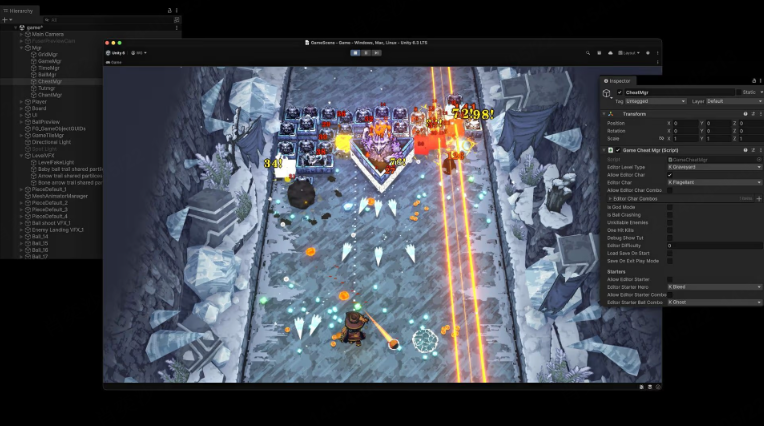
From my experience, Unity works well when you need flexibility across platforms and long-term scalability. If you're curious about what's being built with Unity, see our collection of Steam AI games.
- Beginners: Medium learning curve
- 2D/3D: Strong in both
- Solo dev: Possible but can feel complex
- Speed vs graphics: Balanced
- AI workflows: Strong ecosystem support
Unity’s 2023 pricing controversy damaged trust in the community. Many developers explored alternatives, and although Unity has adjusted its policies, it reminded me that Unity is still a company-driven product.
That said, it remains very powerful and widely used in the industry.
 Best for
Mobile games, VR/AR projects, and developers aiming for professional industry skills.
Godot
Godot is the engine I personally recommend most often to beginners and solo developers.
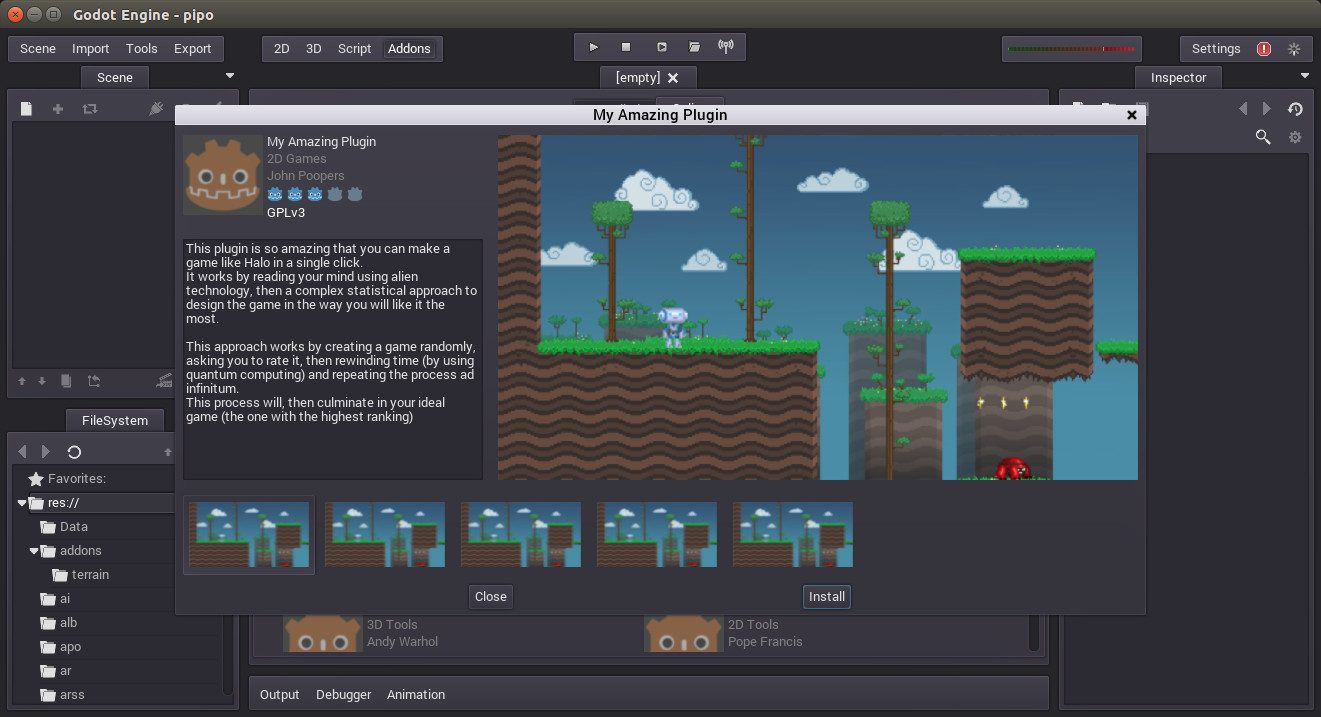
It is lightweight, open-source, and very fast to work with. For a complete breakdown of 2D options, see our top 2D game engines review.
- Beginners: Very easy
- 2D/3D: Excellent 2D, improving 3D
- Solo dev: Perfect
- Speed vs graphics: Very fast workflow
- AI workflows: Good, but lightweight ecosystem
Godot removes a lot of unnecessary complexity. When I use it, I can focus on building gameplay instead of fighting the tool.
It also has a very supportive community and clear documentation.
 Limitations Best for
2D indie games, solo developers, students, and anyone learning game design.
Unreal Engine
Unreal Engine is the industry standard for high-end 3D development. When I see cinematic-quality visuals in games, Unreal is often behind them.
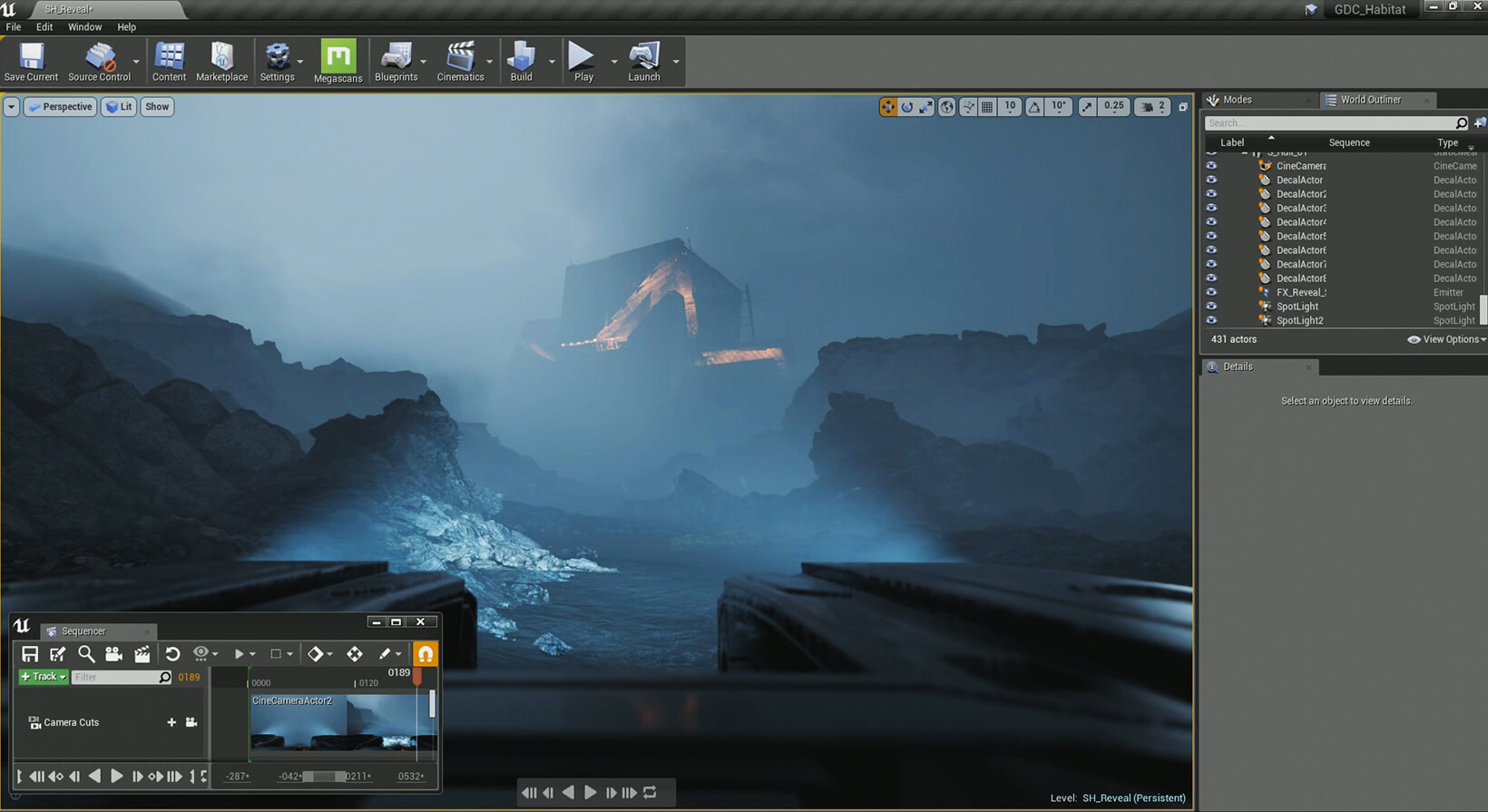
- Beginners: Hard
- 2D/3D: 3D focused
- Solo dev: Not ideal
- Speed vs graphics: High-end visuals, slower workflow
- AI workflows: Medium
Unreal delivers some of the most advanced rendering technology in the industry, including Nanite and Lumen. It is widely used in AAA game studios and high-budget productions.
It also has a very supportive community and clear documentation.
 Unreal requires:
It is not the best choice for simple indie or 2D projects.
Best forAAA games, open-world RPGs, shooters, and cinematic experiences.
GameMaker
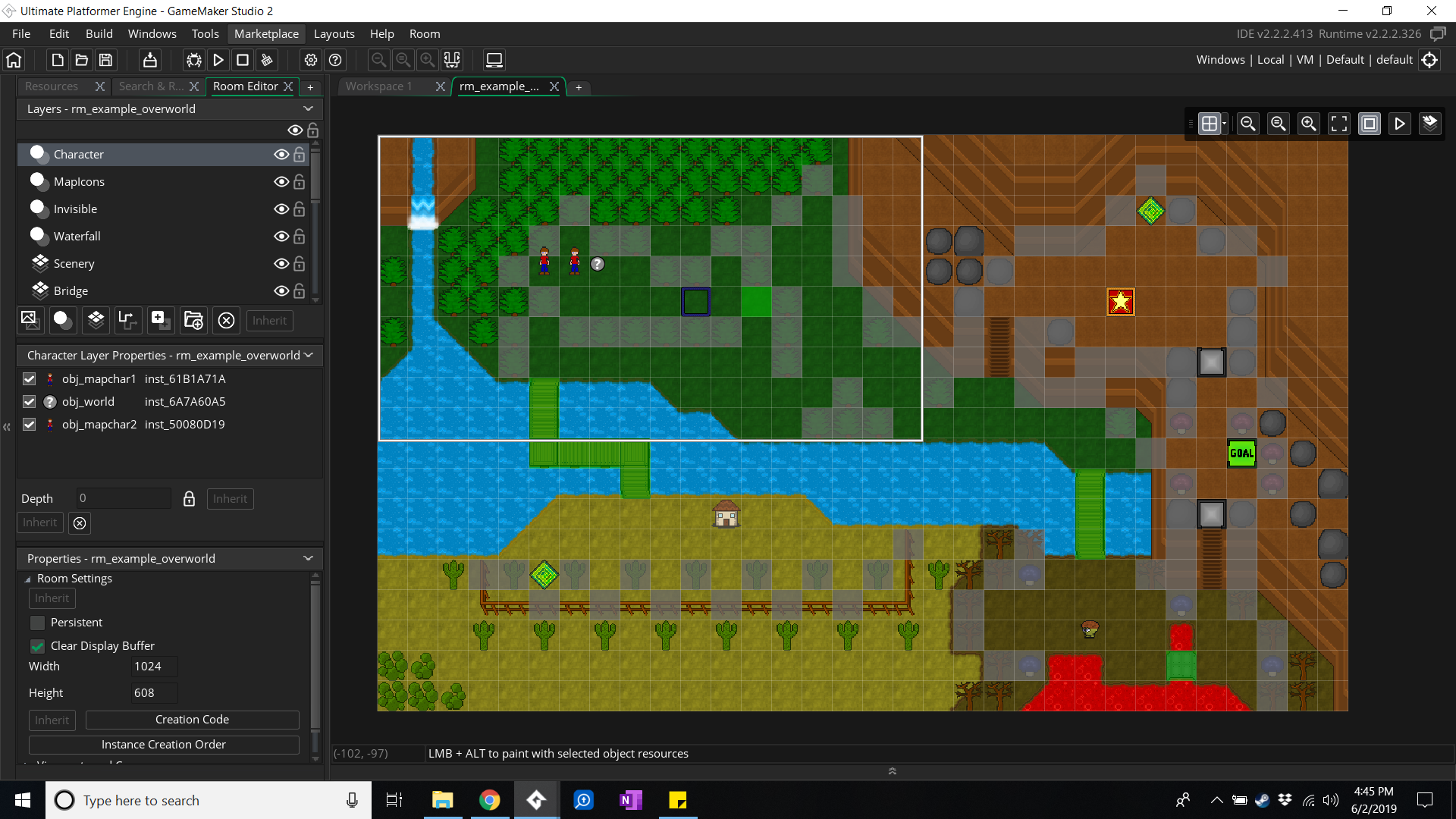
GameMaker is a specialist engine focused entirely on 2D development. If your goal is to build 2D games quickly, this is one of the fastest options available.
- Beginners: Very easy
- 2D/3D: 2D Only
- Solo dev: Excellent
- Speed vs graphics: Extremely fast iteration
- AI workflows: Limited
GameMaker is behind successful indie games such as Undertale, Hotline Miami, and Chicory: A Colorful Tale. Its sprite, room, object, and event tools make it especially effective for focused 2D production.
GameMaker can be used for 3D projects, but 3D is not its main strength. If you are deciding between GameMaker's focused 2D workflow and an engine with broader built-in 2D and 3D support, read our GameMaker vs Godot comparison.
Best forPixel-art games, retro-style indie games, platformers, arcade games, and fast prototyping.
Construct 3
Construct 3 is a beginner-friendly game engine designed for developers who want to build games without coding.
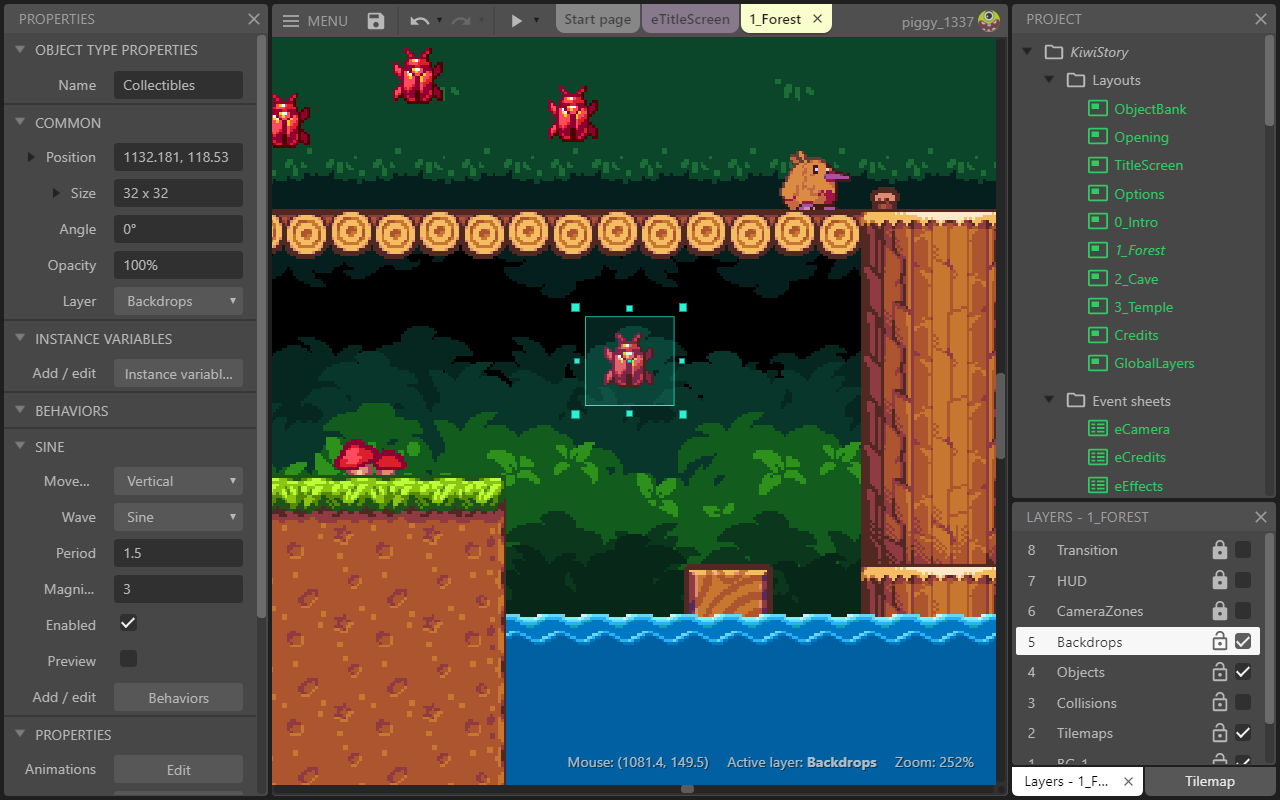
From my experience, it works especially well for rapid prototyping and visual thinkers.
- Beginners: Extremely easy
- 2D/3D: 2D focused
- Solo dev: Excellent
- Speed vs graphics: Very fast iteration
- AI workflows: Limited
Construct 3 uses a visual event system, which means you build game logic without writing traditional code. Instead, you connect behaviors in a clear and visual way. This makes it especially useful if you are still learning game development concepts.
It is not designed for complex 3D games or highly customized systems. As your project grows, you may eventually hit limitations compared to Unity or Godot.
Best forNon-programmers, rapid prototyping, and HTML5 web games.
RPG Maker
RPG Maker is a highly specialized engine designed specifically for turn-based RPG games. If you're interested in how to build an RPG game, this engine provides an excellent starting point.
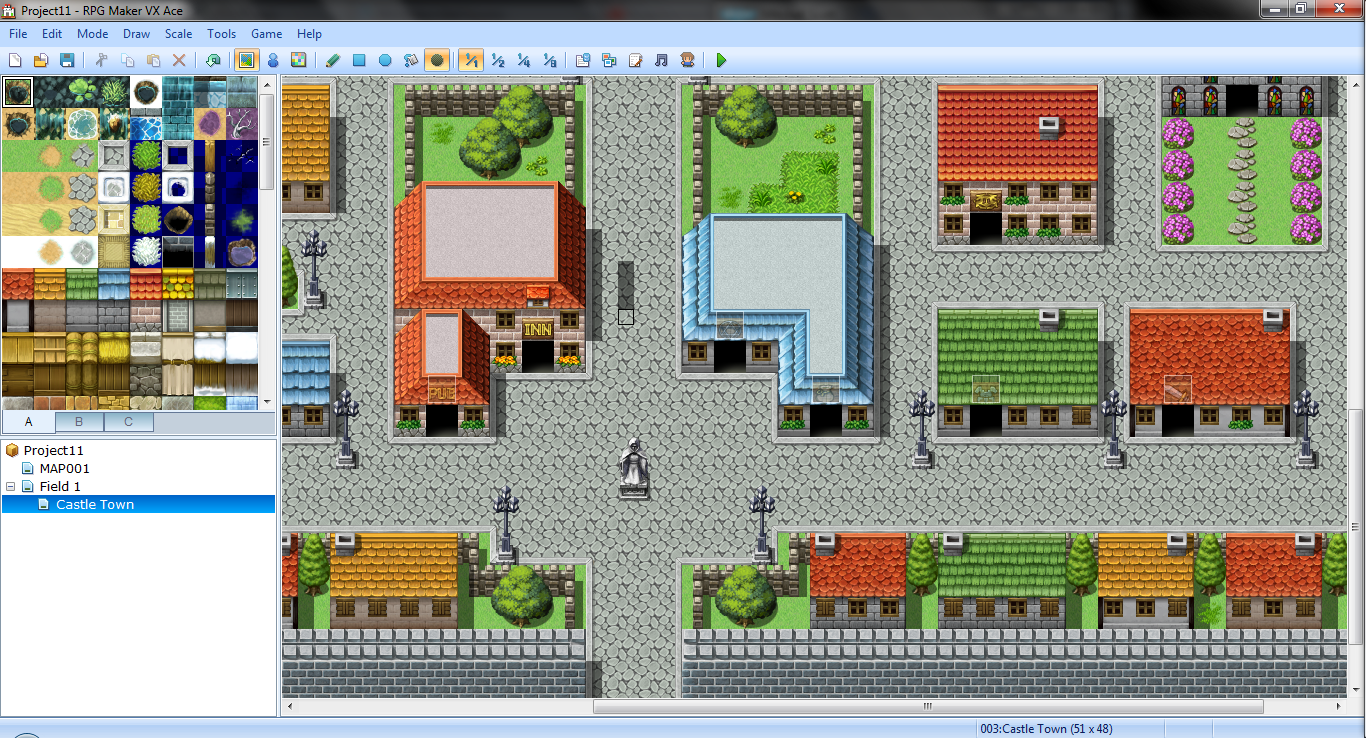
From my perspective, it is one of the fastest ways to build a complete RPG without programming.
- Beginners: Very easy
- 2D/3D: 2D only
- Solo dev: Excellent
- Speed vs graphics: Fast for RPG creation
- AI workflows: Limited
RPG Maker handles core RPG systems out of the box, including turn-based combat, character progression, dialogue systems, and map or world building. From my experience, this allows developers to focus much more on storytelling and game design instead of building core systems from scratch.
For a broader view of RPG creation tools, explore our best RPG game makers guide.
The main limitation is that RPG Maker is highly genre-specific. If your game is not a traditional RPG, the engine can feel restrictive quite quickly, and you may eventually outgrow it as your project becomes more complex or ambitious.
Best forJRPG-style games, narrative-driven RPGs, and beginner game designers focused on storytelling.
CryEngine
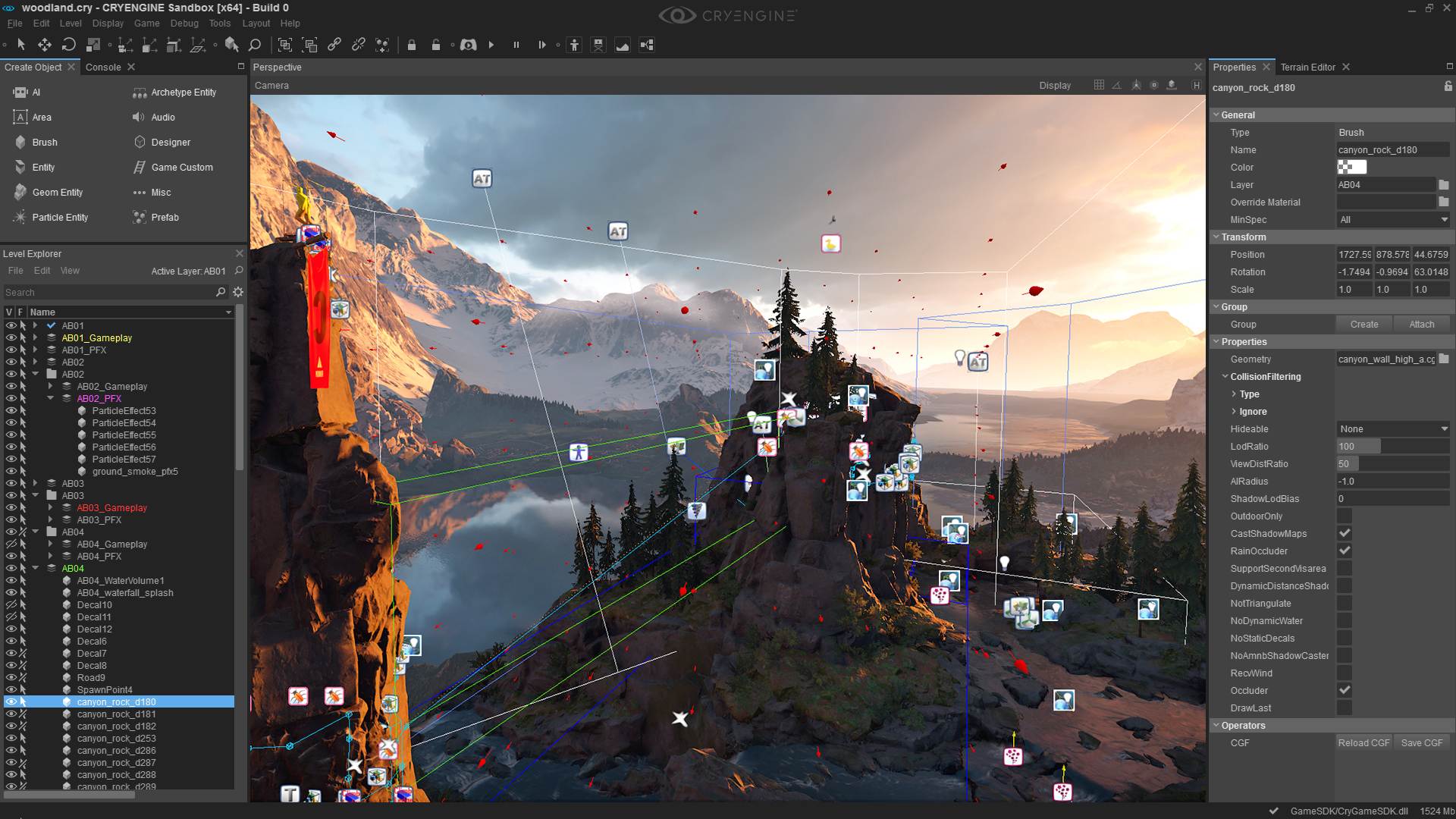
CryEngine is less popular than Unreal but still powerful.
- Beginners: Hard
- 2D/3D: 3D focused
- Solo dev: Not ideal
- Speed vs graphics: Strong visuals, niche workflow
- AI workflows: Limited
CryEngine has impressive rendering capabilities, especially for natural environments, but its smaller community makes it harder to learn compared to Unreal or Unity.
Best forStudios or developers who specifically need CryEngine’s environment tools.
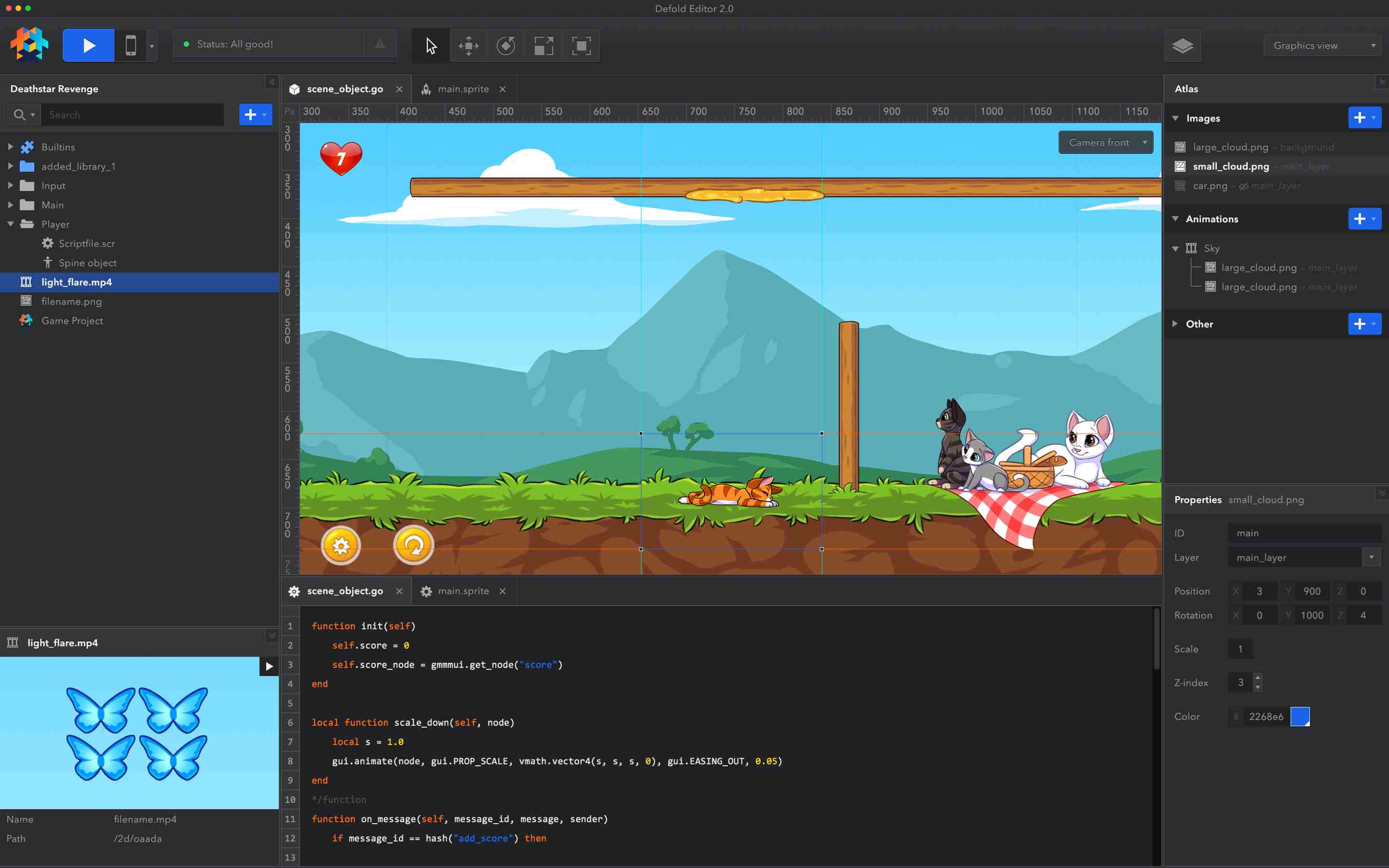
Defold
Defold is a lightweight engine built for performance-focused mobile and web games.
- Beginners: Easy
- 2D/3D: Lightweight support
- Solo dev: Great
- Speed vs graphics: Extremely fast builds
- AI workflows: Limited
Defold is built for speed, small file sizes, and efficiency. It was created by King (the team behind Candy Crush), so it is optimized for mobile success. Smaller community and fewer tutorials compared to Unity or Godot.
Best forHyper-casual mobile games and HTML5 web games.
Cocos Creator
Cocos Creator is a lightweight game engine widely used in mobile game development, especially in Asian markets.
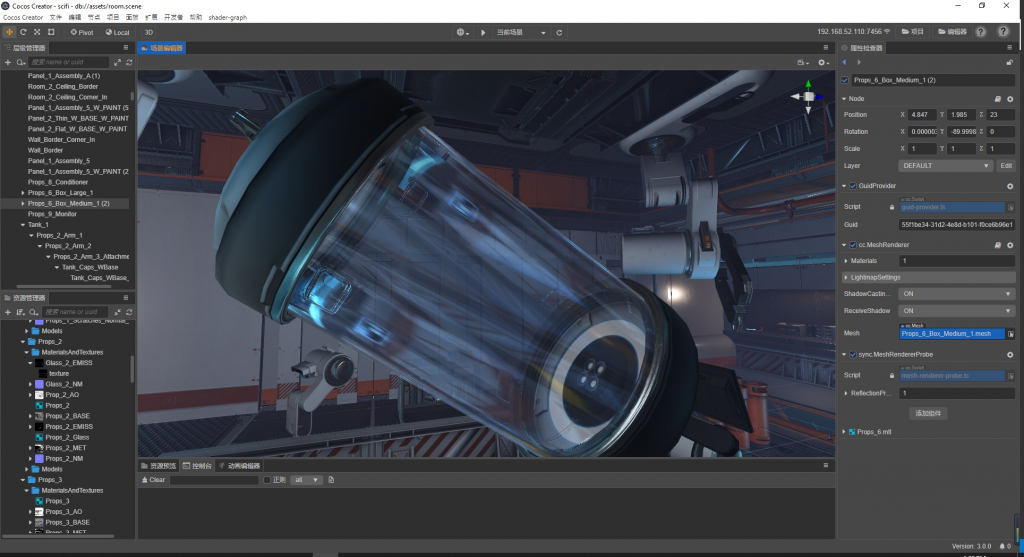
In mobile-focused workflows, I often see it competing directly with Unity in performance-critical projects.
- Beginners: Medium
- 2D/3D: Both supported
- Solo dev: Possible
- Speed vs graphics: Highly optimized for mobile
- AI workflows: Limited
Cocos is designed with a mobile-first and performance-focused approach, and I often see it used in regions like China and other parts of Asia where mobile gaming is especially dominant. It performs well in lightweight and high-optimization scenarios, making it a practical choice for mobile game development.
The main drawback is that its global community is smaller compared to engines like Unity or Godot, which also means learning resources in English can be more limited and harder to find depending on your needs.
Best forMobile game developers targeting Asian markets and performance-sensitive mobile games.
Why Some Developers Are Moving Beyond Traditional Game Engines?
Something I’ve noticed in the game development space is that not every developer is fully relying on traditional game engines anymore. While tools like Unity, Godot, and Unreal Engine are still industry standards, some developers are starting to explore whether they are always necessary for every type of project.
At SoonLab, I’ve been exploring a more modern approach that combines AI-assisted development with web-based technologies. The goal is to simplify parts of the game creation process and make it easier for developers to focus on ideas, iteration, and creativity instead of complex engine setup and workflow management.
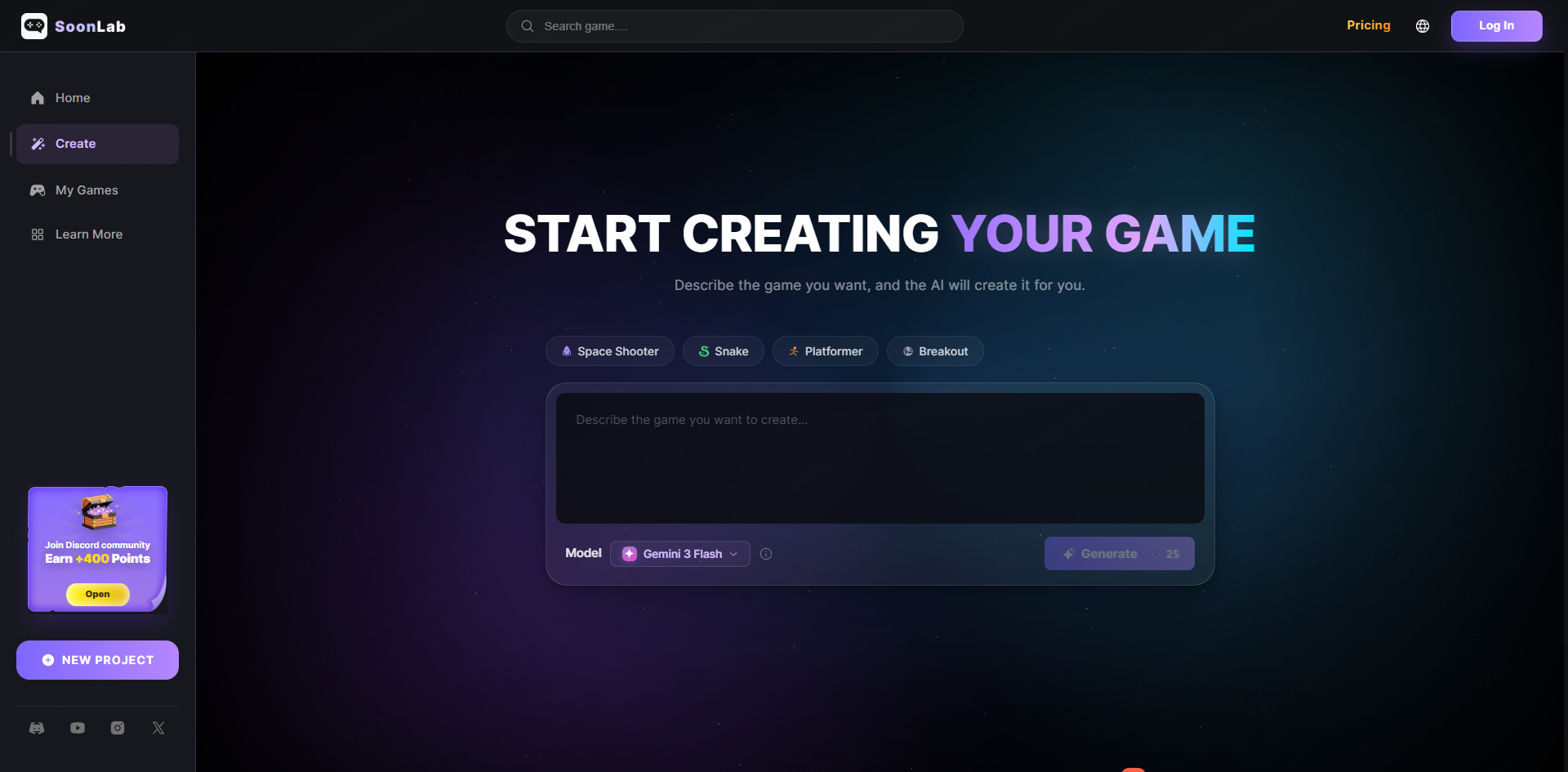
Key Features of SoonLabI'm not suggesting you abandon Unity or Godot—they're excellent tools. But keep an eye on emerging alternatives. The game development landscape in 2026 is evolving faster than ever.
FAQs
Which game engine is easiest for beginners?
Godot is generally considered the easiest for complete beginners. The GDScript language is Python-like and beginner-friendly. The documentation is excellent. The community is supportive. And the engine is lightweight enough that you won't spend hours fighting with slow load times.
That said, the "easiest" engine depends on your goals. If you want to make RPGs, RPG Maker is easier than Godot. If you want to avoid code entirely, Construct is easier than both.
What is the best game engine for 2D games?
The best game engine for 2D games depends on your goals. Godot is a strong all-around option for 2D indie games, GameMaker is optimized specifically for pixel art and retro-style 2D games, and RPG Maker is perfect if you want to build story-driven JRPG-style games without programming.
What is the best game engine for 3D game development?
Unity is a strong option for C# projects, Unreal Engine suits detailed environments, and Godot is worth considering for smaller indie games. For more options, our guide to the best 3D game engines compares coding requirements, costs, and suitable project types.
What is the best game engine for indie developers working solo?
For solo indie developers, Godot is often the best choice because it is lightweight, fast, and free to use. GameMaker is also a strong option if your focus is 2D games and fast development cycles. Unity can also work well, but it may feel more complex for solo beginners.
Are AI tools changing game development in 2026?
Yes, AI game development tools are becoming increasingly important in 2026. Many developers now use AI for coding assistance, game design ideas, asset generation, and testing. This is also why some developers are exploring AI-assisted platforms like SoonLab, which focus on faster and more accessible game creation workflows.
Conclusion
Choosing the best game engines in 2026 really comes down to your personal goals, experience level, and the type of games you want to build. There is no single perfect choice—Unity, Godot, Unreal Engine, GameMaker, and other tools all serve different needs in game development.
At the same time, the game development landscape is changing quickly. AI tools and new platforms are making it easier than ever to build games without relying only on traditional engines. I also explore this direction through my work on SoonLab, where I focus on AI-native game creation and more accessible development workflows.
Ultimately, the best game engines are the ones that help you actually finish and ship your game—not just the ones with the most features.