
So you want to make an RPG game. Maybe you've got a story bouncing around in your head, characters you've been dreaming up for years, or just that itch to create something playable. I get it. I've been editing game development content for years, and the number one question I see from aspiring game makers is: "Where do I even start?"
The good news? You don't need to be a coding genius or have thousands of dollars to bring your RPG to life. There's never been a better time to be a solo game developer, with tools that range from "drag-and-drop simplicity" to "full professional game engine." The challenge is choosing the right RPG game maker for your specific situation.
That's what this guide is for. I've spent time testing and researching the most popular options, digging through Reddit discussions and YouTube tutorials to find out what actually works for beginners. By the end, you'll know exactly which tool fits your project, your skills, and your budget.
Let's dive in.
What Is an RPG Game Maker?
An RPG game maker is a software tool designed specifically to help you create role-playing games without building everything from scratch. Think of it as the difference between building a house from raw lumber versus using pre-fabricated materials. These tools give you the building blocks: map editors, character generators, battle systems, inventory management, and dialogue tools. If you want to see what these building blocks can eventually lead to, take a look at the best RPG games, which show how these systems come together in finished, playable experiences.
The magic of modern RPG game makers is that they handle the technical heavy lifting. You focus on creative decisions—what does your world look like? What story do you want to tell? What makes your characters interesting? The software takes care of making it actually work.
Some tools are purpose-built for RPGs (like RPG Maker), while others are general game engines that work well for RPG development (like Godot or Unity). There's also a new wave of AI-powered tools that can generate game structures from simple text descriptions. We'll cover all of these.
RPG Maker Games vs RPG Game Maker: What's the Difference?
You might see "RPG Maker game" used to describe games made with the RPG Maker engine, but let's clarify the terms. "RPG Maker" is a specific software product with various versions (MZ, MV, UNITE). "RPG game maker" is the general category of tools you can use to create RPGs.
When people ask about "RPG Maker games," they're usually asking about games made using RPG Maker specifically. Some famous examples include To the Moon, OMORI, and Ib—all created with RPG Maker and later commercialized. This tells you something important: these tools can produce games that people will actually pay for, not just hobby projects.
The key difference between RPG Maker and other game engines comes down to specialization. RPG Maker is built for RPGs, which means the default settings, UI elements, and systems are all RPG-shaped. General engines like Godot give you more freedom but require more setup for RPG-style gameplay.
Best Free RPG Game Makers
Here's the thing about this section: "free" can mean different things. Some tools are completely free with no strings attached. Others offer free tiers with limitations, or free for non-commercial use. I'll be clear about what each option actually gives you.
RPG Maker - Best for Classic JRPG Creation
RPG Maker is the most well-known name in RPG game creation, and for good reason. It's been around since the early 90s and has evolved into a polished, beginner-friendly tool.
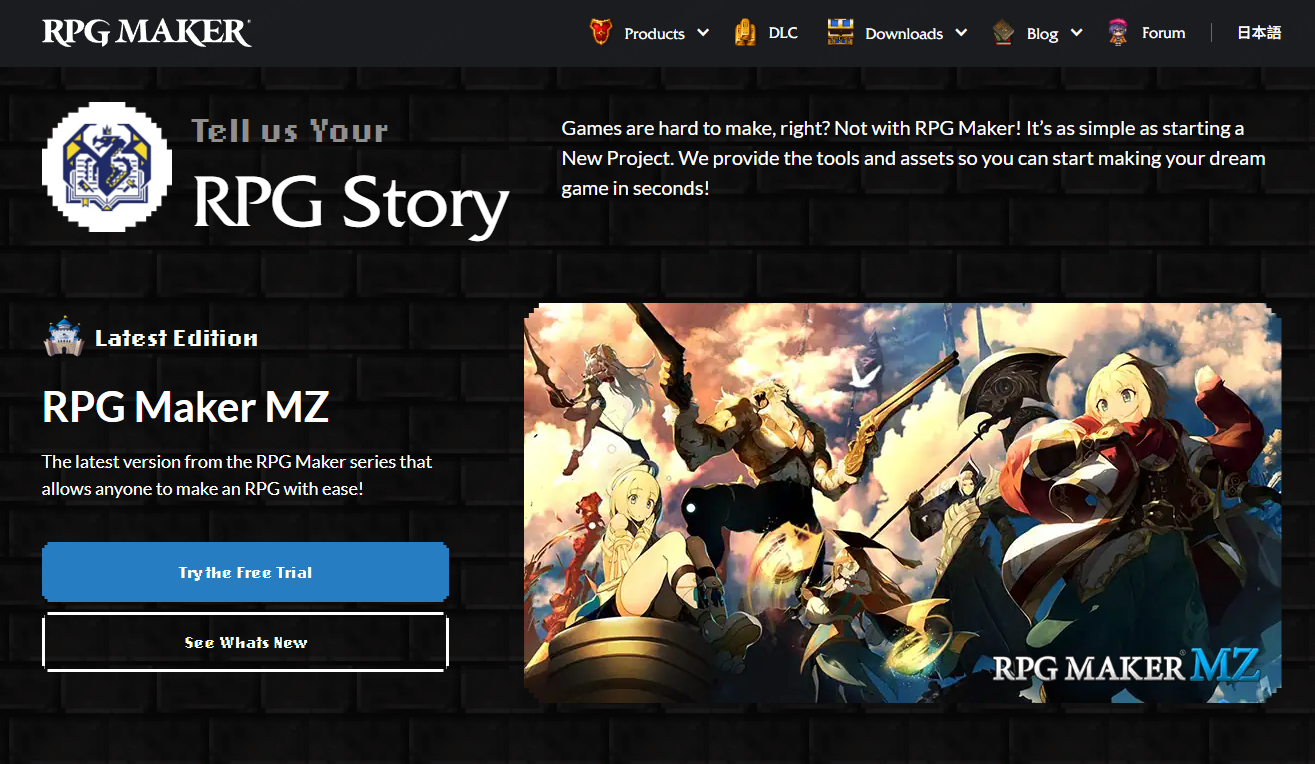
What you get with RPG Maker:
- Drag-and-drop event system (no coding required for basic stuff)
- Built-in character generator with thousands of assets
- Map editor with tilesets for different environments
- Turn-based battle system ready to go
- Large community with tutorials, plugins, and assets
Versions to know:
- RPG Maker MZ: The current standard version. $80 (often on sale). Good balance of modern features and ease of use.
- RPG Maker MV: Still popular, uses JavaScript. Often cheaper since it's been around longer. Many plugins available.
- RPG MAKER UNITE: Newest version, built on Unity. Full HD support, modern UI. Similar price to MZ.
- RPG Maker 2000/2003: Retro versions, free for non-commercial use. Limited but nostalgic.
RPG Maker is the easiest path to a functional RPG if you want that classic JRPG feel (turn-based battles, tile-based maps, menu-driven interface). The downside is that your game will look like an RPG Maker game without significant customization. Games are also limited to 2D.
If you want to see what's possible with RPG Maker, browse the [Steam RPG Maker festival ]to see community games.
Godot - Best Open-Source RPG Game Engine
If you want more flexibility and don't mind learning some basics, Godot is incredible. It's a full game engine, completely free (MIT license), and open source. No paid version, no royalties, no strings.
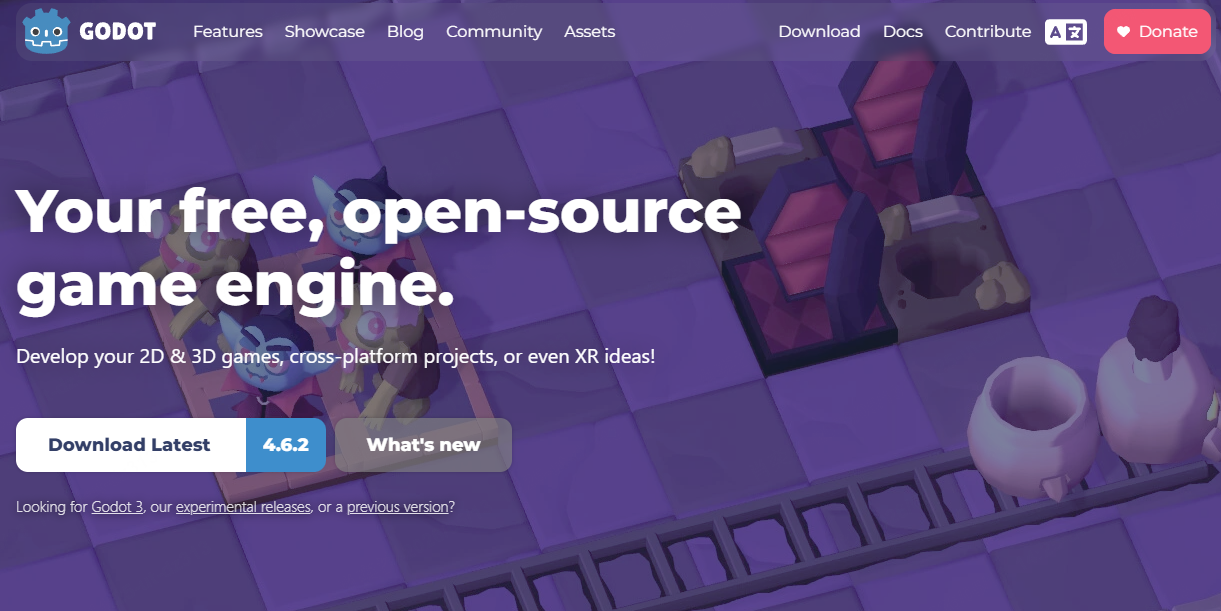
What makes Godot special:
- 100% free, forever, for any purpose (including commercial)
- Supports both 2D and 3D games
- Built-in GDScript (Python-like, beginner-friendly)
- Lightweight and fast
- Active development and strong community
Godot is more flexible than template-based tools like RPG Maker, but it also requires more setup. You'll need to understand basic programming concepts, even though GDScript is designed to be approachable and easier than many traditional languages.
Unlike RPG-focused tools, Godot does not come with built-in systems for things like inventory, quests, or dialogue trees. Instead, you assemble these systems yourself or use community-made plugins from the Godot Asset Library.
This trade-off is important: you gain full control over how your RPG works, but you also take responsibility for building more of the structure yourself.
Many developers start with RPG Maker for simplicity and later move to Godot when they need more freedom and customization. If you're willing to invest time learning, Godot becomes a long-term, highly flexible solution for RPG development.
Unreal Engine - Best for High-End 3D RPGs
Unreal Engine is the powerhouse choice. It's what AAA studios use to build high-end, visually stunning games. If your goal is photorealistic graphics, cinematic presentation, and complex 3D gameplay systems, Unreal is one of the strongest options available.
However, Unreal comes with a steep learning curve. The engine is extremely powerful but also complex, and RPG systems are only a small part of its overall capabilities. You will likely need to learn Blueprint (visual scripting) or C++ to build even a basic RPG prototype. For most beginners, this means several months of learning before reaching a playable result.
In terms of cost, Unreal Engine is free to use until your product generates over $1 million in revenue, after which a 5% royalty applies. For hobbyists, indie developers, and early-stage projects, this makes it effectively free to start.
Unreal makes the most sense when:
- You are aiming for AAA-level or cinematic-quality visuals
- You already have experience with 3D modeling or game development
- You want to learn industry-standard tools for professional career development
- You are building a large-scale, highly polished RPG project
For pure RPG creation, however, Unreal can be overkill. Unless you specifically need its advanced rendering and cinematic capabilities, the complexity may slow down early development.
Unity - Best for Flexible RPG Development
Unity sits in the middle ground between Godot and Unreal in terms of complexity and flexibility. It is one of the most widely used game engines in the world, known for its strong ecosystem, extensive documentation, and large asset store.
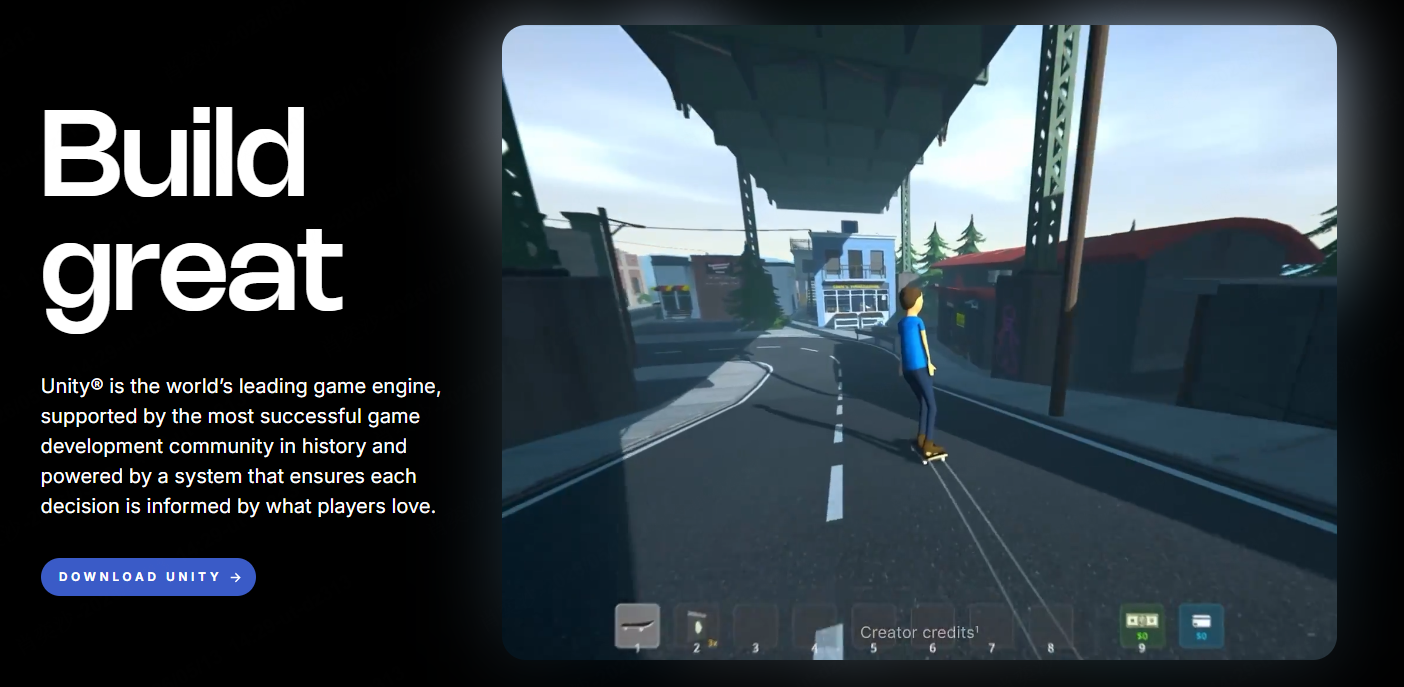
Unity Personal is free for beginners and small teams earning under $100k annually. Beyond that threshold, paid plans apply depending on revenue and usage scale.
Strengths for RPG development:
- A massive Asset Store with ready-made RPG systems and templates
- Extensive tutorials, documentation, and community support
- C# as a powerful and widely used scripting language
- Strong support for both 2D and 3D RPG development
- Cross-platform deployment capabilities
Challenges to consider:
Unity does not provide built-in RPG systems out of the box. Unlike RPG Maker, you will need to assemble core systems such as inventory, quests, and dialogue yourself. While asset store packages can help accelerate development, they may introduce extra cost and occasional integration complexity.
The interface can also feel overwhelming for beginners due to its flexibility and feature richness.
Unity is best suited for developers who are willing to learn systematically or already have some experience with game development. It offers a strong balance between control and convenience, making it a popular choice for intermediate RPG creators.
If you're still deciding between the two engines, check out our detailed Unity vs Unreal Engine comparison, or explore Godot vs Unity to see how the open-source engine compares, to find which platform fits your RPG project best.
SoonLab - Best No-Code AI RPG Game Maker
Here's where things get interesting. AI-powered game creation is evolving rapidly, and SoonLab represents a new generation of tools that let you describe your game in plain language and instantly generate playable experiences.
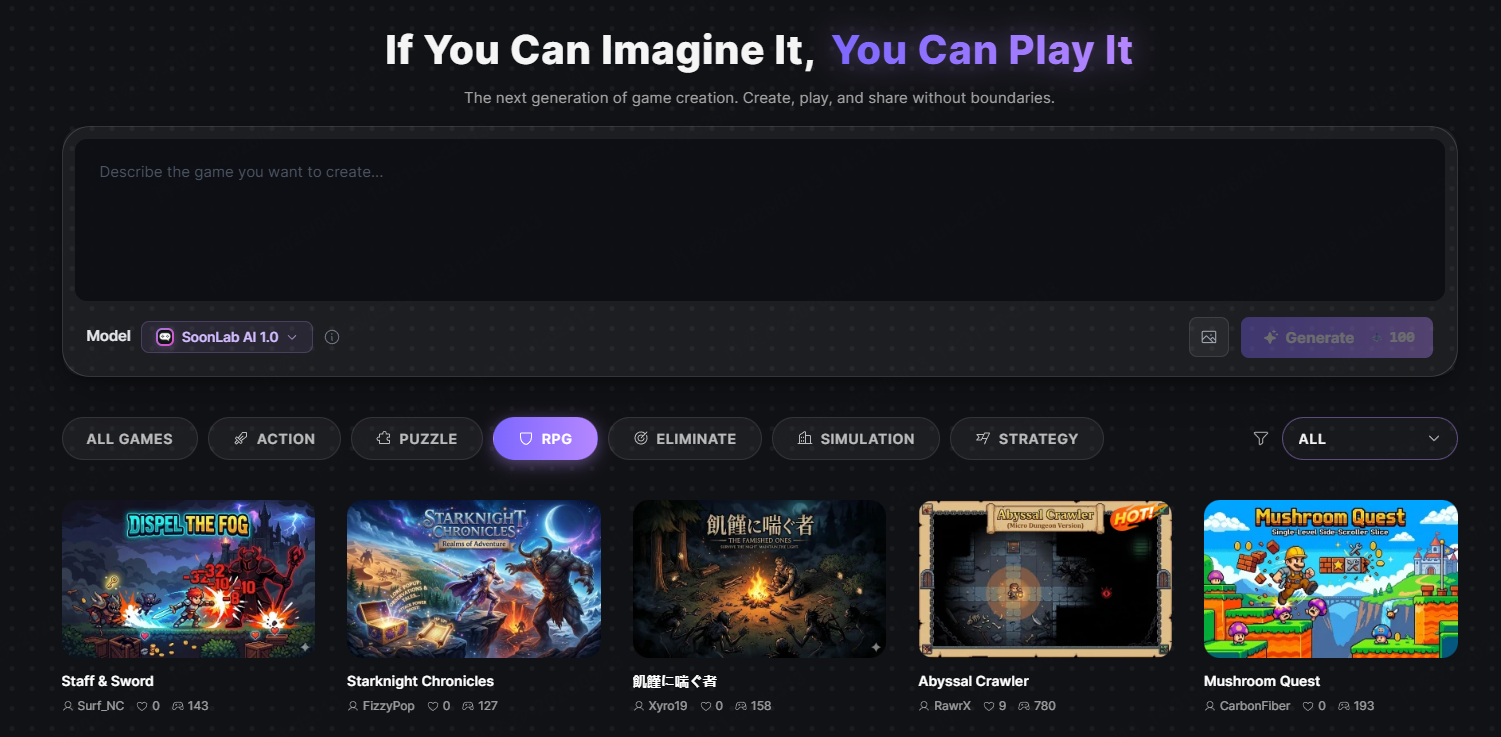
Instead of working with complex engines or writing code, you simply tell SoonLab what you want to create. The platform interprets your idea and transforms it into a functional game, allowing you to focus on creativity rather than technical implementation.
The AI advantage:
SoonLab can help generate core game elements such as characters, dialogue, mechanics, and level structures directly from text prompts. If you have a creative concept but lack development experience, it significantly lowers the barrier between idea and execution.
Current limitations:
Like most AI-generated systems, outputs can sometimes feel stylistically similar or constrained by the model's capabilities. Advanced customization may be limited compared to traditional engines, and results can vary depending on prompt quality and complexity.
Best for:
- Complete beginners exploring game creation for the first time
- Creators who want to quickly prototype game ideas
- Writers and storytellers turning narratives into interactive experiences
- Indie developers validating concepts before full-scale production
AI game creation tools like SoonLab represent a shift in how games are built—from manual engineering to prompt-driven creation. While still evolving, this approach is rapidly becoming more powerful and may redefine how future games are designed and developed.
How to Make an RPG Game?
Now for the practical part. Let me walk you through two main approaches to making RPG games based on the tools we’ve discussed.
Method 1: Making an RPG Game with Traditional Engines
This is the classic path—download an engine, learn the basics, build your game step by step.
Step 1: Choose your tool
Match the tool to your situation:
- RPG Maker if you want quick results with that classic RPG look
- Godot if you want maximum flexibility and don't mind learning
- GameMaker if you want something between the two (also free for non-commercial use)
- Indie developers validating concepts before full-scale production
Step 2: Start small
This is where most beginners fail. They aim to build something massive on day one, like the next Final Fantasy. Don't do that.
Start with something extremely small: one room, one character, and one simple objective—like "reach the door to unlock the next area." That's it. Once that works properly, you can gradually expand and add complexity.
Step 3: Learn one system at a time
Every game engine is built from core systems, and trying to learn everything at once is one of the fastest ways to get overwhelmed.
Focus on one system at a time:
- Movement and player controls
- Collision detection and physics basics
- Simple events or trigger systems
- Dialogue and interaction systems
- Inventory systems (if your game needs them)
- Combat mechanics
Pick one system, implement it in a small test scene, and make sure you fully understand how it works before moving on to the next.
Step 4: Build your actual game incrementally
Once you understand the basics through small experiments, you can start building your real project. However, the key is still to think in small, manageable chunks.
Start with a minimal playable version:
- Create one fully functional map or level
- Add a single enemy type or challenge
- Implement a small set of dialogue (5–10 exchanges)
- Build one complete quest from start to finish
After that, you can expand by duplicating and iterating. Reuse your working systems, then modify them: new maps, new enemies, new dialogue, and new quests. This way, you are building a reusable library of game components instead of reinventing everything each time.
Step 5: Playtest and iterate
Testing early is essential. Many developers avoid it because their game feels unfinished, but early feedback is what helps you improve quickly and avoid fundamental design issues.
Start by sharing your game with a small group of trusted players—friends, peers, or community members familiar with your engine or toolset.
Pay attention to where players get confused, what feels unintuitive, and what they enjoy most. Then iterate quickly based on that feedback. Small adjustments over time will dramatically improve the final experience.
Method 2: Making an RPG Game with SoonLab
AI game makers like SoonLab represent a newer approach that can get you playable results faster.
Step 1: Describe your vision
Instead of learning complex tools or programming systems, you simply describe what you want to build. For example: "A fantasy RPG where the player explores a cursed kingdom and must break the curse by collecting five ancient artifacts."
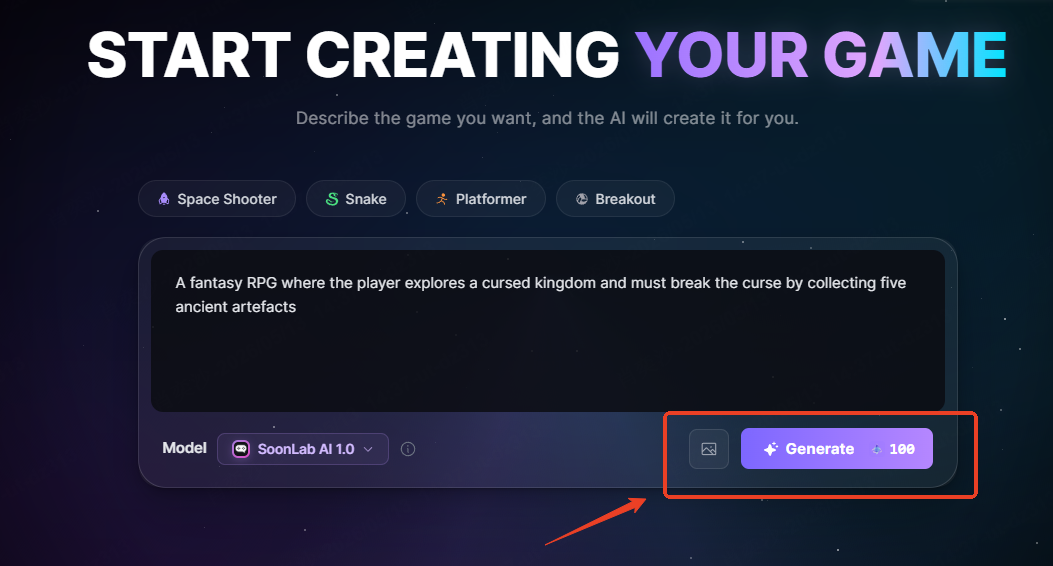
Step 2: Let SoonLab generate your game
SoonLab's AI takes your description and transforms it into a playable RPG experience. This includes generating the basic world structure, characters, gameplay logic, and initial interactions. You can immediately enter the game and start exploring what has been created.
Step 3: Iterate and refine with AI
Once your game is generated, you can continue improving it through natural language instructions. For example: "Make the combat more challenging," "Add a merchant character," or "Give the hero a tragic backstory." The AI updates your game based on your feedback, allowing for fast iteration without manual editing.
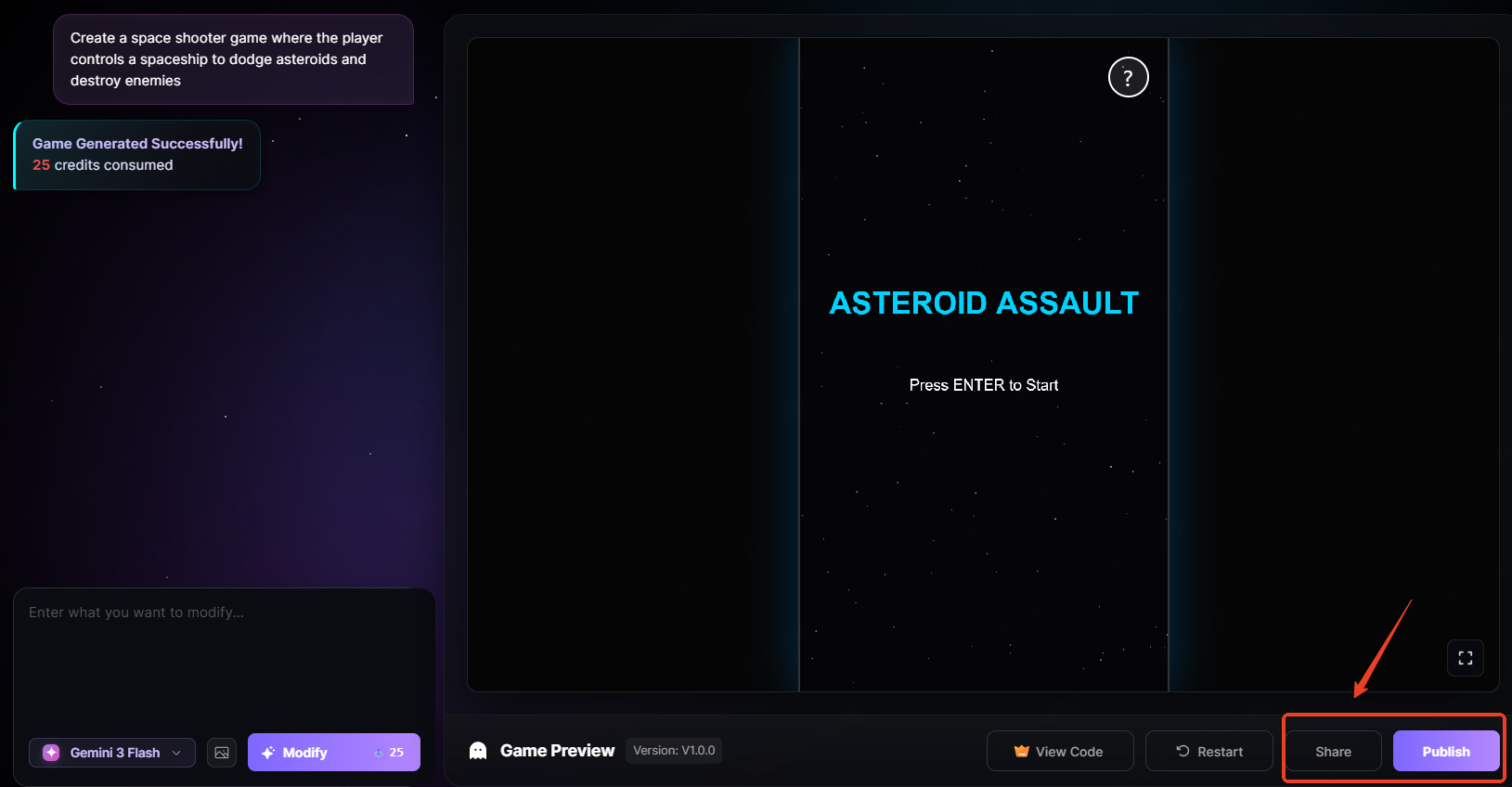
Step 4: Playtest and share
Every RPG created in SoonLab is instantly playable in the browser. You can test gameplay at any stage, fine-tune mechanics, and share your creation with others for feedback or collaboration.
The honest truth: SoonLab is not trying to replace traditional game engines. Instead, it's designed for rapid RPG prototyping, learning, and creative experimentation—helping you turn ideas into playable games much faster than traditional workflows.
FAQs
Which RPG Game Maker Is Best for Beginners?
For beginners with no coding experience, the best RPG game maker depends on your goal:
- Want a classic JRPG experience with the easiest learning curve → RPG Maker MZ or RPG Maker UNITE
- Want long-term flexibility and full creative control → Godot
- Want to turn ideas into playable RPGs as fast as possible → AI RPG game maker like SoonLab
RPG Maker is the most beginner-friendly RPG game maker because it includes built-in systems for dialogue, combat, and maps. Godot offers the most freedom but requires more learning. AI game makers focus on speed and idea validation, making them ideal for rapid prototyping rather than full commercial production.
Is There a Free RPG Game Maker?
Yes — several free RPG game makers are available depending on your needs:
- RPG Maker 2000/2003 – Free for non-commercial use, ideal for retro-style RPGs
- Godot – Completely free and open-source, suitable for both 2D and 3D RPG development
- GameMaker – Free tier available, good balance between ease of use and capability
- RPG Playground – Browser-based RPG maker with drag-and-drop simplicity
- AI RPG game makers (like SoonLab) – Often offer free tiers for quickly generating playable RPG prototypes
If you're choosing a free RPG game maker, the best option depends on your goal: Godot for long-term development, RPG Maker for structured RPG systems, and AI tools for fastest prototyping.
How to Make an RPG Game in Scratch?
Scratch can be used to create simple RPG games, but it is not designed for full RPG development.
Pros:
- Free and browser-based
- Beginner-friendly visual blocks
- Good for learning basic game logic
Limitations:
- No built-in RPG systems (combat, inventory, dialogue must be built manually)
- Limited performance and scalability
- Projects are public by default
- Not suitable for commercial RPG development
How to Build a Simple RPG in Scratch:
- Create a player sprite and define movement using arrow keys
- Design maps using backdrops or tiled sprites
- Add enemy sprites with basic AI using "if touching" logic
- Use variables for HP, XP, and level systems
- Create simple dialogue using text bubbles and broadcasts
Better alternatives:
For easier RPG creation, consider:
RPG Playground (simple drag-and-drop RPG maker)
RPG Maker (dedicated RPG development tool)
AI RPG game makers like SoonLab (fast prototype generation without coding)
These tools allow you to focus more on game design and storytelling instead of building core systems from scratch.
Can I Make an RPG Game Without Coding?
Absolutely, and you have more options than ever.
No-code RPG game makers:
- RPG Maker: Event system handles logic without code. You drag and drop triggers.
- RPG Playground: Built for non-coders. Drag-and-drop world building.
- SoonLab: Describe what you want, AI handles implementation.
- GameMaker: Has drag-and-drop actions, though learning GML is encouraged.
What makes no-code game development possible today:
The truth is that modern game creation tools are designed to be accessible. You don't need to write code to make a functional RPG. Instead, most systems rely on visual logic, templates, and AI-assisted generation.
What you do need is:
- Patience to learn the tool's logic
- Time to iterate and improve
- Willingness to start small and build incrementally
Coding still helps with customization and advanced mechanics, but it is no longer a strict requirement for building playable RPGs. Many indie developers start with no-code tools like RPG Maker and gradually expand their skills as their projects grow.
Conclusion
There is no single best RPG game maker — it depends on your goals and experience level.
For most beginners, the best choice is simply the one you can start using immediately and stick with. Start small, build a playable prototype, and iterate.
In the end, success in RPG development is less about the tool and more about consistent execution.
If you want to quickly turn ideas into playable RPG prototypes, try SoonLab now!