


![[Reviews] 6 2D Game Creator Without/With Coding](https://ssr.iappsign.com/soonlab/admin/images/2898d8218cbb5708f57fadb792cb36f3.png)
Want to create your own 2D game but don't know how to code? Or are you willing to learn a bit of programming to create more professional projects? This article introduces two popular categories of 2D game creator. The first category requires absolutely no coding and is perfect for beginners looking to get started quickly, which the second requires some coding skills but allows you to create more complex, fully-featured, commercial-grade games. Let's dive in!
2D Game Creator Without Coding
Below are 3 famous and useful 2D game makers without coding. If you wish to make your own game in short time without learning the programming, they're great choice.
GDevelop
GDevelop is currently one of the top no-code 2D game engines. It supports visual programming, allowing you to build game logic by dragging and dropping elements. You can think of it as "if... then..." logic blocks. For example, "if the spacebar is pressed, then the character jumps." You can get your game running without writing a single line of code.
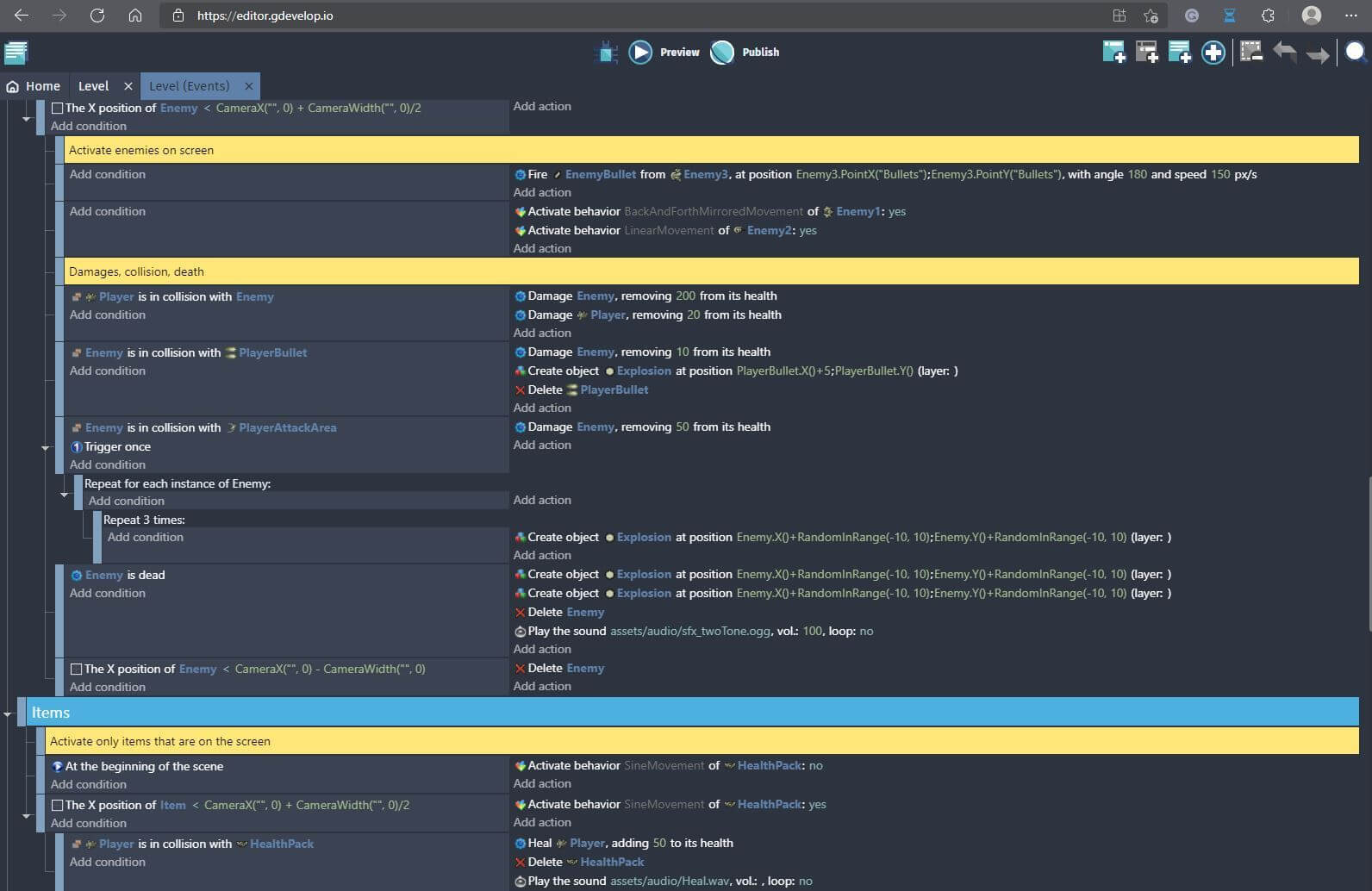
GDevelop is open-source and free to use. The official offers a wide range of built-in actions, behavior templates, and asset libraries, so as long as your project isn't particularly complex, you can generally complete the design simply by dragging and dropping. It supports exporting to PC, mobile, and web, and its ecosystem is steadily improving. Many developers in the community share their projects and tutorials, making it very beginner-friendly. Join the GDevelop community.
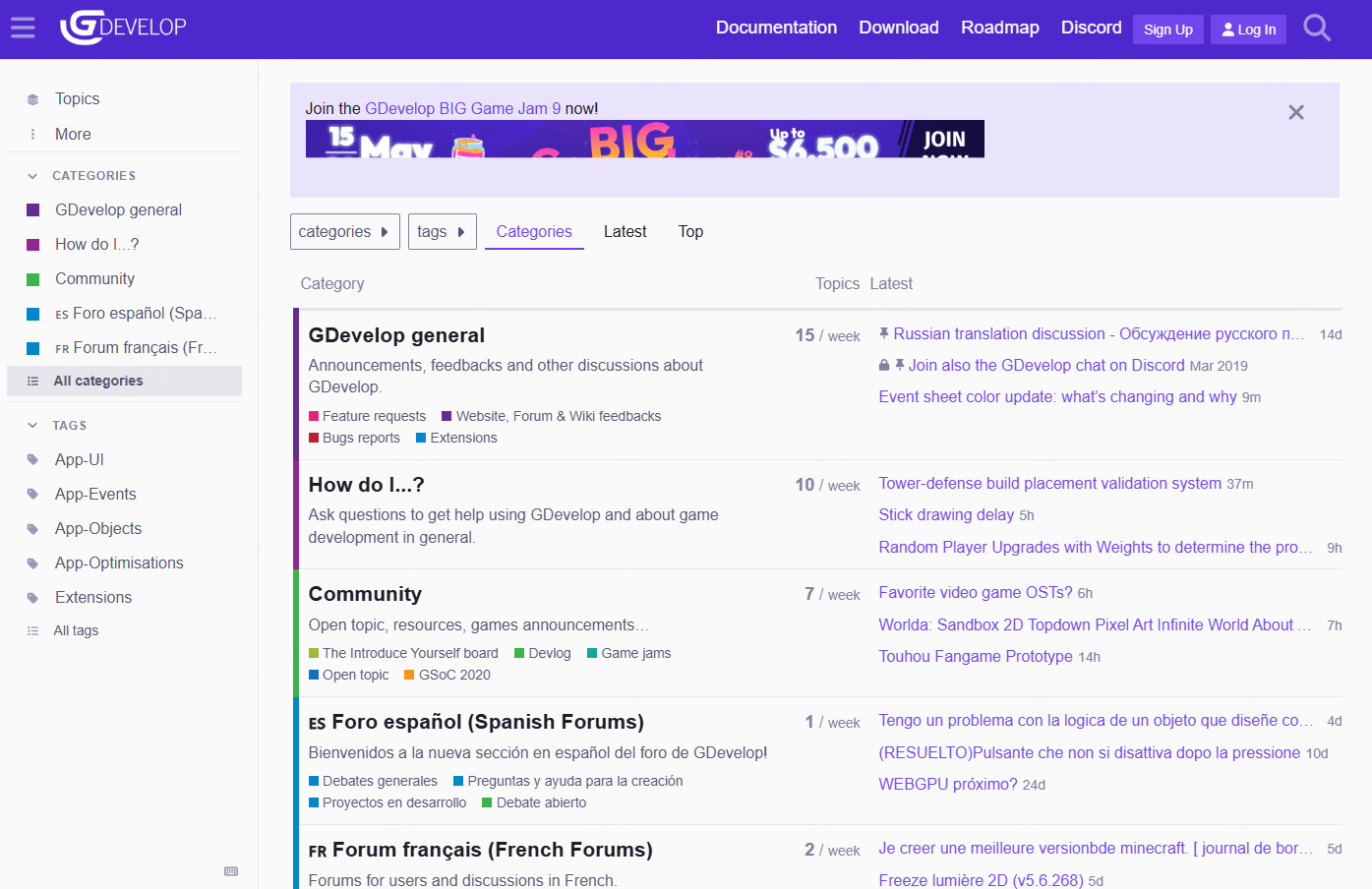
However, the shortcomings of GDevelop are also evident. As projects grow in scale, performance will slow down, and its customization capabilities also fall far short compared those needs coding. One user noted, "Complex projects will affect performance, there's no comprehensive guide tutorial, when problems arise, you have no choice but to scour the community for answers."
Soonlab.ai
Rosebud.ai represents a new trend in game development—AI-assisted game making. Soonlab.ai uses AI to generate 2D games. The key feature is to type text and convert it into a playable game with a single click.
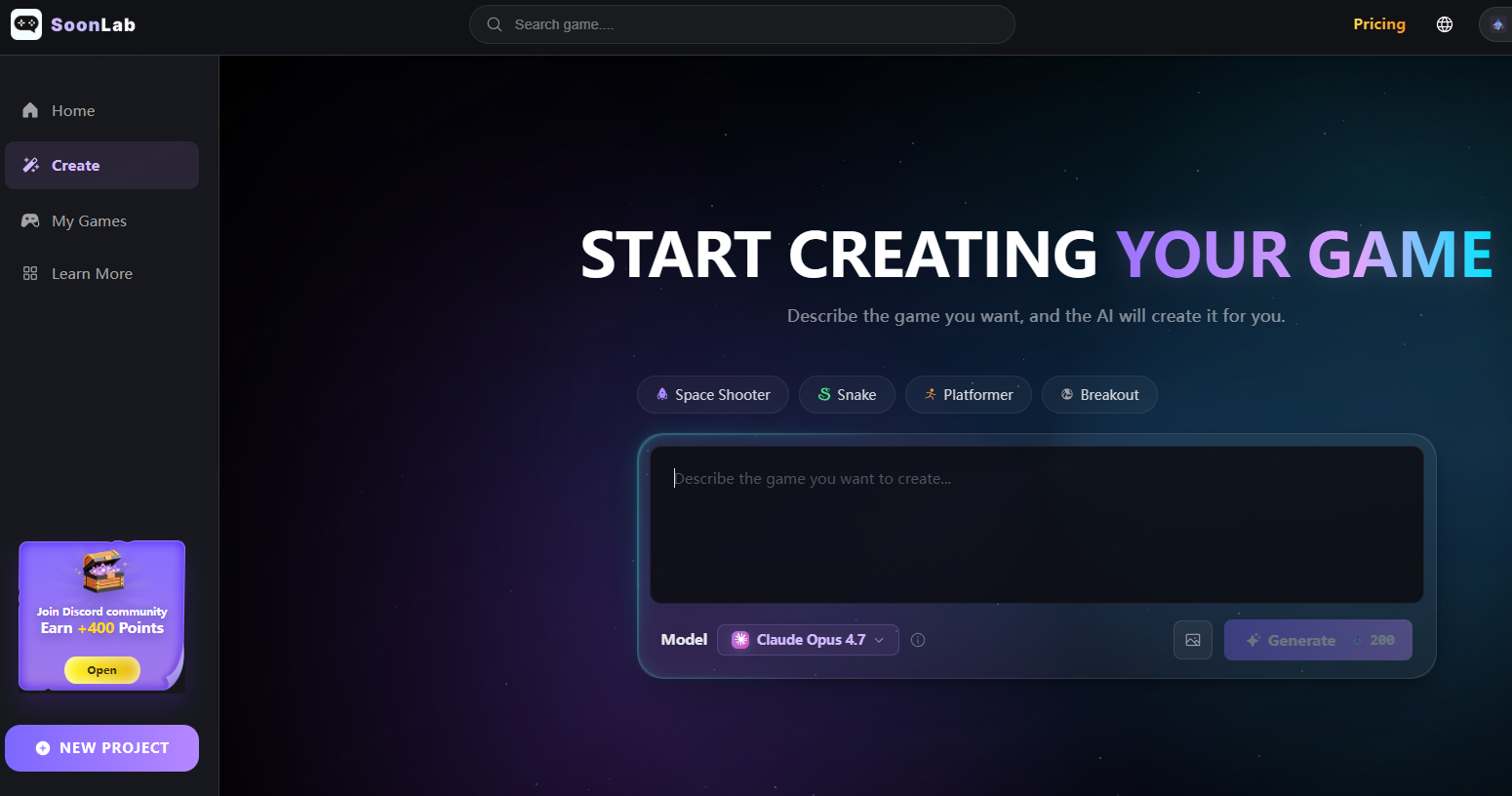
You don't need any programming experience, just provide an accurate prompt and select the large language model to process it. Currently it supports models include Claude Opus, GPT-5.5, mini 3.1 Pro, GLM 5.1, KIMI K2.5, and Gemini 3 Flash. After waiting about 8 minutes, you'll have your own game. You can customize the gameplay and character designs to suit your preferences.
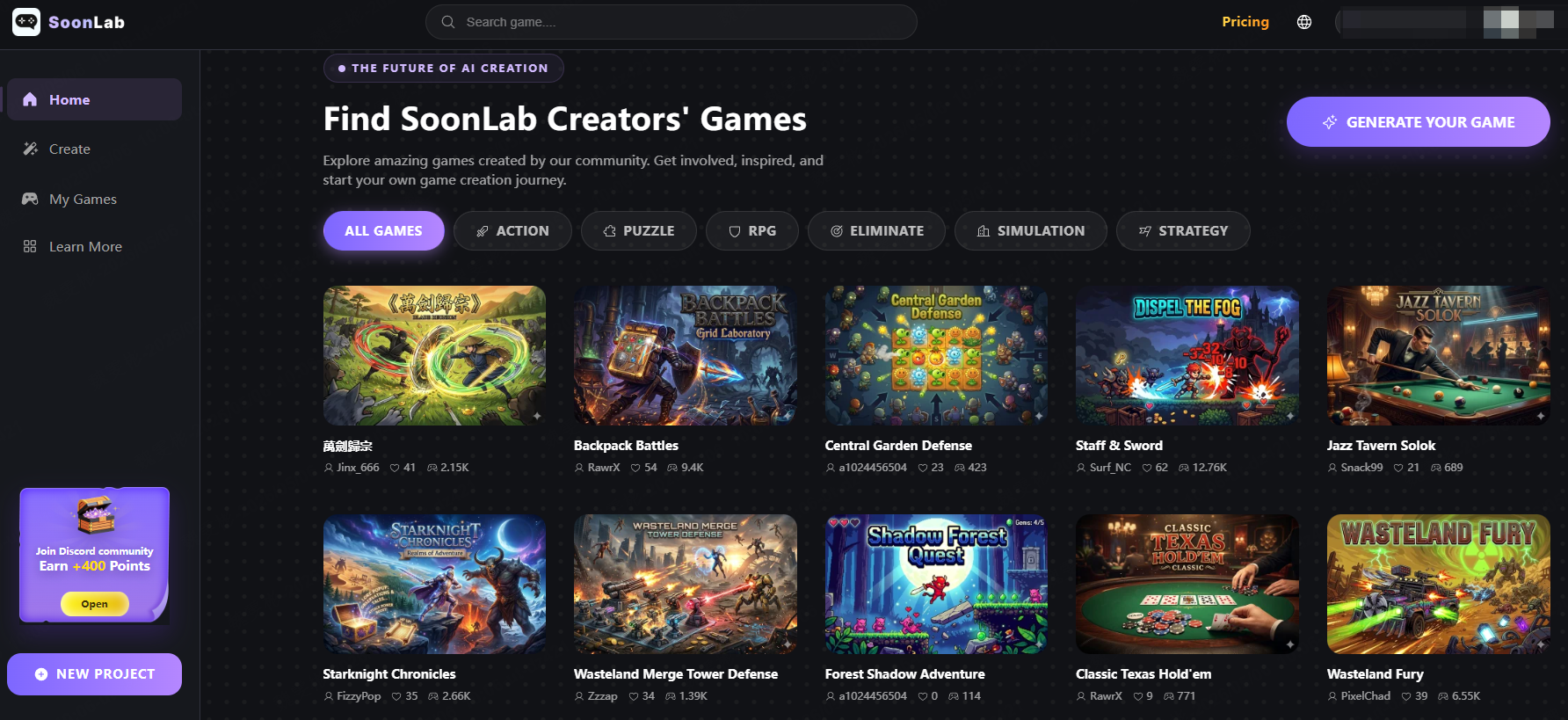
Soonlab.ai awards users 200 points daily for free. If you type "Create a 2D anime-style hack-and-slash game with a vampire theme and four skill synthesis paths," the AI will generate the art style, UI, game mechanics, and skill system in seconds. You can also customize the game according to your demand. However, it's important to note that the quality of AI-generated code can vary, and it may not meet the expectations of professional developers to rely on only Ai for game creation.
If you're a designer with no technical, an independent developer, or a startup team looking to quickly create commercial 2D games, then Soonlab.ai is the perfect choice for you.
Rosebud.ai
Rosebud.ai is another AI-driven game creation engine that supports both 2D and 3D. It has surpassed 500,000 monthly active users so far. Users can describe gameplay mechanics using natural language, for example, "I need a pet-raising game where players can feed and interact with their pets and track their mood curves", and the AI will automatically generate the required sprites and animation frames. It can also configure NPC interactions driven by AI.
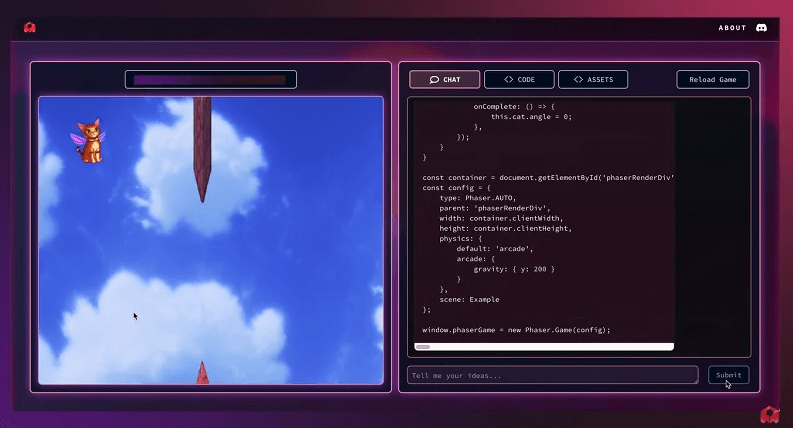
Rosebud also comes equipped with a Sprite Sheet Generator, allowing users to quickly create multi-frame animations for characters. The games you create can be exported across platforms, support multiplayer collaboration, and enable real-time editing.
If you plan to use the game for educational purposes, or if you're a non-technical designer, Rosebud.ai gives high overall efficiency.
2D Game Maker That Need Coding
If you want your game to be more polished, or you plan to release it on a major gaming platform to reach a wider audience, then a 2D game maker that supports programming might be a better fit for you.
Godot
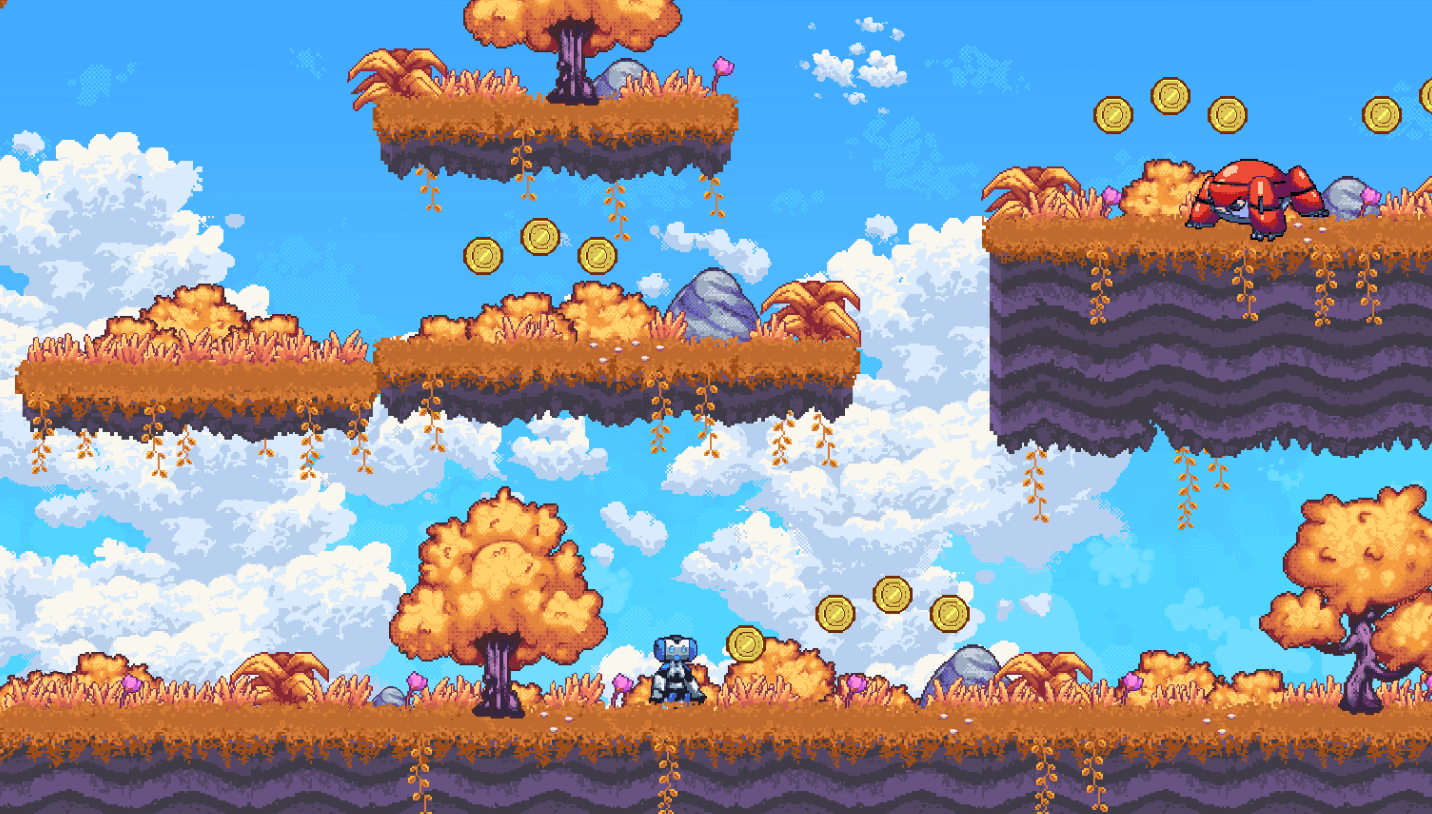
Godot is a 2D game engine I highly recommend to beginners. It is completely free and open-source, which makes it very developer-friendly for indie developers. Compared to Unity, Godot may be better suited for 2D development because it offers true 2D rendering capabilities, whereas Unity simulates 2D within a 3D space. True 2D rendering is extremely useful in certain situations, such as when creating parallax effects.
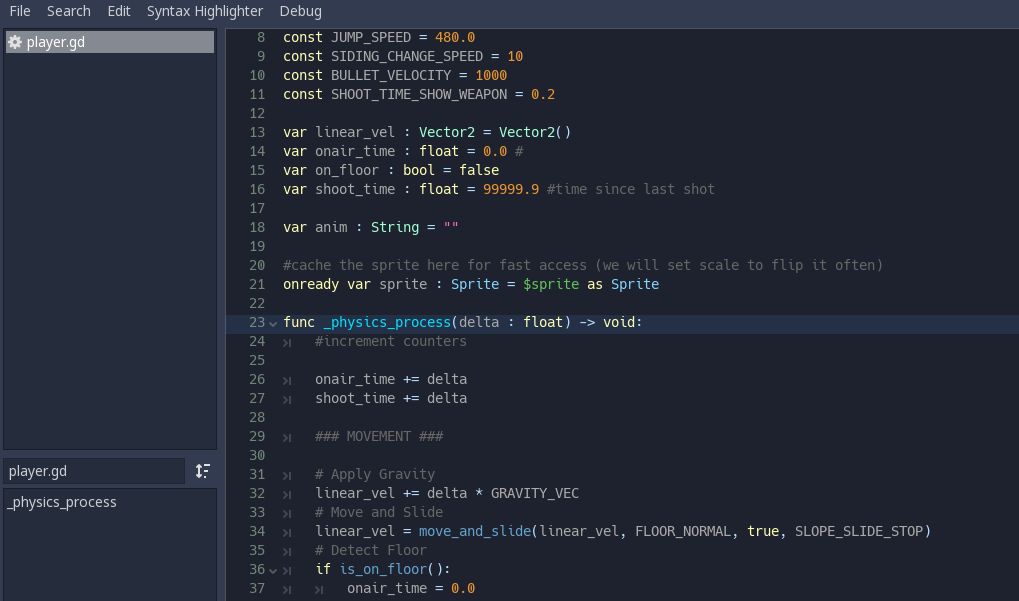
Godot's primary scripting language is GDScript, which has a syntax similar to Python and is "more human-readable, making it particularly beginner-friendly." If you have any programming background, learning Godot is almost effortless. It also supports optional scripting in C# and even C++. The installation footprint is minimal, and thanks to the engine team's extensive optimizations, it runs quickly, previews loading almost instantly.
However, Godot has clear shortcomings: it is not well-suited for large-scale commercial projects or non-stylized 3D games. Crucially, it is not particularly friendly when it comes to exporting to console platforms; porting to the Switch or PlayStation typically requires the assistance of third-party companies, which can incur costs in thousands of money. One developer noted: "The Switch SDK is tightly controlled; Godot doesn't support it directly, so you have to find a partner, go through the process, and possibly pay a commission." "This is why many people ultimately abandon Godot and switch to Unity."
Unity
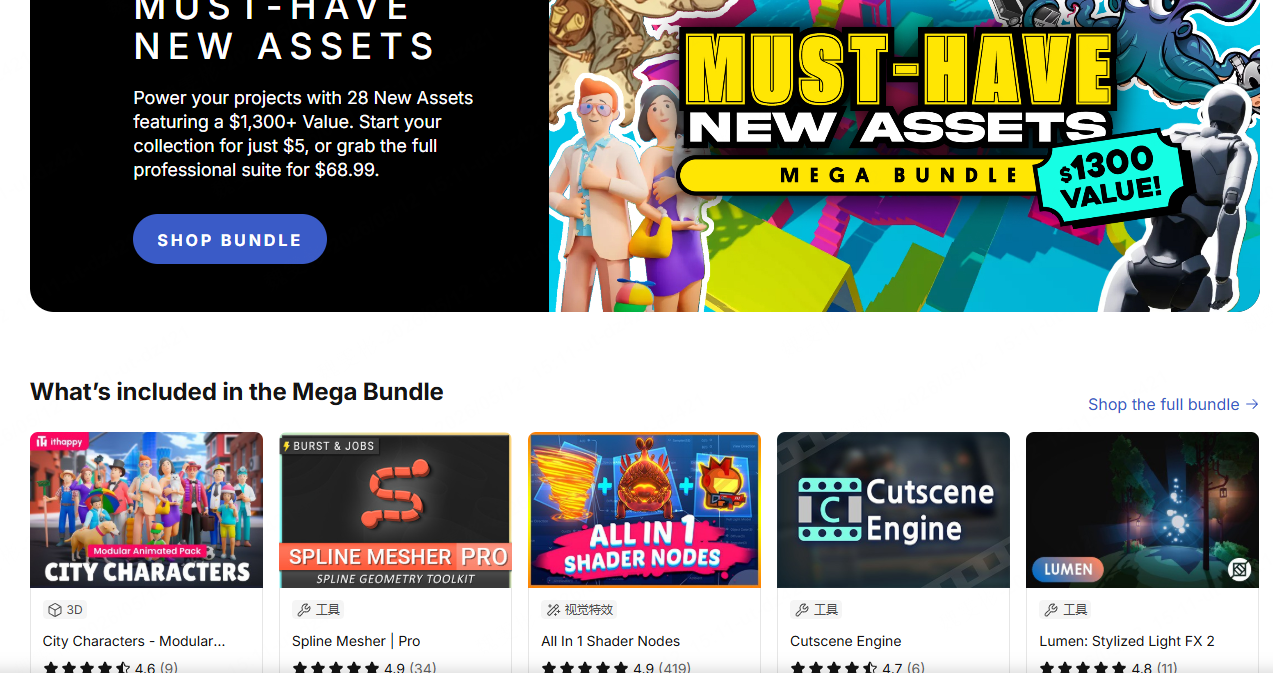
Unity is arguably the most comprehensive tool available in the game development industry today. It covers virtually everything from 2D side-scrollers to 3D open-world games, and offers a full suite of official 2D tools, including the Sprite Editor and Tilemap Palette. Plus, Unity has the largest asset store available, where you can find everything you need, from art assets to AI systems to tools for enhancing Unity, it has it all. As an engine backed by a major company, Unity is quick to support new hardware and platforms; when new VR devices or game consoles are released, Unity is usually among the first to offer support.
However, Unity's drawbacks are also evident: "There are so many things to configure and tweak that it's even more overwhelming than GameMaker, especially when it comes to the user interface."
Additionally, while Unity can be used to create 2D games, it is not inherently a native 2D engine, requiring more manual adjustments when handling 2D graphics. For example, features such as resolution scaling and camera control often require additional plugins or custom code in Unity, whereas these might be available out of the box in dedicated 2D engines.
The pricing controversies surrounding Unity in recent years (in 2023, Unity introduced a pay-per-install policy) have also led some developers to switch to other engines.
If you have a foundation in C#, plan to develop 2D games of moderate complexity or higher, and may want to release on multiple platforms in the future, then Unity is a good fit for you.
GameMaker Studio
GameMaker Studio is an engine designed specifically for 2D games, which is its greatest strength. Compared to general engines like Unity and Godot, GameMaker's interface and features are centered around 2D development, leading to a smoother workflow. For developers looking to release games quickly, using GameMaker Studio can lead to faster development than Unity, as the engine handles many of the underlying details for you.
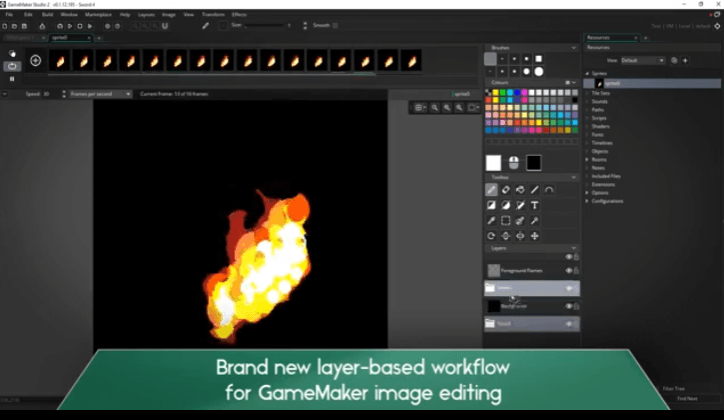
GameMaker's key feature is its extremely low barrier to entry: you can even create a fully playable 2D game without writing any code, simply by using the built-in GML language to customize a small amount of logic. It is particularly well-suited for novice game designers and artists, or high school students looking to create their first game. The iconic game Undertale was created almost entirely using GameMaker by the legendary Toby Fox. This achievement continues to inspire immense confidence in all new developers and indie teams to this day.
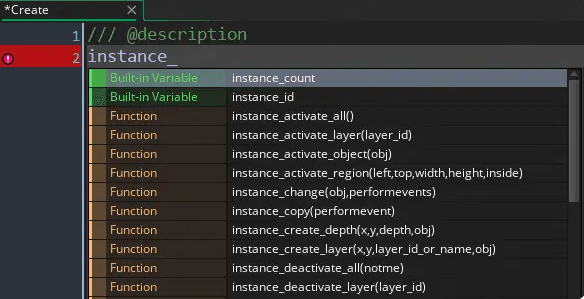
As a free software tool for non-commercial use, GameMaker Studio allows users to create games at no cost and export them to desktop, mobile devices, and the web. Commercial development requires a one-time payment for a Professional license ($99.99), while console export functionality requires an Enterprise subscription ($79.99/month).
If you're a complete beginner and want to create a pixel-art side-scrolling action game or a casual RPG, GameMaker's drag-and-drop settings are perfect for you. They make it incredibly easy to get started and help build your confidence, allowing you to experience the satisfaction of "creating a complete game" in no time.
Conclusion
No single tool is absolutely the best—it all depends on your goals. Just want to quickly build a playable game without touching any code? Start with GDevelop's no-code mode or Soonlab.ai, and you'll have your first level up in ten minutes. Willing to spend a little time learning to code? Godot's GDScript is as easy to understand as Python, while Unity can support you when you move on to larger commercial projects. Don't spend too much time agonizing over which tool to choose. Pick the one that appeals to you the most, and start building your first scene and your first clickable character today. Real 2D game always begins the moment you open the creator.