RPG Game Maker: Build a World Online
Make your own role-playing game from a simple idea. Describe a hero, quest, dialogue, battles, and an ending; SoonLab turns your prompt into a playable browser RPG you can test, edit, and share. Start with one short adventure, no coding required.
0/10000
Game inspiration sources







Explore RPG Games Made by SoonLab Creators
Explore these SoonLab games for ideas about movement, combat, clear goals, and replay. Then use the RPG prompts below to build a short quest with a character, a choice, and an ending.
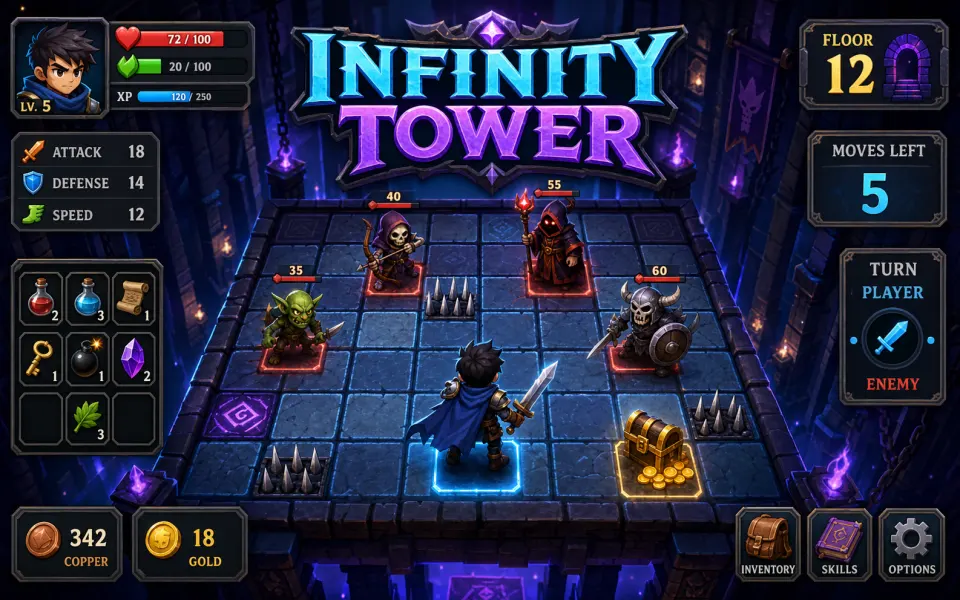
Infinity Tower
Play Game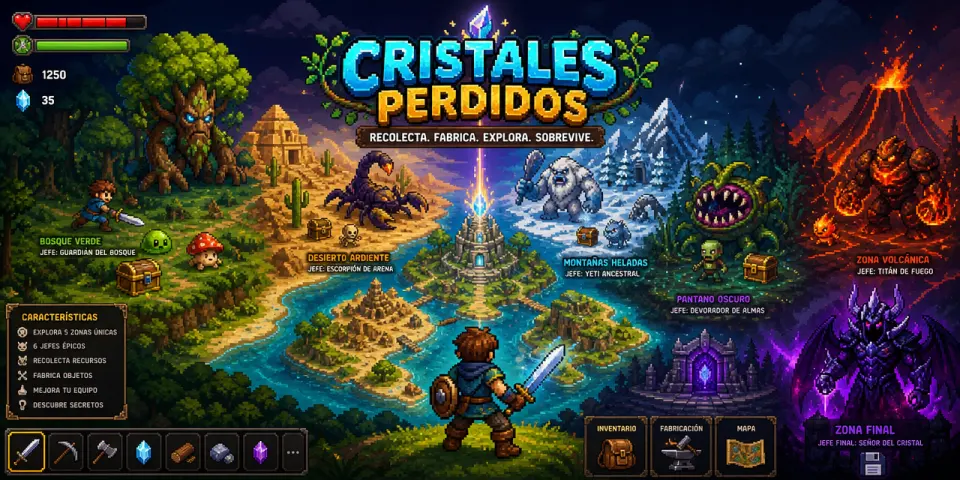
CRISTALES PERDIDOS
Play Game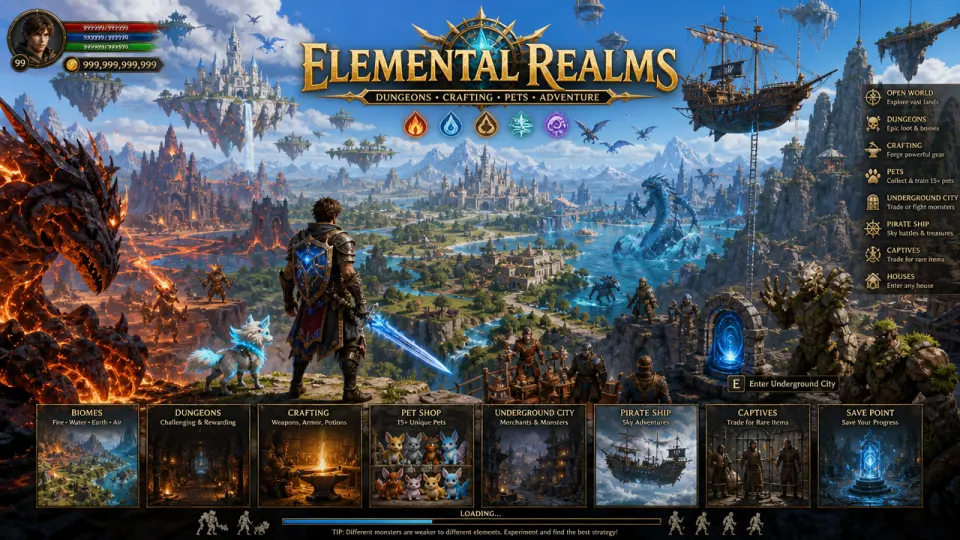
Legends of the Elemental Kingdoms
Play Game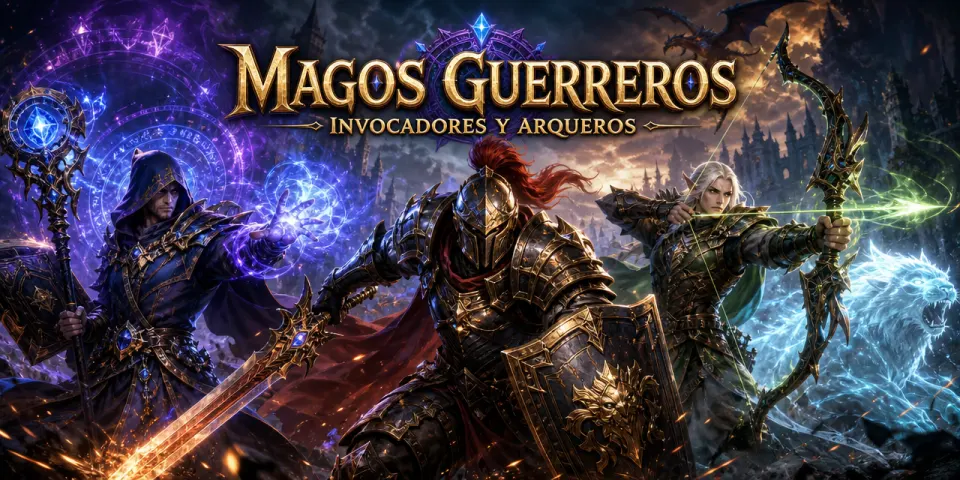
Legiones del Invocador Arcano
Play Game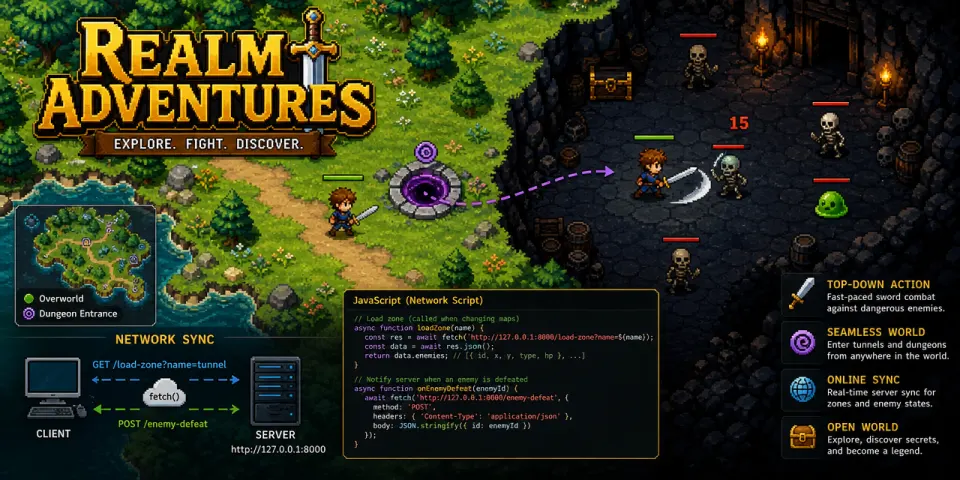
Blade of the Sunless Depths
Play GameWhy Use SoonLab to Make Your RPG?
Turn Your RPG Idea into a Game
Describe your hero, world, and first quest in plain English. SoonLab builds the characters, scenes, controls, and game rules for you, so you can start creating without writing code.
Build Your RPG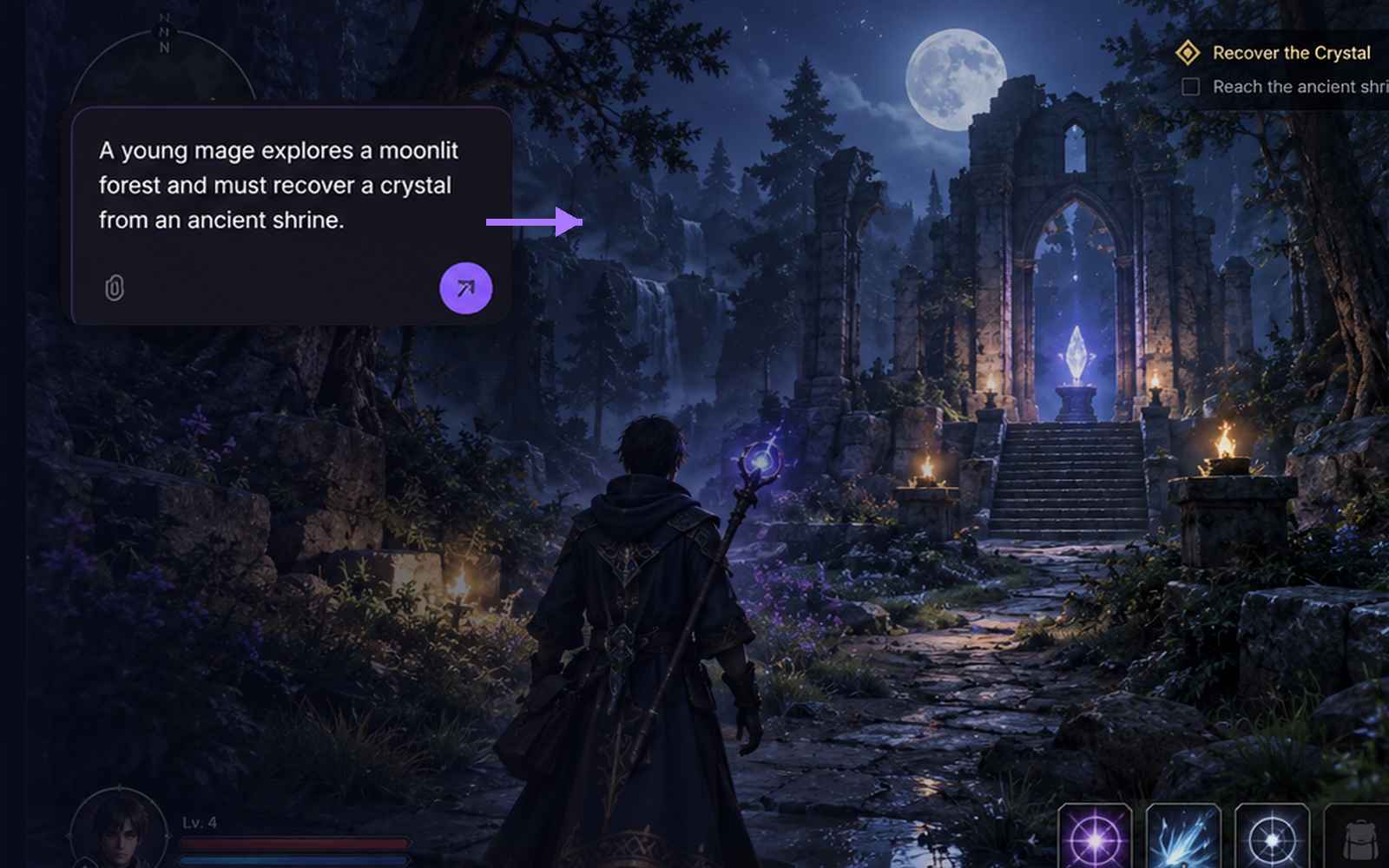
Create the RPG Systems You Want
Choose how your RPG works. Add quests, dialogue choices, turn-based or real-time combat, items, skills, and character upgrades. SoonLab turns these details into connected game systems.
Build Your RPG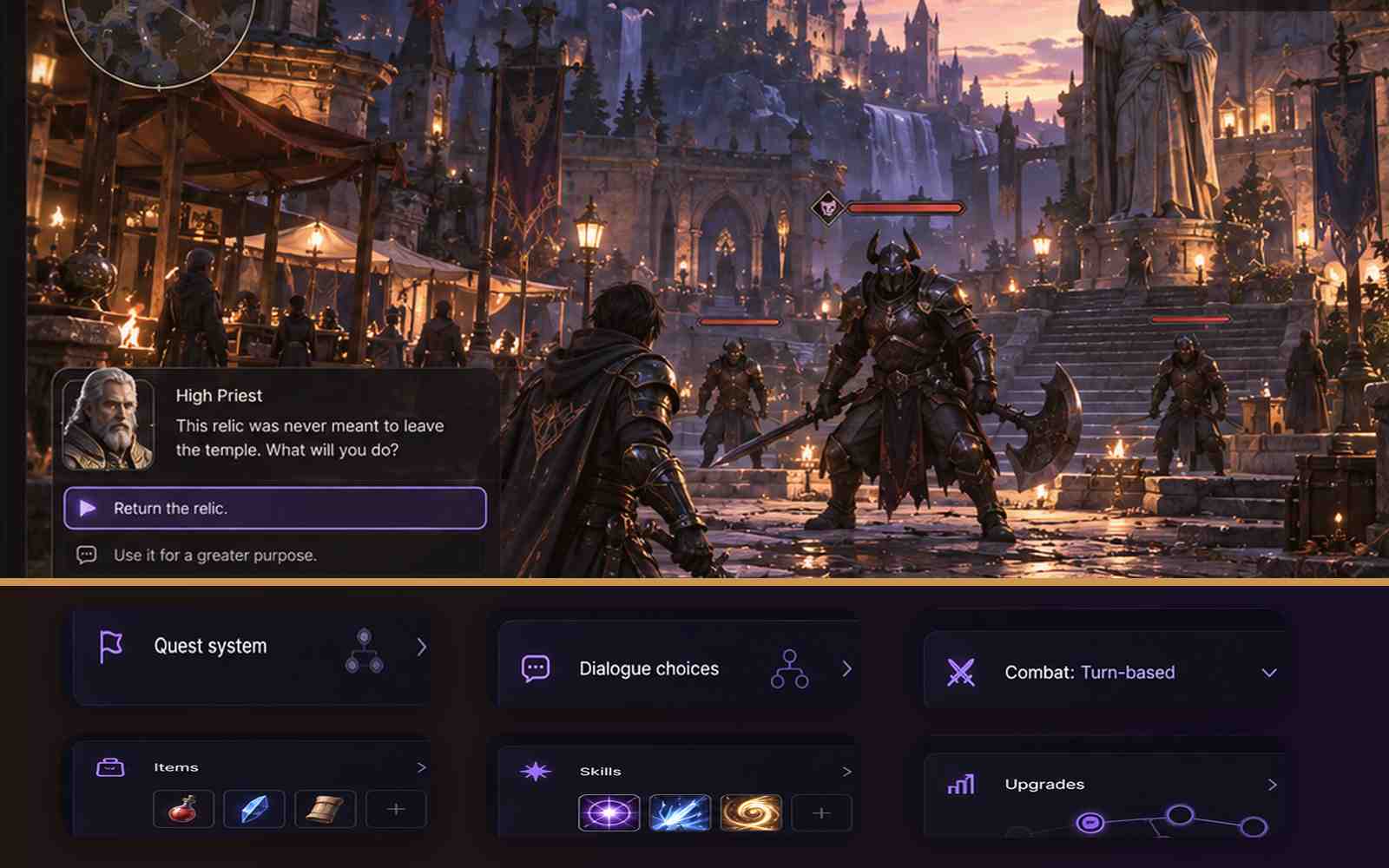
Improve Your RPG with Simple Instructions
Play your game and tell SoonLab what to change. Make a battle easier, add a new skill, rewrite a conversation, or create another ending. Update your RPG step by step, then share it with other players.
Build Your RPG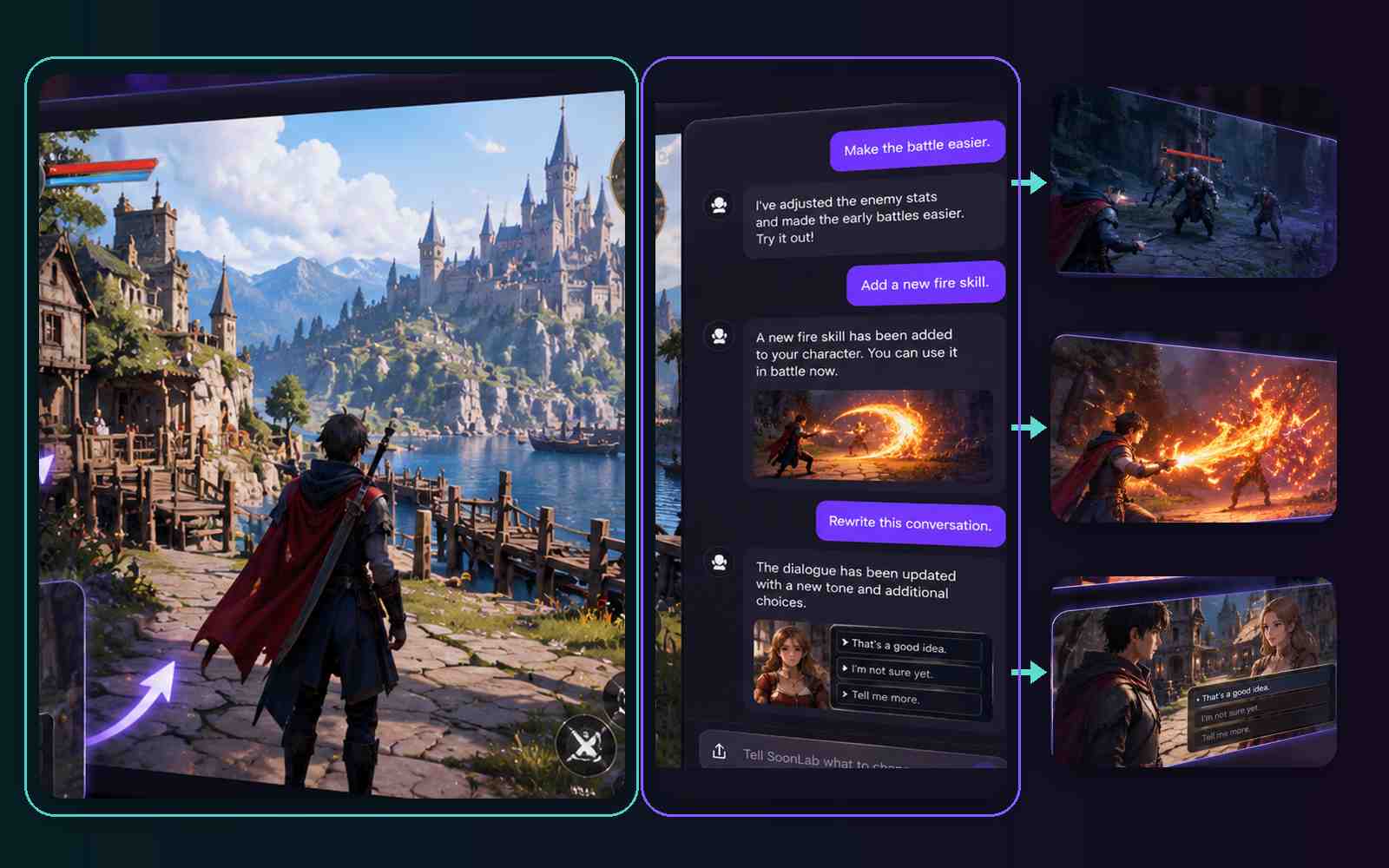
How to Make an RPG Game with SoonLab
Start with a hero, a world, and one clear quest. SoonLab turns your description into an RPG you can play, edit, and expand without coding.

Step 1.Describe Your RPG Idea
Tell SoonLab who the player controls, where the story begins, and what the main quest is. You can also include NPCs, dialogue choices, combat, items, skills, and the visual style you want.

Step 2.Let SoonLab Create Your Game
Submit your prompt and let SoonLab build the characters, scenes, controls, and game rules. When the game is ready, open it in your browser and play through the first quest.

Step 3.Play, Edit, and Build More
Tell SoonLab what you want to change. Add another quest, create a new skill, adjust a battle, or change the ending. Play the updated version and keep improving your RPG one step at a time.
What Kind of RPG Can You Make with SoonLab?
Story-Driven RPG
Create an RPG built around characters, quests, and player choices. Add NPC conversations, different story paths, hidden clues, rewards, and multiple endings that respond to what the player decides.
Create a Story RPG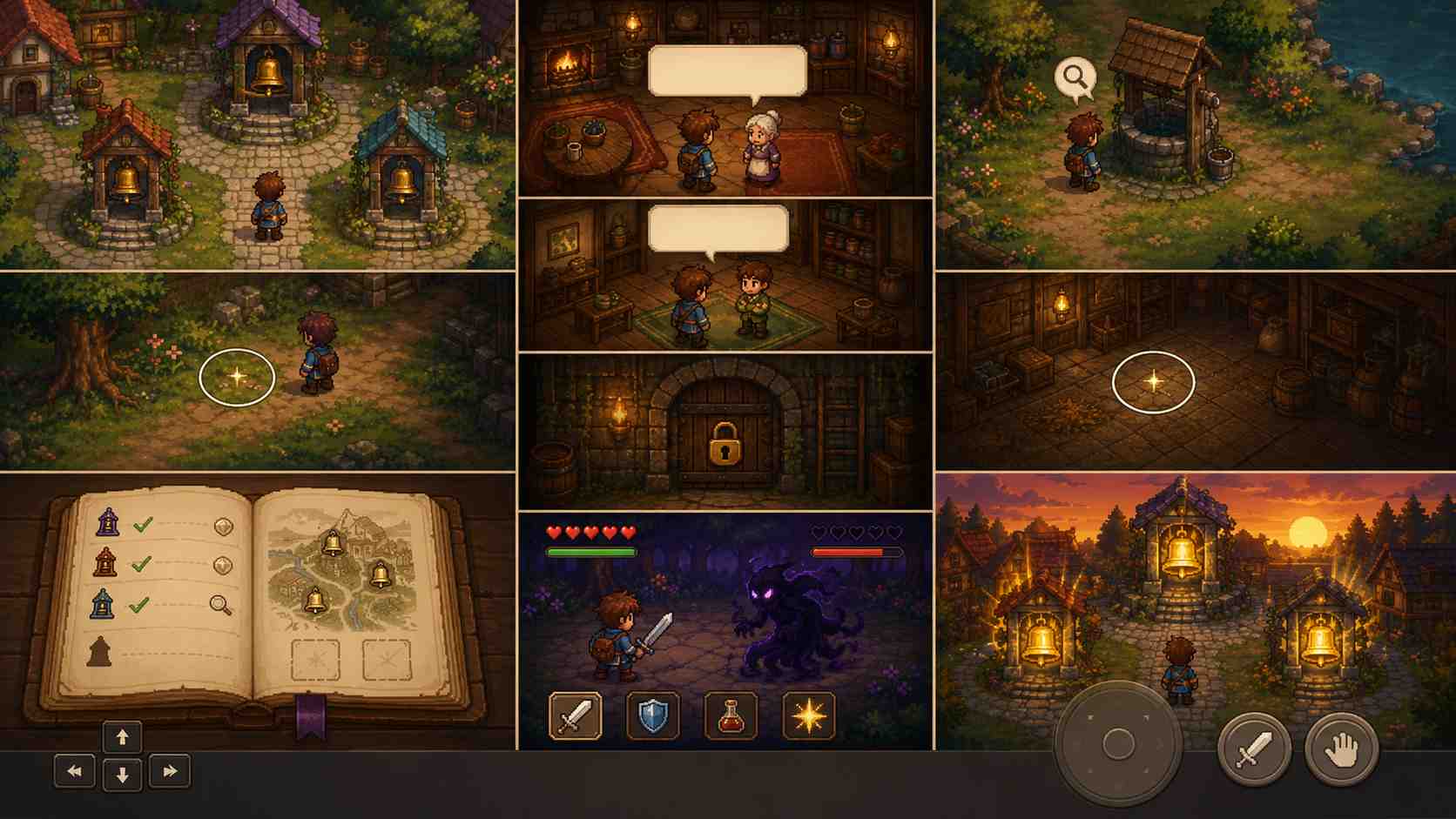
Turn-Based RPG
Build battles where players choose an attack, skill, item, or defense on each turn. Define character stats, enemies, health, rewards, and upgrades that make the hero stronger as the adventure continues.
Create a Turn-Based RPG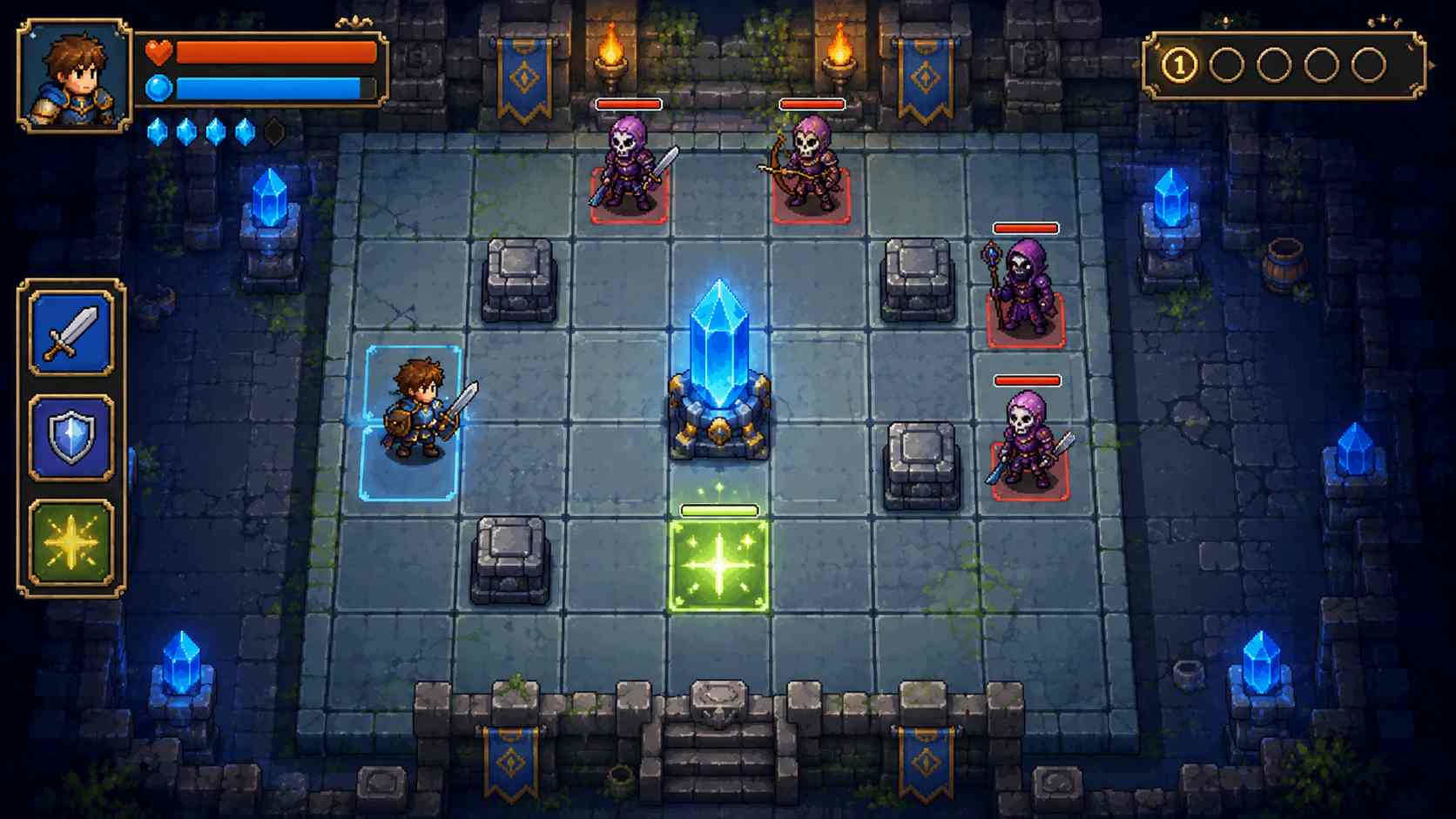
Action RPG
Make an RPG with real-time movement, exploration, enemies, and boss fights. Add weapons, abilities, items, and areas that players unlock as they complete quests and grow stronger.
Create an Action RPG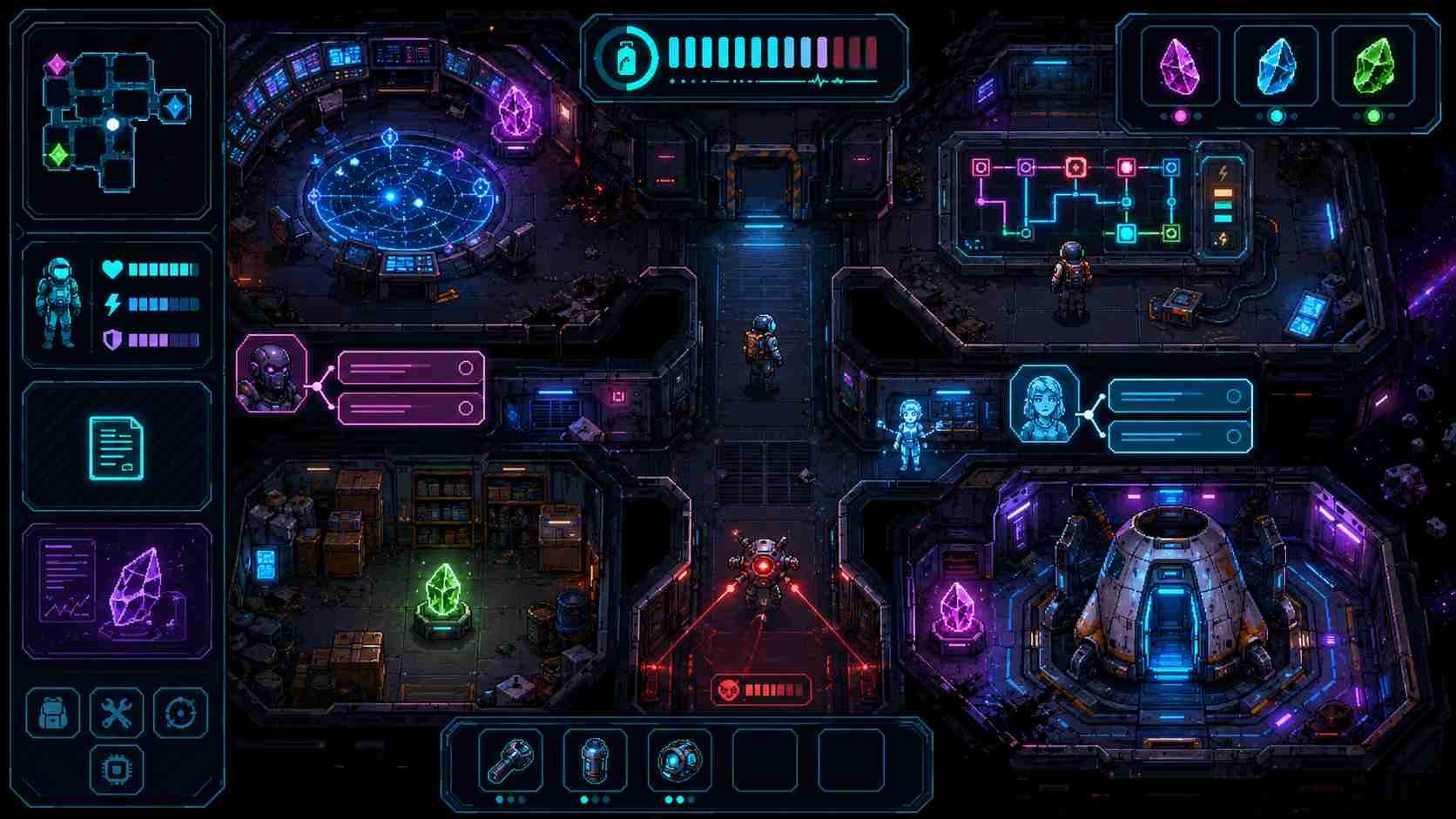
RPG Game Maker Prompts You Can Copy
Choose an RPG game prompt, copy it, and open SoonLab to create your own version. Each prompt includes a character, quest, game system, progress rules, and clear ending.
| Prompt idea | Prompt | Difficulty | Best for | Style | Copy |
|---|---|---|---|---|---|
| Village of Three Bells | Create a top-down fantasy RPG called Village of Three Bells. The player is a courier who must restore three silent bells before nightfall. Add one village, three NPCs, two hidden clues, a locked cellar, and a turn-based fight against a shadow spirit. Let one dialogue choice change who helps the player in the final scene. Show health, inventory, and the current quest. The player wins by finding the clues, defeating the spirit, and ringing all three bells. Add keyboard and touch controls, a loss screen, and restart. | Beginner | Story and dialogue choices | Pixel fantasy | |
| Crystal Trial Tactics | Create a tactical RPG called Crystal Trial Tactics. The player controls one guardian on a small grid and must protect a magical crystal for five turns. Add a basic attack, shield skill, healing tile, three enemy waves, and one skill upgrade after the third turn. Show health, mana, crystal health, and the current turn. The player wins if the crystal survives and loses if the hero or crystal reaches zero health. Explain the controls before the battle and add a restart button. | Intermediate | Turn-based combat | Tactical fantasy | |
| Starship Relic Quest | Create a sci-fi role-playing game called Starship Relic Quest. The player is an engineer exploring a damaged starship and must collect three relic fragments before the oxygen runs out. Add three connected rooms, two NPC dialogue choices, one repair puzzle, a drone battle, and an inventory counter. Let the player unlock a repair skill that opens the escape route. Show the current objective, collected fragments, health, and oxygen. The player wins by reaching the escape pod with all three fragments. Add keyboard and touch controls, a loss screen, and restart. | Intermediate | Exploration and quests | Neon sci-fi |
RPG Game Design Tips for a Better First Version
A playable RPG needs more than a world description. Give the player a role, a choice, a challenge, and a visible way to finish. Use a small quest to test those parts before expanding the game.
What to Put in Your First RPG
- Give the player one clear goal, such as finding a missing villager or escaping a dungeon.
- Start with one location, a few NPCs, and one complete quest.
- Make each dialogue choice change what the player learns, earns, or does next.
- Show the current objective and any health, items, or turns the player needs to track.
- Make combat or puzzles short enough to test in one sitting.
- End with a clear win or loss state and let the player restart.
Common RPG Game Design Mistakes
- A quest giver never updates the objective after a conversation.
- A required key or item cannot be collected or used.
- An enemy is too strong to beat with the available skills.
- A dialogue choice appears important but has no visible result.
- The player can get stuck without reaching the ending or restarting.
- Too many characters, locations, and systems hide the main quest.
More RPG Game Making Guides
Compare RPG creation tools, plan your first quest, or explore games for ideas. Use the guides below when you want more detail than a short creation prompt.
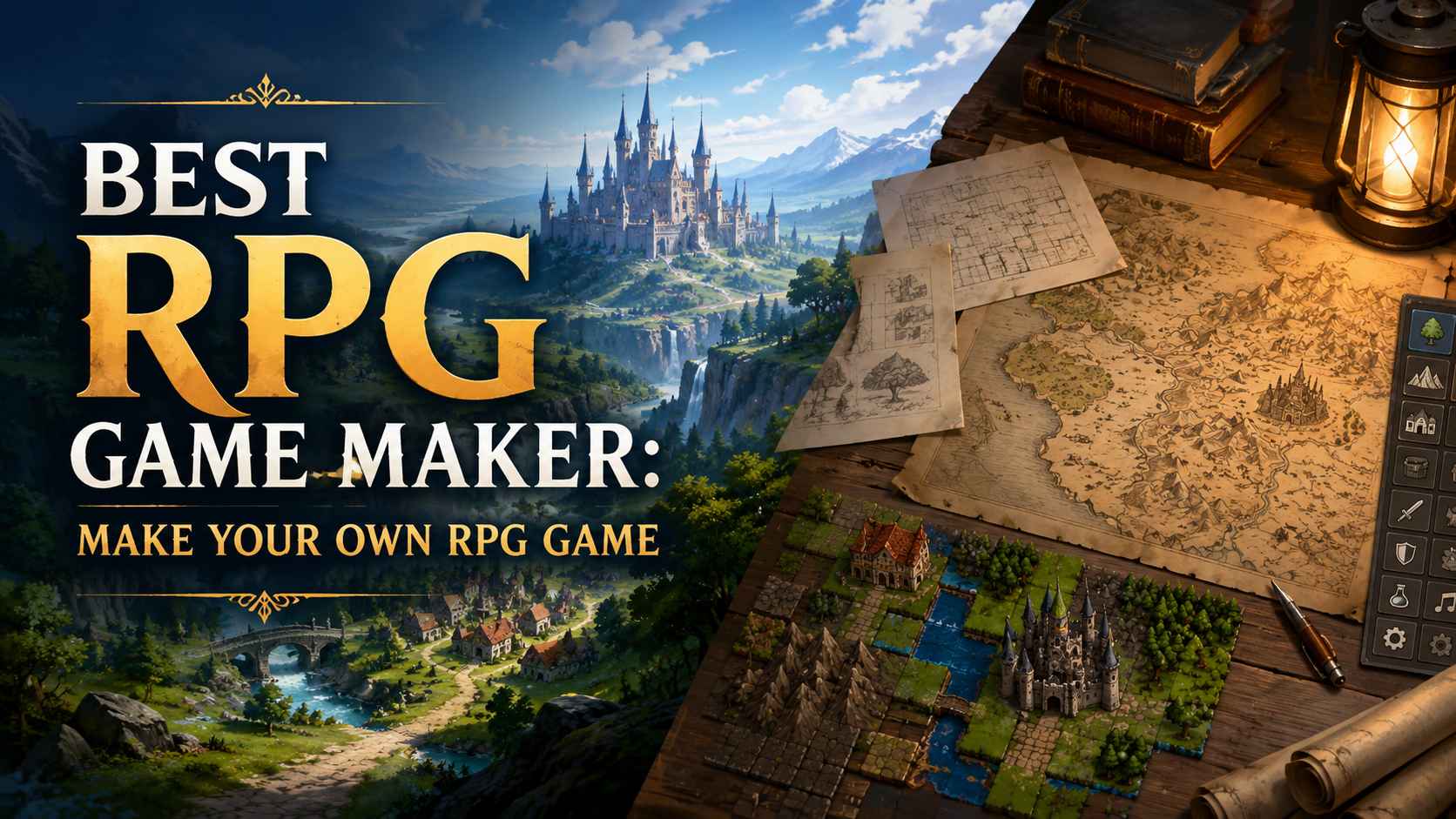
Best RPG Game Maker: Free Tools to Make Your Own RPG Game

50 Best RPG Games to Play on Every Platform in 2026
Classic RPG Maker Games You Absolutely Cannot Miss
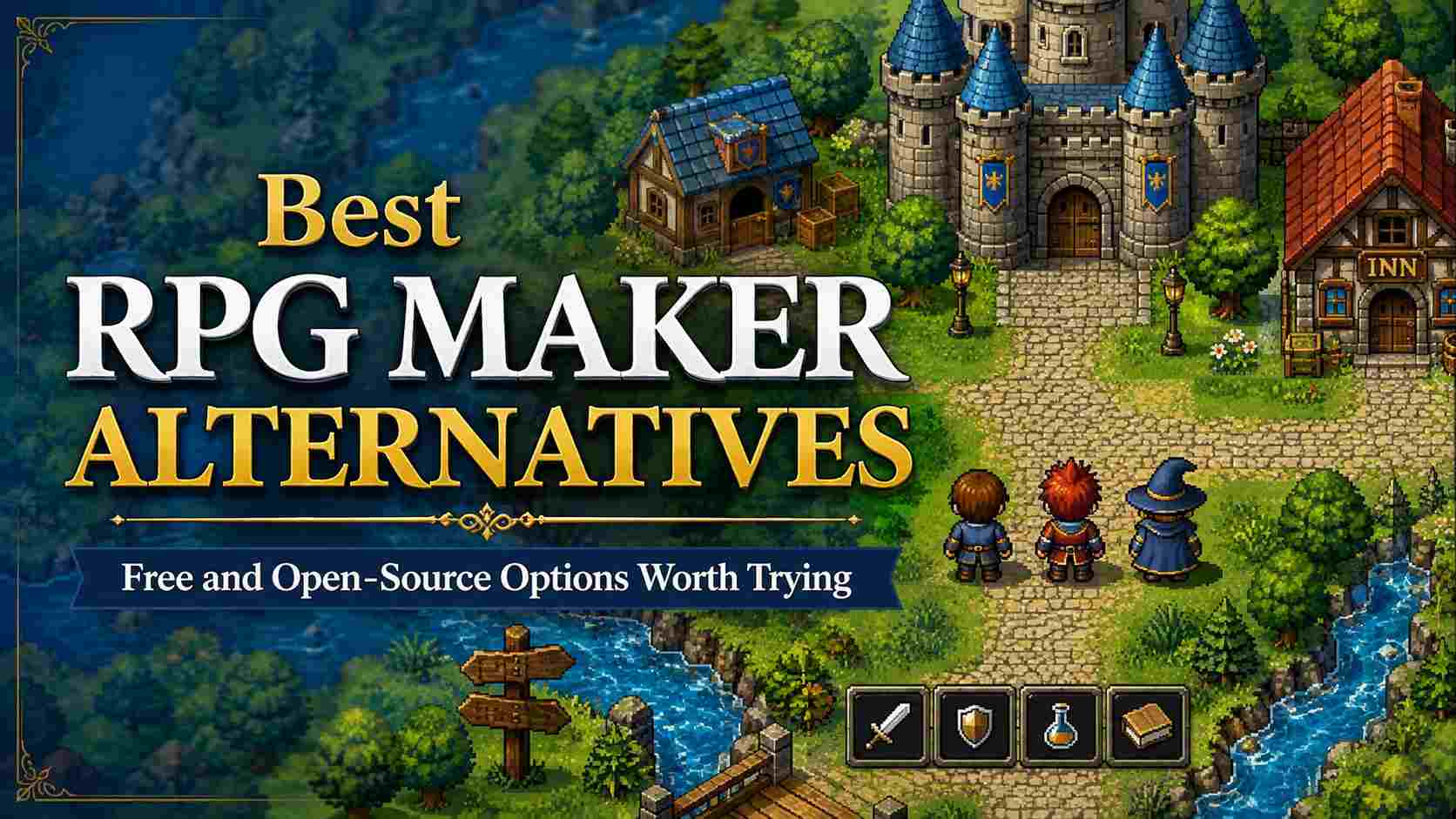
Best RPG Maker Alternatives: Free and Open-Source Options Worth Trying

10 Best Games With Romance Options Where Your Choices Matter
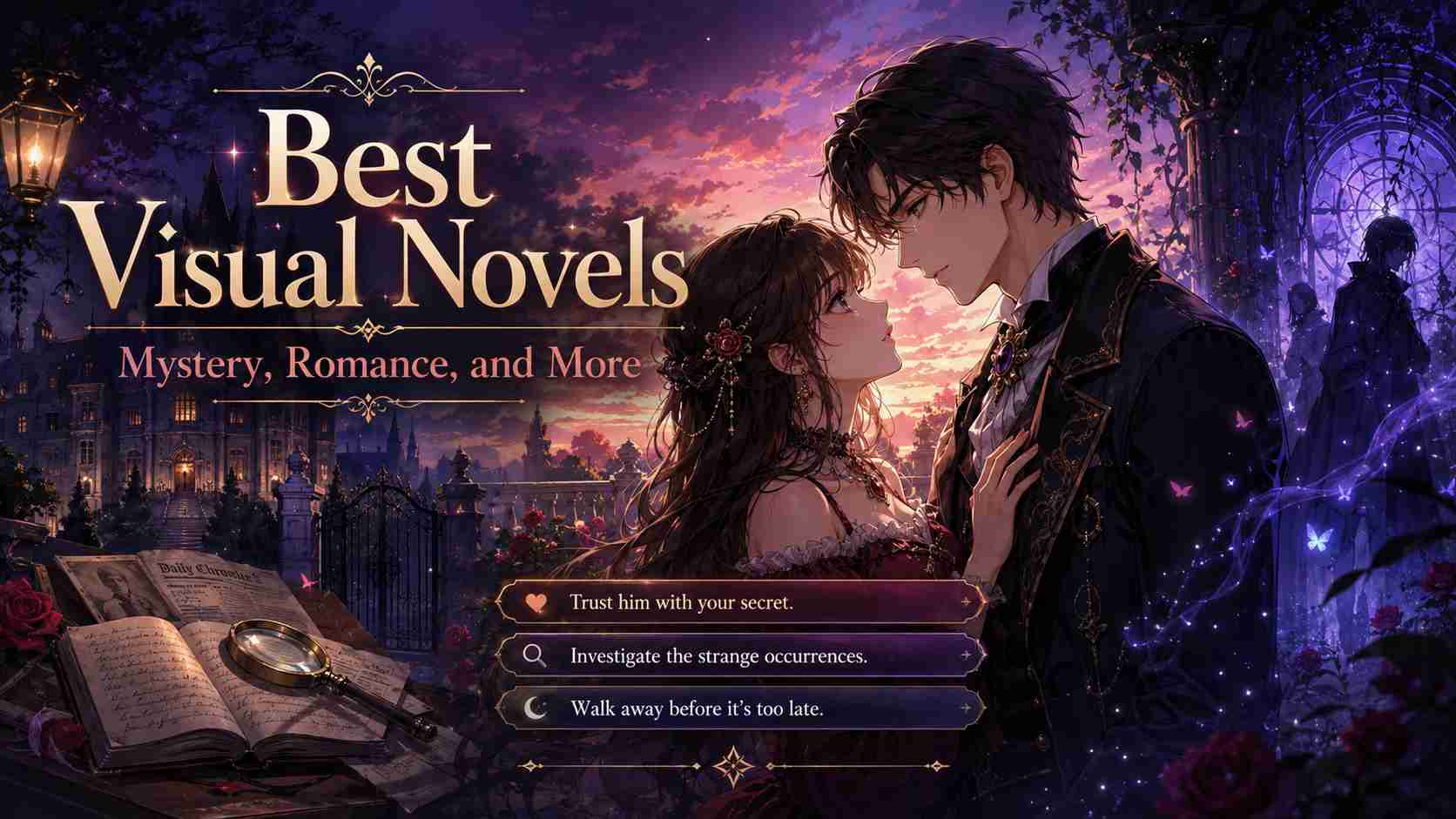
12 Best Visual Novels for Mystery, Romance, and More
FAQs About Role-Playing Game Maker
An RPG game maker is a tool for creating role-playing games with characters, quests, dialogue, combat, items, and character progression. With SoonLab, you describe these parts in a prompt instead of building every game system from code.
Make Your Own RPG Game
Start with one hero, one quest, and one ending. Describe your role-playing game, play the first version in your browser, then edit the parts that need work.
Create Your RPG