
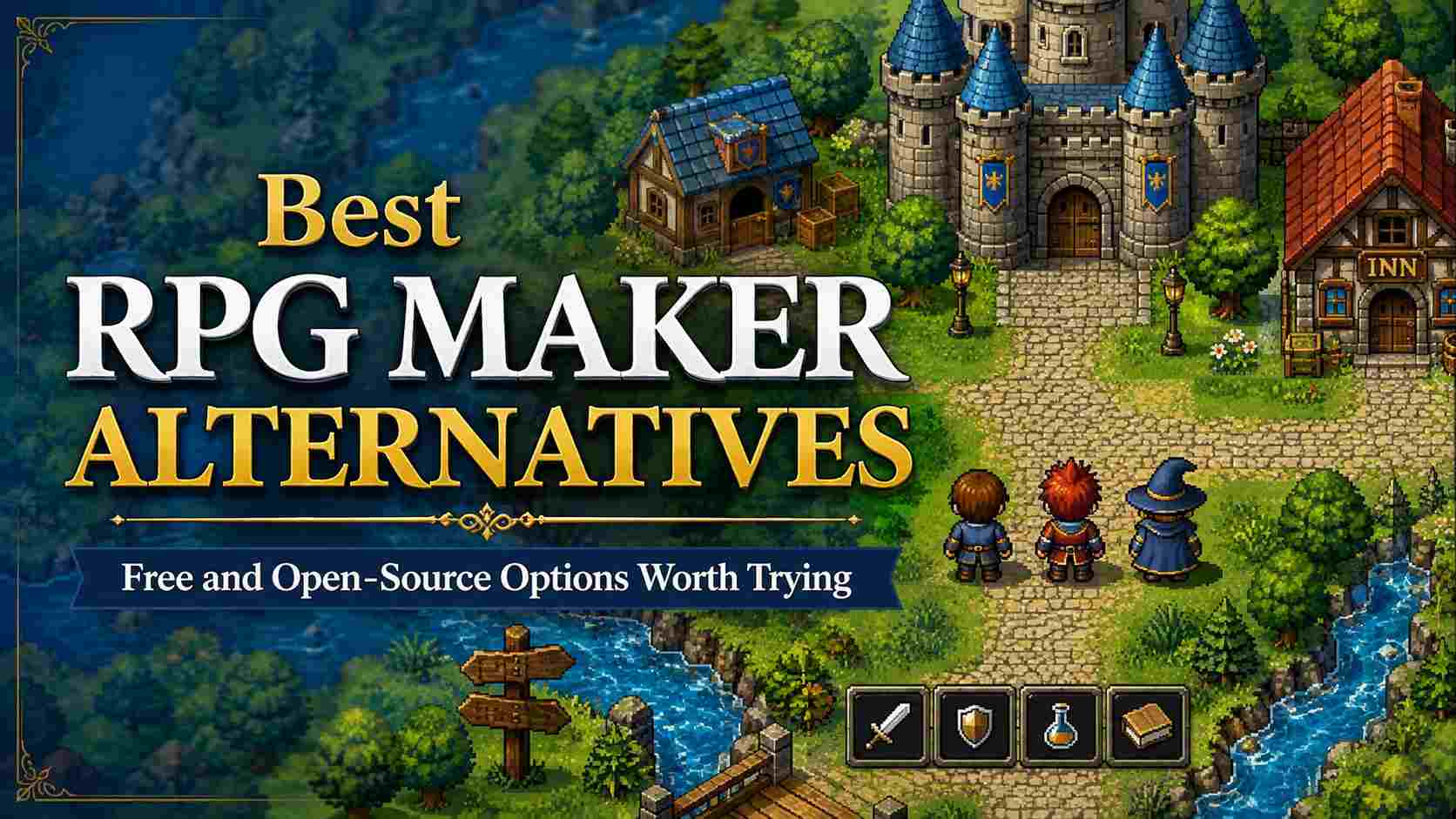
If you are looking for an RPG Maker alternative, my first recommendation is simple: choose Godot if you want room to grow, GDevelop if you want to build without starting with code, SoonLab for a quick playable browser prototype, or WOLF RPG Editor if you want something that still feels close to classic RPG Maker.
RPG Maker remains a very good tool for tile-based JRPGs. Its maps, events, database, and turn-based battle structure can get a small game moving quickly. But that same structure can begin to feel restrictive when your project needs unusual combat, a different visual identity, a more modern interface, or an export path that does not depend on one ecosystem.
The important question is not “Which tool is better than RPG Maker?” It is “What is RPG Maker currently stopping me from making?” Once you answer that, the right alternative becomes much easier to find.
What Is RPG Maker?
RPG Maker is a game development tool built around the parts of a traditional RPG that usually take the longest to set up: tile maps, dialogue, characters, items, quests, variables, and turn-based battles. It gives beginners a practical way to turn a story idea into a playable game without building every system from zero.
That focus is why it remains a popular starting point for classic JRPGs, horror RPGs, and dialogue-heavy adventures. If you are still choosing your first tool, this guide to the best RPG game makers explains how RPG Maker compares with other ways to create an RPG.
But a specialized tool can eventually feel restrictive when your project needs real-time combat, a less familiar interface, or a game loop that does not fit its default structure. Before moving to another engine, it helps to be clear about the RPG you want to make and the systems it actually needs. You can also explore how to build an RPG game from the first idea to a playable version before choosing a tool.
Quick Picks: Which RPG Maker Alternative Should You Choose?
| Tool | Best for | Free? | What to know first |
|---|---|---|---|
| Godot | Original 2D or 3D RPGs with long-term flexibility | Yes, open source | You will need to learn some scripting and build RPG systems yourself. |
| GDevelop | Beginners who want visual logic and fast prototypes | Yes, open source editor | Some online services and convenience features have paid limits. |
| SoonLab | Testing an RPG idea as a playable browser prototype | Free to start (freemium) | AI-powered prompt-to-play prototyping; not a full engine for deep production. |
| WOLF RPG Editor | A free tool closest to traditional RPG Maker | Yes (paid PRO tier available) | Its English translation and learning resources lag far behind the Japanese version. |
| GB Studio | Game Boy-style pixel RPGs and short retro adventures | Yes, open source | The hardware-inspired limits are part of the tool, not a temporary shortcut. |
| RPG in a Box | Voxel RPGs with built-in art and game tools | No | Great for a specific voxel look, less flexible if you want another style. |
| EasyRPG Editor & R48 | RPG Maker 2000/2003-style projects and preservation | Yes (open source / public domain) | EasyRPG Player runs games; the Editor has no stable release yet. R48 is the more usable editor but is sparsely documented. |
The Best RPG Maker Alternatives
1. Godot: Best Free Open-Source RPG Maker Alternative Overall
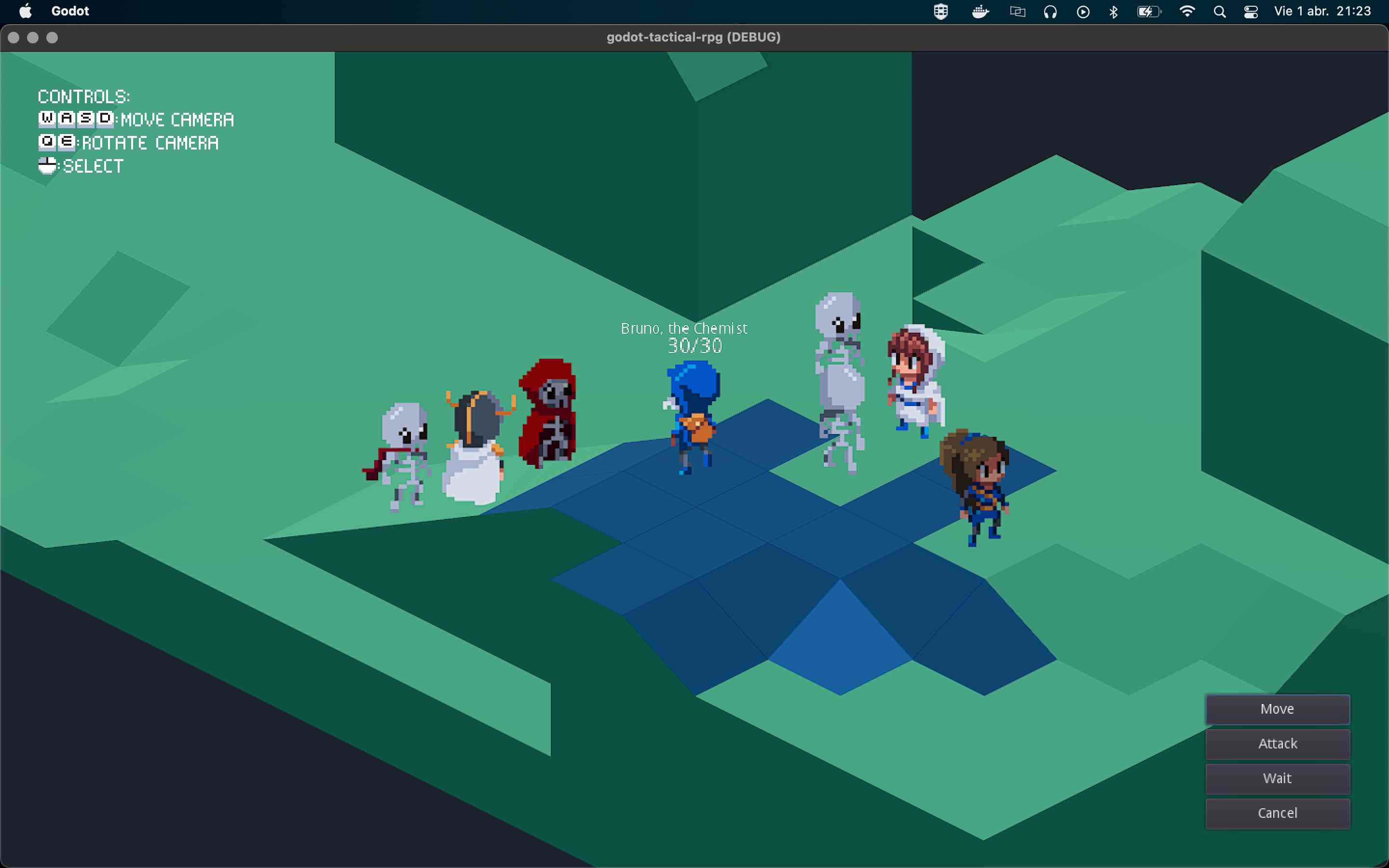
Godot is my top pick for anyone who has outgrown RPG Maker’s built-in assumptions but still wants to make a 2D RPG. It is free, open source, and released under the MIT license, so you can use it for commercial projects without royalties.
What changes when you move to Godot is control. You are no longer fitting your game around a fixed event system or a preset battle database. You can make a turn-based RPG, but you can also make an action RPG, a tactical game, a dialogue-heavy adventure, or a game that mixes all of those ideas. Your menu flow, quest logic, combat timing, camera, and save structure can become your own.
That freedom is also the catch. Godot does not arrive with “make a JRPG” already solved. You will need to assemble systems, learn GDScript or another supported language, and accept that the first few prototypes may feel less complete than an RPG Maker project at the same stage.
This is exactly where many discussions about switching tools become more honest. In a recent Reddit discussion from an RPG Maker user considering a new engine, the recurring concern was not whether Godot was capable. It was whether a creator was ready to build more of the foundation themselves.
 Pros of Godot
 Cons of Godot
2. GDevelop: Best No-Code Alternative for Fast RPG Prototypes
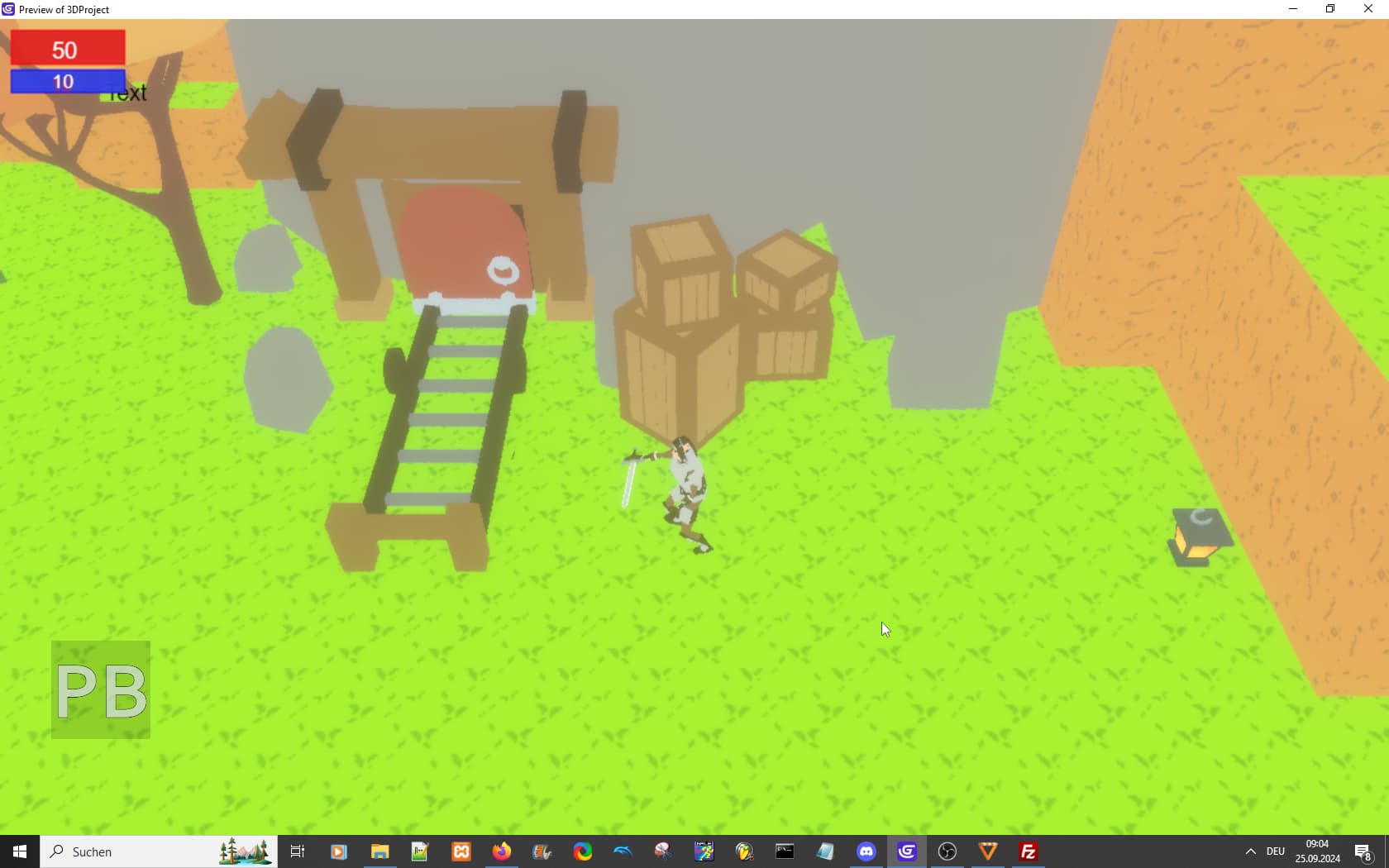
GDevelop is the option I would choose for someone who wants to make a game before they are ready to think like a programmer. Its event system is visual, so you build logic through conditions and actions instead of starting with syntax. You can create conversations, inventory rules, quests, enemy behavior, top-down movement, and simple combat without opening a code editor on day one.
The engine and editor are free and open source under the MIT license, while GDevelop offers paid online services around building, publishing, storage, and other convenience features. That distinction matters: the engine itself remains free to use, but a completely free workflow may require a little more manual exporting and setup.
GDevelop is not as specialized for JRPGs as RPG Maker. You will spend more time deciding how your battle system, stats, menus, and quest progression should work. But for many creators, that is a useful middle ground. It removes the intimidation of code without trapping your game inside one genre formula.
I especially recommend it for a short story RPG, a top-down action adventure, or a first prototype where the most important question is whether the core loop feels good. Build one village, one quest, one enemy type, and one meaningful choice before you design a 20-hour campaign.
Pros of GDevelopCons of GDevelop Also Read
3. SoonLab: Best for Turning an RPG Idea into a Fast Playable Prototype
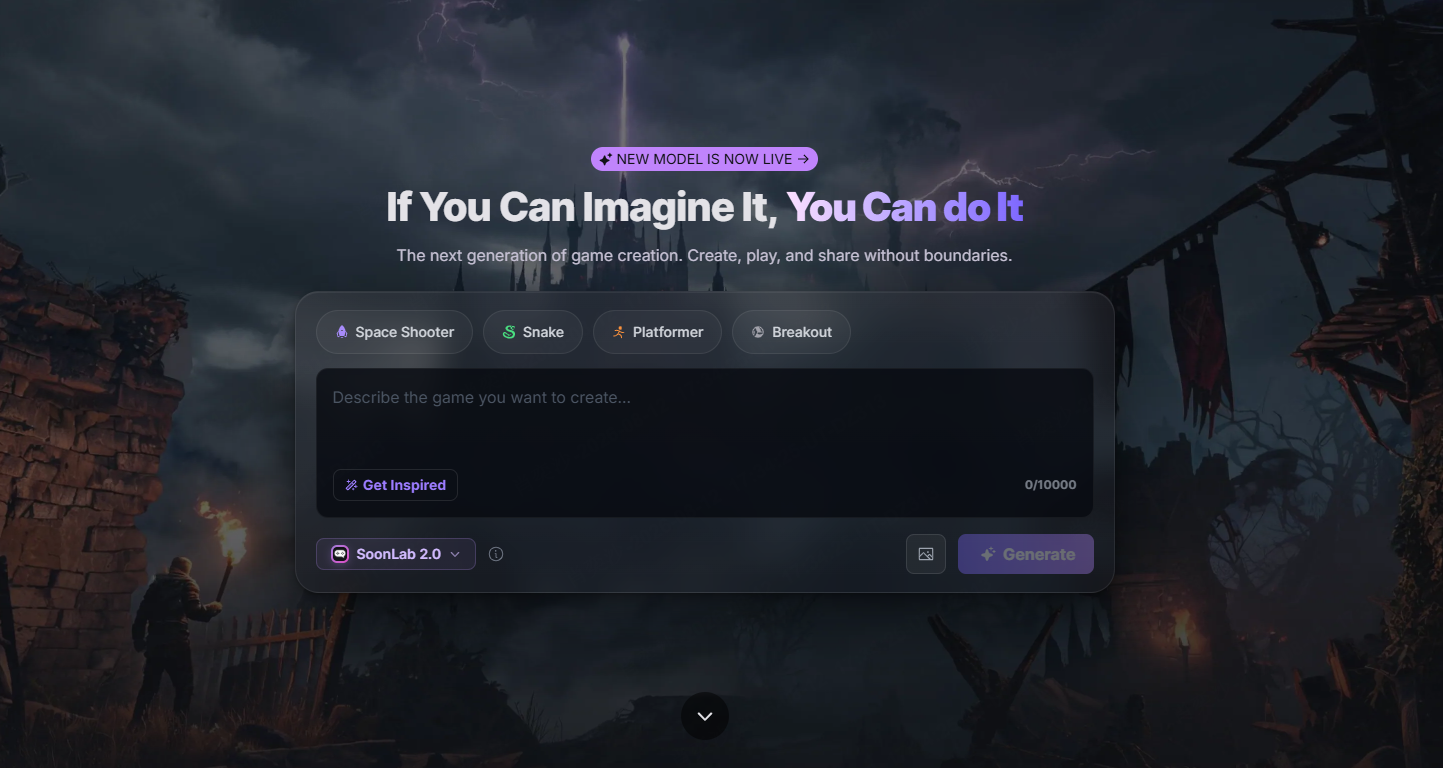
SoonLab is a different kind of RPG Maker alternative. It is not a full game engine built around long production cycles, detailed databases, or deep custom systems. Instead, it is useful when you have an RPG idea you want to turn into something playable before you spend weeks building it.
Turn your idea into aplayable RPG game
Describe the game you want to make, and SoonLab will help you start building it.
You can describe a game in plain language, generate a browser-playable version, test it, then use follow-up prompts to refine what is not working. For example, you might begin with: “Create a top-down fantasy RPG where the player explores a flooded village, helps three survivors, and chooses which district to save.” Once you can play it, you can adjust the dialogue, map layout, quest flow, combat feel, visual direction, or difficulty based on what the first version actually reveals.
That makes SoonLab especially useful at the beginning of a project. Many RPG ideas sound good when they are only notes: a branching story, an unusual setting, a new combat hook, or a companion system. A quick playable prototype can show whether the idea has real momentum before you commit to building every map, item, and menu by hand.
I would use SoonLab to test a small RPG concept, share it with friends for feedback, or create a rough vertical slice before moving into Godot, GDevelop, or RPG Maker for deeper production. You can also share the game in a browser or download the generated HTML when you need a local version.
Pros of SoonLabCons of SoonLab4. WOLF RPG Editor: Best Free Alternative That Feels Like RPG Maker
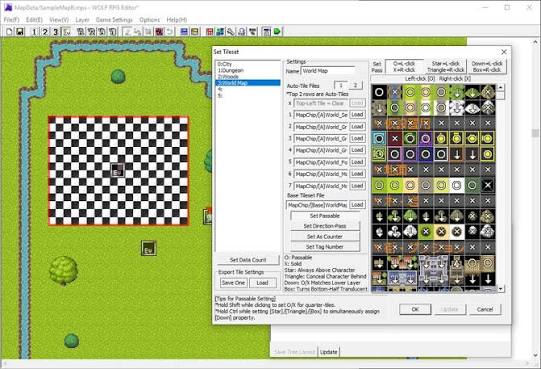
WOLF RPG Editor is the closest answer for people searching “free RPG Maker alternative” because it keeps the familiar appeal: a dedicated RPG-focused editor, event-driven creation, maps, variables, and room for more complex systems. It is free to download and use, including for commercial releases, although you should still check the current terms before publishing.
What makes WOLF RPG Editor interesting is that it can feel less restrictive than older RPG Maker versions without asking you to jump straight to a general-purpose engine. It is often described as a more advanced RPG Maker-like tool, and that description is fair. You can do more, but the editor assumes you are willing to learn its way of working.
The limitation is not really the engine. It is the support path around it. The English-speaking community has tutorials and translated guides, but it is much smaller than the RPG Maker ecosystem. An itch.io community thread for WOLF RPG Editor users makes the tradeoff clear: the tool is free and capable, while English documentation and community troubleshooting require more patience.
Pros of WOLF RPG EditorCons of WOLF RPG Editor5. GB Studio: Best for Game Boy-Style RPGs
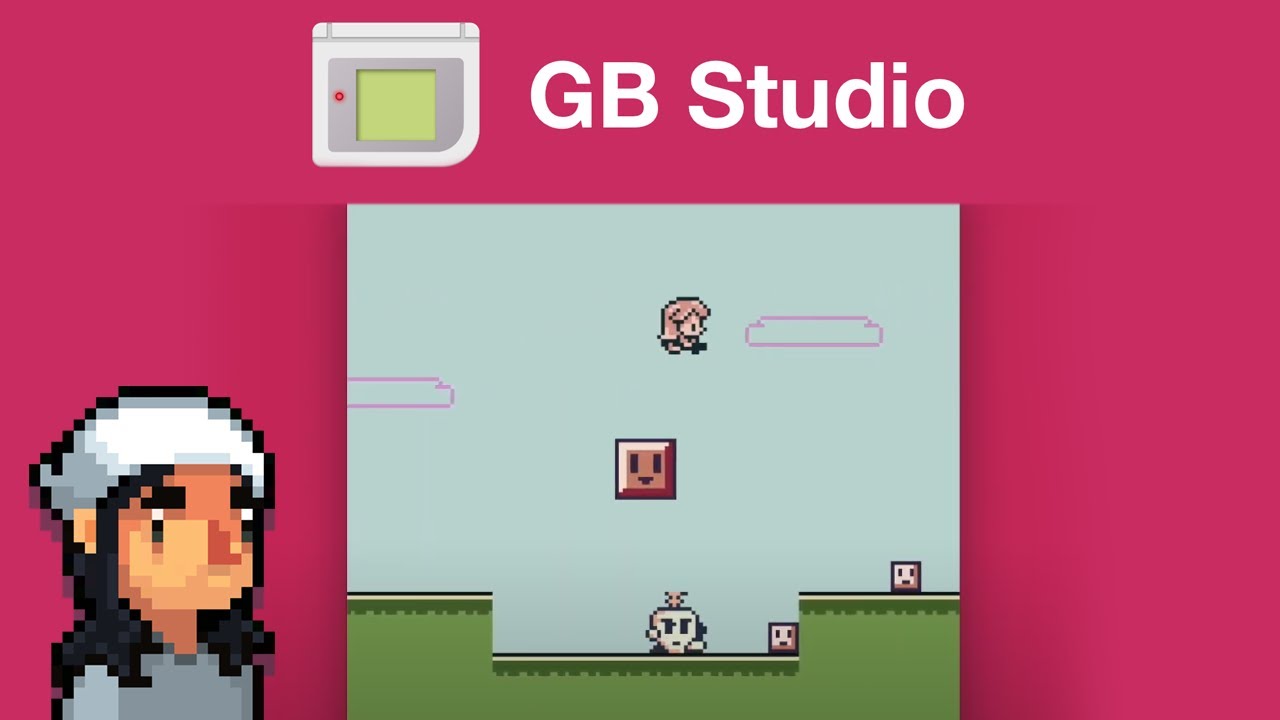
GB Studio is not trying to be a replacement for every kind of RPG Maker project. That is why it is so good at what it does. It is a free, open-source tool for making games with the look and constraints of original Game Boy hardware.
If your idea is a small adventure with chunky pixel art, simple exploration, limited menus, and music that feels tied to a handheld console, GB Studio gives the project a strong identity immediately. Its limitations are not just technical restrictions; they can make decisions easier. You cannot keep adding visual effects, huge maps, and elaborate systems forever, so you are pushed to make each scene matter.
GB Studio also has an official plugin manager and a growing collection of community assets, which makes it more practical than a purely nostalgic toy. You can read about the built-in GB Studio Plugin Manager in its documentation.
Still, I would not choose it because you think “retro” means “easy.” A good Game Boy-style RPG still needs clear map design, readable dialogue, and a reason for players to keep moving forward. The tool gives you focus, not an automatic game.
Pros of GB StudioCons of GB Studio6. RPG in a Box: Best for Voxel RPGs Without Modeling Experience
RPG in a Box is a more focused choice, but it deserves attention if you want to make a voxel RPG. It combines voxel modeling, tile creation, animation, maps, dialogue, audio, and visual scripting in one package. The official RPG in a Box Steam page describes it as an all-in-one tool designed for people who do not want to begin with programming or 3D modeling.
Its strength is the feeling that every part of a small world belongs together. You can build a village, create its characters, place its objects, and connect interactions without constantly moving between separate art and engine tools. For a solo creator, that can remove a lot of friction.
But I would only choose it if you genuinely like voxel art. It is not a neutral visual foundation. The style will shape your game from the beginning, and trying to force a different aesthetic through it can make the workflow feel more limiting than helpful.
Pros of RPG in a BoxCons of RPG in a Box7. EasyRPG and R48: Best Free Option for RPG Maker 2000/2003-Style Projects
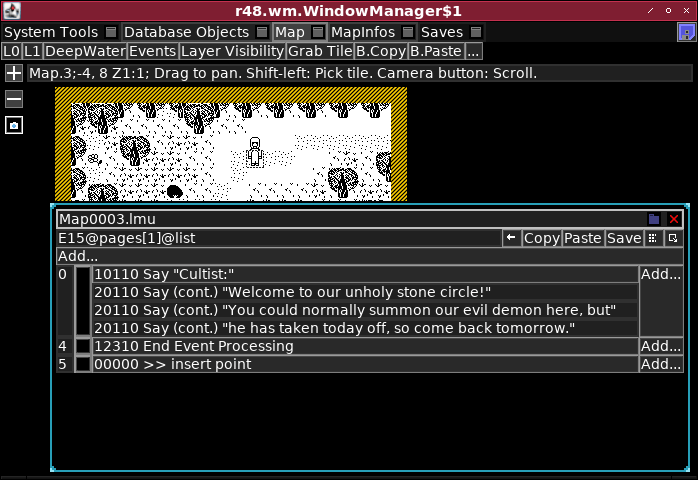
EasyRPG is the most practical answer for people who love the older RPG Maker 2000 and 2003 era, want a free open-source route, or need better compatibility across devices. The project provides a player and editor designed around RPG Maker 2000/2003-style games, with support for Windows, Linux, macOS, mobile devices, consoles, and browsers.
For editing, R48 is worth knowing about too. It is a free editor compatible with EasyRPG and supports features such as full-color images and Unicode text. The EasyRPG team’s explanation of R48 is useful because it does not pretend the project is a universal replacement. It is for a particular style of game and a particular generation of RPG Maker workflows.
That specificity is a strength if you want it. A short horror RPG, an experimental story game, or a deliberately old-school project can benefit from the format. But if your goal is modern menus, rich animation, broad platform features, and custom systems, Godot or GDevelop will give you more room.
Pros of EasyRPG and R48Cons of EasyRPG and R48What RPG Maker Alternative Discussions Actually Reveal
When people search for an RPG Maker alternative on Reddit, they are rarely looking for a random list of engines. Usually, they have reached a point where RPG Maker is doing one thing very well but another thing badly for their project.
Maybe the default battle system no longer fits. Maybe plugins are starting to feel like a fragile workaround. Or maybe they want their game to look and play less like a traditional RPG Maker title. If that sounds familiar, switching tools can make sense—but only if you are clear about what you are gaining and what you are giving up.
That is the most useful point raised in this RPG Maker alternatives Reddit discussion. Godot, Unity, and other general engines can give you far more control, but they do not arrive with your maps, dialogue events, database, inventory, and battle structure already waiting for you. You trade convenience for freedom.
I would not leave RPG Maker because another engine looks more professional in a YouTube showcase. A polished demo can hide weeks of work on menus, saves, quests, enemy behavior, and exports. Those are the systems that decide whether an RPG project stays enjoyable to build after the first exciting prototype.
My advice is to switch only when the same limitation keeps returning. If you need real-time combat, a custom interface, unusual exploration mechanics, or a game structure that events and plugins are making harder instead of easier, another tool may give your idea more room. If not, RPG Maker may still be the fastest way to finish the game you actually want to make.
Are There Any Truly Free RPG Maker Alternatives?
Yes. Godot, GDevelop, SoonLab, GB Studio, EasyRPG, R48, and WOLF RPG Editor all offer a free route. But “free” can mean different things.
- Godot is free and open source, with no royalty model.
- GDevelop has a free open-source editor, while some hosted services and convenience features sit behind paid plans.
- SoonLab provides new users with 200 points, enabling them to create one or two games for free.
- GB Studio is free and open source, but its Game Boy format is a creative constraint.
- WOLF RPG Editor is free, but English-language support is more limited.
- EasyRPG and R48 are free and open source, but focused on a legacy RPG Maker-style ecosystem.
A free engine does not mean a free game. Art, music, writing, testing, store fees, marketing, and your own time still matter. The best free alternative is usually the one that lets you finish a small project before your motivation disappears.
FAQs
What is the best RPG Maker alternative for beginners?
If you want to turn an RPG idea into something playable as quickly as possible, SoonLab is the easiest place to begin. Describe the setting, player goal, characters, and core gameplay in a prompt, then play the result in your browser and refine it with follow-up requests. You do not need to start with code, tiles, or event sheets.
For a larger project that you plan to build manually over time, GDevelop is a stronger beginner-friendly engine because it uses visual events. Godot is the better choice when you are ready to learn scripting and want deeper control.
Can you make an RPG game without coding?
Yes. With SoonLab, you can create a simple browser RPG from a written description, then adjust the dialogue, quests, enemies, difficulty, or visual direction after you play it. It is a practical option when you want to test whether an RPG world or core loop is fun before spending weeks building it.
RPG Maker, GDevelop, GB Studio, WOLF RPG Editor, and RPG in a Box also support visual game creation. They give you more manual control, but you will usually spend more time setting up maps, logic, assets, and systems yourself.
What is the best free RPG Maker alternative?
Godot is the strongest free open-source RPG Maker alternative for creators who want to build a fully custom RPG and do not mind learning some scripting. GDevelop is easier when you prefer visual logic over code.
If your priority is getting an RPG concept playable quickly rather than building a full project from the ground up, SoonLab is a useful free-to-start alternative. It is best for prototypes, short browser games, and testing ideas—not for replacing a full engine when you need deep production control.
Can I make an RPG with AI?
Yes. SoonLab lets you make an RPG with AI by describing the kind of game you want to create. You might start with a fantasy village mystery, a dungeon crawler with a risk-and-reward combat system, or a short choice-driven adventure. Once the first version is playable, you can refine individual parts instead of rewriting the whole idea.
This works especially well when you have a game concept in your head but are not yet sure which mechanics deserve a full production build. A playable prototype often tells you more than a detailed design document.
Is there a free open-source alternative to RPG Maker?
Yes. Godot, GDevelop, GB Studio, EasyRPG, and R48 are free open-source options. Godot is the broadest choice for original 2D and 3D RPGs, while EasyRPG and R48 are better suited to projects inspired by RPG Maker 2000 and 2003.
Should I switch from RPG Maker to another engine?
Switch when RPG Maker’s limits keep getting in the way of the game you want to make. That may mean relying on fragile plugin workarounds, fighting the default battle system, or cutting ideas because the editor cannot support them cleanly.
If you are unsure whether your idea needs a new engine at all, create a smaller version first. You can prototype the RPG in SoonLab, share it with others, and use what you learn to decide whether the next version belongs in RPG Maker, Godot, GDevelop, or another tool.
Final Thoughts
The best RPG Maker alternative is not the engine with the longest feature list. It is the one that gives your idea enough room to grow without making the next step feel harder than the last.
Choose Godot when you need deep control, GDevelop when visual logic feels like the right starting point, and WOLF RPG Editor when you want a free workflow that stays close to RPG Maker. If you are still testing whether an RPG idea has real potential, you can create a playable RPG prototype with SoonLab, share it, and learn from the first version before committing to a larger build.