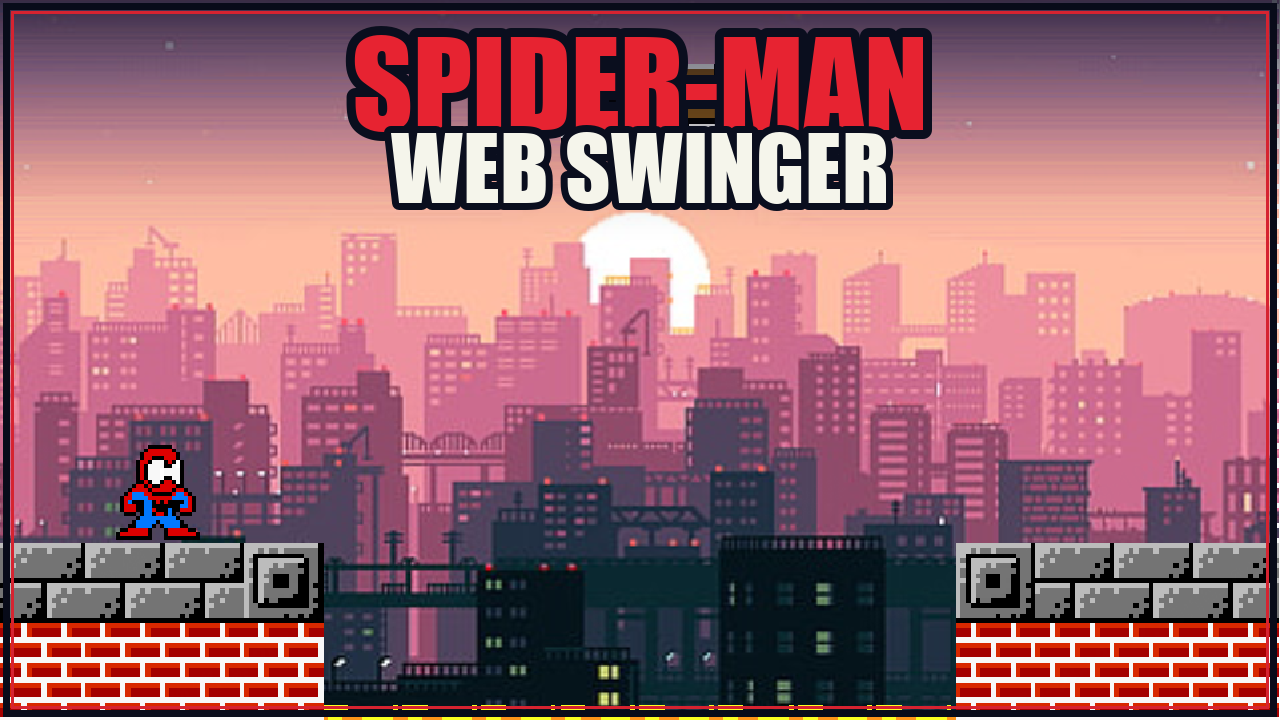
Free Pixel Game Maker: Make a Pixel Art Game Online
Turn a simple idea into a playable pixel art game with SoonLab's AI pixel game maker. Describe the characters, world, controls, goals, and retro visual style, then generate, test, edit, share, or download the game without coding.
0/10000
Pixel game inspiration sources







Play Pixel Games Made with SoonLab
Play pixel games created with SoonLab. Explore different retro styles, controls, challenges, and game loops, then use one mechanic as inspiration for your own original game.
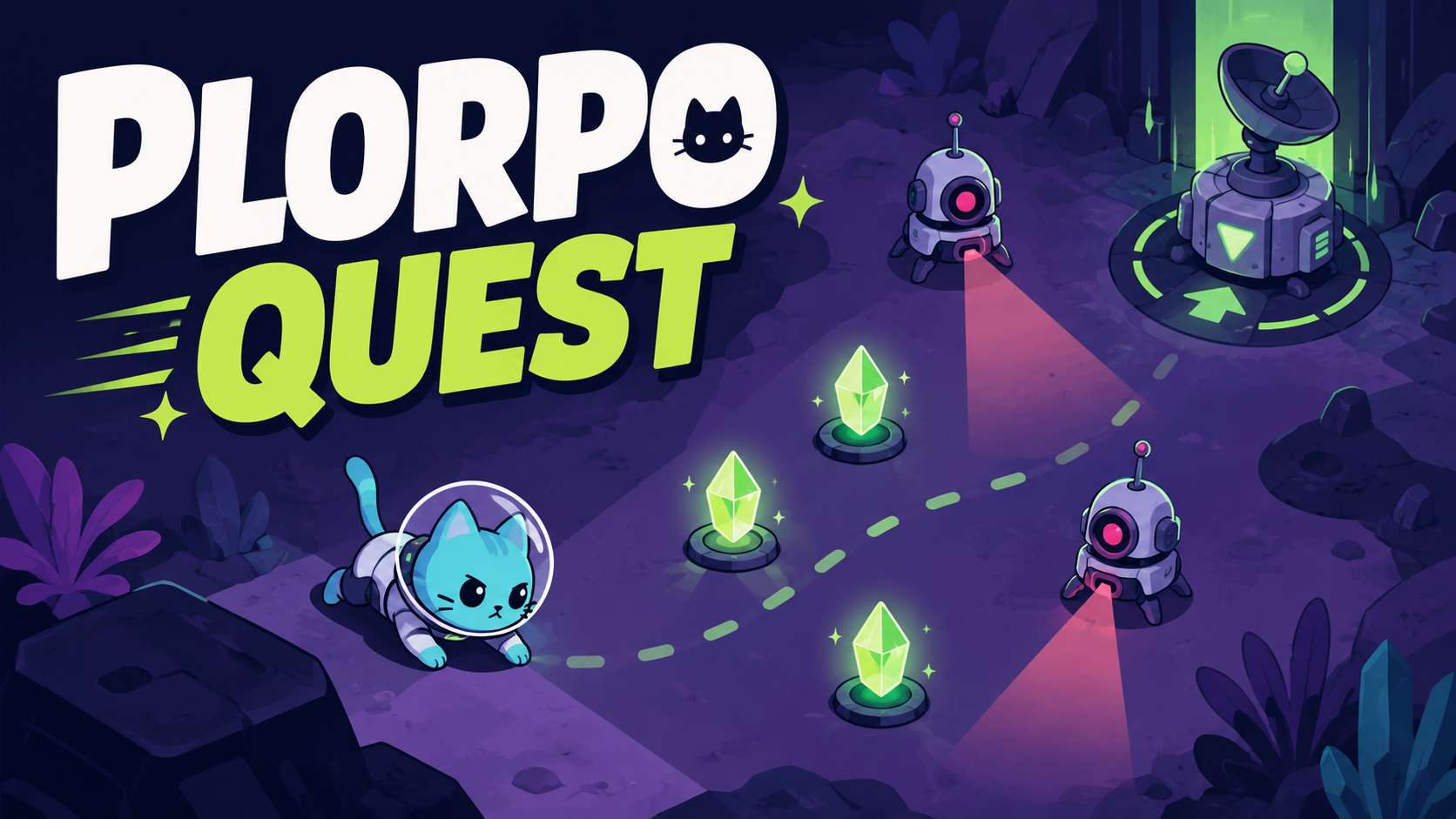
Plorpo Quest
Play Game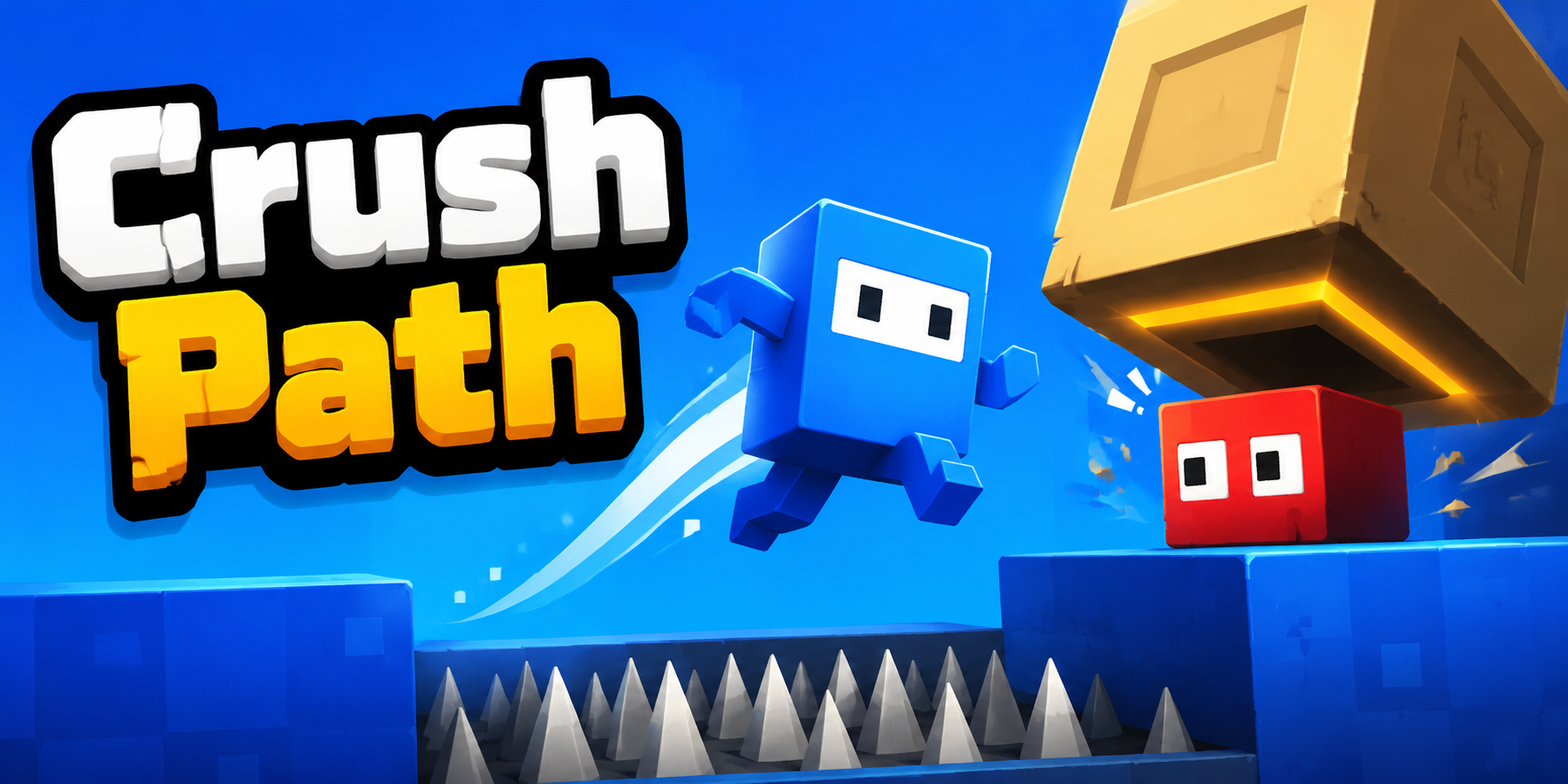
Crush Path
Play Game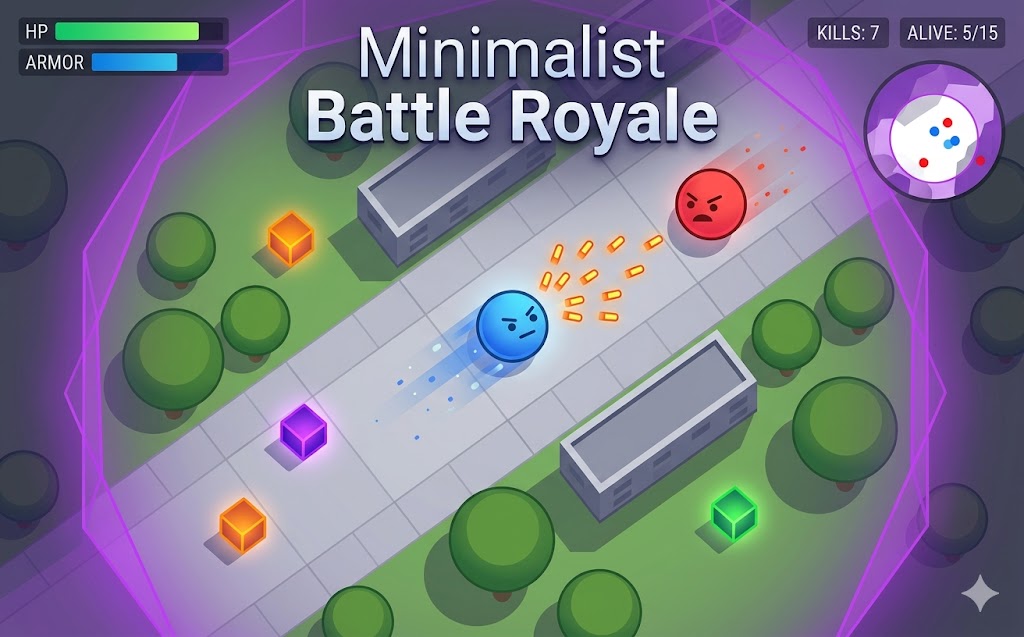
Minimalist Battle Royale
Play Game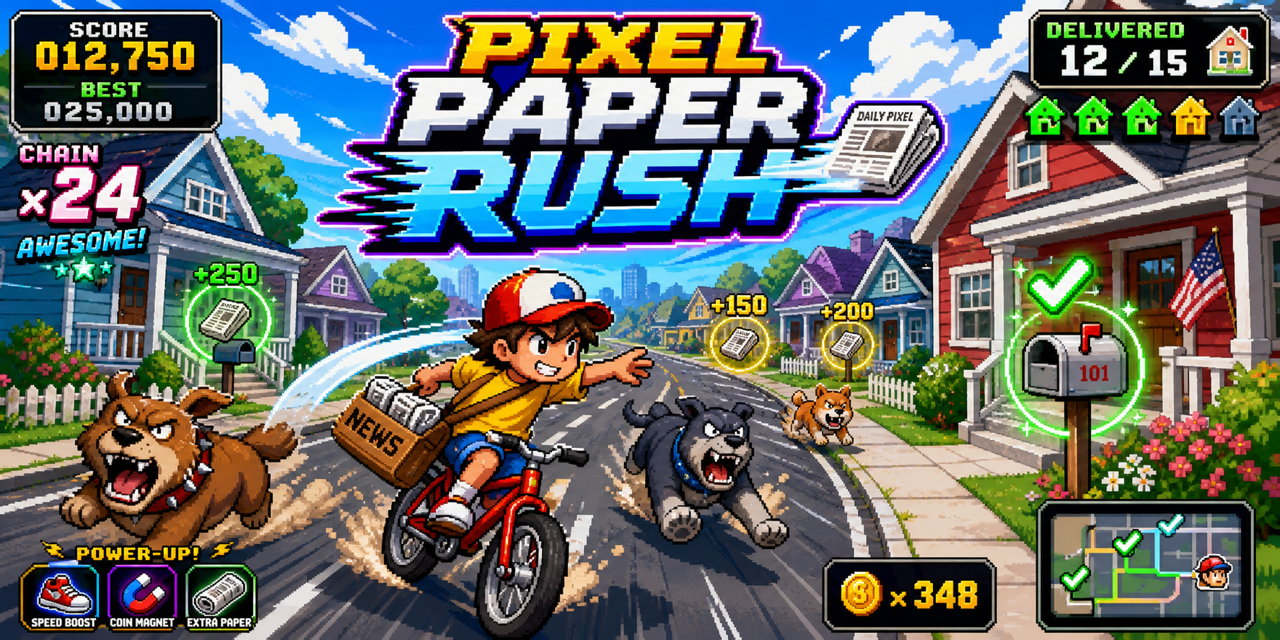
Pixel Paper Rush
Play GameWhy Use SoonLab as a Pixel Game Maker?
Turn Ideas into Playable Pixel Games
Start with a short idea or a detailed game prompt. SoonLab builds the gameplay, interface, rules, and pixel-inspired visual direction into a playable browser game.
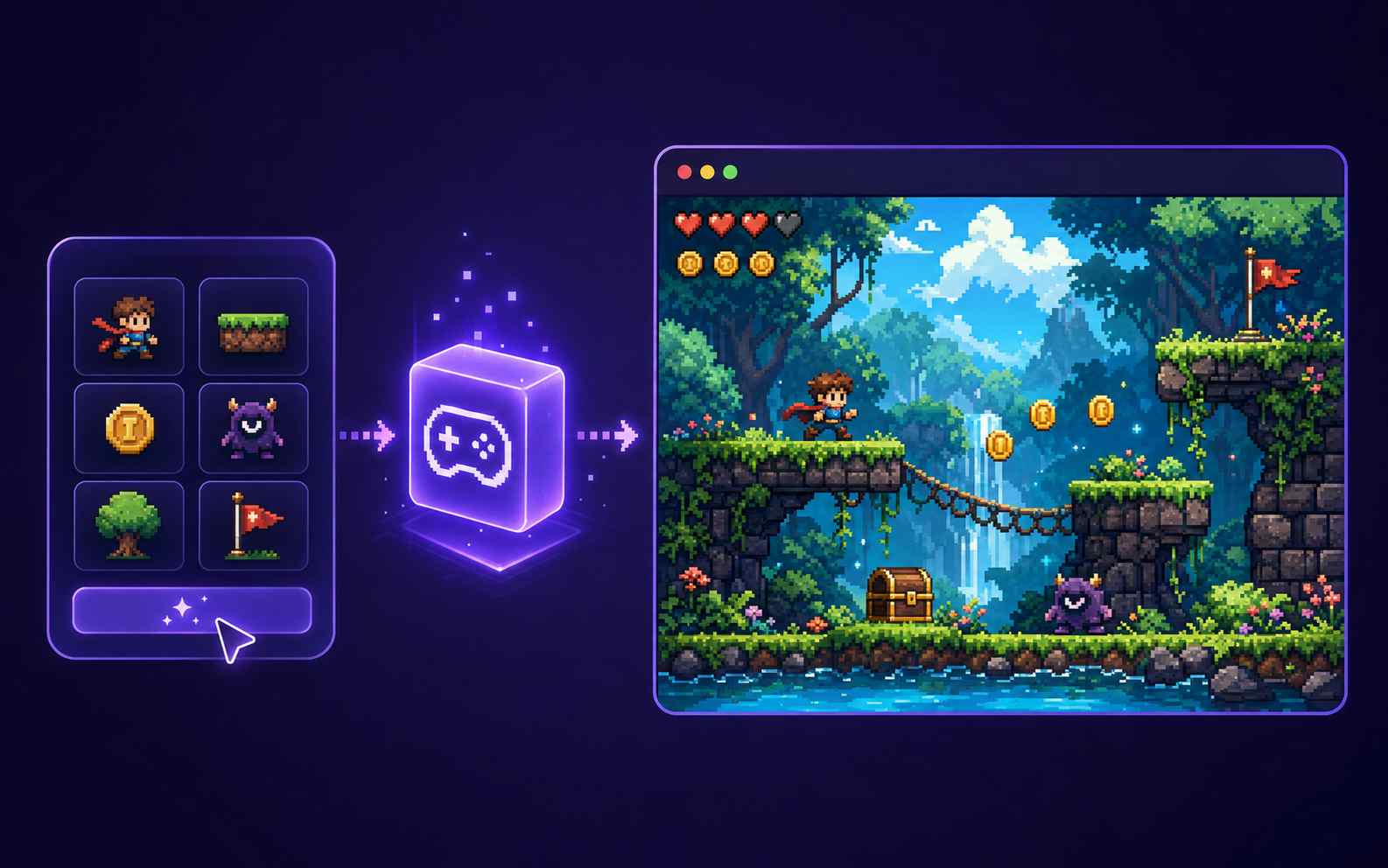
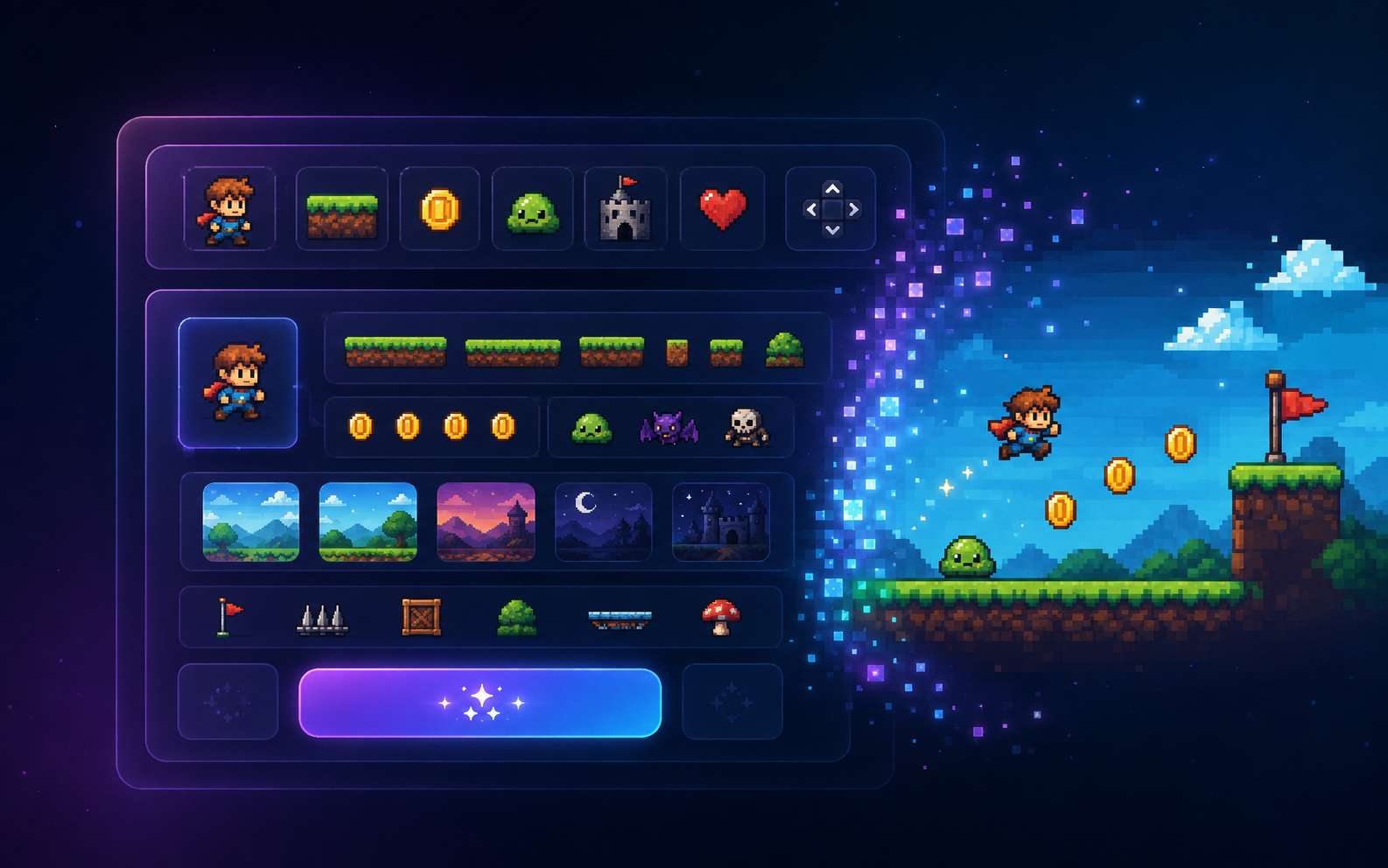
Make Pixel Games Without Coding
Focus on what the player should do instead of programming every mechanic. You can define movement, attacks, enemies, puzzles, scoring, upgrades, and win conditions in natural language.
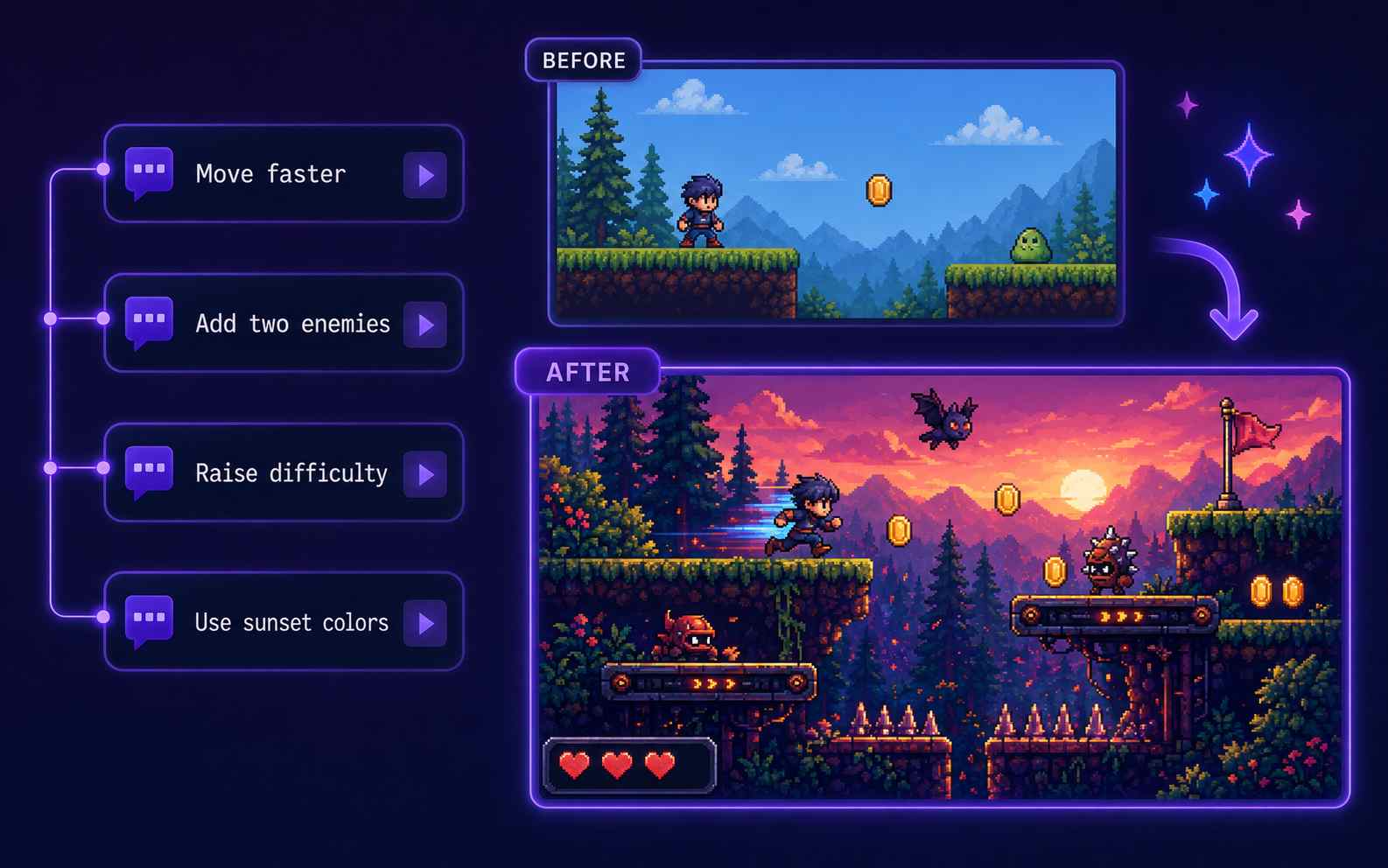
Improve the Game with Follow-Up Prompts
Change the controls, movement speed, enemies, level design, difficulty, interface, or pixel art style without rebuilding the whole project. Request one clear change at a time and test the updated result.
Play, Share, and Download Online
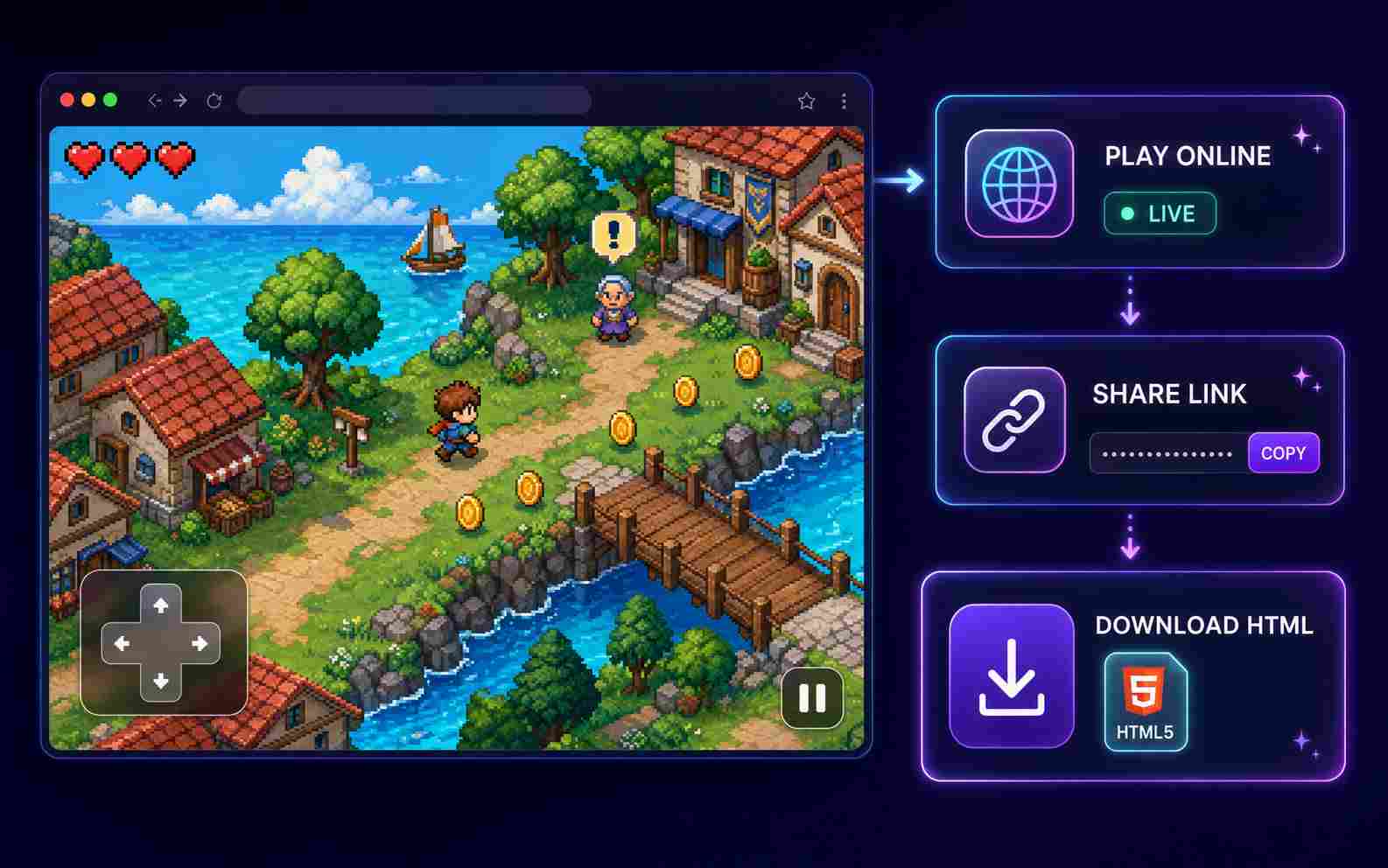
Play the generated game in a supported browser and share its online page with other people. You can also download the game as an HTML file when you want to save or use it outside SoonLab.
What Pixel Games Can You Create?
Pixel Platformer Games
Create a side-scrolling pixel platformer with responsive movement, timed jumps, traps, moving platforms, collectibles, checkpoints, and boss levels. Define the character's speed, jump height, level progression, difficulty, and final goal.
Create a Pixel Platformer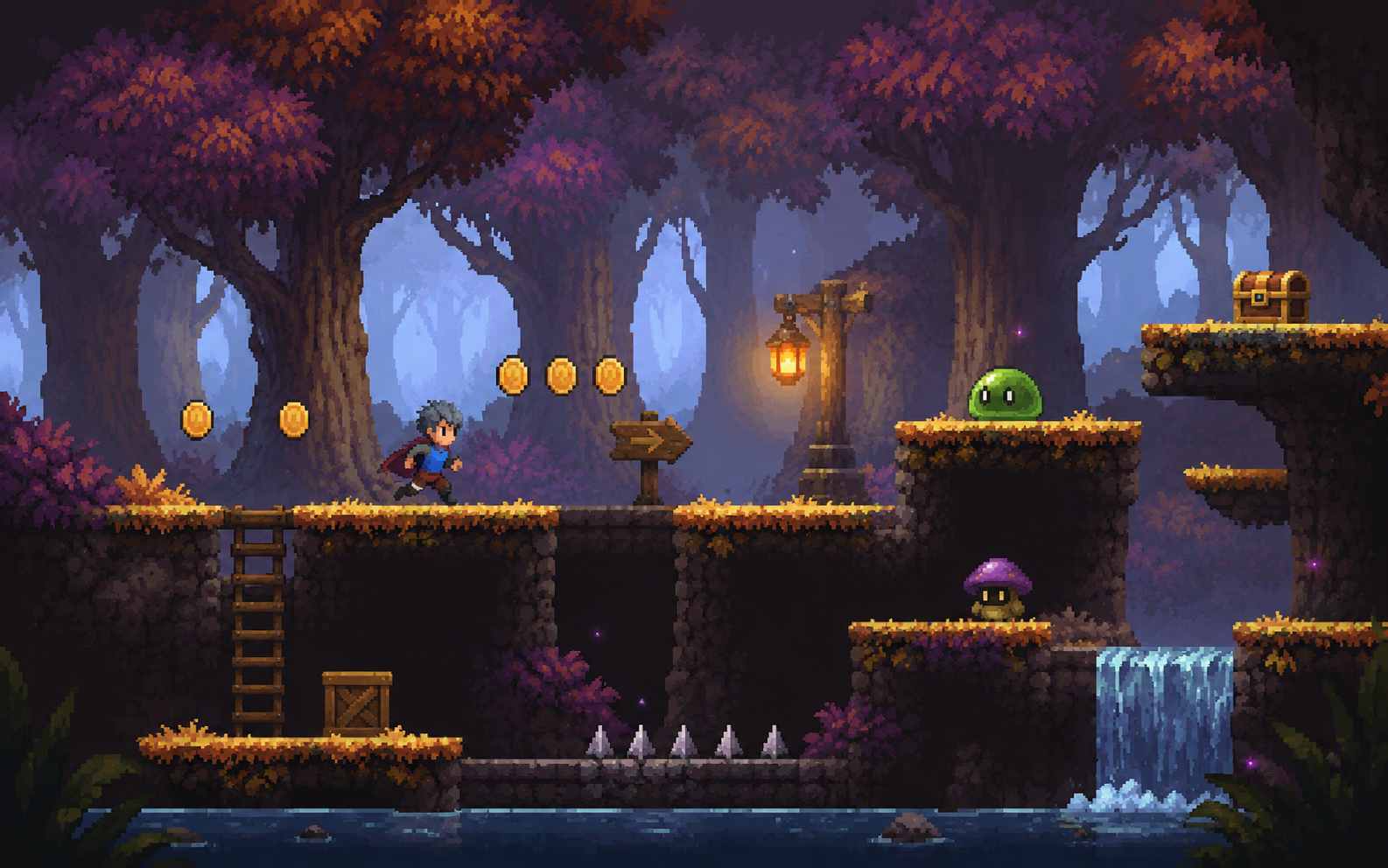
Pixel RPG Games
Build a top-down pixel RPG with explorable maps, NPC dialogue, quests, turn-based or real-time combat, collectible items, and character upgrades. Give the player a clear objective and let their choices unlock new areas or story events.
Create a Pixel RPG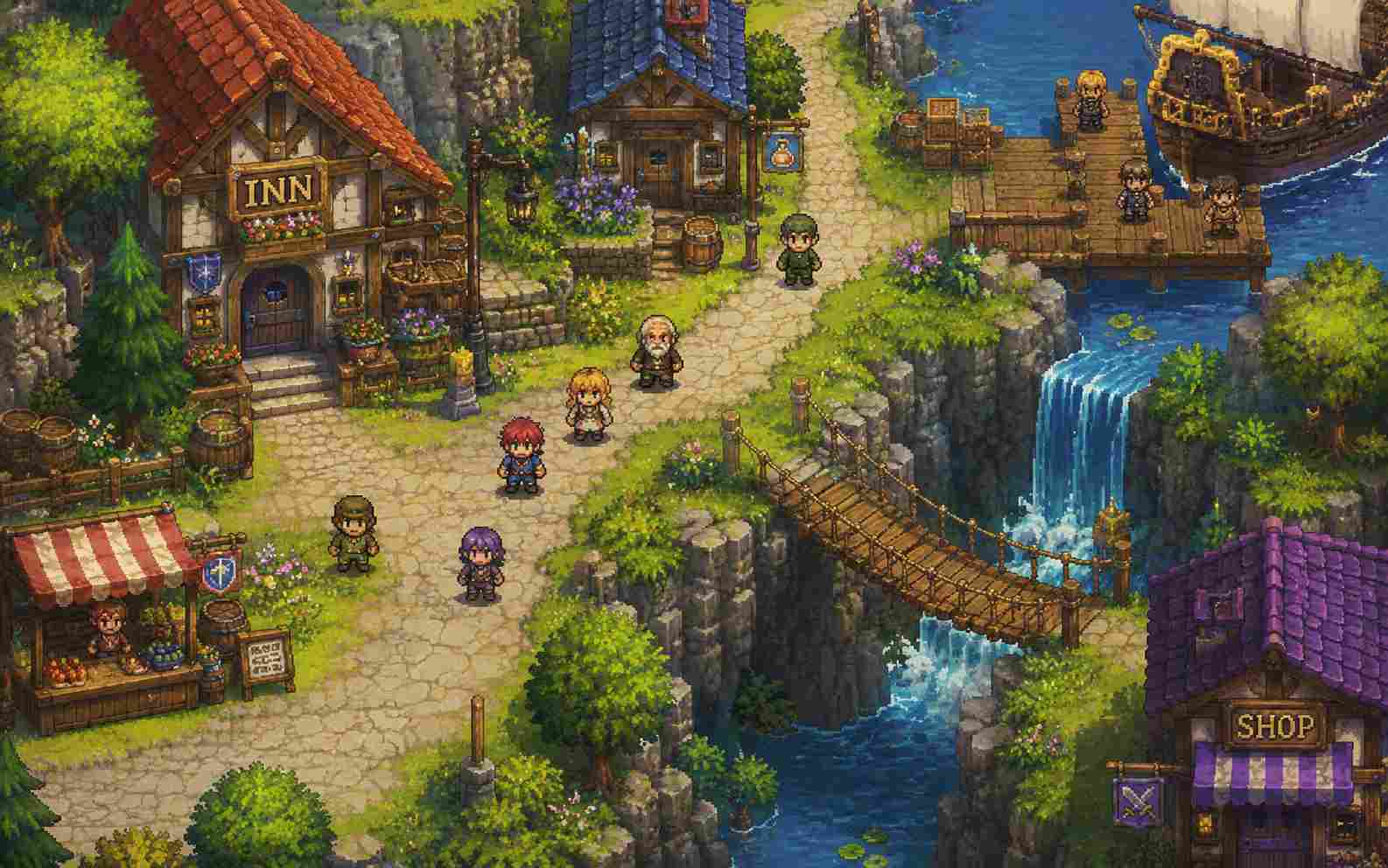
Pixel Shooter Games
Design a top-down arena shooter or scrolling space shooter with aiming, projectiles, enemy waves, health, weapon upgrades, score bonuses, and boss battles. Use readable attack patterns and clear visual feedback to keep the action fast but fair.
Create a Pixel Shooter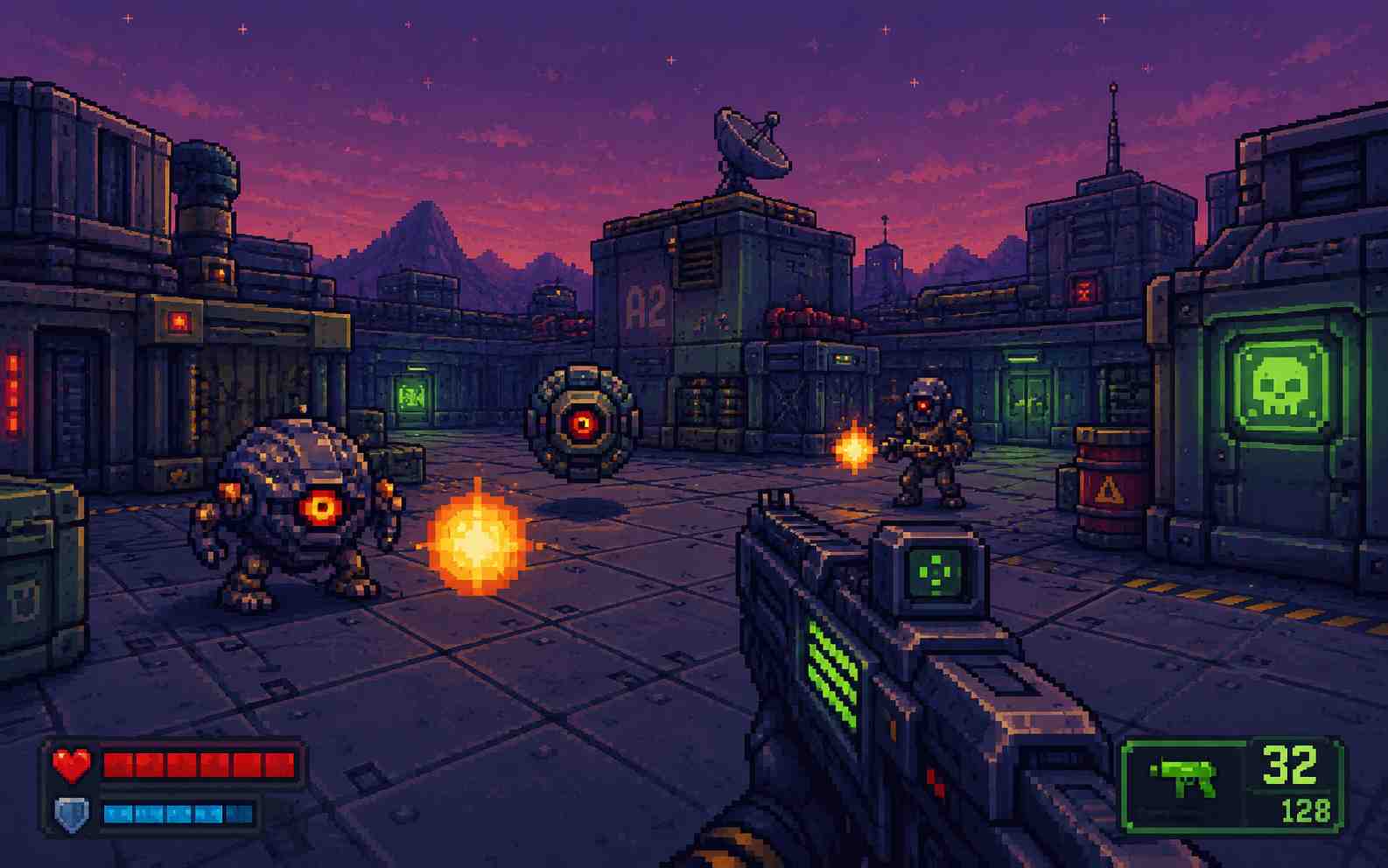
Pixel Horror Games
Make an atmospheric pixel horror game built around exploration, limited visibility, unsettling sound, hidden clues, locked areas, and dangerous encounters. Add a clear escape goal, meaningful player choices, or multiple endings to reward careful exploration.
Create a Pixel Horror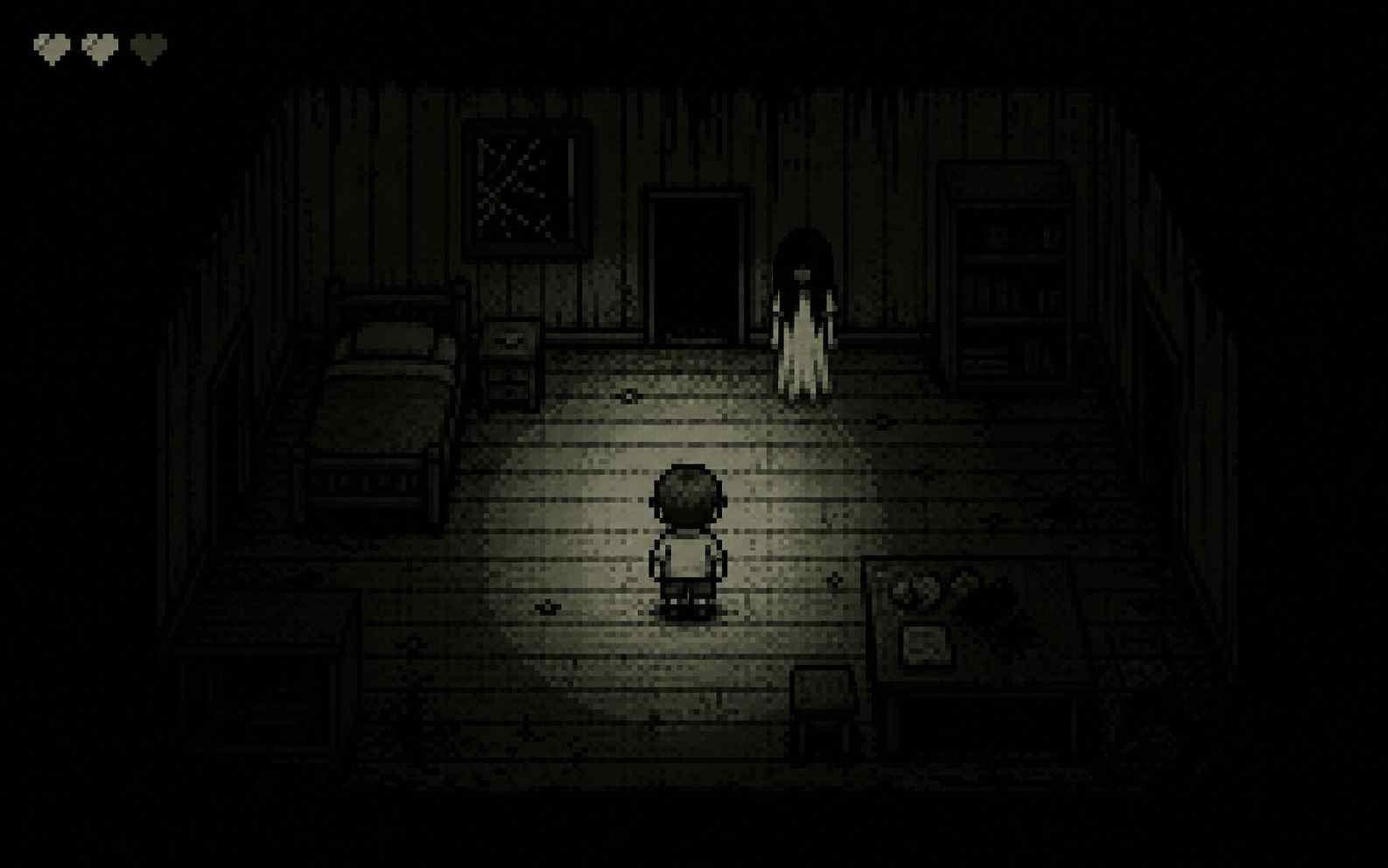
How to Make a Pixel Game with AI
Make your own pixel game in three steps: describe the gameplay and visual style, generate and test the first version, then refine and share it.

Step1.Write Your Pixel Game Prompt
Describe the genre, player controls, main mechanic, goal, enemies, levels, and ending. Add details such as the camera view, sprite proportions, color palette, environment, and visual era when they matter.

Step2.Generate and Play the Game
Let SoonLab turn your prompt into a playable pixel game. Complete one full round and check the movement, collisions, controls, scoring, difficulty, interface, and win or fail conditions.

Step3.Edit, Share, or Download the Game
Use follow-up prompts to fix problems or add new ideas. Change the characters, levels, enemies, visuals, sound, rules, or difficulty. Test the updated version, then publish, share, or download the game.
Pixel Game Prompts You Can Copy
A useful pixel game prompt explains the player, main action, controls, goal, challenge, progression, ending, and visual direction. Copy one of these prompts, then change the theme, mechanics, or pixel art style.
| Prompt idea | Prompt | Difficulty | Best for | Style | Copy |
|---|---|---|---|---|---|
| Forest Knight | Create a 2D pixel art platformer about a small knight exploring an enchanted forest. Add running, jumping, sword attacks, collectible crystals, moving platforms, three enemy types, checkpoints, and a tree guardian boss. Use simple keyboard and touch controls with a bright 16-bit fantasy style. | Beginner | Platformer games | 16-bit fantasy | |
| Haunted Hotel | Create a top-down pixel horror game set inside an abandoned hotel. The player must find three keys, avoid a shadow creature, read hidden notes, and escape before the lights go out. Use a dark blue and purple palette, limited vision, simple puzzles, and two possible endings. | Intermediate | Horror games | Dark pixel horror | |
| Neon Space Patrol | Create a vertical pixel space shooter with enemy waves, asteroids, lasers, shields, weapon upgrades, score multipliers, and a final boss. Use colorful retro arcade graphics, fast controls, readable attack patterns, and a clear game-over screen. | Beginner | Shooter games | Retro arcade | |
| Mountain Village Quest | Create a top-down pixel RPG set in a peaceful mountain village. Let the player talk to villagers, collect herbs, complete three quests, fight forest monsters, upgrade a sword, and unlock a hidden cave. Use warm colors, simple dialogue, and clear quest progress. | Intermediate | RPG games | Cozy pixel fantasy |
Tips for a Better Pixel Game
A good pixel game prompt should define the gameplay, controls, visual style, goals, difficulty, and feedback so SoonLab can generate a more playable and visually consistent first version.
Tips for Better Pixel Game Prompts
- Name the main action, such as jumping, exploring, fighting, shooting, collecting, or solving puzzles.
- Describe the camera, color palette, character proportions, environment, and pixel art style.
- Define the controls, player goal, obstacles, progression, and win or fail conditions.
- Request clear feedback for damage, pickups, checkpoints, completed goals, game over, and final score.
Pixel Game Prompt Mistakes to Avoid
- Requesting a large open-world game when a focused level or short game loop would be more playable.
- Using a vague instruction such as “make a pixel game” without explaining the mechanics or goal.
- Combining conflicting camera views, visual styles, or control systems in the same prompt.
- Adding too many characters, levels, enemies, and upgrade systems before testing the core gameplay.
Related Pixel Game Makers and Guides
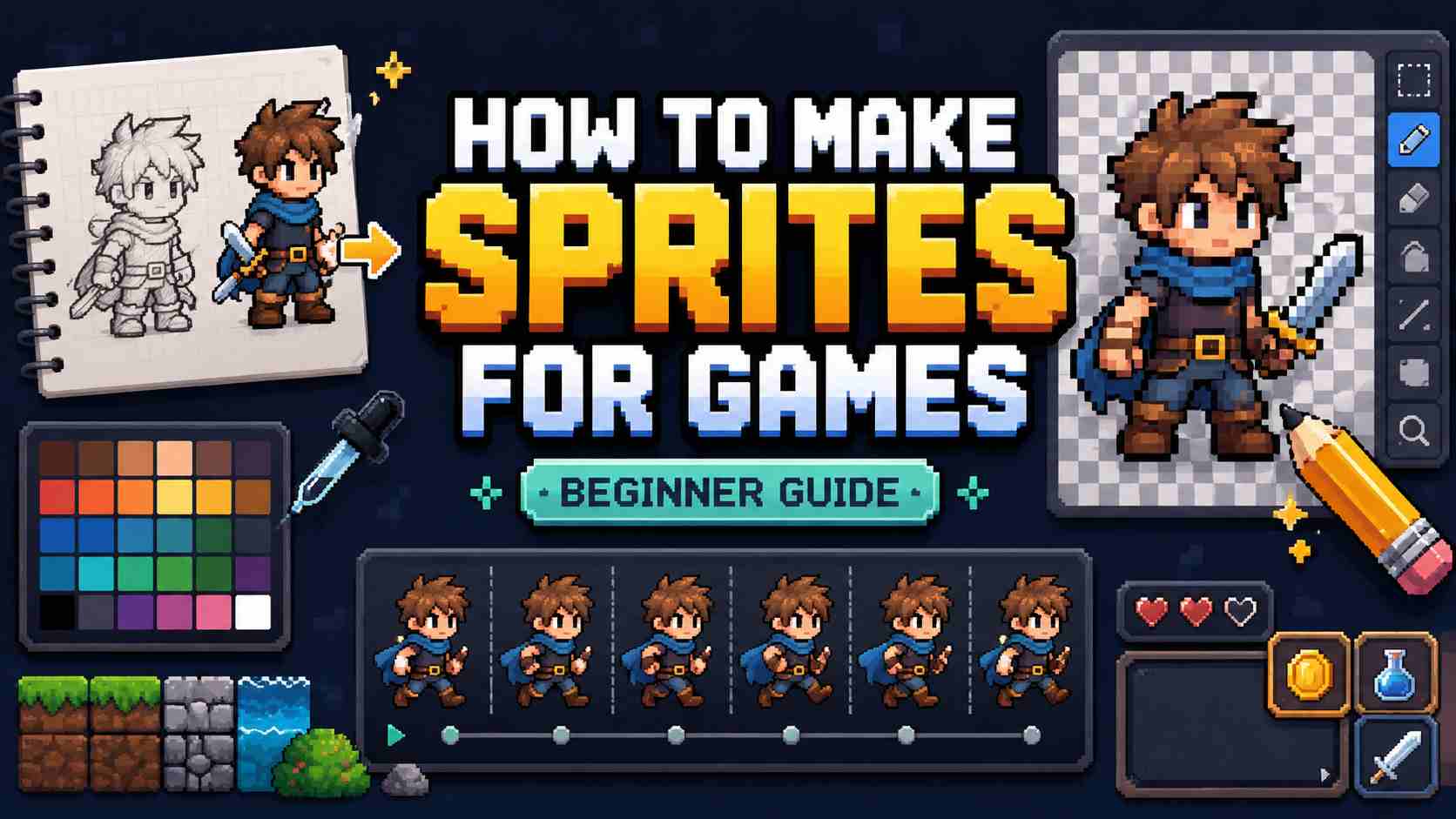
Explore related AI game makers and beginner guides. Learn how to plan a small pixel game, describe its gameplay and visual style, generate a playable version, and improve it after testing.
View More


Pixel Game Maker FAQs
A pixel game maker is a tool for creating playable games with pixel-based or retro-inspired graphics. Depending on the tool, you may build the game with code, visual scripting, templates, or natural-language prompts.
Make Your Own Pixel Game Today
Start with one character, one main action, one challenge, and one clear goal. Describe the pixel game you want, generate a playable browser version, improve it with follow-up prompts, then share or download the result.
Make a Pixel Game