AI Shooter Game Maker: Create Shooting Games Online
Create a shooting game from a text prompt with SoonLab's AI shooter game maker. Describe the camera, movement, aiming, weapons, enemies, goal, and visual style, then generate a playable browser game you can test, refine, publish, share, or download—no coding required.
0/10000
Game inspiration sources







Play Shooter Games Made with SoonLab
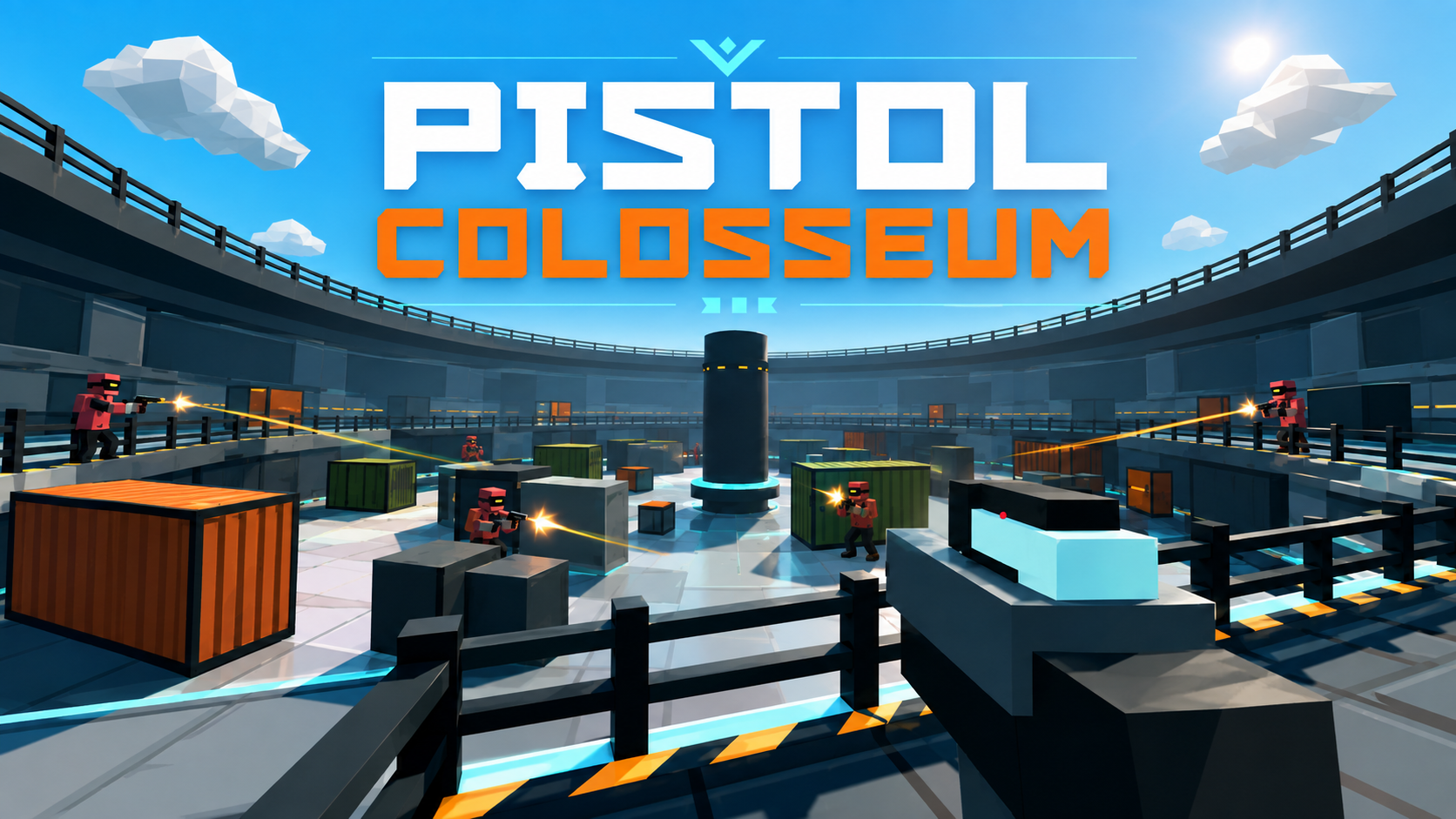
Play shooter games created with SoonLab, including first-person, zombie survival, arena, space, and wave-based games. Compare camera views, aiming controls, weapons, enemies, scoring, and difficulty before creating your own shooting game.
Pistol Colosseum
Play Game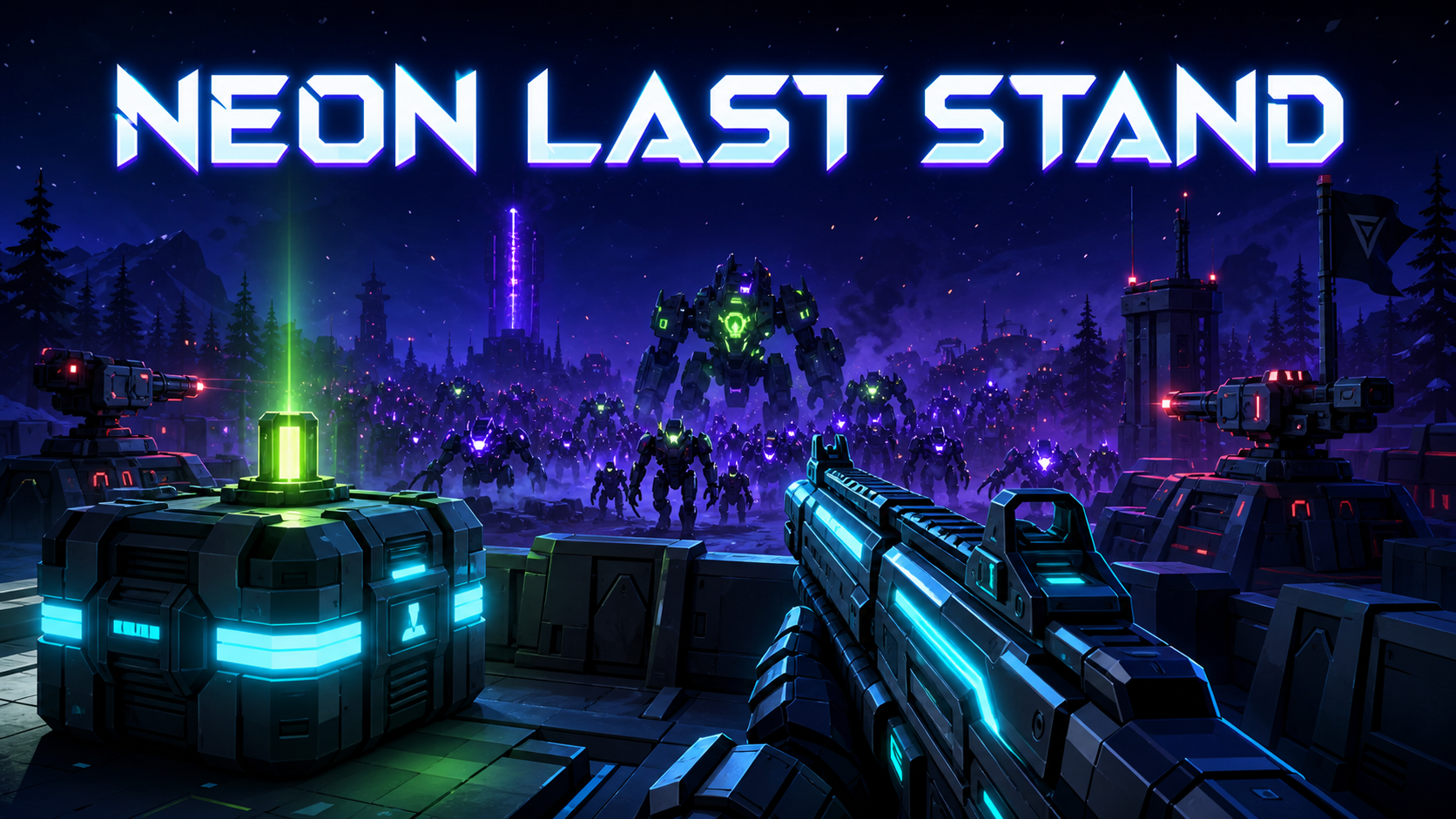
NEON LAST STAND
Play Game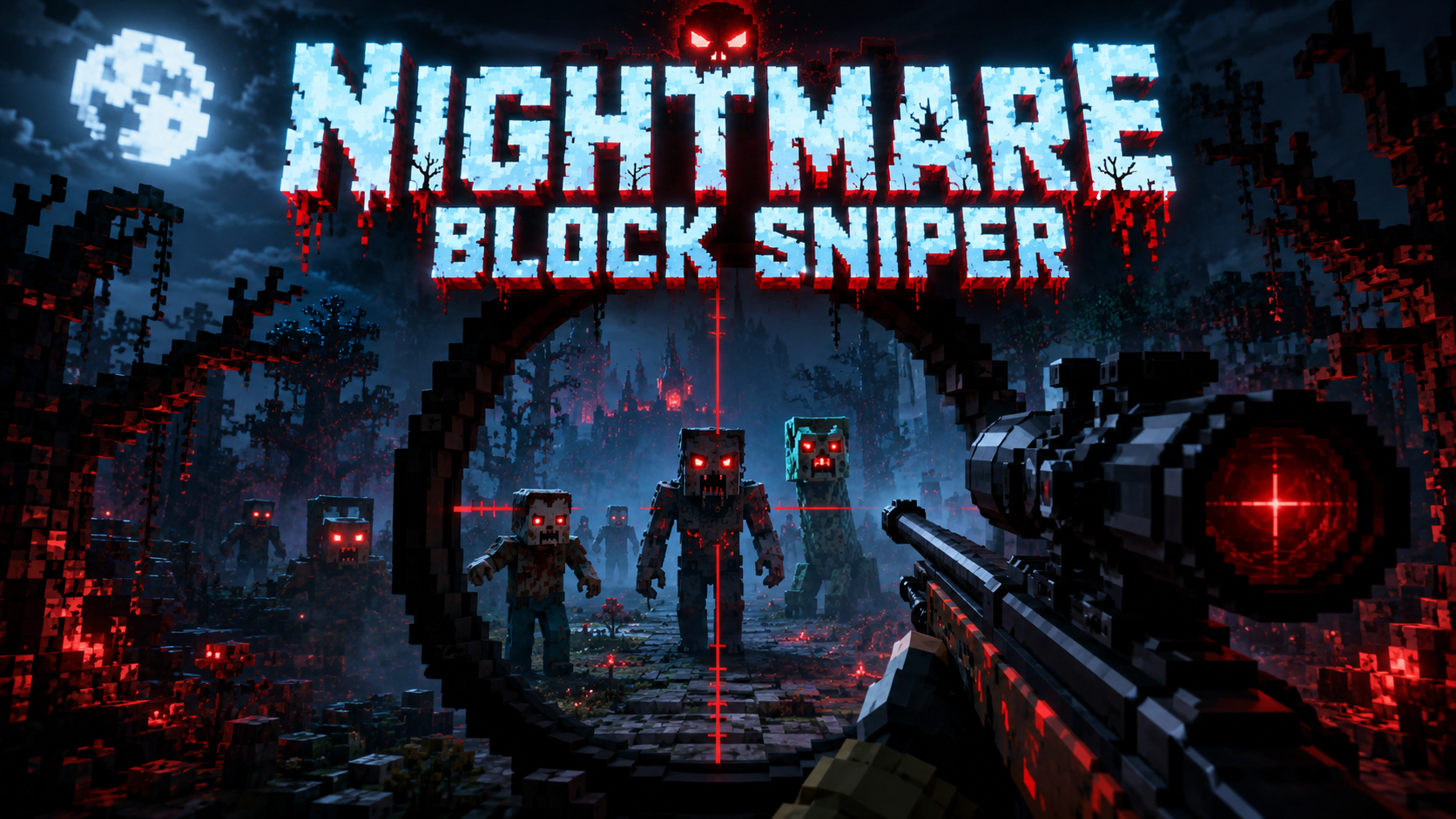
Zombie Night Siege
Play Game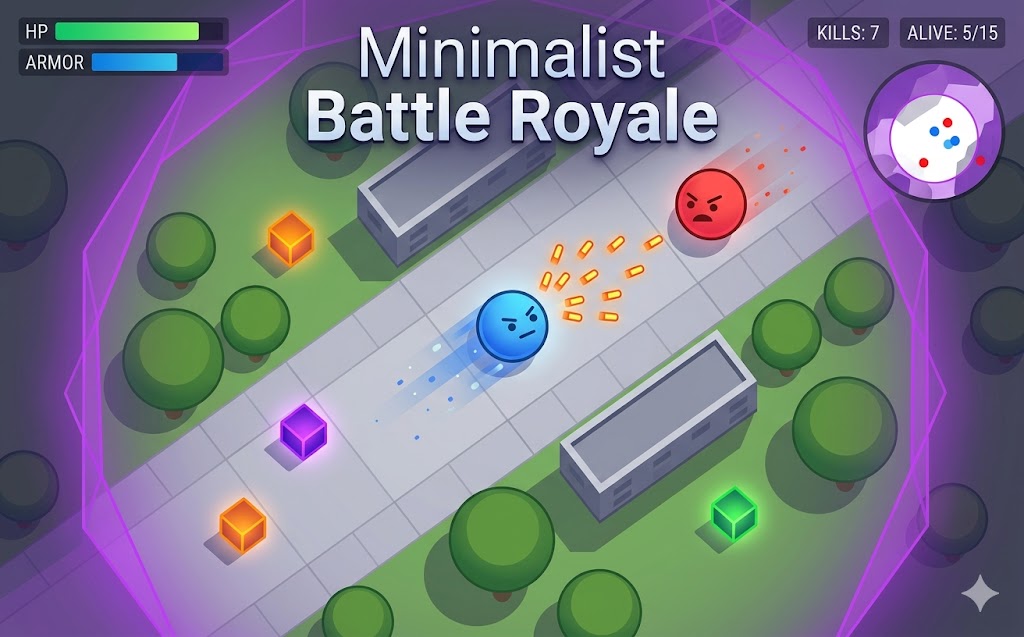
Minimalist Battle Royale
Play Game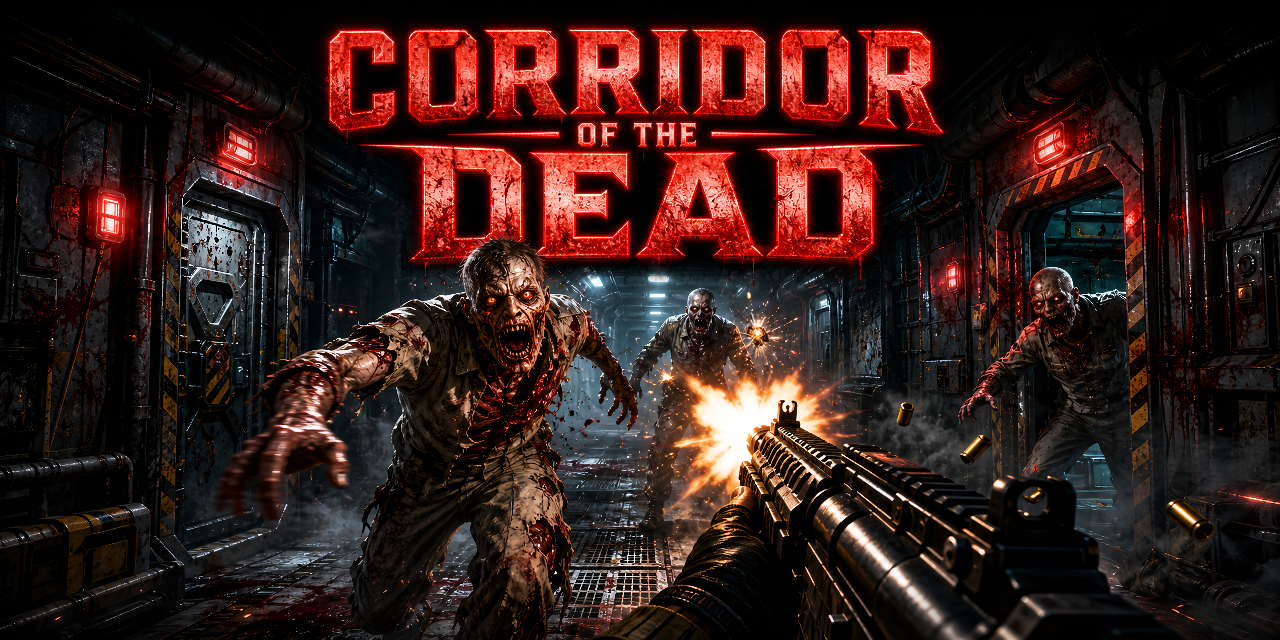
Corridor of the Dead
Play Game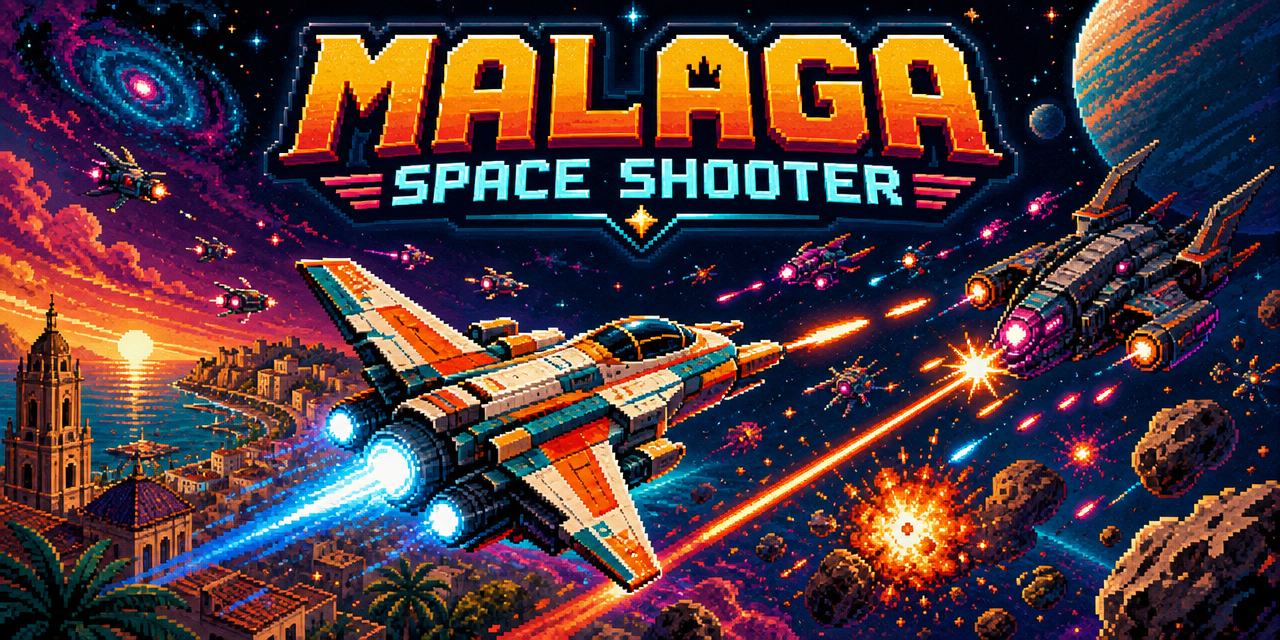
Space Shooter
Play Game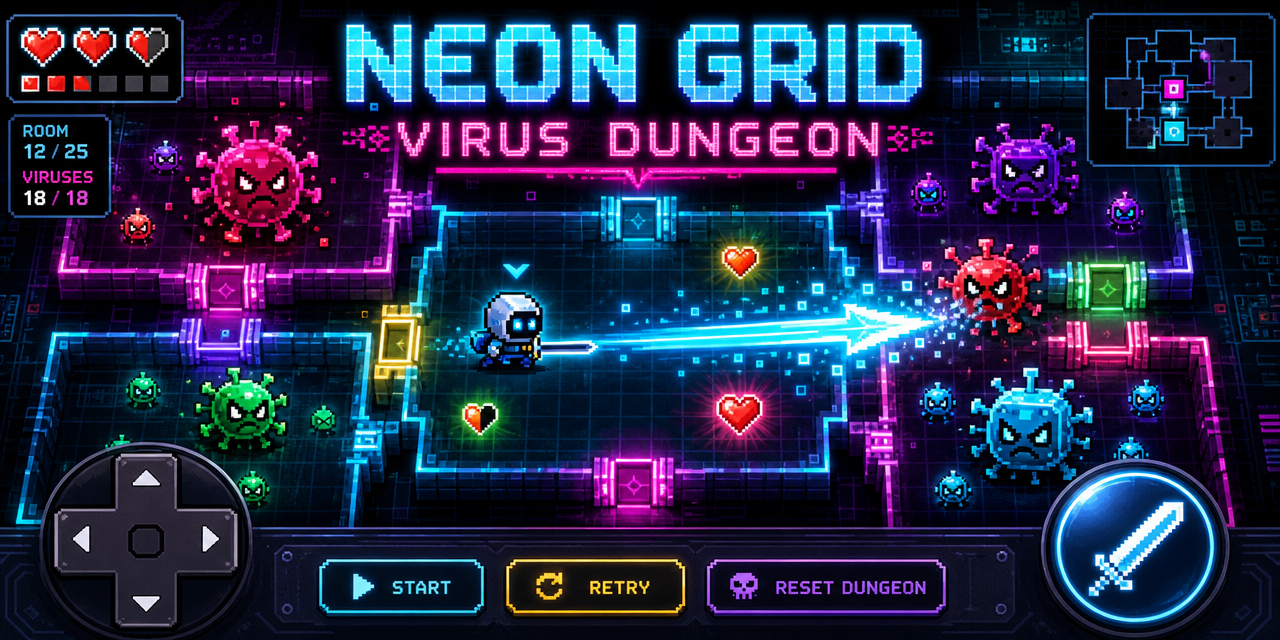
Virus Dungeon
Play Game
Shooting Game
Play GameWhat Is an AI Shooter Game Maker?
An AI shooter game maker is a shooting game creator that turns your description into a playable game. Instead of placing every object or writing weapon, enemy, collision, and scoring code yourself, you explain the camera view, movement, aiming, attacks, enemies, progression, and ending in plain language. SoonLab generates a browser-playable first version that you can test and refine. It works best for focused prototypes such as a top-down arena, twin-stick shooter, space shoot 'em up, wave survival game, target challenge, or small first-person shooter.
Make a Shooting Game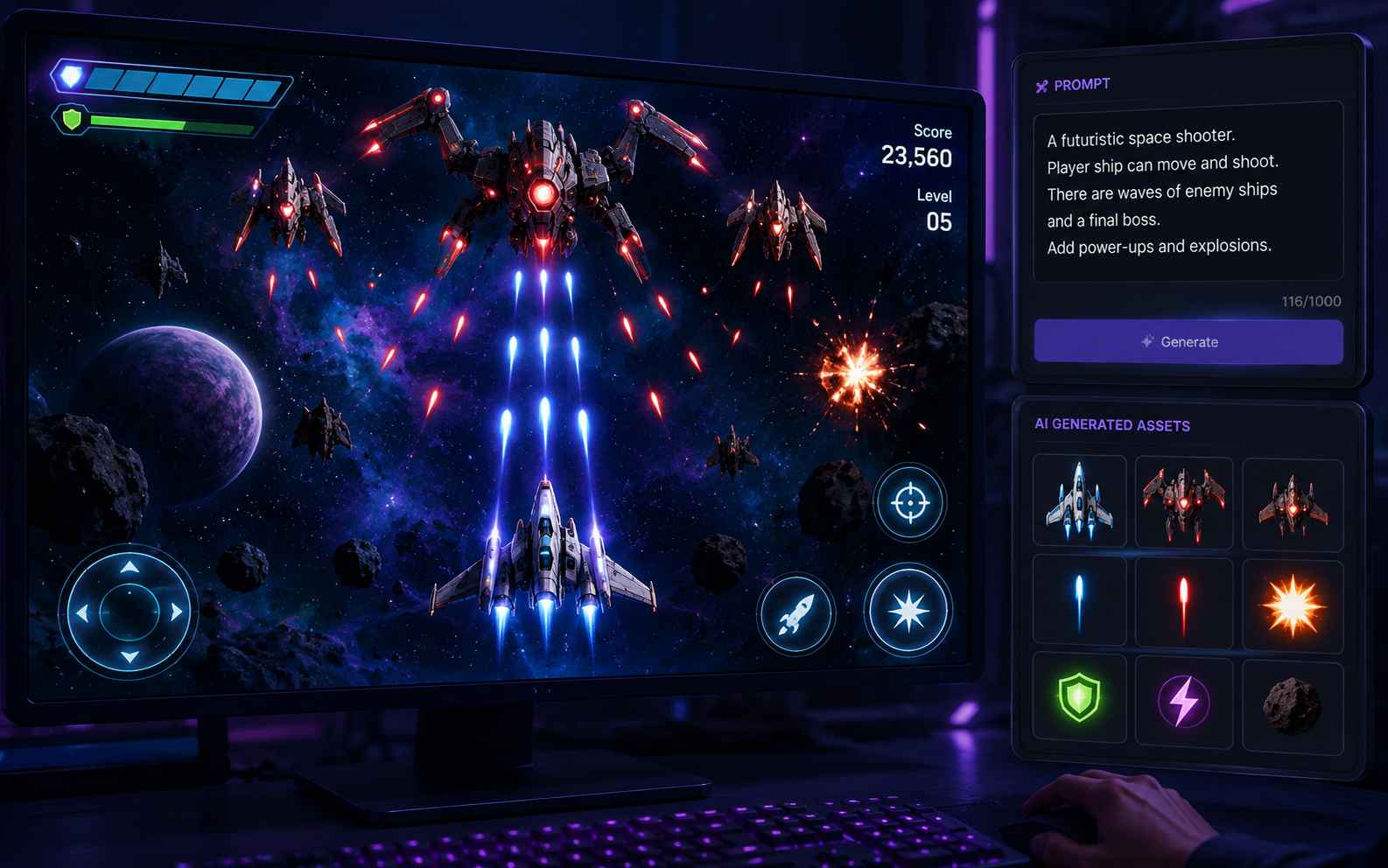
Why Make Your Shooter Game with SoonLab?
Build the Combat Loop from a Prompt
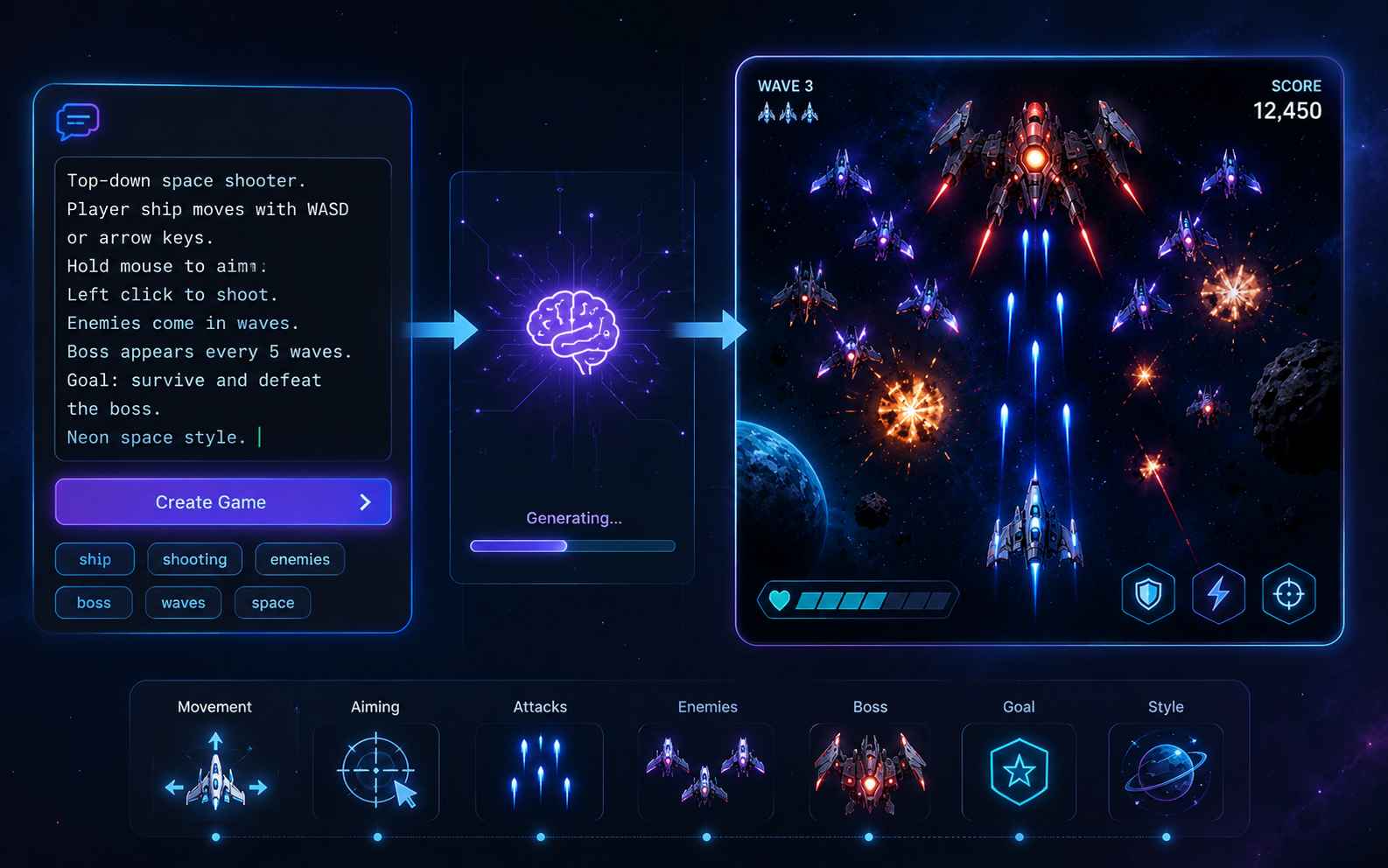
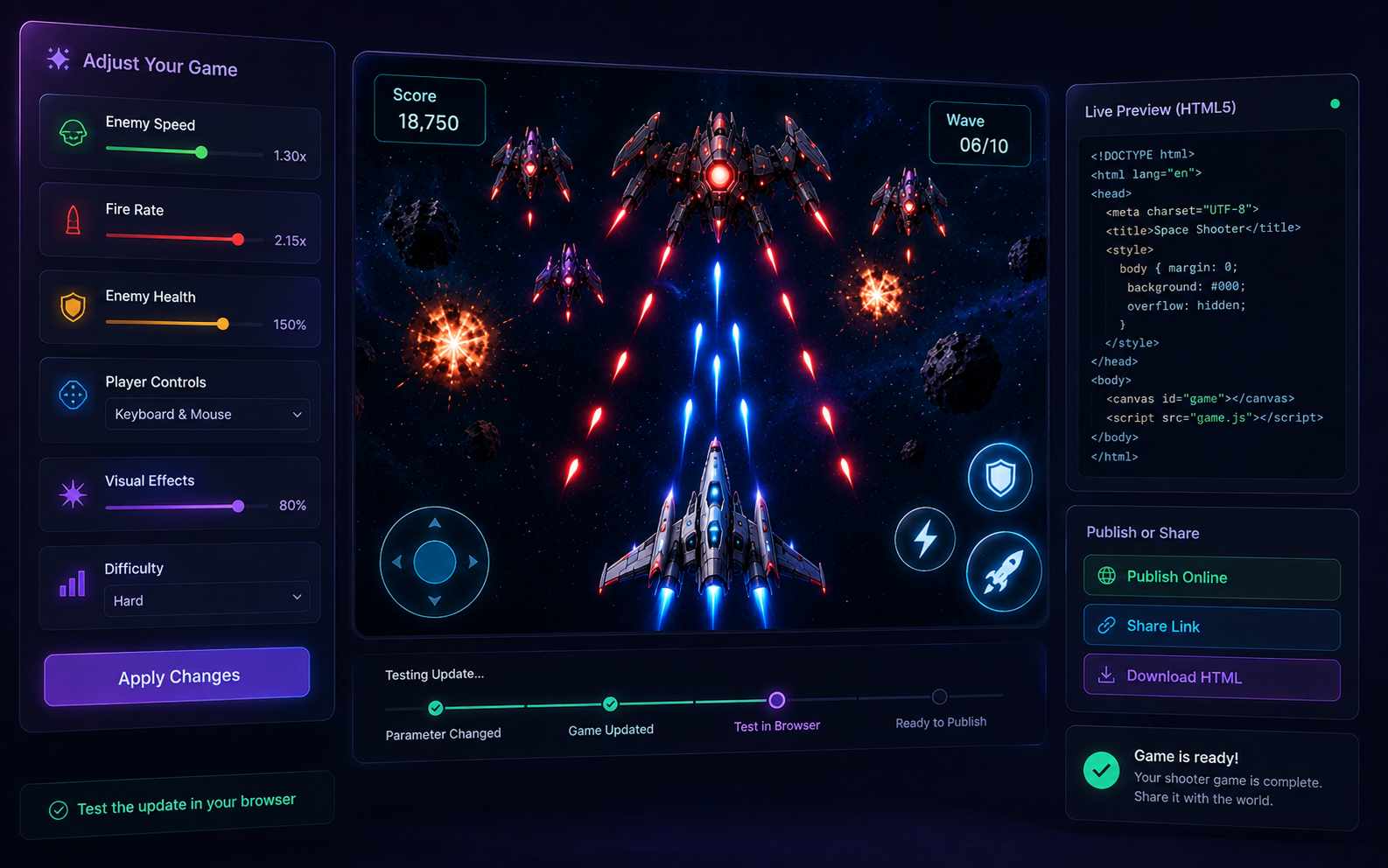
Describe how the player moves, aims, fires, takes damage, defeats enemies, and wins. SoonLab turns those connected rules into a playable shooter game, so you can test the combat loop instead of stopping at a design document or static mockup.
Test Aiming, Damage, and Difficulty
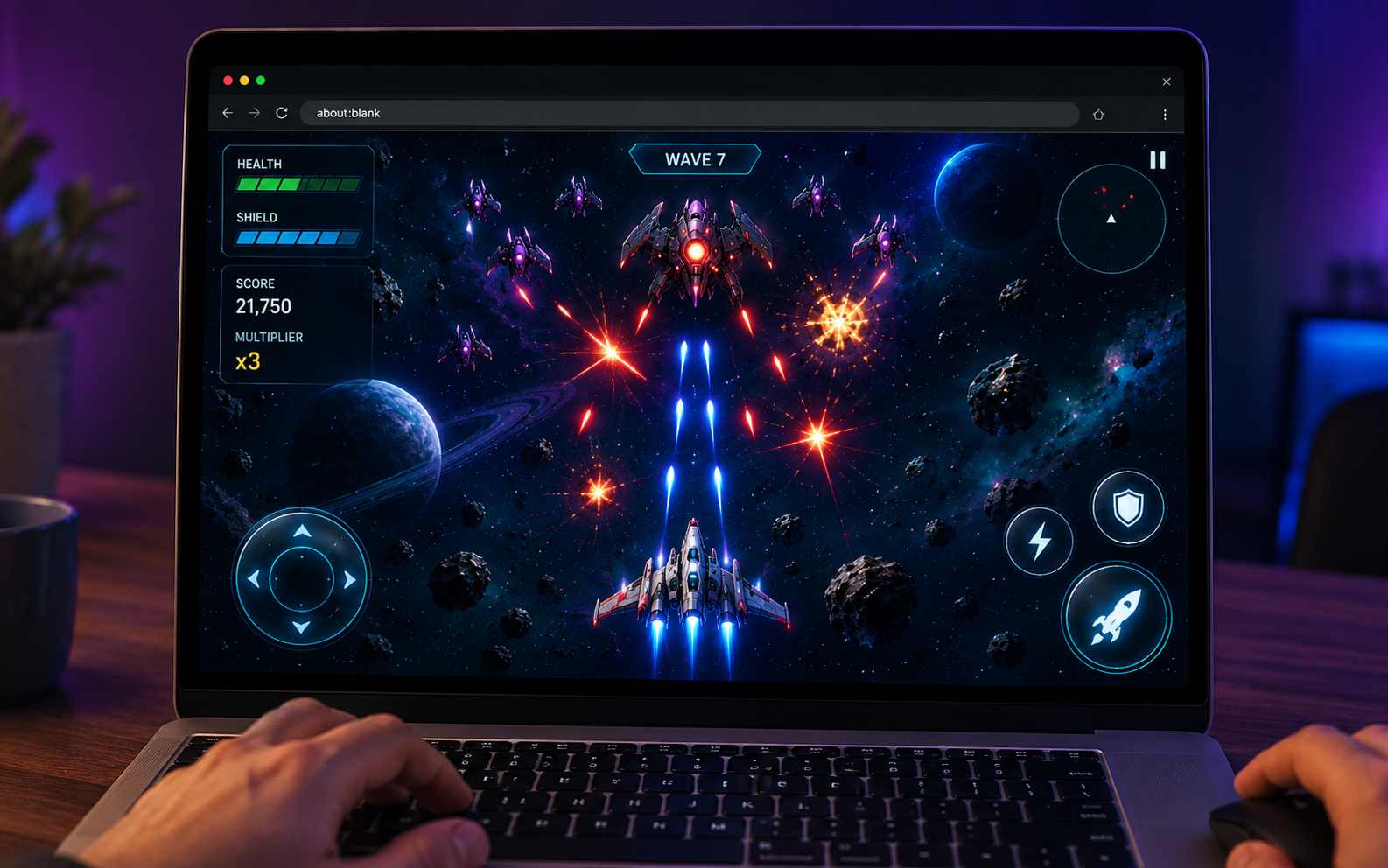
Play a complete round in your browser and check movement, aiming, projectile speed, hit detection, damage, enemy behavior, scoring, win and lose states, and restart. You can find weak mechanics before adding more weapons, enemies, or levels.
Improve One Shooter Mechanic at a Time
Use follow-up prompts to adjust fire rate, reload time, enemy speed, health, ammunition, controls, hit effects, sound, or difficulty. Test each change before moving to the next, then publish, share, or download the game as HTML when the prototype is ready.
Types of Shooter Games You Can Make
Top-Down Shooter
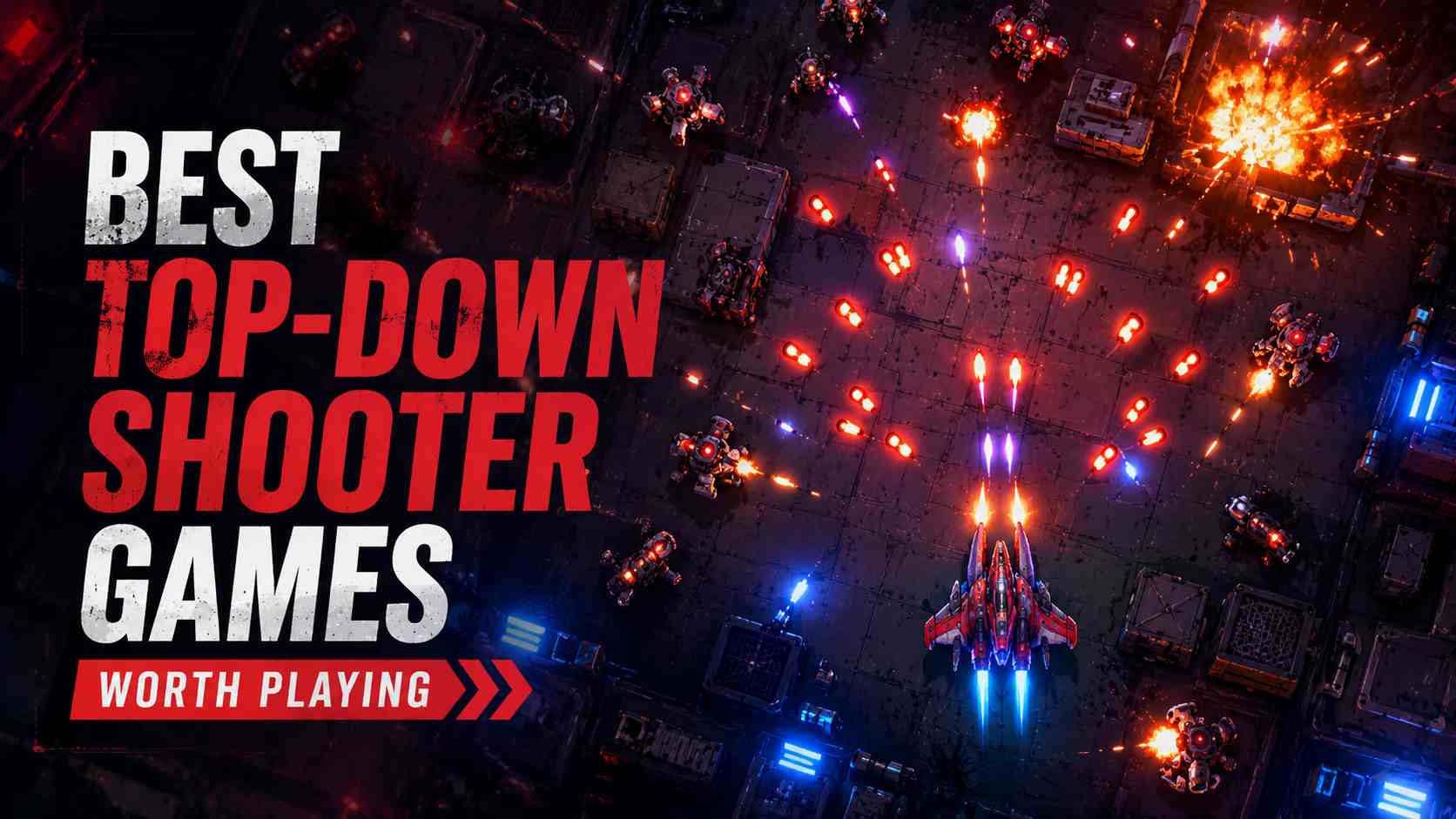
Create a top-down shooter where the player sees the battlefield from above, moves through an arena, aims in any direction, avoids enemy fire, and collects upgrades. This view is a practical starting point because movement, enemies, and projectiles remain easy to read.
Make a Top-Down Shooter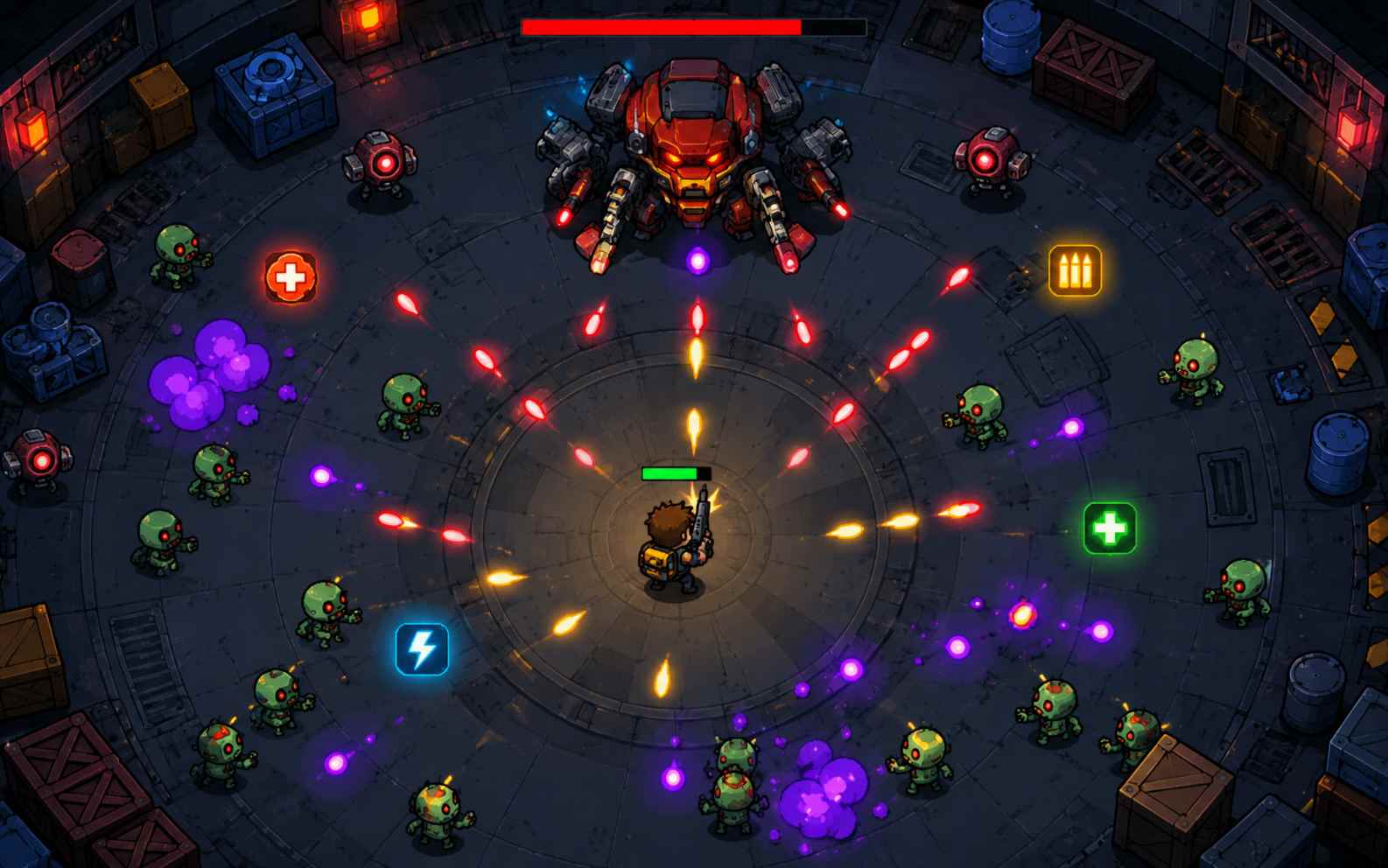
Twin-Stick Shooter
Build a twin-stick shooter with separate movement and aiming controls. Add enemy waves, health pickups, weapon upgrades, score multipliers, and a boss so the player has a clear reason to keep moving and shooting.
Make a Twin-Stick Shooter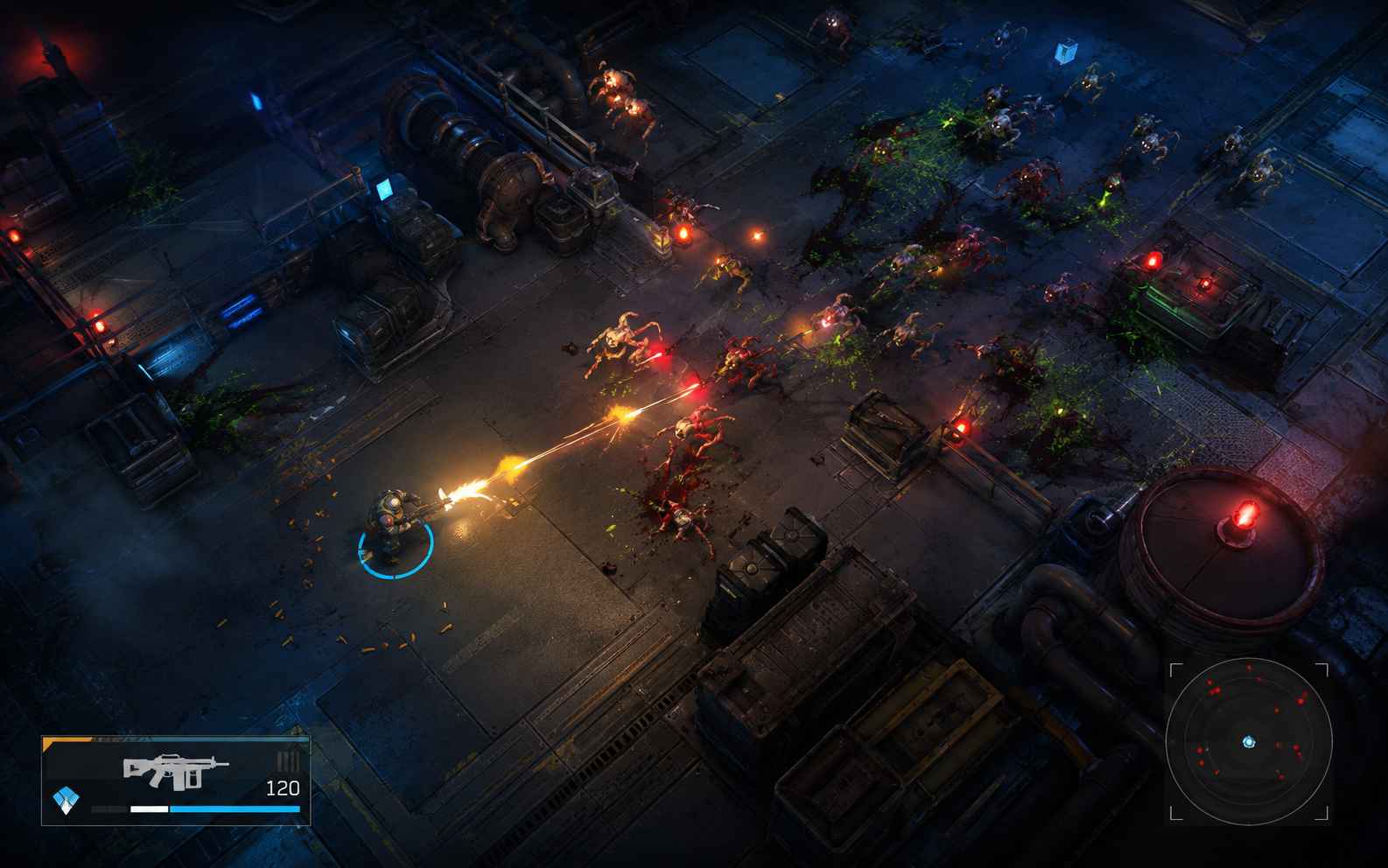
Space Shooter
Make a 2D space shooter with a player ship, enemy formations, asteroids, lasers, shields, power-ups, stages, and boss battles. Use vertical, horizontal, or fixed-screen movement and give every enemy pattern enough space to read.
Make a Space Shooter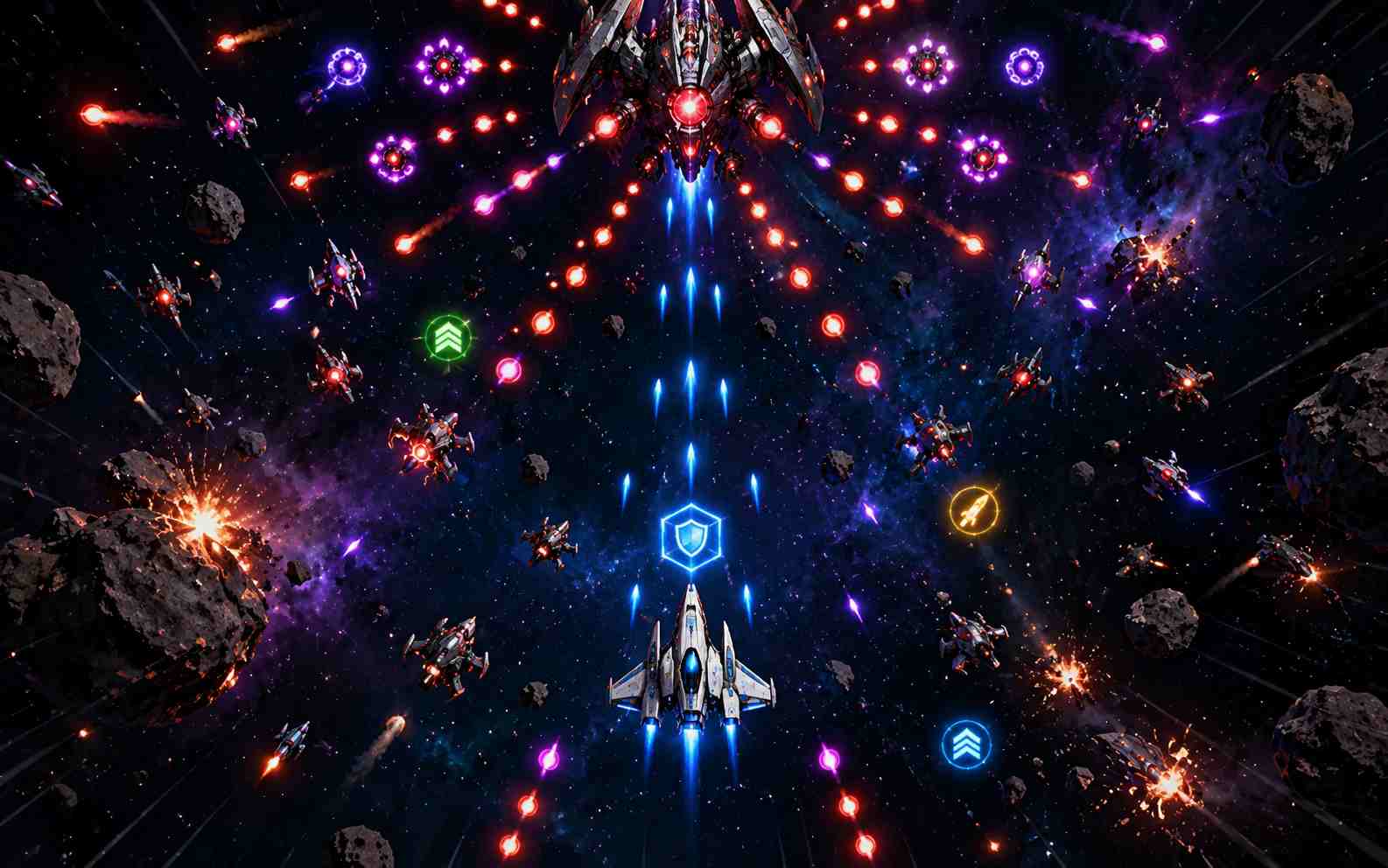
Arena Shooter
Create a compact arena shooter focused on movement, weapon control, enemy pressure, and score. Define the arena layout, spawn rules, pickups, round timer, elimination target, and restart flow before adding more maps.
Make an Arena Shooter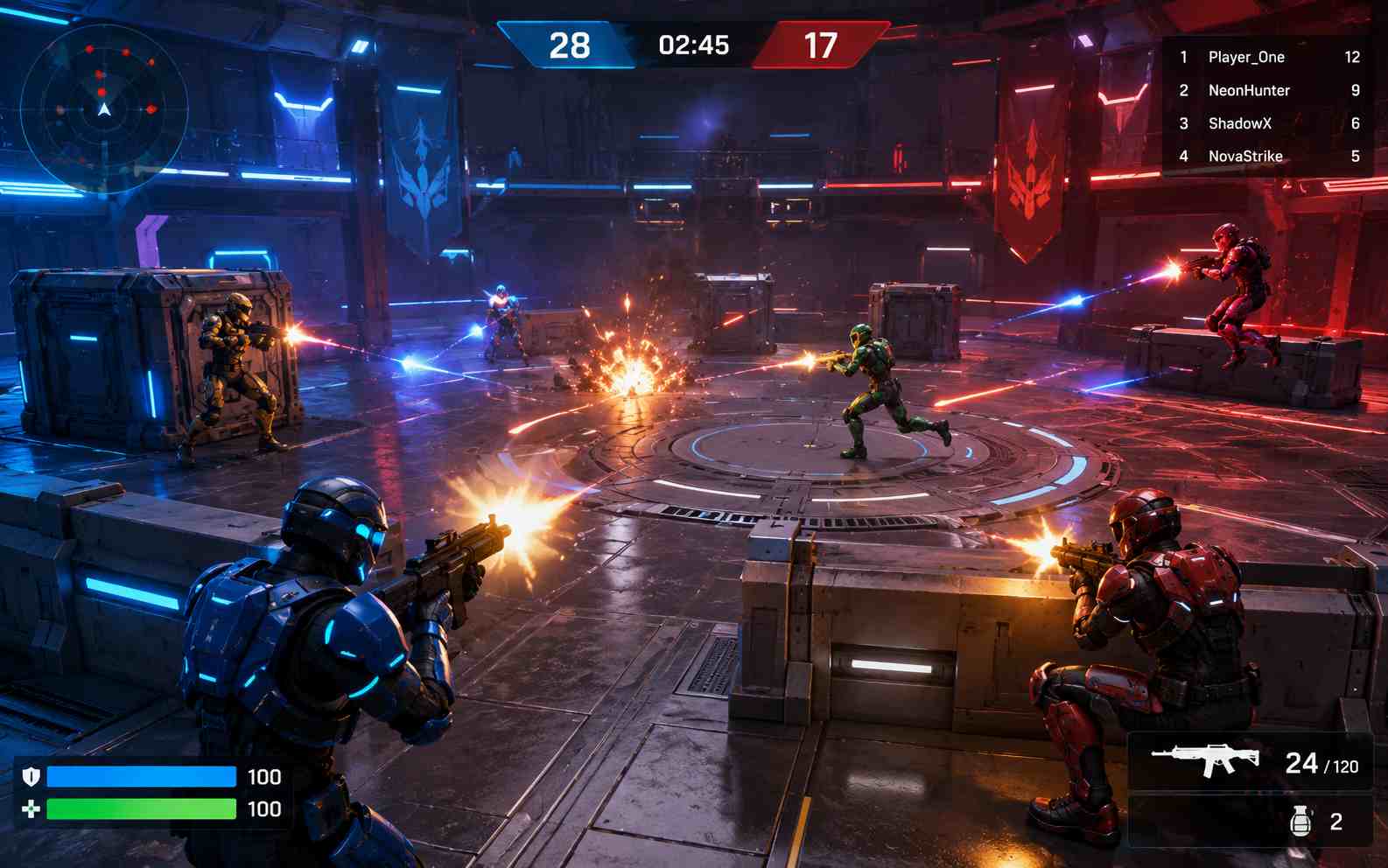
Bullet-Hell Shooter
Design a bullet-hell shooter with dense but readable projectile patterns, a small player hitbox, clear warning cues, power-ups, phases, and a boss. Start with two or three patterns and test whether the player has a fair escape route.
Make a Bullet-Hell Shooter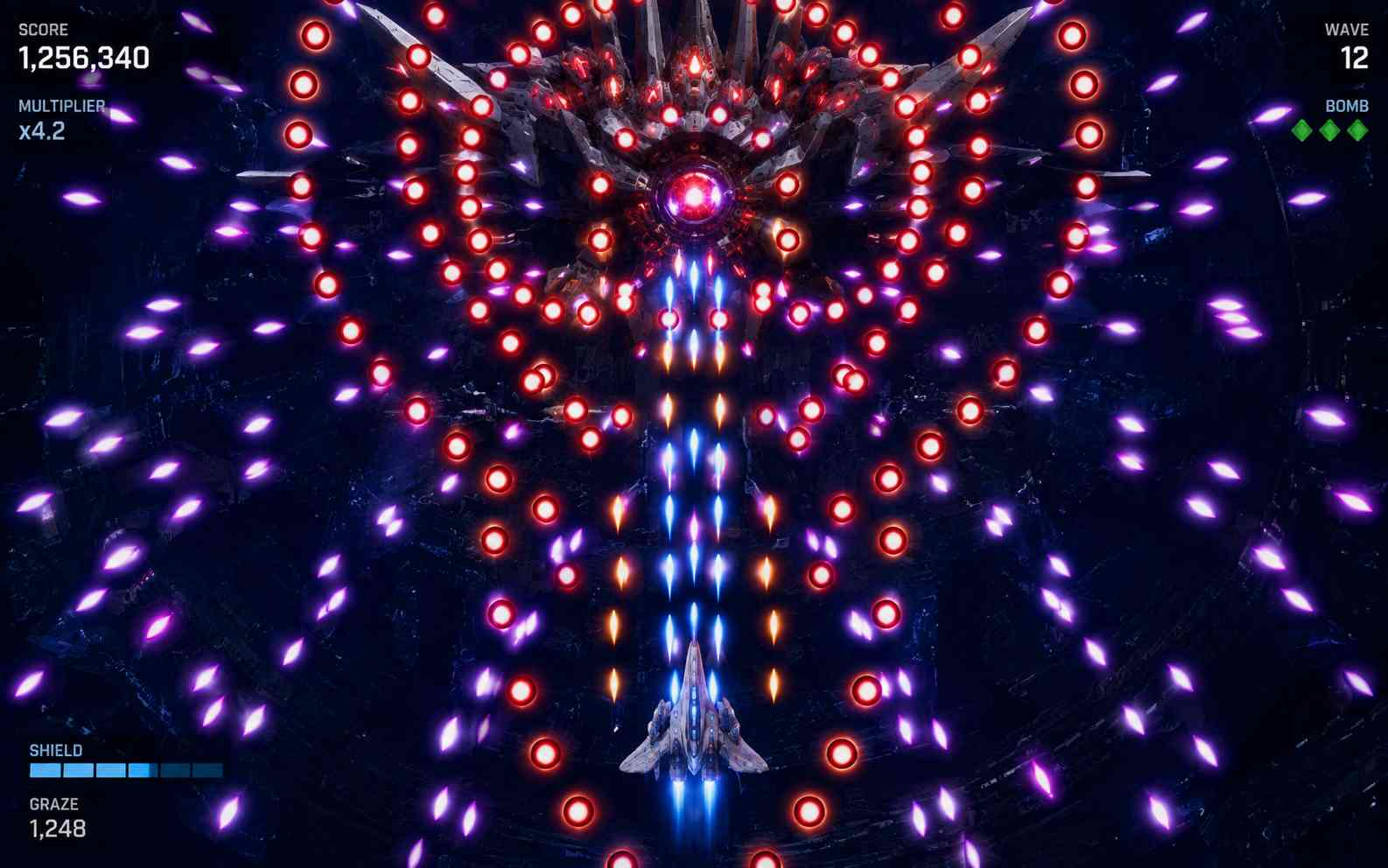
Side-Scrolling Shoot 'Em Up
Build a side-scrolling shoot 'em up where the world moves across the screen while the player dodges hazards and fires at incoming enemies. Add enemy formations, stage checkpoints, weapon upgrades, scenery changes, and a final boss.
Make a Shoot 'Em Up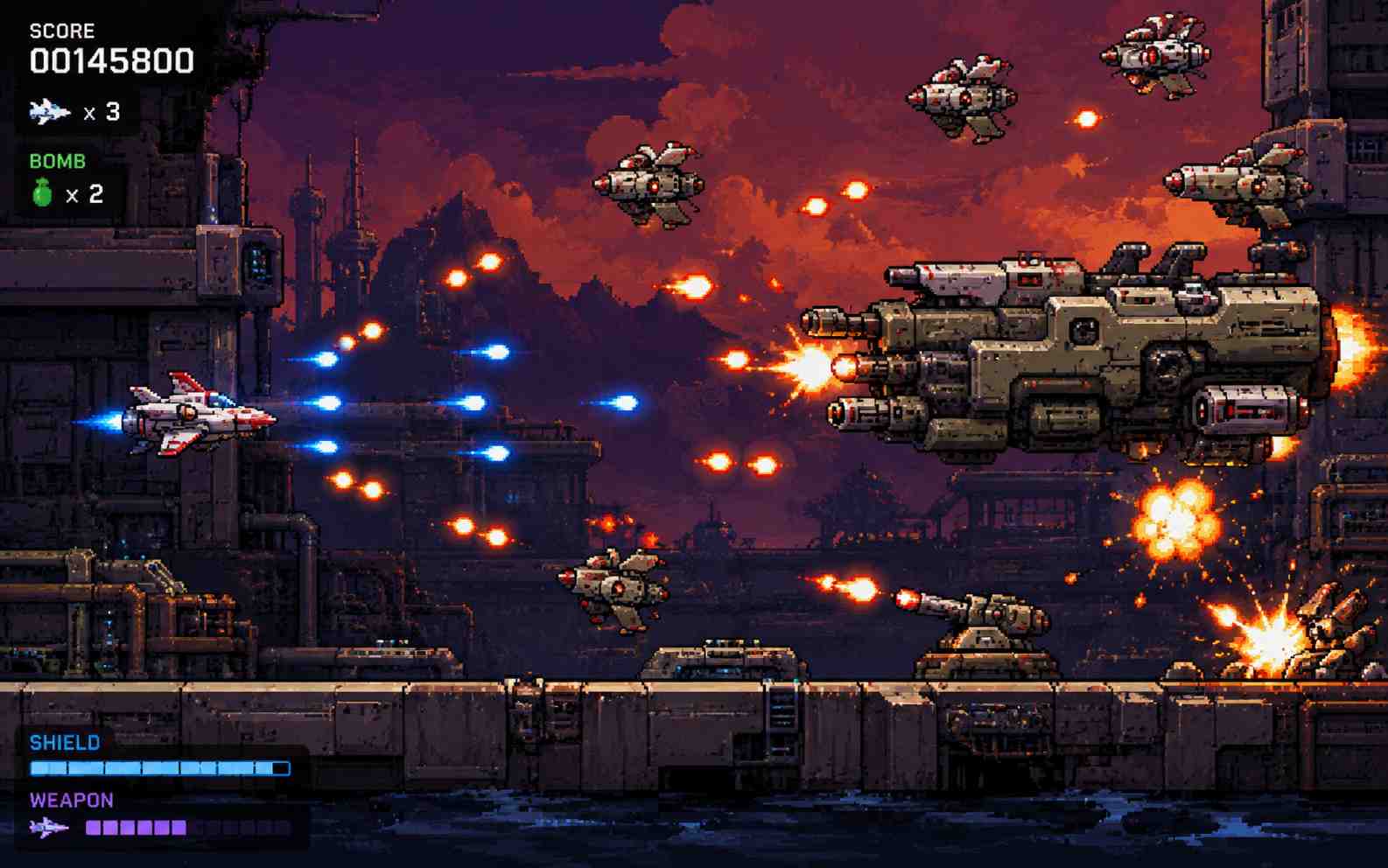
Zombie and Wave Survival Shooter
Let the player defend an arena while zombies or other enemies become faster, tougher, or more numerous. Add short breaks, upgrade choices, limited healing, wave counters, and a clear survival target so progression is easy to understand.
Make a Zombie Shooter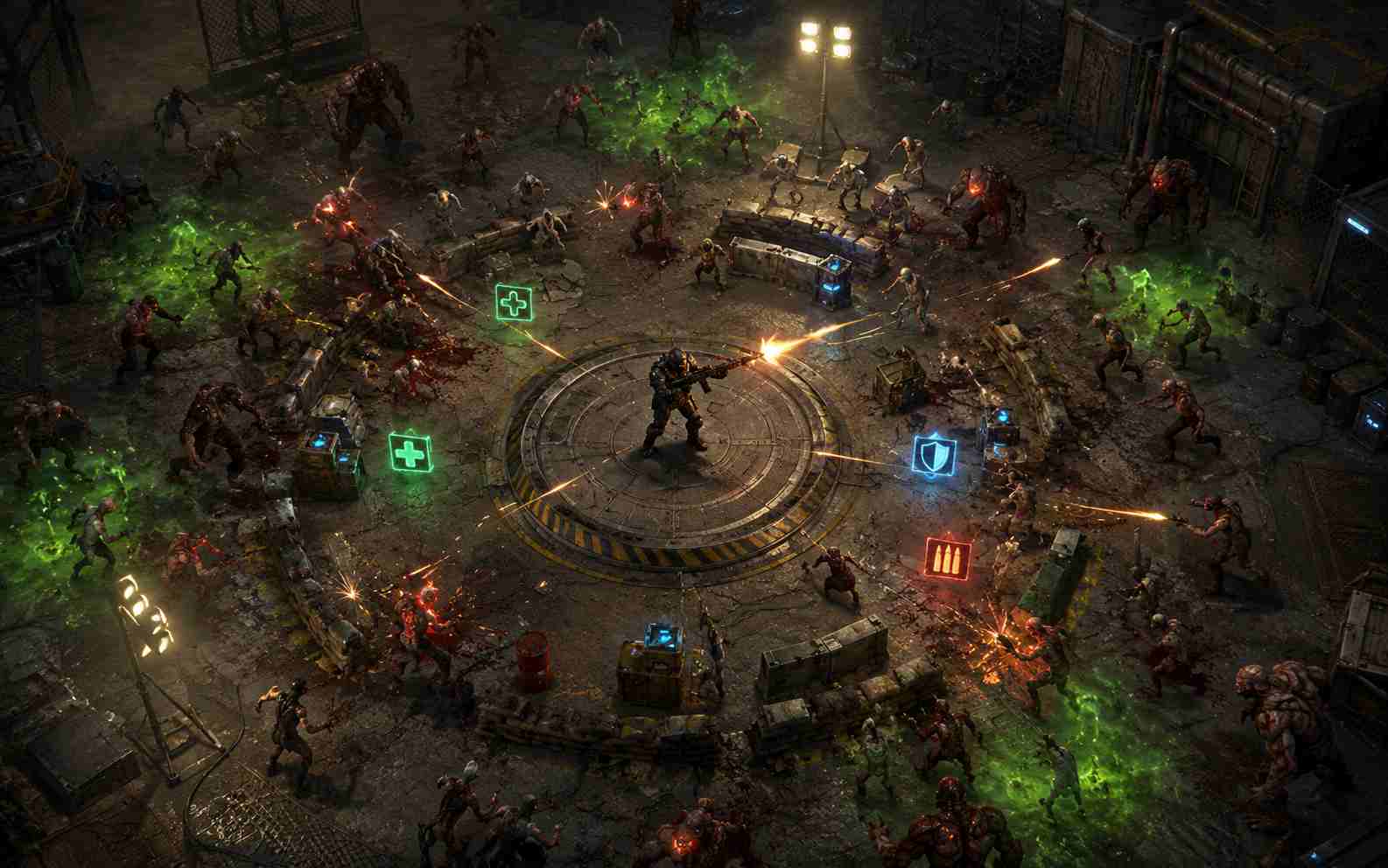
First-Person and 3D Shooter Prototype
Prototype a small FPS level with WASD movement, mouse look, one or two weapons, simple enemies, cover, health, ammunition, and one mission. Keep the first version compact; large maps, advanced enemy AI, and online multiplayer require substantially more development.
Make an FPS Prototype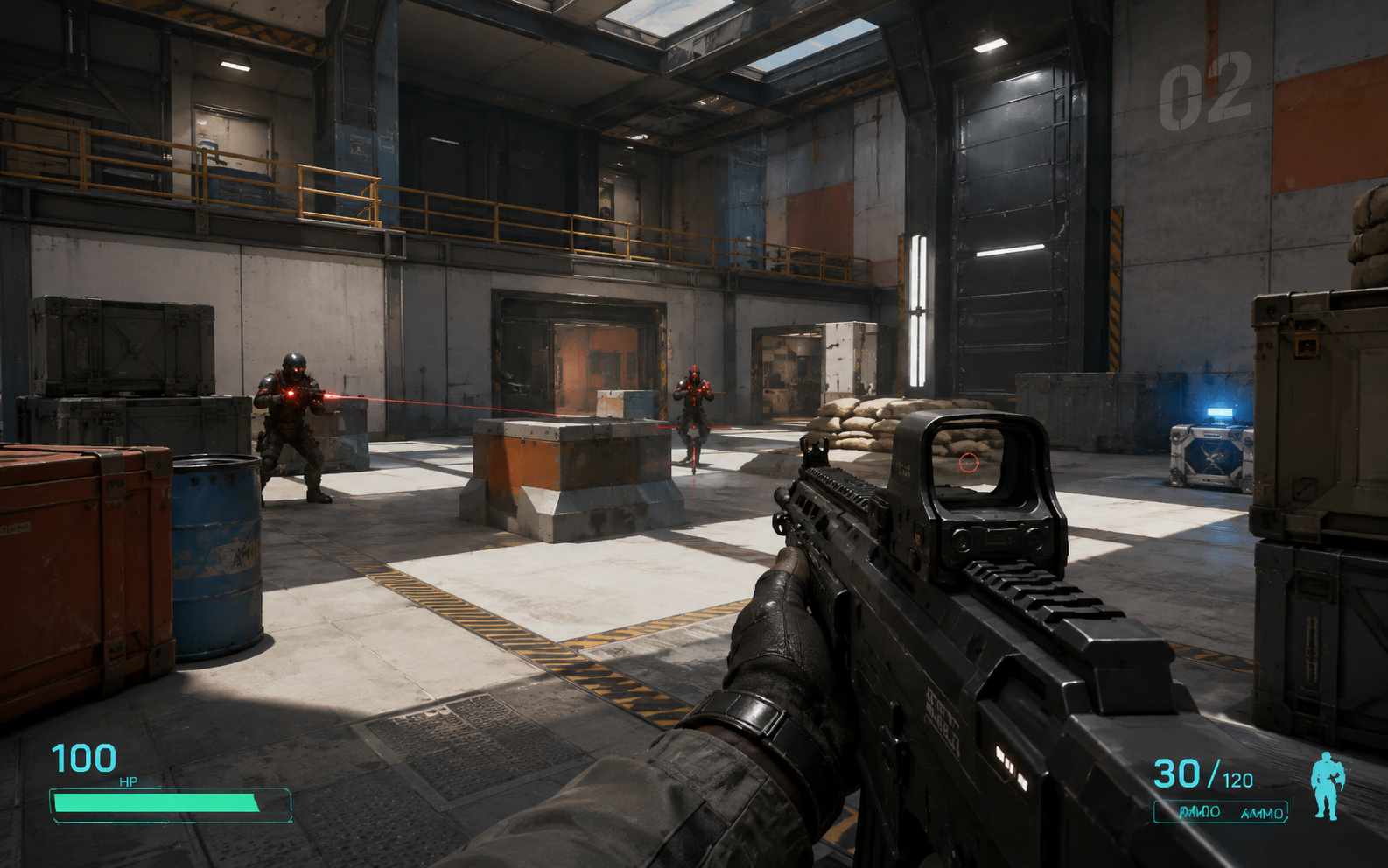
How to Make a Shooter Game with AI
The fastest way to make a shooter is to prove one complete combat loop first. More weapons, enemies, levels, effects, and progression only help after movement, aiming, damage, and restart already work.

Step 1.Choose the Camera and Core Combat Loop
Choose first-person, top-down, side-scrolling, or fixed-screen play. Then define how the player moves, aims, fires, takes damage, defeats enemies, and reaches the goal. Start with one weapon, one enemy type, and one short level or round.

Step 2.Generate and Play a Complete Round
Enter the prompt, generate the first version, and play from start to finish. Check movement, aiming, firing, collisions, hit detection, damage, scoring, enemy behavior, win and lose states, and whether restart works without refreshing the page.

Step 3.Refine the Feel, Difficulty, and Feedback
Use focused follow-up prompts such as “reduce the reload time,” “make enemy bullets slower,” or “add a visible hit flash.” Test after each change. When the combat loop feels clear and fair, publish the game, share its link, or download the HTML version.
Shooter Game Prompts for Different Play Styles
A useful shooting game prompt does more than name a theme. It explains the camera, movement, aiming, weapons, enemies, progression, feedback, difficulty, win and lose states, and restart behavior. Choose the example closest to your idea, then change the setting and mechanics instead of deleting the functional rules.
| Prompt idea | Prompt | Difficulty | Best for | Style | Copy |
|---|---|---|---|---|---|
| Neon Swarm Arena | Create a top-down neon arena shooter. The player moves with WASD and aims with the mouse. Enemies enter from the edges in increasingly difficult waves. Add three enemy types, health pickups, rapid-fire and spread-shot upgrades, a score multiplier, clear hit effects, and a boss after wave eight. The player wins by defeating the boss and loses when health reaches zero. | Beginner | Arena shooters | Neon arcade | |
| Starshield Patrol | Create a 2D space shooter where the player moves with the arrow keys and fires with Space. Add enemy ships, asteroids, three lives, shield and weapon power-ups, a combo score, five short stages, and a boss with readable attack patterns. Show the controls before the game starts and include a restart button. | Beginner | Space shooters | Colorful sci-fi | |
| Quickdraw Targets | Create a mobile-friendly target shooting game. Targets appear in different positions and disappear after a short time. The player taps or clicks each target to score. Add a 60-second timer, accuracy percentage, combo bonuses, penalties for missed shots, three target types, a final rank, and a replay button. | Beginner | Reaction games | Clean arcade | |
| Outpost Zero | Create a simple first-person shooter prototype in a small alien outpost. Use WASD movement, mouse look, click to shoot, and R to reload. Add three enemy types, cover, health packs, limited ammunition, clear damage feedback, and a five-minute mission to activate three control panels before reaching the exit. | Intermediate | FPS prototypes | Low-poly sci-fi | |
| Twin Core | Create a twin-stick shooter in a circular reactor room. Use WASD to move and the mouse to aim and fire independently. Add enemies that rush, orbit, and shoot from range, plus dash energy, health drops, three weapon upgrades, a combo meter, and a boss after six waves. Show clear warnings before dangerous attacks and let the player restart immediately after losing. | Intermediate | Twin-stick shooters | Retro-futuristic | |
| Crimson Pattern | Create a vertical bullet-hell shooter with a small visible player hitbox. The player moves with arrow keys, holds Z to fire, and presses X to use one limited screen-clearing ability. Add three readable enemy bullet patterns, score pickups, a focus mode for slower movement, two stages, and a boss with three attack phases. Every pattern must leave a fair path through the bullets. | Intermediate | Bullet-hell shooters | Anime bullet hell | |
| Roadside Rescue | Create a top-down zombie survival shooter set at a roadside gas station. The player moves with WASD, aims with the mouse, and reloads with R. Add four zombie types, ten waves, limited ammunition, repairable barriers, health kits, three upgrades between waves, strong hit feedback, and a final rescue vehicle that arrives after the last wave. | Beginner | Zombie shooters | Cartoon zombie | |
| Skyline Pursuit | Create a side-scrolling shoot 'em up where a small aircraft moves across a futuristic city. Use arrow keys to move and Space to fire. Add enemy formations, ground turrets, destructible obstacles, weapon power-ups, checkpoints, changing scenery, a score bonus for avoiding damage, and a boss at the end of the stage. | Beginner | Side-scrolling shoot 'em ups | Pixel-art sci-fi |
Related Shooter Game Makers and Guides
Use these related game makers and guides to plan a 2D or browser shooter, write clearer prompts, test a playable prototype, and understand when a no-code workflow is enough for your project.
View More
Shooter Game Maker FAQs
Start with one camera view, one weapon, one enemy type, and one clear goal. Define movement, aiming, firing, damage, health or lives, and exact win, lose, and restart conditions. Build and play one complete round before adding more weapons, levels, effects, or progression.
Make Your Own Shooter Game
Describe the shooter you want to play: choose the camera, controls, weapon, enemies, difficulty, and goal. SoonLab can turn those rules into a playable browser game that you can test, refine, publish, share, or download.
Create a Shooter Game