Browser Game Maker: Make a Web Browser Game
Create a playable game right in your web browser with SoonLab. Describe your idea, generate the game with AI, playtest it, and refine what you want to change—no software download required.
0/10000
Game inspiration sources







Play Free Browser Games Created with SoonLab AI
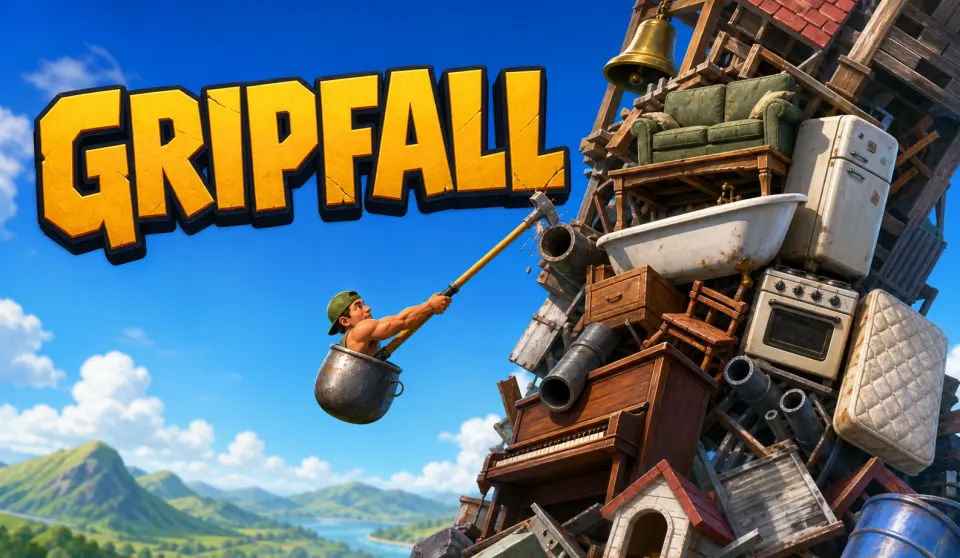
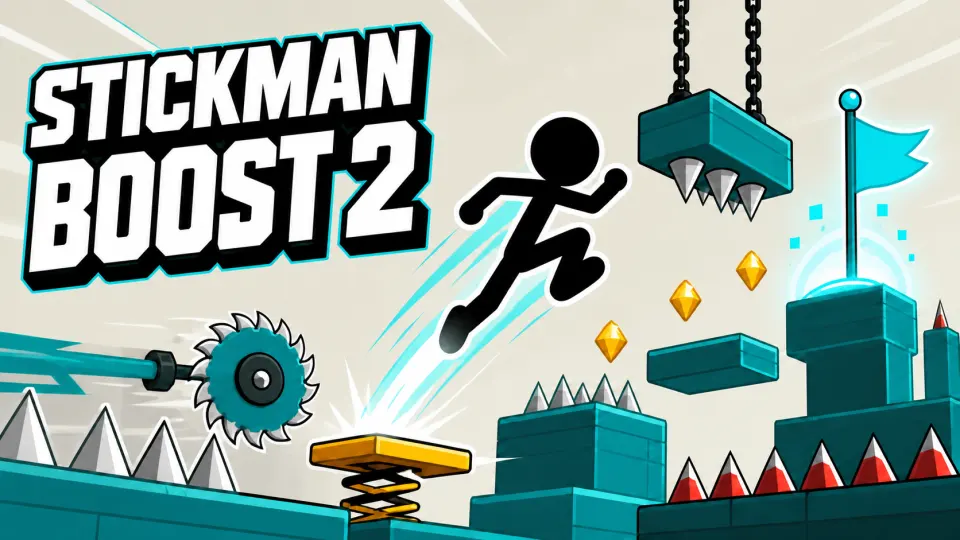
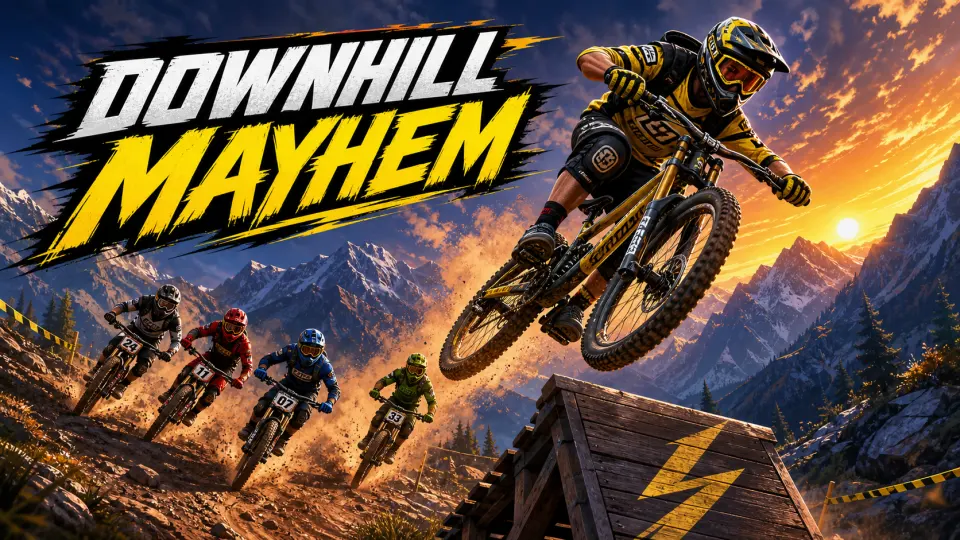
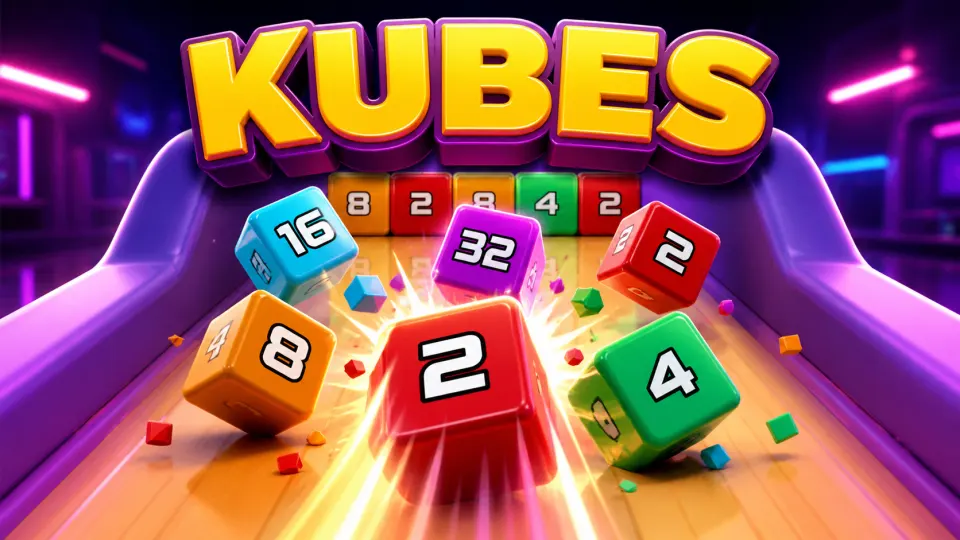
Explore playable browser games created with SoonLab, from quick arcade challenges to puzzles, platformers, and other interactive ideas. Play them online for inspiration, then turn your own idea into a browser game with AI.

Why Use SoonLab as Your Browser Game Maker?
No Coding Required to Get Started
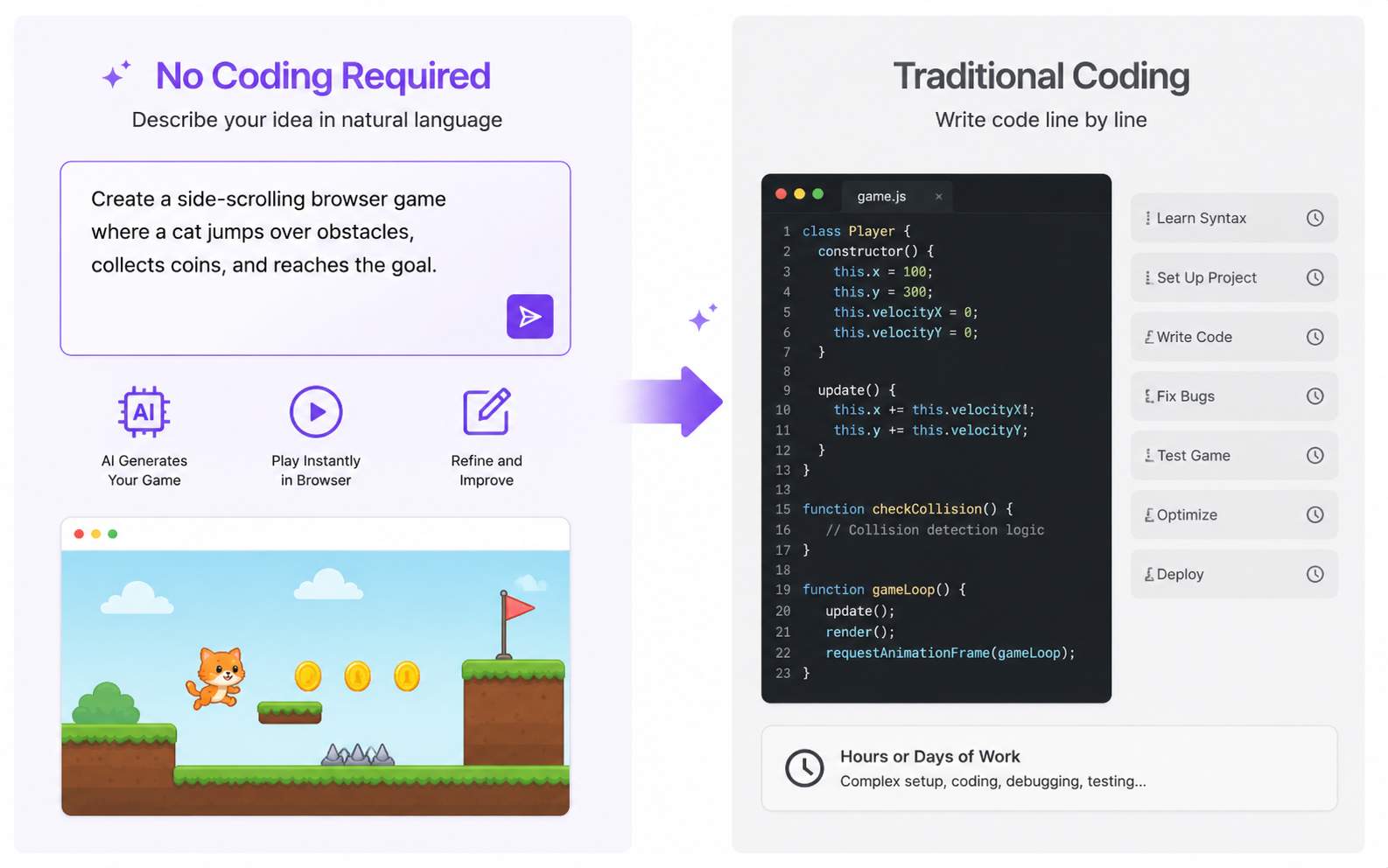
Instead of beginning with HTML, CSS, JavaScript, or an unfamiliar game engine, describe what you want in natural language. This makes browser game creation more approachable for beginners and faster for creators who simply want to test an idea.
Create and Play in Your Browser
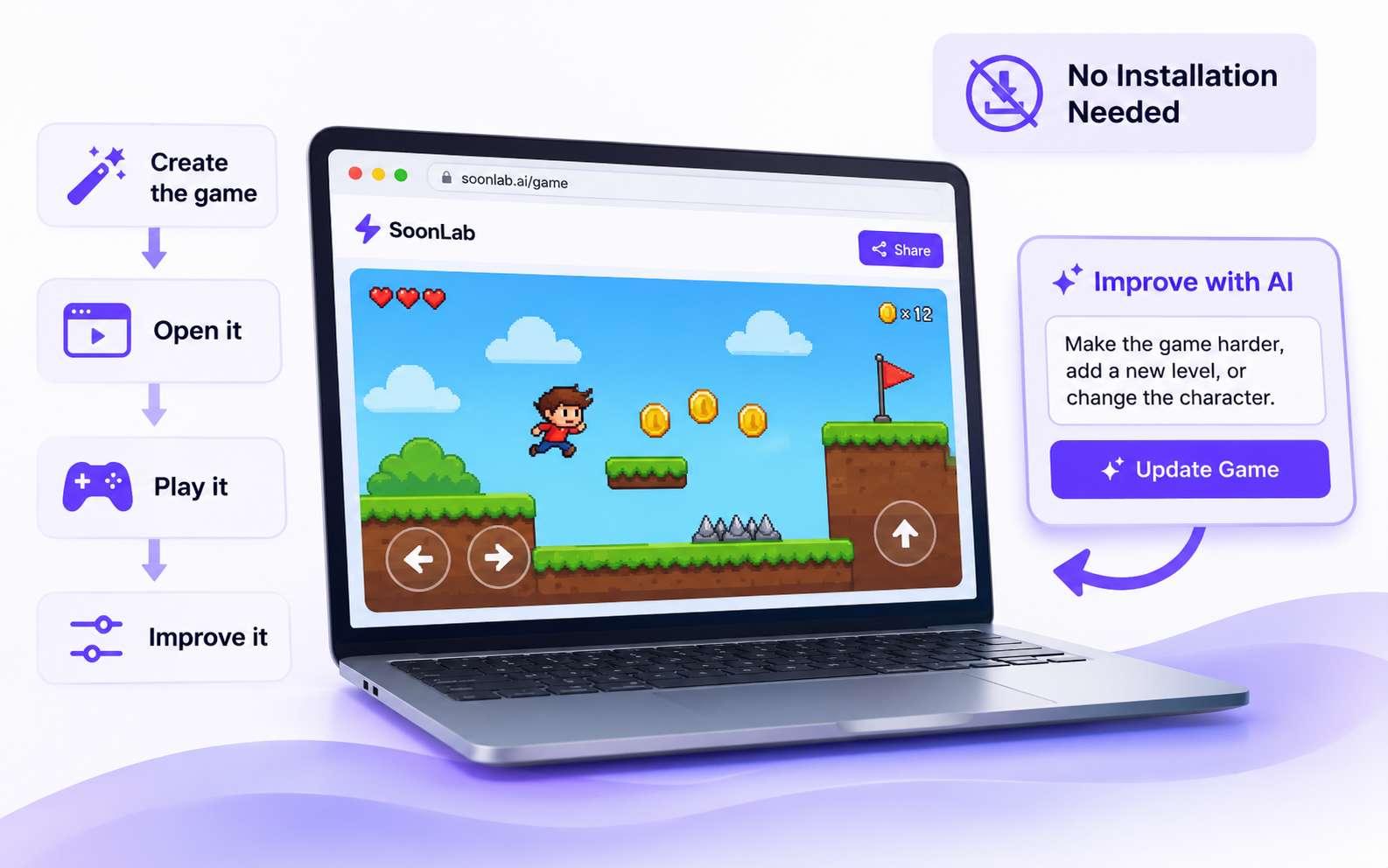
Your workflow stays close to the final experience: create the game, open it, play it, and continue improving it. You do not need to install a desktop game engine just to make your first playable version.
Easy to Share with Other Players
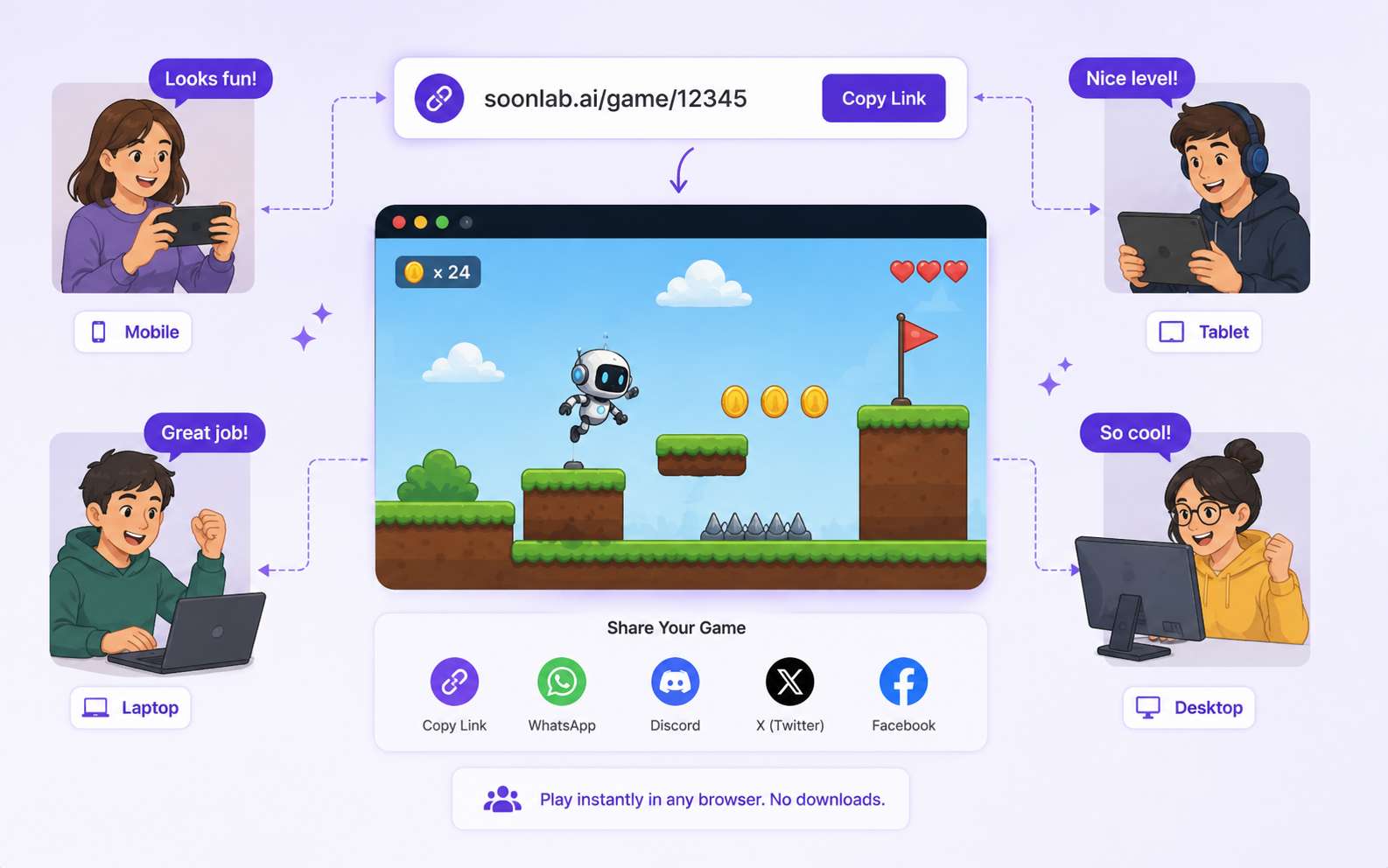
Browser games are convenient for quick feedback because players can open a shared game page without installing a full game engine. Send your game to friends or other players and let them try the playable result.
How to Make a Browser Game with SoonLab AI

Step 1Describe Your Game Idea
You can describe what the player does, how they win, what makes the game difficult, and the visual style you have in mind. You do not need to write a technical game design document. A few clear sentences are enough to start.

Step 2Generate a Playable Game
SoonLab turns your prompt into a game you can open and play in your browser. This makes it useful for testing a game idea without building every mechanic manually first.

Step 3Share or Download Your Game
When you are happy with the result, share the game page so other people can play it in their browser. You can also download the generated HTML when you need a local copy or want to use it on a compatible HTML5 platform.
Browser Game Prompts to Copy and Customize
Choose a browser game prompt, copy it into SoonLab, and customize the gameplay, controls, difficulty, characters, levels, or visual style to turn the idea into your own playable web game.
| Game idea | Full prompt | Difficulty | Game type | Visual style | Copy |
|---|---|---|---|---|---|
| Neon Rooftop Runner | Create a fast browser platformer where the player runs across neon rooftops, jumps over gaps, slides under signs, and collects energy shards. Use arrow keys or WASD on desktop and large touch controls on mobile. Add checkpoints, moving platforms, three lives, increasing speed, a score counter, five short levels, clear win and game-over screens, and a replay button. Make the game playable directly in a web browser. | Beginner | Platformer browser games | Retro-futuristic neon city | |
| Asteroid Survival | Create a browser arcade game where the player controls a small spaceship and survives waves of falling asteroids for 90 seconds. Move with arrow keys or WASD and support touch controls on mobile. Add collectible energy orbs, temporary shields, three lives, a combo score system, gradually increasing asteroid speed, clear hit effects, a high-score display, a results screen, and an instant replay button. Make the result playable in a browser. | Beginner | Arcade and survival games | Minimal colorful space arcade | |
| Clockwork Maze | Create a browser puzzle game set inside a clockwork tower. The player explores a maze, collects three gears, activates switches, and reaches the exit before time runs out. Add locked doors, moving obstacles, simple environmental puzzles, keyboard and mobile controls, a visible timer, three increasingly difficult stages, hints for beginners, a level-complete screen, and a replay button. Make the game playable directly in a web browser. | Beginner | Puzzle and maze games | Warm steampunk puzzle world | |
| Tiny Shop Empire | Create a browser management game where the player runs a tiny convenience store. Customers arrive with different orders, and the player earns coins by stocking shelves and serving them quickly. Add simple upgrades for shelf capacity, checkout speed, and store decoration, plus short day cycles, customer satisfaction, daily goals, progress tracking, mouse and touch controls, and a clear restart option. Make the game playable in a web browser. | Intermediate | Simulation and management games | Bright cartoon management game | |
| Shadow Arena | Create a top-down browser action game where the player survives waves of shadow creatures inside a ruined arena. Move with WASD or arrow keys and attack with Space or a mobile action button. Add three enemy types, health pickups, temporary power-ups, increasing wave difficulty, a score multiplier, five waves, clear attack and damage effects, a boss encounter at the end, a results screen, and a replay button. Make the game playable directly in a browser. | Intermediate | Action browser games | Dark fantasy top-down action | |
| Color Switch Circuit | Create a one-button browser reaction game where a moving ball passes through colored gates. The player presses Space or taps the screen to switch the ball between four colors and must match the next gate before reaching it. Increase the speed gradually, add combo scoring, three lives, temporary slow-motion power-ups, short challenge stages, clear visual feedback, a high-score screen, and an instant replay button. Make the game playable in a web browser. | Beginner | Reaction and one-button games | Clean geometric neon design |
Browser Game Maker vs. Traditional Browser Game Development
SoonLab is a faster starting point for beginners, prototypes, and simple browser games because you can move from a prompt to a playable version without building everything manually. Traditional browser game development takes more technical work but gives experienced developers deeper control over code, architecture, optimization, and complex game systems.
SoonLab Browser Game Maker
- Start with a natural-language prompt describing the gameplay, controls, goals, difficulty, and visual style you want.
- Create a playable first version without writing the initial HTML, CSS, or JavaScript yourself.
- Playtest the generated game directly in your browser and use the result to decide what should change.
- Refine gameplay, levels, enemies, scoring, controls, visuals, and other details with follow-up instructions.
- Share the finished game page so other players can open and play it in their browsers.
- Download the generated game as an HTML file when you need a local copy or want to use it on a compatible HTML5 platform.
Traditional Browser Game Development
- Start by writing code or building the game manually with an HTML5 game engine, framework, or visual editor.
- Set up game logic, scenes, controls, assets, physics, and other systems yourself depending on the development tool.
- Test and debug the game throughout development to fix gameplay, compatibility, and performance issues.
- Edit code or project settings when you need to change mechanics, interfaces, levels, or technical behavior.
- Gain deeper control over source code, architecture, custom systems, optimization, and complex game features.
- Choose this approach when your project requires detailed technical control or a more advanced production workflow.
Related Browser Game Makers and Guides
Explore related game makers and practical guides for creating web browser games. Learn how to turn an idea into a playable game, choose the right creation method, improve your gameplay through testing, and share your finished game online.
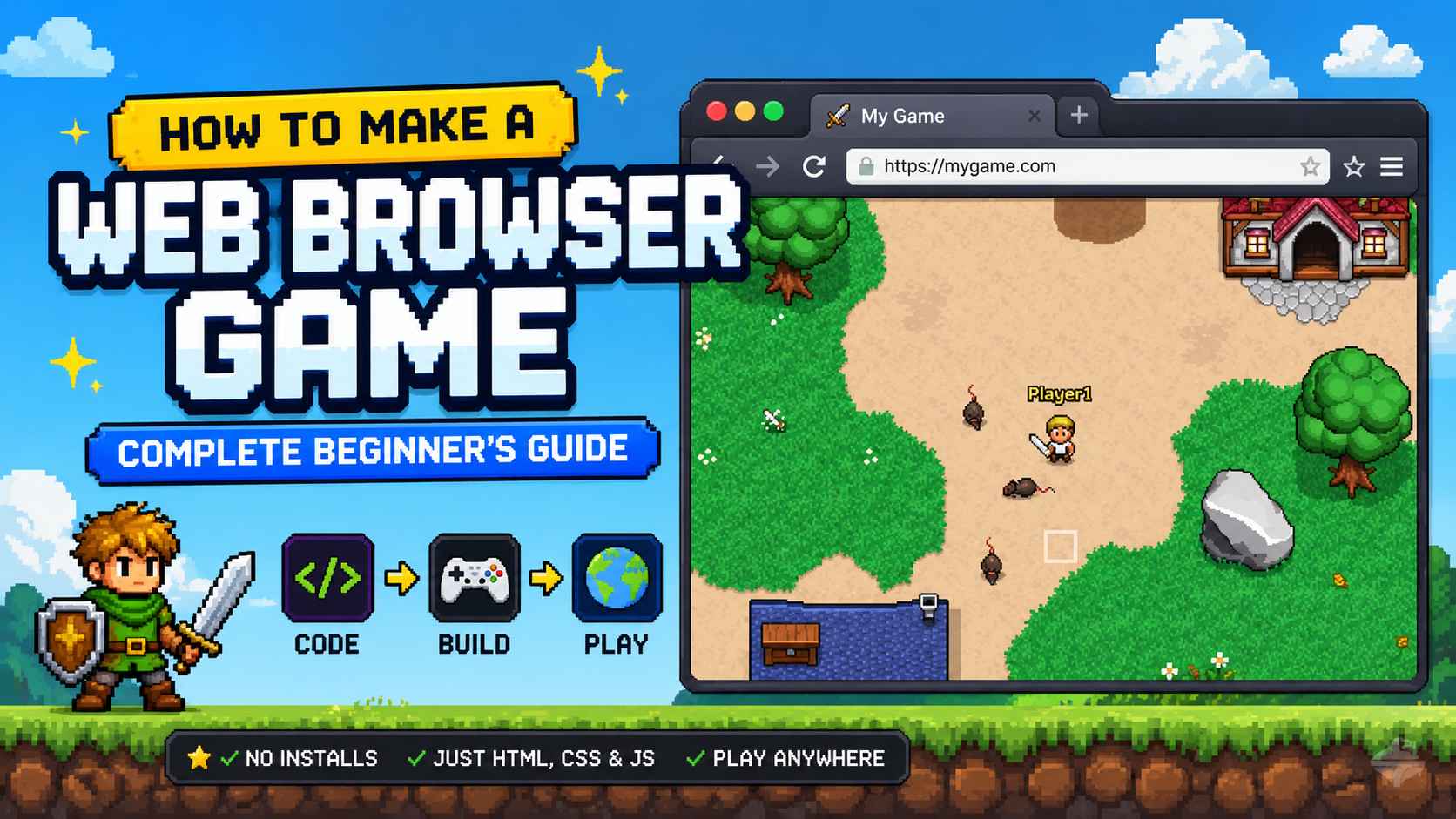
How to Make a Web Browser Game: Complete Beginner's Guide
How to Make a Roblox Game with AI Without Building Bug Pile
How to Make an Indie Game: Beginner Guide
Best LLM for Game Development in 2026: 7 Models Compared
Easy Games to Make for Beginners: 8 Ideas You Can Actually Finish
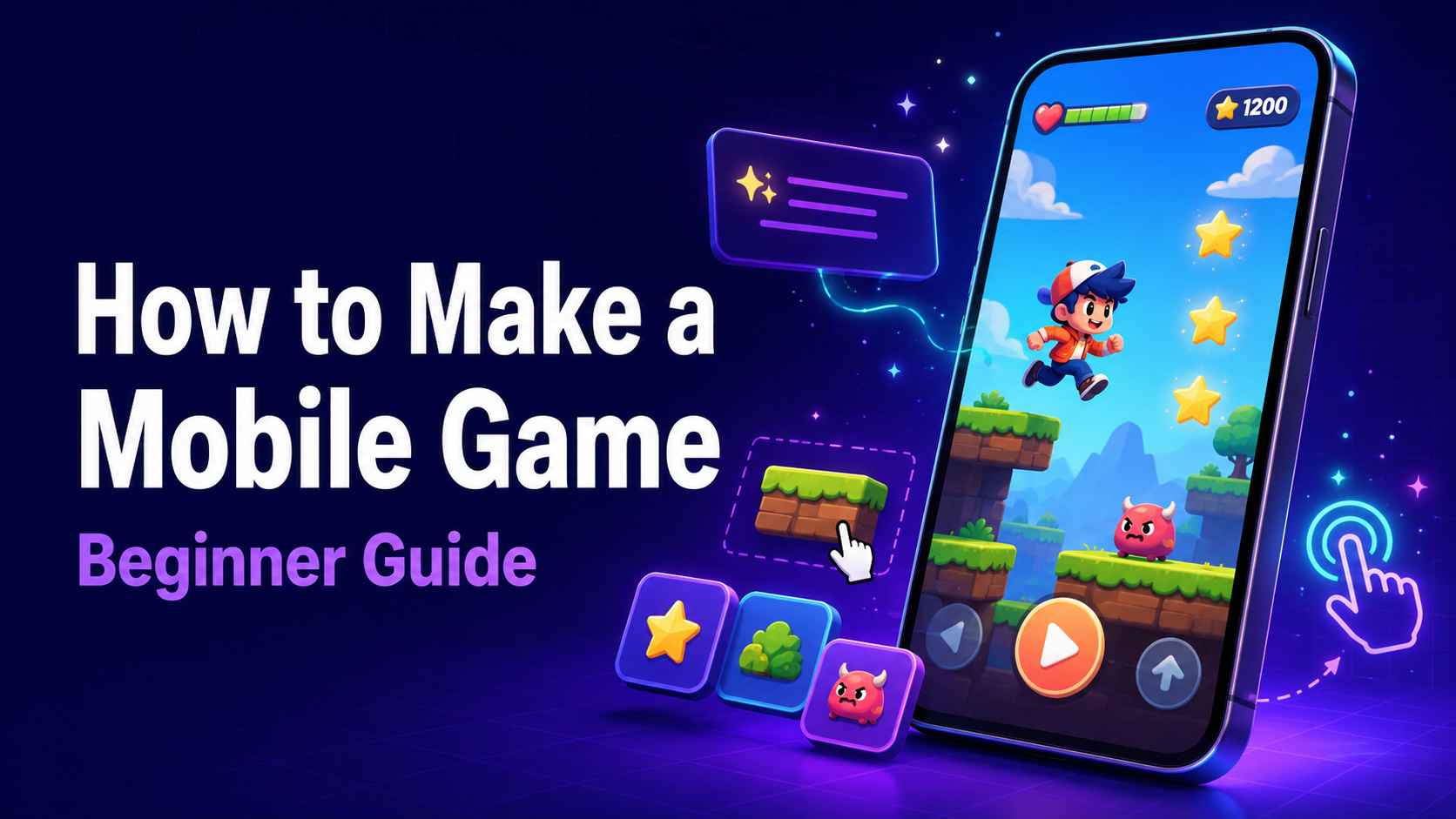
How to Make a Mobile Game: A Beginner Guide for Phone and Computer
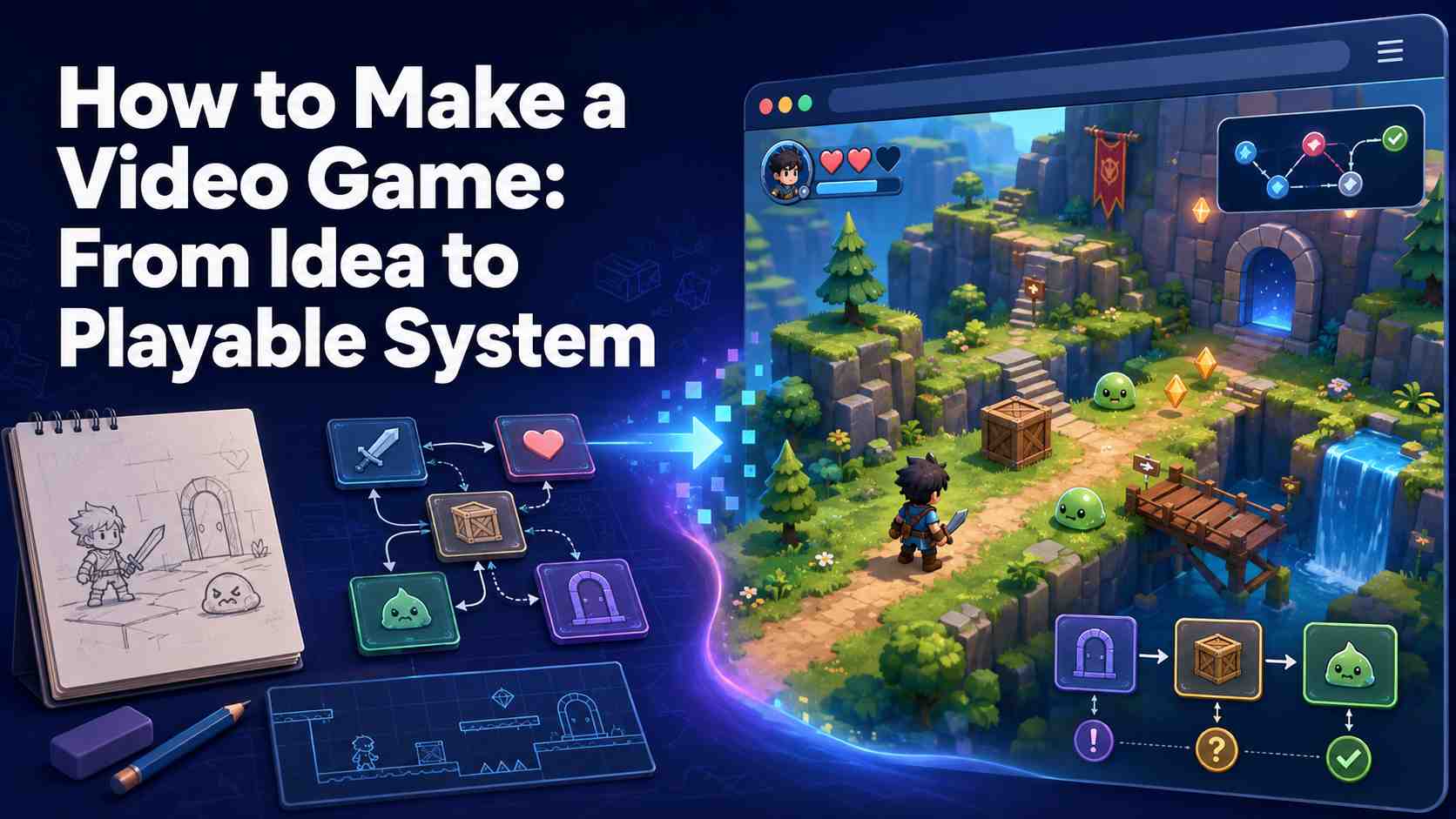
How to Make a Video Game: From Idea to Playable System
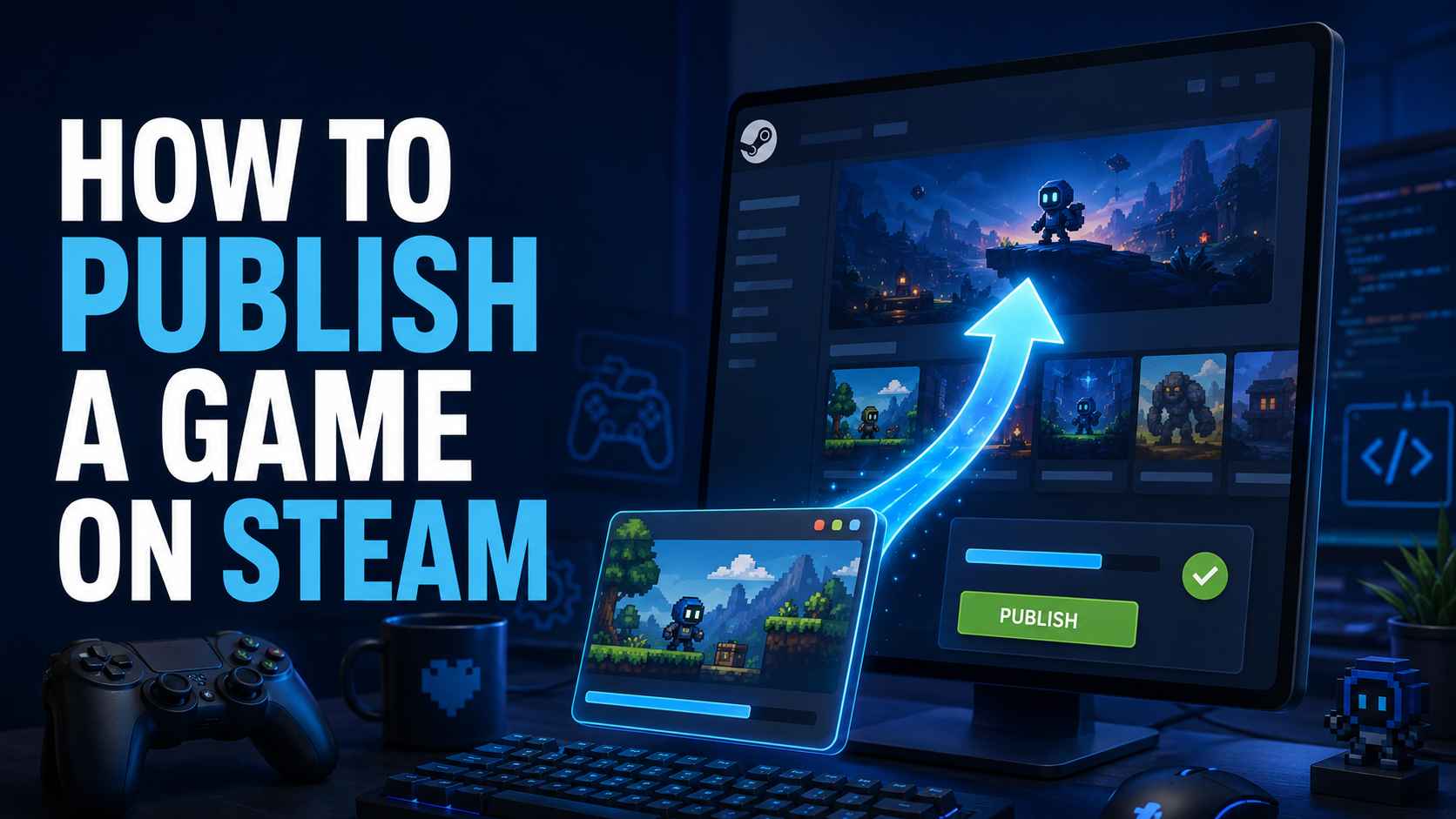
How to Publish a Game on Steam in 2026 [Full Guide]
FAQs About Browser Game Makers
A browser game maker is a tool for creating games that can be played through a web browser. Depending on the tool, games may be built with code, visual editors, templates, or AI prompts. SoonLab uses AI to turn a natural-language game idea into a playable browser game.
Make Your Own Browser Game
Start with one idea: a mechanic, challenge, character, or strange game concept you want to try. Describe it to SoonLab, generate a playable version, and use what you learn from playing it to decide what comes next.
Create a Browser Game