
To make a mobile game, start with one simple action, choose whether you want a browser game or an app-store release, build the smallest playable version, and test it on a real phone before adding more content.
You do not always need to code or own a powerful computer. If you only have a phone, you can use a browser-based AI game maker or a mobile no-code editor. If your goal is a native Android or iOS game with ads, in-app purchases, or app-store distribution, a traditional game engine usually gives you more control.
The important distinction is this: making a game on mobile describes the device you use to build it, while making a game for mobile describes where players will play it. This guide covers both.
Choose the Right Way to Make Your Mobile Game
There is no single best mobile game maker for every project. Choose a method based on the result you need, not only on which tool looks easiest.
| Method | Can you build on a phone? | Coding | Typical result | Best for |
|---|---|---|---|---|
| Prompt-based browser game maker | Yes | No | Playable mobile browser game | Fast prototypes and shareable mini games |
| Mobile no-code editor | Yes | Usually optional | Web game or packaged mobile build | Visual control without traditional programming |
| Browser-based visual engine | Yes, but a larger screen helps | Usually optional | 2D web or mobile game | Creators who want editable events and layouts |
| Full engine on Android | Android only | Usually required | 2D or 3D game project | Technical creators without a computer |
| Desktop game engine | Usually no | Commonly required | Native Android and iOS builds | Larger or commercial projects |
Method 1: Create a Mobile Browser Game From a Prompt
This is the quickest route when you want to turn an idea into something playable without learning code first. A prompt-based tool generates the initial game from your description, and you improve it by testing and requesting specific changes.
SoonLab follows this prompt-to-play approach. You can open the website on your phone, describe the gameplay in plain language, generate a browser game, and refine it without writing HTML or JavaScript. Its text-to-game AI works well for arcade games, puzzles, quizzes, reaction games, and early prototypes that players can open through a browser.
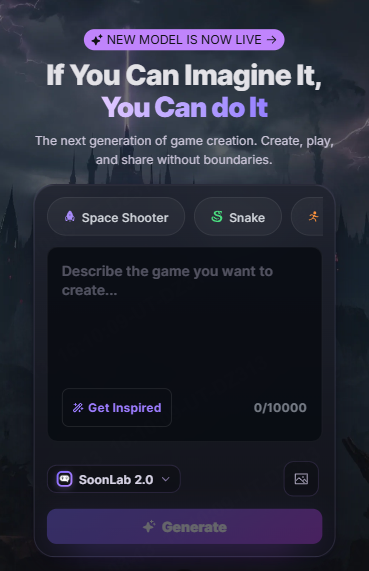
This method has an important limit: a mobile browser game is not automatically a native Android or iOS app. SoonLab can help you test and share an idea quickly, but you will need a suitable engine or packaging workflow if your final goal is an APK, Android App Bundle, or iOS app for a store.
Method 2: Use a No-Code Editor on Your Phone
A no-code editor gives you more direct control than a prompt alone. Instead of typing scripts, you connect visual conditions and actions: when the player taps the screen, make the character jump; when the character hits an obstacle, remove one life.
GDevelop is one option for building games with visual events, ready-made behaviors, and editable scenes. This is a useful middle ground if you want to avoid traditional programming but still need more control over objects, events, levels, and publishing options.
Small screens make detailed level design slower, so begin with a one-screen or short-level 2D game. This GDevelop tutorial for beginners explains how to build a complete gameplay loop before expanding the project.
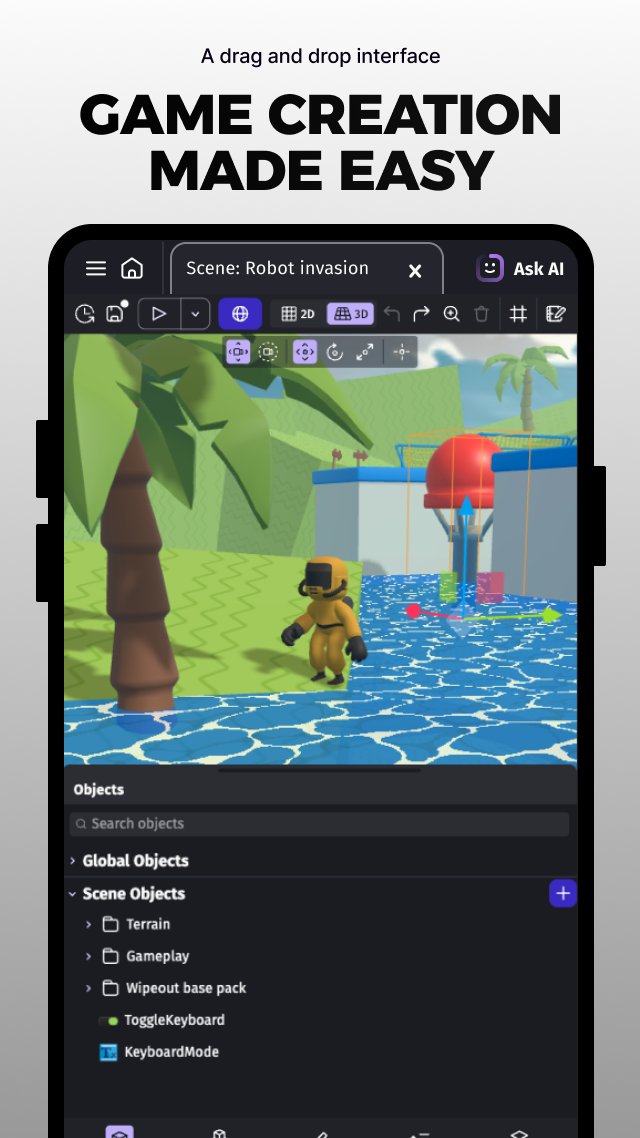
Method 3: Use a Browser-Based Visual Game Engine
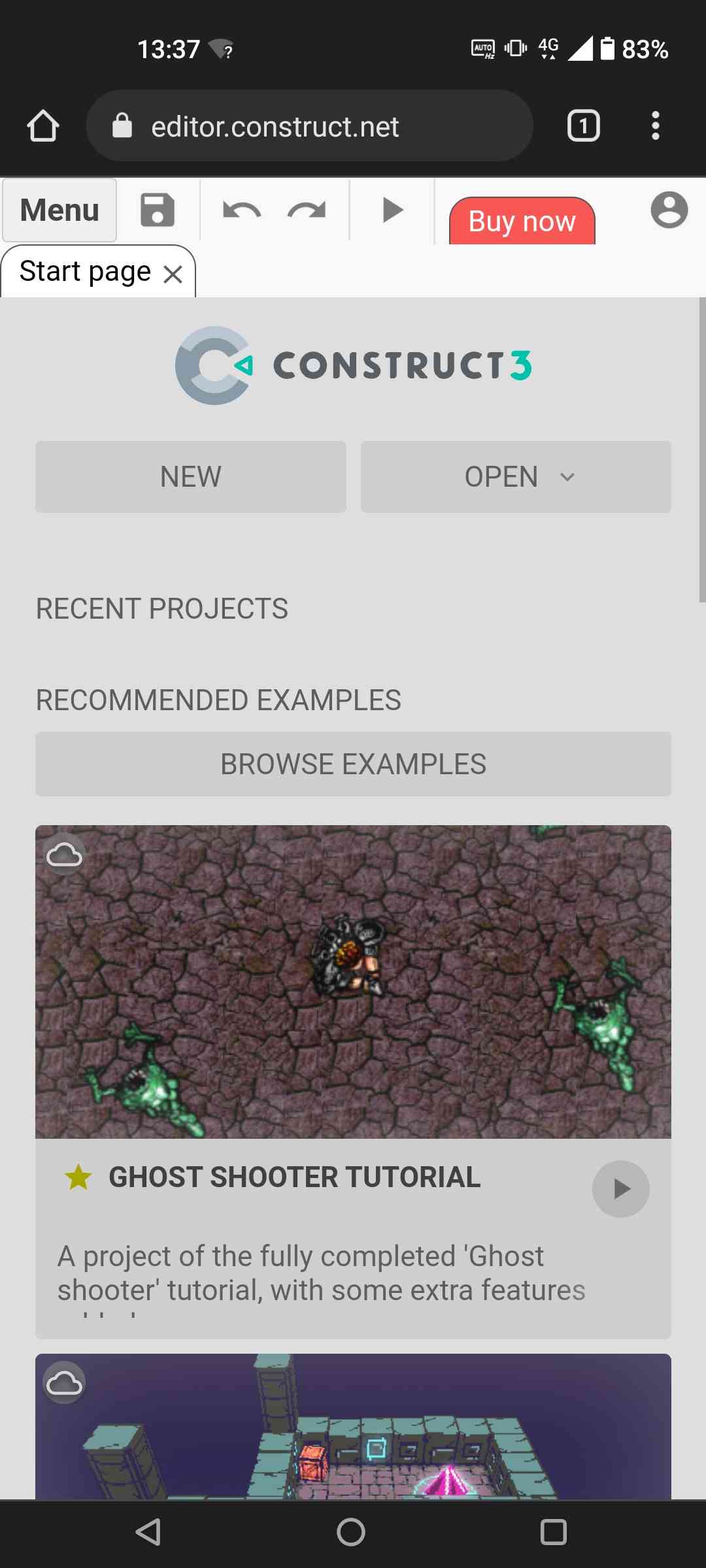
Some visual engines, such as Construct 3, run directly in a browser. You can edit layouts, objects, animations, and event logic without installing a traditional desktop application.
This route works best on a tablet or a phone with a large screen. It offers more manual control than prompt generation, but arranging many objects and events can feel cramped on a small display. If you want to compare Construct with GDevelop, Godot, GameMaker, and other options, see this guide to the best 2D game engines.
Method 4: Run a Full Game Engine on Android
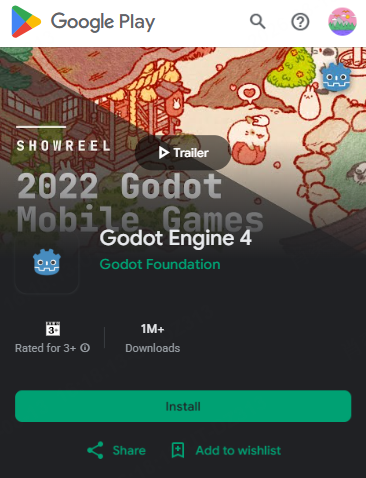
Godot provides an Android version of its editor for working on 2D and 3D projects. It is more capable than a simple mobile game-making app, but it also asks more from the device and the creator.
Choose this method if you want to learn a full game engine and are comfortable with scripting, project files, asset management, and technical setup. For a first project, 2D is usually easier to manage on a phone than a large 3D world. If you are considering moving to a computer later, this Godot vs. Unity comparison can help you choose a longer-term development path.
Method 5: Build With a Desktop Engine for Android and iOS
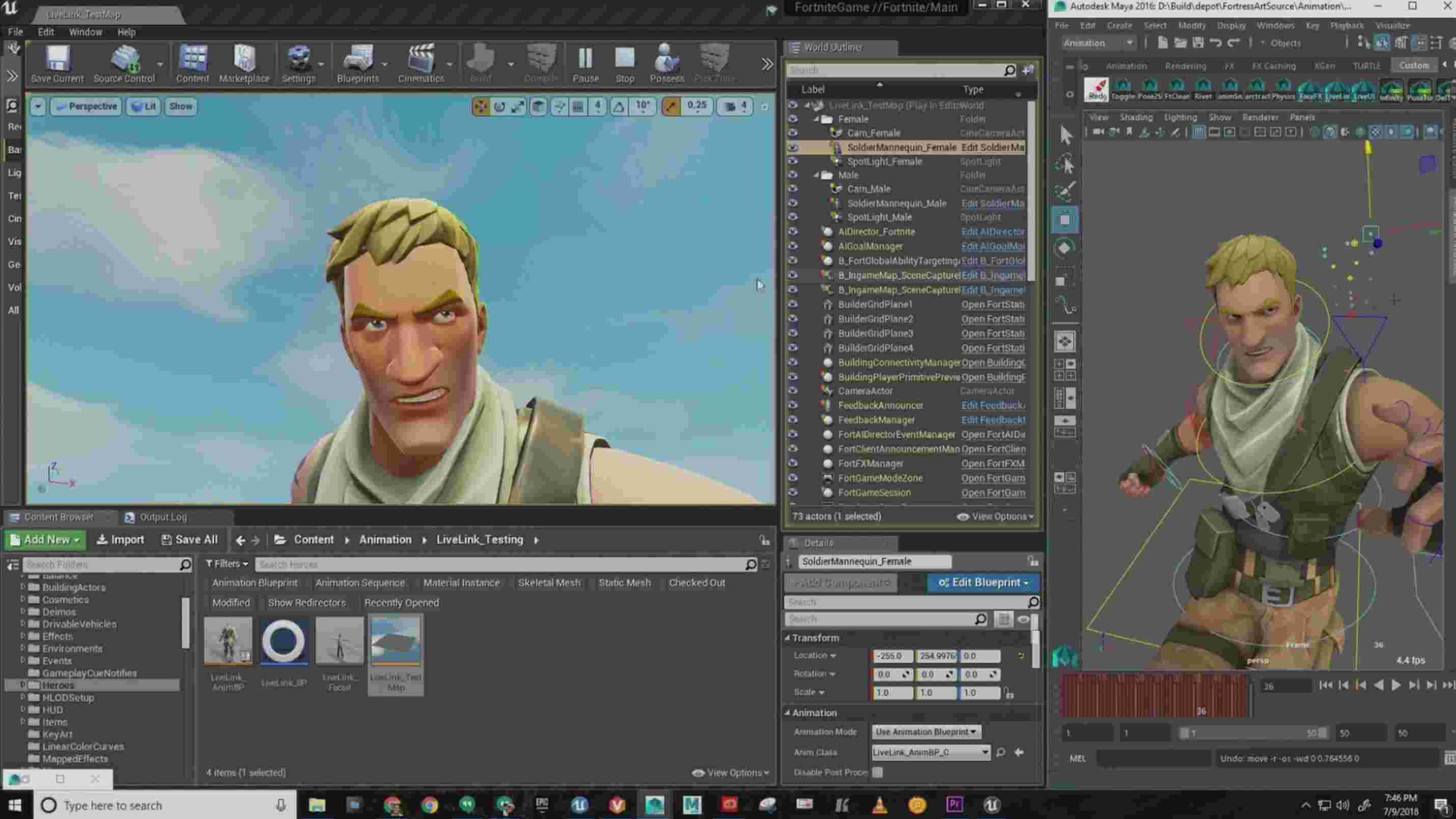
If you want a polished native game, a desktop engine such as Unity or Godot usually provides the most flexible route. These tools can handle graphics, animation, sound, input, physics, project builds, and mobile exports within one development environment.
This route has the steepest learning curve, but it is a better fit for complex 3D games, larger projects, native device features, store services, ads, in-app purchases, analytics, and long-term updates. Compare the best game engines for beginners before committing to a production workflow.
How to Make a Mobile Game in 7 Steps
The tool changes, but the core process stays similar. Follow these steps whether you are using prompts, visual events, or code.
1. Start With One Repeatable Action
Write one sentence that explains what the player does repeatedly. For example:
- Drag a magnet to pull falling objects into the correct bins.
- Tap to switch a train between two tracks and avoid barriers.
- Rotate a garden tile to connect water to every plant.
If you need a paragraph to explain the basic action, the first version is probably too complicated. A small loop is easier to build, test, and improve.
2. Choose Portrait or Landscape
Choose the orientation before designing the interface. Portrait works well for one-handed puzzle, idle, card, quiz, and reaction games. Landscape gives platformers, racing games, shooters, and virtual controls more horizontal space.
Do not simply shrink a desktop layout. Decide where the player's thumbs will rest, keep important information away from screen edges, and make buttons large enough to tap without covering the action.
3. Define the Goal, Failure, and Restart
A playable game needs a complete loop. State what the player must achieve, what causes failure, how progress is shown, and how a new round begins. A simple specification might be: collect 15 lights, avoid three obstacles, survive for 60 seconds, then show the score and a play-again button.
Beginners often spend time on characters and backgrounds while forgetting the ending. Build the win, loss, and restart states before adding more levels.
4. Build the Smallest Playable Version
Use placeholder art if necessary. The first version only needs the main control, one challenge, visible feedback, and a complete round. It does not need a shop, story, character selection screen, daily rewards, or online leaderboard.
If you are deciding between flat 2D gameplay and a 3D environment, this 2D vs. 3D game comparison explains how the choice affects controls, art, performance, and production scope.
5. Test on a Real Phone Early
Desktop preview cannot reveal every mobile problem. Open or install the game on a real device as soon as the main interaction works. Check whether your finger hides important objects, text remains readable, audio behaves correctly, and the game survives screen rotation, interruptions, and repeated restarts.
When possible, test at least one older or lower-powered phone as well as your main device. A game that feels smooth on a new flagship may struggle when too many particles, enemies, physics objects, or large images appear at once.
6. Improve One Problem at a Time
After each test, write down the biggest problem. Fix that problem, then play again. Useful changes are specific: increase the jump button by 20%, slow the first wave, show a short vibration when the player takes damage, or keep the score visible during the round.
Avoid changing the controls, art style, difficulty, level layout, and scoring system in one revision. You will not know which change made the game better or introduced a new bug.
7. Choose How Players Will Access the Game
A browser game can be shared with a link and played without installation. This is often enough for a prototype, classroom game, portfolio project, social post, or short branded experience. An HTML5 game maker is a practical option when quick mobile-browser access matters more than app-store distribution.
For a native release, prepare the correct Android or iOS build, store listing, screenshots, privacy information, age rating, and device tests. Publishing is a separate stage from making the game itself, so leave time for account verification, store requirements, and review.
How to Make a Game on Mobile Without Coding With SoonLab
If your goal is to create a small playable game directly from your phone, SoonLab offers a short browser-based workflow.
STEP 1 Plan Your Mobile Game
Open SoonLab in your mobile browser and choose a small idea designed for taps, swipes, or dragging. Describe the orientation, controls, goal, challenge, score, win or failure conditions, restart flow, and visual style.
STEP 2 Generate and Test
Generate the first playable version and test it on the same phone. Check whether the touch controls respond correctly, the complete game loop works, and every button, instruction, and interface element fits the screen.
STEP 3 Refine and Share
Use follow-up prompts to improve one issue at a time, then replay the full game after each change. When it is ready, publish and share the browser game for feedback or download the HTML version for your next step.
Before creating your own version, try the game below on your phone. It was made with SoonLab and shows how a focused idea can become a complete mobile-friendly game with touch controls, a clear goal, visible feedback, and a quick restart.
When you are ready to create your own game, describe the complete player experience instead of naming only a genre or visual style. You can adapt this example:
Create a portrait mobile browser game called Pocket Current. A tiny boat moves forward automatically along a winding river. The player drags left or right anywhere on the screen to steer. Collect 15 glowing fireflies while avoiding rocks and whirlpools. Add three hearts, a distance score, clear collision feedback, and gradually increase the river speed every 20 seconds. Use large touch-friendly interface elements, readable text, no keyboard controls, and a responsive 9:16 layout. Show a short instruction before the first round, then display the final score and a large Play Again button. Use an original bright paper-cut art style.
This prompt defines the orientation, touch controls, objective, obstacles, difficulty, feedback, interface, and ending. If you want to try another genre, explore these AI game prompts, then adjust the mechanics, theme, controls, and difficulty to make the idea work naturally on mobile.
How to Make a Good Mobile Game
A good mobile game is not simply a small desktop game. It respects the player's screen, hands, time, and device.
- Make the first action obvious. The player should know what to tap, swipe, or drag within a few seconds.
- Use fewer controls. One strong touch mechanic is often better than a screen filled with virtual buttons.
- Give immediate feedback. Movement, sound, animation, color, or vibration should confirm important actions.
- Keep early sessions short. Let players understand the loop and restart quickly before asking for a long commitment.
- Increase difficulty gradually. Teach one rule, let the player use it, and then add pressure or variation.
- Protect readability. Use clear contrast, scalable text, large tap targets, and icons that do not rely on color alone.
- Design for interruption. Mobile players may receive a call, switch apps, or lock the screen. Preserve progress when the project requires it.
- Optimize before adding effects. A stable frame rate and responsive input matter more than extra particles or large background images.
The best test is not whether every feature works. Ask whether the player understands the next action, feels the result of that action, and wants to try once more.
How Hard Is It to Make a Mobile Game?
A simple mobile game is achievable for a beginner. A polished commercial mobile game is much harder.
The first playable version may require only one control, one level, a score, and a restart button. Difficulty rises when you add online multiplayer, accounts, cloud saves, purchases, advertisements, procedural content, complex 3D graphics, or support for many devices.
Creating entirely on a phone adds another challenge. A phone is convenient for prompting, visual events, and testing, but managing many files, scripts, scenes, and detailed art is usually faster on a larger screen. Begin on mobile if it helps you start; move to a computer when the project outgrows the device.
How Long Does It Take to Make a Mobile Game?
The time depends more on scope and polish than on genre. These are rough planning ranges for a solo beginner, not fixed production averages.
| Project | Possible planning range | What it includes |
|---|---|---|
| Prompt-based browser prototype | A few hours to a weekend | One mechanic, simple art, score, and restart |
| Small polished casual game | Several weeks to a few months | Multiple levels, original assets, settings, testing, and fixes |
| Store-ready commercial game | Several months or longer | Broad device testing, store setup, analytics, monetization, support, and updates |
A tiny finished game teaches more than a large unfinished plan. If this is your first project, aim for one complete minute of good play before planning ten levels.
How Much Does a Mobile Game Cost to Make?
A basic mobile game can cost $0 to prototype. New users can use the free points provided by SoonLab to generate, test, and share a simple mobile browser game without paying for a traditional game engine or hiring a developer. This is a practical way to find out whether an idea is fun before investing in a larger project.
You can also keep early costs low with open-source tools, placeholder assets, free sound libraries, and a phone you already own. Expenses usually appear when you need premium generations or exports, original art and music, additional test devices, online servers, paid software, contractors, marketing, or native store distribution.
 Also Read
If you publish a native app, developer account fees become part of the budget. As of August 2026, Google lists a US$25 one-time Play Console registration fee, while Apple lists its Developer Program at US$99 per membership year, with local pricing or eligible waivers in some cases.
A browser release avoids those store-account fees. Starting with a free SoonLab mobile game therefore gives you a lower-risk way to test the controls, gameplay loop, and player response before deciding whether the idea needs native development.
Mobile Game Development FAQs
Can I make a mobile game without a computer?
Yes. You can create a small game on a phone with a browser-based AI maker, a mobile no-code editor, or an Android game engine. A computer becomes more useful as the project gains more scenes, assets, scripts, and release requirements.
How can I make a game on mobile for free?
Start with a free browser tool, a free mobile editor, or an open-source engine. Use a small 2D idea, free or original assets, and test on the phone you already own. Check each tool's current limits because free plans may restrict events, exports, generations, storage, or commercial features.
Do I need coding to make a mobile game?
No. Prompt-based and visual no-code tools can create simple playable mobile or browser games. Coding becomes more valuable when you need custom systems, native integrations, better optimization, complex multiplayer, or full control over the project.
What is the easiest mobile game for a beginner to make?
A one-screen 2D game with one touch action is usually the easiest starting point. Try a tapping game, reaction challenge, simple matching puzzle, lane-switching game, quiz, clicker, or drag-and-drop sorting game.
Can SoonLab publish a game directly to Google Play or the App Store?
SoonLab creates playable browser games that you can test, refine, share, and download as HTML. That is not the same as generating a store-ready Android or iOS package. Use SoonLab for rapid prototyping and browser distribution, then choose an appropriate engine or packaging workflow if you need a native app-store release.
Conclusion
The best way to learn how to make a mobile game is to finish a small one. Choose one touch interaction, one clear goal, one challenge, and one complete ending. Test that loop on a real phone before you add more levels, art, or systems.
If you want to start entirely on mobile without coding, use AI game maker SoonLab to turn a focused prompt into a playable browser prototype. If the idea later needs native store features or deeper technical control, carry what you learned into a no-code editor or full game engine. Your first tool does not have to be your final tool; it only needs to help you make the idea playable.