
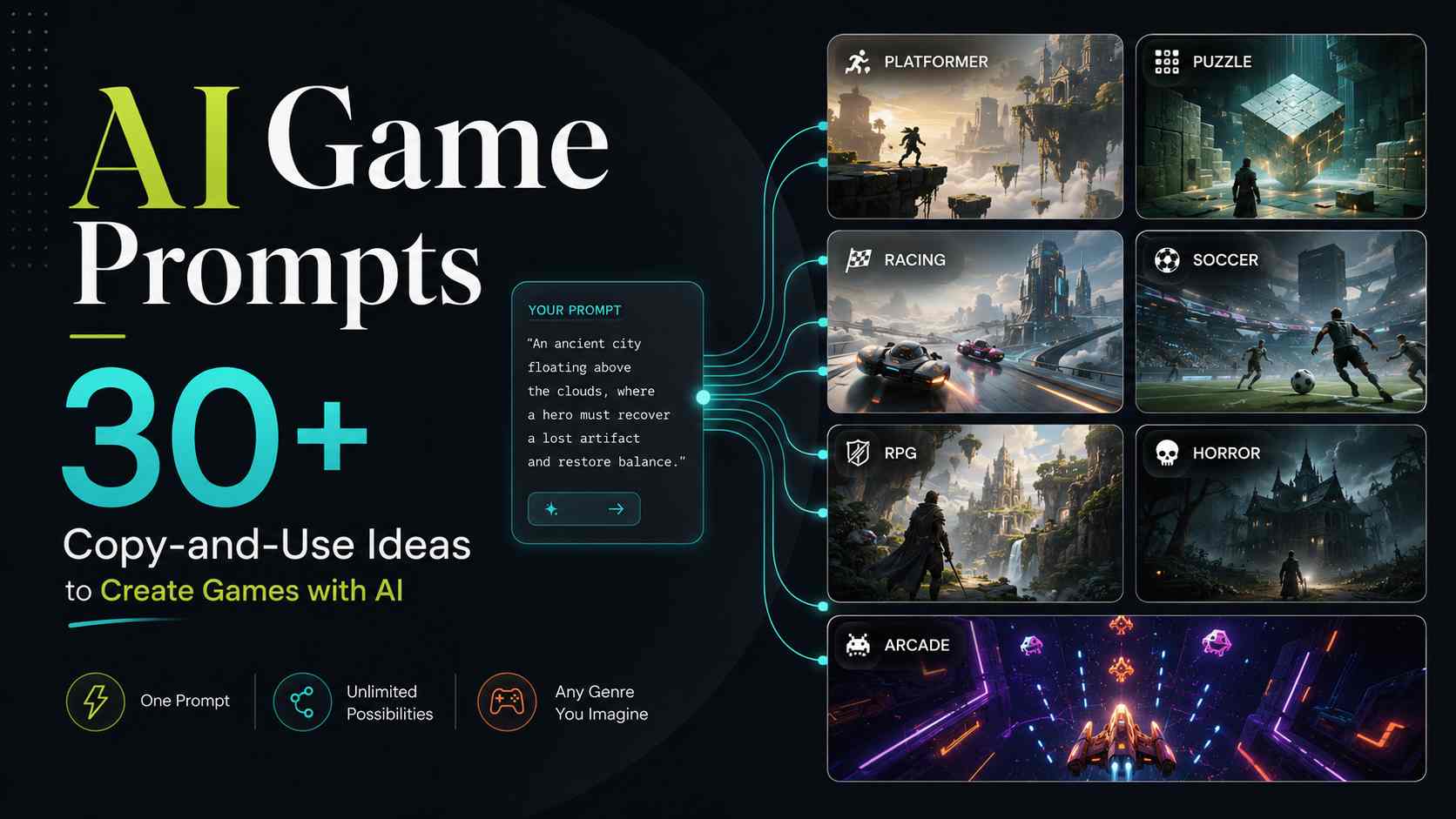
AI game prompts help you turn a simple game idea into something playable. Instead of starting with code, you describe the game you want, give the AI clear rules, and use the result as your first draft.
The key is being specific. A weak prompt says, "Make a racing game." A better AI game prompt explains the game type, goal, controls, obstacles, scoring, style, and win condition.
In this guide, you will find 35 AI game prompt examples you can copy, edit, and use in an AI game maker. The prompts are beginner-friendly and designed to help you create games with AI faster.
Turn your idea into aplayable game
Describe the game you want to make, and SoonLab will help you start building it.
What Is an AI Game Prompt?
An AI game prompt is a text instruction that tells an AI tool what kind of game to create. A text-to-game AI tool can use this description to generate a playable game prototype with basic mechanics, controls, visuals, and rules.
A useful prompt usually includes:
- Game type
- Player goal
- Main controls
- Obstacles or enemies
- Rewards or scoring
- Visual style
- Win and lose conditions
Simple formula: Create a [game type] where the player [main action]. The goal is to [main goal]. Add [obstacles], [rewards], and [progression]. Use a [visual style]. Make it easy to understand and fun to play.
35 AI Game Prompt Examples You Can Copy
Use these AI game maker prompts as starting points. You can change the theme, character, difficulty, art style, level count, or scoring rules.
Platformer Game Prompts
Platformer games are a great starting point for AI game prompts because the core gameplay is clear: jump, collect items, avoid obstacles, and reach the goal. If you’re not sure which genre to start with, this guide on what makes an easy game to make can help you pick a project that’s simple enough to finish.
Create a 2D platformer where the player explores a magical forest, jumps across platforms, collects crystal coins, avoids cute monsters, and reaches a glowing portal. Add three levels, moving platforms, and hidden rewards.
Create a 2D platformer where a small robot escapes a factory. Add laser traps, enemy drones, batteries to collect, checkpoints, and a final exit door. Use pixel art and smooth jumping.
Create a side-scrolling platformer set on an icy mountain. The player avoids snowballs, jumps over gaps, collects lanterns, and reaches the summit before time runs out.
Play a Platformer Game Made with SoonLab
This game "Crush Path" was created in SoonLab using a prompt similar to the examples above. Try it below, then copy one of the prompts and create your own version.
Puzzle Game Prompts
Puzzle games work well with AI game prompts because they usually have simple rules, clear goals, and short levels. These prompts are useful if you want to create games that focus on logic, timing, memory, or problem-solving.
If you want puzzle ideas with more exploration, mystery, environmental clues, and story discovery, you can also explore our guide to the best puzzle adventure games to see how great games connect puzzles with worlds, maps, rooms, and hidden rules.
Create a puzzle game where the player changes tile colors to guide a glowing ball to the exit. Add locked doors, buttons, moving blocks, and 10 short levels.
Create a top-down puzzle game where the player pushes stone blocks onto magic symbols to open doors. Add keys, traps, reset buttons, and five rooms.
Create a memory card game where the player matches magical creatures. Add a timer, combo rewards, three difficulty levels, and a final score screen.
Play a Puzzle Game Made with SoonLab
This puzzle game "Pressing Under Pressure" was created with an AI game prompt in SoonLab. Play it below and see how simple prompt ideas can become interactive levels.
Racing Game Prompts
Racing games are great for AI game prompts because they have a clear goal: drive fast, avoid obstacles, collect boosts, and reach the finish line. These prompts can help you create simple but exciting racing games with speed, challenge, and replay value. If you want a more detailed guide before writing your own prompt, you can also read our guide on how to create a car game.
Create a top-down racing game where the player drives through a neon city track. Add traffic, speed boosts, oil puddles, sharp turns, three laps, and a timer.
Create a desert racing game where the player avoids rocks, collects fuel, uses ramps, and reaches the finish line before fuel runs out.
Create a colorful kart racing game with four racers. Add item boxes, speed boosts, banana traps, three laps, and a final ranking screen.
Soccer Game Prompts
Soccer games are perfect for AI game prompts because they are easy to understand and exciting to watch. A simple prompt can quickly become a penalty shootout, a 1v1 duel, or a short football match with goals, timers, and crowd reactions.
Create a fast 1v1 soccer game where the player controls a striker against a goalkeeper. The goal is to score as many goals as possible in 60 seconds. Add power shots and goal celebrations.
Create a penalty shootout game where the player takes five shots. Let the player choose shot direction and power. Add goalkeeper dives, crowd reactions, and sudden death if tied.
Create a voxel-style soccer game with blocky players in a small stadium. The player can dribble, shoot, and score before time runs out. Add a scoreboard and cheering crowd.
Play a Soccer Game Made with SoonLab
I used a similar soccer game prompt in SoonLab to create this playable browser soccer game "Football Training". Try it below and see how a simple AI game prompt can turn into a fun football game.
Survival Game Prompts
Survival games work well with AI game prompts because they give players a clear sense of pressure: collect resources, avoid danger, manage health, and find a way to escape. These prompts are useful for creating short survival challenges with simple rules and strong tension.
Create a survival game where the player is trapped on an island. The player collects wood, food, and water while managing health and hunger. Add crafting and a rescue signal goal.
Create a top-down survival game where enemies chase the player through city streets. Add keys, medkits, blocked roads, stamina, and a safe zone.
Create a sci-fi survival game where the player repairs oxygen machines, avoids aliens, collects tools, and escapes in a pod before oxygen runs out.
Choose a survival prompt, then use SoonLab’s survival game maker to turn it into a playable browser game. Start with one goal, one resource, and one clear threat.
RPG Game Prompts
RPG games are great for AI game prompts because they can combine exploration, quests, dialogue, battles, and character growth. For better results, I recommend starting with a small RPG idea first, such as one village, one map, a few NPCs, and one clear final goal.
Create a small RPG where the player explores a village and forest, talks to NPCs, completes quests, opens treasure chests, fights monsters, and defeats a final boss.
Create a cyber-style RPG where the player is a hacker in a neon city. Add dialogue choices, hacking puzzles, data chips, security robots, and a mission complete screen.
Create a light monster trainer RPG where the player finds cute creatures, battles enemies, collects items, and unlocks new map areas.
Idle Game Prompts
Idle games are a good fit for AI game prompts because the core loop is simple but satisfying: click, earn, upgrade, automate, and unlock more progress. These prompts are useful if you want to create games based on growth, rewards, and long-term progression.
Create an idle clicker game where the player starts with a small cookie stand and grows it into a factory. Add clicking, upgrades, workers, automatic income, and milestones.
Create an idle game where the player mines asteroids, buys drones, upgrades ships, unlocks planets, and collects rare gems.
Create an idle management game where the player runs a fantasy tavern, serves customers, upgrades tables, hires staff, and unlocks new recipes.
Play an Idle Game Made with SoonLab
I used a similar idle game prompt in SoonLab to create this game "Crystal Core Clicker". Try it below and see how a simple prompt can become an upgrade-based game with clicking, automation, and steady progress.
Horror Game Prompts
Horror games are effective for AI game prompts because they rely on atmosphere, mystery, sound, and simple survival goals. You do not need a large map to make a horror game interesting; a hallway, a locked room, or a foggy tower can already create strong tension. If you need more seasonal inspiration, you can also explore these free online Halloween games.
Create a short horror game where the player explores a dark hallway, finds three keys, avoids a shadow creature, and escapes through a locked door.
Create a horror mystery game set in a foggy watchtower. The player checks cameras, repairs power boxes, listens to radio messages, and survives until morning.
Create a mild horror puzzle game set in a toy room at night. The player collects batteries, solves puzzles, avoids moving toys, and unlocks the final door.
Quiz Game Prompts
Quiz games are one of the easiest game types to create with AI prompts because the structure is simple: ask a question, show answer choices, give feedback, and track the score. You can use these prompts to build trivia games, learning games, flag games, or even a Jeopardy-style trivia game with categories and point values.
Create a football quiz game with 20 questions. Each question has four choices, a 30-second timer, instant feedback, short explanations, score tracking, and a final rank screen.
Create a quiz game about animals with 15 questions, four choices per question, cute icons, correct or wrong feedback, and a final score screen.
Create a flag guessing game where the player sees a flag and chooses the correct country. Add 20 rounds, streak bonuses, a timer, and final results.
Arcade Game Prompts
Arcade games are a strong choice for AI game prompts because they are fast, simple, and easy to replay. You can use these prompts to create score-based games like space shooters, endless runners, rhythm challenges, or classic block breaker games with clear rules and satisfying feedback.
Create a 2D space shooter where the player controls a spaceship, shoots alien enemies, collects power-ups, avoids bullets, and defeats a boss wave.
Create a brick breaker game where the player controls a paddle, bounces a ball, destroys blocks, collects power-ups, and clears multiple levels.
Create an endless runner where the player jumps, slides, avoids obstacles, collects coins, and tries to get the highest score as speed increases.
Play an Arcade Game Made with SoonLab
Here is a playable game "Subway Surfers 3D" I created in SoonLab using a similar AI game prompt. Try it below and see how the idea works in an actual browser game.
Creative Game Prompts
Create a cooking game where the player prepares dishes for customers by clicking ingredients in the correct order. Add patience bars, coins, upgrades, and new recipes.
Create a tower defense game where the player places towers to stop waves of monsters. Add three tower types, upgrades, coins, health points, and a final boss wave.
Create a relaxing fishing game where the player catches fish, upgrades bait, discovers rare species, fills a collection book, and earns coins.
Create a maze game where the player finds keys, avoids traps, escapes enemies, and reaches the exit before time runs out.
Create a rhythm game where the player taps notes when they reach the target line. Add combos, missed note feedback, increasing speed, and a final performance rank.
How to Use These Game Prompts in SoonLab
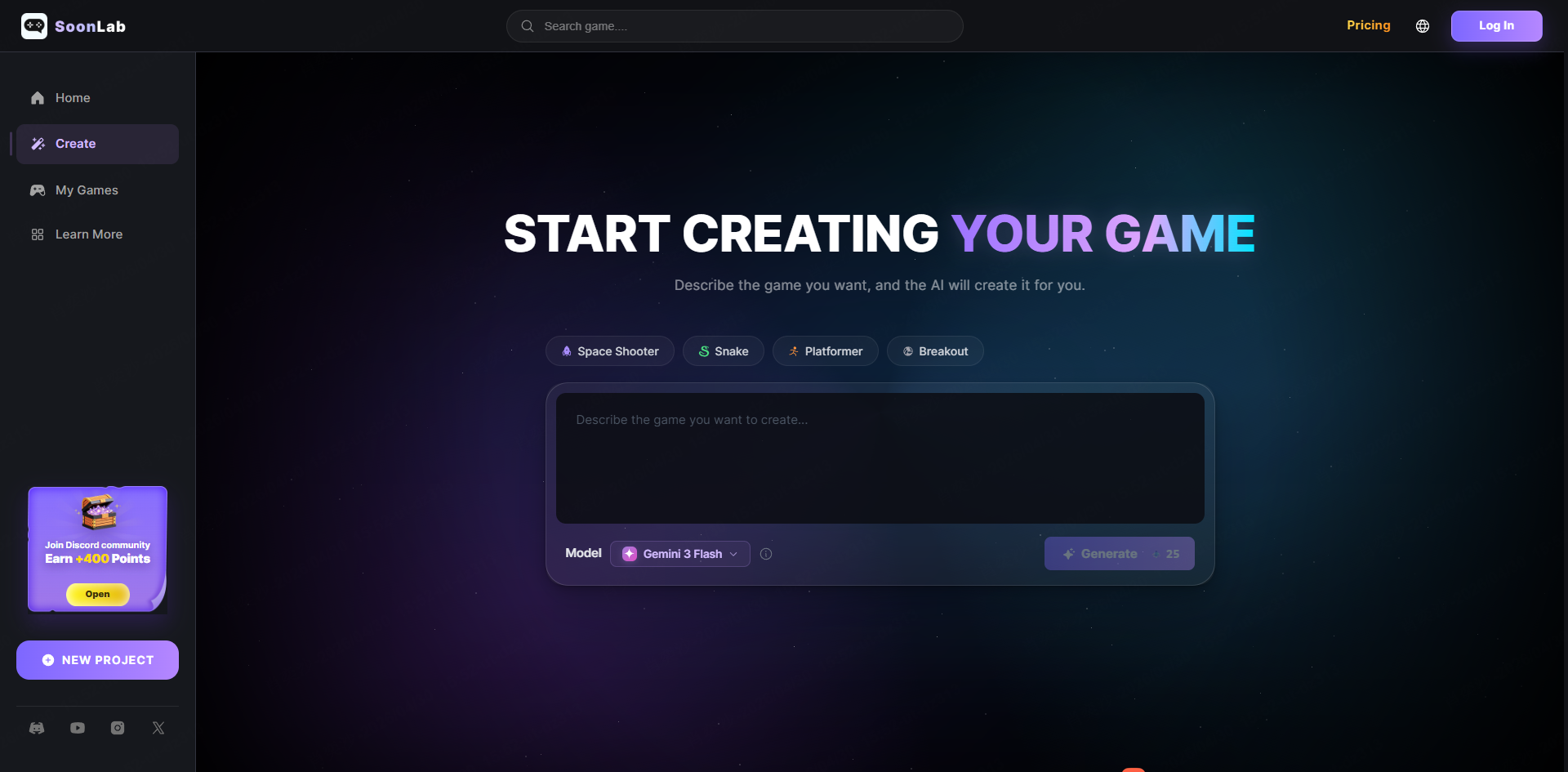
After you choose a prompt, you can paste it into AI game maker SoonLab and turn it into a playable browser game.
I recommend treating the first result as a draft. Generate the game, play it, notice what feels unclear, then improve it with follow-up prompts.
Before you start, it can also help to see how playable AI ideas feel from the player’s side. Our guide to the best AI-powered games worth playing shows how dialogue, choices, puzzles, and rules can make AI part of a real game loop rather than a blank chat box.
1. Choose a Prompt
Pick a game type that is easy to test. Platformers, quiz games, arcade games, and puzzle games are good beginner choices.
2. Paste the Prompt into SoonLab
Use the prompt as written, or edit the character, setting, level count, difficulty, or visual style. For example, you can turn a forest platformer into a space platformer by changing the setting, enemies, and items.
Turn your idea into aplayable game
Describe the game you want to make, and SoonLab will help you start building it.
3. Generate and Play
Create the game, then test the first version in your browser. Check whether the goal is clear, the controls feel simple, and the player can understand how to win or lose.
4. Improve with Follow-Up Prompts
Use follow-up prompts to improve the game:
- Make the first level easier and increase difficulty slowly.
- Add a start screen, score display, timer, health bar, and result screen.
- Add three new levels with different obstacles.
- Improve enemy behavior and make rewards more satisfying.
- Add sound effects for jumping, collecting, winning, and losing.
You can also explore related guides such as how to make your own game with AI.
FAQs
What is the best AI game prompt?
The best AI game prompt clearly explains the game type, player action, goal, obstacles, rewards, visual style, and win condition. It should be specific, but not overloaded.
Can I make a game with an AI prompt?
Yes. You can use an AI game maker to turn a text prompt into a playable game, then improve it with follow-up prompts.
How detailed should an AI game prompt be?
A good prompt is usually one short paragraph. Include the core gameplay, goal, challenge, and style. If the prompt has too many ideas, the result may feel messy.
What types of games can I create with AI?
You can create platformers, puzzle games, racing games, soccer games, RPGs, idle games, horror games, quiz games, arcade games, survival games, and more.
Based on my experience using popular AI game makers on the market, they can create various simple mini-games. However, for large-scale game projects, I still recommend using game engines like Unity or Godot.
Should I copy these AI game prompt examples exactly?
You can copy them directly, but editing them usually works better. Change the theme, character, rules, or difficulty to make the game feel more original.
Conclusion
AI game prompts make it easier to move from a simple idea to a playable game. Start with a clear prompt, test the first version, then improve the gameplay with small, specific follow-up instructions.
The best results usually come from simple ideas that are easy to play and easy to refine. Pick one prompt from this guide, adjust it to match your style, and use it as a starting point for your next AI-made game.