Rhythm Game Maker: Create a Music Game with AI
Turn a music game idea into a playable browser prototype with SoonLab. Describe the rhythm, controls, note pattern, scoring, and visual style. Generate the game, play it, and refine the timing with simple prompts—no coding required.
0/10000
Game inspiration sources







Play Free Rhythm Games Made with SoonLab
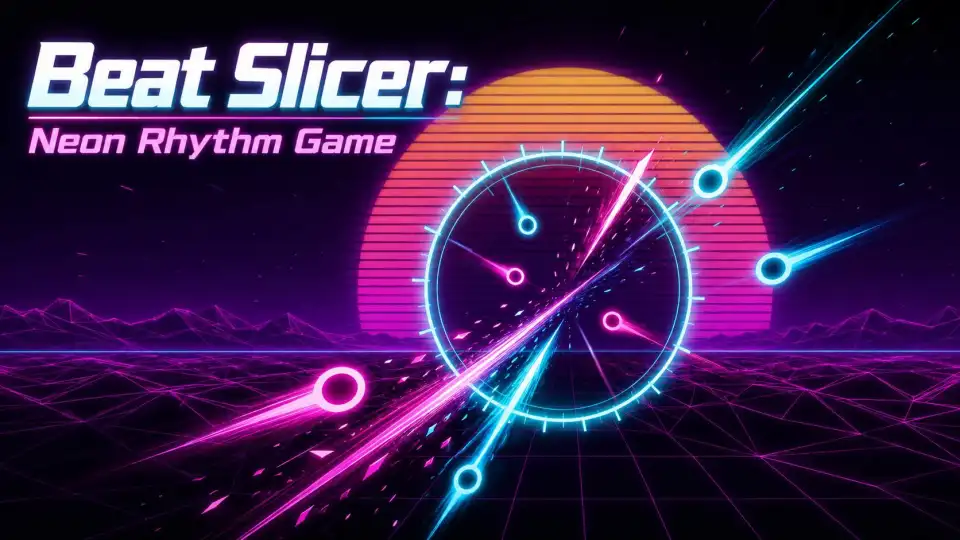
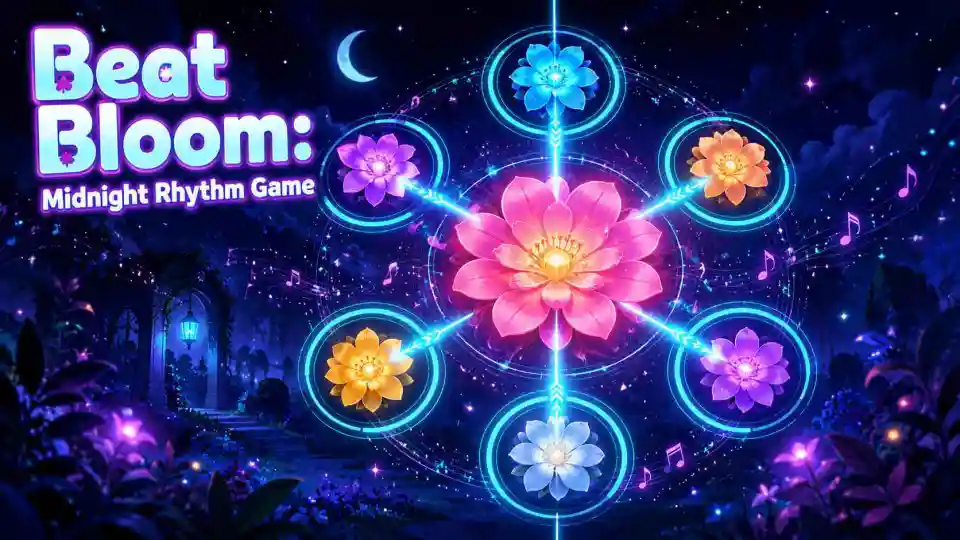
Try rhythm games made with SoonLab, from fast neon slicing and flower-tapping combos to a playful tea-shaking challenge. Each game turns timing, music, and clear hit feedback into a simple loop worth playing again.

What Is a Rhythm Game Maker?
A rhythm game maker is a tool for building games in which players tap, press, swipe, or move in time with music. A complete rhythm game usually combines a song clock, a beatmap or note pattern, hit detection, timing judgments, scoring, combos, and clear visual feedback. Some tools are chart editors made for an existing game such as osu! or StepMania. Others are traditional game engines that give developers full control through code. SoonLab is different: it helps you turn a plain-language description into a playable browser game, making it useful for testing an original rhythm mechanic before committing to a larger development project.
Create Rhythm Game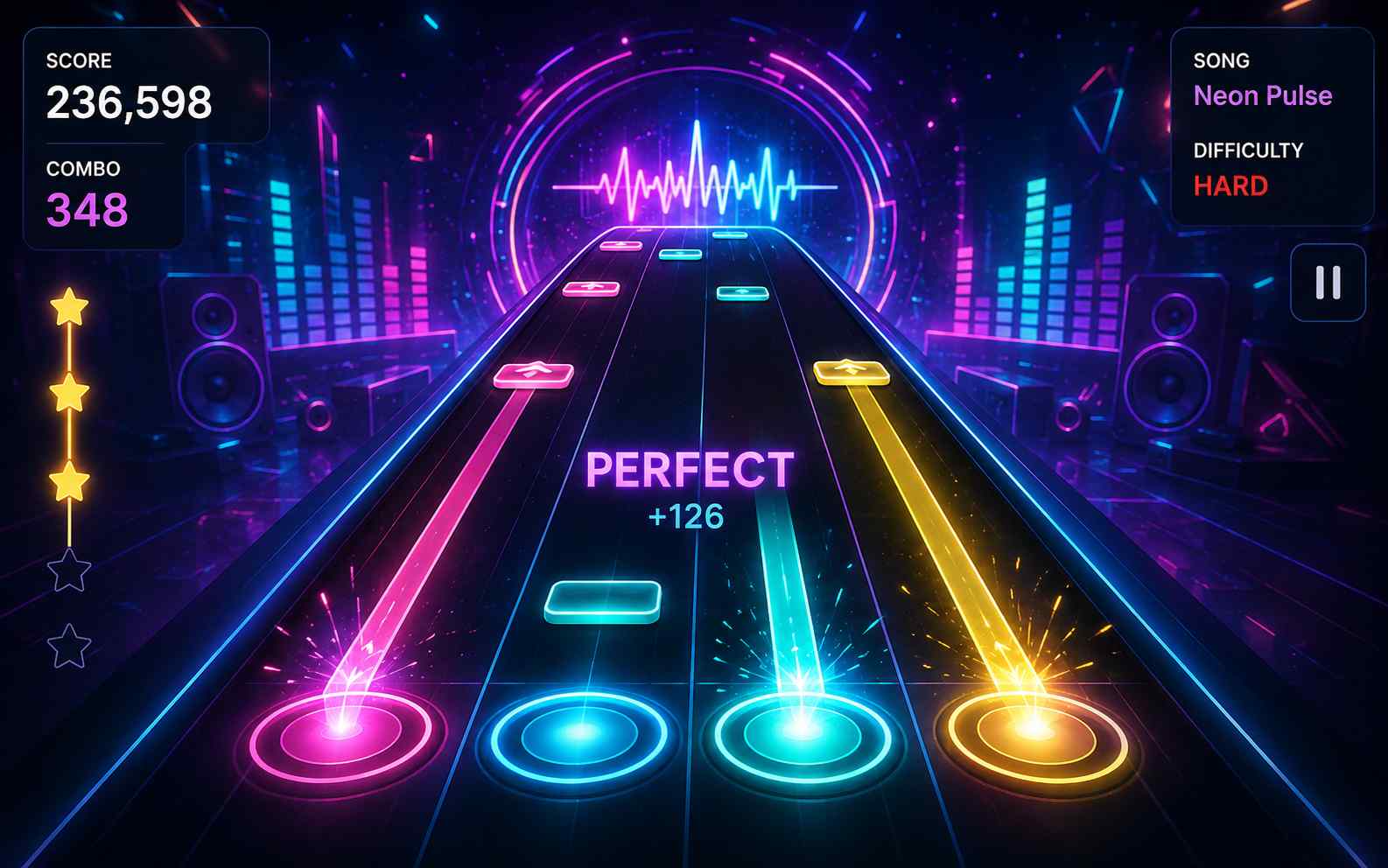
How to Make a Rhythm Game with SoonLab AI
You do not need to begin with artwork or a long song list. Start with one short track, one clear input rule, and one scoring loop that feels satisfying.

Step 1Describe the Complete Rhythm Game
Tell SoonLab the input method, music style or BPM, note behavior, judgment levels, scoring, combo rules, fail condition, difficulty, screen orientation, and visual theme. Clear rules produce a more useful first prototype than a prompt that only says “make a rhythm game.”

Step 2Generate and Play the Prototype
SoonLab turns your description into a playable browser rhythm game. Play through the complete loop and check the first beat, note spacing, controls, judgment feedback, combo behavior, restart flow, and ending.

Step 3Refine the Timing and Difficulty
Use follow-up prompts to make focused changes. Ask SoonLab to widen the timing windows, reduce note density, separate keyboard lanes more clearly, add touch controls, strengthen hit feedback, or create a smoother difficulty curve. <b>When the game is ready, share it by link or download the HTML version for supported projects.</b>
Why Use SoonLab as Your Rhythm Game Maker?
Start with Rules, Not Code
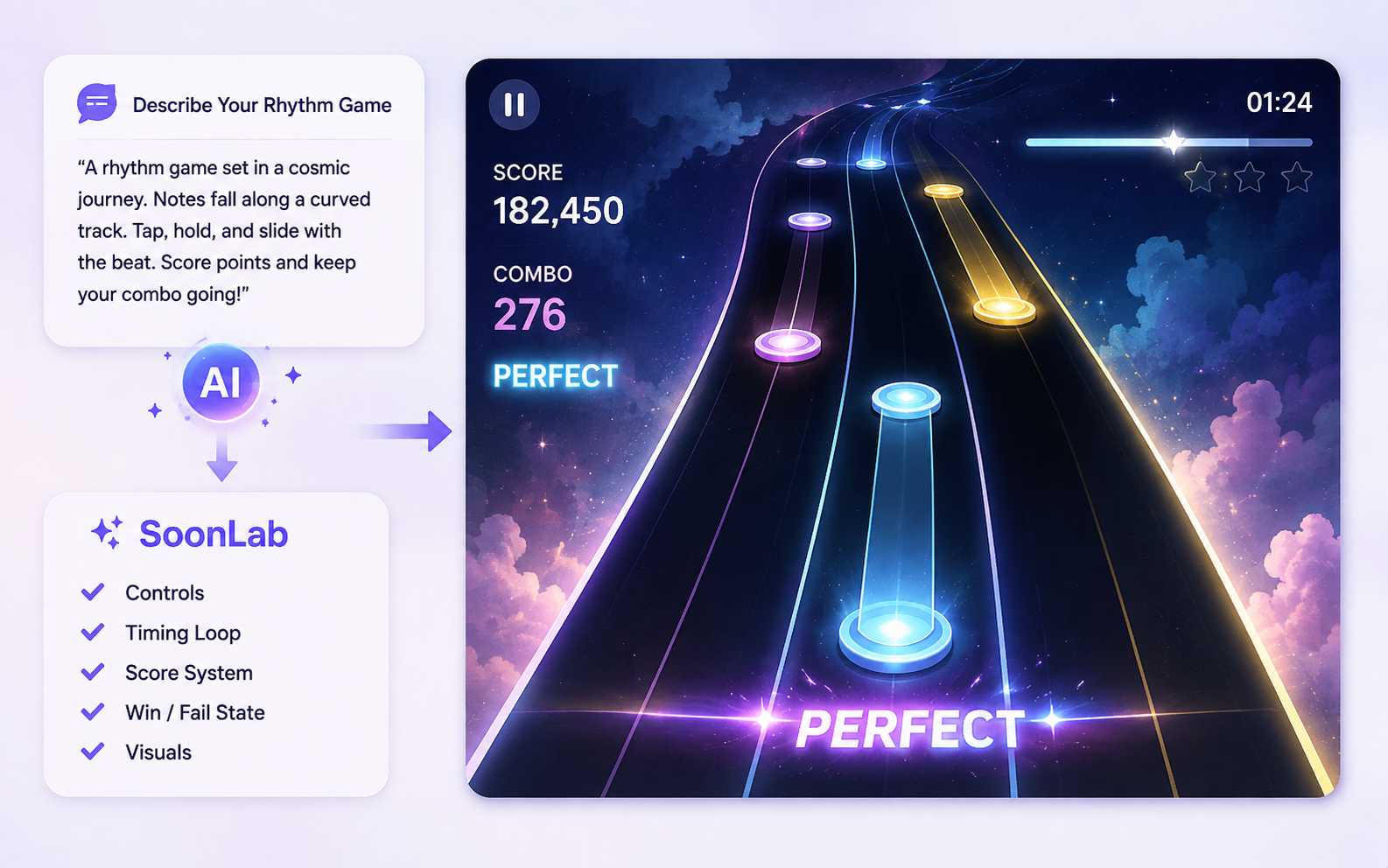
Describe the game you want in ordinary language. SoonLab helps build the controls, timing loop, score system, win or fail state, and visual presentation into a playable first version.
Test the Feel Immediately
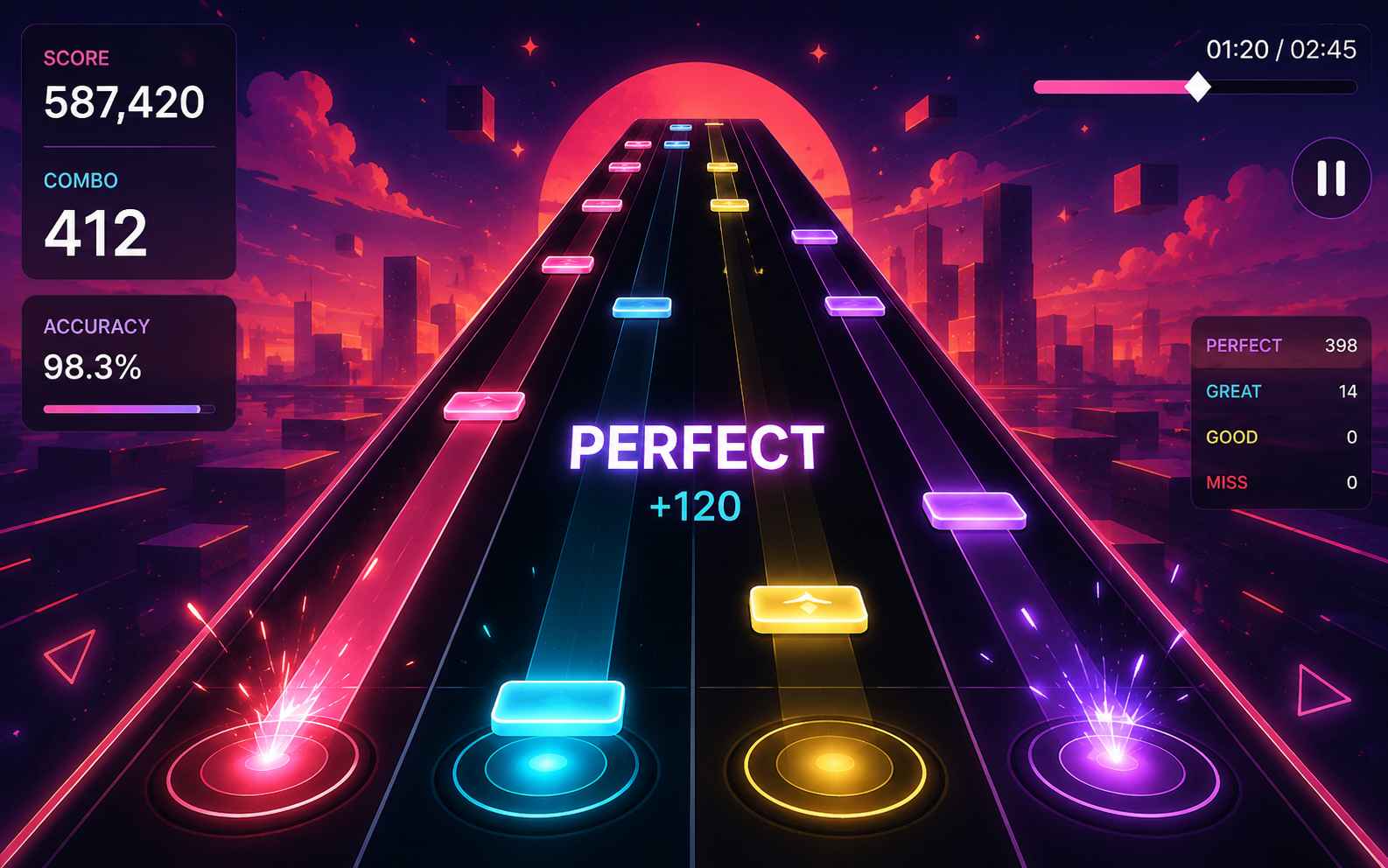
Rhythm games are difficult to judge from a design document. A mechanic that sounds good may feel confusing once notes begin to move. Playing the prototype early helps you find problems with spacing, feedback, and difficulty before you spend more time on content.
Refine One Problem at a Time
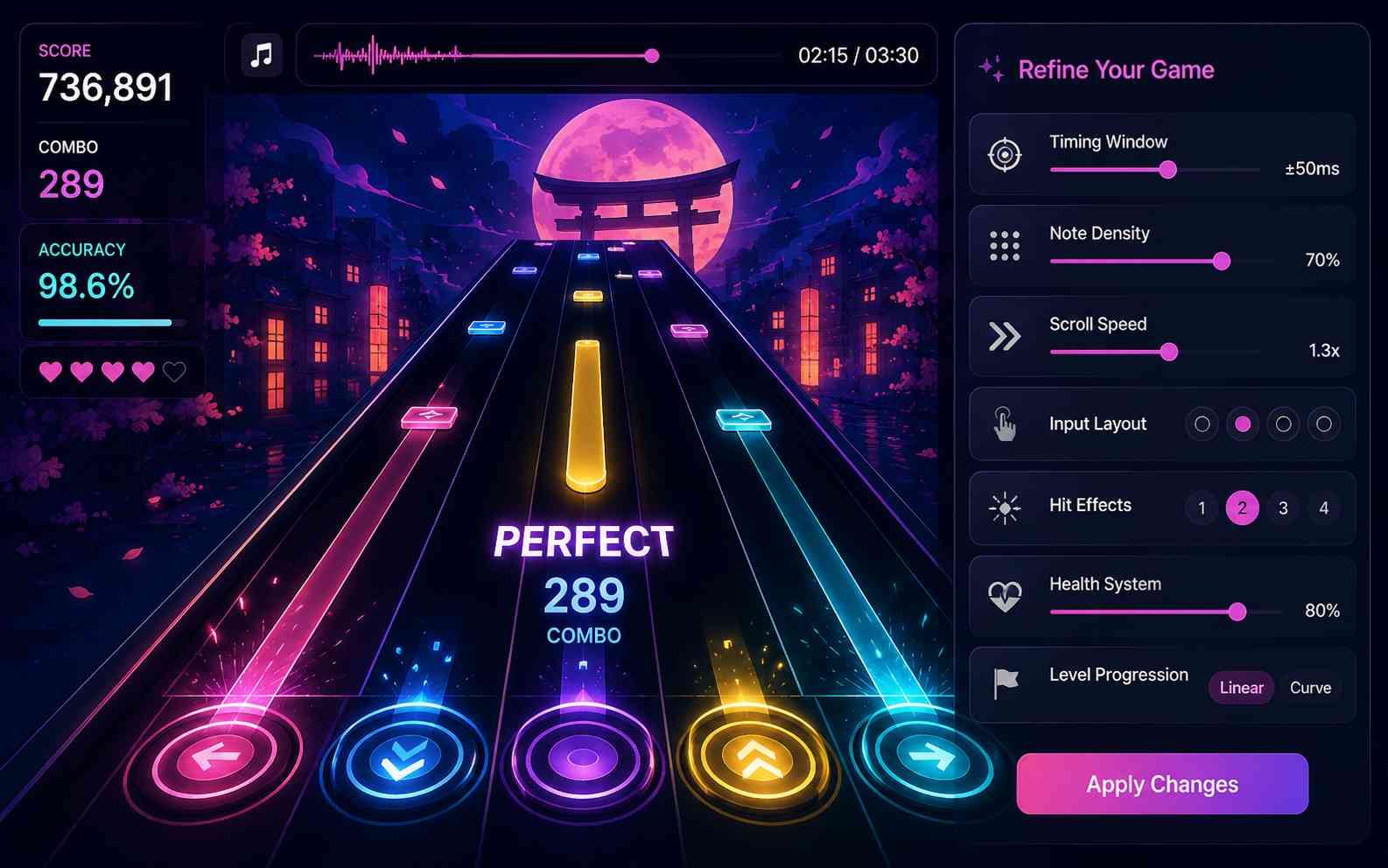
You can ask for focused changes after playing. Adjust the timing windows, note density, scroll speed, input layout, hit effects, health system, or level progression without rewriting the whole concept.
Create a Browser Game You Can Share
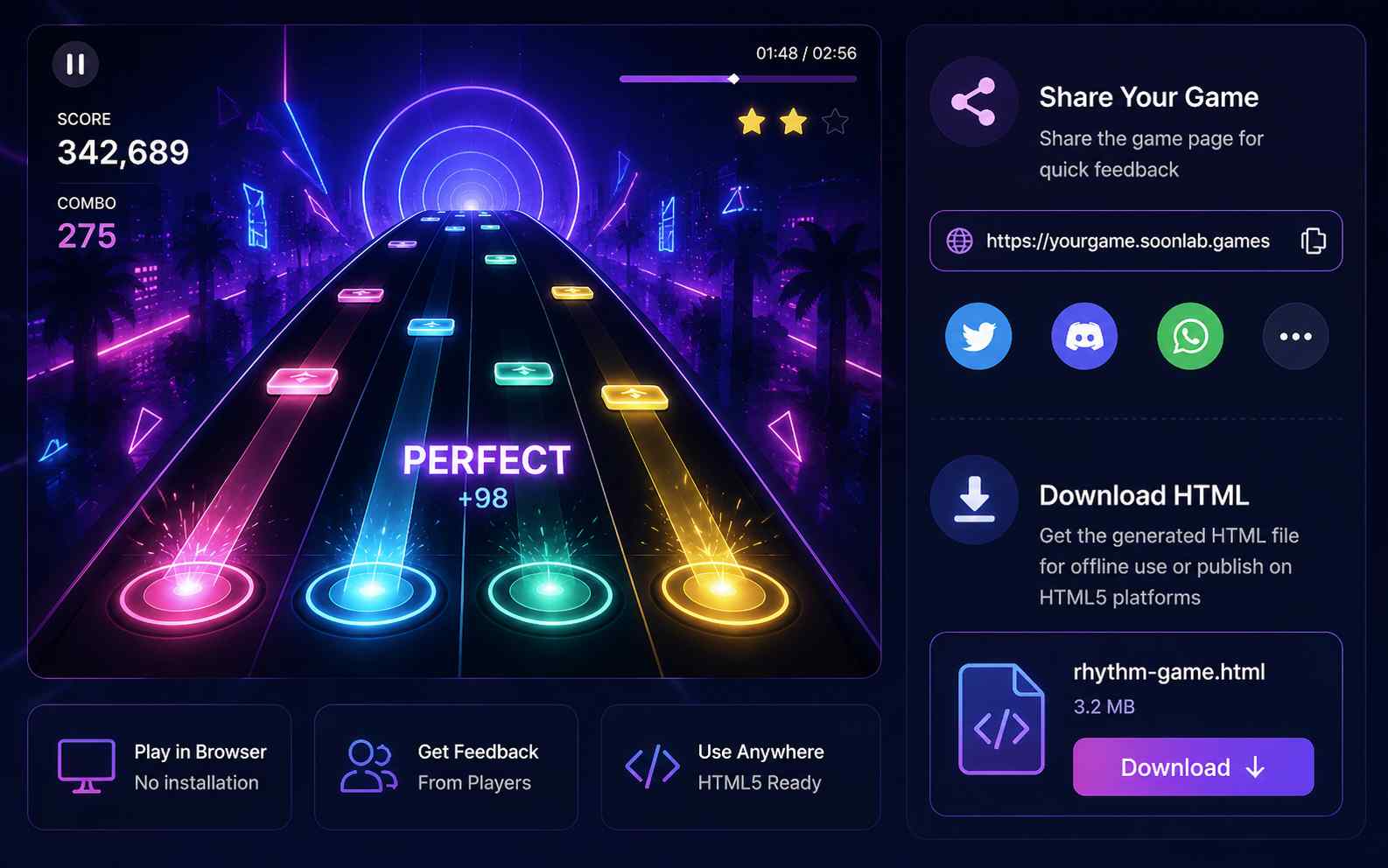
Players can open a SoonLab game in the browser without installing a full game engine. Share the game page for quick feedback, or download the generated HTML when you need a local version or want to use it on a compatible HTML5 platform.
Rhythm Game Prompts to Copy and Customize
Choose a rhythm game prompt, copy it into SoonLab, and customize the music, controls, timing, difficulty, or visual direction to make the idea your own.
| Game idea | Full prompt | Difficulty | Game type | Visual style | Copy |
|---|---|---|---|---|---|
| Rooftop Signal | Create a two-button rhythm game where a radio operator sends left and right signals across neon rooftops in time with a 100 BPM synth track. Players press the left or right arrow key, or tap matching mobile buttons, when signals reach the hit zone. Correct sequences reconnect antennas and build a combo multiplier. Add Perfect, Good, and Miss judgments, hold signals, five short stages, increasing call-and-response patterns, clear hit effects, a results screen, and a replay button. Make the result playable in a browser. | Beginner | Two-button rhythm games | Retro-futuristic neon rooftops | |
| Kitchen Percussion Rush | Create a mobile-friendly rhythm game where players tap pans, plates, chopping boards, and bells to complete food orders. Each kitchen station should have a different sound and tap zone. Notes appear in time with an upbeat percussion track and become more complex as new orders arrive. Add tap and hold notes, Perfect, Good, and Miss feedback, a combo meter, three-star ratings, 60-second levels, large mobile controls, satisfying cooking effects, and a replay button. Make the result playable in a browser. | Beginner | Mobile tap rhythm games | Colorful cartoon restaurant | |
| Orbit Pulse | Create a one-button rhythm game where two small planets rotate around each other. The player presses Space or taps the screen on each beat to switch the active orbit and avoid incoming fragments. Accurate inputs build a streak and increase the score multiplier, while missed beats remove one of three energy points. Gradually increase the BPM, introduce double beats and longer musical patterns, add Perfect, Good, and Miss judgments, clean cosmic effects that pulse with the music, a results screen, and an instant replay button. Make the game playable in a browser. | Intermediate | One-button rhythm games | Minimal cosmic neon world | |
| Metro Beat Run | Create a rhythm-action runner set inside a fast-moving electronic subway. The player changes lanes, jumps, and slides in time with an original electronic track while avoiding barriers and collecting beat tokens. Show each obstacle one beat before the required action. Reward accurate moves with Perfect, Good, and Miss judgments, a combo multiplier, and stronger music effects. Add keyboard and mobile controls, a beginner practice mode with wider timing windows, three difficulty stages, a clear score display, a results screen, and a replay button. Make the result playable in a browser. | Intermediate | Rhythm-action games | Stylized electronic subway |
How to Make a Better Rhythm Game
A good rhythm game connects the music, player input, note patterns, and feedback into one clear experience. Focus on accurate synchronization, readable charts, fair difficulty, and responsive controls before adding more songs or visual effects.
Tips for Making a Better Rhythm Game
- Start with a short track that has a steady beat and a BPM you can identify accurately.
- Use the song timeline as the main clock so notes remain synchronized when the frame rate changes.
- Build the first beatmap around strong beats and repeated musical phrases instead of turning every sound into a note.
- Use clear Perfect, Good, and Miss judgments so players understand whether they pressed too early, too late, or on time.
- Increase difficulty through note density, pattern complexity, simultaneous inputs, and narrower timing windows—not only faster note movement.
- Test the complete game with keyboards, touchscreens, speakers, and headphones to find input, audio, and visual delays.
Common Rhythm Game Design Mistakes
- Adding too many note types before the basic tap, hold, or movement mechanic feels responsive.
- Making the first level too difficult for players who are still learning the controls and timing.
- Using visual effects that cover the notes, judgment line, lanes, or timing feedback.
- Moving notes according to frame rate without checking their position against the current song time.
- Treating faster scrolling as the same thing as a harder or more interesting beatmap.
- Publishing a game with commercial music without confirming that you have permission to use it.
Related Rhythm Game Makers and Guides
Explore related game makers and practical guides for building a rhythm game. Learn how to start with one focused mechanic, test a playable browser version, improve the controls and difficulty, and share the finished game.
How to Make a Video Game: From Idea to Playable System
How to Make a Mobile Game: Beginner Guide
How to Make a Web Browser Game: Complete Beginner's Guide
AI Game Prompts: 35 Copy-and-Use Ideas to Create AI Games
GDevelop Tutorial for Beginners: Make Your First Game
9 Best Game Engines for Beginners & Indie Developers (2026)
Rhythm Game Maker FAQs
A rhythm game maker is a tool for creating games where players tap, press, swipe, or move in time with music. A complete rhythm game usually includes a song clock, note patterns, timing judgments, scoring, combos, and clear hit feedback.
Create Your Own Rhythm Game
Start with one song, one clear player action, and one short level. Generate a playable rhythm game, test the timing and difficulty, refine it with follow-up prompts, then share or download the result.
Create Rhythm Game