AI Arcade Game Maker
Turn a simple idea into a playable browser arcade game without writing code. Describe the controls, scoring rules, enemies, power-ups, and difficulty curve, then use SoonLab's arcade game maker to build a browser game you can play and improve.
0/10000
Arcade game inspiration sources







Play Arcade Games Made with SoonLab
Play real browser games created with SoonLab. Explore different controls, scoring systems, challenges, visual styles, and replay loops, then use one mechanic as inspiration for an original arcade game.
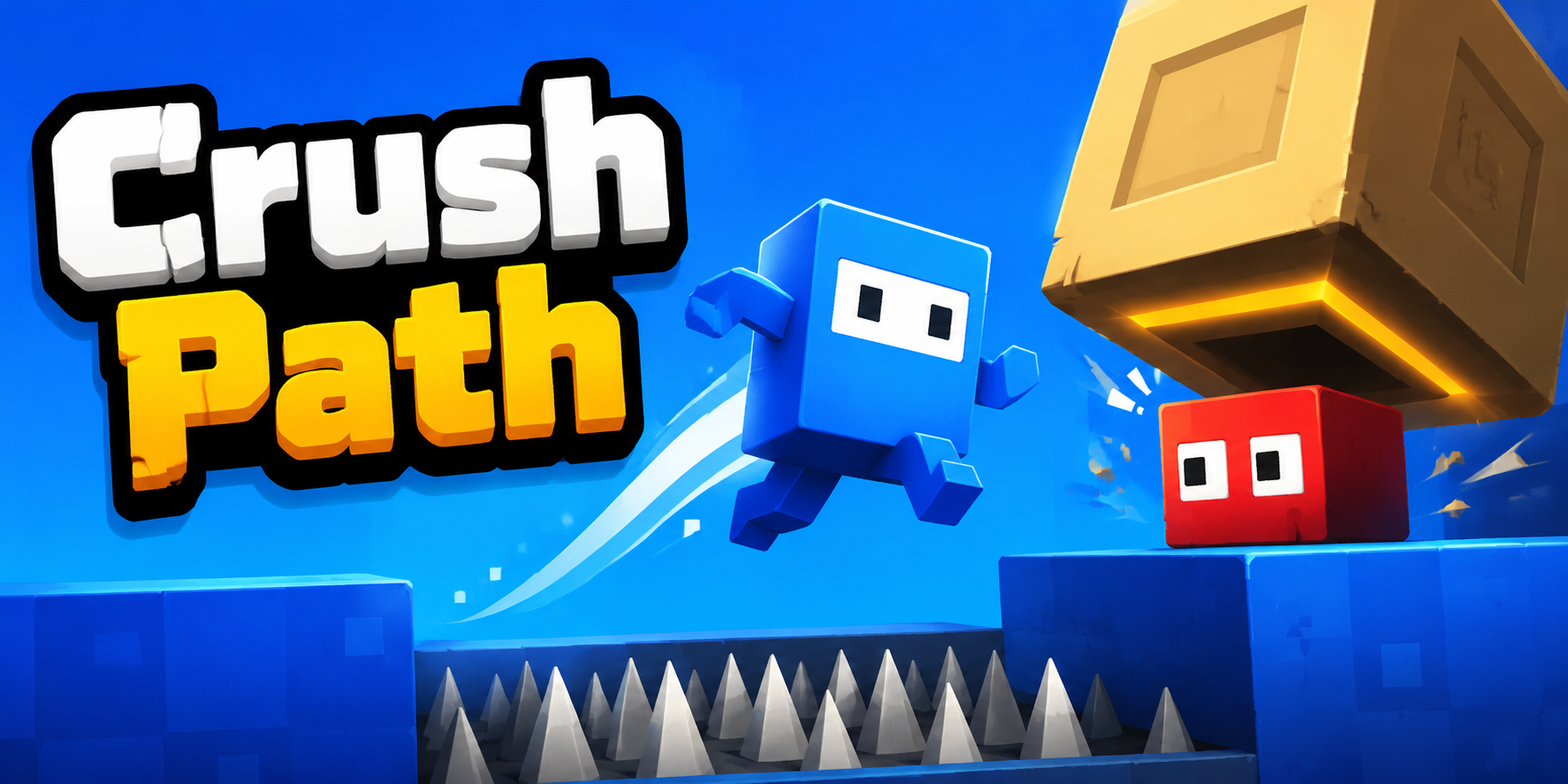
Crush Path
Play Game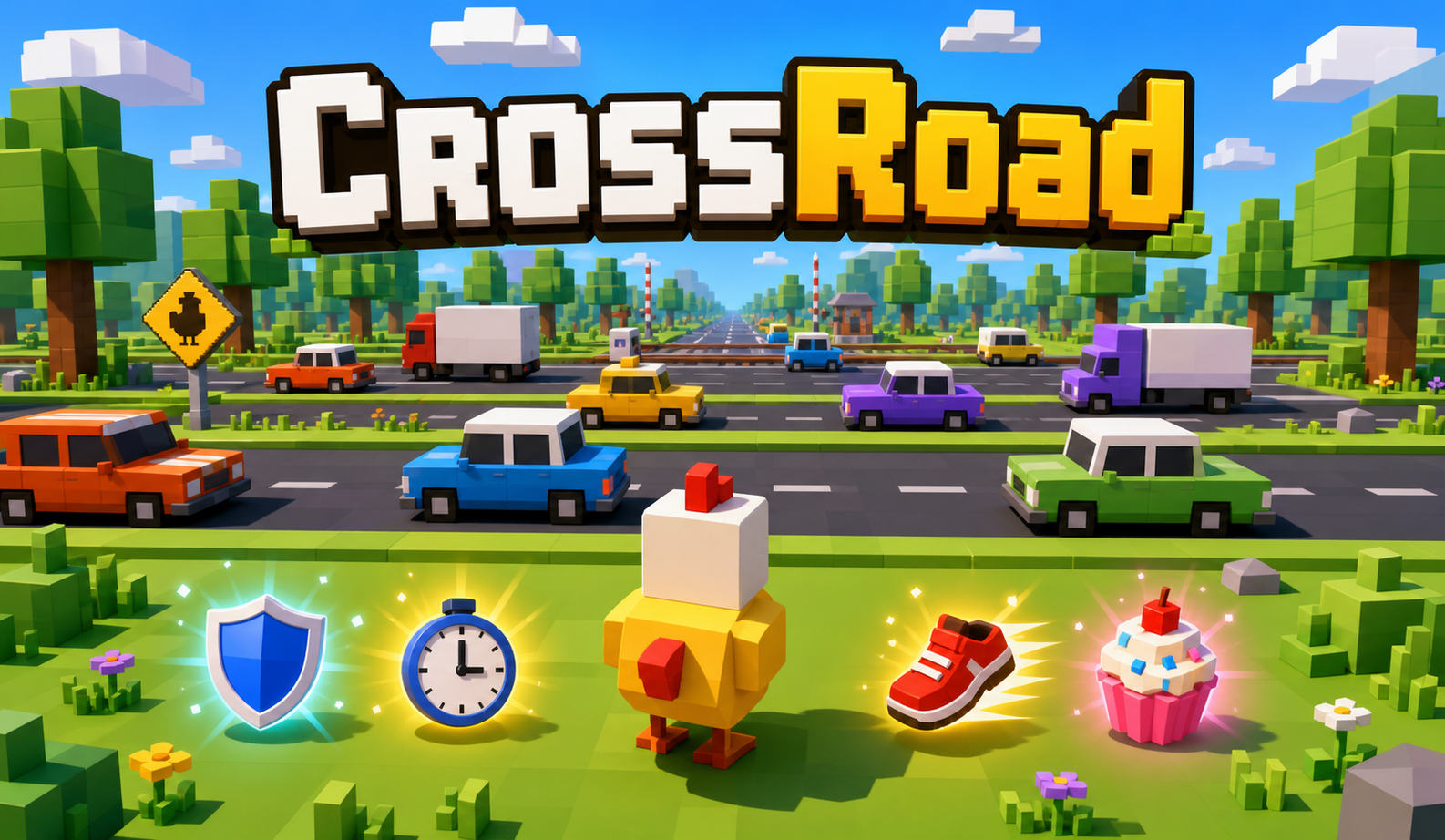
Crossroad
Play Game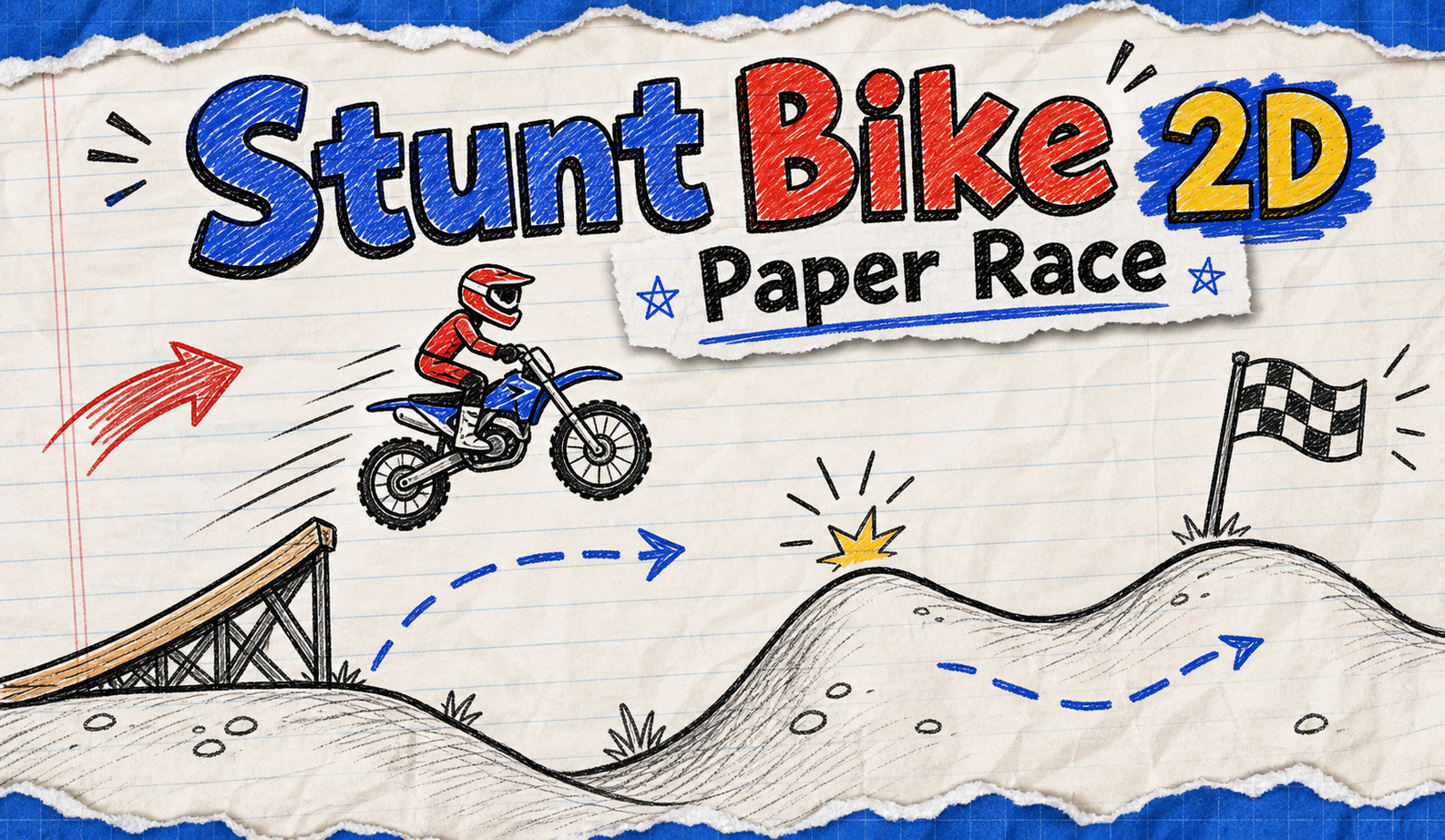
Stunt Bike
Play Game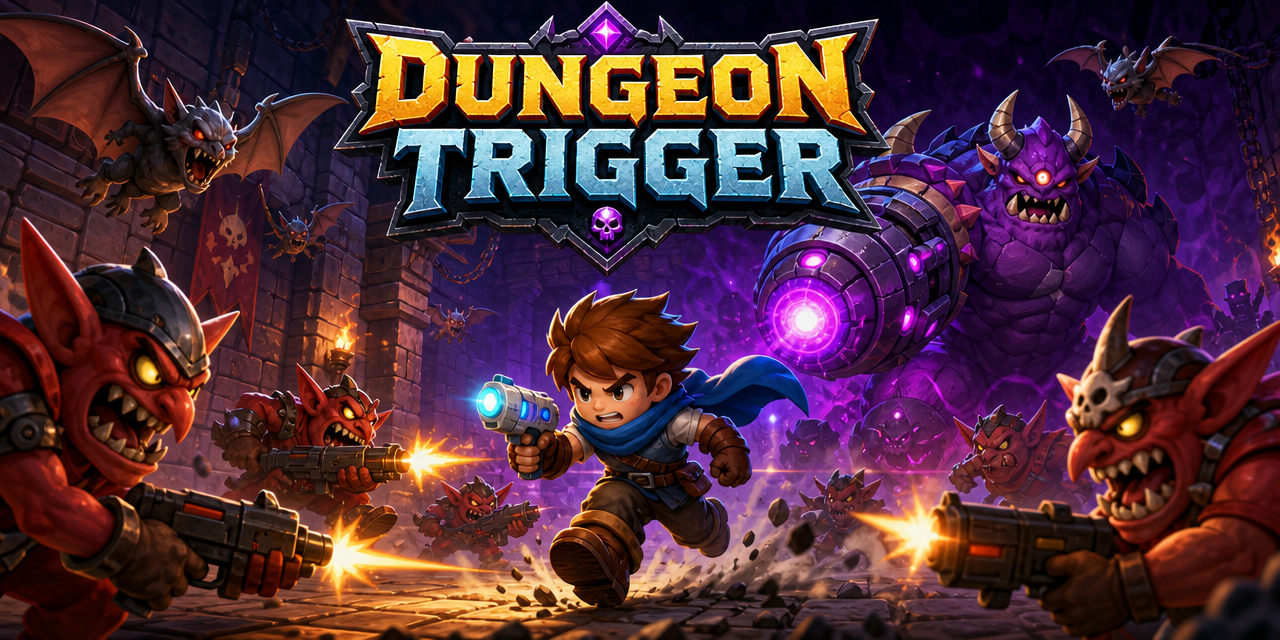
Dungeon Trigger
Play Game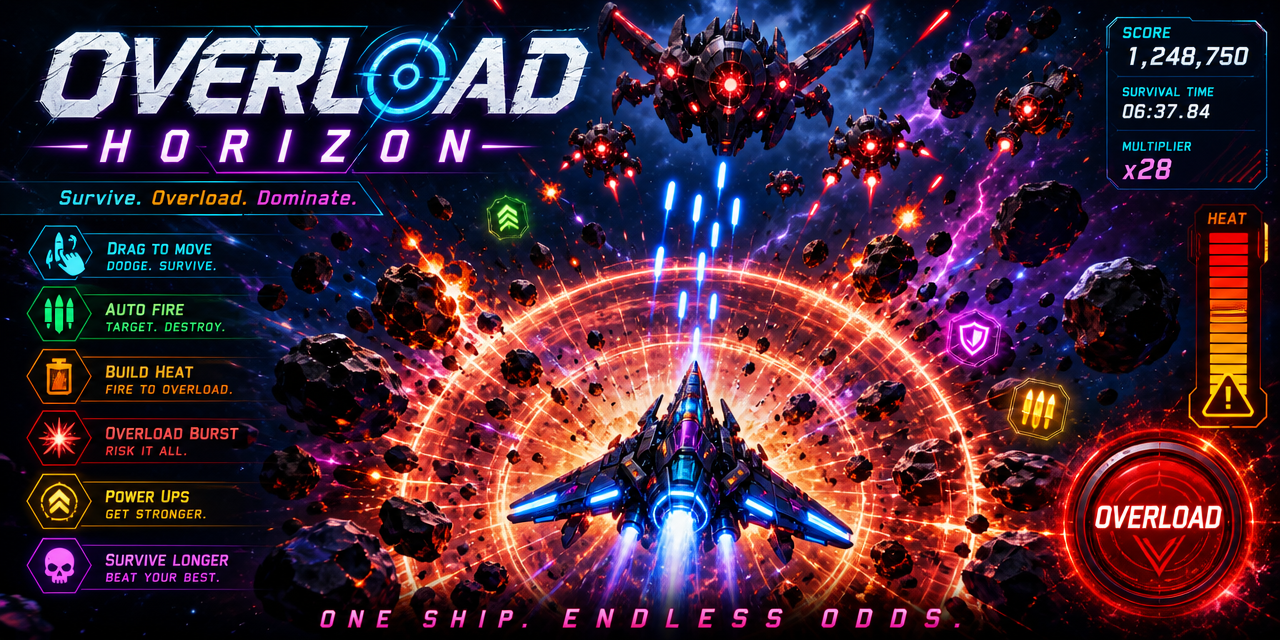
Overload Horizon
Play GameCreate an Arcade Game Without Coding
Turn a simple idea into a playable browser game with SoonLab’s AI arcade game maker. Start with one clear action, such as shooting enemies, dodging obstacles, racing against time, matching objects, or landing attacks. Describe the controls, goal, scoring system, and game-over rule. Then generate your game, play it, and improve it with follow-up prompts—no coding required.
Create an Arcade Game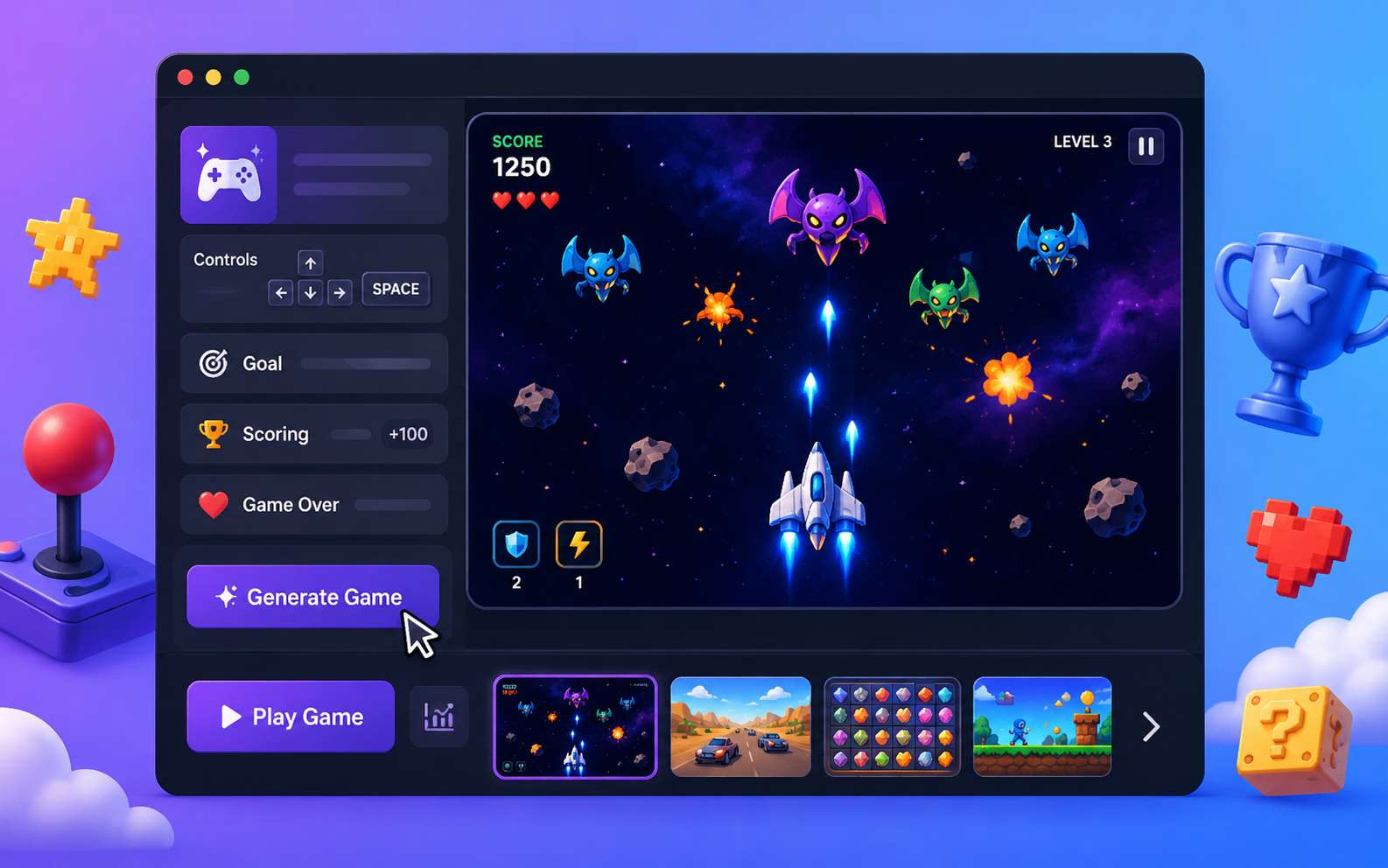
Build the Core Arcade Game Mechanics
Start with One Clear Action
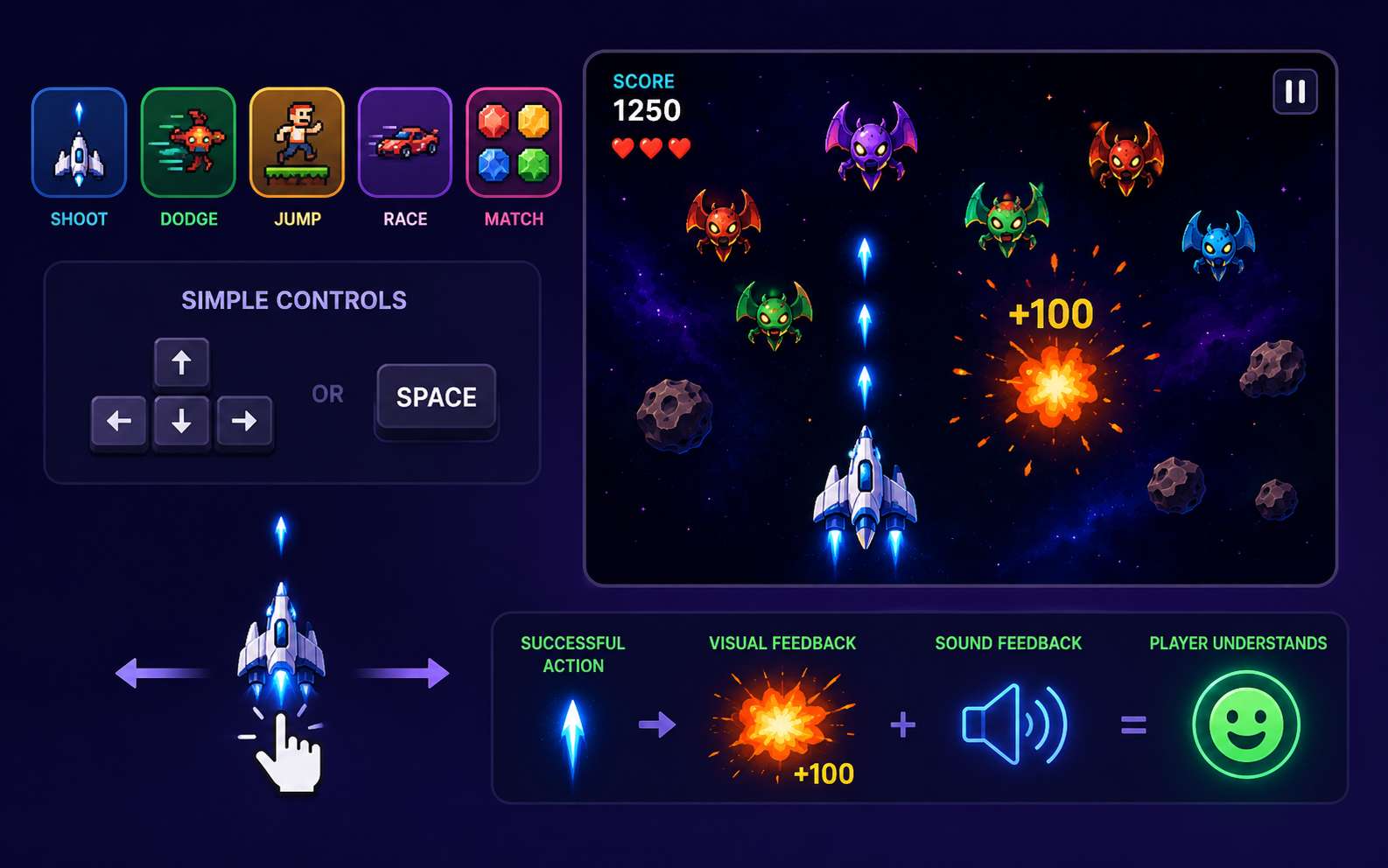
Decide what players will do again and again: shoot, dodge, jump, race, fight, tap, or match. Keep the controls simple and responsive. Every successful action should produce clear visual or sound feedback so players understand what happened.
Set the Score, Lives, and Game-Over Rules
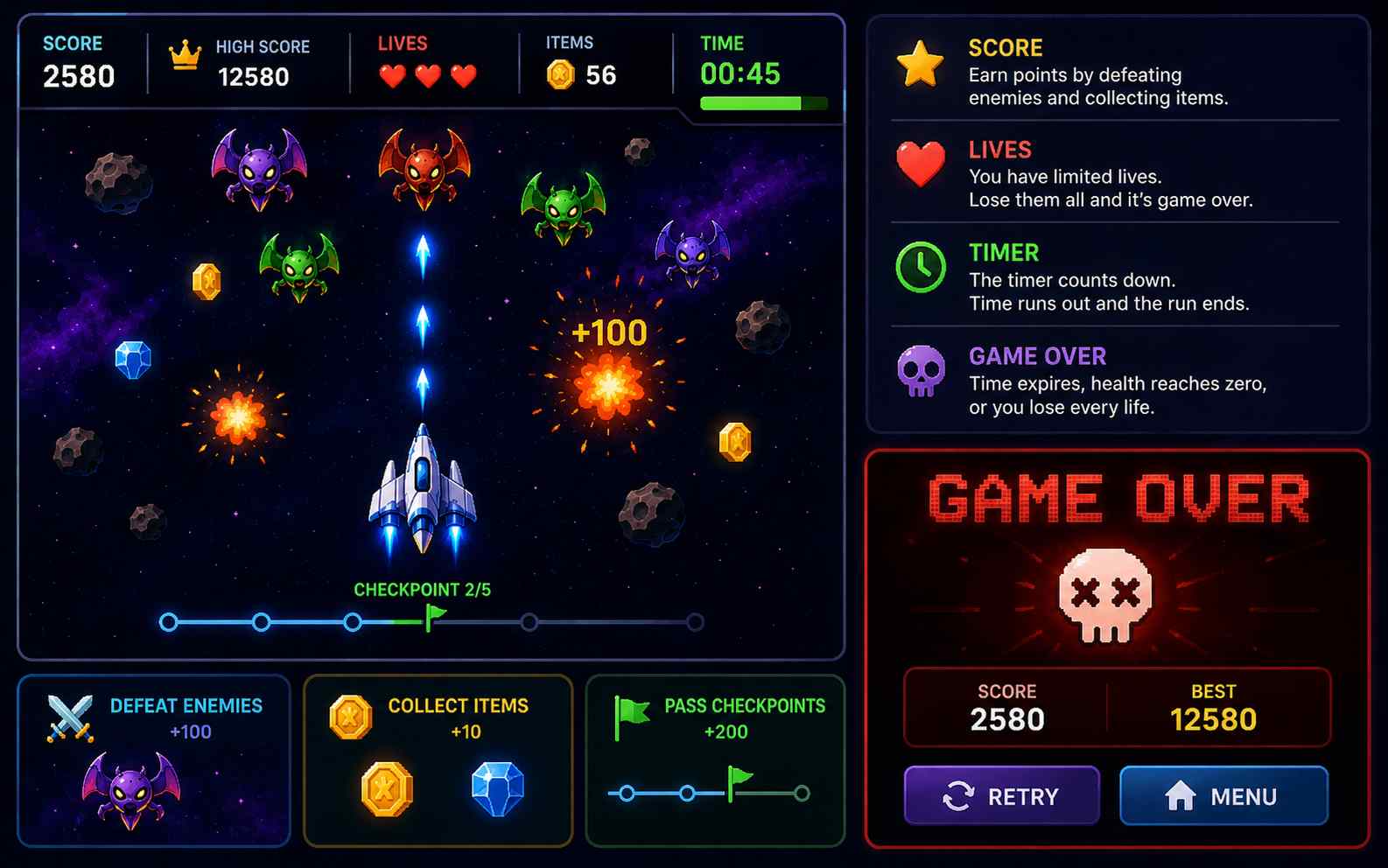
Give each run a clear goal. Award points for defeating enemies, collecting items, passing checkpoints, or completing actions accurately. Add lives, health, or a timer to create pressure. End the run when time expires, health reaches zero, or the player loses every life.
Increase the Difficulty Gradually
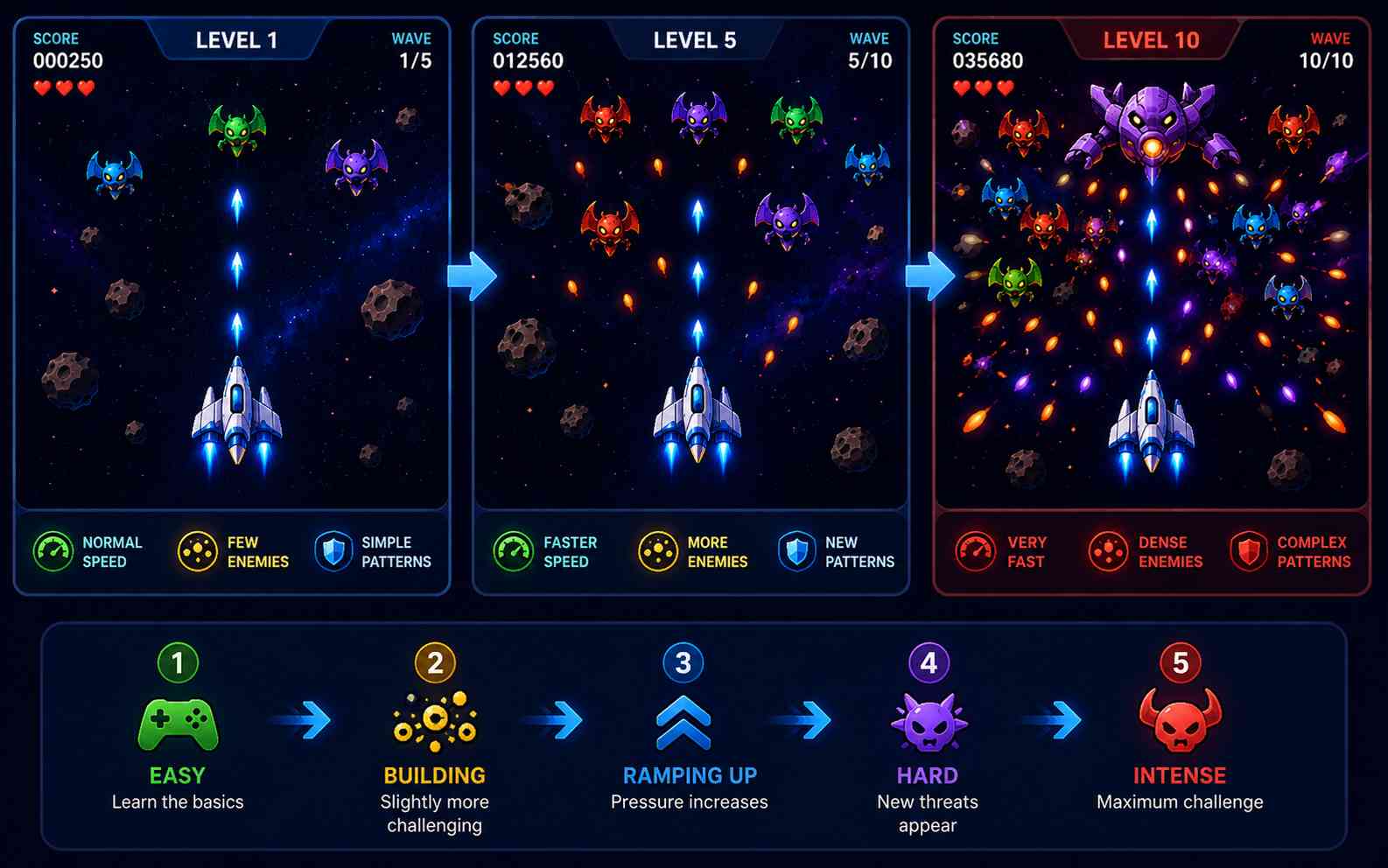
Give players time to learn before making the game harder. Increase the pressure through faster enemies, denser obstacles, shorter reaction times, new attack patterns, or more difficult waves. Change one or two elements at a time so the challenge feels fair.
Add Combos, Power-Ups, and Replay Value
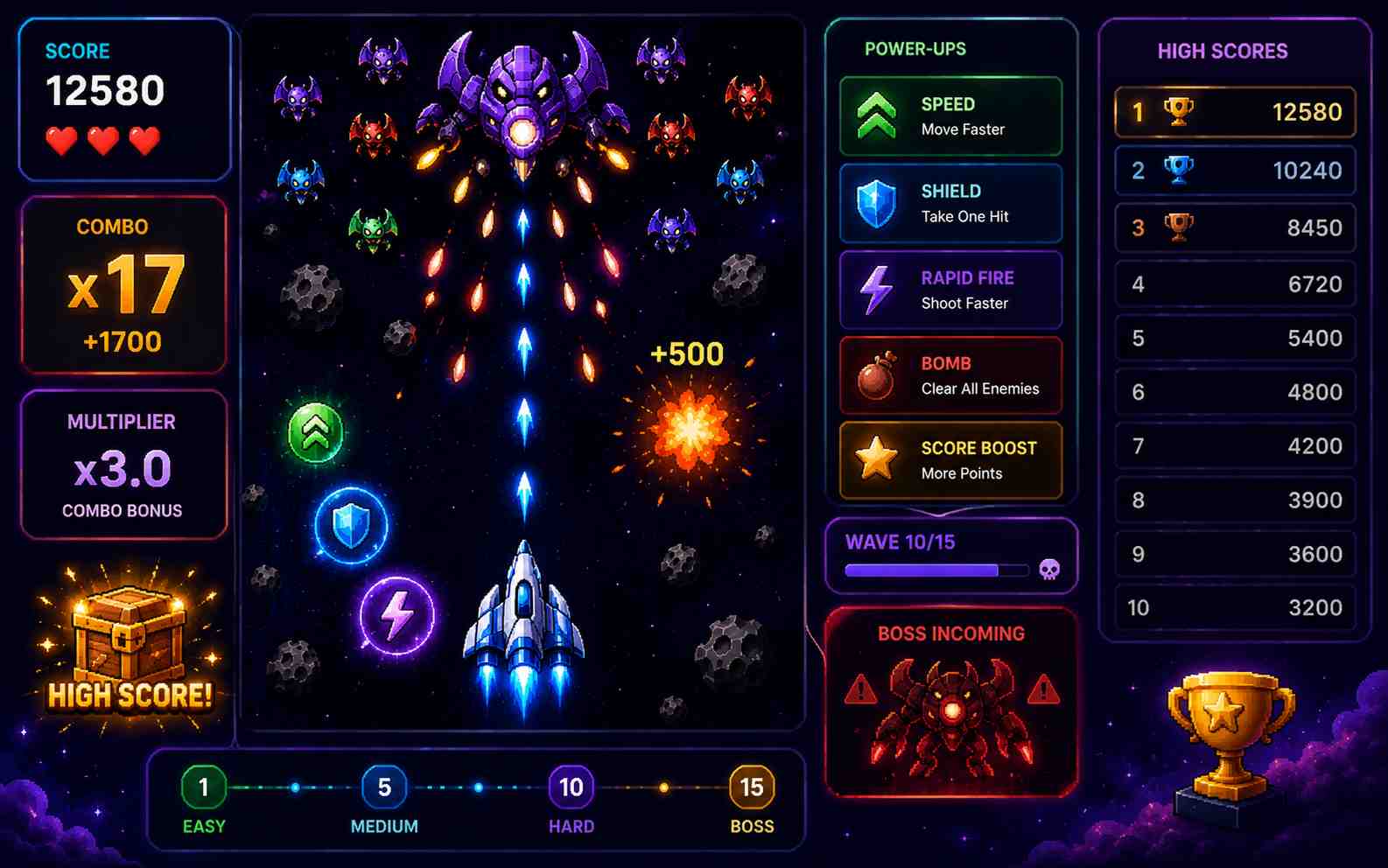
Give players a reason to start another run. Add high scores, combos, multipliers, power-ups, bonus rounds, enemy waves, or boss battles. Make each reward support the main gameplay. For example, a speed boost can help in a racing game, while rapid fire can make a shooter more exciting.
Choose the Type of Arcade Game You Want to Make
Arcade Shooter Games
Choose a shooter if you want fast action built around aiming, movement, and survival. Create a top-down space shooter, twin-stick survival game, fixed-screen battle, or scrolling aircraft game. Add enemy waves, weapon upgrades, limited lives, combo scoring, and a boss that changes attack patterns.
Create Arcade Game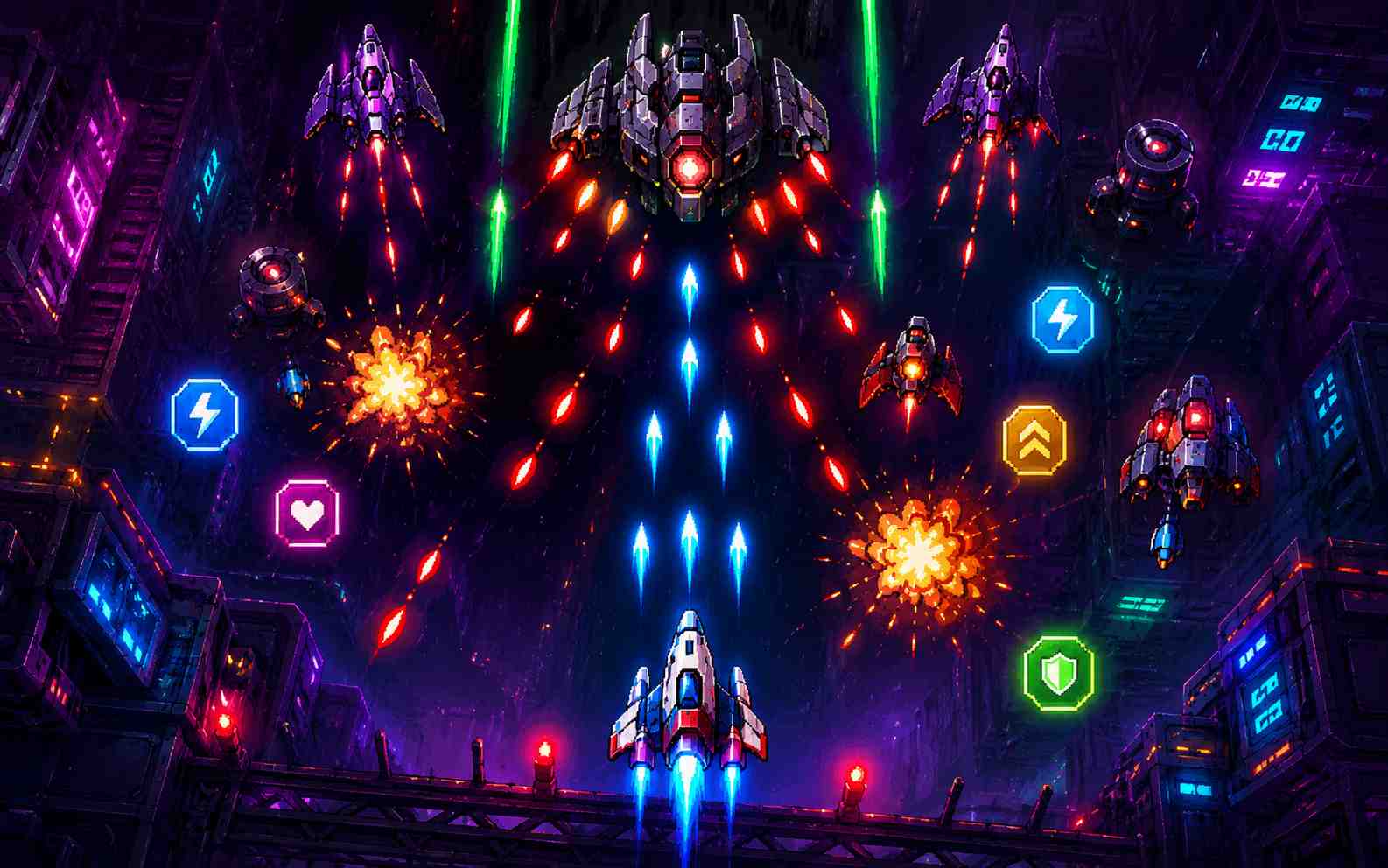
Arcade Racing Games
Build a fast racing game around checkpoints, lap times, traffic, or distance. Use simple steering and clear goals so players can start quickly. Add boost pads, rival vehicles, drifting bonuses, near-miss points, and rising speed to make each run more challenging.
Create Arcade Game
Arcade Fighting Games
Design short combat rounds with simple attacks, blocking, knockback, special moves, health bars, and a round timer. Give each opponent a different attack pattern. Use clear hit effects and damage feedback so players can understand and improve their timing.
Create Arcade Game
Arcade Rhythm Games
Make a timing game where players press keys, tap targets, dodge to a beat, or repeat visual patterns. Add Perfect, Good, and Miss ratings so every input feels clear. Reward accurate play with streaks and score multipliers, then make the sequences faster as the game continues.
Create Arcade Game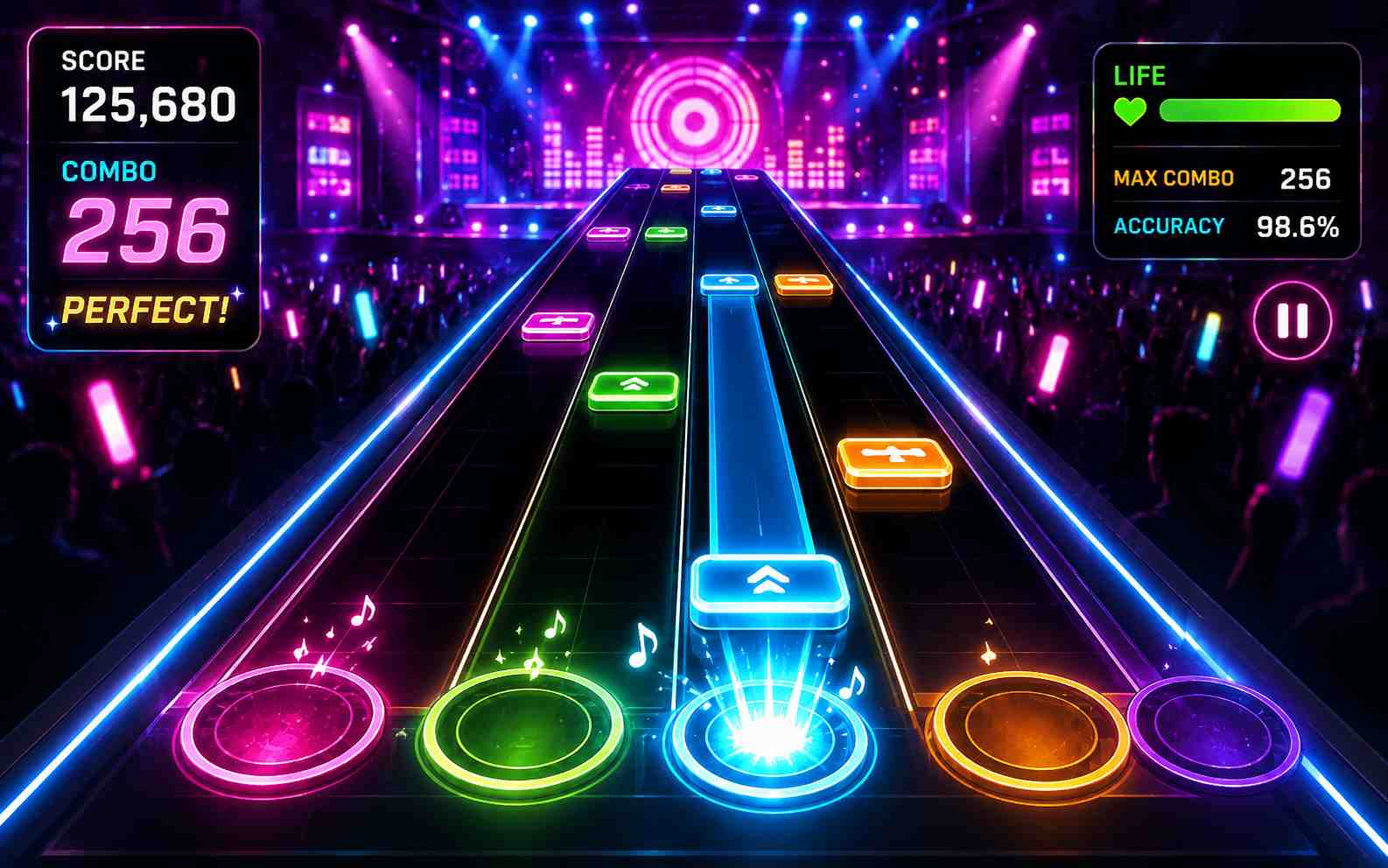
Arcade Puzzle Games
Combine one easy-to-understand puzzle rule with time or space pressure. Let players match shapes, clear blocks, sort objects, rotate paths, or solve a changing grid. Increase the challenge with faster pieces, special tiles, chain reactions, or a board that gradually fills.
Create Arcade Game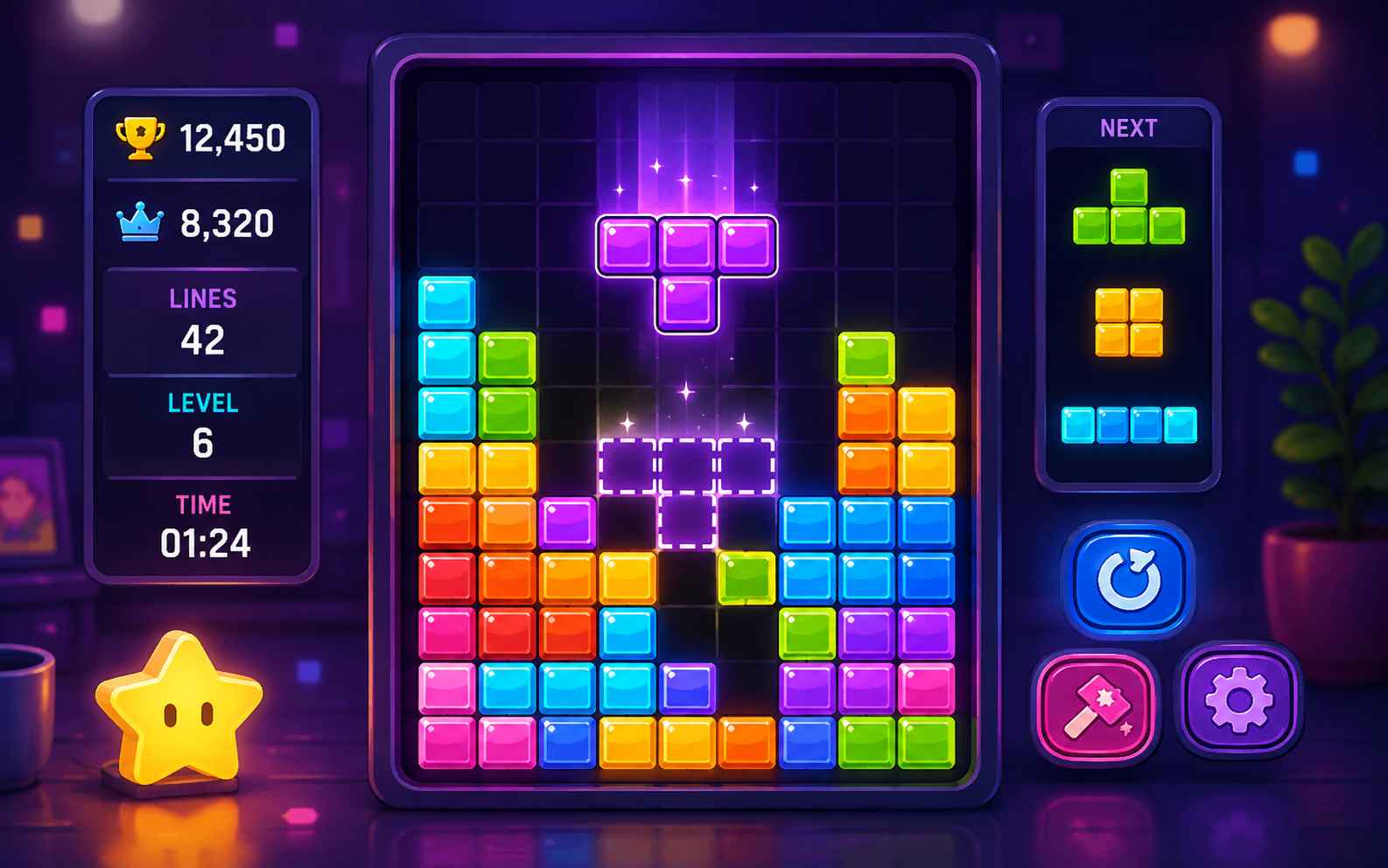
Retro-Style Arcade Games
Create an original game with pixel-inspired graphics, simple controls, short rounds, limited lives, and score-based progression. Add quick restarts and gradually increasing difficulty to capture the feel of classic arcade games while using your own characters, artwork, music, and level designs.
Create Arcade Game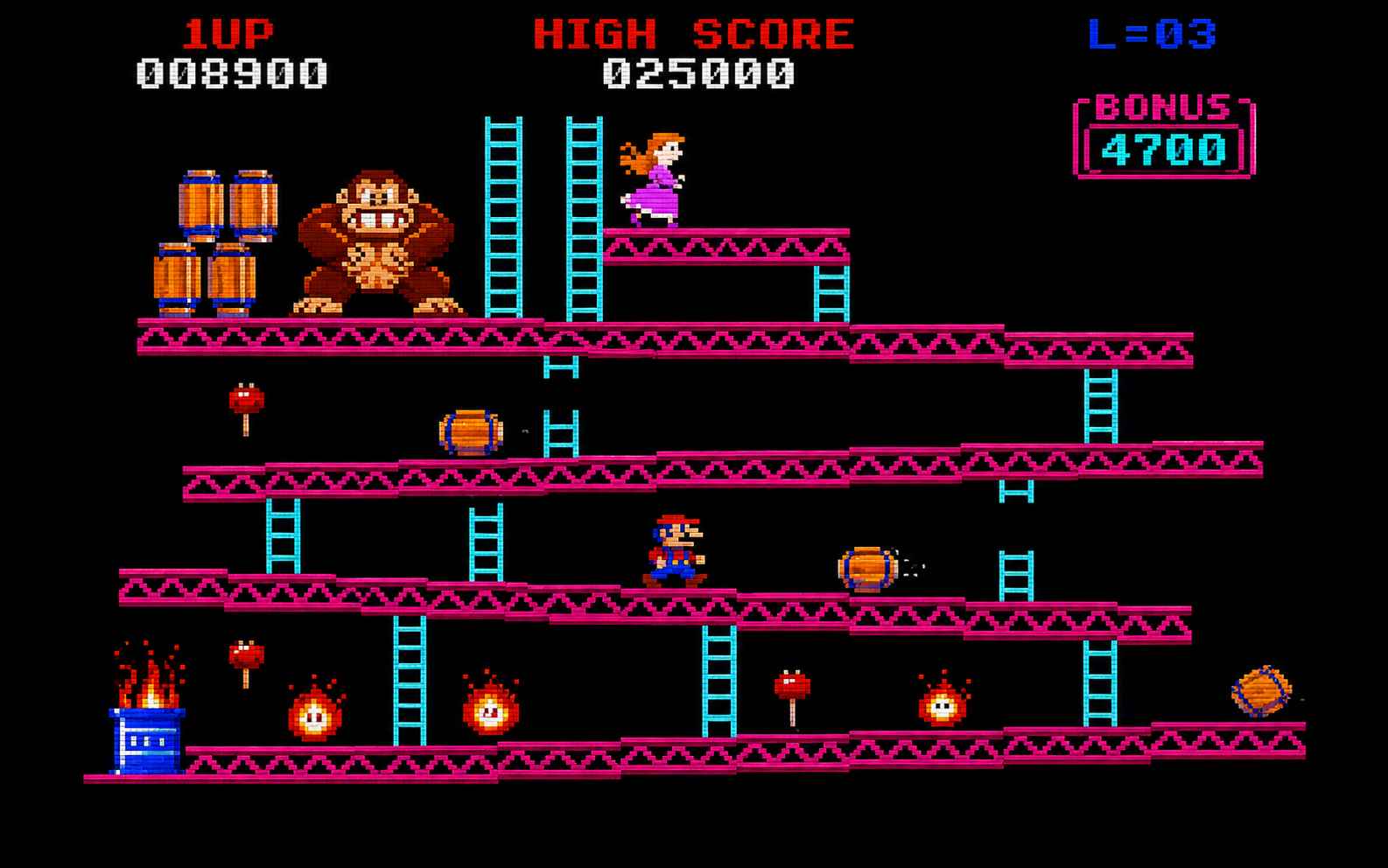
How to Make an Arcade Game with AI
Use the online arcade game maker to create your first playable version in three steps. Write a focused prompt, test one complete round, and improve the mechanics that matter most.

Step 1.Write a Focused Arcade Game Prompt
Describe the game type, player action, controls, goal, scoring rules, game-over condition, difficulty progression, and visual style. Keep the first version small. One strong gameplay loop is easier to test and improve than several unrelated ideas.

Step 2.Generate and Play One Complete Round
Enter your prompt in SoonLab and generate a playable browser game. Finish at least one complete round. Check whether the controls respond quickly, the goal is clear, the score updates correctly, the difficulty feels fair, and the player can easily restart after winning or losing.

Step 3.Refine, Publish, and Share Your Game
Use follow-up prompts to improve one system at a time. Adjust movement, enemy speed, scoring, combos, power-ups, effects, mobile controls, or boss difficulty. Play the updated version after each important change. When the core loop feels clear and enjoyable, publish the game and share it with others.
Arcade Game Prompts You Can Copy
A useful arcade game prompt explains the player action, goal, controls, scoring system, failure condition, difficulty progression, and visual direction. Copy one of these prompts, then change the mechanics, theme, or art style to create an original game.
| Prompt idea | Prompt | Difficulty | Best for | Style | Copy |
|---|---|---|---|---|---|
| Neon Star Defender | Create a neon space shooter where the player moves with WASD and aims with the mouse. Add five enemy waves, three lives, weapon power-ups, a combo multiplier, a visible score, and a boss spaceship with three attack patterns. Increase enemy speed after each wave and include instant restart after game over. | Beginner | Arcade shooter games | Neon sci-fi | |
| Midnight Drift Circuit | Create a top-down arcade racing game on a neon city track. Give the player 60 seconds and add extra time for every checkpoint. Award bonus points for near misses, clean drifting, and consecutive checkpoints. Add rival vehicles, boost pads, a final score, and a restart button. | Intermediate | Arcade racing games | Neon city | |
| Robot Ring Clash | Create a one-on-one robot fighting game. Add light attacks, heavy attacks, blocking, knockback, health bars, a special move meter, a 90-second timer, and a best-of-three-round format. Make the computer opponent more aggressive in each round. | Intermediate | Arcade fighting games | Cartoon sci-fi | |
| Pulse Beat Rush | Create a four-key rhythm game with falling notes. Score each input as Perfect, Good, or Miss. Increase the score multiplier when the player maintains a streak and reset it after a missed note. Add a progress bar, final accuracy score, and play-again button. | Beginner | Arcade rhythm games | Colorful electronic | |
| Energy Cell Chain | Create a fast puzzle game where players connect three matching energy cells. Add a 90-second timer, chain-reaction bonuses, special blocks, a visible score, and faster cell spawns over time. End the game if the board fills and include a restart button. | Beginner | Arcade puzzle games | Bright futuristic | |
| Crystal Keep Defense | Create a retro pixel arcade game where a small wizard protects four crystals from waves of monsters. Add three lives, collectible spells, score bonuses, stronger enemies in each wave, a high-score system, and an instant restart button. | Beginner | Retro arcade games | Retro pixel |
How to Write Better Arcade Game Maker Prompts
A good arcade game maker prompt should define the core action, controls, scoring, failure rules, difficulty, and feedback so SoonLab can generate a more playable first version.
Tips for better arcade game maker prompts
- Name the core action: shoot, dodge, race, fight, jump, match, or tap.
- Define the goal, scoring system, game-over condition, and restart flow.
- Explain how the difficulty should increase through speed, enemies, obstacles, or shorter reaction times.
- Specify keyboard, mouse, or touch controls and choose a clear visual style.
Arcade game maker mistakes to avoid
- Combining too many unrelated mechanics in the first version.
- Leaving the controls, scoring rules, or game-over condition unclear.
- Increasing difficulty without warnings, recovery time, or a fair learning curve.
- Adding visual decoration without introducing meaningful gameplay variety.
- Forgetting replay features such as high scores, combos, bonuses, or harder rounds.
Related Arcade Game Makers and Guides
Explore related AI game makers and practical guides. Learn how to plan a focused arcade game, write a clearer prompt, generate a playable prototype, improve the core loop, and add more replay value.

Best Arcade Games of All Time That Still Hold Up
How to Make a Web Browser Game: Complete Beginner's Guide
The Beginner's Guide: How to Make a Game Without Coding
AI Game Prompts: 35 Copy-and-Use Ideas to Create Games
Prototyping Video Games with AI: Build a Playable Prototype

Best 2D Fighting Games Still Worth Playing
20 Best Platformer Games Worth Playing
Arcade Game Maker FAQs
An arcade game maker is a tool for creating fast, score-focused games with simple controls and short rounds. Depending on the tool, you may build the game with code, visual scripting, blocks, templates, or natural-language prompts.
Create Your Arcade Game Online
Start with one player action, one clear goal, one scoring rule, and one way to lose. Generate a playable arcade game, test the core loop, and improve it one mechanic at a time with SoonLab.
Create an Arcade Game