Basketball Shooting Games
Build a shooting game where every basket counts. Set a time limit, reward scoring streaks, and give players a high score to beat. Describe how players aim and shoot to make the challenge your own.
Create a Shooting Game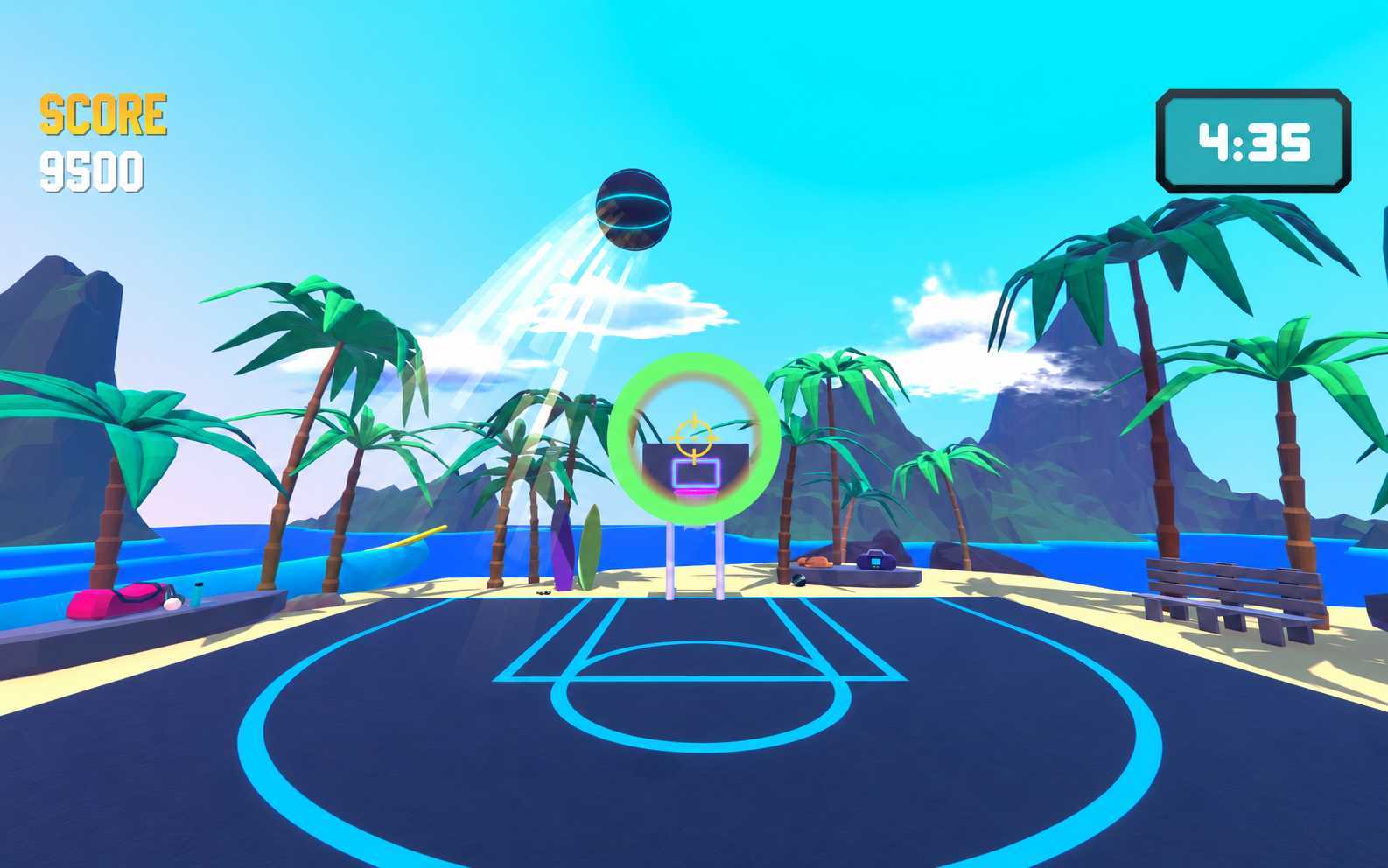
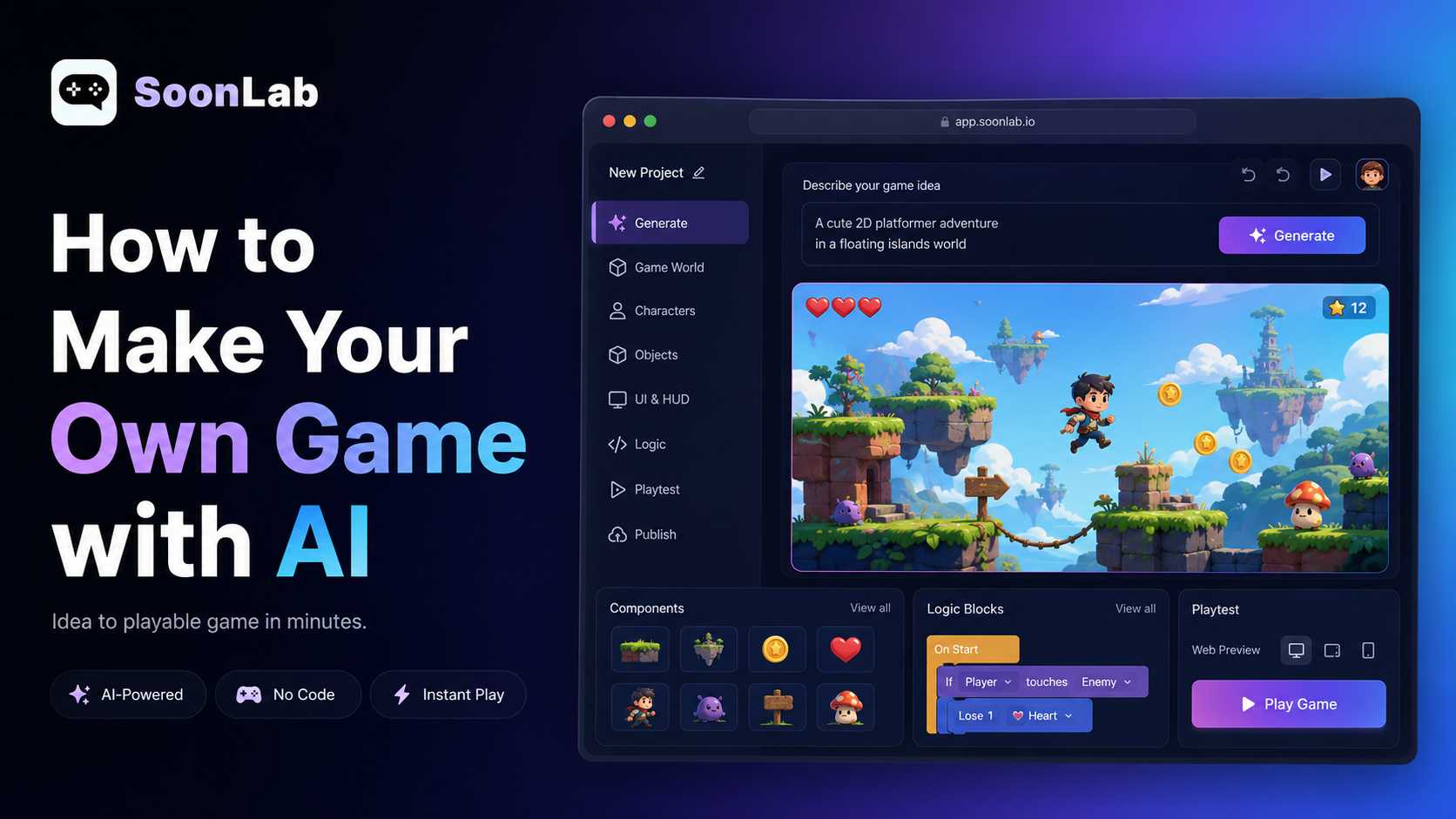
Turn your basketball game idea into a playable browser game with SoonLab. Describe the shots, controls, and rules, then generate a first version, test it, and refine it through chat. No coding required.
Game inspiration sources







Build a shooting game where every basket counts. Set a time limit, reward scoring streaks, and give players a high score to beat. Describe how players aim and shoot to make the challenge your own.
Create a Shooting GameCreate a contest with shooting spots around the three-point line. Choose how many shots players take, add bonus balls, and set the score needed to win. Let players test their timing from every position.
Make a Three-Point Contest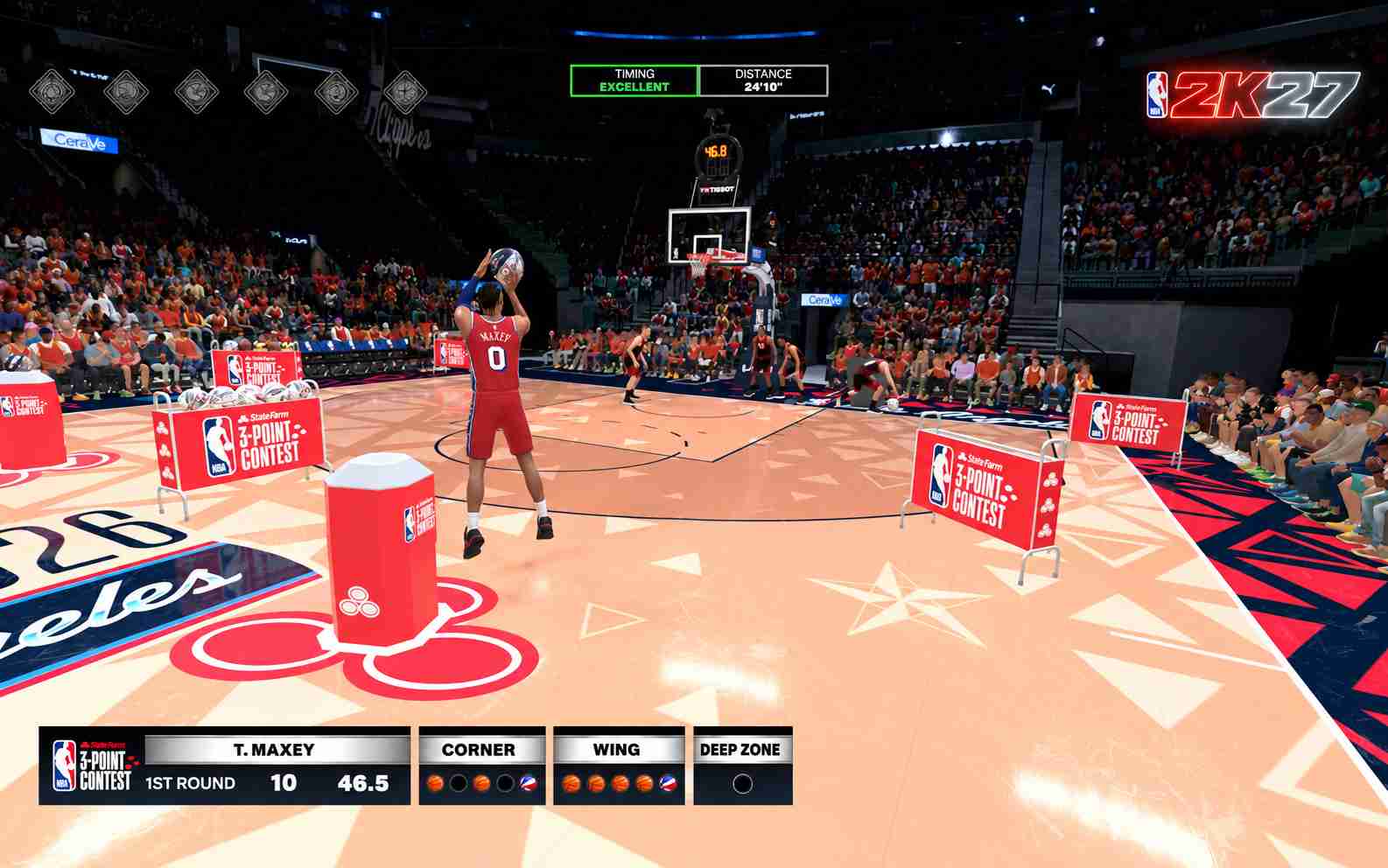
Give basketball a playful twist with moving hoops, smaller targets, or baskets that add extra time. Tell SoonLab which rules to use, then try the game and adjust the challenge to keep players coming back.
Create an Arcade Basketball Game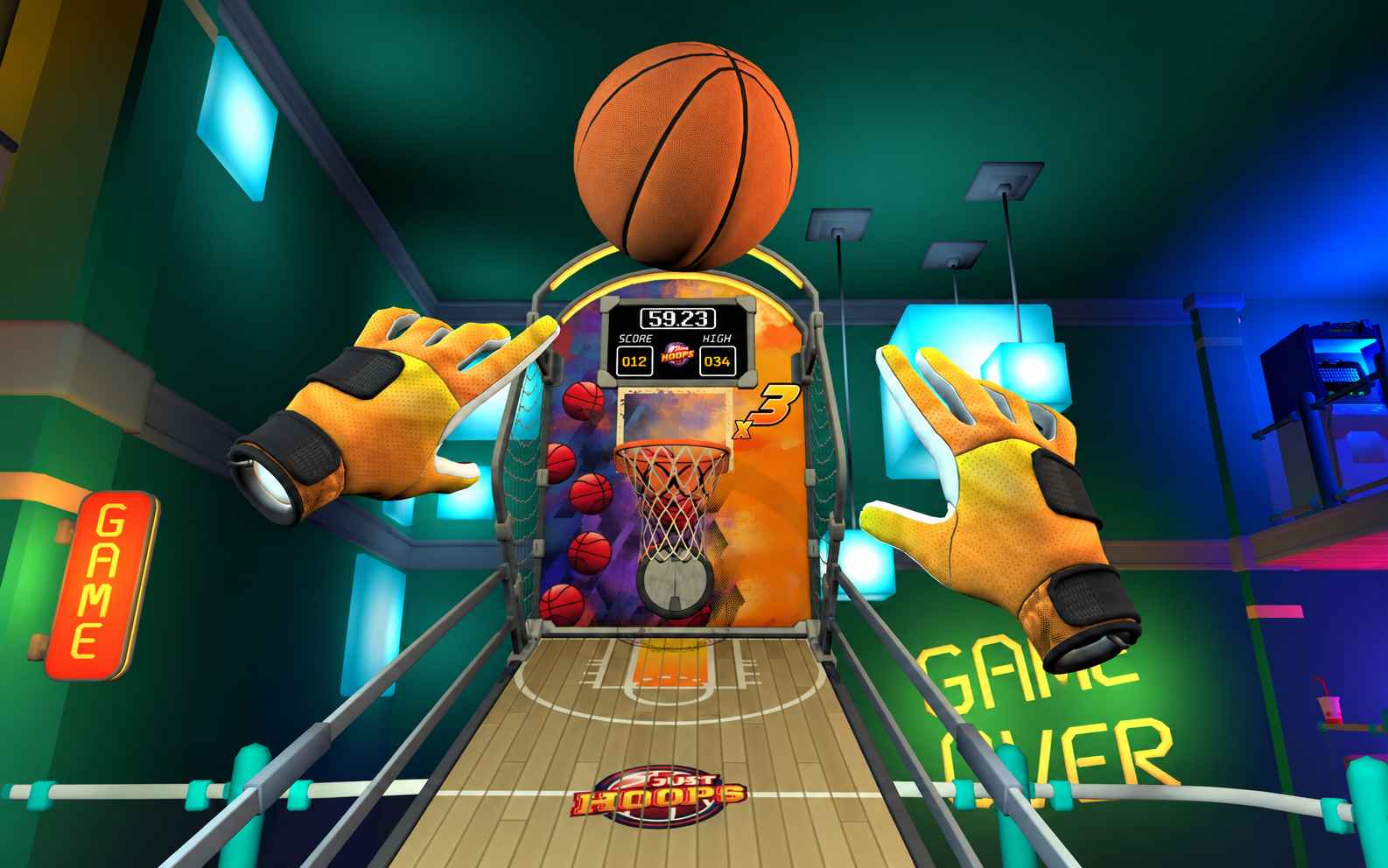
Build puzzles where players bounce the ball off walls and shoot past obstacles to reach the hoop. Describe the layout and shot limit, then create new challenges by changing the hoop position and obstacles.
Build a Trick-Shot Game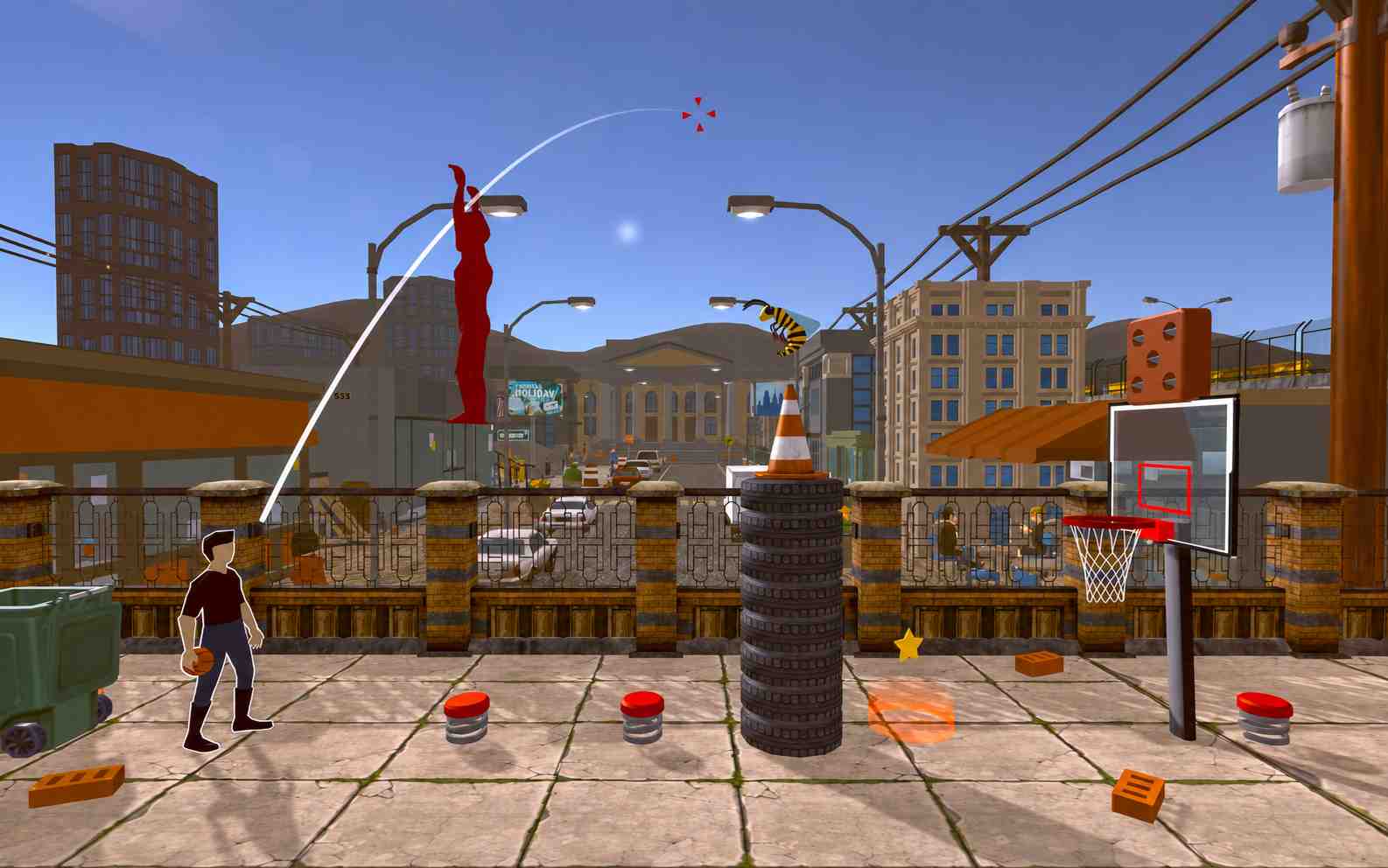
Describe your basketball game in everyday language. SoonLab generates a playable version, so you can start creating without learning a game engine or writing the code yourself.
Make Your Basketball Game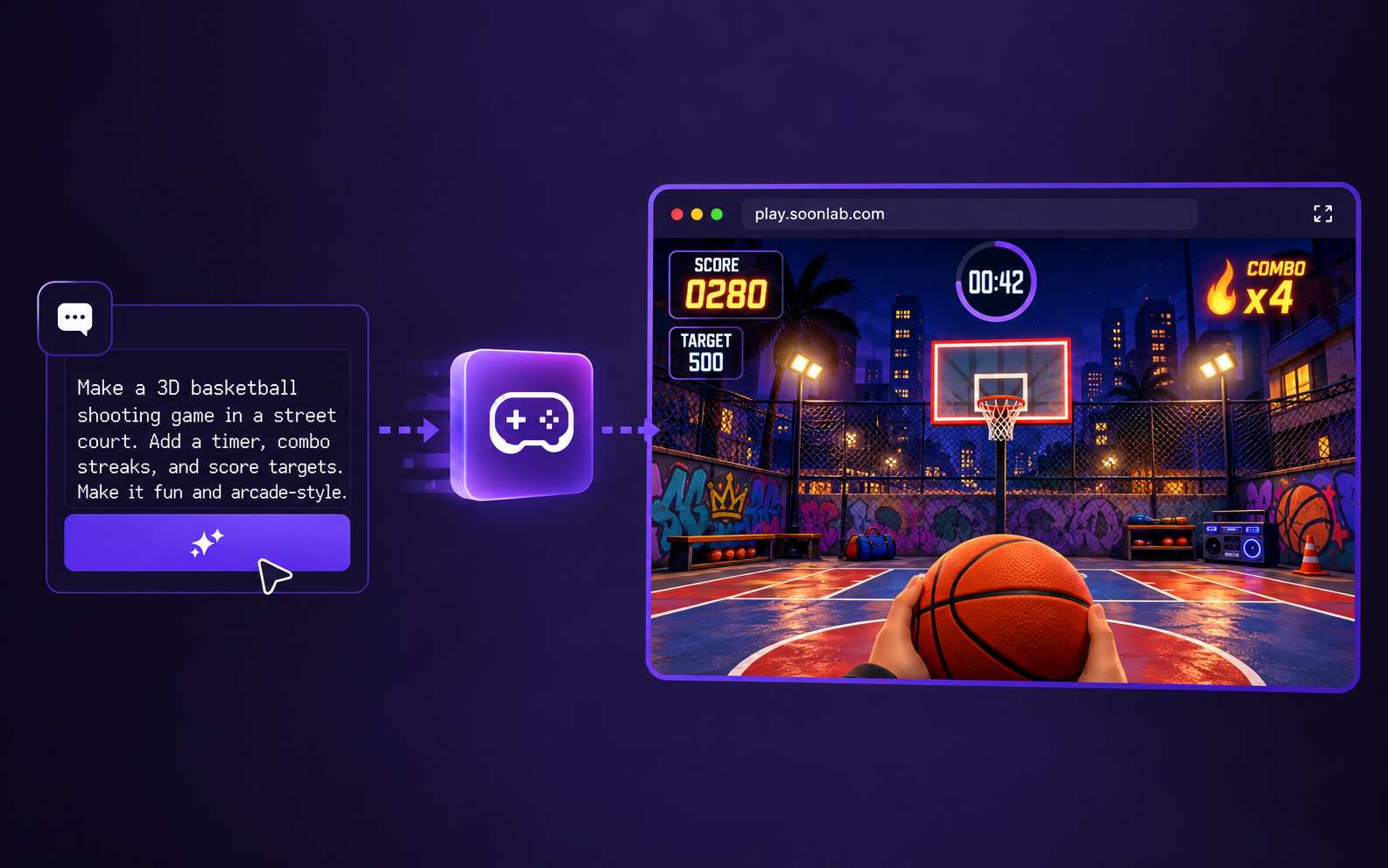
See how your idea feels when you play it. Test the shooting, scoring, and pace in the generated game, then decide what would make the next round more fun.
Make Your Basketball Game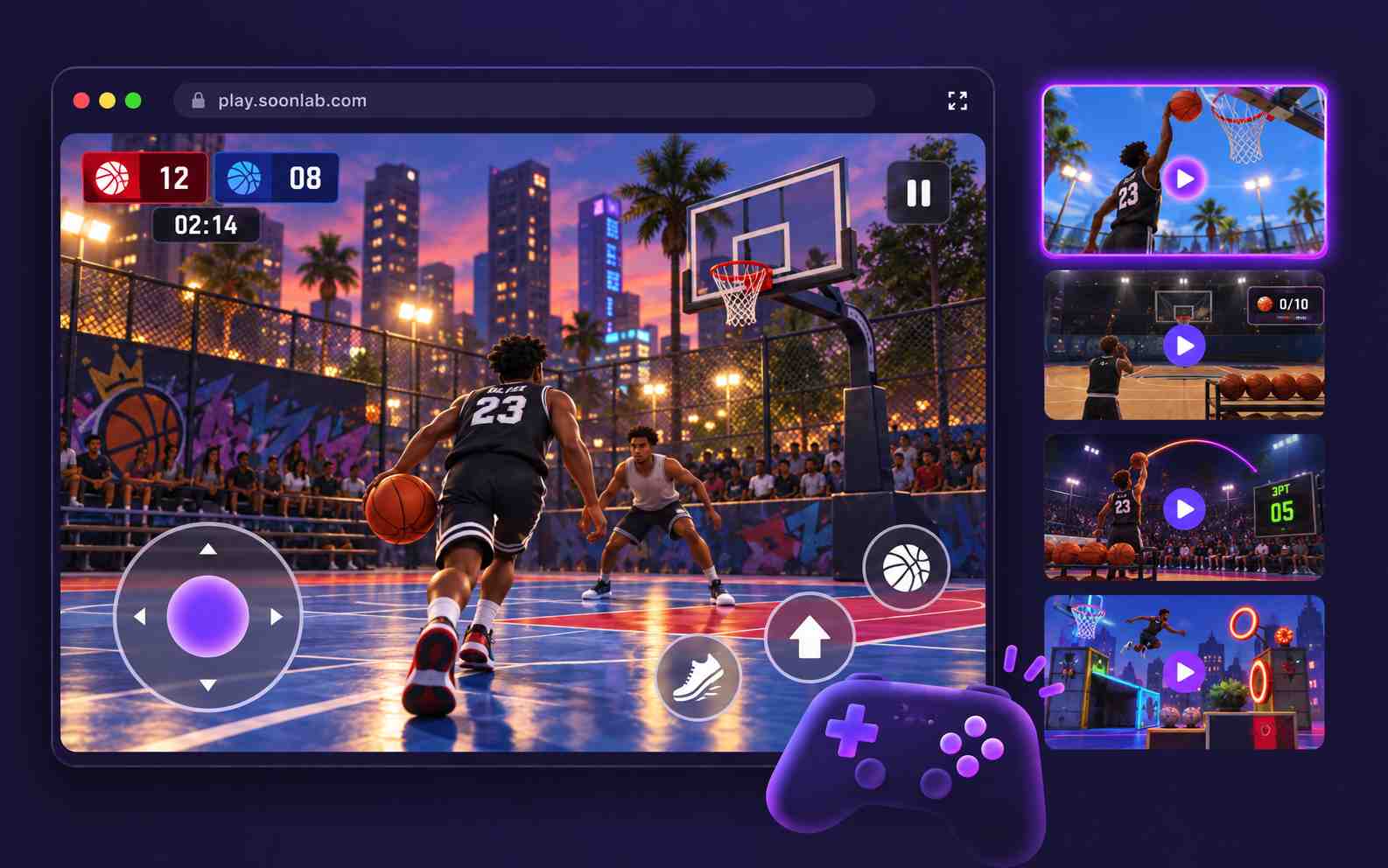
Keep improving the game with simple instructions. Ask SoonLab to adjust shot power, add a scoring bonus, or change the court style. Try the updated version and build on what works.
Make Your Basketball Game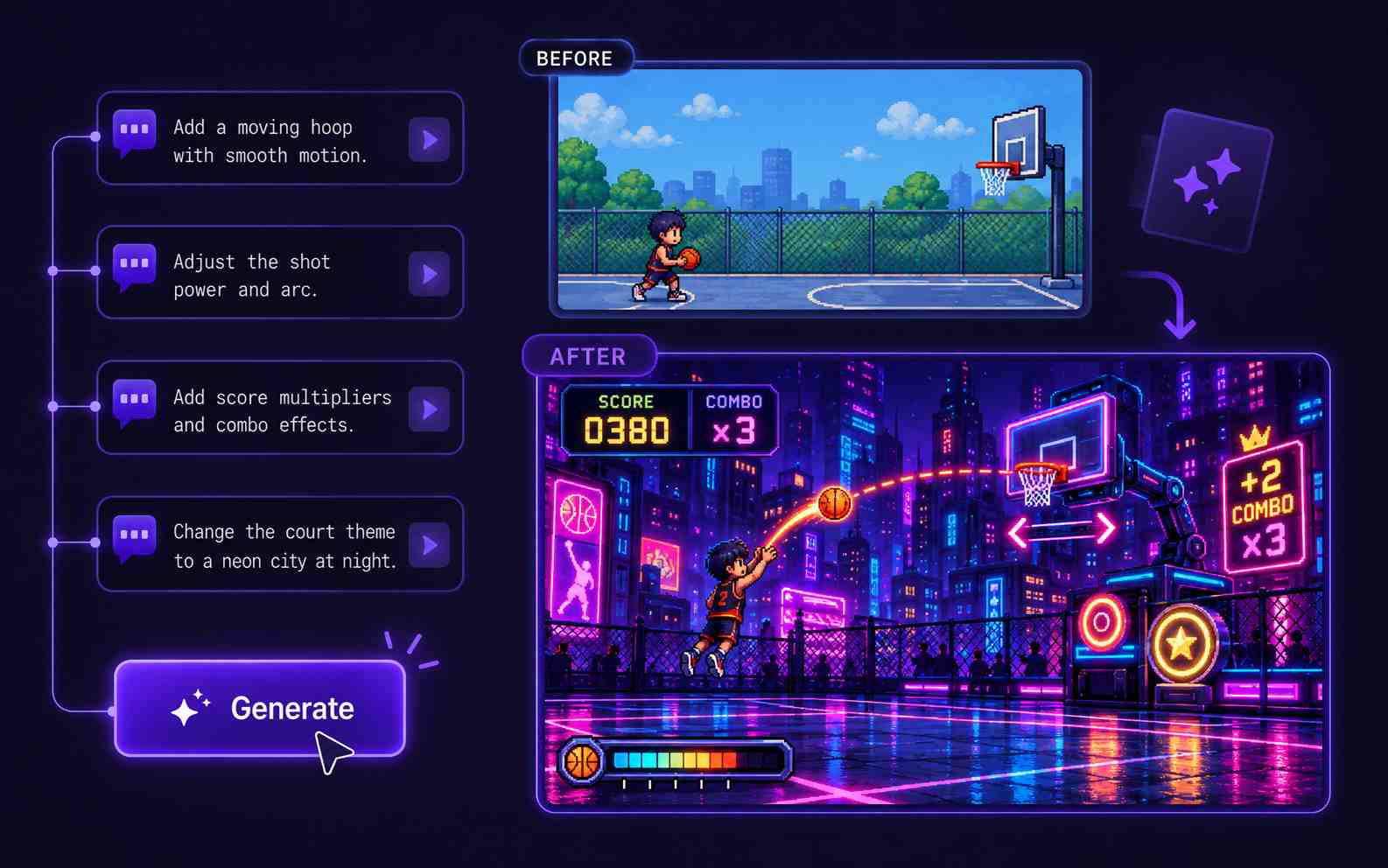
Let friends play your basketball game in their browser through a shared link. Get feedback, challenge them to beat your score, or download the game as an HTML file.
Make Your Basketball Game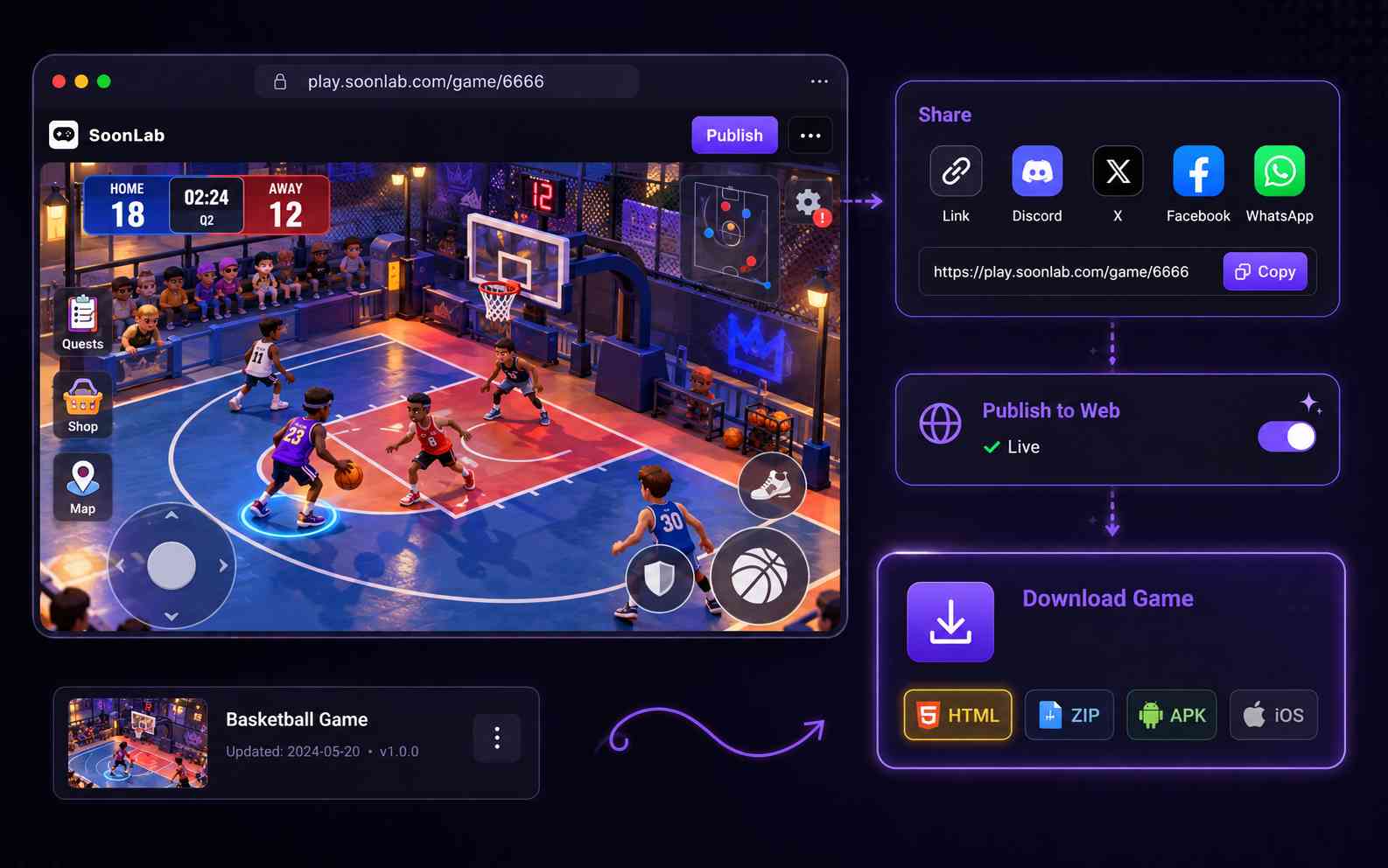
Start with one basketball challenge. Define the controls and rules, generate a first version, and improve it through playtesting.

Choose a shooting contest, moving-hoop challenge, or small half-court game. Explain the controls, what earns points, and when the round ends. Add the camera view and visual style you want.

Create the first version and play from the start screen to the final result. Check that shots respond to your input, baskets count once, and the timer or shot limit works correctly.

Ask for one focused change at a time, such as a larger hoop, slower ball, or clearer aiming guide. Test again, then publish and share the game when you are happy with it.
Choose a starting idea and paste the prompt into SoonLab. These are game briefs to generate and test, rather than finished templates. Change the controls, rules, or court style to make the game your own.
| Prompt idea | Prompt | Difficulty | Best for | Style | Copy |
|---|---|---|---|---|---|
| 3D Shooting Challenge | Create a single-player 3D basketball shooting game on a colorful outdoor court. Use a fixed camera facing the hoop. Drag backward from the ball to set shot direction and power, then release to shoot, with a visible trajectory guide. Add gravity, rim and backboard bounces, and count each basket only once when the ball passes downward through the hoop. Give the player 60 seconds to score as many baskets as possible. Show the score, timer, final result, and restart button. Support mouse and touch controls. | Beginner | A single-player shooting game | Colorful outdoor court | |
| Moving Hoop Challenge | Create a 2D arcade basketball game with a hoop that moves slowly left and right. The ball starts near the bottom of the screen. Hold the mouse button or touch the screen to charge shot power, then release to launch the ball toward the hoop. Show a power meter and use a curved ball trajectory. Give the player 10 shots, award 2 points per basket, and add a bonus for three consecutive baskets. Reset the ball after each shot and count every basket only once. Use a bright indoor gym style with clear scores, remaining shots, and a restart button. | Beginner | Timing and shot-power practice | Bright 2D indoor gym | |
| Half-Court 1v1 Challenge | Create a 2D top-down half-court basketball game against one computer-controlled defender. Move with WASD or arrow keys. When holding the ball, hold Space to charge a shot and release to shoot toward the hoop. Show a shot power meter. The defender moves at a moderate speed and tries to block shots. Award 2 points inside the three-point line and 3 points outside it. Reset both players and return the ball to the player after each basket or missed shot. Score 11 points within 90 seconds to win. Add clear controls, a score display, timer, win or lose screen, and restart button. Use a colorful street court with fictional characters. | Intermediate | Movement and shooting against a defender | Top-down street court |
A basketball game needs more than a court and a ball. Clear controls, readable shots, and reliable scoring give players a reason to try again. Use your playtests to decide what to change next.
Choose a 2D or 3D approach, improve your game prompt, or learn how to test a small prototype before adding more features.
Yes. SoonLab lets you describe your basketball game in language and refine the generated result through chat. Start with a focused challenge and explain the controls, scoring, and end of the round.
Start with a shooting challenge or your own basketball idea. Describe the rules, play the first version, and keep improving it through chat.
Create Your Basketball Game