Simulation Game Maker: Create Your Own Sim Game
Describe the world, rules, resources, and choices you want. SoonLab turns your idea into a playable simulation game you can test, improve through conversation, and share online.
0/10000
Game inspiration sources







Simulation Games Made with SoonLab
Play simulation games created with SoonLab and see how different ideas use resources, time, progression, and changing events. Choose a system you like, then build an original simulation of your own.
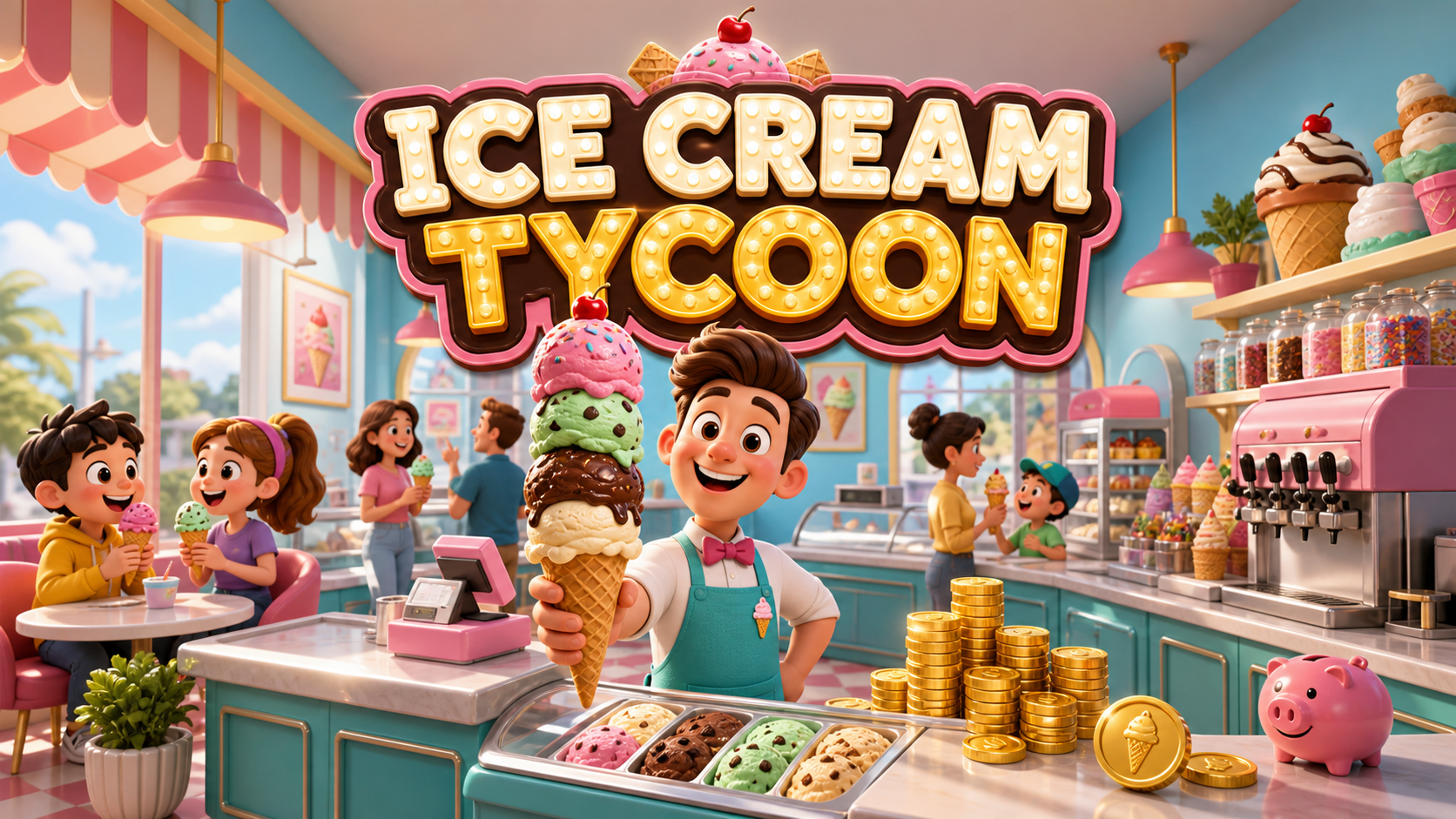
Ice Cream Tycoon
Play Game
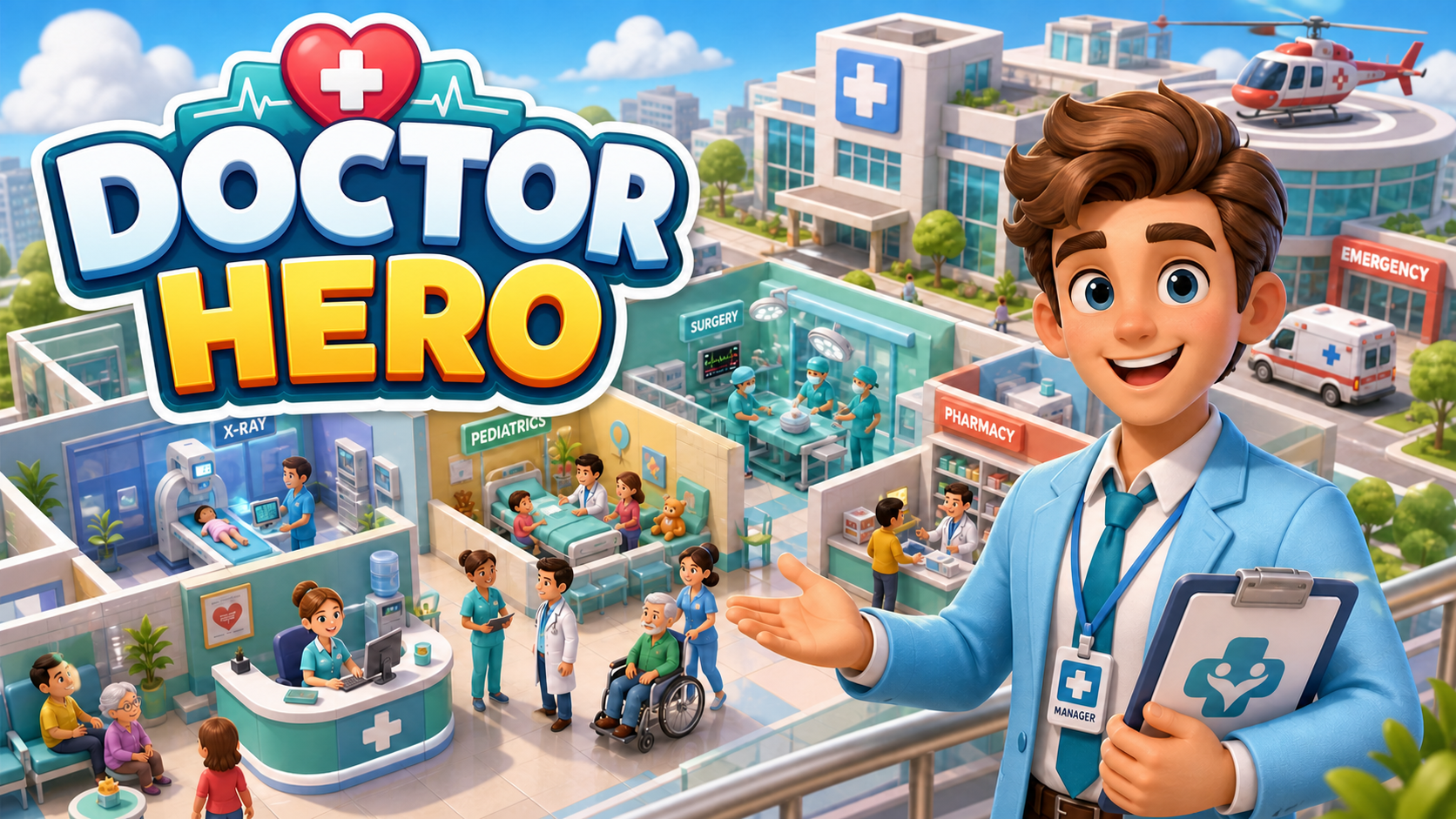
Astra Drive: Mountain Expedition
Play Game
Falcon: Flight Lab
Play Game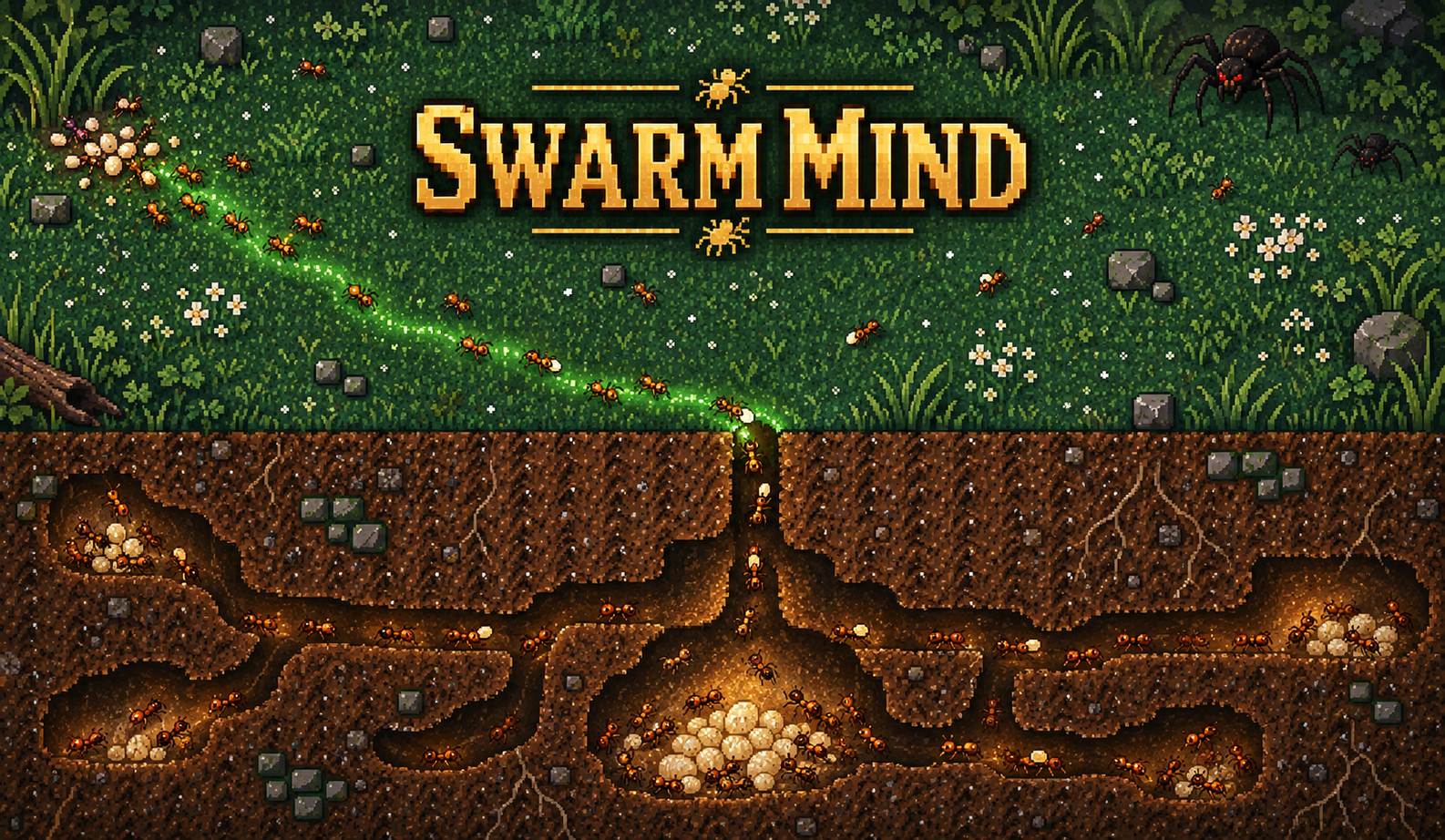
Swarm Mind
Play GameBuild a Simulation Game Around Decisions and Results
Turn an Idea into a Playable System
Explain what the player controls and what changes over time. SoonLab can turn rules, variables, and goals into a browser game you can play instead of leaving the idea in a document.
Build Your Simulation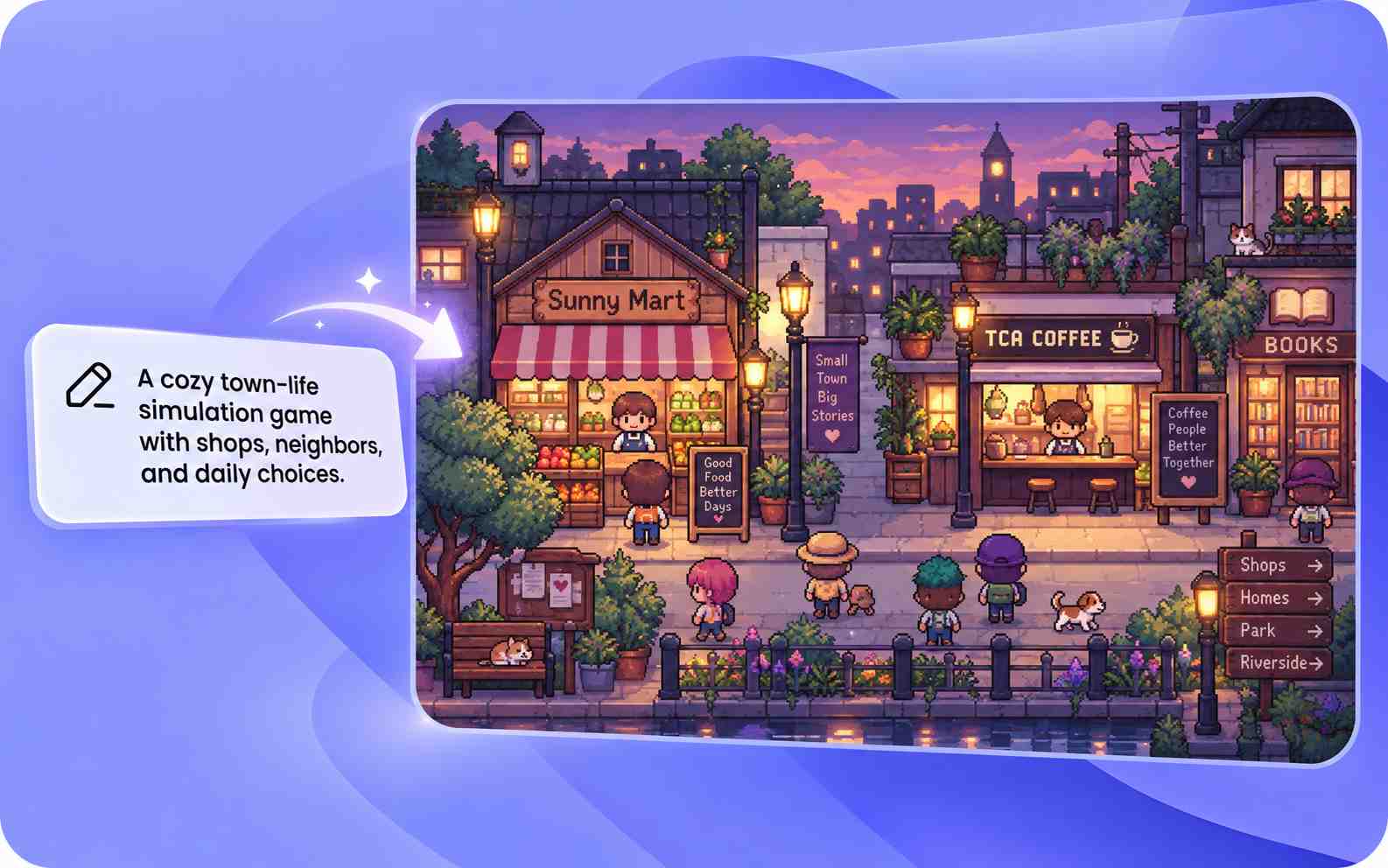
Add Resources, Time, and Progression
Create money, energy, materials, skills, reputation, population, or other values. Define how players earn, spend, lose, and improve them as the game continues.
Build Your Simulation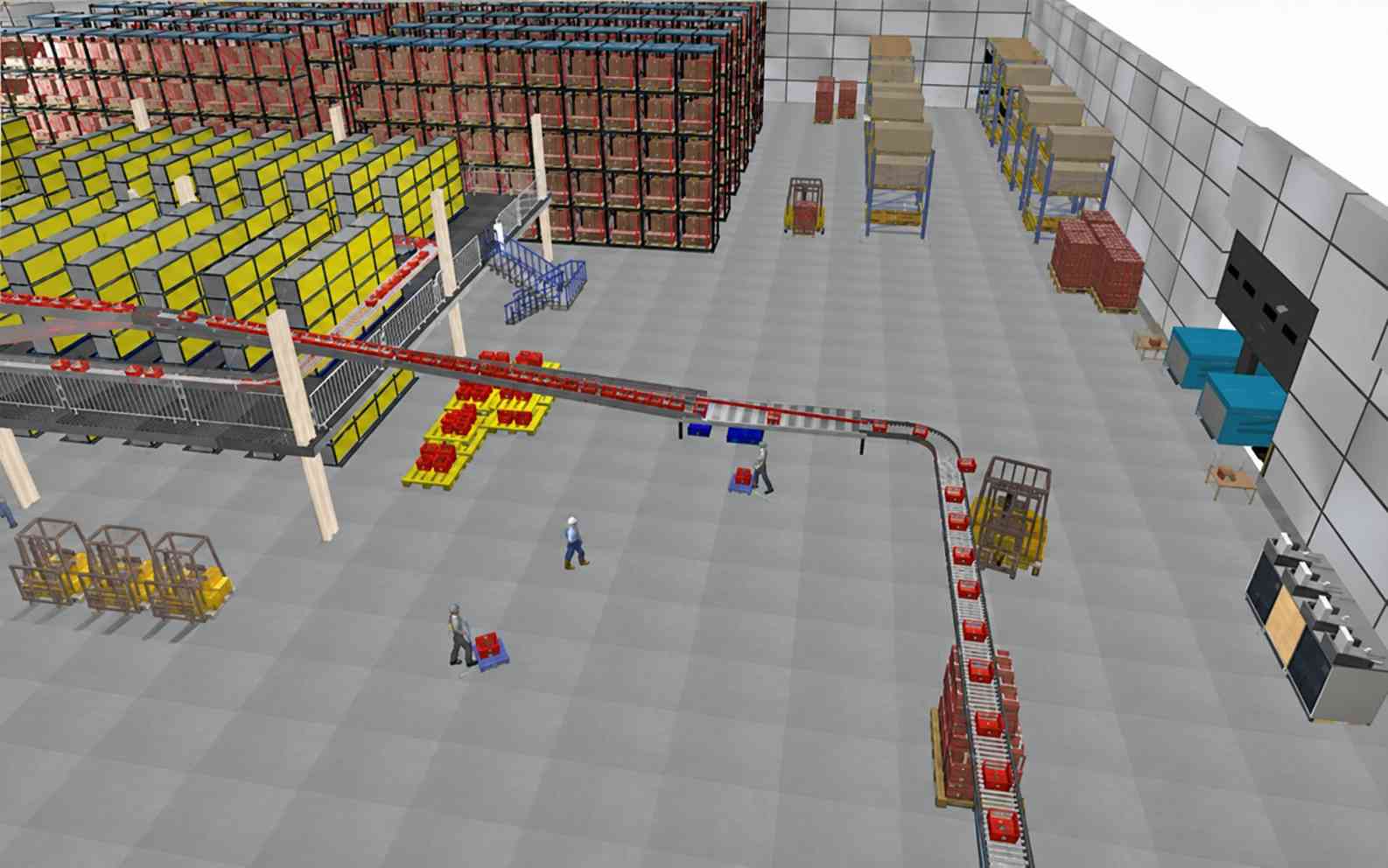
Create Events with Clear Consequences
Add customers, weather, market changes, character needs, accidents, or random events. Explain how each event affects the world and what choices the player can make.
Build Your Simulation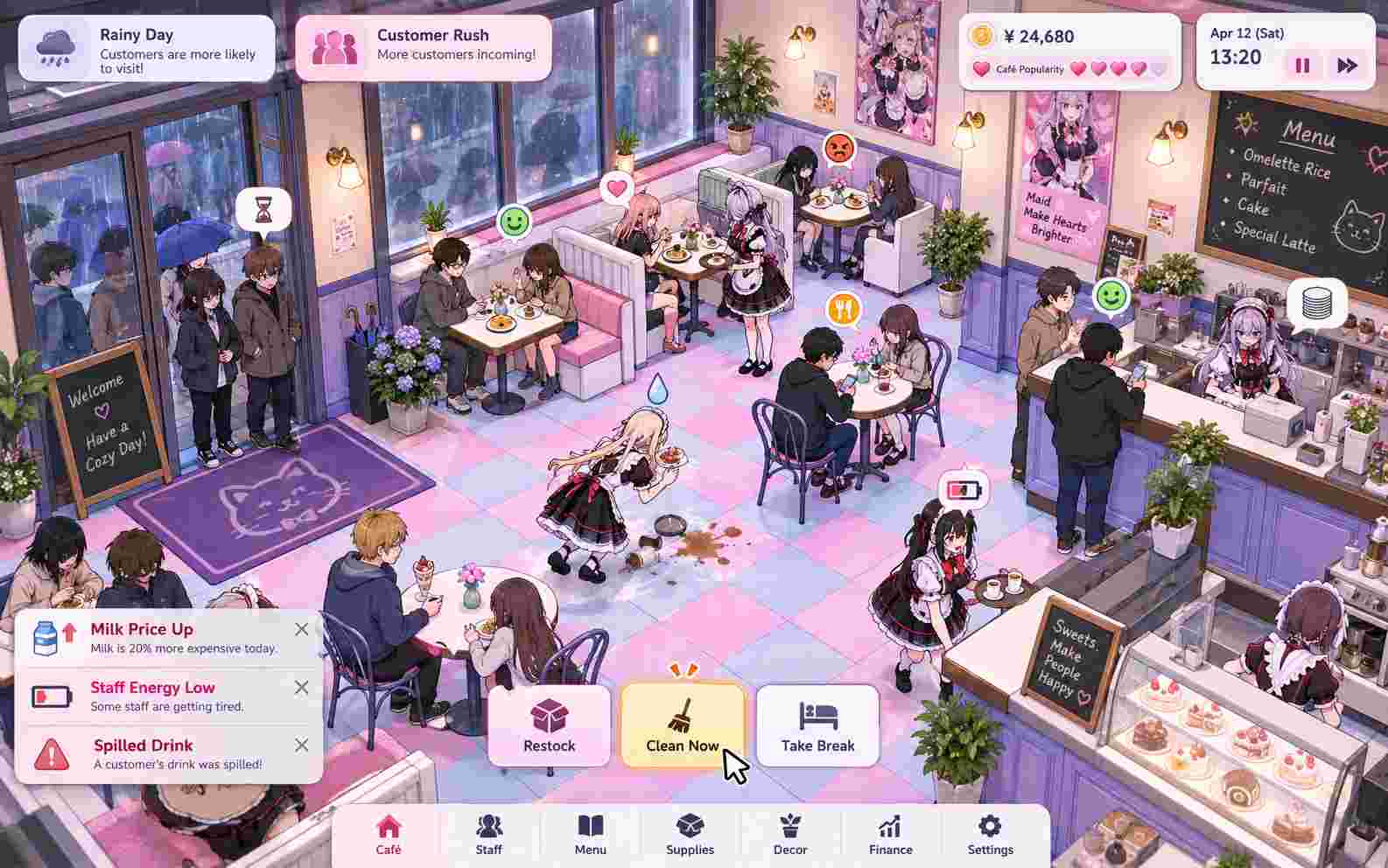
Playtest and Adjust Through Conversation
Play the first version and tell SoonLab what feels too slow, easy, confusing, or repetitive. Change one system at a time, then test the result again.
Build Your Simulation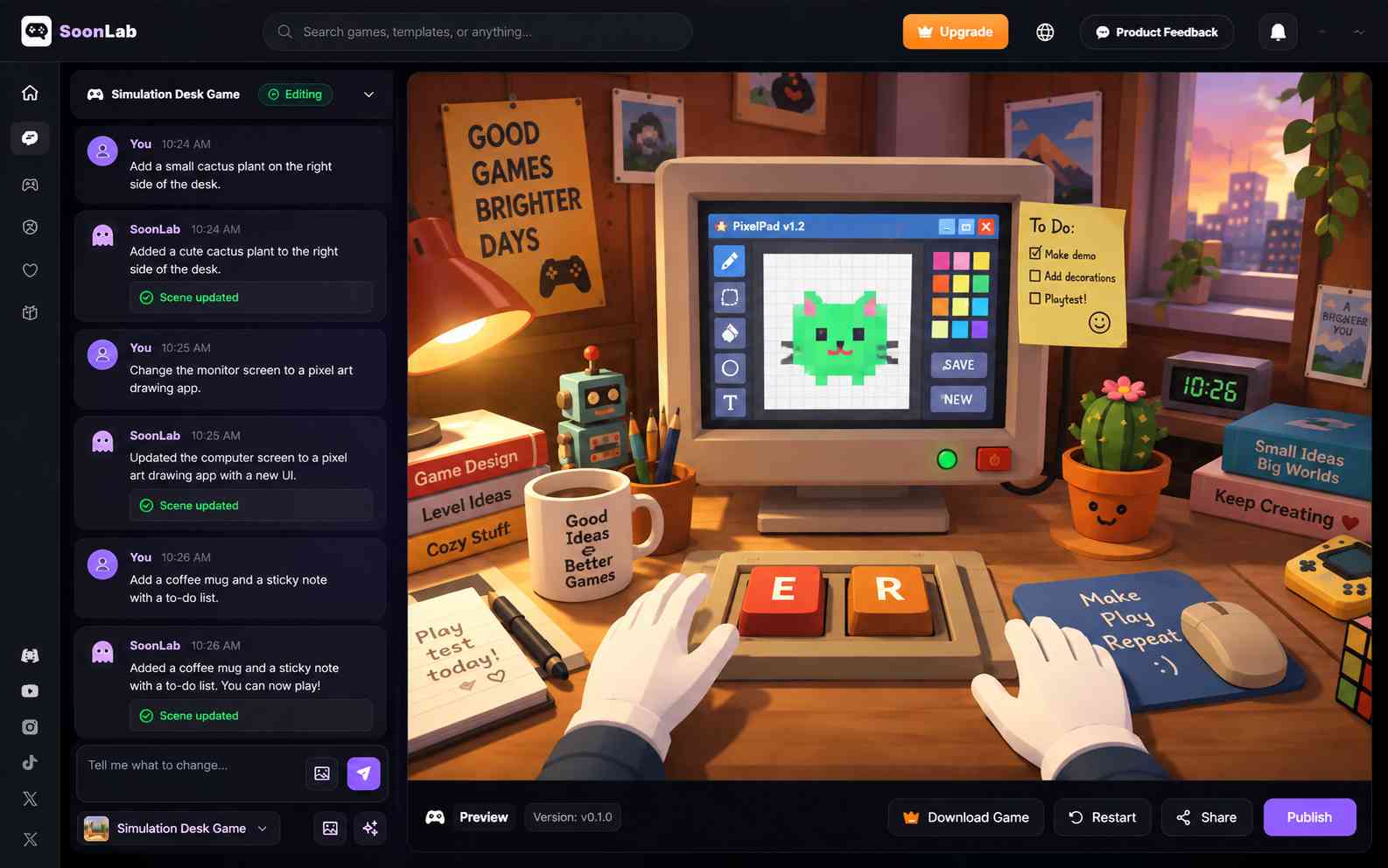
How to Make a Simulation Game with SoonLab
Start with one small system that creates meaningful choices. Generate a playable version, test how the variables work together, and expand only after the main loop feels clear.

Step1.Describe What the Game Simulates
Choose a setting and give the player a role. Explain what they manage, which values change, what decisions they make, and what success or failure looks like.
Step2.Generate and Play the First Version
Enter your prompt and let SoonLab build the game. Test the controls, information on screen, resource changes, events, progression, and ending in your browser.
Step3.Improve One System at a Time
Ask for a specific change after each playtest. Adjust prices, event frequency, progression speed, difficulty, or feedback, then play again to see whether the change works.
Simulation Game Prompts You Can Copy
A useful prompt explains the player's role, the main variables, the choices available, how the world responds, and the final goal. Copy one of these prompts and change the setting or rules to match your idea.
| Prompt idea | Prompt | Difficulty | Best for | Style | Copy |
|---|---|---|---|---|---|
| Build a Life in Harbor Town | Create a 2D life simulation game set in a small harbor town. The player has 30 in-game days to build a stable life. Each day, they can work, study, rest, meet residents, or explore the town. Track money, energy, skills, and relationships. Jobs pay different amounts and require different skill levels. Low energy should reduce work results. Add five residents with simple schedules, interests, and relationship levels. Include random events such as a town festival, a storm, and a job opportunity. The player succeeds by reaching one career goal and building two strong relationships before day 30. Add clear menus, a day counter, readable status bars, keyboard and touch controls, and a restart button. Use a warm illustrated style. | Intermediate | Life choices and relationships | Warm 2D town simulation | |
| Run a Busy Neighborhood Café | Create a café management simulation game. The player starts with a small budget, three recipes, and four tables. Customers arrive with different budgets, patience levels, and food preferences. The player buys ingredients, sets menu prices, prepares orders, serves customers, and upgrades the café. Track cash, ingredients, customer satisfaction, and reputation. Add a morning and evening rush, ingredient price changes, and occasional equipment problems. The player wins by reaching a five-star reputation and a daily profit target within 14 in-game days. The player loses if the café runs out of money. Add a short tutorial, clear cost and profit feedback, mouse and touch controls, and a results screen for each day. Use a colorful top-down style. | Beginner | Business and economy systems | Colorful top-down management | |
| Keep a Space Colony Alive | Create a space colony simulation game on a cold planet. The player manages power, oxygen, food, materials, and colonist morale. They can build solar panels, greenhouses, living areas, and research stations. Each building uses resources and changes colony output. Add dust storms, equipment failures, supply deliveries, and requests from colonists. Show a forecast before major events so the player can prepare. The colony wins by supporting 20 colonists and completing a communication tower. It fails if oxygen reaches zero or morale stays critical for three days. Use a clean isometric map, clear resource panels, pause and speed controls, short explanations for each building, and a restart option. | Advanced | Resource chains and planning | Clean isometric sci-fi |
How to Build a Better Simulation Game
A simulation game becomes interesting when the player can understand a system, make a choice, and see a useful result. More variables do not always create a better game. Start with a small loop and make each part clear.
Build a Clear Simulation Loop
- Define the main loop in one sentence so every system supports the same player goal.
- Give every resource a clear purpose, cost, and effect on the player's choices.
- Show immediate feedback when an action, price, event, or relationship changes the simulation.
- Keep important values, warnings, goals, and controls easy to read on desktop and mobile.
Balance Progress and Player Choices
- Make early progress easy to see, then introduce harder choices and trade-offs.
- Use daily targets, new areas, story events, career levels, or other milestones to show progress.
- Check whether one strategy is much stronger than every other option.
- Play from the beginning to a win or fail state before adding more systems.
Useful Follow-Up Prompts
- Make the first three days easier and introduce new systems one at a time.
- Show why money, energy, or reputation changed after each action.
- Reduce customer arrival speed during the tutorial.
- Add three random events with different risks and rewards.
- Make upgrades more expensive after each purchase.
- Add a warning before a resource reaches a critical level.
- Give each character a simple routine and one personal goal.
- Make the final goal visible on the main screen.
- Add a results panel that explains profit, losses, and customer satisfaction.
- Add touch controls and larger buttons for mobile players.
Checks Before You Share
- Can a new player understand their role, controls, and goal?
- Does every main action change the simulation in a visible way?
- Do resources create choices instead of repeated busywork?
- Can the player recover from a mistake?
- Do events feel connected to the setting and systems?
- Are the win and fail conditions reachable?
- Does the full game work on desktop and mobile?
- Can players restart without losing the interface?
Related Simulation Game Tools and Guides
Explore guides about life simulation games, no-code creation, AI game prompts, and playable prototypes. Use these resources to plan your systems, then return to the simulation game maker to generate and test your idea.
10 Best Life Simulation Games for Building a Life Your Way

How to Make a Dating Sim: AI Dating Simulator Maker for Beginners

10 Best Games With Romance Options Where Your Choices Matter
Full Guide to Build Your Own Board Game Online (No Coding)

15 Best Survival Horror Games: Scary Picks for Every Player

Best Open World Games of All Time: 12 Worlds Worth Exploring
Best Cozy Games to Play in 2026 When You Just Want to Relax
FAQs About Simulation Game Maker
A simulation game maker is a tool for building simulation games that model a system, activity, job, or world. The player makes choices and sees how resources, characters, events, or other variables change. SoonLab lets you describe these systems in plain language and generate a playable browser game.
Turn Your Simulation Idea into a Playable Game
Describe the role, systems, resources, events, and goal. SoonLab helps you generate the first version, test how the simulation works, improve it through conversation, and share the finished game.
Create a Simulation Game