
Wishing to build a game but don't know where to start? Don’t worry, online board game maker helps to turn your idea into something real, the most important part is no coding required.
This post introduces the 4 top tools for build your own board game online. You'll also find a step-by-step tutorial to get your first prototype running today.
5 Board Game Creator Online
After testing some options in the market, here's my best online board game maker currently available. All these tools are actually accessible to beginners, no programming required.
Screentop.gg
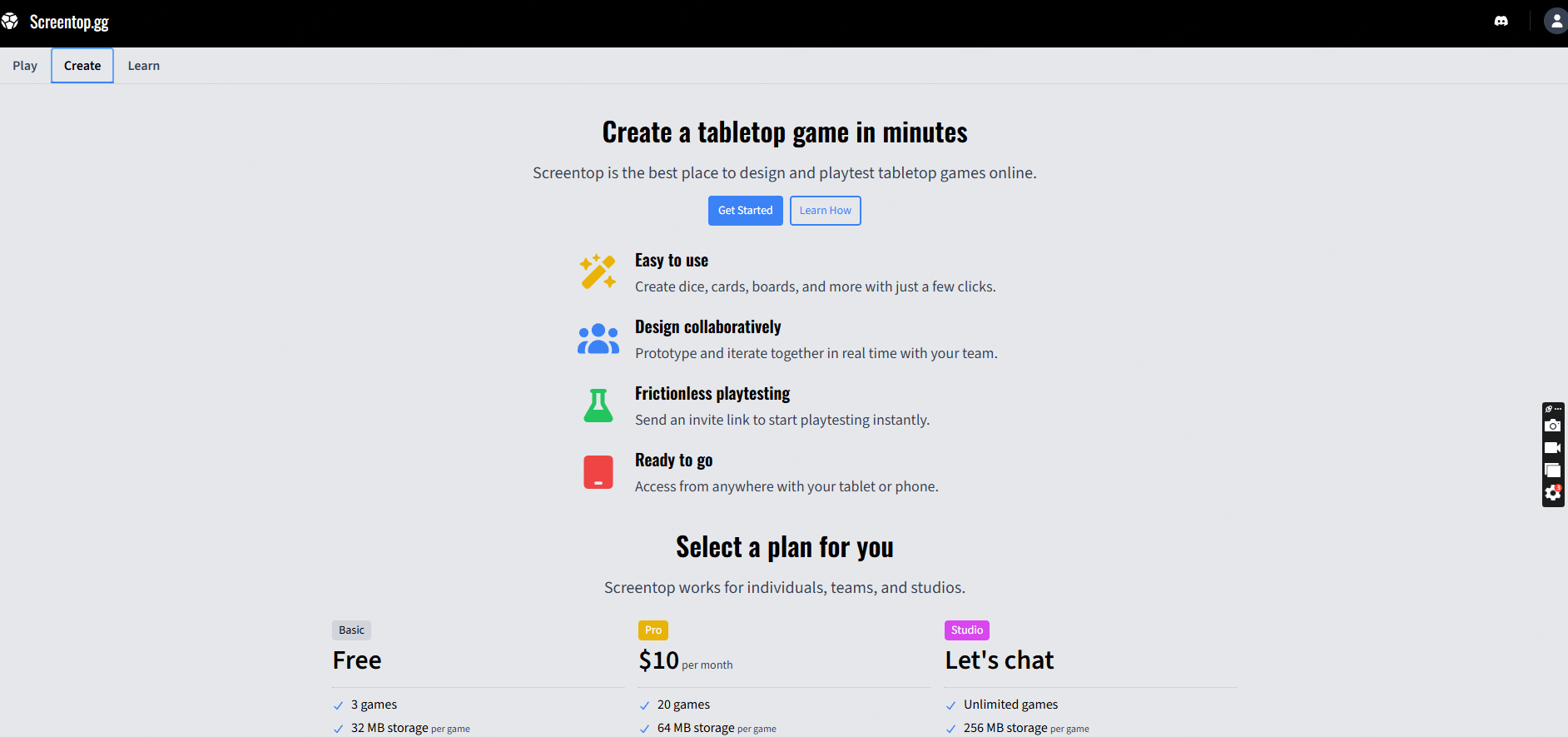
Screentop.gg is a free, browser-based tool for creating tabletop games. You can design, share, and play games directly within your browser, no software downloads or Steam account registration required. Once your game is complete, simply send the link to your playtesters, and they can jump in and play instantly.
The best part is that it has virtually no barriers to entry. Unlike Tabletop Simulator, which requires you to register a Steam account, spend $20 to purchase the software, and go through an installation process—Screentop.gg spares you that entire hassle; a process that would likely have scared off casual players or friends before they even got to the game.
One designer who migrated from Tabletop Simulator remarked that he "started tinkering with his raw assets and had a playable version up and running within two hours," adding that the platform's Discord community is very active and provided him with a great deal of assistance.
The platform operates on a freemium model. The free tier allows you to publish up to three games, with a 32MB asset storage limit per game—which is more than sufficient for prototyping small to medium-sized card games. The Pro tier costs $10 per month, allowing you to publish up to 20 games and increasing the asset storage limit for a single game to 64MB.
 Pros
Pros Cons
ConsGameStructor
If you have a soft spot for pixel art games—or simply want to create something with that retro 8-bit aesthetic—GameStructor is definitely worth a try. It is a browser-based platform for creating board games, and its entire design language revolves around a pixelated style: the board is pixelated, the cards are pixelated, and even the dice are pixelated. Best of all, absolutely no coding is required.
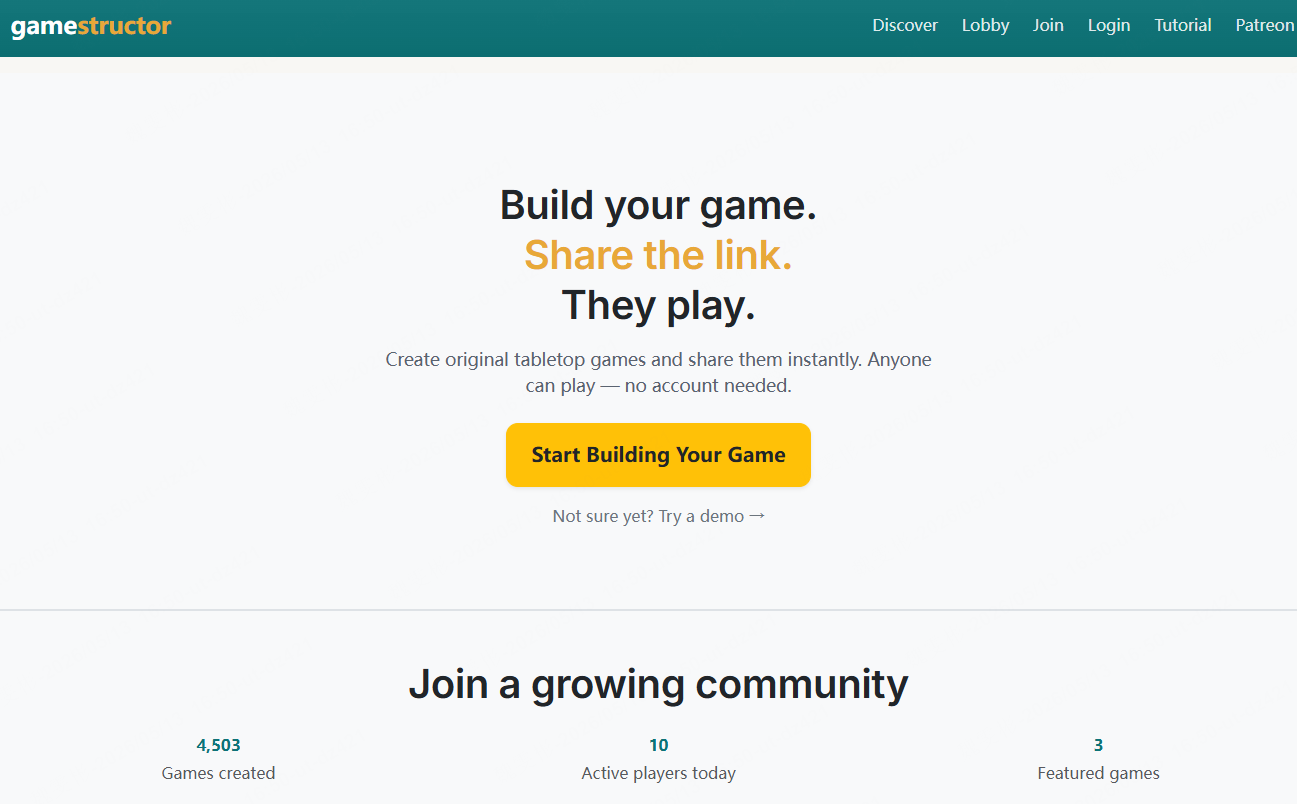
Creating a board game with GameStructor essentially involves assembling assets from scratch. You might start by drawing a board—perhaps a 10x10 grid—then assign unique pixel art designs to each card, and finally configure the dice rolls to determine movement steps. The platform also features a thoughtful function: you can directly copy components from other public games to use as templates, saving you from having to draw everything from scratch every time.
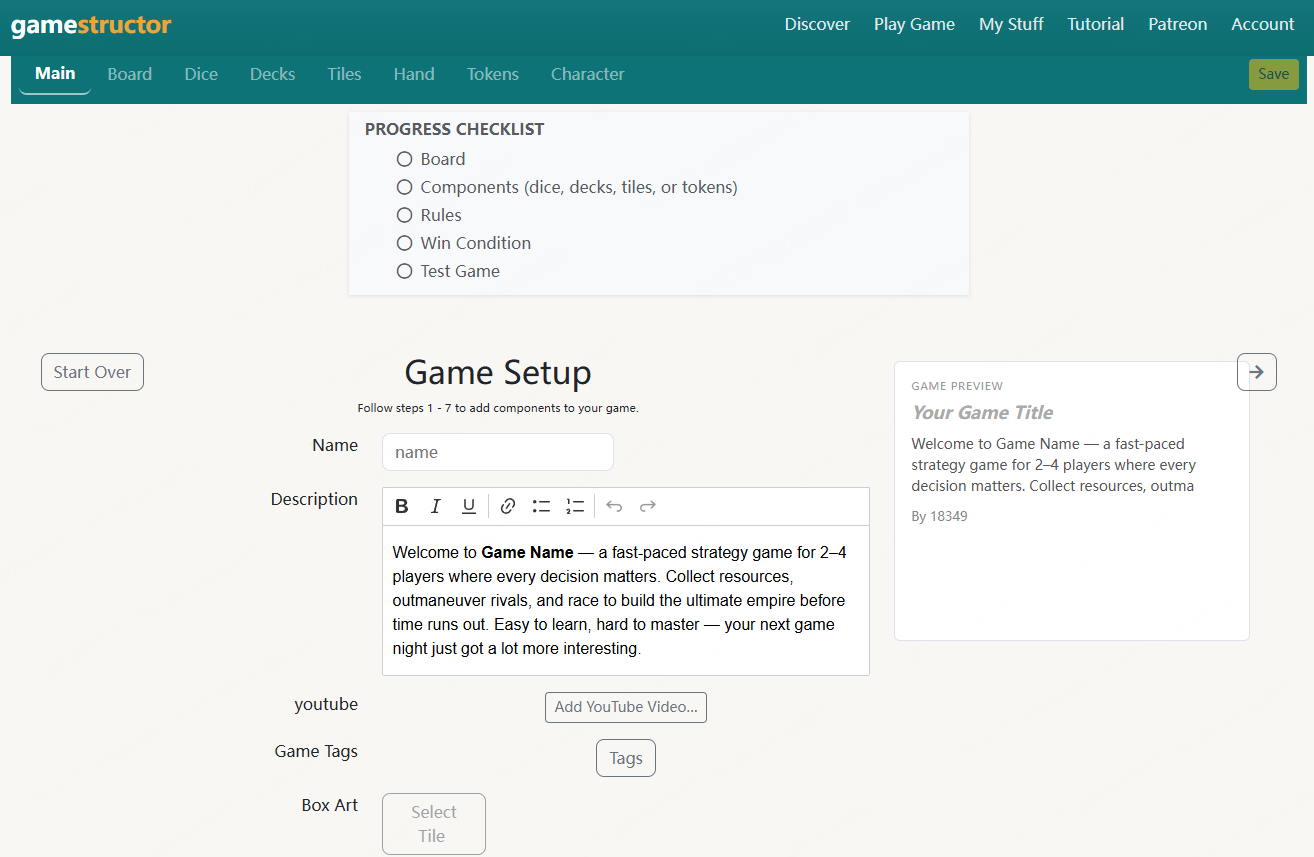
Once your game is complete, you can simply invite friends to a private room for real-time online play.
The platform hosts a diverse collection of user-created games, varying in complexity, all of them are built by ordinary players rather than professional development teams.
The most generous aspect is that the tool is completely free. There are no paid subscriptions or in-app upgrades; you can create as many games as you like and publish as many as you wish.
Pros ConsSoonlab.ai
Soonlab.ai is a different beast entirely. While most board game makers require you to manually create each component, Soonlab.ai lets you describe your game in plain text and generates a playable prototype automatically.
For example, you can type: A two‑player turn‑based board game on a 6x6 grid where players collect crystals and summon monsters to block movement and Soonlab.ai will deliver a playable version with boards, tokens, win conditions, and all balance values built in.
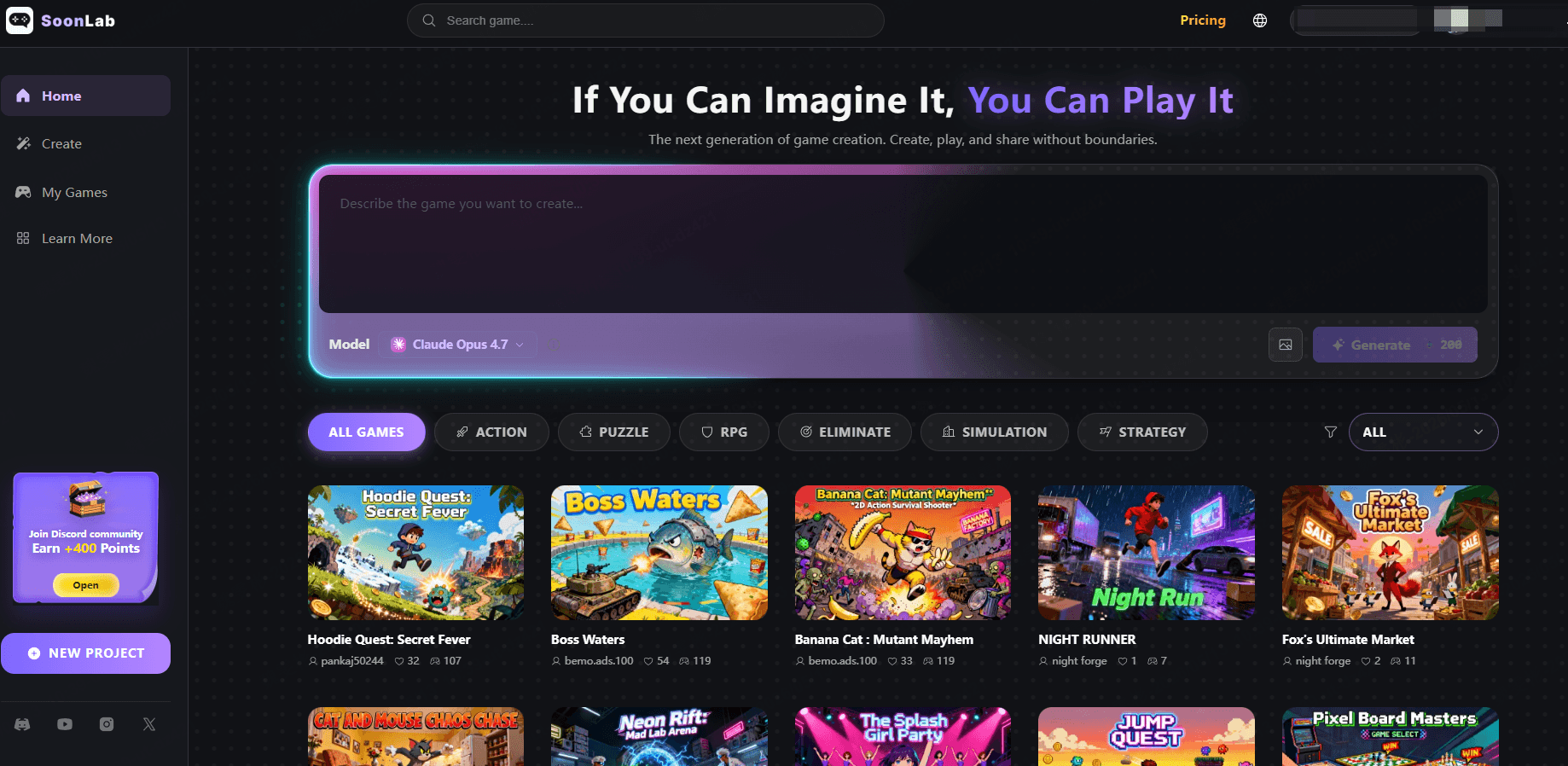
The concept is straightforward: you write a prompt describing what you want (game type, mechanics, theme, visual style), select an AI model to process your request, and wait about 8 minutes. Soonlab.ai then outputs a working board game with custom gameplay mechanics and visuals based on your description.
This is genuinely useful if you have a vague game concept but don't know how to translate it into rules and components. You can customize character designs and gameplay elements after generation, so the output isn't fixed, you can iterate on what the AI creates.
The platform also offers a library of pre-built AI games to play and learn from. New users get 200 points to experiment with the system.
Pros ConsPuzzel.org
Puzzel.org was originally built for teachers during the COVID‑19 pandemic, but it has since evolved into a full‑blown online board game maker. You can build your own board game online without touching any code.
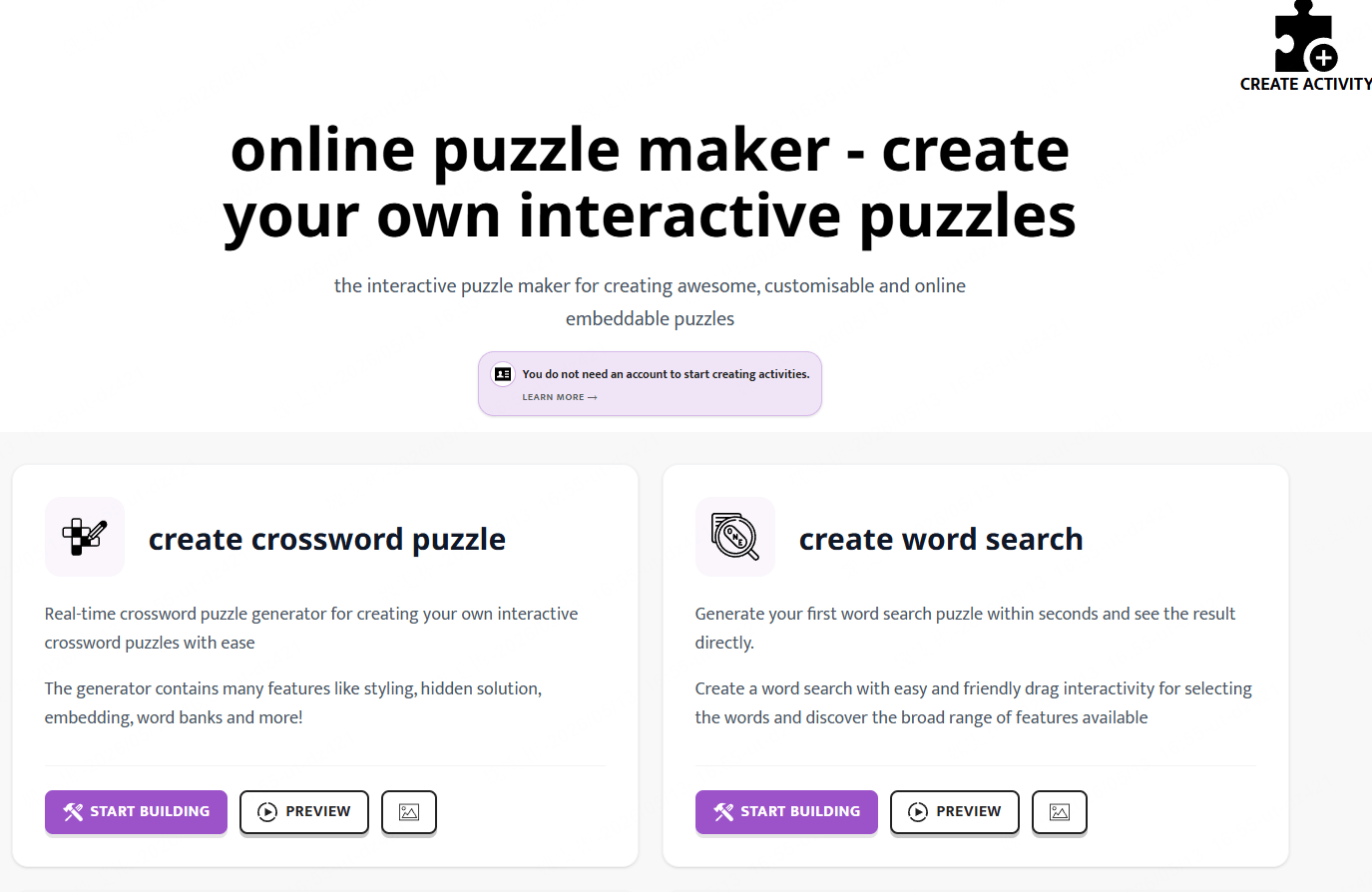
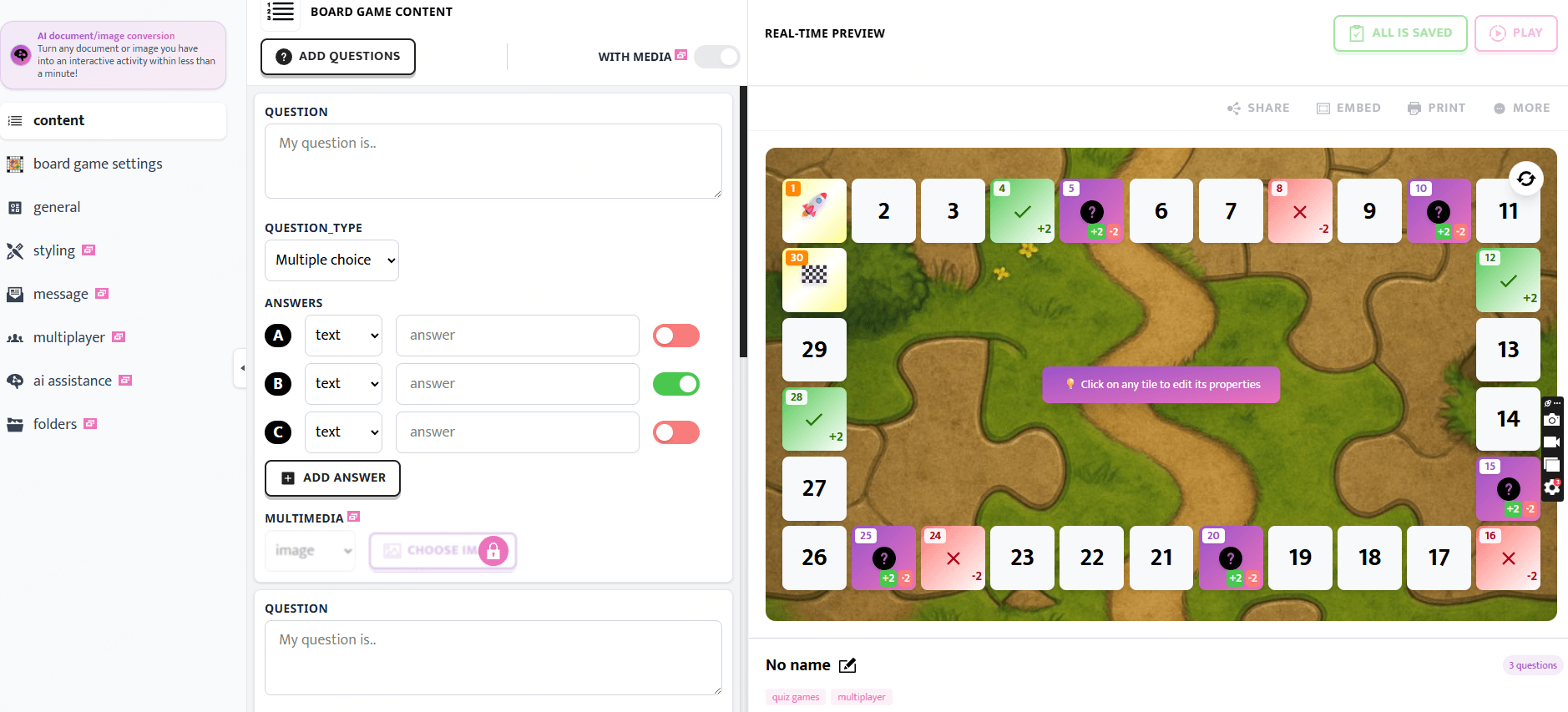
It handles everything from your board layout and dice roll logic to multiplayer lobbies and duel systems. For instance, you can build a history board game where landing on a “question tile” randomly asks “Which year did World War II start?” and moves the player forward only if they answer correctly. You can customize the underlying tile structure, add penalties and bonuses, and more.
One French teacher’s blog noted that Puzzel.org became “an essential ally” during the pandemic, letting them easily turn dry lesson content into word searches, hidden‑word grids and memory games that kept students engaged.
Puzzel.org has a permanent free plan. It gives you 2 activities, 60 player sessions per month, and all basic features at €0/forever. Paid subscriptions start at €30/year for a teacher plan with 600 player sessions per month, and rise to €125/year for a school plan with 5 teacher accounts and 5000 sessions per month.
Pros ConsHow to Make a Board Game Online for Free
Let's get practical. I'll walk you through creating a playable prototype using Soonlab, which offers the fastest path from idea to playable game.
STEP 1Visit Soonlab and Create Your Account
Go to Soonlab.ai website and sign up. The registration process takes less than a minute. Once logged in, you'll see a variety of playable games, which can be played for free.
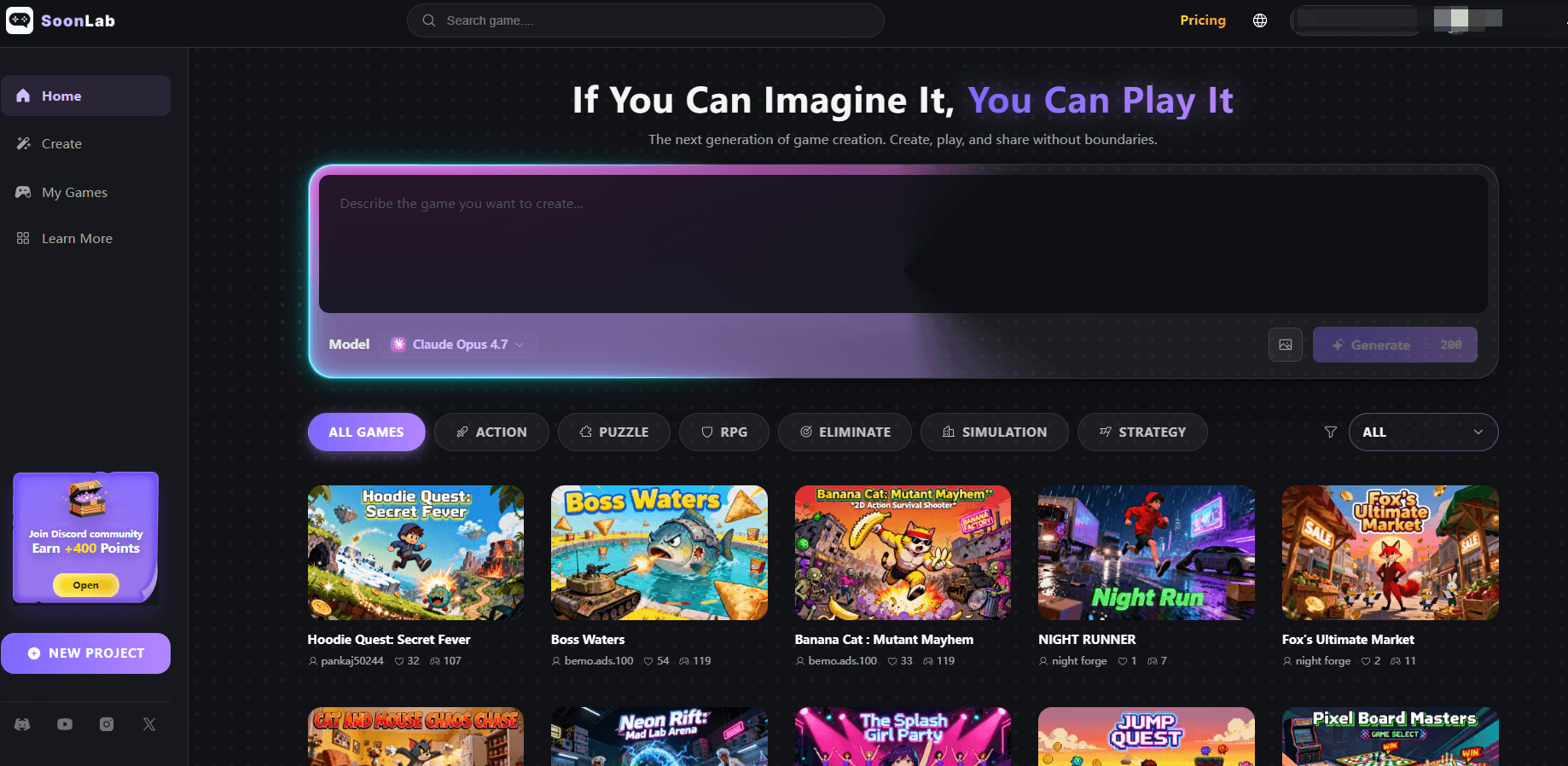
STEP 2Write Your Game Prompt
This is the core of the process. Soonlab.ai generates games based on text descriptions, so the quality of your prompt matters. Be specific about:
• Game type: "A card-based deck-building game" or "A tile-placement strategy game"
• Core mechanics: "Players collect resources by playing cards and spend them to build structures"
• Theme: "Medieval fantasy setting with knights and dragons"
• Visual style: "Clean minimalist cards with bold colors" or "Hand-drawn illustrated style"
• Win condition: "The first player to reach 20 points wins"
The more detail you provide, the better the output.
STEP 3Select Your AI Model
Soonlab offers multiple AI models: Claude Opus, GPT-5.4, mini 3.1 Pro, GLM GLM 5.1, KIMI K2.5, and Gemini 3 Flash. Different models handle different types of prompts better. For complex game mechanics with many rules, models like Claude Opus often produce more coherent results.
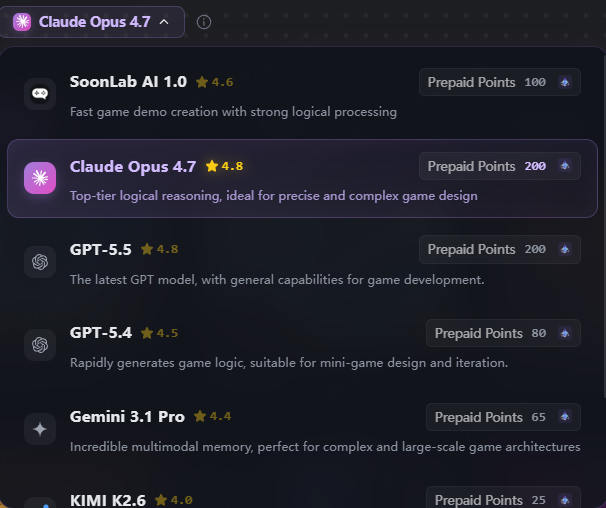
STEP 4Generate and Wait
Once your prompt is ready and you've selected a model, click generate. The process takes approximately 8 minutes (often lesser). Soonlab.ai will process your request, create the game logic, design the components, and build a playable prototype board game. While waiting, you can explore other games in Soonlab.ai's library to get a feel for what the platform can do.
STEP 5Review, Customize, and Share
When your game is ready, you can play through a few, which lets yourself identify what works and what doesn't. Customization options let you adjust visual elements, modify gameplay rules, and tweak component designs. You can iterate on the AI-generated base rather than building from scratch. When you're ready for feedback, share the game link with playtesters or join Discord to share. They can provide you feedback sooner.
Tips When Creating Your Board Game Online
After building dozens of prototypes across different platforms, here are the lessons I wish someone had told me earlier:

Conclusion
With no-code tools like Screentop.gg, GameStructor, Soonlab, and Puzzel.org, anyone can build a board game online for free or at low cost. Start with a small prototype, use AI game generator or templates, and get playtesting fast. Building your own board game has never been easier—pick your maker and bring your idea to life today.