Meet GPT-6 Astra on SoonLab 2.0 — Create Bigger, Smarter Games with AI · Save 10%: SLTOP10

You May Also Like
View MoreHow to Play
Choose Runway Departure, Landing Practice, or Open Sky.
- Arrow Keys: Pitch and roll. Press ↓ to raise the nose and ↑ to lower it.
- A / D: Control the rudder and ground steering.
- Shift / Ctrl: Increase or decrease throttle.
- V / Space: Toggle the parking brake / hold wheel brakes.
- G / F / B: Toggle landing gear, cycle flaps, and toggle the airbrake.
- C: Switch camera views.
- P / R / H: Pause, reset, or open the controls.
For takeoff, release the parking brake, use full flaps and full throttle, then gently raise the nose at 155–170 knots. Once climbing steadily, retract the landing gear and flaps.
About
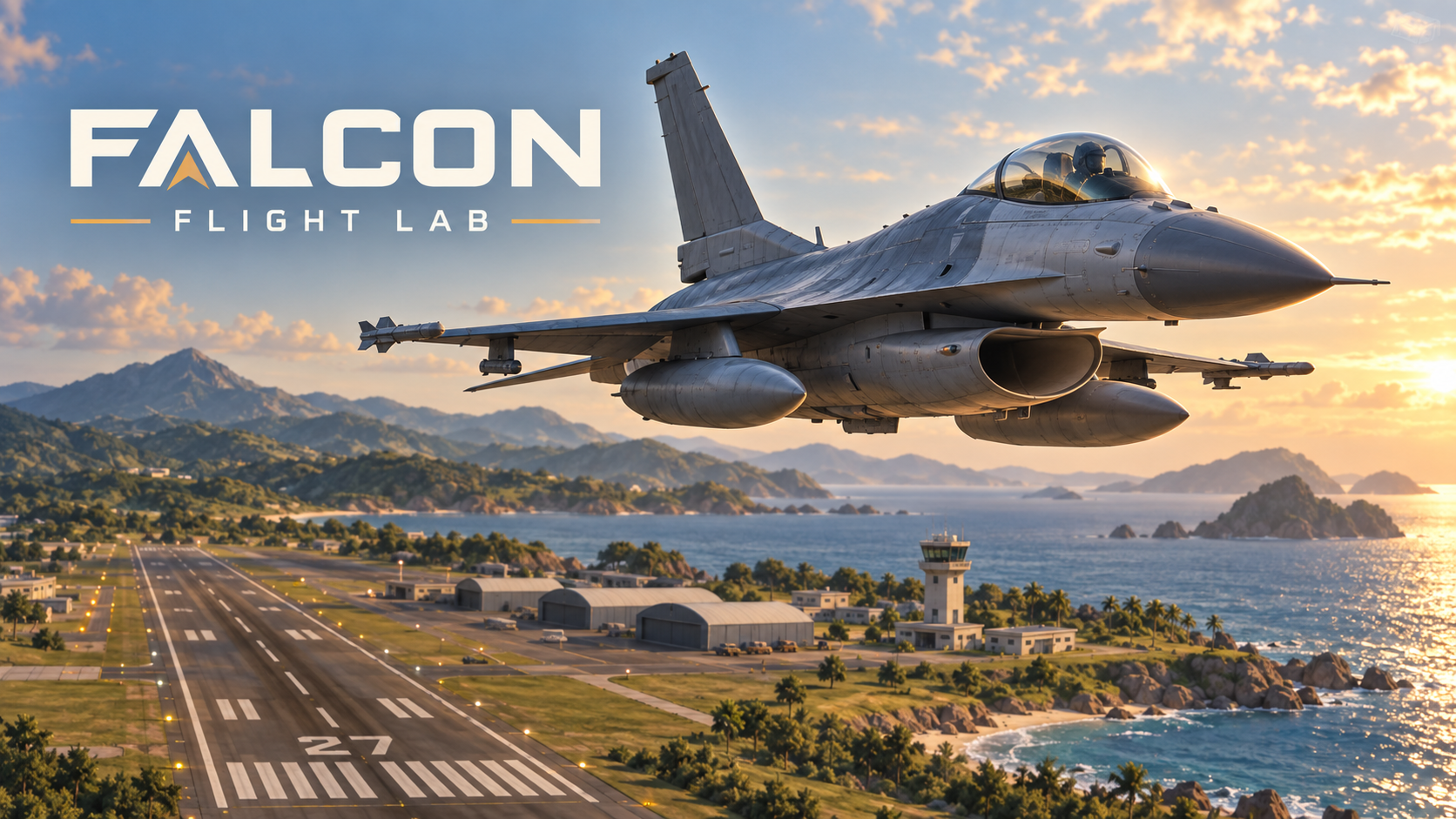
Take control of an F-16C and explore the skies above a coastal airfield. Practice runway takeoffs, sharpen your landings, or jump straight into free flight. Manage throttle, flaps, and landing gear while switching between chase, cockpit, and orbit cameras. Your runway. Your horizon.
Game Info
- Plays
- 190
- Genre
- SIMULATION
- Updated
- Sep 18, 2026
- Platform
- web
- AI Model
- Soonlab 2.0 - GPT 6 Astra
Create your own game with SoonLab
Describe your game idea in plain English and watch it come to life.
Get Started FreePowered by SoonLab
Comments
0