
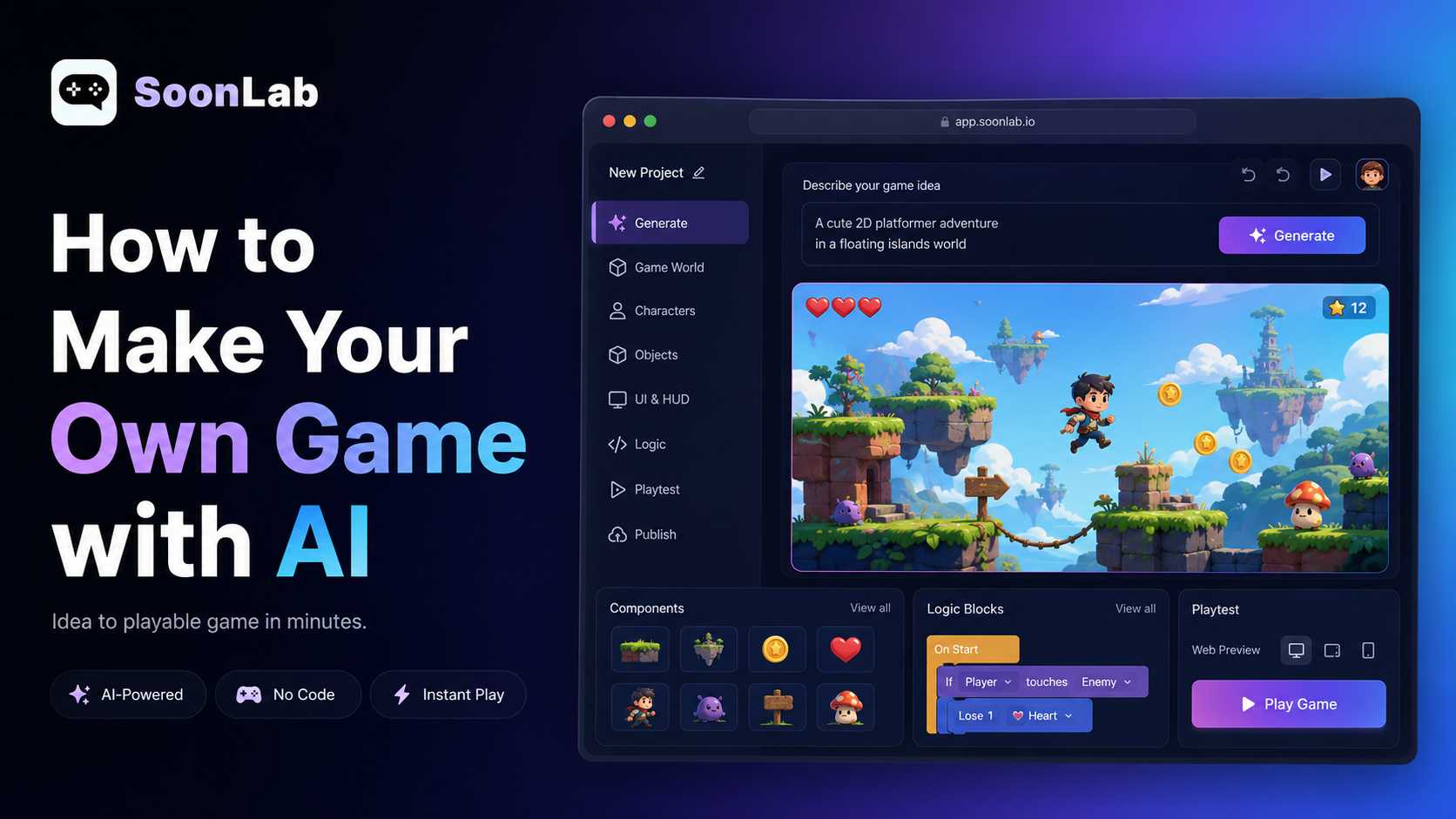
If you have ever had a game idea but felt unsure how to build it, AI can now help you move much faster from "this could be fun" to "I can actually play this in my browser." You still need to think clearly about the game you want to create, but you no longer have to begin with a blank project, a complex engine, or a long technical setup.
In this guide, I'll walk through a simple way to make your own game with AI. It is about turning a game idea into a playable online game by defining the concept, choosing the right game type, writing a useful AI game prompt, generating a first version in SoonLab, testing it, improving it, and sharing it.
The most important thing I have learned from working with AI game prompts is that the quality of the first playable result depends less on having a "perfect" idea and more on describing the game clearly. AI can help create the game, but you still guide the design.
Turn your idea into aplayable game
Describe the game you want to make, and SoonLab will help you start building it.
Start with an Idea for Your Own Game
Before you try to create your own game, you need to make the idea specific enough for AI to understand. A broad idea like "make a fun adventure game" sounds exciting, but it does not tell the AI what the player does, what the goal is, or what makes the game challenging.
A stronger idea gives the AI a playable direction. For example, instead of saying "make a space game," you could say: "Create a 2D space survival game where the player controls a small spaceship, avoids asteroids, collects energy cells, and tries to survive for 90 seconds."
That one sentence already includes the player, action, challenge, and goal. It also suggests a simple structure that can become a real browser game.
When I plan a beginner-friendly AI game, I usually start with this pattern:
The player controls [character or object].
The goal is to [main objective].
The challenge is [obstacle or enemy].
The player wins when [win condition].
The player loses when [lose condition].
You do not need a long story at this stage. A simple idea is often better because it gives the AI fewer chances to misunderstand the game. Once the first version works, you can always add more levels, characters, upgrades, or visual style.
A good first idea might be a racing game where the player avoids traffic, a quiz game where the player answers questions for points, or a platformer where the player reaches the exit before time runs out. Each of these ideas can become a playable online game because the actions and rules are easy to define.
Choose a Game Type That Works Well Online
After you have the idea, the next step is choosing a game type. This matters because some games are much easier to generate, test, and improve with AI than others.
If your goal is to make your own game online, start with a format that works well in a browser. Simple 2D games are usually the best choice for a first build because they have clear controls, fast feedback, and short play sessions. Platformers, top-down racing games, quiz games, idle clickers, maze games, and simple RPG battle games are all good options.
For example, a platformer is easy to understand because the player moves, jumps, avoids hazards, collects items, and reaches an exit. A racing game is also clear because the player steers, avoids obstacles, collects points, and tries to survive or finish the track. A quiz game works well because the rules are mostly based on questions, answers, scoring, and progression.
It is better to avoid very large ideas for your first version. Open-world RPGs, complex multiplayer games, advanced 3D worlds, and large strategy games can become difficult quickly. They may require many systems working together, which makes the first AI-generated version harder to control.
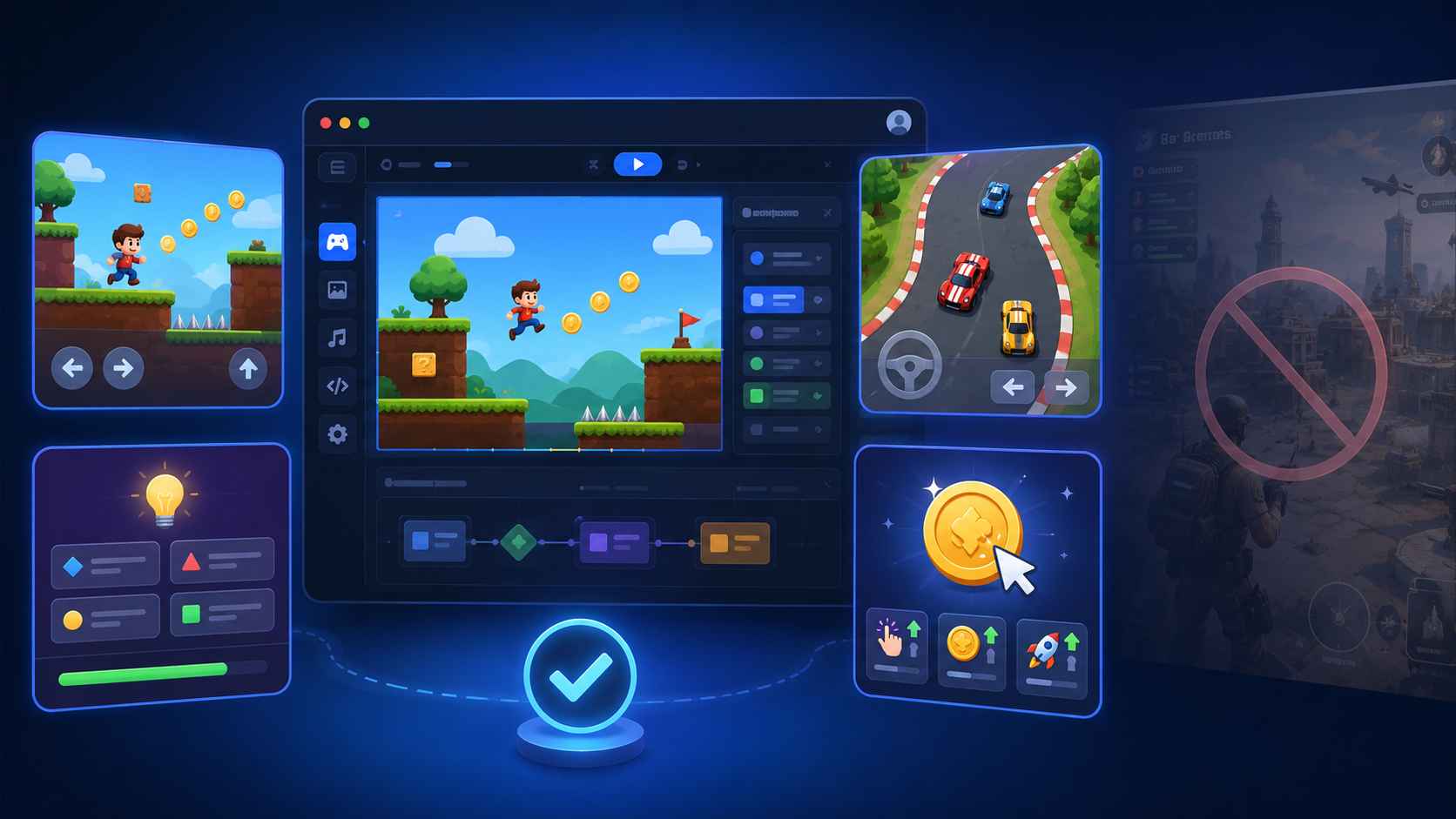
This does not mean you should give up on ambitious ideas. It means you should begin with the smallest playable version. If your dream game is a fantasy RPG, start with one battle scene. If your idea is a large racing world, start with one simple track. If you want a learning game for students, start with one quiz round.
A first version should be small enough to play, test, and improve in one sitting.
Create Your Own Game Rules and Core Loop
Once you choose the game type, define the rules. This is the step that often separates a vague AI result from a game that actually feels playable.
Rules tell the AI how the game should behave. They include the controls, goal, scoring, difficulty, win condition, lose condition, and restart behavior. You do not need to write a full design document, but you should give the AI enough structure to build a working first version.
For a racing game, the rules might be simple: the player moves left and right with the keyboard, the car drives forward automatically, coins increase the score, traffic cars cause damage, the player has three lives, and the game ends when all lives are gone.
For a quiz game, the rules might be: the player chooses a question, selects an answer, earns points for correct answers, loses points for wrong answers, and sees a final score after all questions are complete.
These rules also create the game's core loop. A core loop is the repeated action that keeps the player engaged. In a racing game, the loop might be: dodge obstacles, collect coins, survive longer, and beat your previous score. In an idle game, the loop might be: click to earn points, buy upgrades, earn faster, and unlock new items.
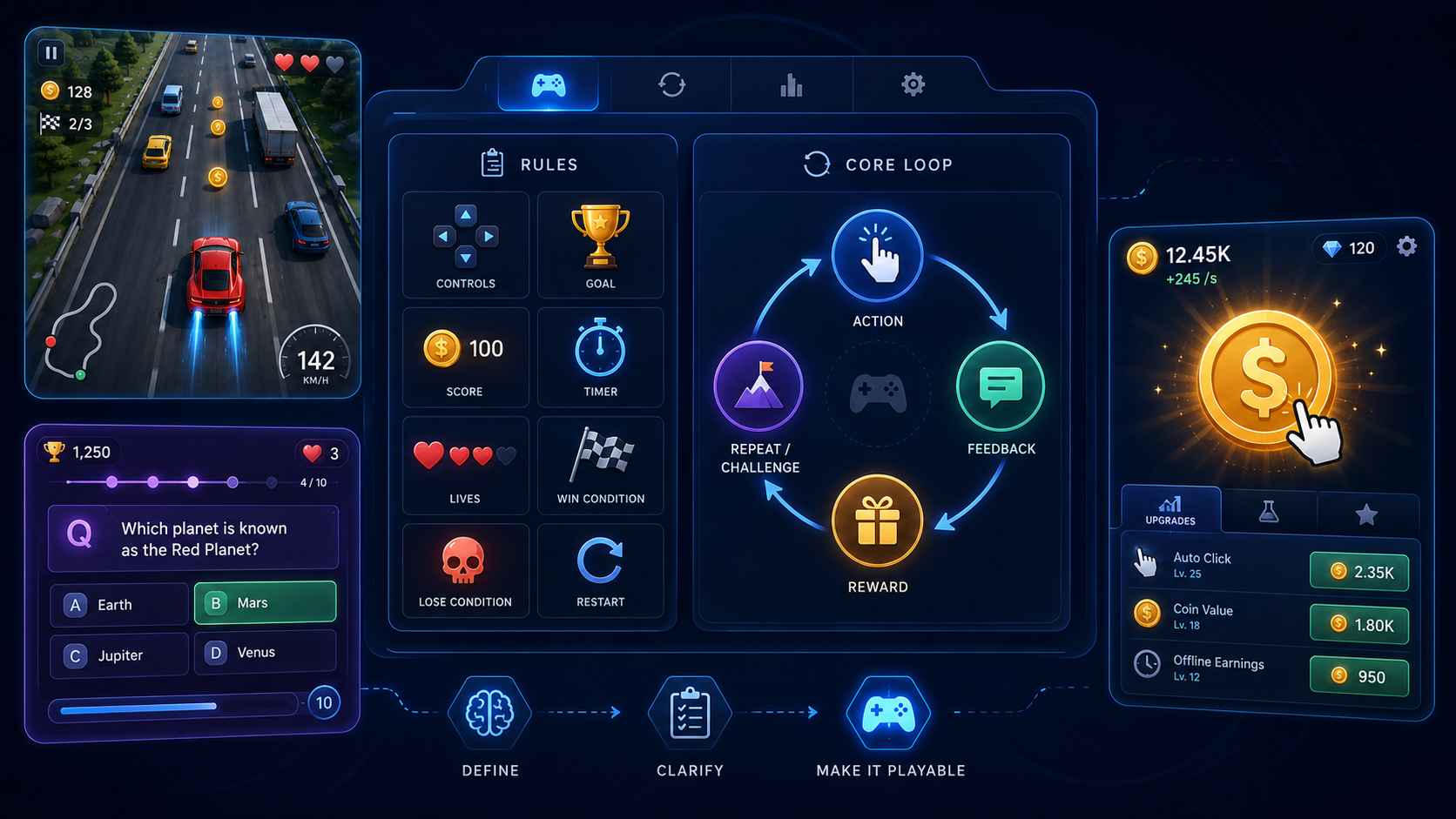
When you make your own game with AI, the core loop helps the AI understand what the player should keep doing. Without it, the game may have visuals and controls but no clear reason to continue playing.
A useful rule of thumb is this: if you cannot explain what the player does every few seconds, your game idea probably needs more structure before you generate it.
Write an AI Game Prompt to Make Your Own Game
Now that you have the idea, game type, rules, and core loop, you can write the AI game prompt. This is where many beginners either write too little or try to include too much.
A good AI game prompt should be clear, practical, and focused on playability. You want to describe the game in enough detail that AI can create a working version, but you do not need to describe every tiny visual element.
Here is a simple formula:
Create a [game type] where the player [main action].
The goal is [goal].
Add [controls], [rules], [scoring], [win/lose conditions], and [difficulty].
Use a [visual style].
Make it playable in the browser.
Here is an example for a platformer:
Create a 2D browser platformer where the player controls a small robot collecting energy orbs. The goal is to reach the exit before the battery runs out. Add left and right movement, jumping, platforms, spikes, a score counter, a battery timer, three short levels, a game over screen, and a restart button. Use a bright sci-fi pixel style. Make it playable in the browser.Here is an example for a racing game:
Create a top-down browser racing game where the player drives through a busy city street, avoids traffic, and collects coins. Use left and right arrow keys for controls. The player has three lives and loses one life after each crash. Coins increase the score, and speed increases every 20 seconds. Add a score counter, lives display, game over screen, and restart button. Use a colorful arcade style.Notice how both prompts focus on what matters: the player action, goal, controls, rules, feedback, and browser playability. They do not simply say "make it fun." They explain what "fun" should mean in the game.
If the first result is not right, that does not mean the idea failed. It usually means the next prompt needs to be more specific.
How to Create Your Own Game with SoonLab
Once your prompt is ready, you can use AI game maker SoonLab to create your own game online. I would not treat this step as "click a button and hope." The best results come from using SoonLab as part of the full creative workflow: describe, generate, play, notice what needs work, and improve.
Step 1: Describe Your Game Idea
Start by pasting a clear version of your game idea into SoonLab. Keep the first request focused.
For example, if you are making a racing game, do not ask for multiple cars, a garage system, ten tracks, weather effects, and online multiplayer in the first version. Start with one playable version that includes clear controls, a score, lives, obstacles, and a restart option.
Step 2: Add Rules, Controls, Goals, and Win/Lose Conditions
After the basic idea is clear, add the details that make the game playable.
A good prompt should explain how the player controls the game, what the goal is, how scoring works, and how the player wins or loses. For example, you might say that the player uses arrow keys, has three lives, collects coins for points, loses when all lives are gone, and can restart after game over.
These details help SoonLab generate something closer to a real game instead of a loose interactive demo.
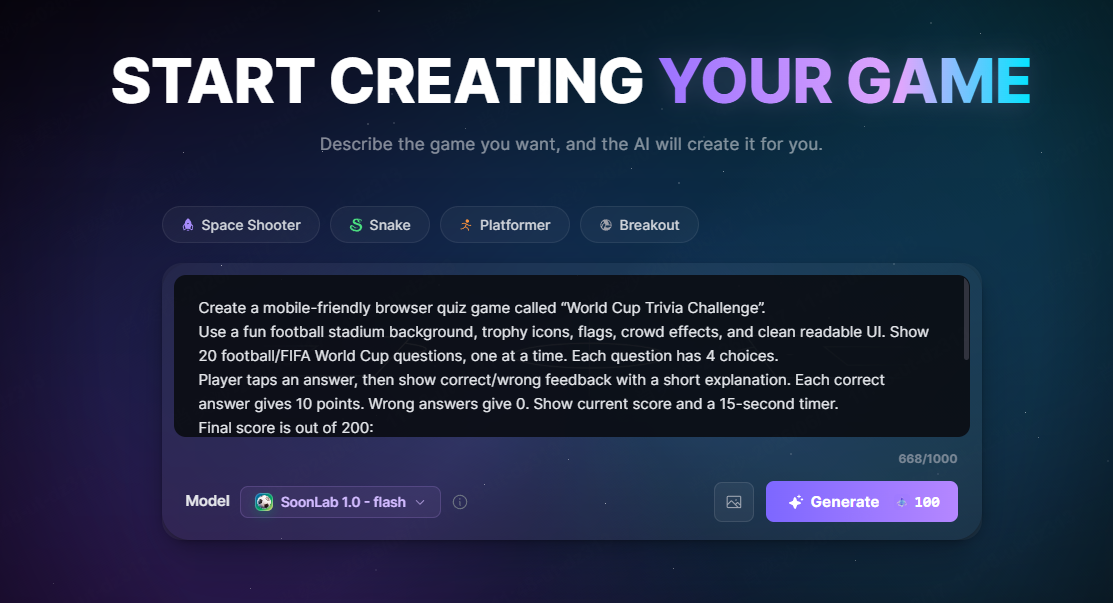
Step 3: Generate a Playable Browser Game
Next, generate the game in SoonLab and test it immediately.
This is where the process becomes different from simply reading about game design. You can see whether the controls feel right, whether the goal is clear, and whether the game is actually playable in the browser.
At this stage, do not expect the first version to be perfect. Treat it as a working prototype.
Step 4: Playtest the First Version
After the game is generated, play it like a real player.
Check whether you can start the game easily, control the character or object, understand the goal, score points, lose, win, and restart. If something feels confusing, that is useful feedback. It tells you what to improve next.
For example, if the player moves too fast, the game may feel hard to control. If the goal is unclear, the game may need a short instruction screen. If players cannot tell when they score points, the game needs stronger visual feedback.
Step 5: Improve the Game with Follow-Up Prompts
The first version should not be treated as final. The practical way to make your own game with AI is to improve it through a few focused follow-up prompts.
You might write:
Make the first 30 seconds easier, then gradually add more obstacles.
Add clearer feedback when the player collects a coin or loses a life.
Add a short instruction screen before the game starts.
Add a second level that keeps the same controls but introduces one new obstacle.
Follow-up prompts are where the game becomes better. Do not expect one perfect prompt to create the final result. Build the game step by step, test each version, and improve the parts that matter most.
Test and Improve Your Playable Online Game
Testing is not just a final check. It is part of creating the game. Even a simple AI-generated game can become much better after a few rounds of playtesting.
When I test a playable online game, I focus on three questions. First, is it clear? A new player should understand what to do within a few seconds. If the goal is unclear, add a start message, visual arrows, labels, or a simpler first level.
Second, does it work? The controls should respond, the score should update, the player should be able to win or lose, and the restart button should work. These basic details matter more than extra features.
Third, is it enjoyable enough to replay? A game does not need to be complex to be fun, but it should give the player feedback. Collecting an item should feel noticeable. Taking damage should be clear. Winning should feel like a result of the player's action.
Instead of asking AI to "make it better," use specific improvement prompts. For example, ask it to make the difficulty smoother, add clearer feedback, improve the restart screen, or make the goal easier to understand. Specific prompts are easier for AI to follow and easier for you to evaluate.
This stage also helps you learn what kind of game you are really making. Sometimes the first version reveals that the best part of the idea is not the story or style, but a simple action like dodging, collecting, upgrading, or answering questions under time pressure.
Publish or Share Your Own Game Online
After you test and improve the game, you can decide how to share it. Not every game needs to be a major release. A small browser game can still be useful as a class project, a portfolio demo, a social post, a game jam prototype, or a quick experiment for a larger idea.
Before sharing, play through the game one more time as if you were a new player. Check that the title makes sense, the controls are visible, the objective is clear, and the game can restart after a win or loss. The first 10 seconds matter because players decide quickly whether they understand the game.
If you are sharing the game with friends or an audience, include a short description that explains the goal. For example: "Avoid traffic, collect coins, and survive as long as you can." A simple description helps people start playing without confusion.
This is also a good point to save your best prompt and follow-up prompts. They become part of your creative process. The next time you create your own game online, you will already know how to describe rules, controls, and improvements more clearly.
FAQ About How to Make Your Own Game
Can I make my own game with AI?
Yes. You can make your own game with AI by describing the idea, game type, rules, controls, goals, and visual style in a clear prompt. The best approach is to generate a simple playable version first, then improve it with follow-up prompts.
How do I create my own game online?
To create your own game online, start with a clear idea, choose a browser-friendly game type, define the rules, write an AI game prompt, generate the game in a tool like SoonLab, then playtest and improve the result.
What should I include in an AI game prompt?
A strong AI game prompt should include the game type, player action, goal, controls, scoring, obstacles, win condition, lose condition, difficulty, and visual style. It also helps to say that the game should be playable in the browser.
What is the easiest game to make with AI?
The easiest games to make with AI are usually simple 2D games such as platformers, racing games, quiz games, maze games, and idle clickers. These work well because the player action and rules are easy to describe.
How do I improve an AI-generated game?
Play the first version and identify one specific problem. Then use a follow-up prompt such as "make the goal clearer," "add a restart button," "make the controls smoother," or "increase difficulty after 30 seconds."
Conclusion
Learning how to make your own game with AI is less about finding a magic prompt and more about guiding the game step by step. Start with a clear idea, choose a simple game type, define the rules, write a focused AI game prompt, generate a playable version, and improve it through testing.
SoonLab fits naturally into this workflow because it lets you move from description to playable browser game quickly. But the real advantage comes from how you use it: not as a one-click shortcut, but as a creative loop where you describe, play, learn, and refine.
If you keep your first game small and clear, you can create your own game online faster than you might expect. Your first version does not need to be perfect. It just needs to be playable enough to teach you what to improve next.