AI Action Game Maker: Create Your Own Action Game Online
Turn your combat, platforming, or survival idea into a playable 2D or 3D action game. Describe it to SoonLab, try the controls, and shape the action through chat. No coding required.
0/10000
Inspiration from games and creator communities







Play Action Games Made with SoonLab
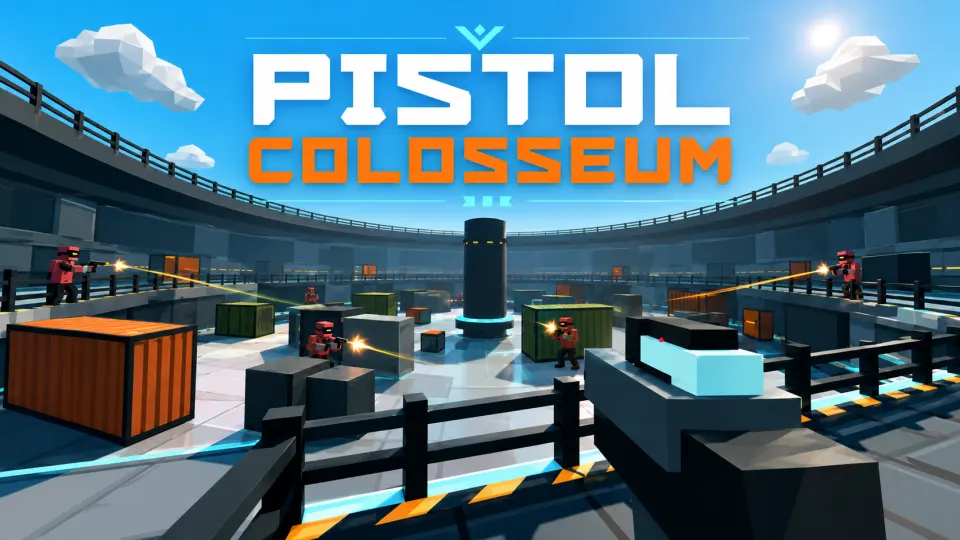
Try Eternal Shadow Blade for blade combos and dodging, Stickman Boost for obstacle challenges, or Pistol Colosseum for 3D arena shooting. Play an example to see what you would like to create with SoonLab.
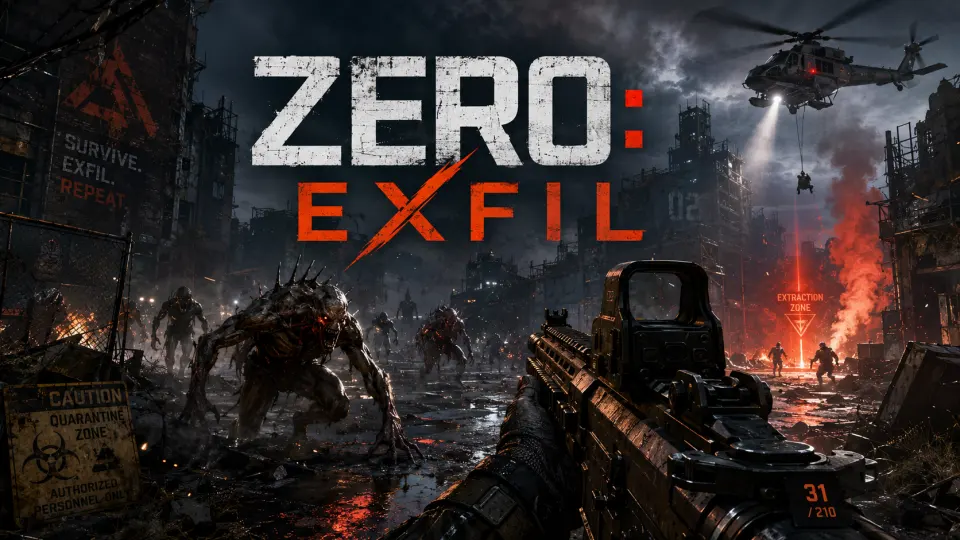
Zero: Exfil
Play Game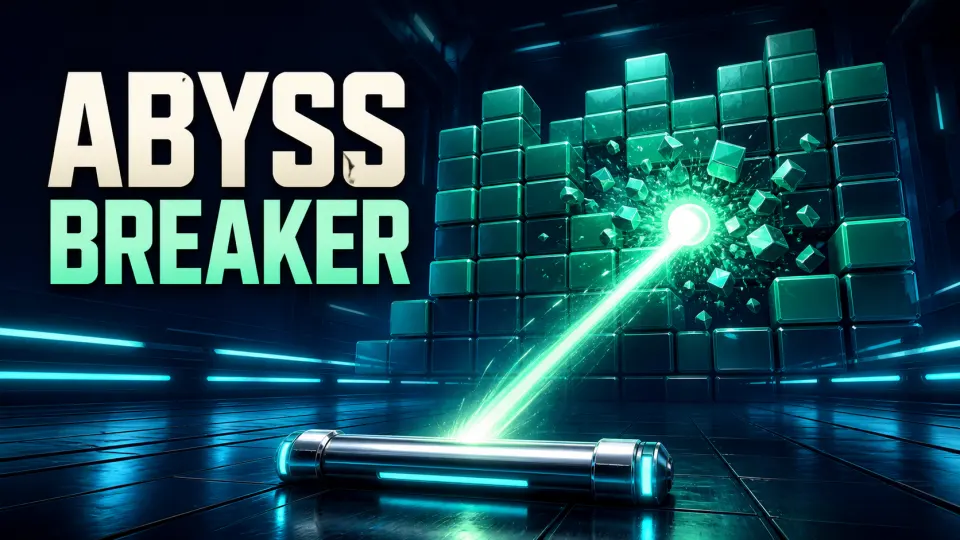
Abyss Breaker
Play Game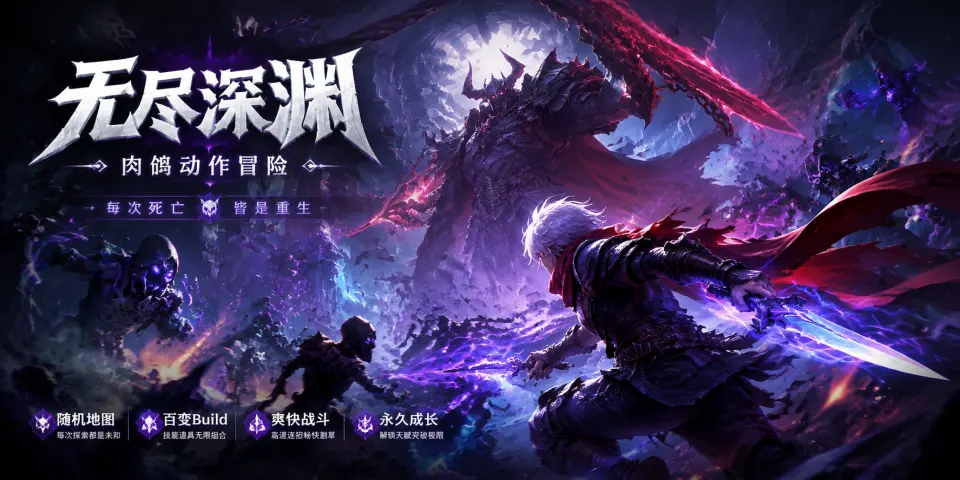
Eternal Shadow Blade
Play Game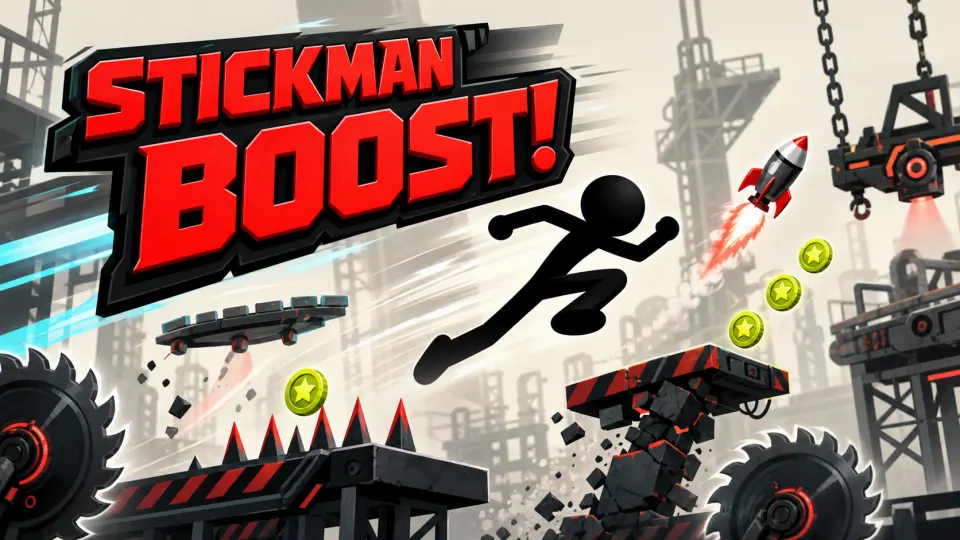
Stickman Boost
Play Game
Prism Drive
Play GameAction Games You Can Create with SoonLab
Top-Down Combat Games
Create an arena where players swing a blade, dodge attacks, and fight enemies from every direction. Tell SoonLab how attacks and damage work, then play the result to test the rhythm of each encounter.
Create a Combat Game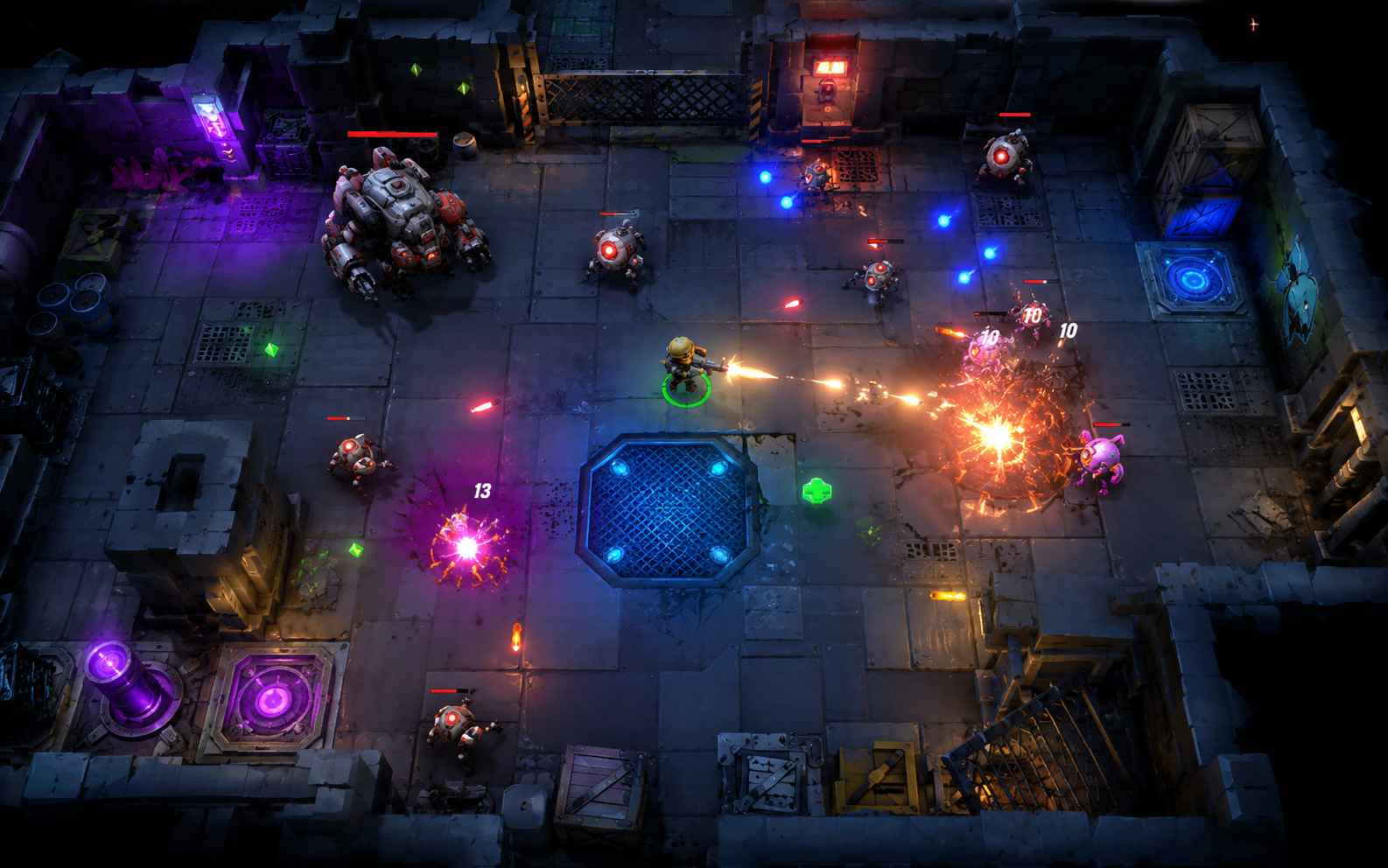
Action Platformers
Make a rooftop escape or dungeon run that combines jumping with combat. Describe the gaps, enemies, attacks, and checkpoints. Adjust the jump height or attack range through chat until they fit your level.
Create an Action Platformer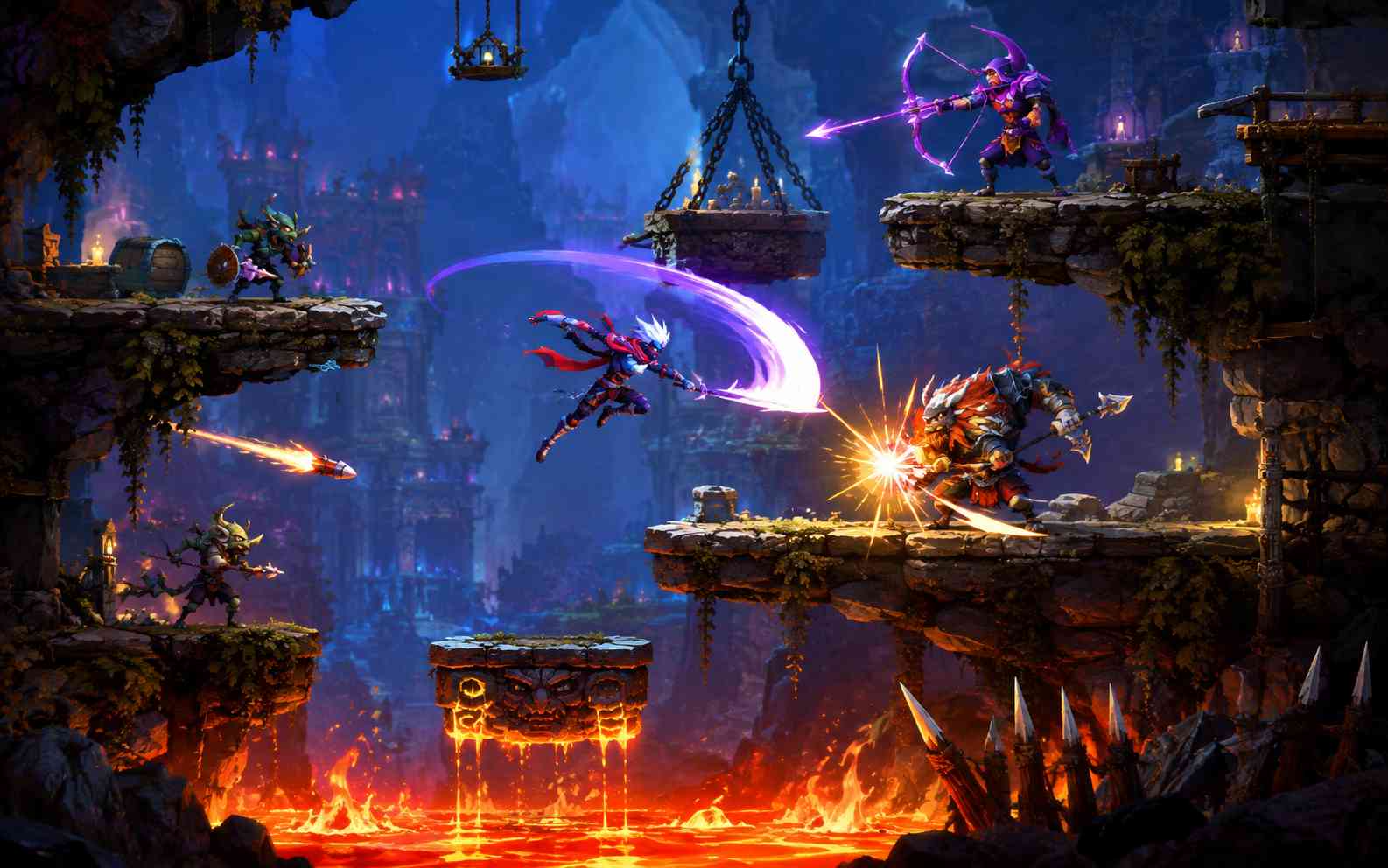
Arena Survival Games
Build a survival challenge with enemy waves and upgrades between rounds. Choose how long players must last and what changes as they progress. Try different spawn rates and power-ups to shape each run.
Create a Survival Game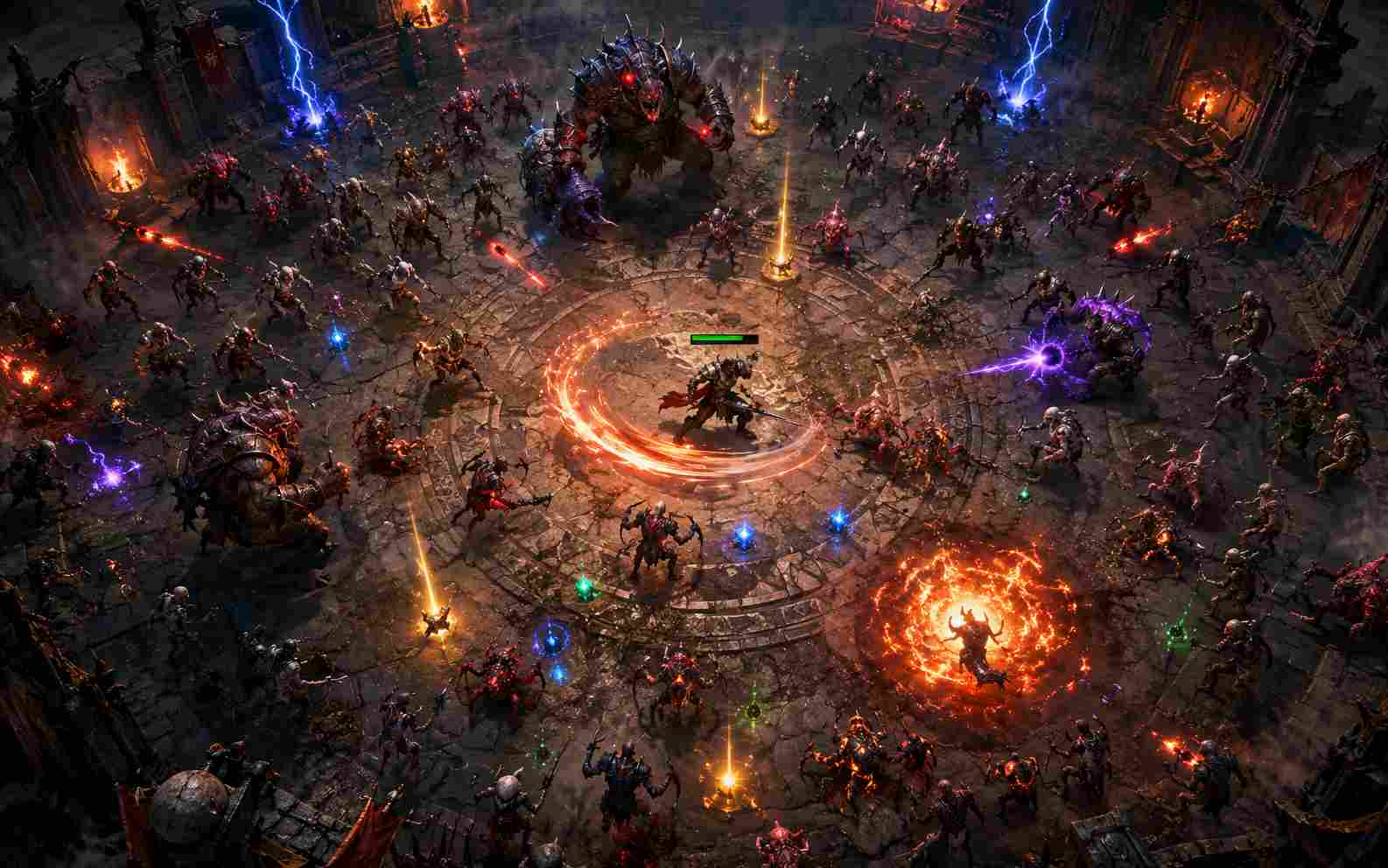
Shooter Action Games
Create a shooting challenge with your own arena, enemies, and mission. Describe how players move and aim, then test the generated game. Ask for changes to bullet speed, damage, or cover to change the pace.
Create a Shooter Game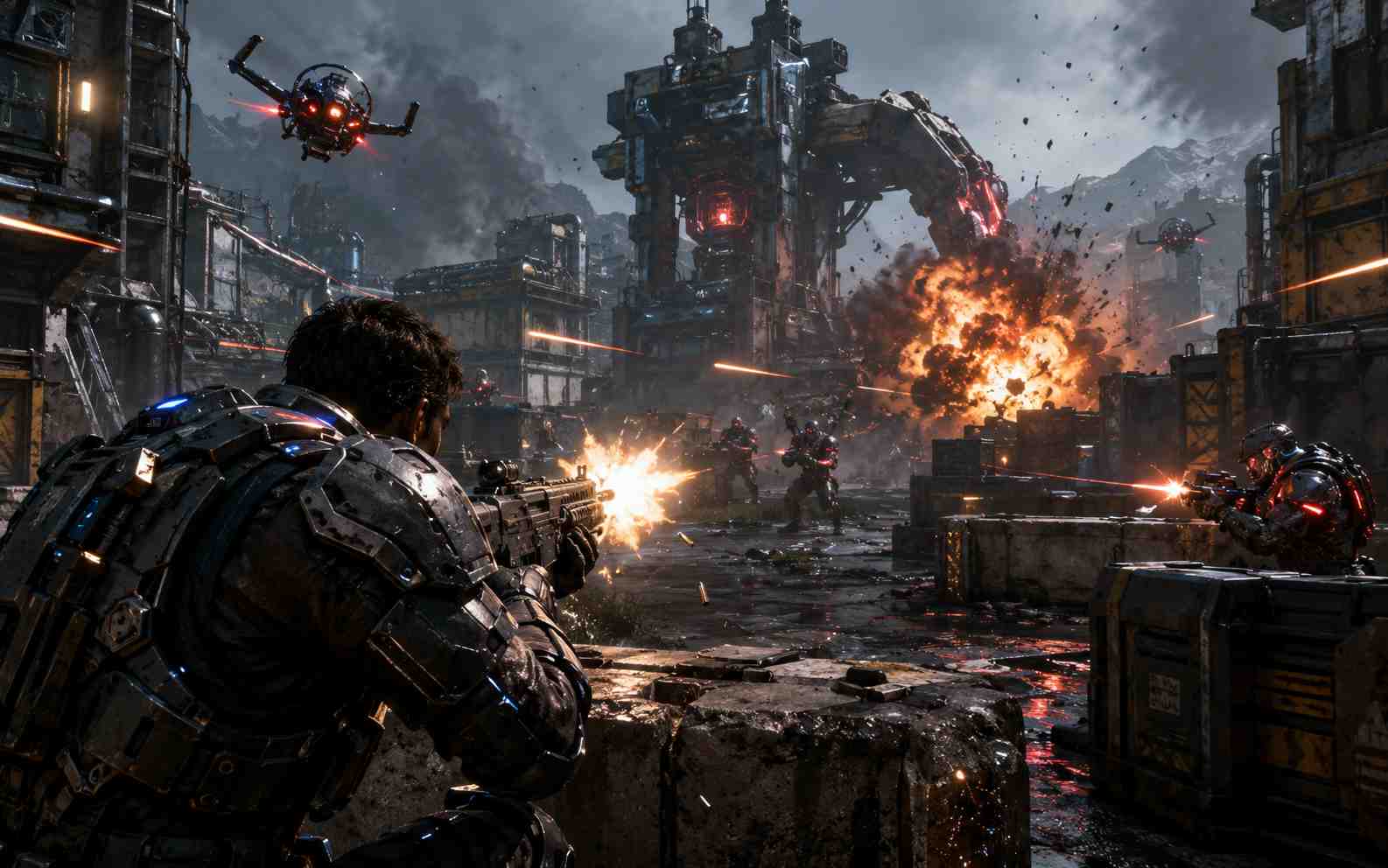
Action RPG Prototypes
Try a real-time battle where a hero earns upgrades or unlocks a new skill. Describe the character, attacks, enemies, and reward. Generate a playable encounter to test your combat idea before expanding the world.
Create an Action RPG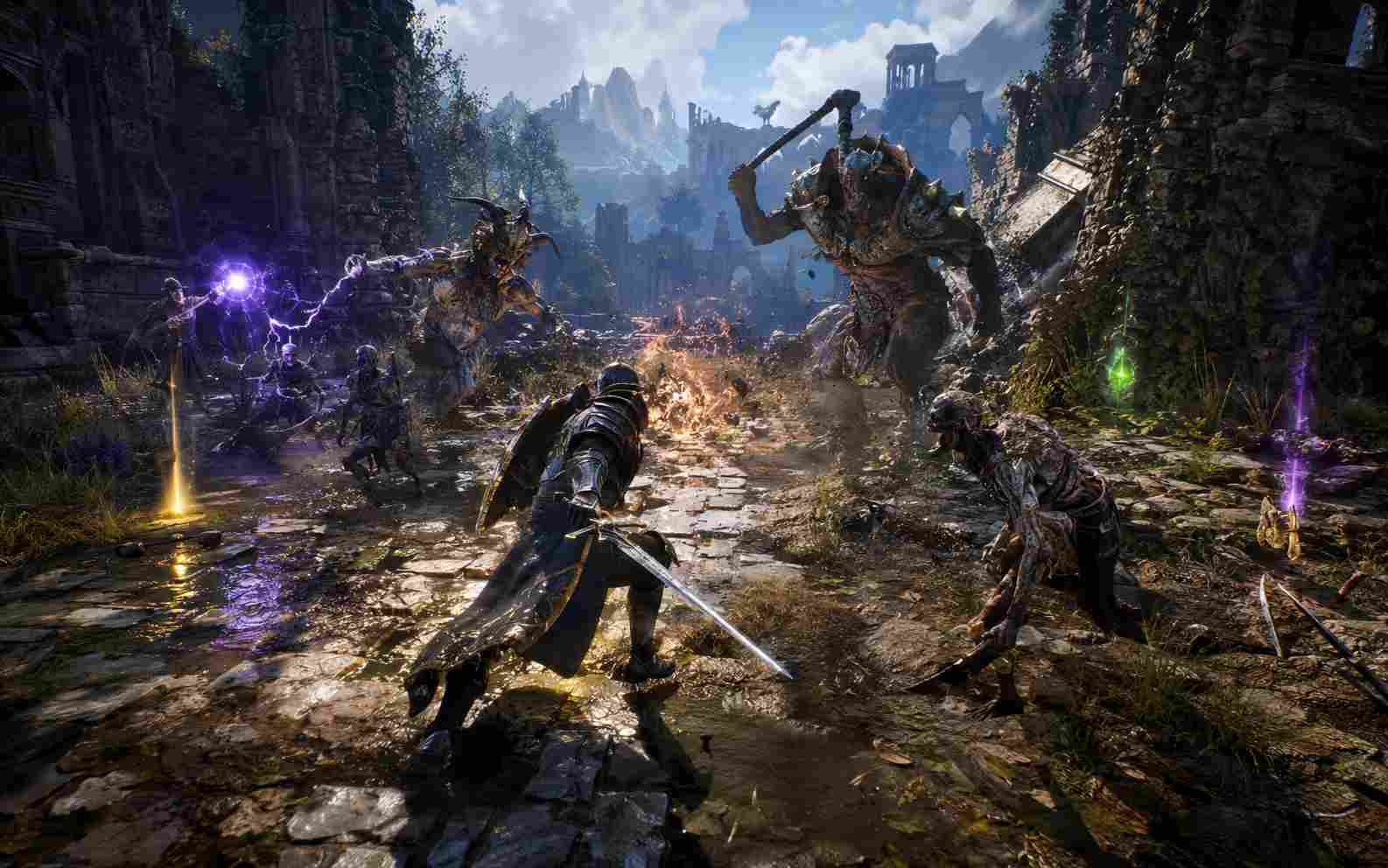
3D Action Games
Turn a temple escape or obstacle course into a playable 3D challenge. Choose the camera view, movement, hazards, and goal. Test the route in your browser and request changes to the camera or obstacles.
Create a 3D Action Game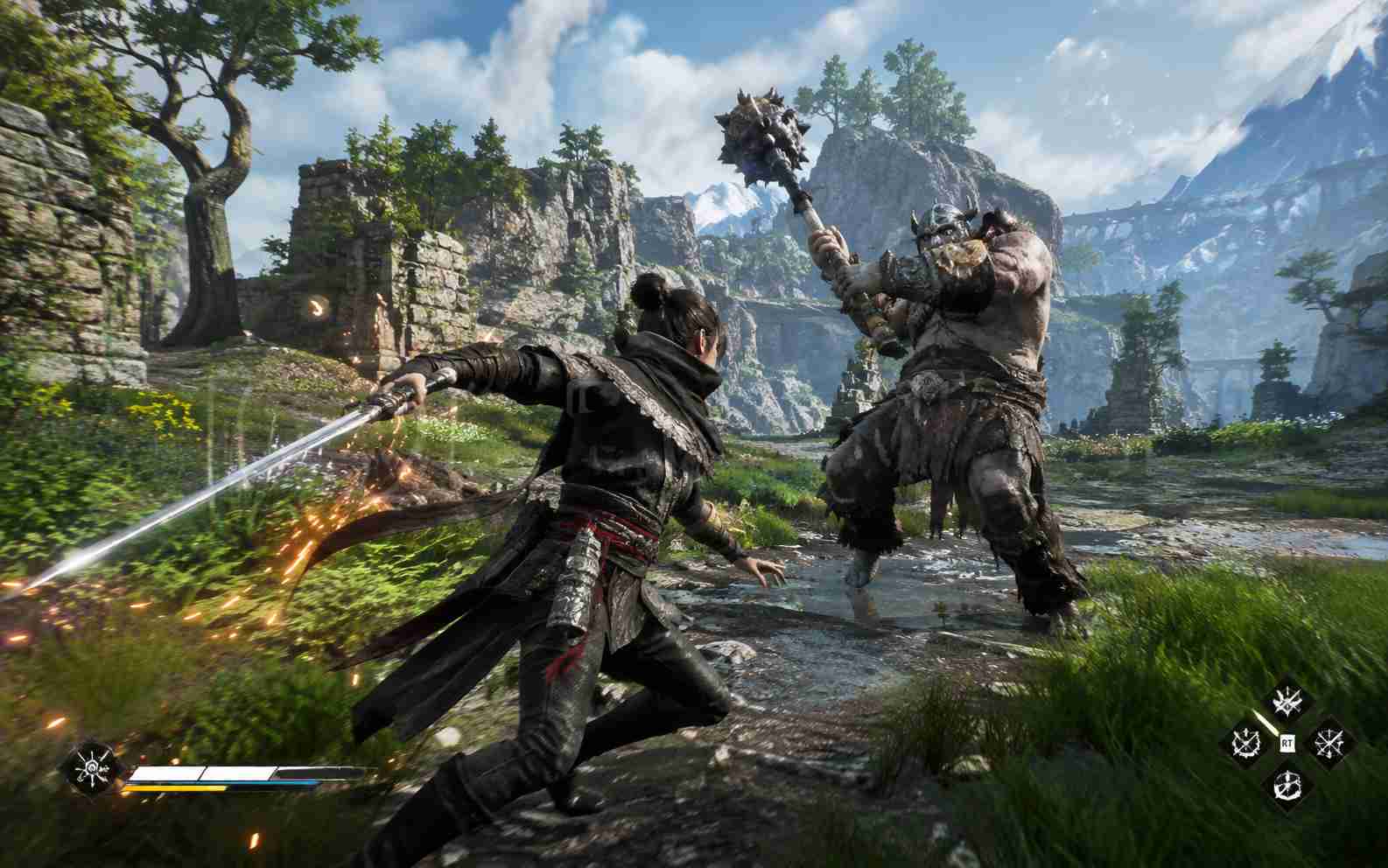
Bring Your Action Game to Life with SoonLab
Create the battles you want to play. SoonLab turns your ideas into playable action games, with combat, enemies, and controls you can shape through chat.
Turn Your Combat Idea into a Playable Game
- Describe a sword duel, boss battle, or survival arena. SoonLab generates a browser game you can play.
- Include movement, attacks, enemies, and a goal so you can experience how your rules work together.
- Start creating without writing combat code or setting up a game engine.
Make the Combat Feel Your Own
- Choose quick sword attacks, powerful strikes, or a dodge that rewards good timing.
- Request hit sounds, flashes, and knockback to make each successful attack more noticeable.
- Change attack speed, range, and recovery through chat to find the pace you want.
Build Enemies Worth Fighting
- Create enemies that chase, charge, or attack from a distance to give each encounter a different rhythm.
- Add attack warnings and openings so players can learn when to dodge and when to strike.
- Shape a boss fight or enemy wave around the challenge you want players to overcome.
Keep Improving Without Starting Over
- Play your game and ask SoonLab to change the parts that need work.
- Adjust a slow dash, an unfair enemy attack, or a wave that ends too quickly through chat.
- Publish your game on SoonLab and share its playable link so others can try your creation.
How to Make an Action Game with AI
Describe your idea, play the first version, then make it your own through chat.

Step 1Describe Your Action Game
Tell SoonLab what the player does and how they win. Choose a setting and visual style, or copy a prompt below to get started.

Step 2Confirm and Play
Confirm the game details and choose PC, mobile, or both. Generate your game, then try the movement, attacks, and challenge in your browser.

Step 3Adjust and Share
Ask for changes such as a faster dodge or slower enemies. Test the update, then publish on SoonLab and share your playable link.
Action Game Prompts You Can Use
Copy a starting prompt into SoonLab and change the theme or rules. These are game ideas to generate and test. The difficulty labels describe the scope of each idea.
| Game idea | Prompt | Difficulty | Game type | Visual style | Copy |
|---|---|---|---|---|---|
| Neon Blade Arena | Create a 2D top-down combat game in a neon arena for PC. Move with WASD, attack with J, and dodge with Space. Add one enemy that chases the player and pauses before attacking. Give the player three hearts. Show a hit flash and knockback when an attack connects. Defeat ten enemies to win. Include controls, a game-over screen, and a restart button. | Beginner | Top-down action games | Top-down neon sci-fi arena | |
| Rooftop Rush | Create a 2D side-view action platformer on city rooftops for PC. Move with the arrow keys, jump with Space, and attack with J. Build one short route with gaps, two patrolling enemies, and one checkpoint. Give the player three hearts. Reach the helicopter to win. Show the controls and health, and include a restart button after winning or losing. | Beginner | Action platformer games | Colorful urban cartoon world | |
| Last Light Outpost | Create a 2D desert arena survival game for PC and mobile. Use WASD on PC and a touch joystick on mobile. The player automatically attacks the nearest enemy. Add three waves of slow chasers, health pickups, and a choice between faster movement or faster attacks after each wave. Survive all three waves to win. Show health and wave progress, and include a restart button. | Intermediate | Arena survival games | Dark stylized desert outpost | |
| Clockwork Guardian | Create a 2D top-down boss battle in a clockwork workshop for PC. Move with WASD, attack with J, and dodge with Space. Give the boss two attacks: a sweeping strike and falling gears with visible warning circles. Leave a short opening after each attack. Show player and boss health. Defeat the boss to win, and include controls, a game-over screen, and a restart button. | Intermediate | Boss battle games | Hand-painted fantasy workshop | |
| Drone District | Create a 2D top-down shooter in a small neon district for PC. Move with WASD, aim with the mouse, and click to shoot. Add one type of drone, cover objects, and health pickups. Enemy shots should have a visible warning before firing. Disable three terminals and reach the exit to win. Show health and objective progress, and include controls and a restart button. | Intermediate | Shooter action games | Top-down cyberpunk city | |
| Temple Escape | Create a short third-person 3D action game in jungle ruins for PC. Move with WASD, look with the mouse, and jump with Space. Add a clear route, two rolling-stone traps with warning zones, one checkpoint, and three relics. Keep the camera steady near obstacles. Collect the relics and reach the gate to win. Show the controls and relic count, and include a restart button. | Intermediate | 3D action games | Stylized 3D jungle ruins |
Explore More Action Game Making Tools
Have a specific direction in mind? Explore SoonLab tools for shooters, platformers, RPGs, and other game ideas, or browse the guides below.
More Guides


Action Game Maker FAQs
Use SoonLab to describe your action game in plain language. Explain how players move and attack, what enemies they face, and how they win. SoonLab generates a playable browser game, so you can try your idea and make changes through chat without writing code.
Make Your Action Game with SoonLab
Give players a boss to beat, an arena to survive, or a route to escape. Describe your idea and turn it into a game you can play, change, and share.
Create Your Action Game