AI Educational Game Maker: Create Learning Games Online
Turn a lesson, topic, or learning goal into a playable browser game. Describe what students should learn and how they should play. SoonLab generates a first version that you can test, improve, publish, share, or download—no coding required.
0/10000
Game inspiration sources







Turn a Lesson into Something Students Can Play
Most educational game makers begin with a template. You choose a quiz, matching activity, or crossword and replace the sample content.
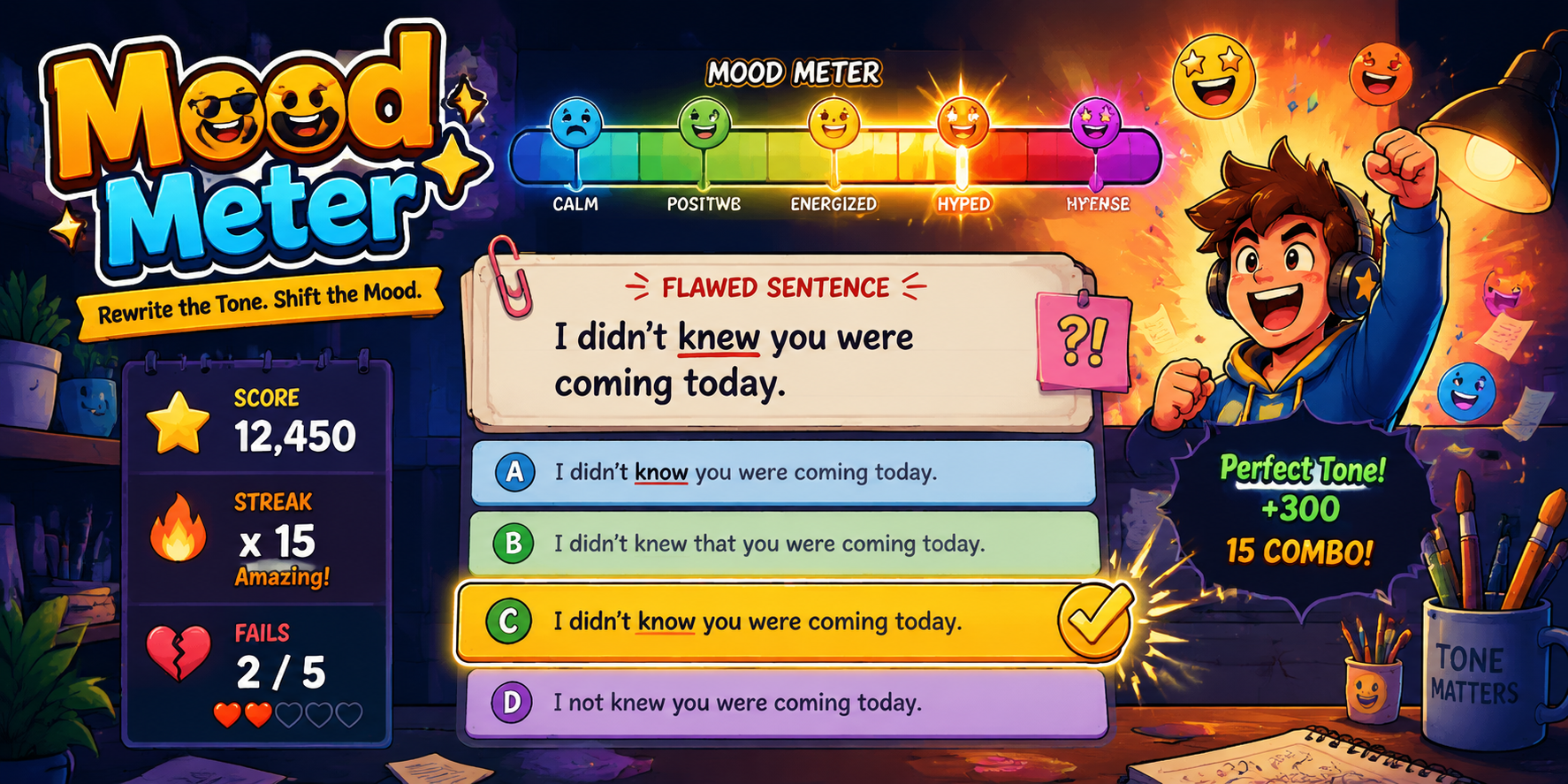
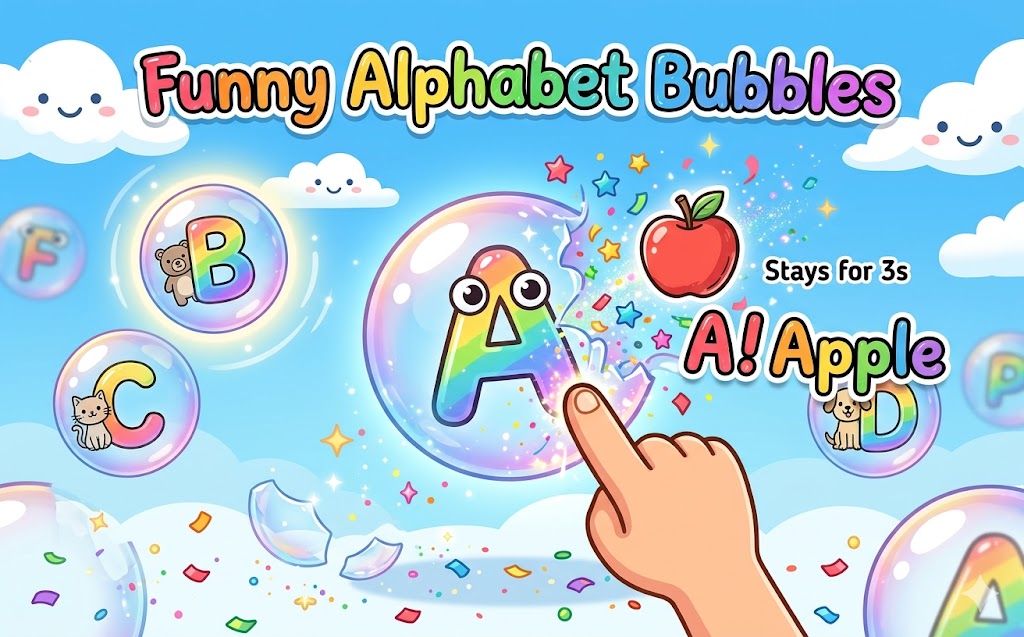
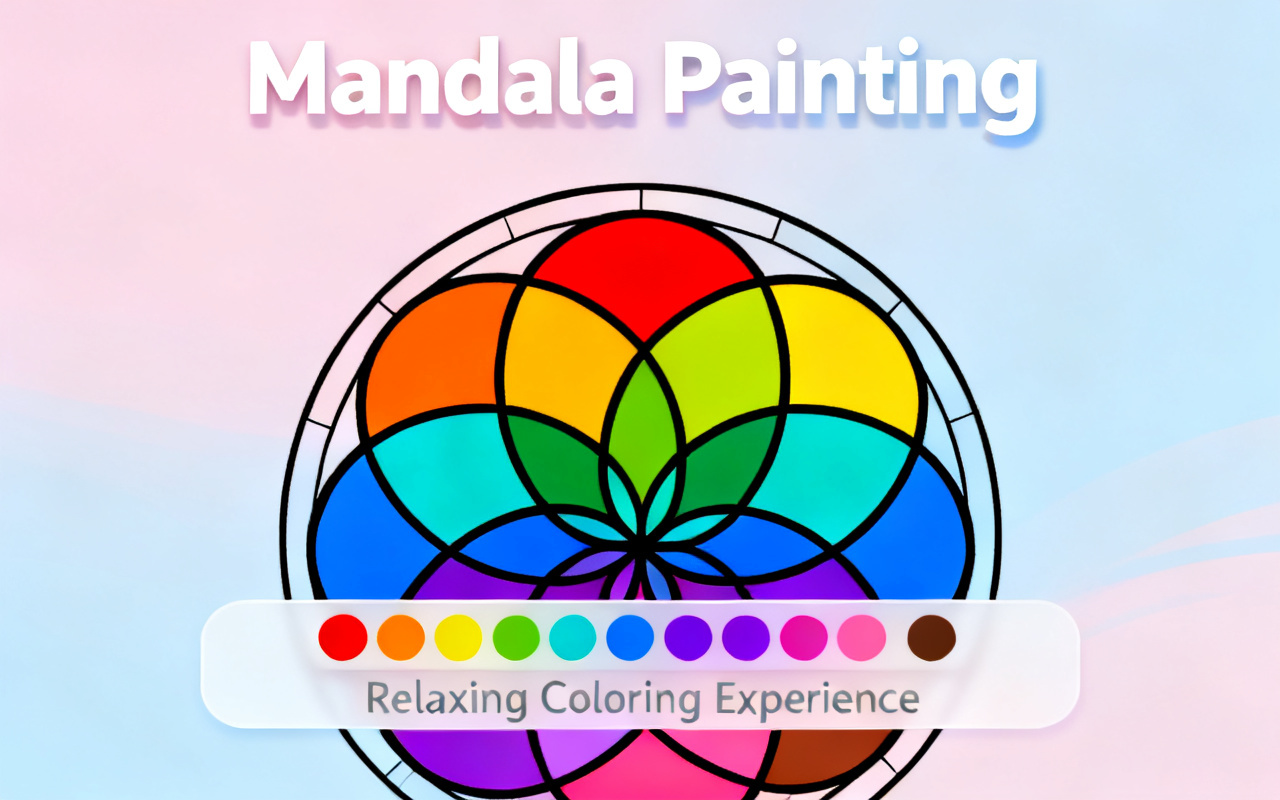
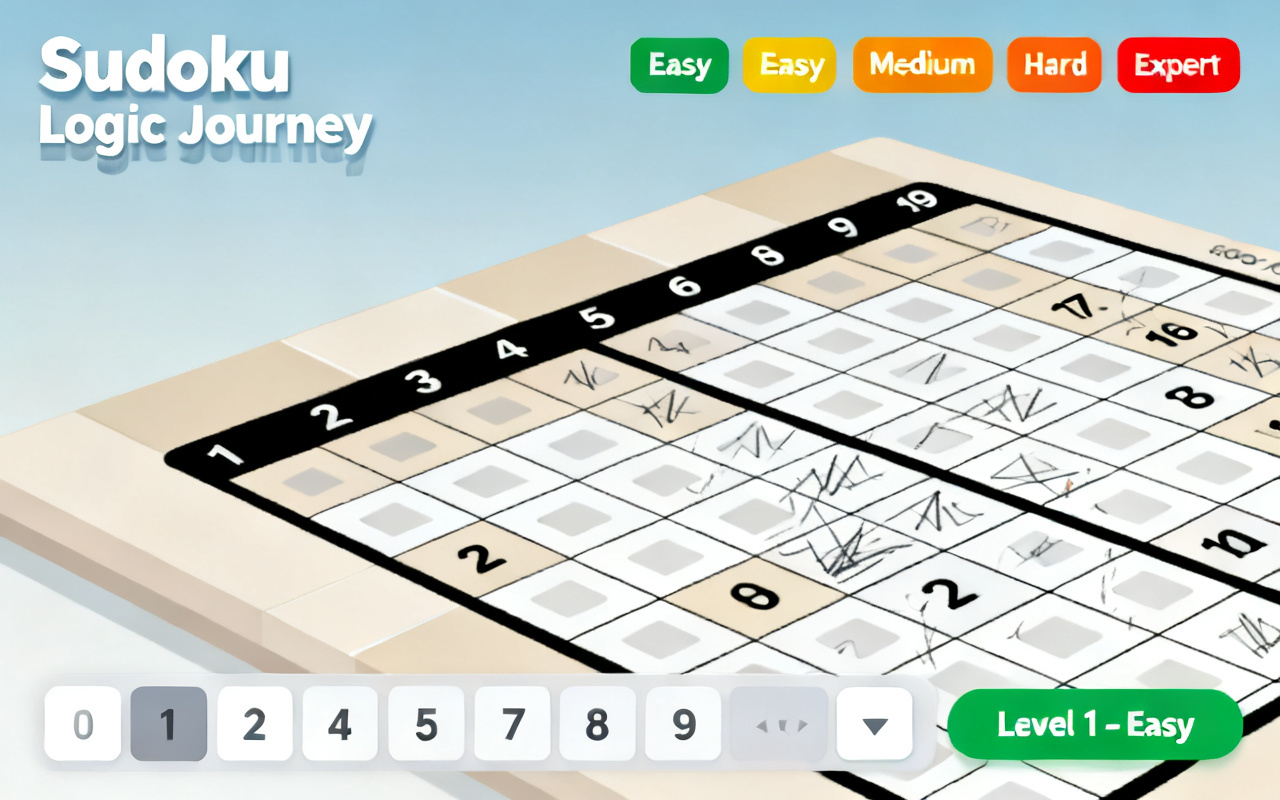
What Is an Educational Game Maker?
An educational game maker turns learning content into an interactive activity or game. SoonLab works as an AI educational game generator. Instead of building screens or writing code, describe who the game is for, what players should learn, what they will do, and what content the game must include. SoonLab then creates a playable browser game based on those instructions.
Create Educational Game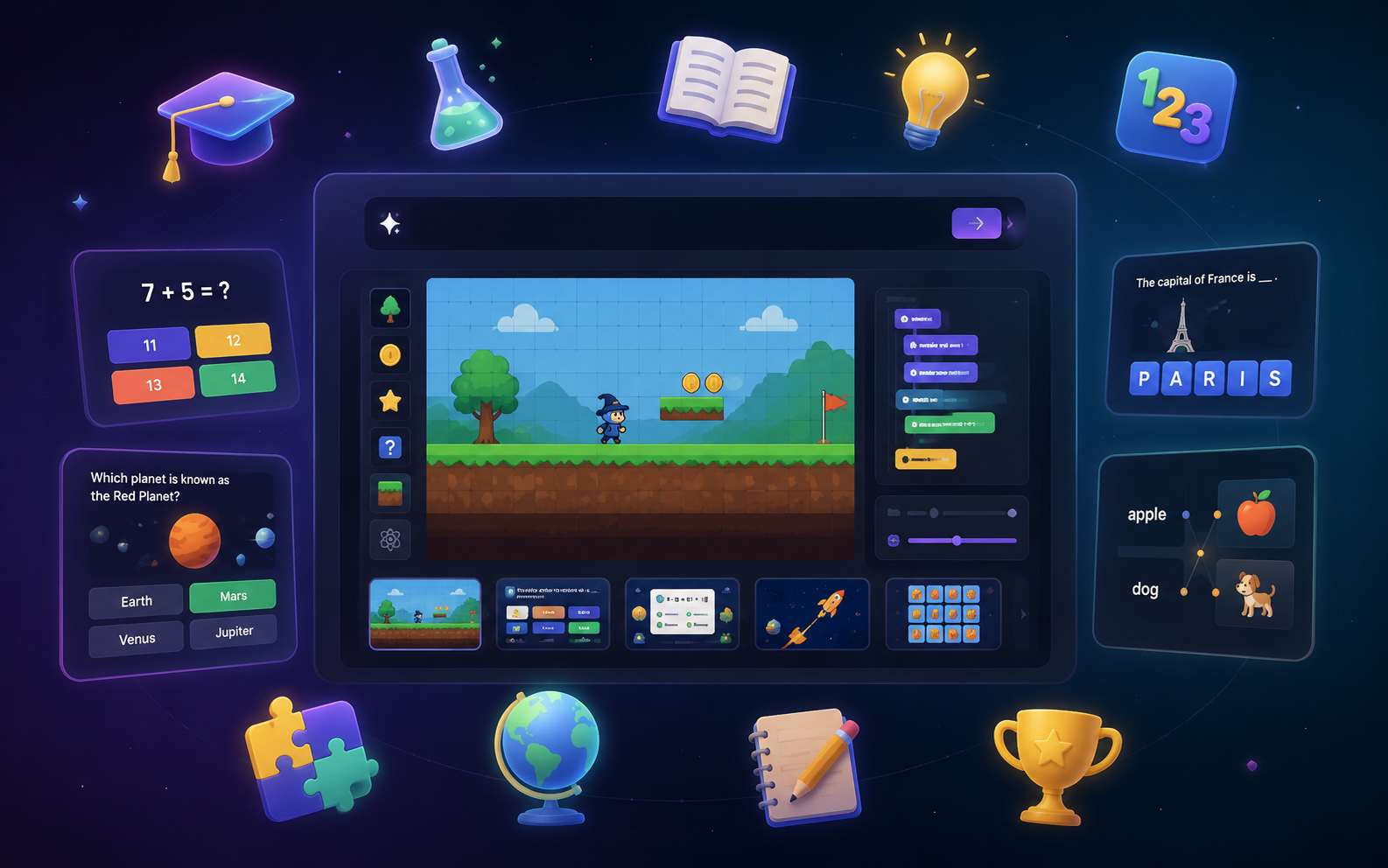
Why Use SoonLab as an Educational Game Creator?
Build Gameplay Around the Lesson
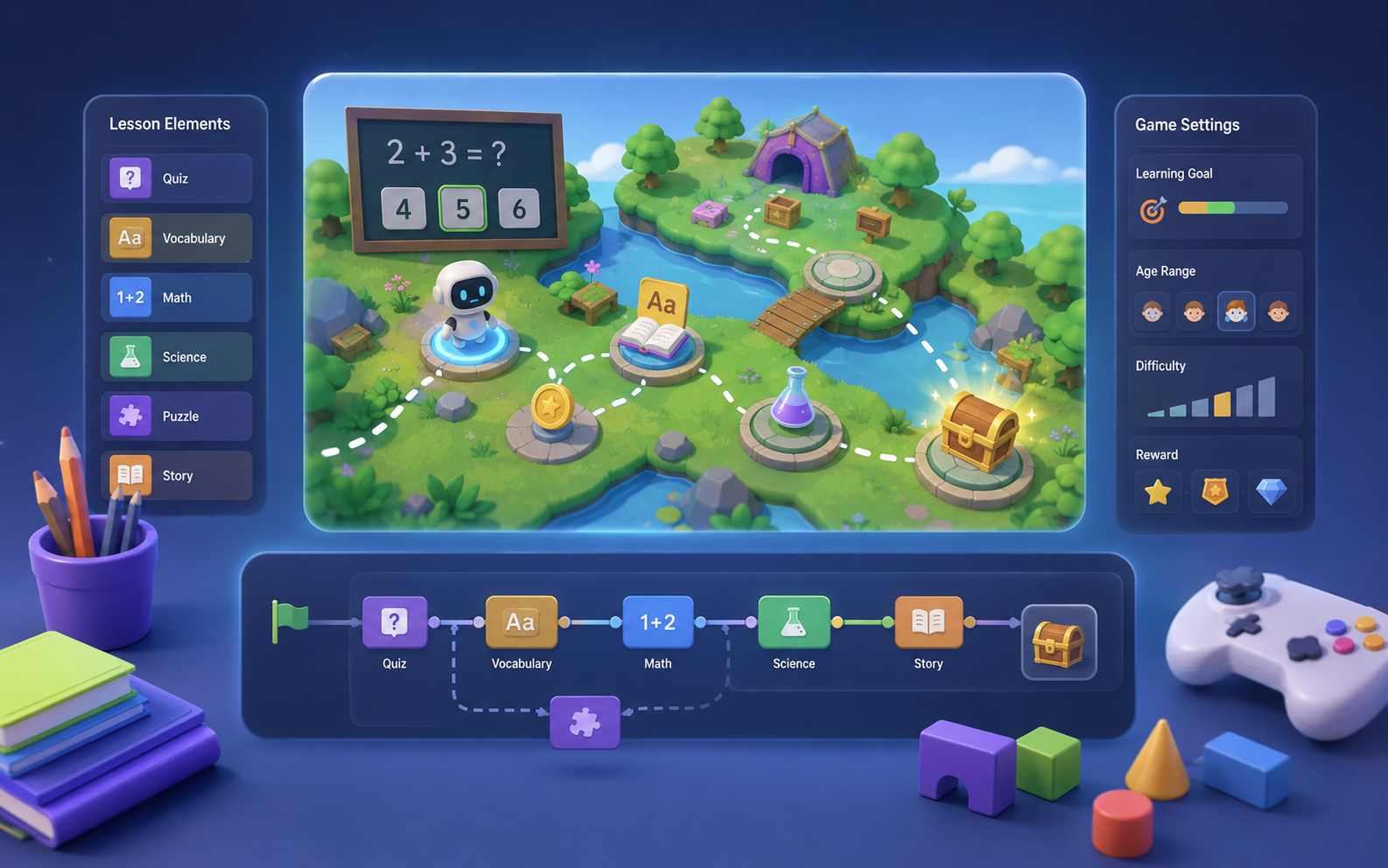
Do not force every topic into the same quiz template. Choose an action that fits the learning goal: match, sort, collect, compare, explore, solve, or make a decision. A fractions lesson can become a bridge-building puzzle, while vocabulary practice can become an adventure where each correct meaning unlocks a new area.
Make the Game Fit Your Students
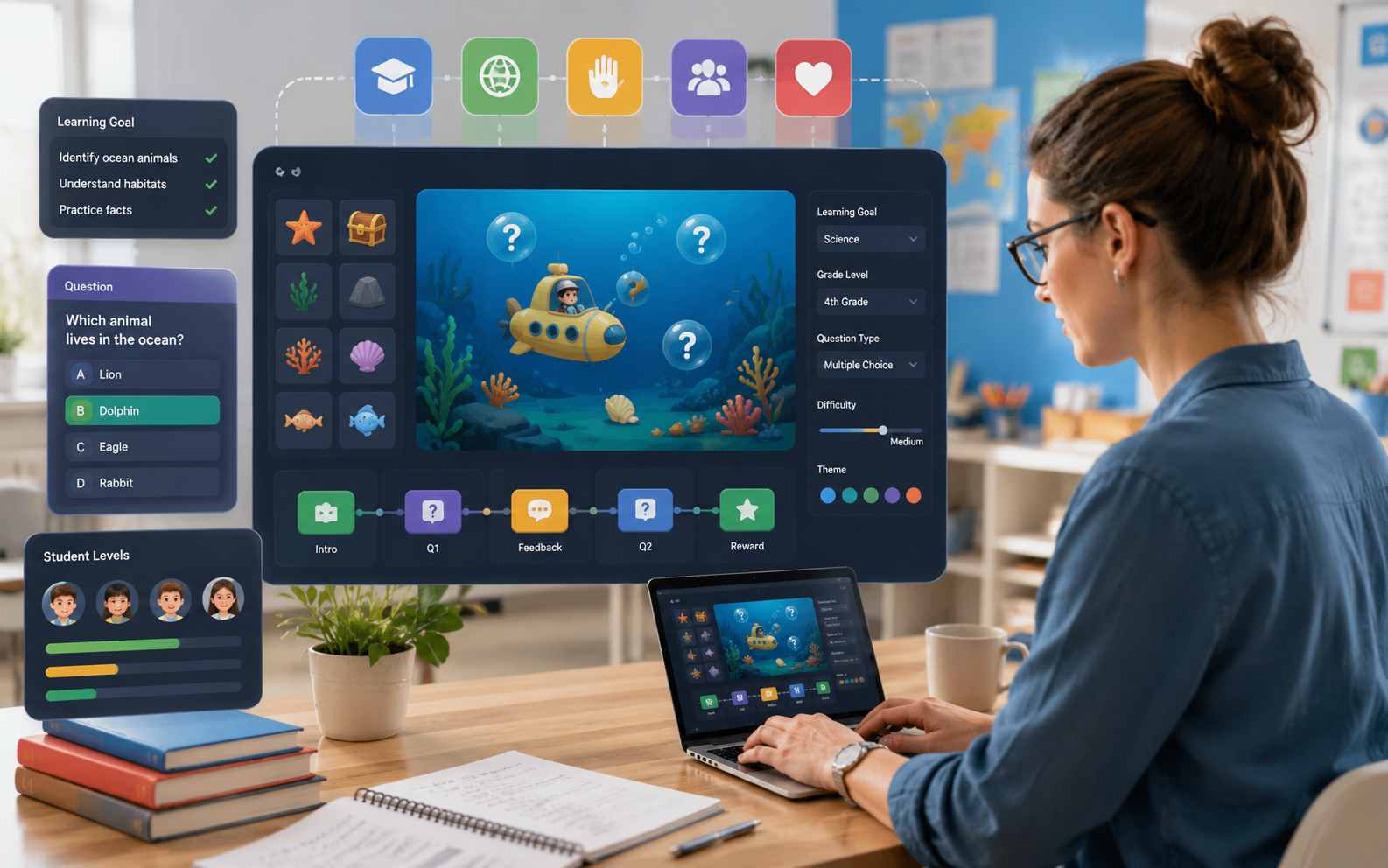
Define the grade, age, subject, learning goal, difficulty, and amount of help in your prompt. Ask for larger text, simple controls, easier questions at the beginning, hints after mistakes, or no timer. Create a game for a specific lesson instead of adapting the lesson to a fixed activity.
Play, Improve, and Share the Same Game
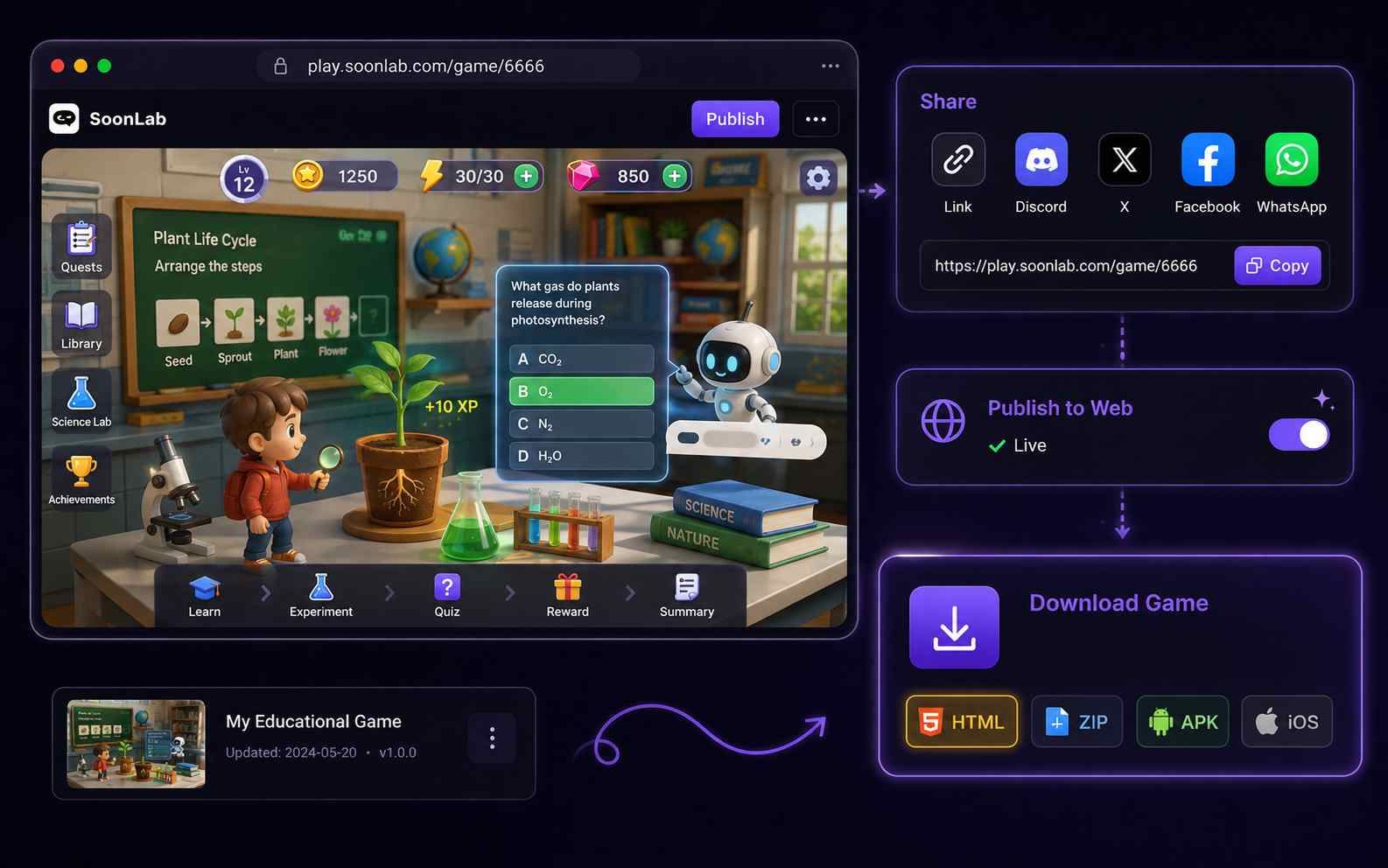
Generate a playable version and test it in your browser. Use follow-up prompts to change the instructions, questions, rules, layout, feedback, or difficulty. When the game is ready, publish it, share the link, or download it as an HTML file.
What Educational Games Can You Create?
Review and Recall Games
Create quizzes, trivia games, matching activities, memory games, or sorting challenges. These formats work well for vocabulary, definitions, facts, dates, formulas, and test review.
Create Educational Game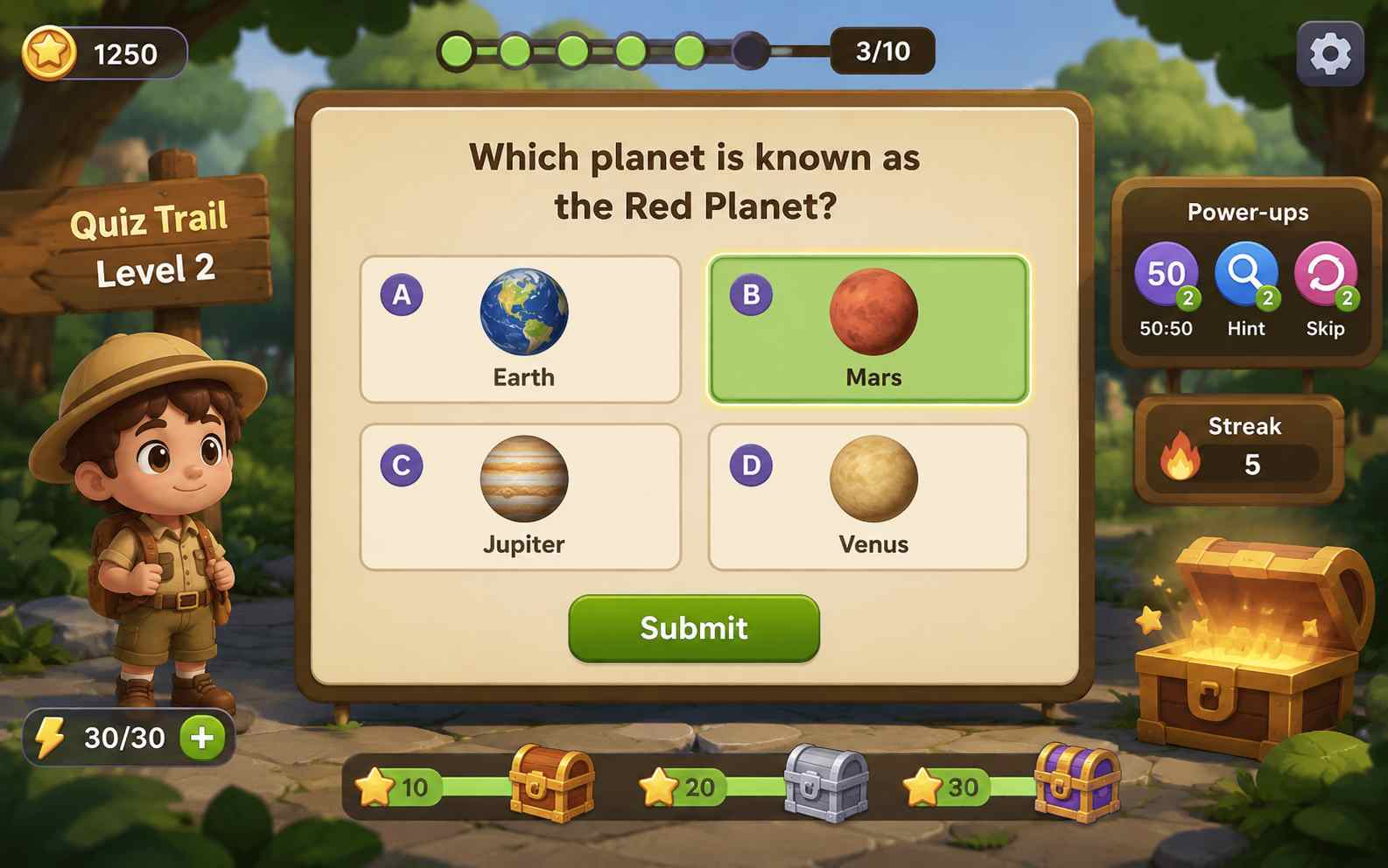
Practice and Problem-Solving Games
Turn math, spelling, grammar, science, or logic practice into a goal-driven challenge. Players can solve problems to collect items, repair objects, cross obstacles, or complete a mission.
Create Educational Game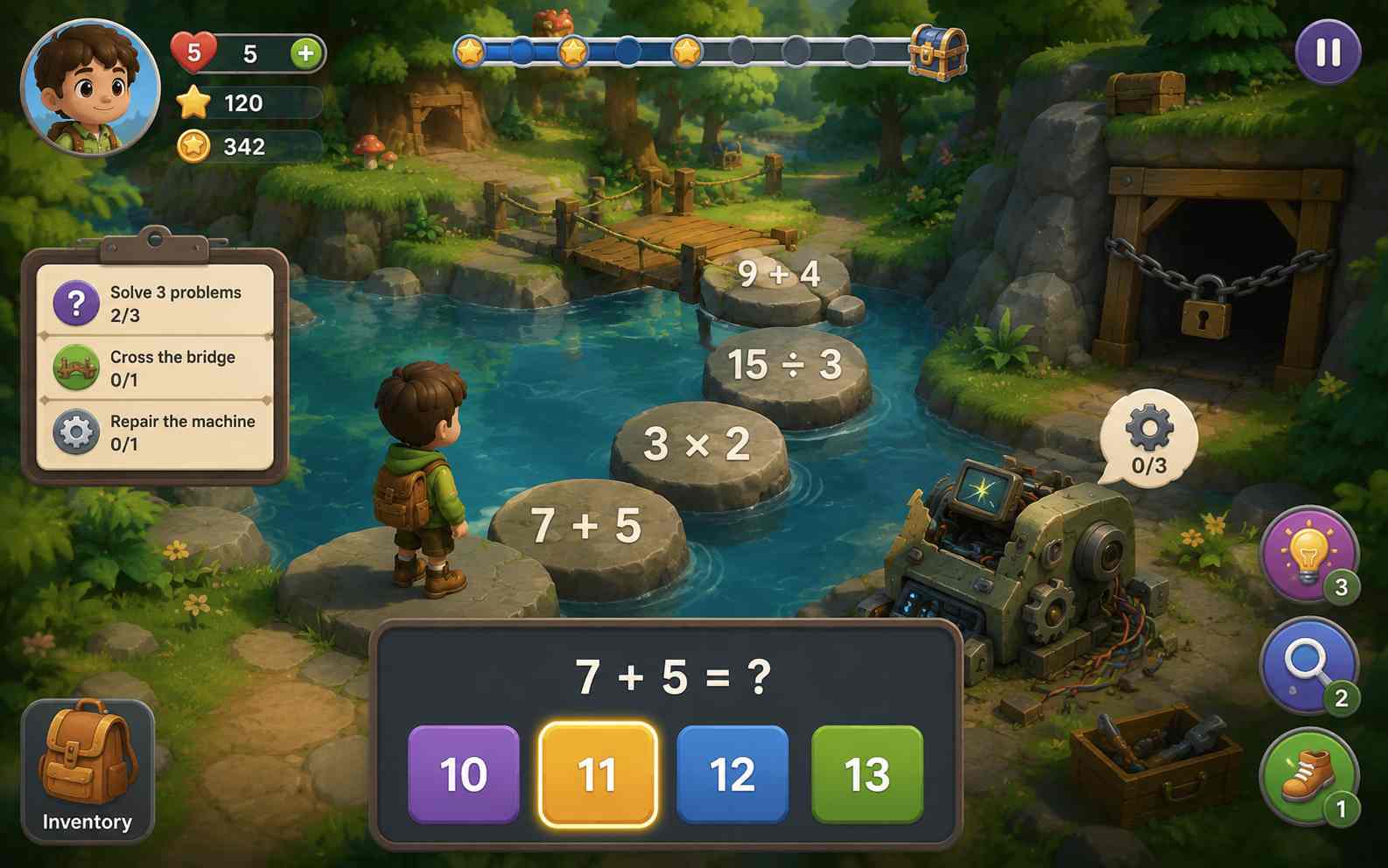
Exploration and Story Games
Build an educational adventure, mystery, escape room, or interactive story. Let players find clues, apply knowledge, make choices, and move through a topic instead of answering disconnected questions.
Create Educational Game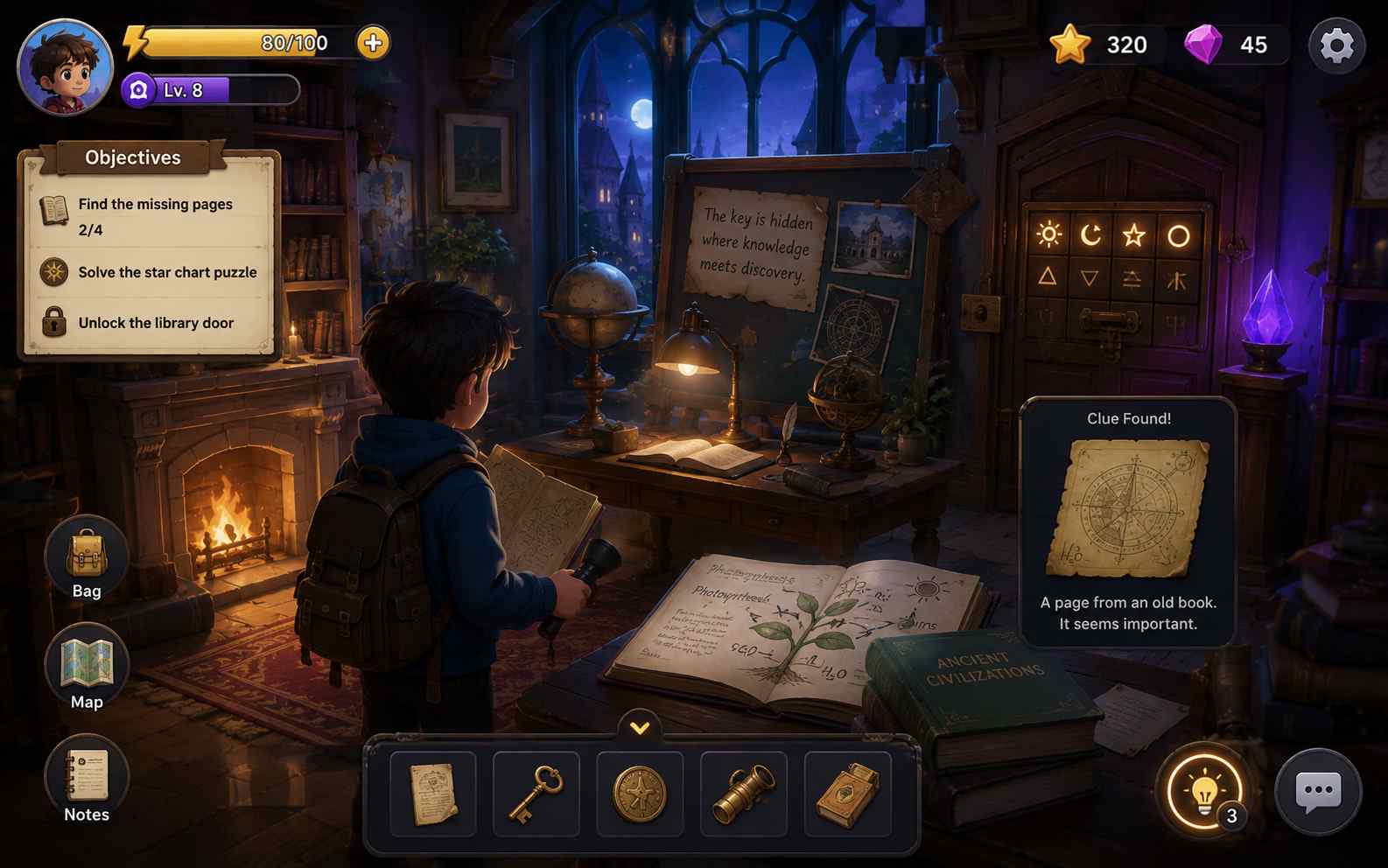
Simulations and Decision Games
Create a simple ecosystem, budget, business, health, or geography simulation. Players can test choices and see clear results, helping them understand cause and effect.
Create Educational Game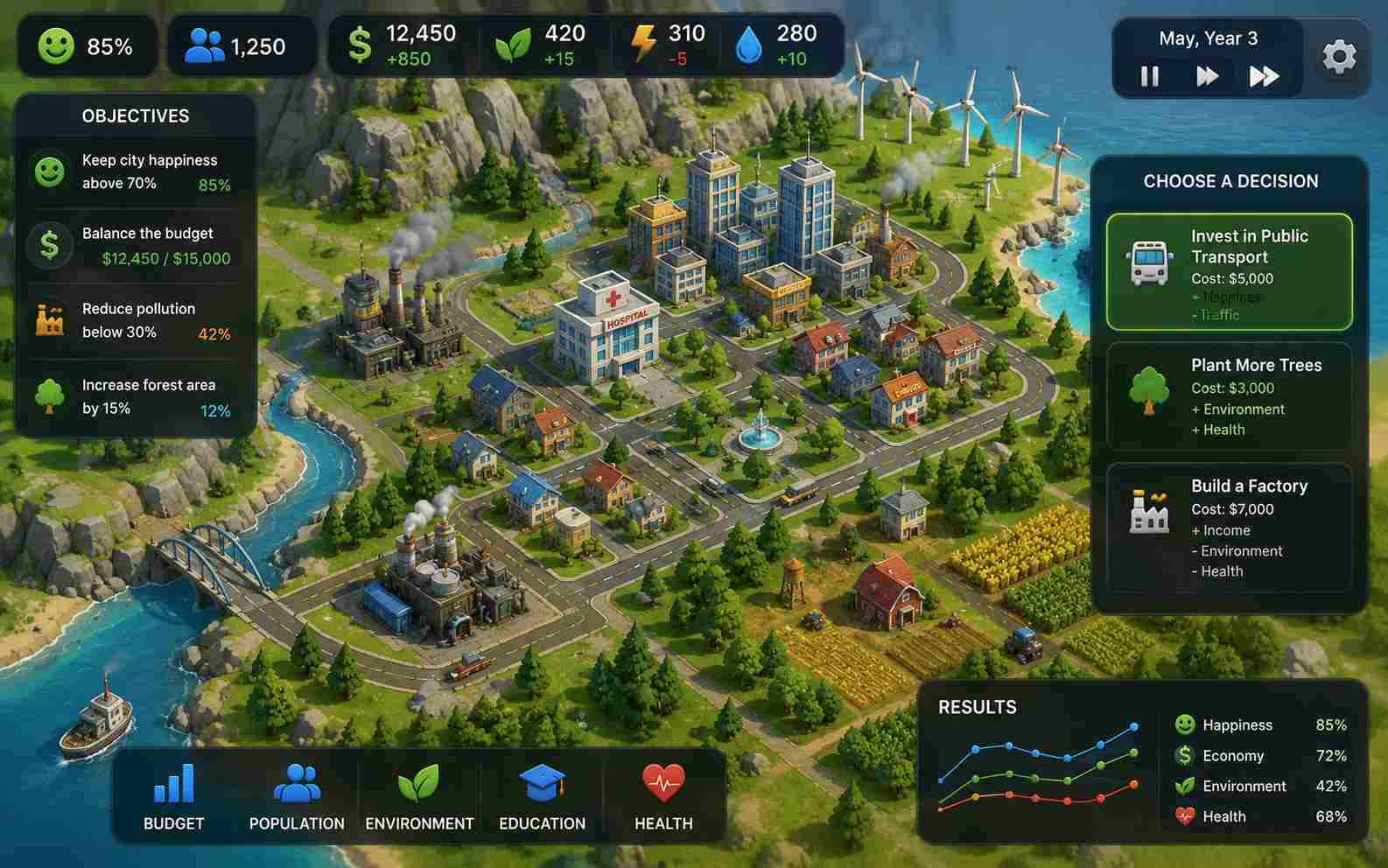
How to Make Educational Games with AI
Create an educational game in three simple steps: write a prompt, generate the game, then edit and share it with your students.

Step 1.Write a Game Prompt
Describe the learning goal, subject, student level, game rules, and main player action. Include the questions, facts, vocabulary, or skills you want students to practise.

Step 2.Generate Your Game
SoonLab turns your prompt into a playable browser game. Play the first version to check the instructions, controls, educational content, feedback, and difficulty.

Step 3.Edit and Share
Use follow-up prompts to improve the content, rules, or difficulty. When the game is ready, share it with students or download the HTML file for classroom use.
Educational Game Prompts You Can Copy
A strong educational game prompt explains the learner, learning goal, player action, required content, feedback, and difficulty. Copy one of these prompts and replace the topic with your own lesson.
| Prompt idea | Prompt | Difficulty | Best for | Style | Copy |
|---|---|---|---|---|---|
| Multiplication Space Mission | Create a math game for students aged 8 to 10. Players solve multiplication problems from 2 to 10 to power a small spaceship. Begin with easy questions and gradually increase the difficulty. Give clear feedback after every answer. Add three lives, a score, and a final results screen. Use large text and simple keyboard and touch controls. | Beginner | Math practice | Bright sci-fi | |
| Science Lab Safety Challenge | Create an observation game for middle school students about laboratory safety. Show a science lab with eight unsafe objects or actions. Players find each problem and choose the correct safety rule. Explain every answer in one short sentence. Add two hints and a review screen at the end. | Beginner | Science learning | Clean illustrated | |
| History Timeline Rescue | Create a history game for students aged 12 to 14. Players place eight major events from the American Revolution in the correct order. Include each event's name, year, and a short explanation. Give helpful feedback for incorrect choices and add a final timeline review. | Intermediate | History review | Museum inspired |
Four Rules for a Better Educational Game
A good educational game keeps students focused on the learning goal, matches the challenge to their level, provides helpful feedback, and is easy to understand and play.
Keep the Learning Task at the Center
- Make sure the game mechanic helps students practise the target skill.
- Avoid complex movement, timers, or rewards that distract from the lesson.
Give Feedback That Teaches
- Explain why an answer is wrong or provide a small hint when useful.
- Help students learn and try again instead of only removing a life or reducing their score.
Match the Challenge to the Learner
- Choose questions, instructions, and controls that match the students' age and current skill level.
- Increase the difficulty gradually so students stay challenged without becoming confused or frustrated.
Test Accuracy and Usability
- Check the accuracy of the educational content and play through the entire game.
- Make sure the text is readable, the controls are clear, and students can understand what to do without constant help.
Who Is This Educational Game Builder For?
Teachers and Tutors
Create review games, practice activities, or short classroom challenges for a specific topic and student level.

Students
Turn research or lesson content into a playable class project without first learning a programming language.

Parents and Educational Creators
Build focused practice games, interactive lessons, or browser activities around your own learning content.

Related Educational Game Makers and Guides
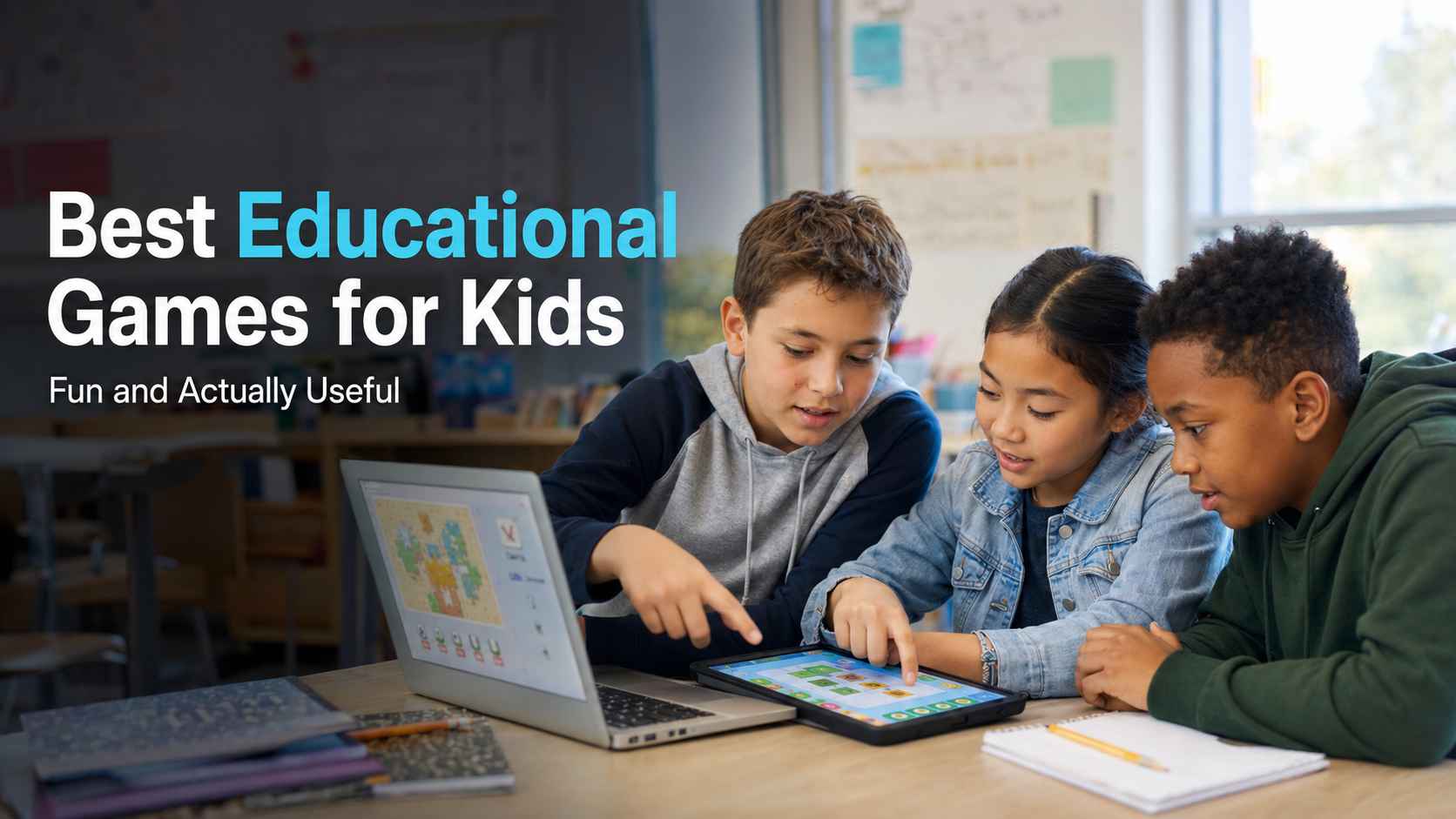
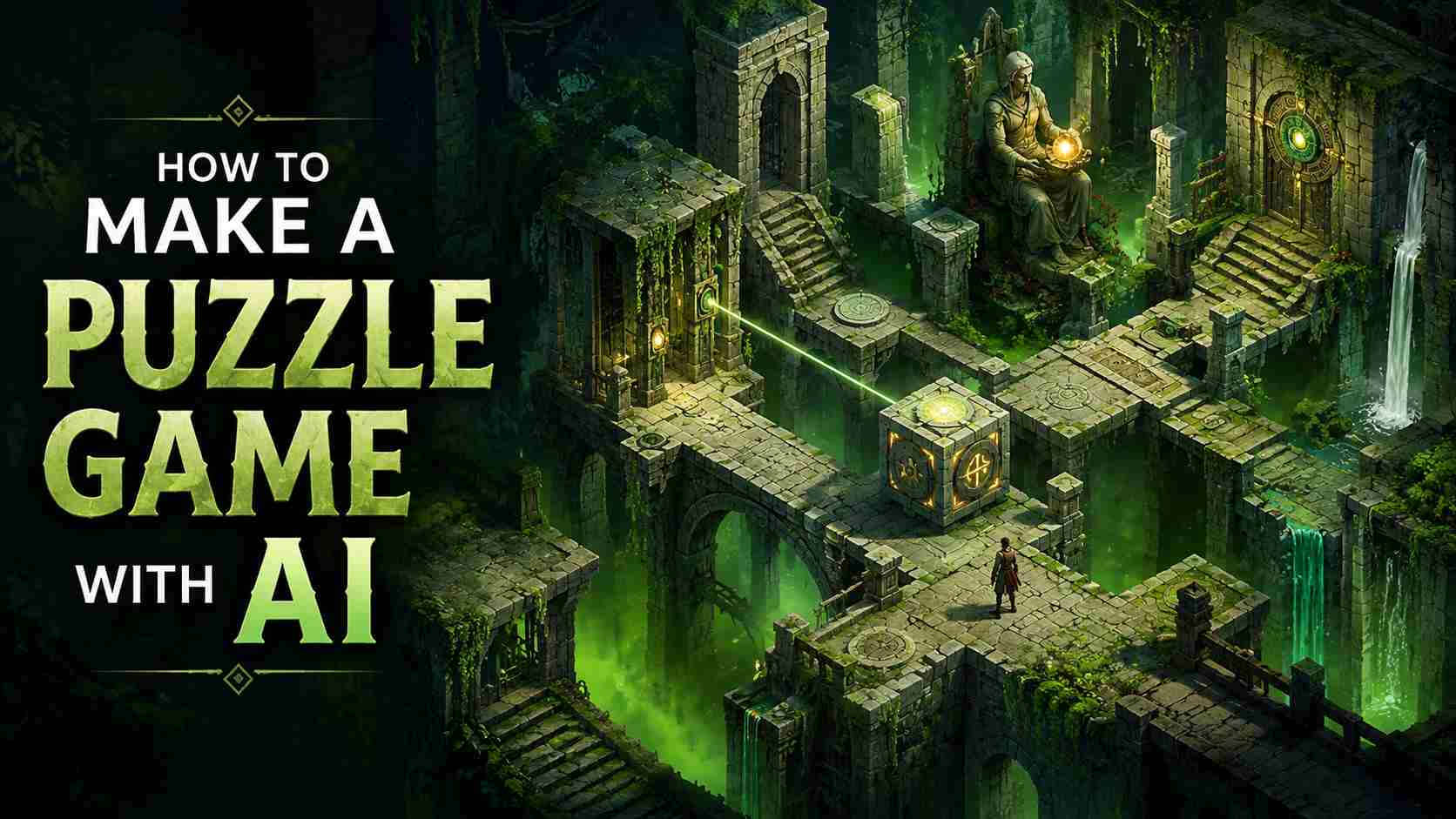
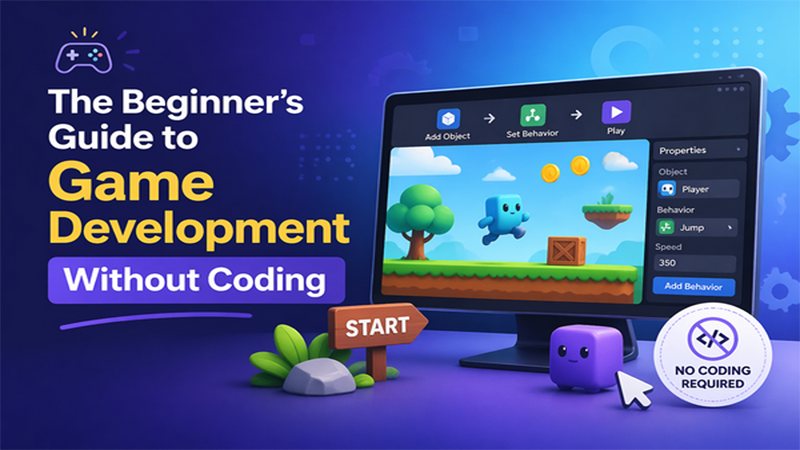
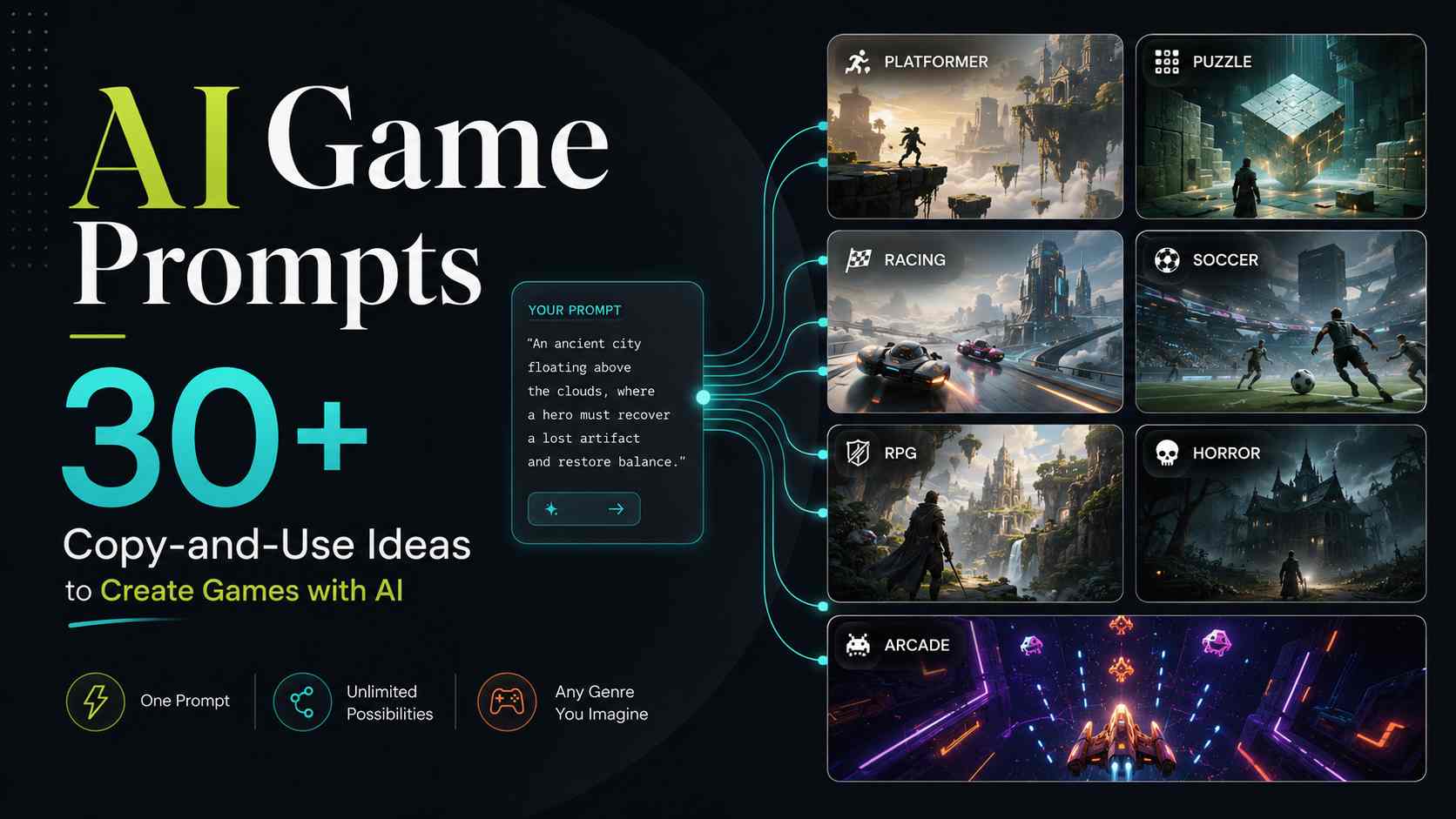
Explore related AI game makers and beginner guides. Learn how to describe a learning goal, choose a clear game mechanic, generate a playable version, and improve it after testing.
View More
Educational Game Maker FAQs
Yes. Describe the learning goal, content, rules, and visual style in natural language. SoonLab generates a playable browser version, and you can request changes through follow-up prompts.
Turn Your Next Lesson into a Playable Game
Start with one learning goal and one simple player action. SoonLab can help turn them into an educational game that you can test, improve, publish, share, or download.
Create an Educational Game