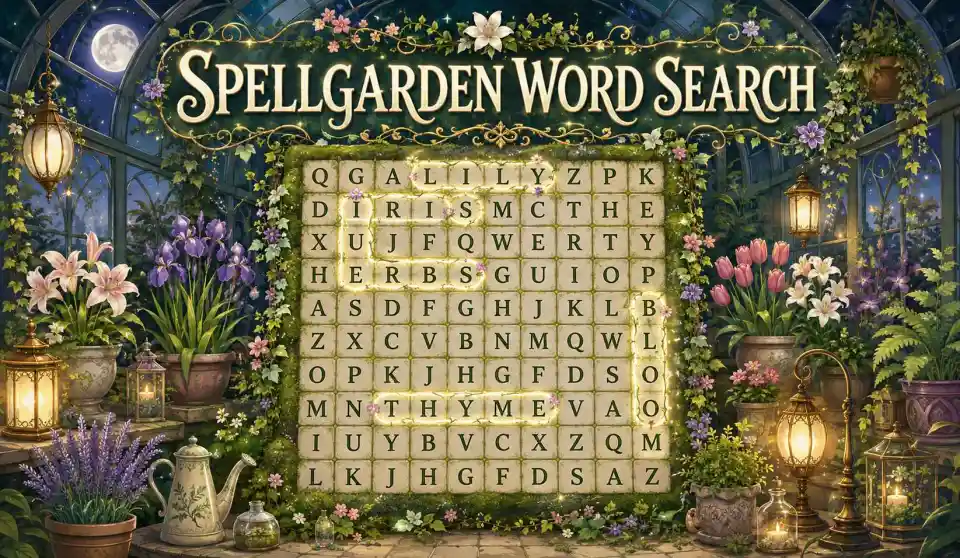
Word Search Game Maker: Create Word Search Puzzles Online
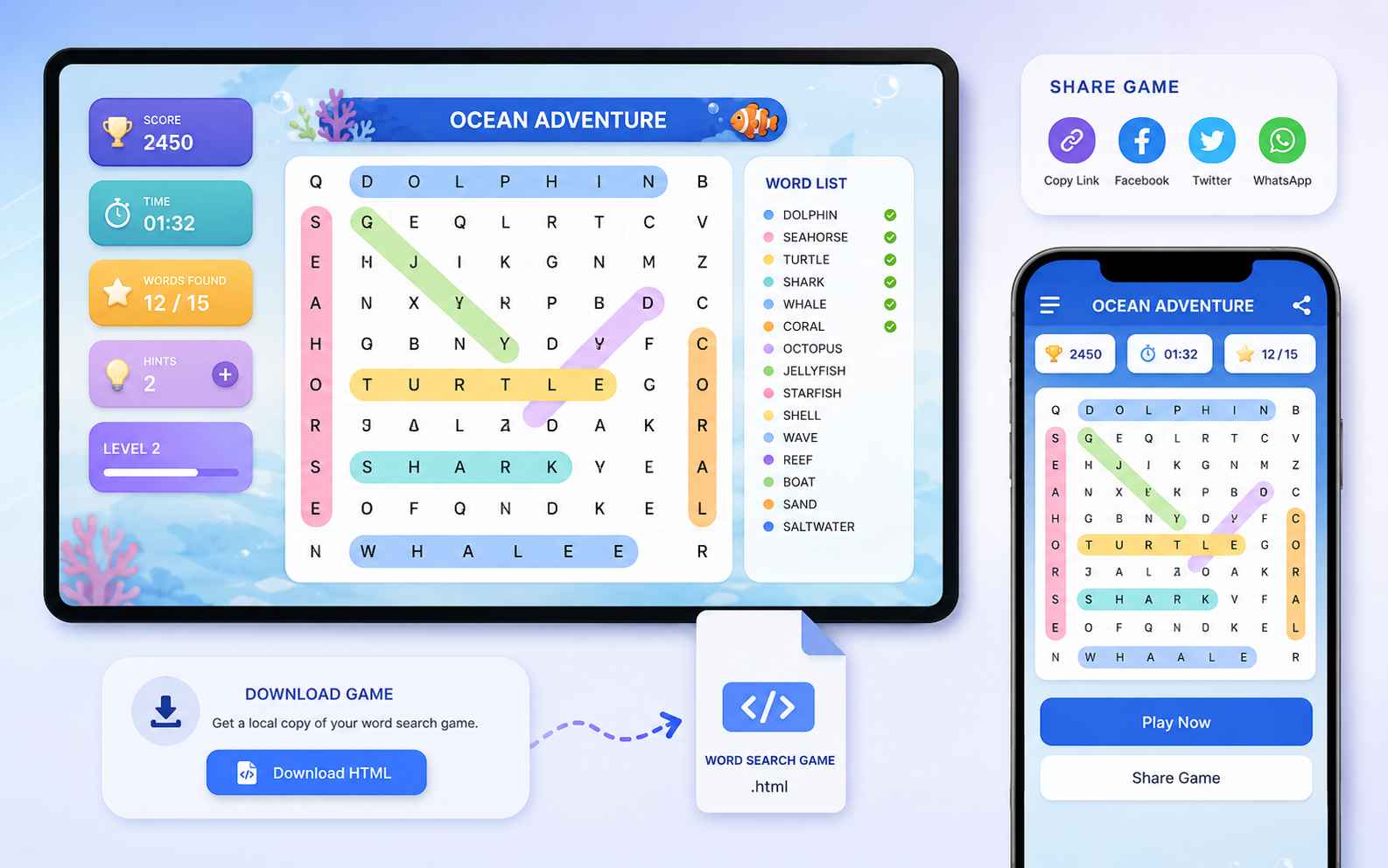
Turn a theme or custom word list into an interactive word search game. Choose the grid, word directions, timer, hints, scoring, difficulty, and visual style, then generate a playable browser version you can test and improve without coding.
0/10000
Play Word Search Games Made with SoonLab
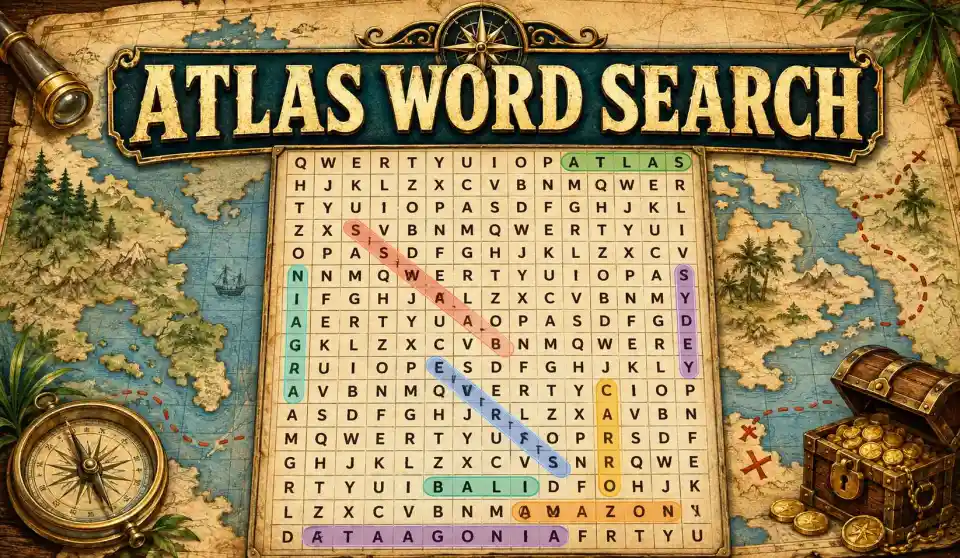
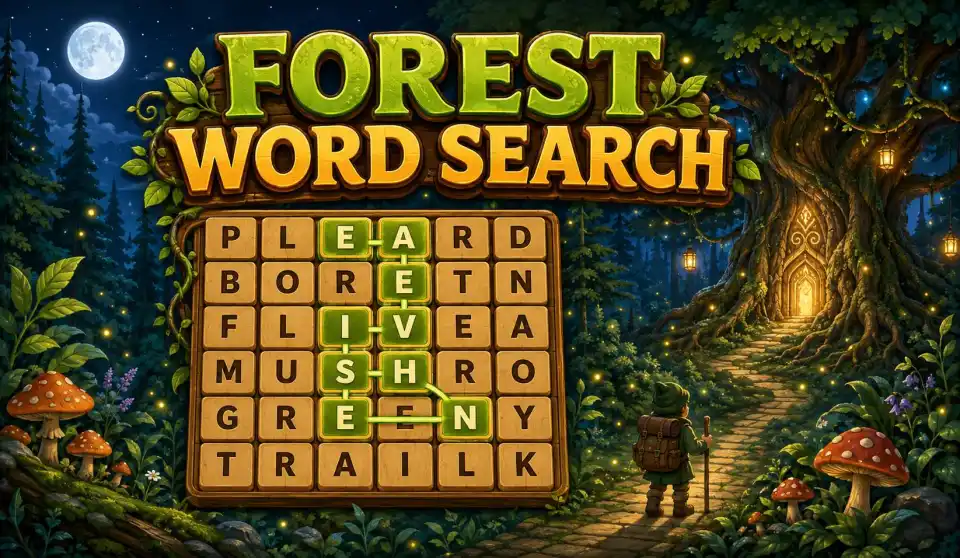
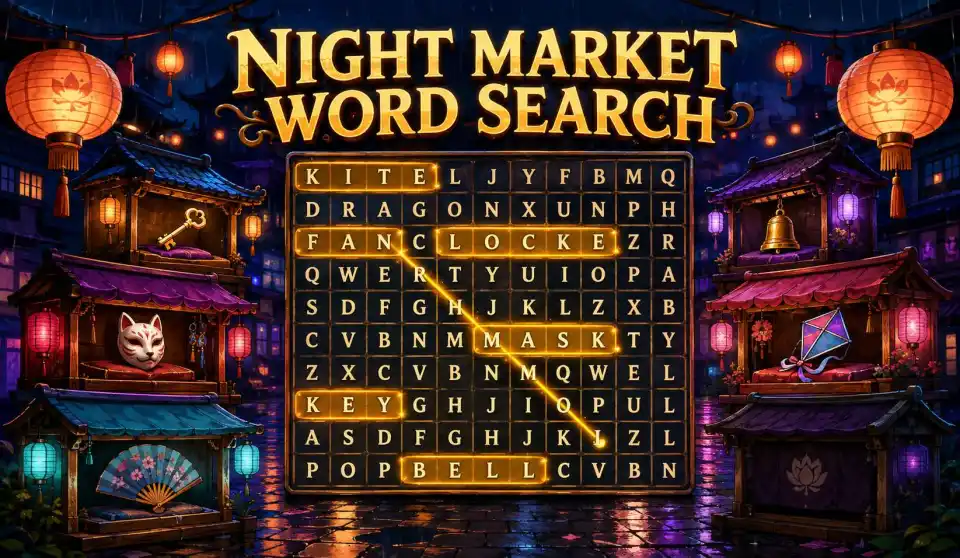
Play interactive word search games created with SoonLab and explore timed challenges, classroom activities, hidden messages, and story-based word hunts. Use one mechanic as inspiration for your own original game.
What Is a Word Search Game Maker?
A word search game maker is a tool for creating a letter grid with words hidden horizontally, vertically, diagonally, or backward. Most generators ask you to enter a title, word list, grid size, and placement rules, then create a puzzle you can print or solve online.
Make Word Search Game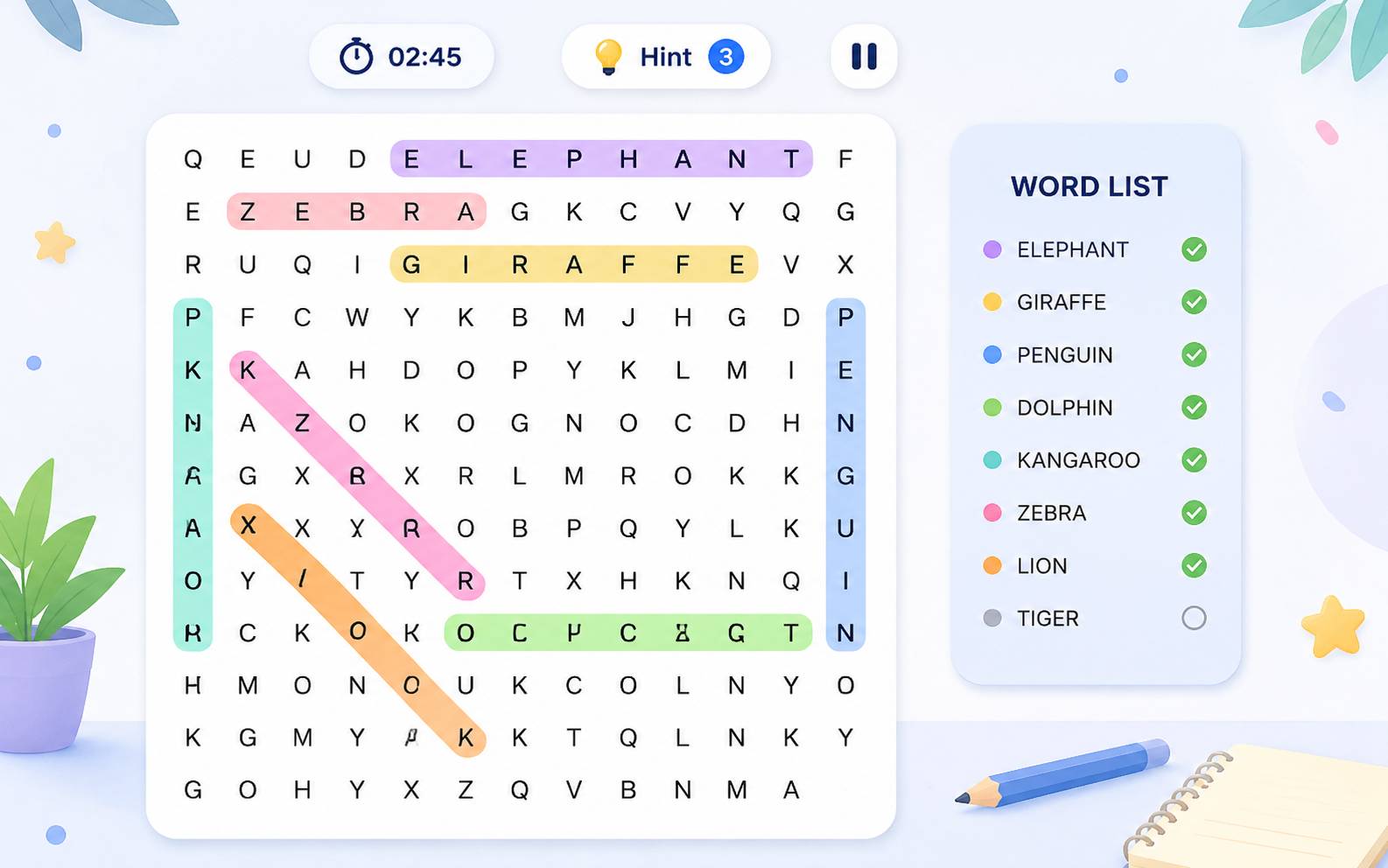
Why Use SoonLab as Your Word Search Game Maker?
Start with Your Own Words or a Theme
Paste a vocabulary list, spelling set, party theme, or collection of inside jokes. If you only have a topic, describe the audience and number of words you need, then review the generated list before building the puzzle.
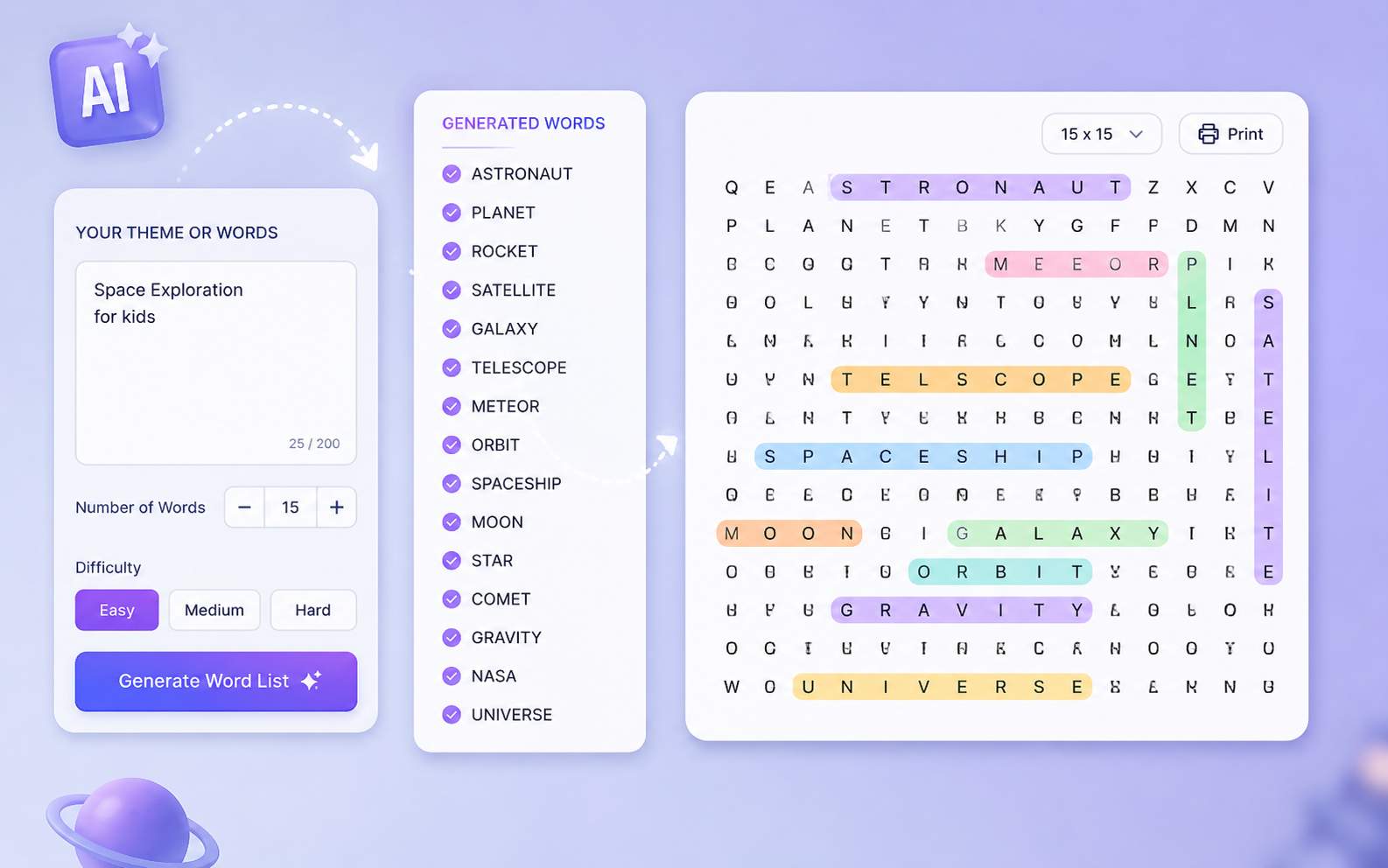
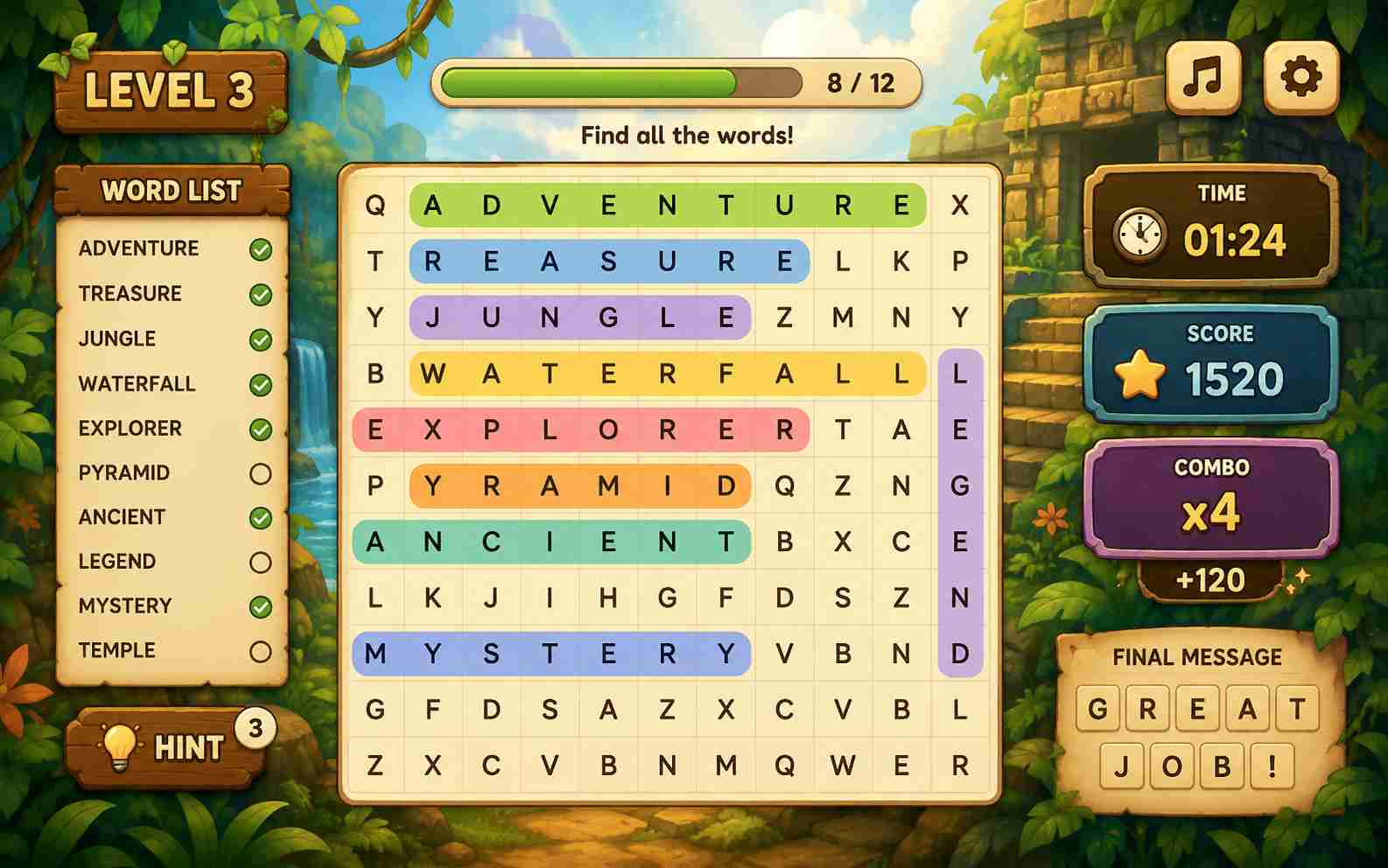
Turn a Static Grid into a Real Game
Add a countdown, score, combo, hint button, progress bar, levels, story events, or a final hidden message. These mechanics give players a reason to keep searching and make the result feel more complete than a basic worksheet.
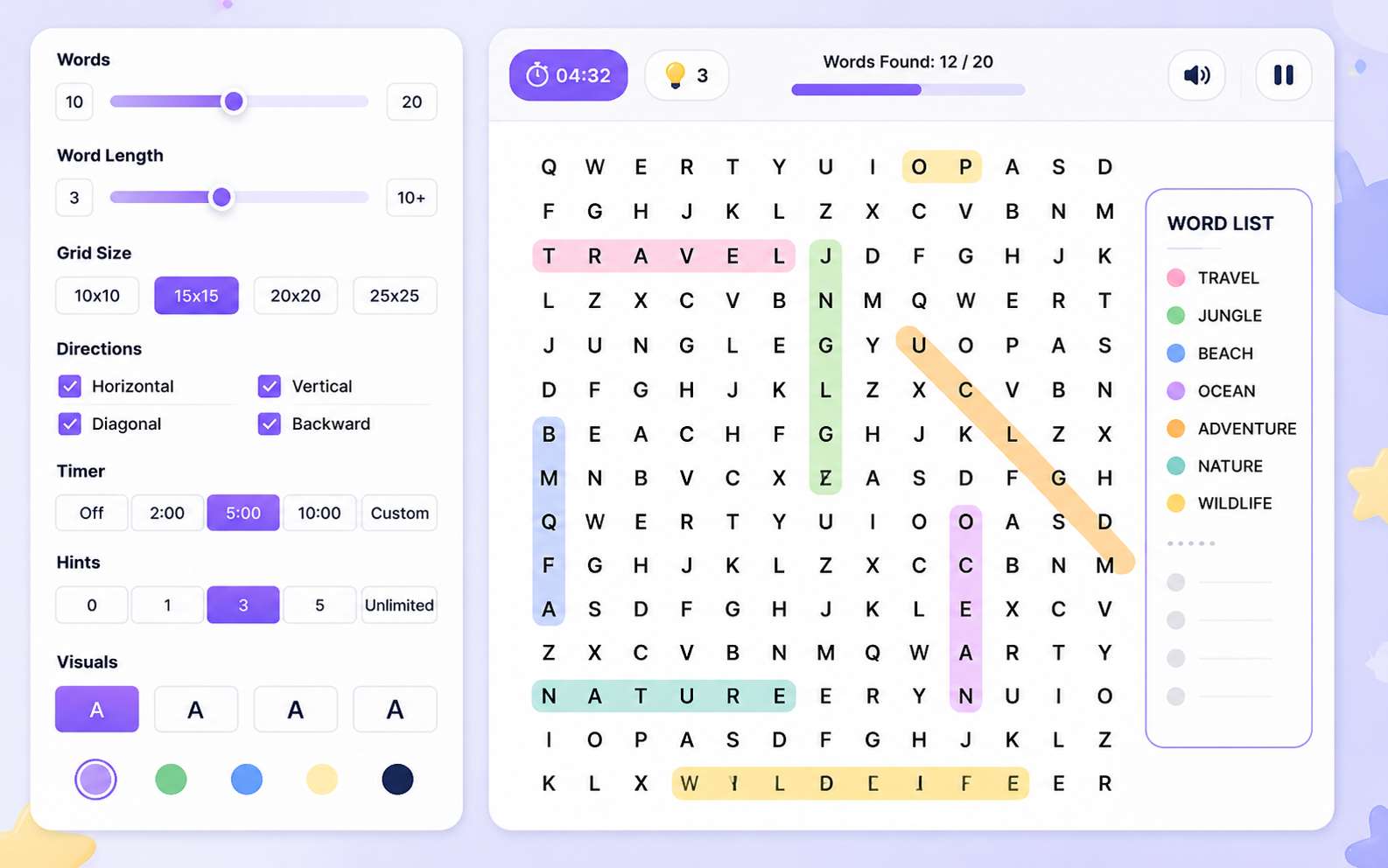
Adjust the Challenge for Your Players
Control the number and length of words, grid size, allowed directions, timer, hint limit, letter size, and visual contrast. A puzzle for younger players should not use the same rules as a fast challenge for adults.
Share or Download the Finished Game
Publish the word search as a browser game and share its game page with other players. You can also download the generated game as an HTML file when you need a local copy or want to use it outside SoonLab.
How to Make a Word Search Game with AI
Make your own word search game in three steps: define the words and challenge, generate and solve the first version, then refine and share the playable result.

Step1.Define the Words and Rules
Choose a theme and list 10 to 20 target words. State the grid size, allowed directions, selection method, timer, hints, scoring, audience, visual style, and how the player completes the game.

Step2.Generate and Complete One Full Round
Let SoonLab turn the prompt into a playable browser game. Solve the entire puzzle and confirm that every target word fits, the word list updates correctly, selections feel reliable, and the timer, score, hints, ending, and restart button work.

Step3.Refine, Publish, or Download the Game
Use follow-up prompts to fix one issue at a time. Increase the grid, replace a difficult word, improve touch selection, enlarge the letters, rebalance the timer, or strengthen the feedback, then test and share the updated game.
Word Search Game Prompts You Can Copy
A useful word search game prompt explains the audience, target words or theme, grid size, word directions, selection controls, timer, hints, scoring, feedback, ending, and visual style. Copy one of these prompts, then change the word list, challenge, or setting.
| Prompt idea | Prompt | Difficulty | Best for | Style | Copy |
|---|---|---|---|---|---|
| Museum Cipher Rush | Create a browser word search game called Museum Cipher Rush. Hide 15 archaeology words in a 12x12 grid using horizontal, vertical, diagonal, and backward directions. Give the player 90 seconds, three hints, and a score combo for words found quickly. Highlight each correct word, cross it off the list, and show a final rank with a restart button. | Intermediate | Timed word searches | Midnight museum | |
| Forest Rescue Word Hunt | Create a forest-themed word search game for children with 12 animal and habitat words in a 10x10 grid. Use horizontal and vertical words. Let players drag or tap to select letters, show a hint after 20 seconds without progress, and restore part of the forest after every three words found. Finish with a complete forest scene and a replay button. | Beginner | Kids and classrooms | Bright illustrated forest | |
| Signal Grid | Create a sci-fi word search game with 18 emergency and communication words in a 14x14 grid. The player has two minutes to restore a damaged radio signal. Each found word repairs part of the transmission, and three fast finds activate a score multiplier. Include two hints, touch controls, a progress counter, and a final decoded message. | Advanced | Story-based word hunts | Clean sci-fi control room | |
| Hidden Destination | Create a word search puzzle with 16 travel words in a 13x13 grid. Mark one special letter inside each target word. After the player finds all 16 words, place the collected letters into a final answer bar to reveal a secret destination. Include a three-minute timer, clear highlights, two hints, a completion screen, and a restart button. | Intermediate | Hidden message puzzles | Colorful travel journal | |
| Solar System Study Sprint | Create an educational word search game using SUN, MERCURY, VENUS, EARTH, MARS, JUPITER, SATURN, URANUS, NEPTUNE, ORBIT, COMET, and ASTEROID. Use a 12x12 grid with horizontal, vertical, and diagonal words. Add a three-minute timer, three hints, clear touch selection, a progress counter, and one short fact after each word is found. | Beginner | Vocabulary practice | Friendly classroom space |
Is SoonLab the Right Word Search Maker for You?
SoonLab is a stronger fit when you want an interactive, shareable word search game rather than only a static worksheet. It gives creators more freedom over gameplay, presentation, and progression, but every generated puzzle still needs a complete playtest.
Use SoonLab for Interactive Word Search Games
- Turn a custom word list or theme into a playable browser game without coding.
- Add touch selection, timers, hints, scoring, levels, story events, or hidden messages.
- Play the complete game and improve the grid, controls, difficulty, or feedback with follow-up prompts.
- Publish and share the playable page or download the generated game as an HTML file when available.
Use a Printable Puzzle Tool for Worksheet-First Projects
- Choose a dedicated printable maker when your main output must be a PDF, classroom handout, or answer sheet.
- Bulk puzzle books and KDP projects need page layout, font licensing, print checks, and publishing workflows beyond a browser game.
- Whichever tool you use, verify that every listed word appears and inspect the filler letters before publishing.
Related Word and Puzzle Game Makers
Explore related game makers, prompt examples, puzzle design guides, and educational game ideas. Learn how to define a clear rule, generate a playable browser game, test the complete experience, and improve it after playing.
View More


Word Search Game Maker FAQs
A word search game maker creates a letter grid and hides a set of target words inside it. Depending on the tool, you may be able to control the grid size, word directions, difficulty, visual style, timer, hints, scoring, and how players complete the puzzle.
Turn Your Word List into a Playable Game
Choose 10 to 20 words, one clear theme, and one challenge rule. Generate a playable browser puzzle, complete a full round, refine the controls and difficulty, then share the finished game.
Create a Word Search Game