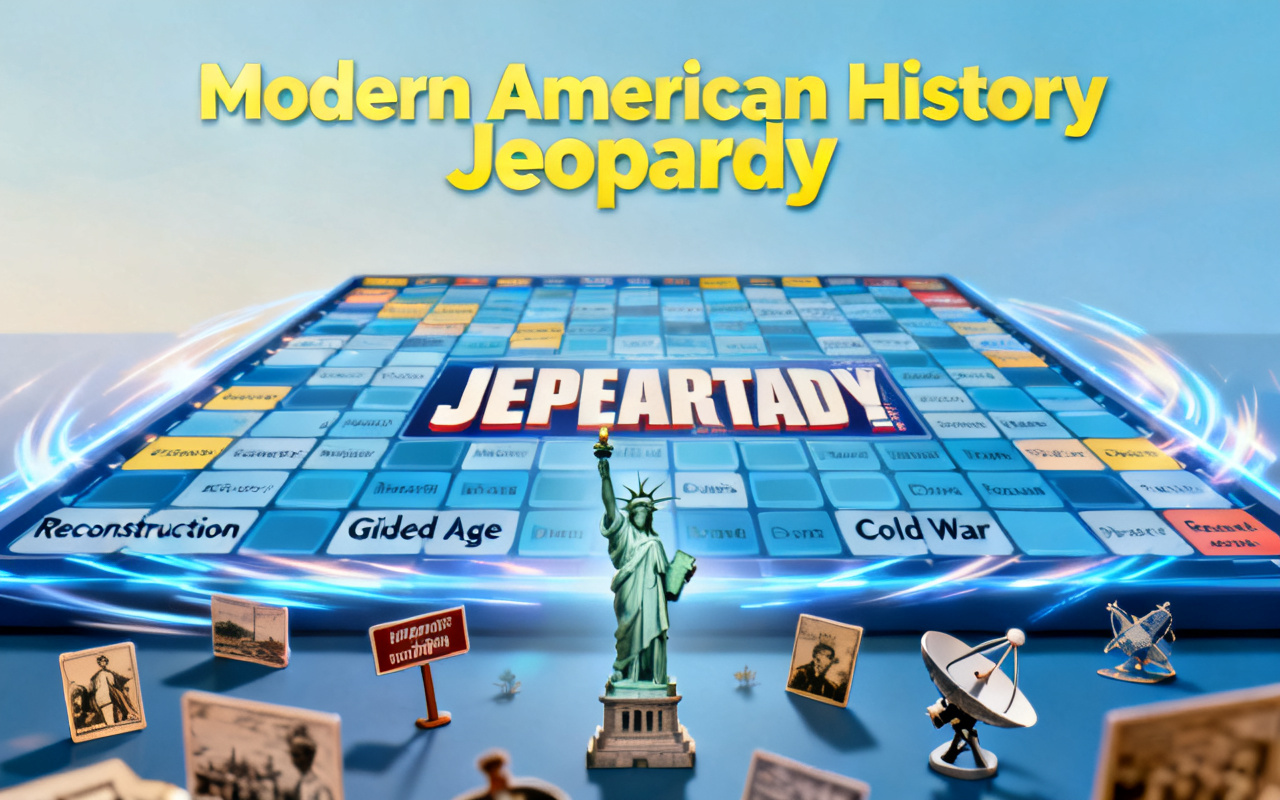
Jeopardy Game Maker: Create a Custom Jeopardy-Style Game
Turn a topic into a custom, playable Jeopardy-style game. Describe the categories, clues, difficulty, scoring, and visual style you want, then let SoonLab's AI Jeopardy Game Maker build a first version you can play and improve online.
0/10000
Game inspiration sources







Play a Jeopardy-Style Game Made with SoonLab
This playable example uses five categories, five clue values, a bonus clue, and a final round. Open the game to see how a detailed topic can become a complete browser-based quiz board.
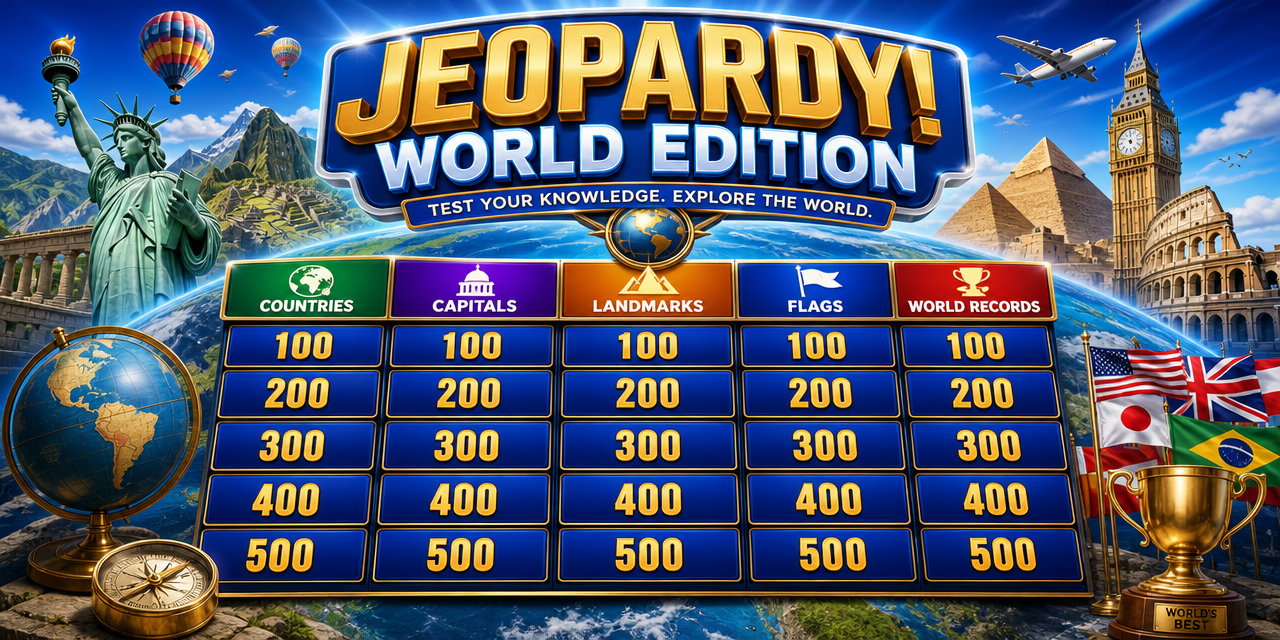
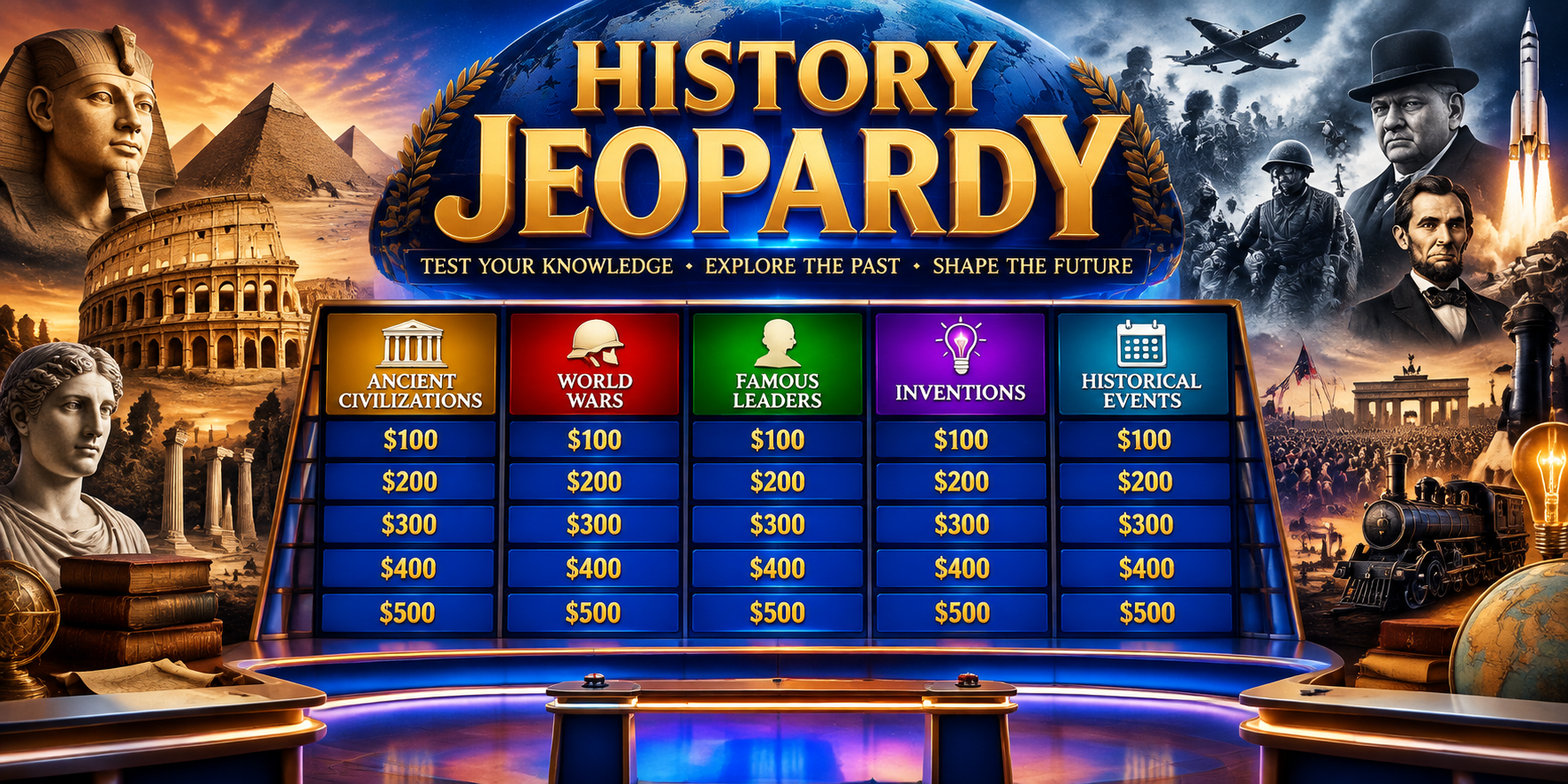
Create More Than a Jeopardy Question Board
Generate a Complete Board from Your Topic
Start with a subject such as world history, science, employee training, films, or family trivia. Define the number of categories, clues, point values, and difficulty range in one prompt.
Create Your Game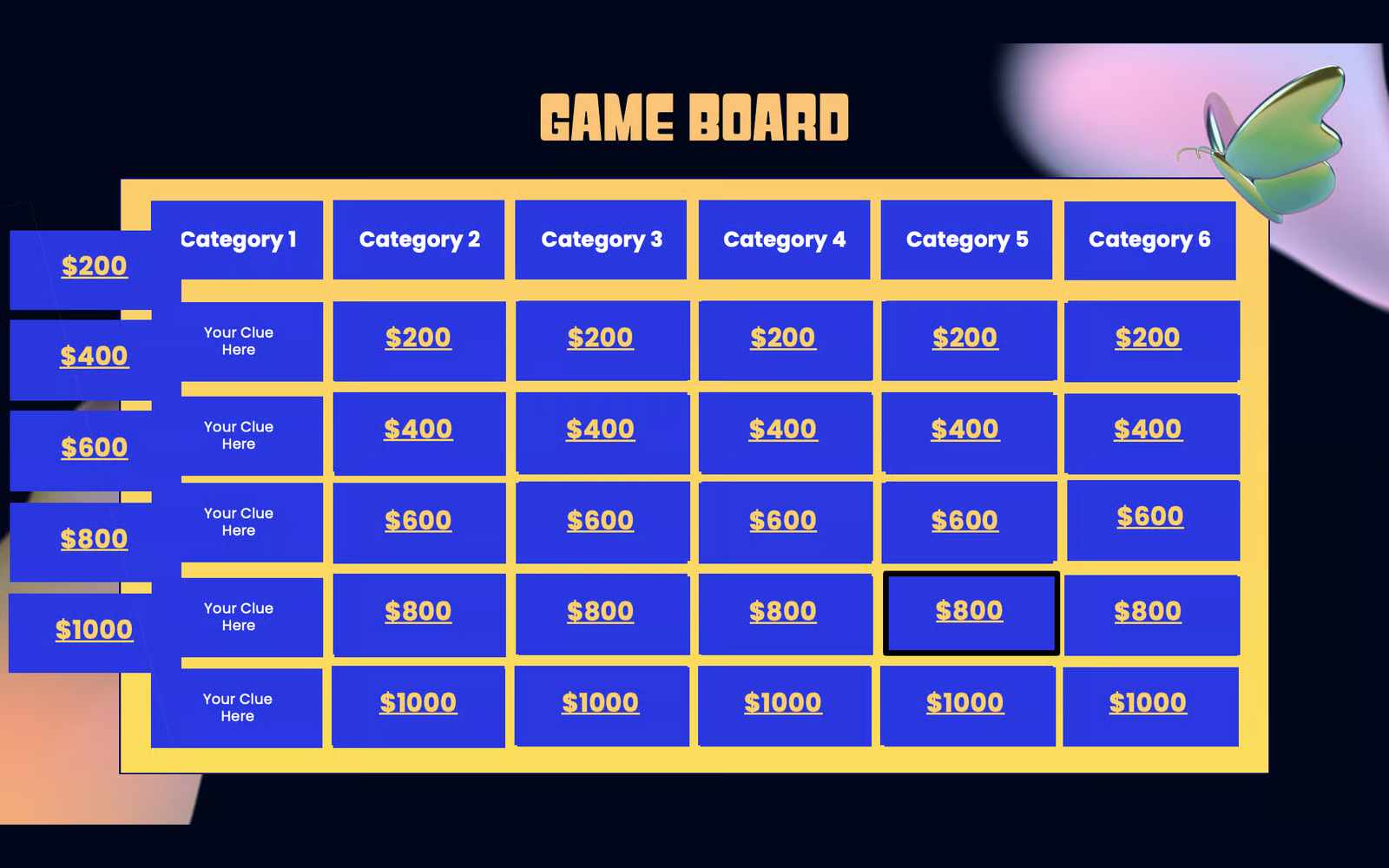
Customize the Rules and Visual Style
Ask for a classic 5×5 board or a shorter format. Add a final round, bonus clues, timers, team scoring, answer reveals, sound cues, or a visual theme that suits your audience.
Create Your Game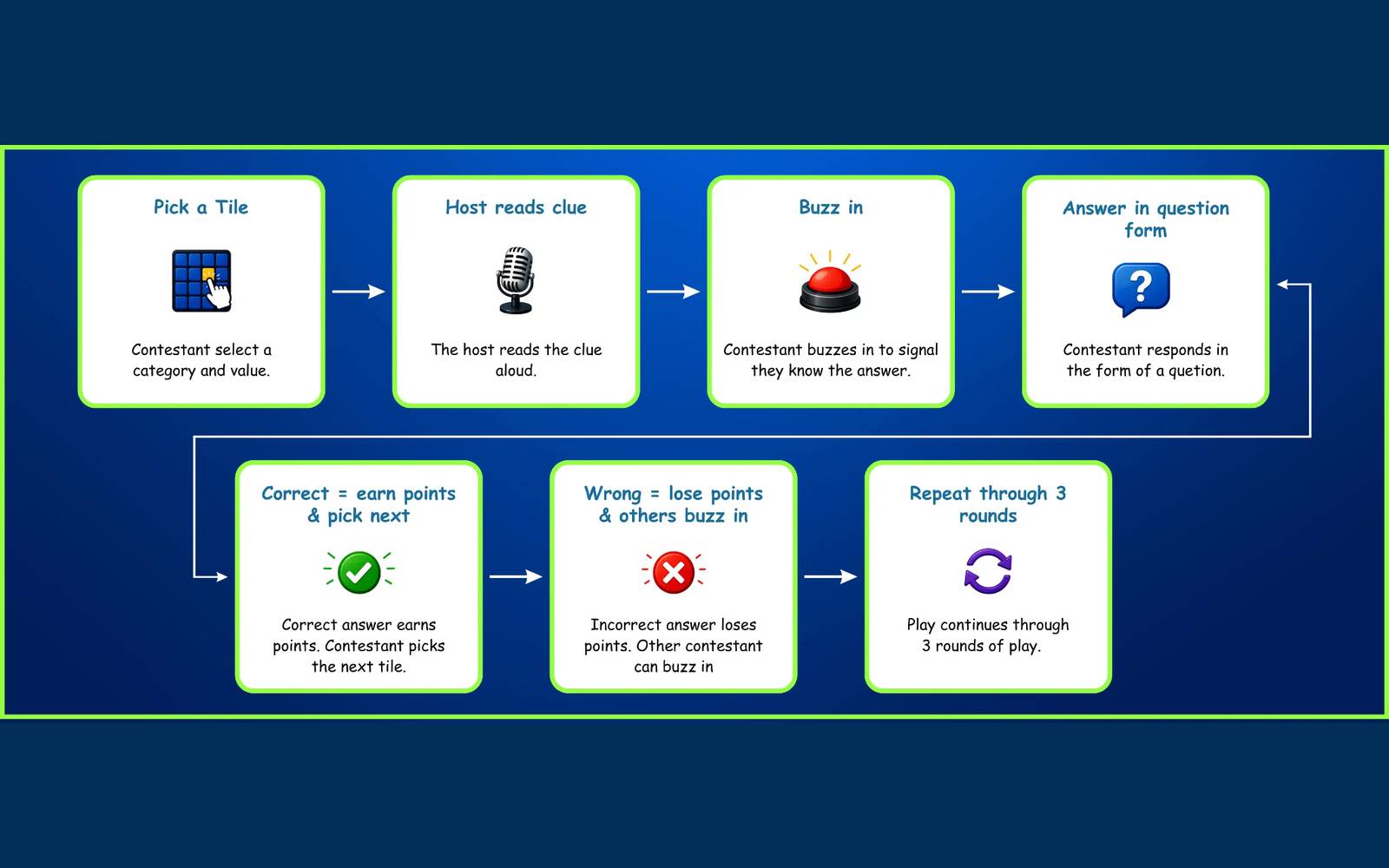
Playtest Every Clue and Score Change
Open the generated game in your browser and check every category, clue, response, and score change. Make sure the difficulty rises with the point values and the host flow works from start to finish.
Create Your Game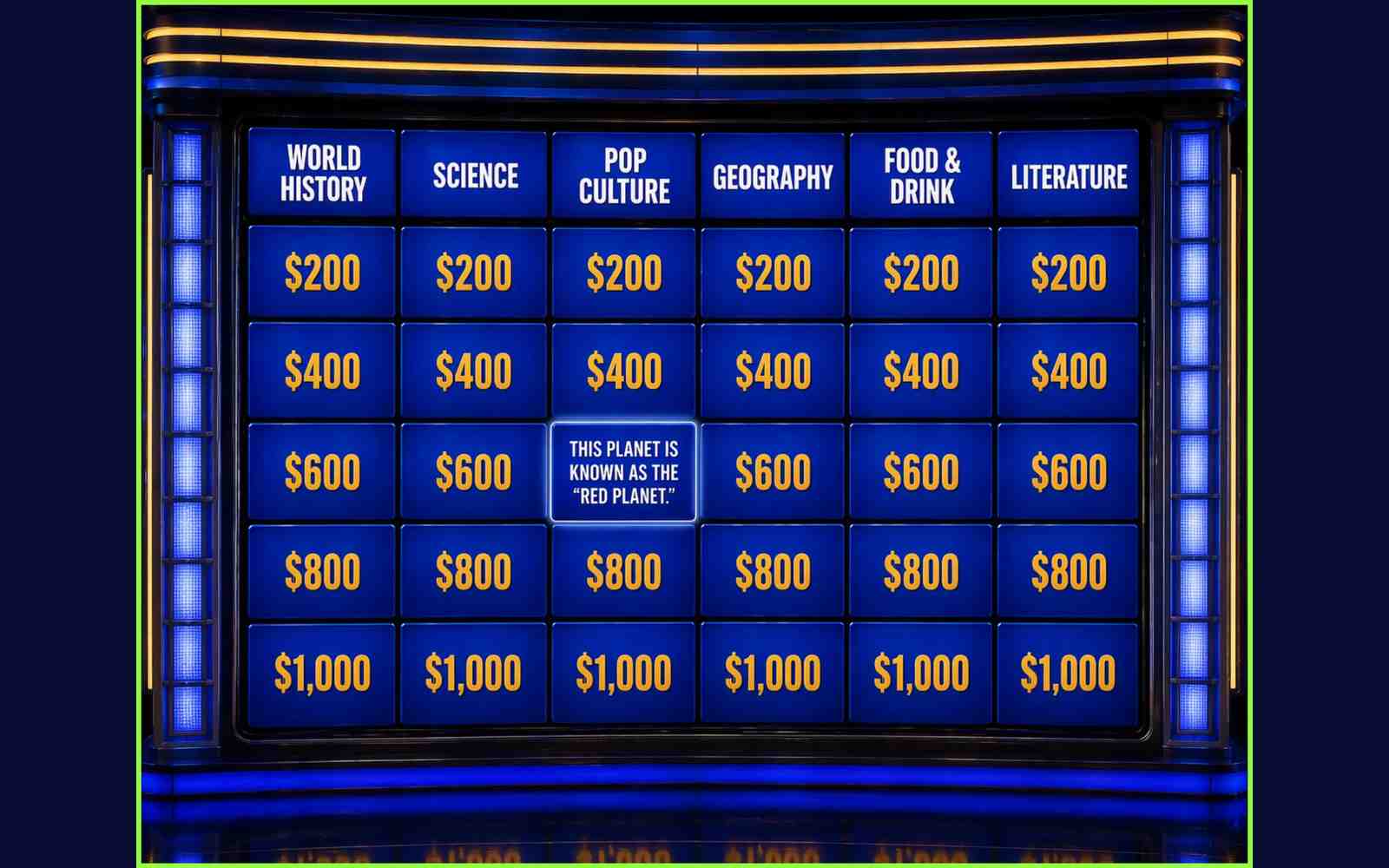
Keep Improving Through Conversation
Replace a weak category, rewrite an unclear clue, rebalance the points, change the colors, or simplify the controls without starting the whole game again.
Create Your Game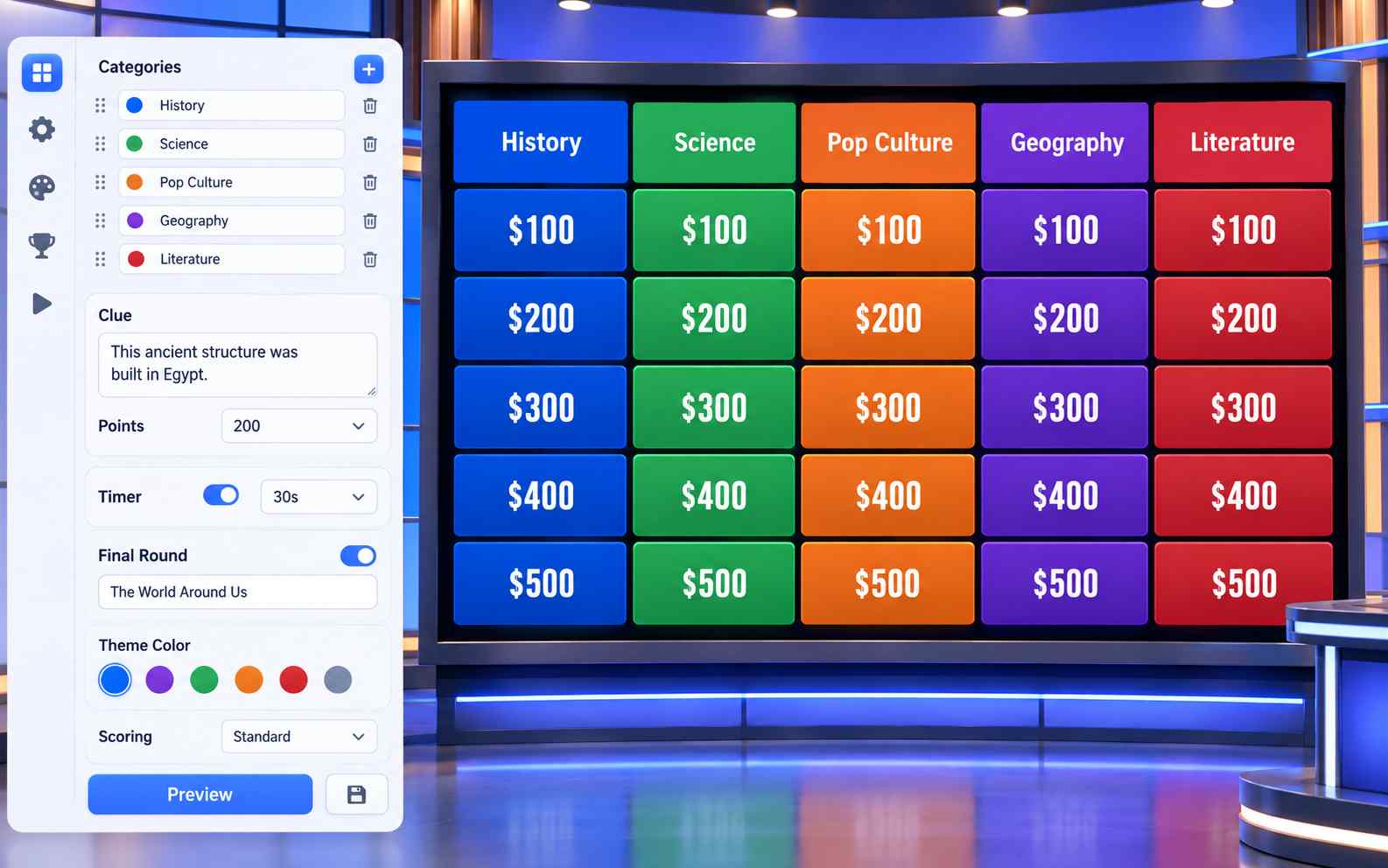
How to Make Your Own Jeopardy Game
Build a playable Jeopardy-style game in three steps: describe the board, test the generated version, and refine it before sharing.

Step1.Describe the Game You Want
Give SoonLab a topic and audience. Define the board size, categories, clue difficulty, scoring, visual direction, and any special rounds.

Step2.Generate and Check the First Version
Generate the game and play through the complete board. Check that every clue has one clear response, the point values match the difficulty, and the scoring works correctly.

Step3.Refine and Share the Game
Ask SoonLab to fix individual clues, adjust the design, or change the rules. Test the revision, then publish the finished game and share its browser link.
Jeopardy Game Prompts You Can Copy
A useful prompt defines the audience, board size, categories, clue difficulty, scoring, special rounds, and visual style. Copy one of these examples and replace the topic or rules to fit your group.
| Prompt idea | Prompt | Difficulty | Best for | Style | Copy |
|---|---|---|---|---|---|
| Modern American History | Create a playable 5×5 Jeopardy-style game about Modern American History for high school students. Use five categories with five clues in each category, worth 100 to 500 points. Make the 100-point clues easy and increase the difficulty at each level. Include one bonus clue and one final round. Reveal the correct response after each clue, let the host award or remove points, show team scores clearly, and include a restart button. Use a clean game-show design that is easy to read on a shared screen. | Intermediate | Classroom review | Classic game show | |
| New Employee Challenge | Create a four-category Jeopardy-style training game for new employees. Cover company history, product knowledge, customer scenarios, and workplace policies. Use four clues per category with increasing point values. Add short explanations after each answer, team scoring, one bonus clue, and a final challenge. Use a clean modern design with space for company colors and a logo. | Beginner | Training and onboarding | Modern branded quiz | |
| Movie Night Showdown | Create a fast Jeopardy-style party game about popular films. Use five categories with four clues each, covering quotes, characters, soundtracks, plot details, and behind-the-scenes facts. Add team scoring, one surprise double-points clue, a final wager round, answer reveals, and a restart button. Use a dark cinematic style with large text for a shared screen. | Beginner | Parties and trivia nights | Cinematic trivia |
Build the Right Jeopardy-Style Game for Your Group
Classroom Review Games
Turn a lesson into categories and clues for a whole-class review. Tell SoonLab the subject, grade level, vocabulary, and learning goals so the game stays focused on what students need to practise.
Create Your Game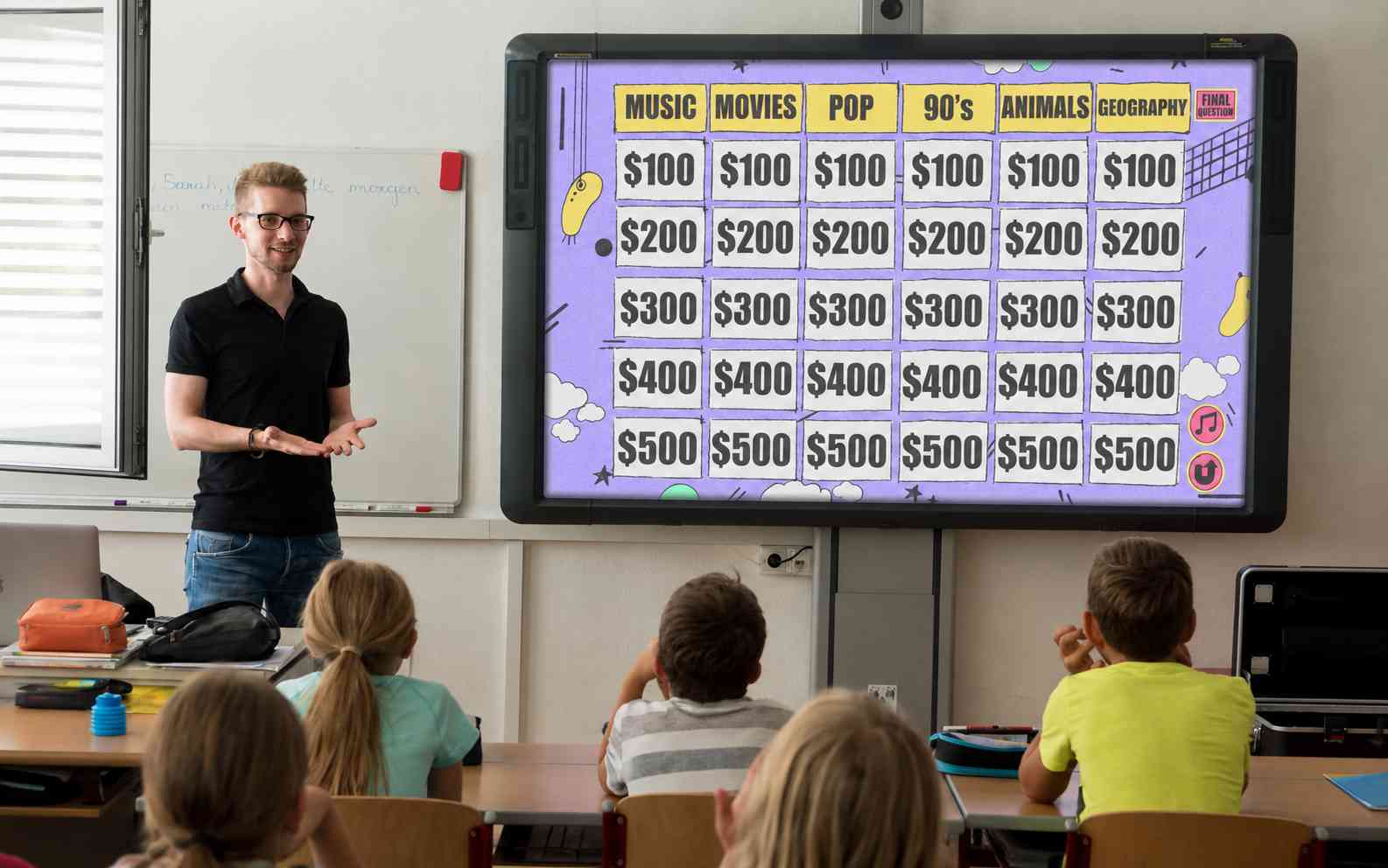
Training and Team Activities
Create a game around onboarding, product knowledge, safety rules, company history, or an internal event. Use teams and point values to make the session more active without building every screen manually.
Create Your Game
Trivia Nights and Parties
Mix films, music, sports, travel, personal memories, or inside jokes into a custom board. Add a final round and a stronger visual theme when the game is meant for entertainment.
Create Your Game
Study and Practice Games
Build a smaller board for solo review or pair practice. Add answer explanations, hints, retries, or a short results screen when learning matters more than competition.
Create Your Game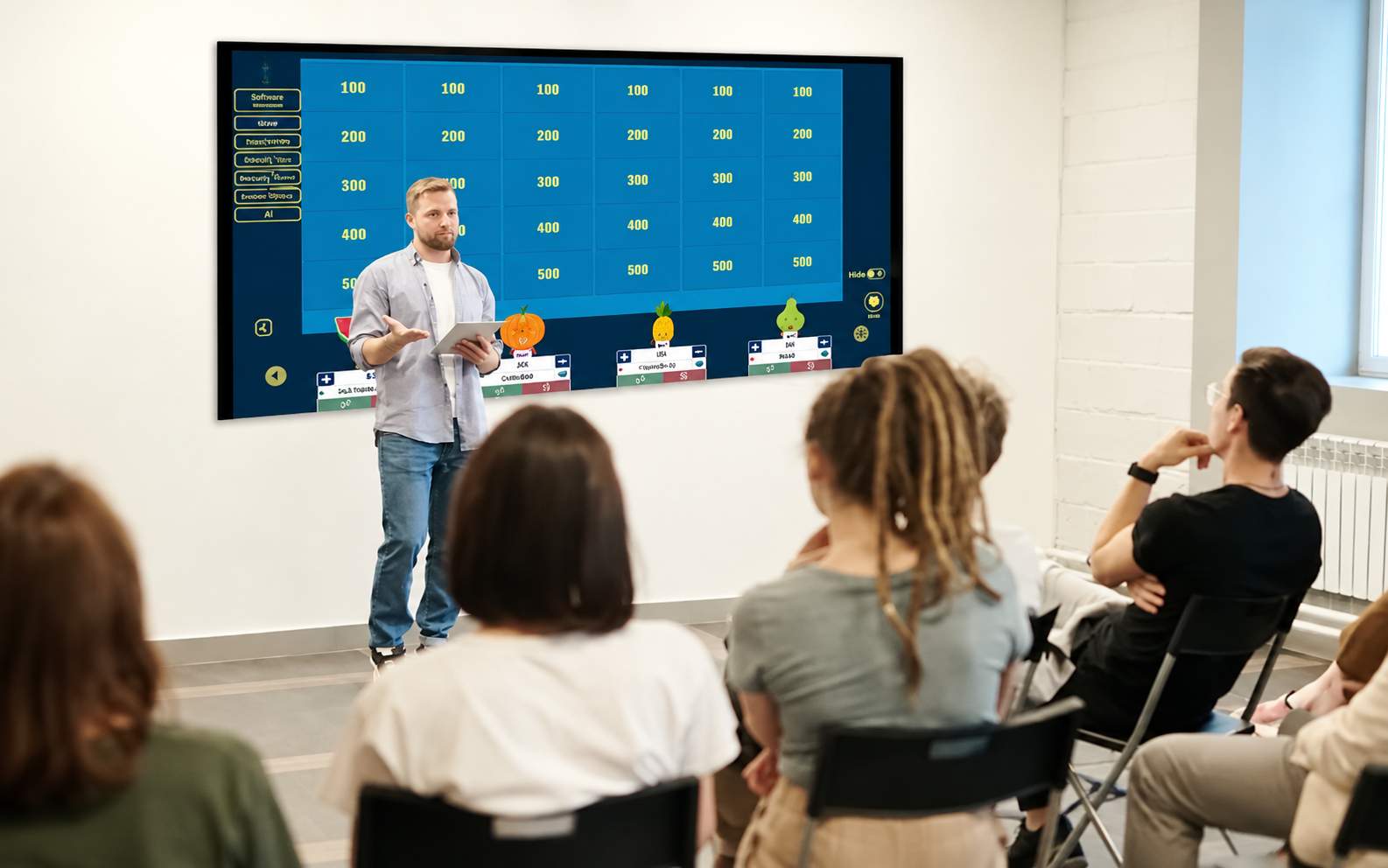
How to Build a Better Jeopardy-Style Game
A good Jeopardy-style game needs more than a full board. The categories should feel distinct, the clues should become harder as the points rise, and the host should be able to run the complete game without confusion. SoonLab does not currently include phone buzzers, so use a shared screen and manage verbal answers or teams together when playing with a group.
Quality Checks Before You Share
- Give every category a clear theme that players can understand before choosing it.
- Make low-value clues test familiar facts and high-value clues require more specific knowledge or reasoning.
- Write each clue so it leads to one defensible response.
- Define which answer variations the host should accept.
- Test category selection, clue reveal, answer reveal, scoring, bonus clues, the final round, and restart behavior.
- Review every factual clue before using the game in a class, training session, or public event.
- Use large text and strong contrast when the board will appear on a shared screen.
- Keep the first version short enough to play from start to finish before adding more categories.
Mistakes to Avoid
- Using categories so broad that the clues feel unrelated.
- Making higher-value clues longer without making them more challenging.
- Accepting AI-generated facts without checking them.
- Adding timers, wagers, bonus rounds, and complex scoring before the basic board works.
- Forgetting to explain how the host awards or removes points.
- Assuming SoonLab includes phone buzzers or automatic live multiplayer.
- Treating the first generated version as final instead of playtesting it.
Related Jeopardy Game Guides
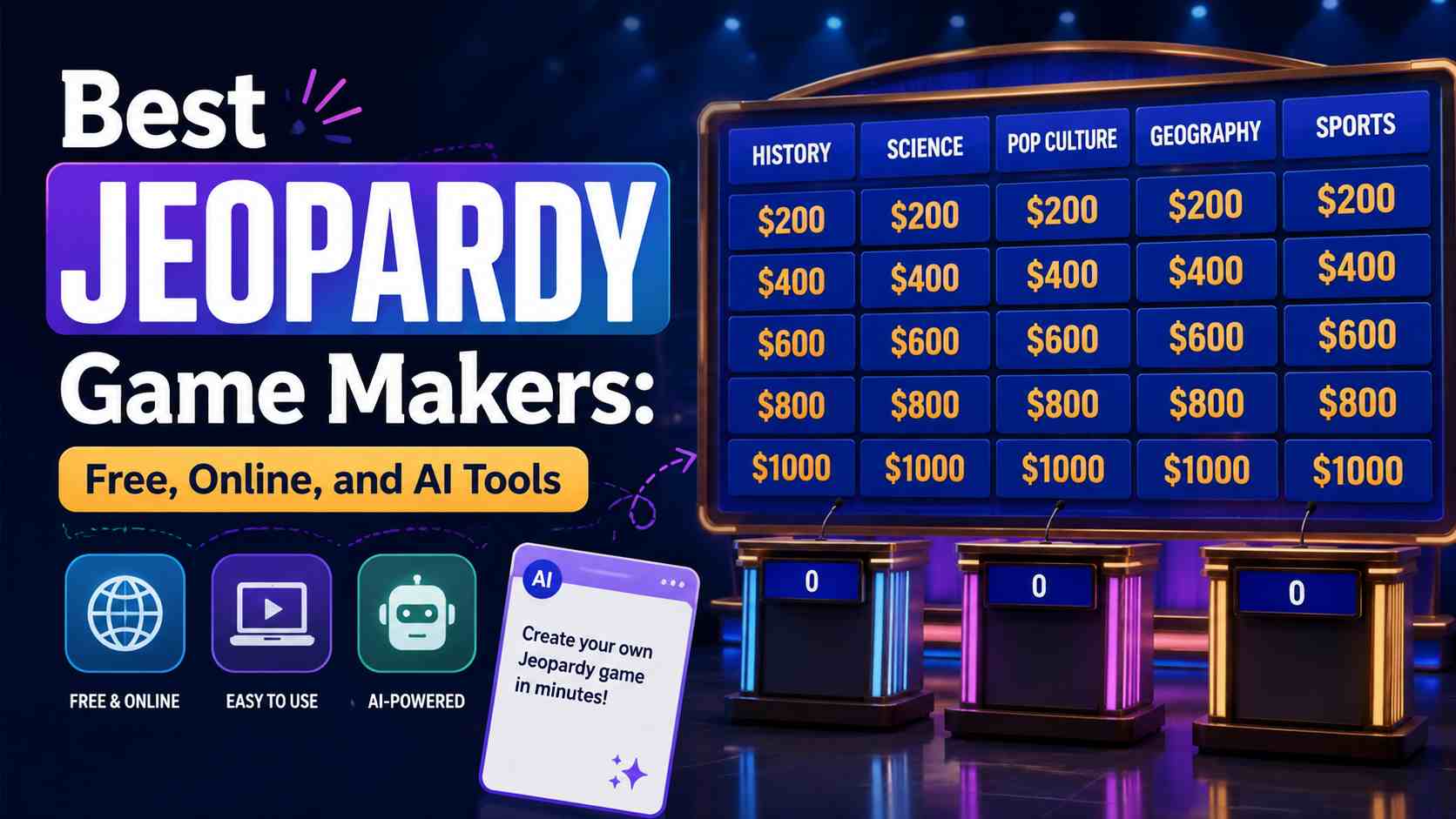
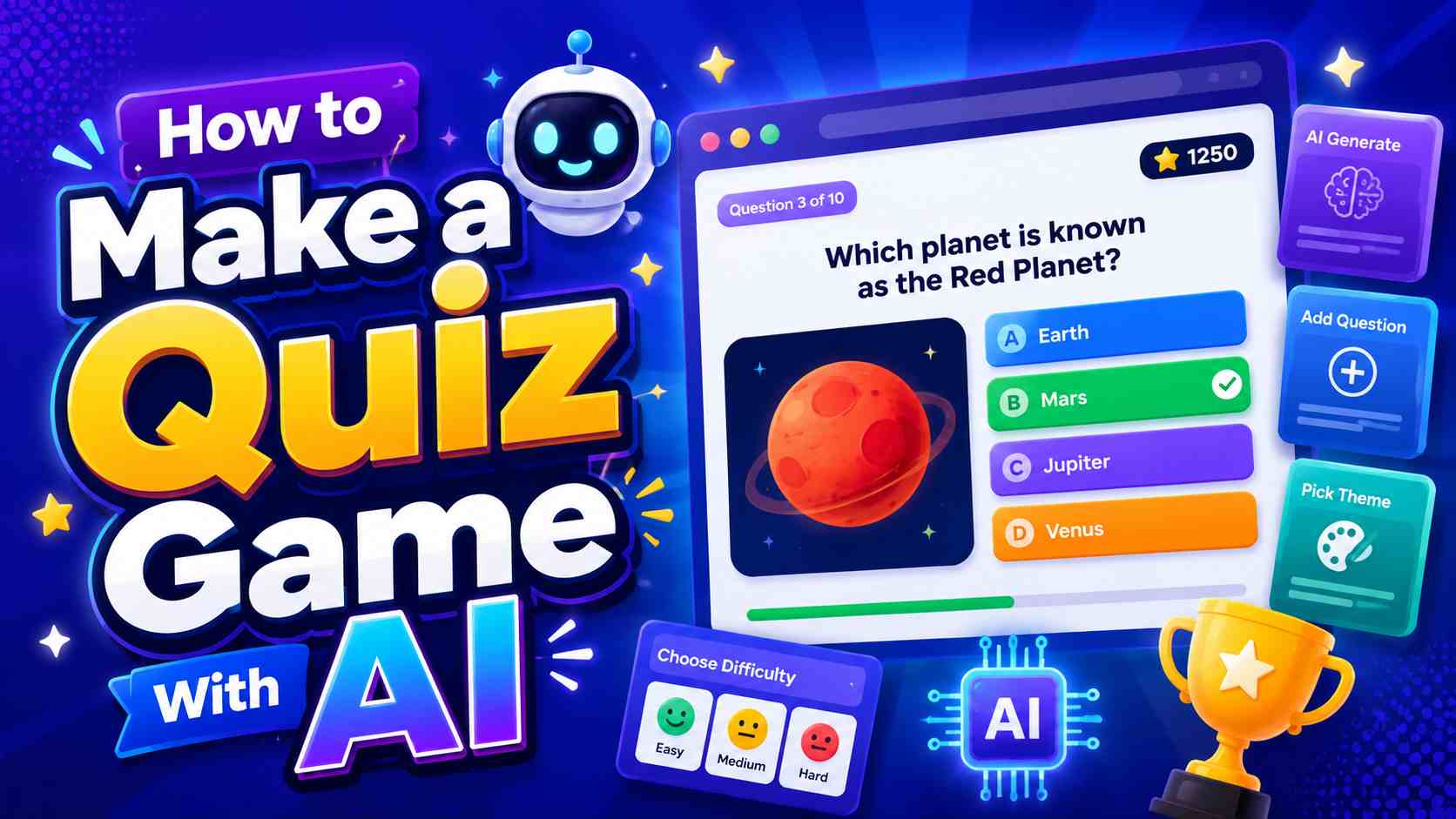
Explore practical guides for planning quiz mechanics, comparing Jeopardy game makers, and writing stronger AI game prompts. Use the comparison guide when you are still choosing a platform, or start creating when you already know the game you want.
View More

FAQs About Jeopardy Game Maker
You can start creating with SoonLab for free. Available generations, models, and other limits depend on the current plan and the points in your account, so check the creation interface before building several versions.
Create Your Own Jeopardy-Style Game Online
Start with a topic and a simple board. Generate the first version, play through every clue, and improve the categories, difficulty, scoring, or visual style before sharing it.
Create Your Game