
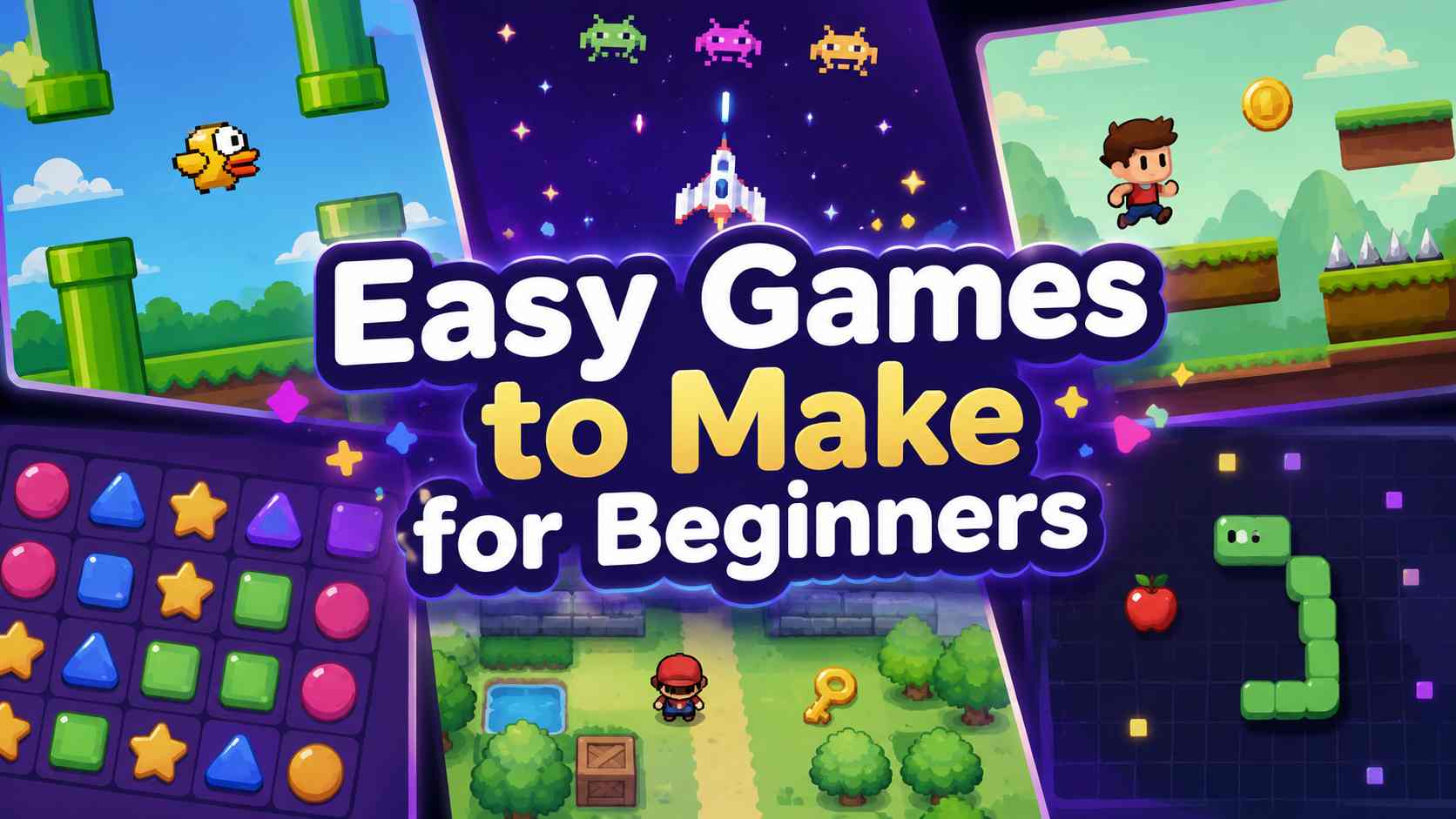
When I was new to game development, I thought my first game needed a story, multiple levels, enemies, upgrades, and art that looked ready for a store page. It did not. The projects that taught me the most during my first years were the small ones I could finish, break, fix, and let another person play.
After eight years of making games, my advice is still simple: make a game with one clear action and one clear goal. A small dodge game, matching game, maze, or score challenge may not sound ambitious, but each can teach you the building blocks behind much larger projects.
The best easy games to make are usually 2D, single-screen, and built around one repeatable mechanic. Start there, then add one improvement after the basic version works.
Turn your idea into aplayable game
Describe the game you want to make, and SoonLab will help you start building it.
Quick Picks: The Easiest Game Genres to Make
| Game idea | Main skill you learn | Why it is beginner-friendly | Good first upgrade |
|---|---|---|---|
| One-button dodger | Input and collision | One control, one losing condition | Increase speed over time |
| Clicker game | Score systems and feedback | You can build a playable loop quickly | Add simple upgrades |
| Endless runner | Spawning and difficulty pacing | The player only needs to move or jump | Add collectible items |
| Maze game | Level design and movement | A small map and finish point are enough | Add a timer or keys |
| Matching game | Game states and UI | Clear rules and no complex movement | Add more cards or a move limit |
| Ball-and-paddle game | Physics and collision response | A classic loop with visible progress | Add power-ups |
| Word search | Grid logic and puzzle design | The game structure is easy to explain | Add themes and a countdown |
| Stacker game | Timing and score balancing | One repeated action creates tension | Make the moving block faster |
What Makes a Game Easy to Make?
An easy game is not necessarily a game with weak ideas. It is a game with a small number of moving parts. You should be able to describe its first version in one sentence: “Move through the maze and reach the exit,” or “Tap before the falling objects hit the ground.”
Good beginner projects usually have:
- one player action, such as tapping, moving, jumping, or selecting;
- one immediate objective;
- one way to win or lose;
- a short play session;
- little or no need for dialogue, online multiplayer, procedural worlds, or advanced AI.
This is also why beginner game developers repeatedly recommend projects such as Pong, Breakout, Snake, mazes, and single-screen platformers. In one representative game development discussion, creators came back to the same point: begin with one mechanic, get it working, and only then add power-ups or difficulty.
8 Easy Games to Make When You Are a Beginner
1. A One-Button Dodging Game
Make a character move left and right, or jump, while obstacles fall from above. The objective is to survive for as long as possible.
This is one of the strongest first projects because it teaches input, collisions, score tracking, random obstacle placement, and restart screens without requiring a large world. It also gives you a fast answer to the most important question in game development: is the basic action fun for even 30 seconds?
Start with one obstacle type. Once that works, add speed increases, a near-miss bonus, or a temporary shield.
2. A Simple Clicker Game
A clicker game can begin with one button, one resource, and one number that grows. The player clicks to earn coins, energy, food, or another themed resource. Later, they buy upgrades that make progress faster.
This is an easy game idea to make because the first playable version does not need movement, physics, or level design. It teaches a valuable lesson about feedback: every click should feel acknowledged through sound, animation, a number change, or a small visual effect.
If you enjoy this structure, explore how an idle game maker can help turn a basic resource loop into a browser game with upgrades and progression.
3. A Short Endless Runner
An endless runner only needs a character, an obstacle, a score, and an increasing challenge. The player runs automatically while they jump, slide, or switch lanes to avoid danger.
It is slightly harder than a dodge game because you need scrolling scenery or moving obstacles, but the design remains focused. Keep the first version to one button and one obstacle shape. Do not begin with a shop, missions, multiple characters, or a full mobile progression system.
For a first platform-style project, a 2D browser game is usually a more realistic place to start than a large 3D world. You can also use a platformer game maker to prototype a jump-and-avoid loop before investing time in custom levels.
4. A Maze Escape Game
A maze game has an immediate advantage: players understand the objective without needing a tutorial. Move from the starting point to the exit. Add walls, a key, a timer, or one moving hazard when the basic level feels too easy.
Keep your first maze small. A maze that fits on one screen is easier to test and easier to improve. It also helps you learn that level design is not about making every path complicated. It is about giving players enough information to make an interesting choice.
5. A Card Matching Game
In a matching game, players turn over cards and try to find pairs. The main challenge is not movement; it is keeping track of game states. Is a card face up? Is the player allowed to select another card? Did the pair match? Has the game ended?
Those questions make this project especially useful for beginners who want to understand menus, turn flow, timers, and simple UI. Begin with six or eight cards, then add themes such as animals, food, space objects, or fantasy items.
6. A Ball-and-Paddle Game
A ball-and-paddle game is a classic for a reason. It teaches movement, collision, scoring, and game speed in a compact format. You can make it feel different from Breakout by changing the goal: protect a garden from bouncing seeds, return magical spells, or keep a spaceship’s reactor core inside a safe zone.
The limitation is that bounce behavior can be frustrating if it feels inconsistent. Test the ball angle carefully before adding visual polish. A simple game with reliable controls is more satisfying than a beautiful game that feels unfair.
7. A Themed Word Search Game
Word search games are a practical choice if you enjoy puzzles more than action. The core loop is clear: find the listed words in a letter grid before time runs out, or complete the puzzle in as few hints as possible.
The visual theme does a lot of work here. A museum mystery, forest rescue, food festival, or space expedition can make the same core puzzle feel like a different game. You can see how to turn a theme and word list into a playable puzzle with SoonLab’s word search game maker.
8. A Timing-Based Stacker Game
In a stacker game, a block moves side to side and the player taps at the right moment to place it on the growing tower. Miss the center and the next platform becomes smaller. The player understands the rule almost instantly, but each successful placement raises the pressure.
That makes stacker games a useful reminder that a simple game does not need many systems. Strong timing, readable feedback, and a clear high score can carry the entire experience.
Are 2D or 3D Games Easier to Make?
For most beginners, 2D games are easier to make than 3D games. You still need to learn design, input, collisions, sound, and game flow, but you avoid an additional layer of camera controls, 3D animation, lighting, depth, and more complicated physics.
Godot’s own beginner documentation recommends starting with 2D before moving to 3D because 3D projects tend to be more complex. Its first 2D tutorial uses a simple survival game to introduce movement, enemy spawning, and scoring in one finished project: Your First 2D Game.
That does not mean you should never make 3D games. If a 3D idea keeps you motivated, start with one small area, one main action, and one goal. Our 3D game ideas for beginners can help you find a focused project. If you are still choosing a format, read our guide to 2D vs. 3D games.
How to Turn an Easy Game Idea Into a Finished Game
The biggest beginner mistake is expanding too early. I made this mistake myself: the moment a prototype worked, I wanted to add a story, inventory, bosses, crafting, and several levels. Finishing became much harder than building.
Use this order instead:
- Write the core loop in one sentence. For example: “The player catches falling stars and avoids black holes.”
- Build the playable action first. Before art, menus, or music, make sure the player can move, act, win, and lose.
- Play it for one minute. If it is boring, change the action or pacing before adding more content.
- Add one meaningful improvement. This could be a score multiplier, a new obstacle, a timer, or better feedback.
- Ask someone else to play. Watch where they hesitate. Their confusion will reveal more than your explanation can.
- Finish and share it. A small completed game teaches more than a large unfinished one.
If coding is the part stopping you from getting started, you can use SoonLab to make a game without coding by describing a small, focused idea and iterating after you play it. The important part is still the same: begin with one loop, then refine what players can actually feel.
Turn your idea into aplayable game
Describe the game you want to make, and SoonLab will help you start building it.
Can Easy Games Make Money?
Yes, a simple game can become a commercial project. But the games that have the best chance are not simply the fastest to build. They give players a clear reason to come back, challenge a friend, share a score, or try one more round.
For a first small release, choose an idea that works in a short session: a reaction challenge, endless runner, stacker, puzzle, or themed word game. Give it one strong hook, such as a daily challenge, a score to beat, collectible upgrades, or a playful theme that makes people want to share it. A basic clicker with no personality is easy to build; a clicker with satisfying progression and a memorable premise is easier for players to remember.
It is also worth treating your first finished game as a portfolio piece rather than placing all of its value on immediate income. Publishing something small teaches you how players react to your instructions, difficulty, controls, and game loop. Those lessons make the next project more commercial than trying to turn your very first prototype into a full business.
When you are ready to take a small concept further, this guide on how to make a video game can help you move from a playable idea to a more complete project.
FAQs
What is the easiest game to make for a beginner?
A one-button dodge game, simple clicker, maze, or card matching game is a strong first choice. Each has a clear objective and can be completed with a small number of rules, assets, and screens.
What are easy games to make online?
Simple browser games work especially well online because players can open and test them through a link. Try a reaction game, word search, score-based stacker, mini quiz, matching game, or short endless runner. Keep the first version playable in one or two minutes.
What are the easiest game genres to make?
Small arcade, puzzle, clicker, matching, maze, and timing games are usually the easiest game genres to make. They have focused rules and do not require the large maps, dialogue systems, enemy AI, or content volume that make RPGs, multiplayer games, and open-world games harder to finish.
Are 2D games easier to make than 3D games?
Usually, yes. A 2D game is not automatically easy, but it removes many common 3D challenges, including camera movement, depth, lighting, 3D models, and more complex animation. For a first project, choose 2D unless your idea genuinely depends on a 3D perspective.
Can I make an easy game without coding?
Yes. No-code game maker can help you create a small browser game without programming the core systems yourself. You still need to decide what the player does, how the game gets harder, and what makes each action feel rewarding.
How long does it take to make a simple game?
A first playable version of a small game can take a few hours or a weekend, depending on your tools and experience. Give yourself a fixed scope: one mechanic, one objective, one way to lose, and one small improvement. Extra levels, shops, stories, and customization can come later.
Start With the Game You Can Finish
The easiest games to make are not the ones with the fewest ideas. They are the ones with one idea that players can understand, play, and enjoy right away.
Choose a small game you would be happy to finish this week: a dodger, maze, clicker, matching game, word search, or stacker. Build the core loop, let someone else play it, and improve the moment where they smile, hesitate, or immediately want another try. If you want to turn that first idea into a playable browser prototype, create a game with SoonLab and refine it after your first playtest.