
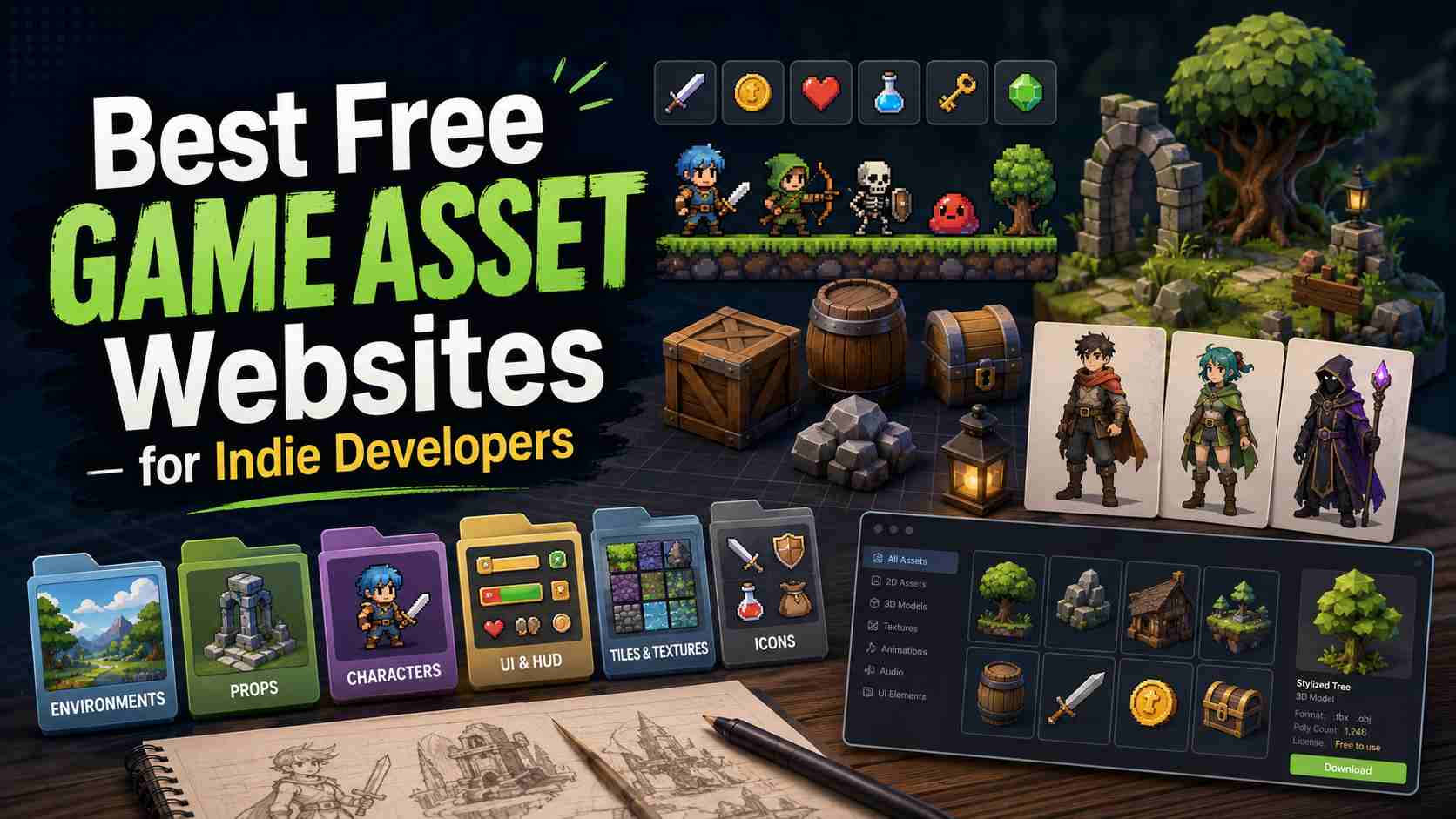
Finding free game assets is easy. Finding the right free game assets for a real project is harder.
If you are building an indie game, a browser prototype, a school project, or a game jam entry, you probably need more than one good-looking sprite. You need characters, tiles, backgrounds, UI, music, sound effects, icons, and most importantly, a style that still feels consistent once the game is playable.
That is why the best free game asset websites are not just download libraries. They help you find usable files, understand licensing, preview quality, and move from idea to prototype without spending your budget too early.
This guide covers the best free game asset websites for indie developers, what each one is best for, and how to use free assets without making your game look generic or legally risky.
What Counts as a Free Game Asset?
A game asset is any creative element used inside a game: sprites, tilesets, backgrounds, UI buttons, icons, music loops, sound effects, textures, 3D models, animations, fonts, and more.
A free game asset is not always public domain. Some assets are free for personal and commercial use. Others require attribution, restrict commercial use, or limit how the file can be modified or redistributed. Before you use any asset in a public or commercial game, check the license on the individual asset page.
Free assets are most useful when you want to prototype quickly, fill a production gap, or define the visual direction of a game before commissioning custom work. Many experienced indie developers use free assets to test whether a mechanic is worth building before investing in original art.
Best Free Game Asset Websites
1. itch.io Game Assets
Best for: indie asset packs, pixel art, UI, sprites, tilesets, music, and unusual styles.
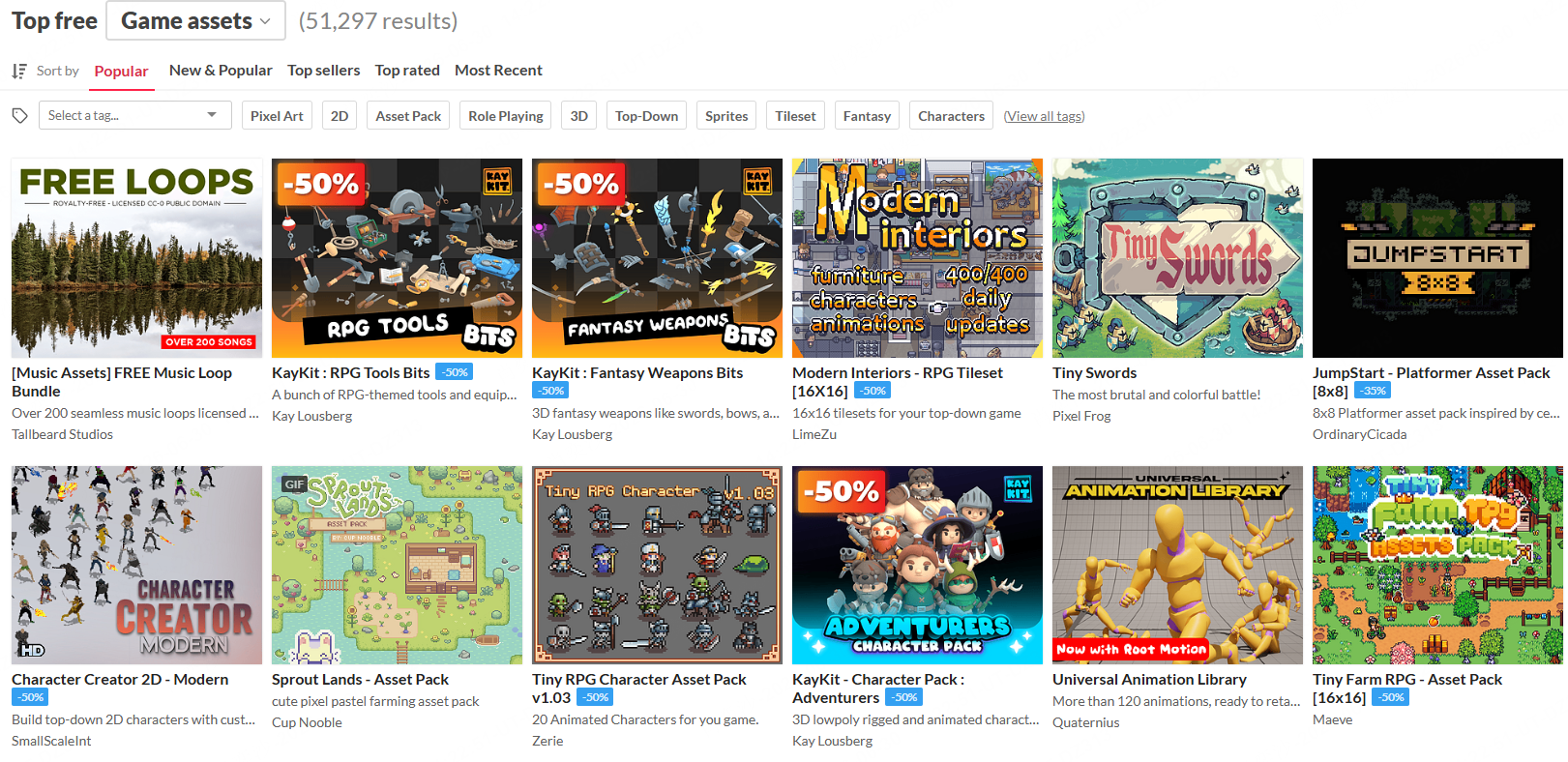
itch.io is one of the best starting points for free game assets because it is built around indie creators. Its asset section includes free and paid packs across 2D art, pixel art, UI, music, sound effects, fonts, and tools.
The biggest advantage is variety. You can find tilesets for cozy games, backgrounds for horror games, platformer sprites, RPG icons, visual novel UI, retro music loops, and small experimental packs that may not appear on larger marketplaces.
The main caution is licensing. Each creator sets their own terms, so do not assume every free download can be used commercially. Check whether attribution is required, whether edits are allowed, and whether the asset can appear in a paid game.
2. Kenney
Best for: clean, consistent, beginner-friendly game assets.
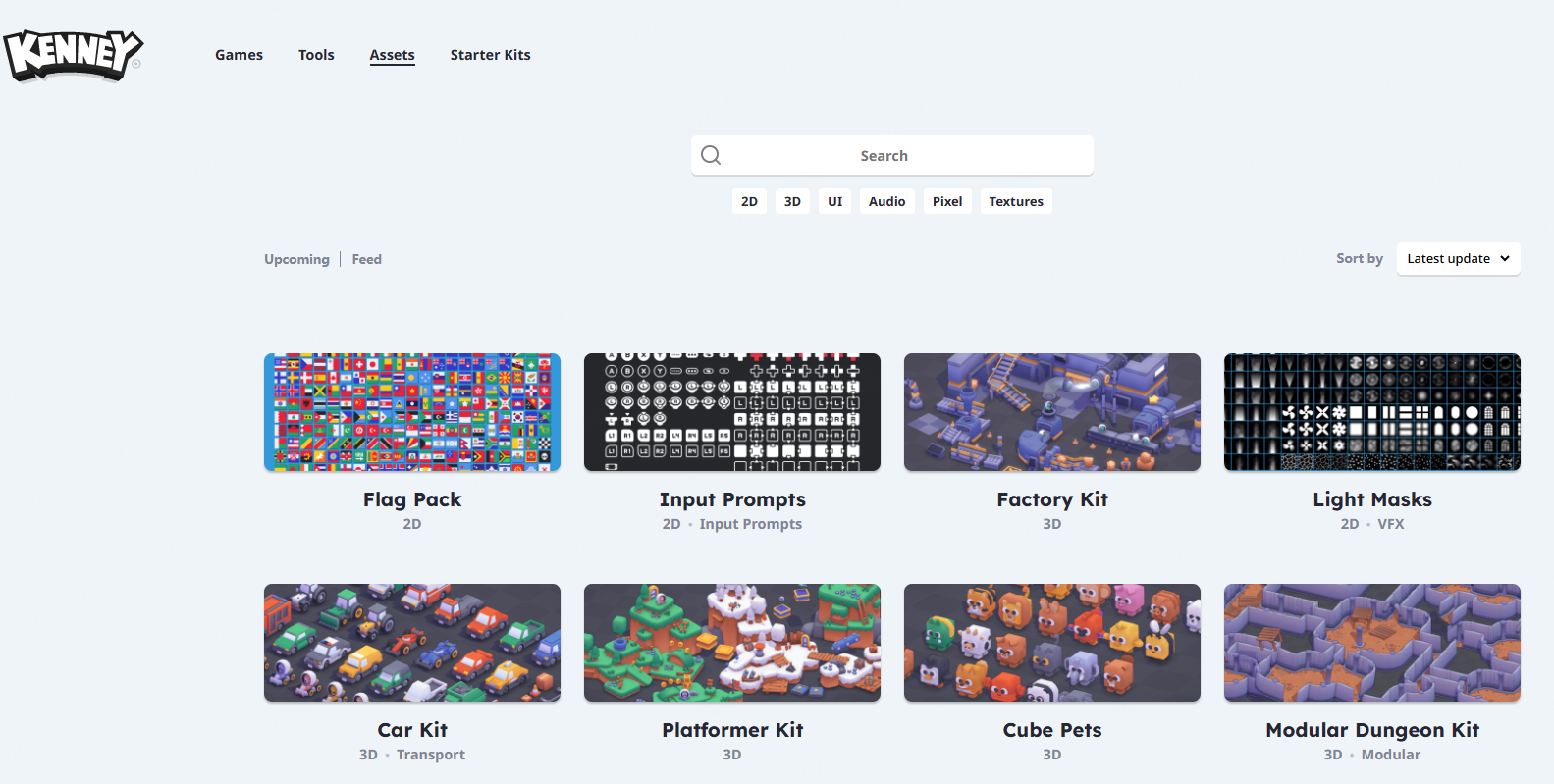
Kenney is a favorite among indie developers because its assets are practical and easy to combine. The site includes 2D art, UI, icons, audio, fonts, 3D models, and complete packs that work well for prototypes, educational projects, game jams, and small commercial games.
Kenney's biggest strength is consistency. Many free asset sites are visually scattered. Kenney packs often feel like they belong in the same ecosystem, which helps you build a complete-looking prototype without mixing too many art styles.
If you are making an arcade game, puzzle game, board-game-style project, platformer, or browser game prototype, Kenney is one of the safest places to start. Still, read the license page for the exact pack you download and keep a record of the source.
3. OpenGameArt
Best for: open licensed sprites, music, sound effects, textures, and community-made art.
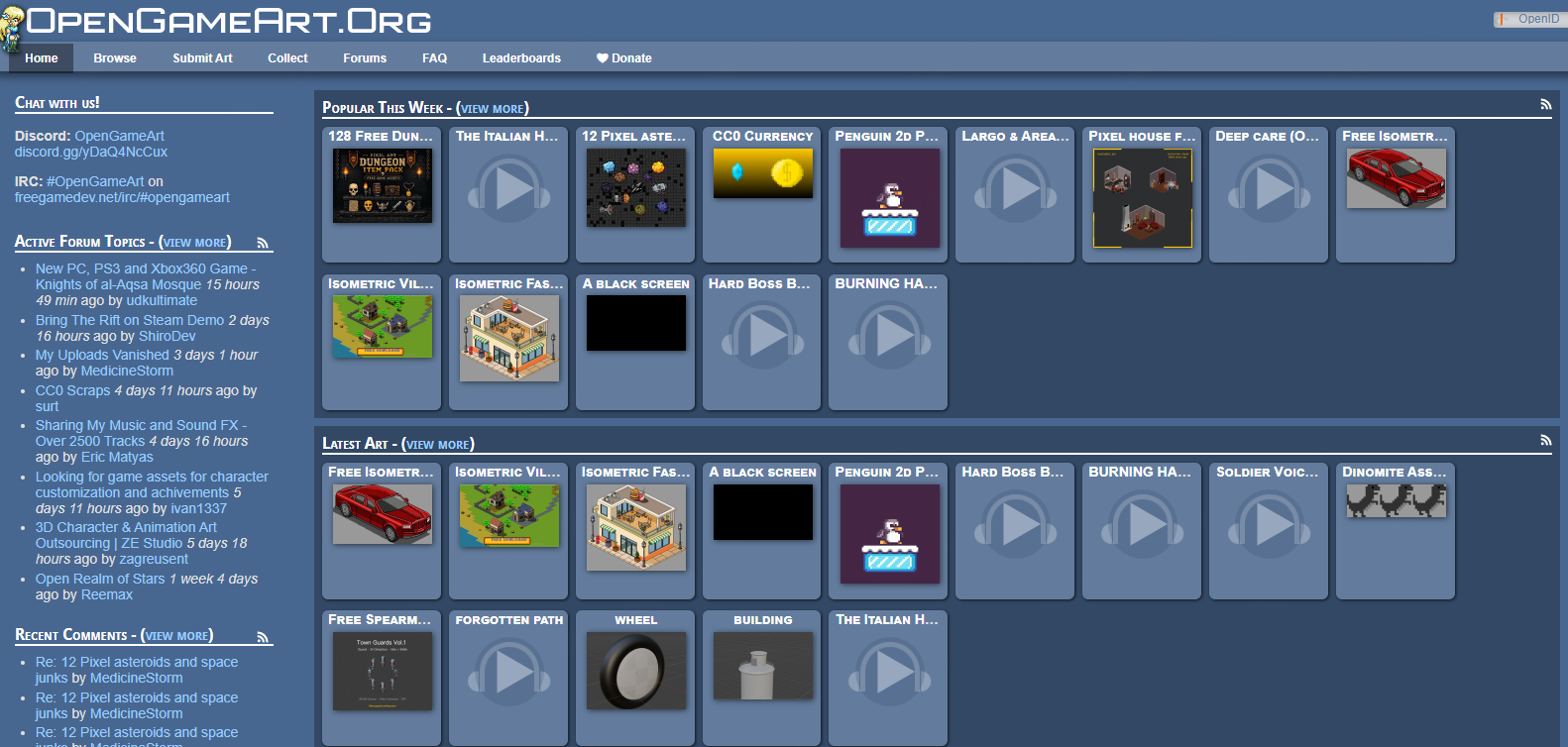
OpenGameArt is one of the oldest and deepest free game asset libraries. It includes 2D art, 3D art, textures, music, sound effects, concept art, and interface elements uploaded by a broad creator community.
Its strength is depth. If you need RPG icons, fantasy sprites, monster art, retro effects, loopable music, or tileable textures, OpenGameArt is worth searching. The tradeoff is uneven quality. Some assets are excellent; others are old, rough, or hard to combine with modern packs.
Pay close attention to licenses such as CC0, CC BY, CC BY-SA, GPL, and OGA-specific terms. Some require attribution, and some may create complications depending on how your game is distributed.
4. CraftPix
Best for: polished 2D characters, backgrounds, UI, and platformer assets.
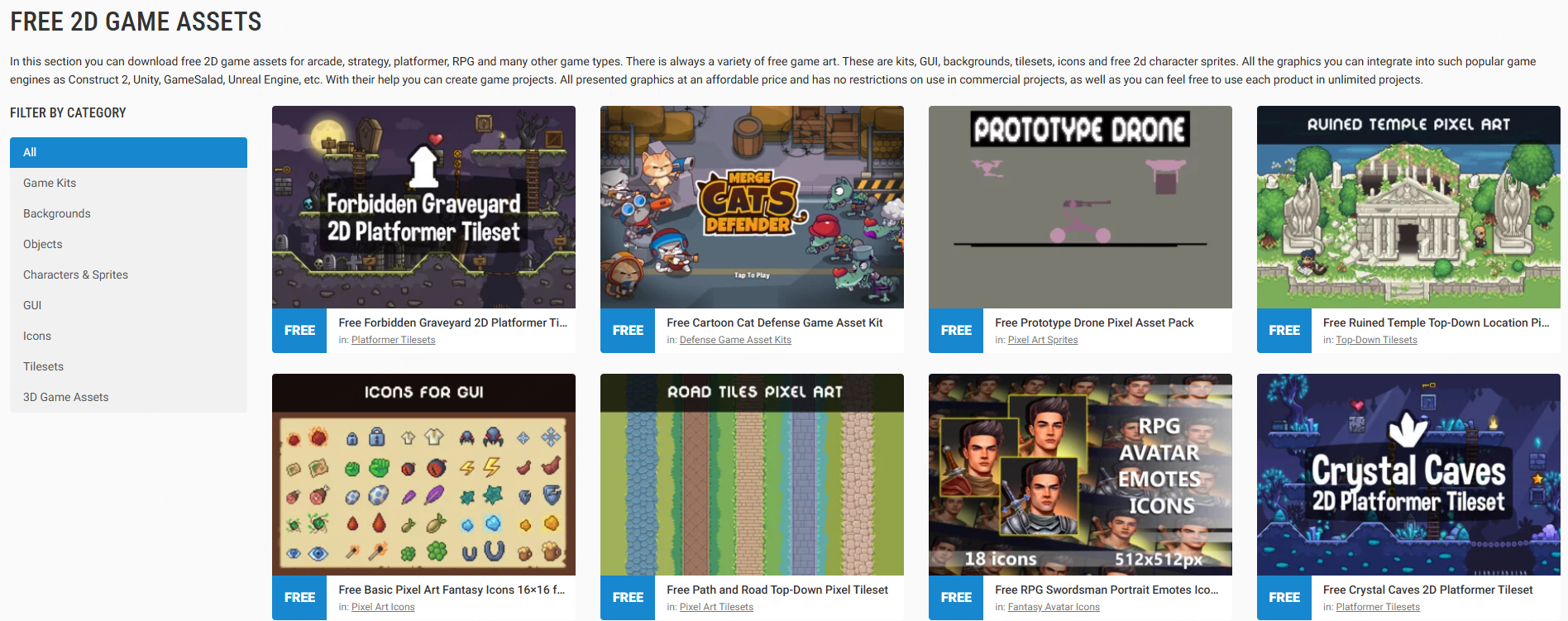
CraftPix offers both free and premium 2D game assets. Its free section often includes character packs, backgrounds, tilesets, GUI elements, icons, and game kits.
The main reason to use CraftPix is polish. Many packs look more commercial than typical community uploads, which can help a prototype feel closer to a finished game. It is especially useful for side-scrollers, mobile-style 2D games, casual games, and RPG interfaces.
The limitation is scope. Free packs may be samples from larger premium collections. Before building around one, check whether it includes enough characters, environments, animations, and UI states for your project.
5. Unity Asset Store
Best for: Unity-ready 2D, 3D, audio, templates, and development tools.
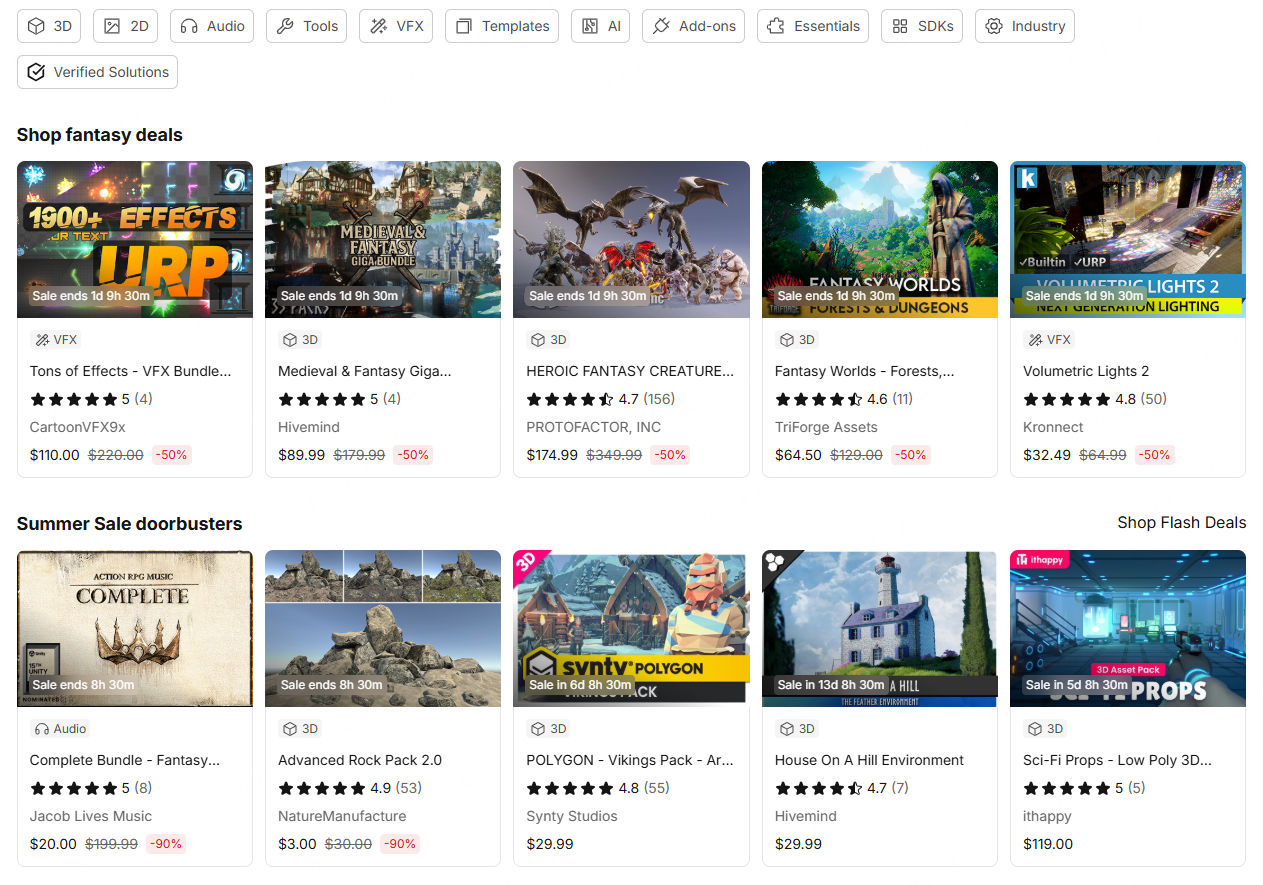
The Unity Asset Store includes many free assets, from sprites and textures to 3D models, shaders, audio packs, and editor tools. If you are building in Unity, the main benefit is convenience. Assets are often packaged for the engine, which can save import and setup time.
The downside is that some assets are less useful outside Unity. If your goal is a lightweight browser game or a fast concept prototype, simple image and audio files from itch.io, Kenney, or OpenGameArt may be easier to work with.
6. Fab
Best for: free 3D assets, Unreal Engine content, environments, props, and materials.
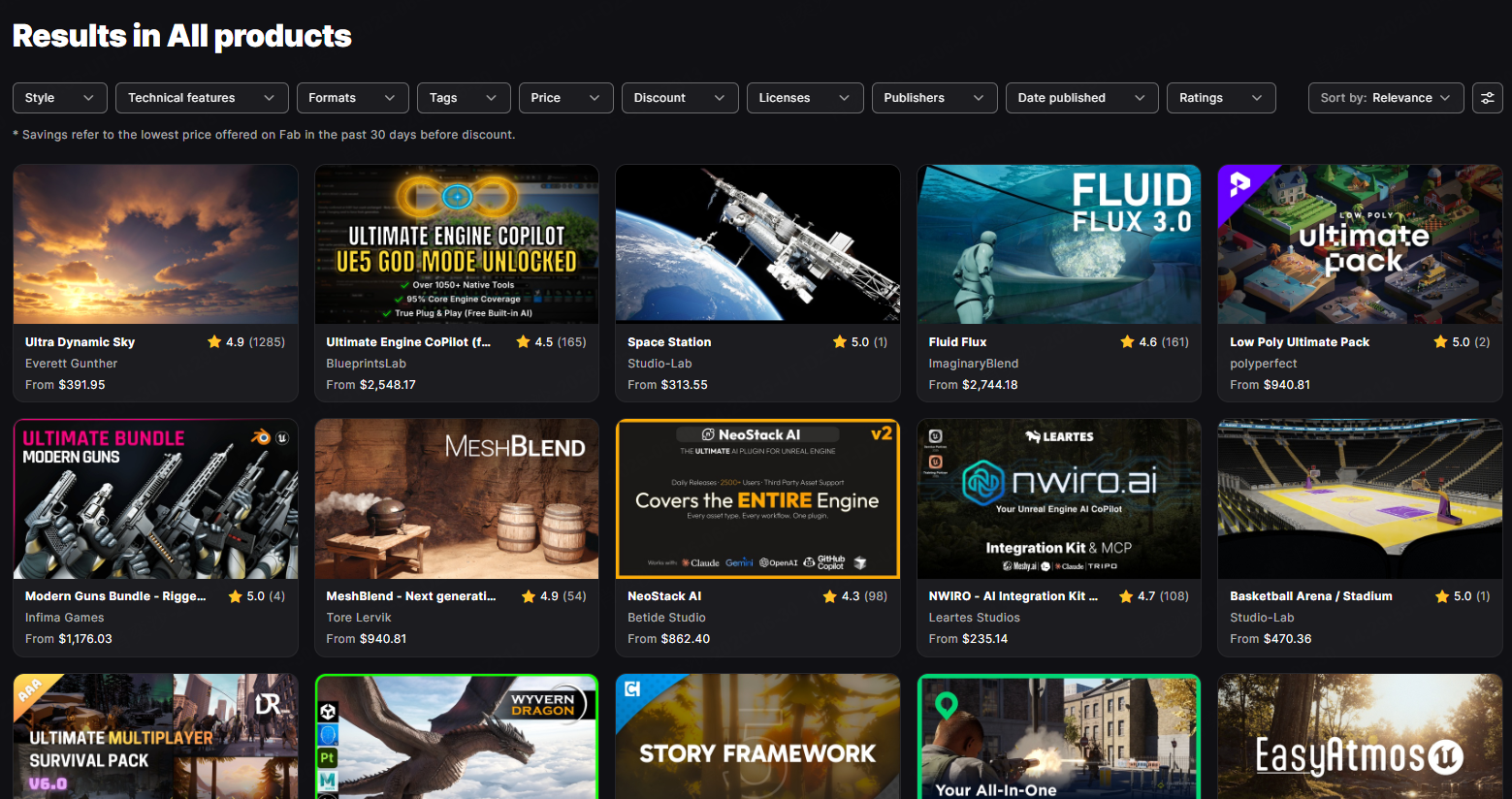
Fab is Epic's marketplace for digital assets and includes content for Unreal Engine, UEFN, and broader 3D workflows. It is useful if you need 3D props, environments, materials, or realistic visual references.
The caution is complexity. High-quality 3D assets may come with large files, engine-specific setup, performance requirements, and licensing terms that need careful review. For simple 2D or browser-first projects, Fab may be more useful for inspiration than direct production.
7. Freesound
Best for: sound effects, ambience, foley, UI sounds, creature sounds, and environmental audio.
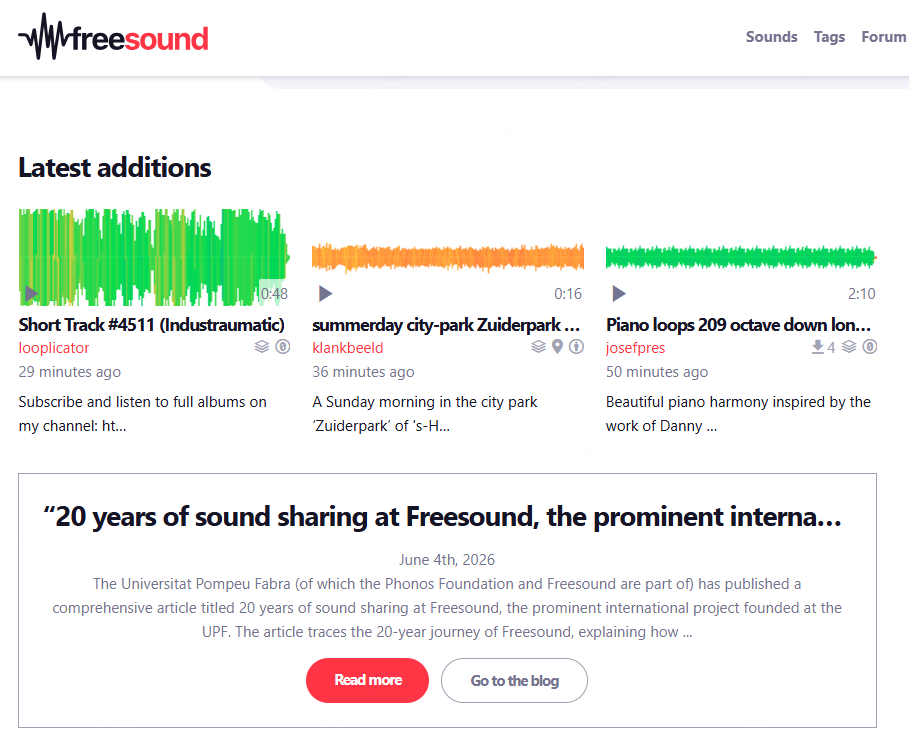
Good sound can make a simple game feel alive. Freesound is one of the best-known libraries for user-uploaded audio, including footsteps, impacts, button clicks, nature ambience, machines, crowds, creature sounds, and experimental recordings.
Freesound is especially useful when you need a specific moment: a coin pickup, door creak, laser shot, wind loop, menu click, or monster growl. Licensing is the main thing to watch. Some sounds require attribution, and some may not be appropriate for commercial projects.
8. Mixkit
Best for: polished music, sound effects, and media assets.
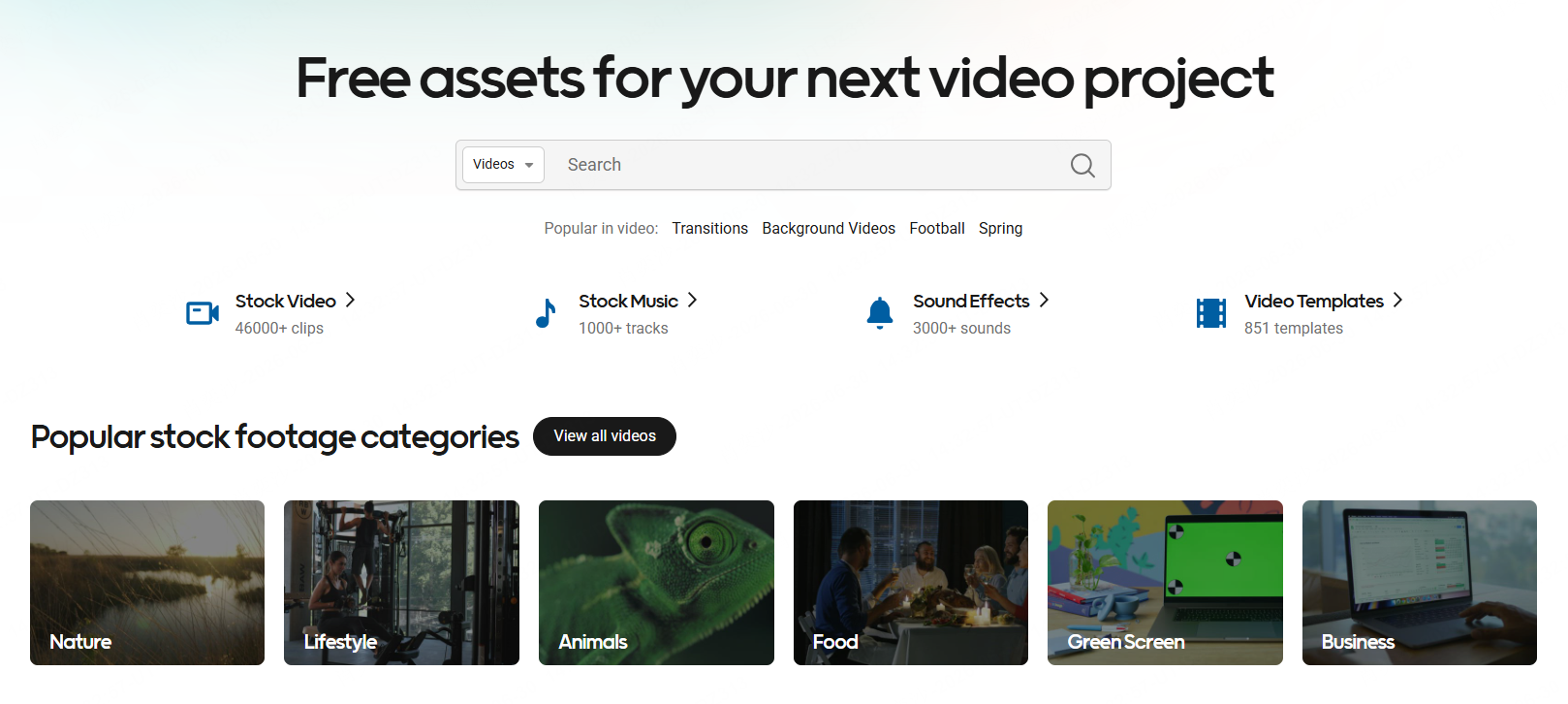
Mixkit is useful when you want clean, ready-to-use audio without digging through a huge community archive. It includes music tracks and sound effects that can work for menus, trailers, casual games, prototypes, and promotional videos.
9. Pixabay
Best for: music, sound effects, illustrations, vectors, textures, and background material.
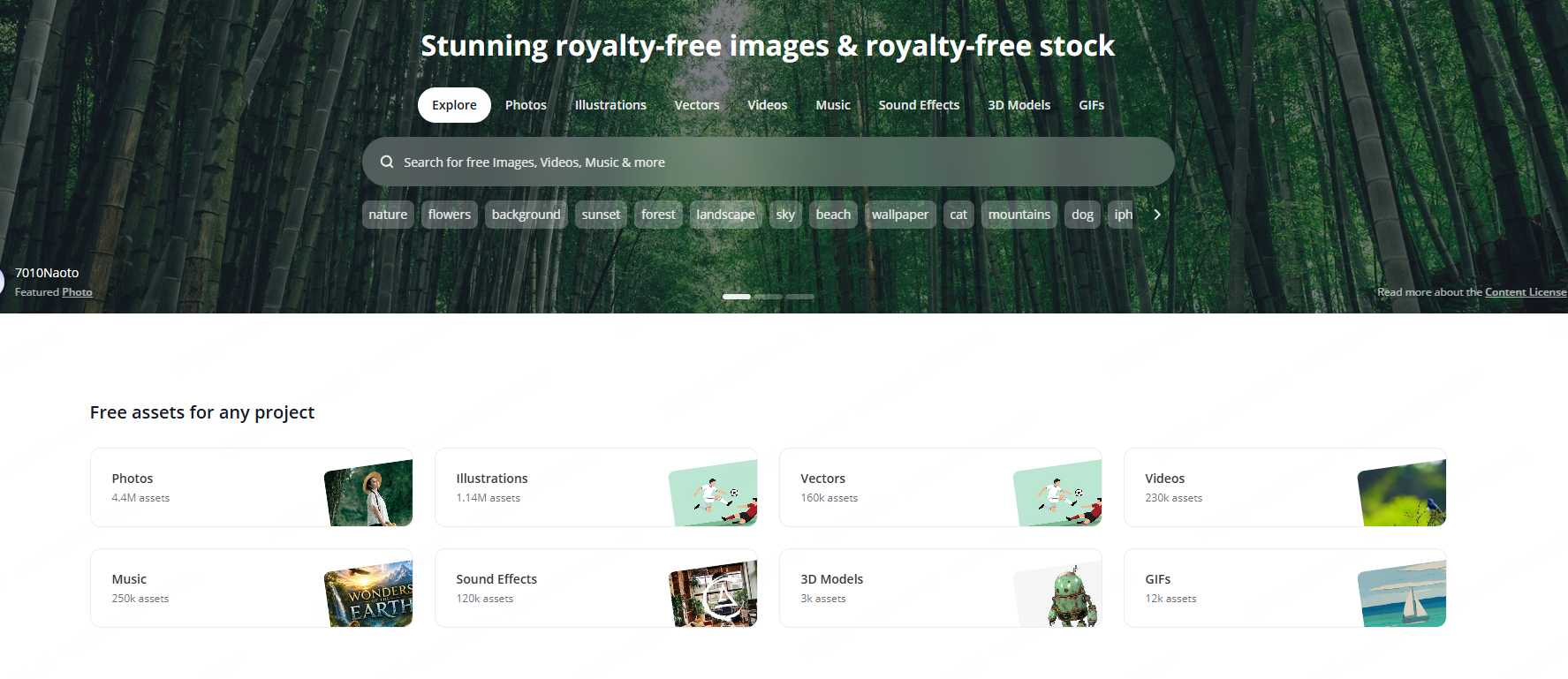
Pixabay is not only a stock image site. It also includes audio, illustrations, vectors, and visual resources that can support game projects. It is useful for background references, simple textures, temporary audio, and prototype visuals.
The advantage is accessibility. The downside is that it is not game-specific, so files may need editing before they feel natural inside a game. A nice illustration may not work as a game background without cropping, layering, or color adjustments.
10. Game-icons.net
Best for: skill icons, inventory items, UI symbols, status effects, and board-game markers.
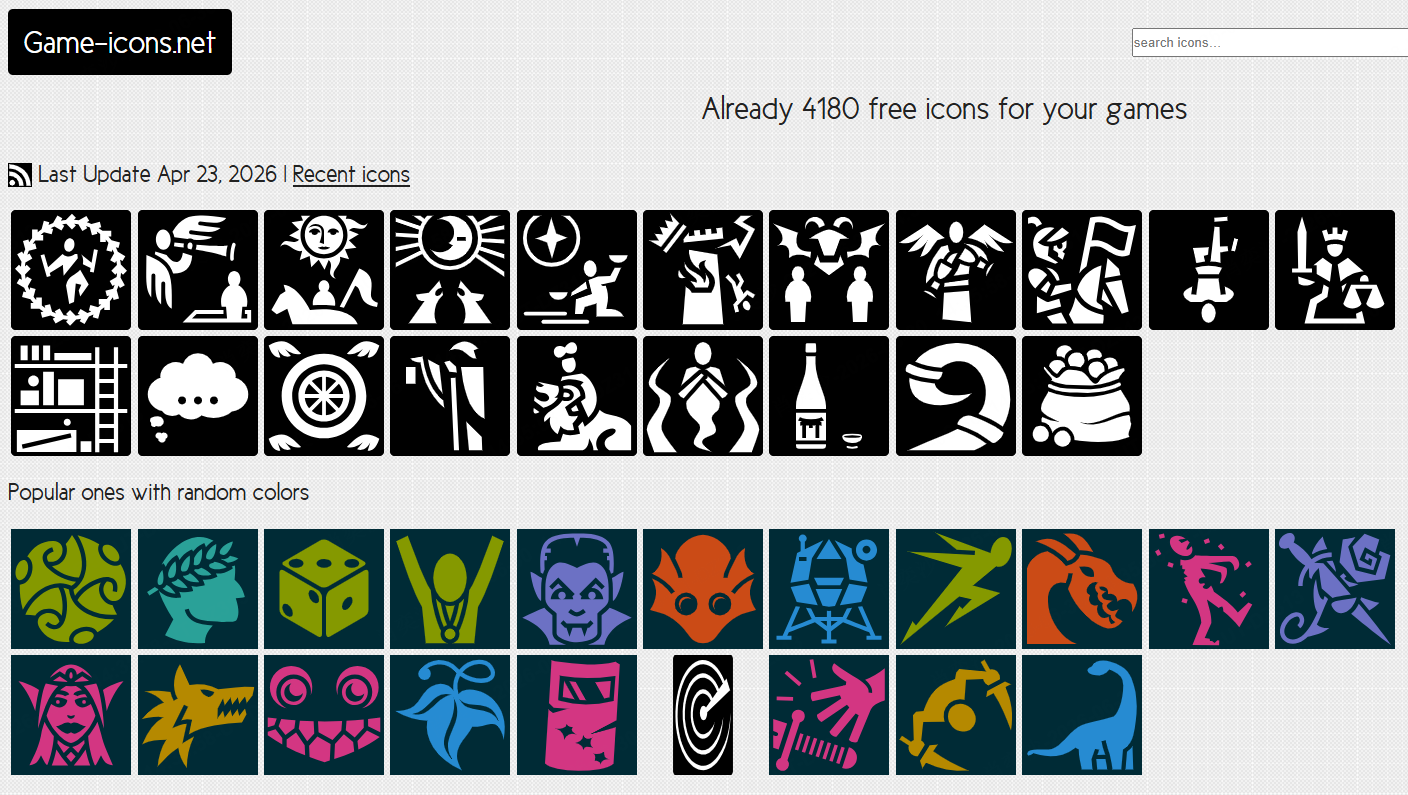
Game-icons.net is a strong resource for simple, readable icons. It works well for RPG abilities, item icons, strategy games, card games, menus, map markers, and early UI prototypes.
Many icons can be customized by color and exported for use in a project, which makes it easier to keep a consistent interface. As with any free resource, check the license and attribution requirements before publishing.
Other Free Asset Sources Worth Checking
If you want to generate custom game assets instead of searching through libraries, Ludo AI is worth checking first. It can help you create game-ready visuals from text prompts, which is especially useful when you need a consistent style or very specific items.
For free pre-made sources, Quaternius is useful for low-poly 3D characters, props, vehicles, and environments. For materials and HDRIs, ambientCG and Poly Haven are strong options — less relevant for simple 2D games, but valuable for 3D scenes, terrain, architecture, and realistic prototypes.
How to Choose the Right Free Game Asset Website
Start with your project stage. If you are testing gameplay, choose assets that are fast, clear, and consistent. Kenney and complete itch.io packs are often better than chasing perfect art.
If you are building a 2D game, prioritize complete packs with sprites, tiles, backgrounds, UI, and audio that match. A simple consistent pack is usually better than ten beautiful assets from different styles.
If you are building a 3D game, check file formats, engine compatibility, texture sizes, and performance. Free 3D assets can save time, but they can also create cleanup work.
If you are preparing a commercial release, prioritize licensing clarity. A less flashy asset with clear commercial terms is often safer than a beautiful asset with confusing restrictions.
Free Game Asset Licensing: What to Check Before Using Assets?
Before using any free game asset in your project, check the license carefully. Ask five simple questions:
- Can I use this asset commercially?
- Do I need to give attribution?
- Can I modify it?
- Can I redistribute it inside my game?
- Are there any engine, platform, or project restrictions?
This matters whether you are downloading 2D game assets, 3D models, UI icons, background music, sound effects, or complete asset packs. A file may be free to download, but that does not always mean it is free to use in every type of game.
Keep a simple asset log with the asset name, creator, source URL, license, download date, and required attribution text. It may feel unnecessary during a quick prototype, but it can save real stress when you publish, monetize, submit your game to a jam, or pitch the project to others.
How to Avoid the “Asset Flip” Look When Using Free Game Assets?
Free game assets are useful, especially for beginners and indie creators, but they can make a game feel generic if you combine them carelessly. Before downloading every interesting pack you find, choose one visual direction for your game: pixel art, low-poly, flat vector, cozy, horror, fantasy, sci-fi, or minimalist.
Then keep your style consistent across characters, backgrounds, UI assets, props, and sound design. Do not mix five button styles, three character scales, and backgrounds from unrelated asset packs unless you plan to edit them into one unified look.
Small changes can make free game assets feel more polished. Adjust colors, crop or resize backgrounds, standardize button styles, balance sound volume, and create a consistent title screen. Free assets work best when they support a clear creative direction, not when they are simply collected from different sources.
Turn Free Game Assets Into a Playable Game
A folder full of game assets is not a game. Once you have a character style, background direction, UI mood, and sound palette, the next step is to turn those ideas into a playable game or prototype.
With AI game maker SoonLab, you can move from asset inspiration to a playable browser game in a simple workflow:
STEP 1 Write Your Game Prompt
Describe the game type, character, scene, rules, goal, and visual style you want. A clear game prompt helps SoonLab understand what kind of playable browser game you want to create.
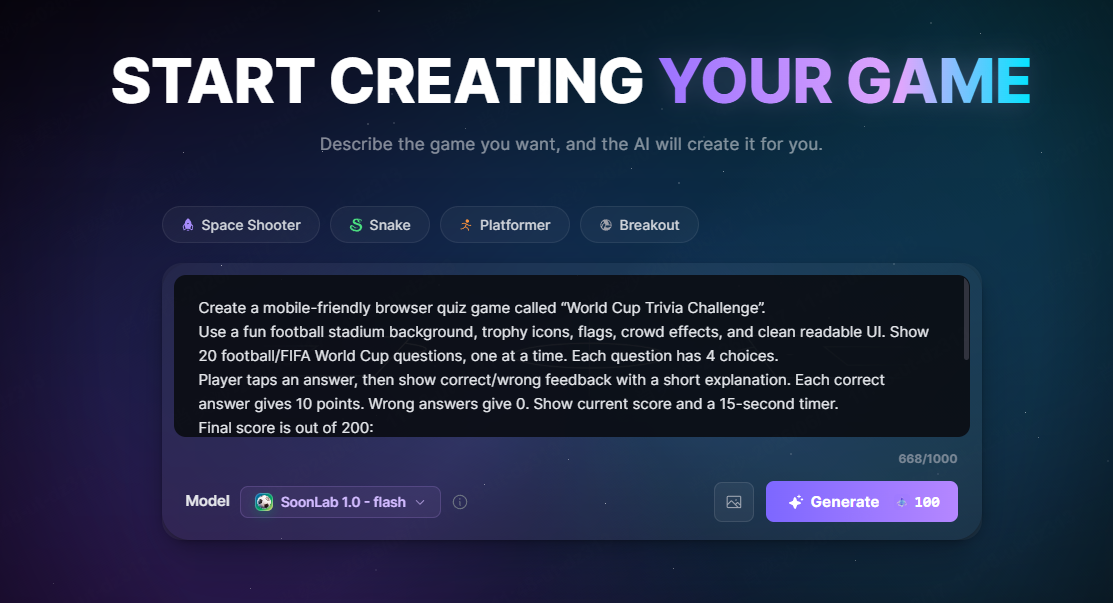
STEP 2 Upload Your Game Assets
Add your character image, background, UI reference, or other game asset materials. These assets can help guide the look, tone, and visual direction of your AI-generated game on SoonLab.
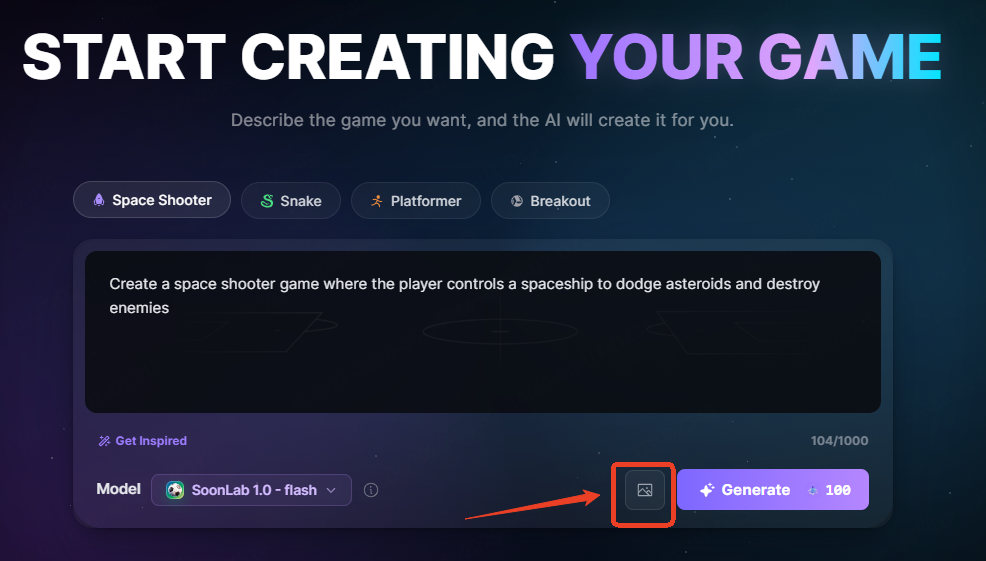
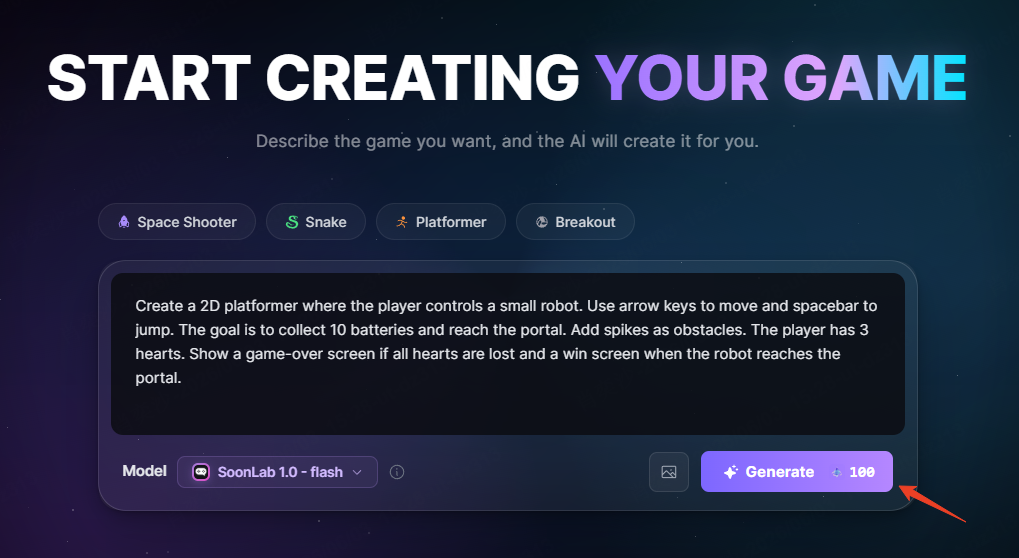
STEP 3 Click Generate
SoonLab uses your prompt and uploaded assets to generate a playable game experience directly in the browser, so you can test your idea instead of only collecting asset files.
STEP 4 Edit, Publish, or Share
Play the result, refine the prompt, adjust the gameplay, and continue improving the experience. When the game feels ready, publish it or share it with others.
The goal is not just to collect free game assets, but to use them as creative references for a real playable game that people can try.
FAQs
What is the best free game asset website?
For most indie developers, itch.io, Kenney, and OpenGameArt are the best starting points. itch.io has variety, Kenney has consistency, and OpenGameArt has depth.
Can I use free game assets in a commercial game?
Yes. But it depends on the license of game assets. Always check the license for each asset, not just the website.
Where can I find free game music and sound effects?
Freesound, Mixkit, Pixabay, and OpenGameArt are good places to start. Check individual licenses and keep attribution records.
Are free game assets bad for indie games?
No. Free assets are great for prototypes, game jams, student projects, and some commercial releases. The problem is not using free assets; it is using mismatched assets without a clear style or license plan.
Should I use AI-generated assets or free asset websites?
Use free asset websites when you need practical files, clear packs, and known sources quickly. AI-generated assets can help with exploration, but they may create consistency, editing, and licensing questions. Many developers use both: free assets for structure and AI tools for game development.
Final Thoughts
The best free game asset websites help indie developers move faster, test ideas earlier, and understand what a game needs before investing in custom production.
Start with trusted sources, check every license, keep your style consistent, and build a small playable version before expanding the project. A focused prototype with simple assets is far more valuable than a beautiful asset folder with no game behind it.
Once you have a clear character style, background direction, UI mood, and core gameplay idea, the next step is to make the game playable. With SoonLab, you can write a prompt, upload asset references, and generate a browser game that you can test, edit, publish, or share.
Free assets can help you imagine how your game should look. SoonLab helps you turn that idea into something players can actually try.