
A few months ago, a friend asked me a question I've been hearing more and more often: "Can I actually make a game without learning how to code?"
I told him about Rosebud AI—a platform that promised exactly that. He was skeptical. So was I, honestly. We've all seen tools that claim to be "easy" but fall apart the moment you try something beyond the basics.
Curious, I spent several weeks testing Rosebud AI myself. I played games other people built, tried creating my own from scratch, and talked to creators in the community about their real experience. What I found surprised me—in both good ways and bad.
If you're searching for honest Rosebud AI reviews, you're probably wondering: Does it actually work? Is the free plan enough to get started? And most importantly, is it worth your time? I'm going to answer all of those questions here.
What Is Rosebud AI?
Here's where things get a little confusing, and I want to clear this up first.
Rosebud AI actually refers to two different products from different companies:

This review focuses on the Game Maker, since that's what most people are searching for when they look up "Rosebud AI reviews." But it's worth knowing these are separate tools, so if you see reviews talking about journaling prompts, those are about the other app.
So what is Rosebud AI Game Maker exactly? It's a browser-based platform that lets you create 2D and 3D games by describing what you want in plain English. The process is straightforward: you type a prompt, Rosie (their AI assistant) generates the game code, you test it, and you can keep refining through conversation.
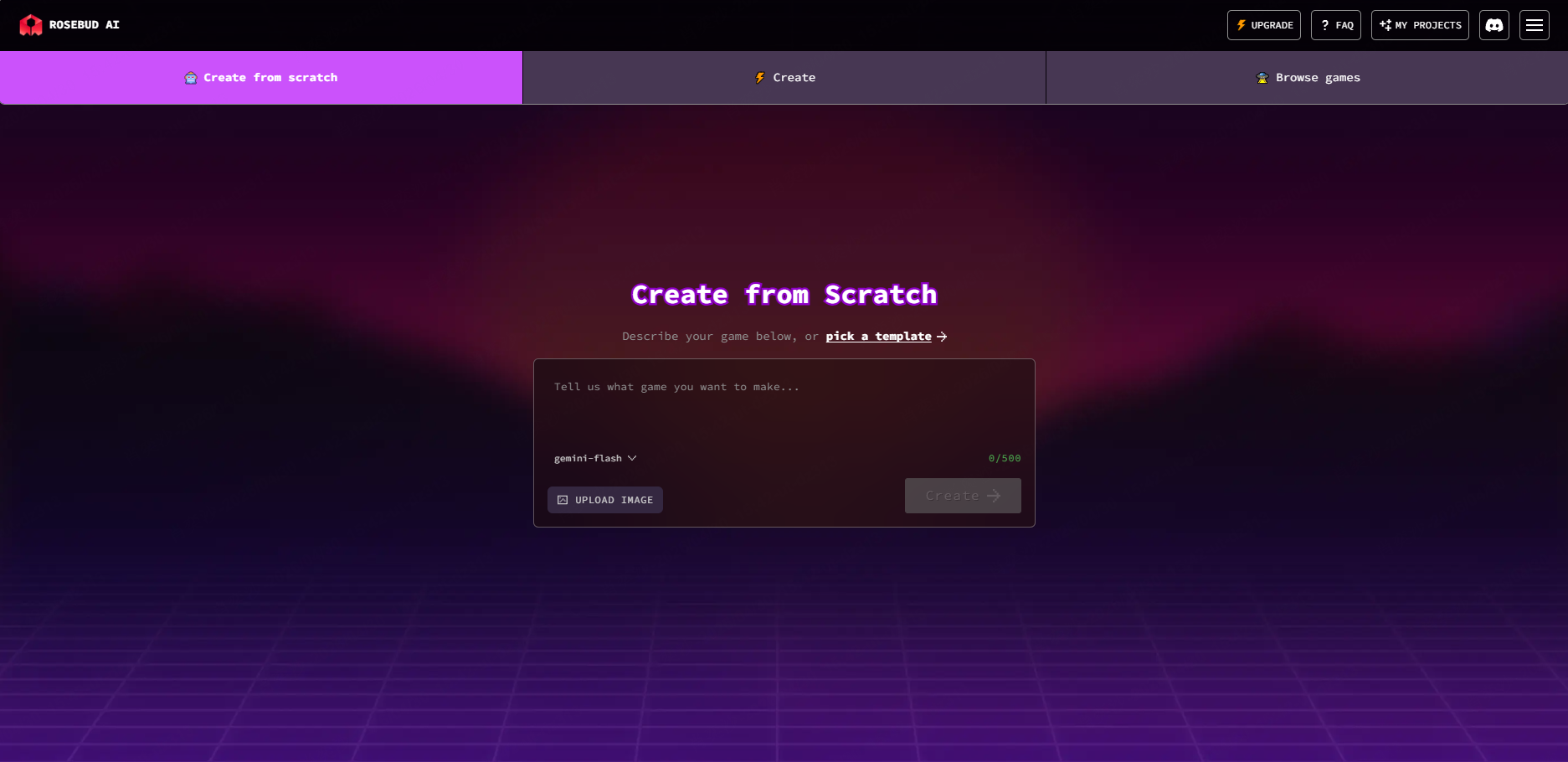
No downloads. No coding knowledge required. No game engine experience needed.
The platform is built around something they call "vibe coding"—which is just a catchy way of saying you describe your vision and the AI handles the technical implementation. It's an interesting approach, but like any AI tool, it works better with some practice.
Key Features and Real Performance of Rosebud AI
Let me walk you through what Rosebud AI actually offers—and more importantly, how well each feature of Rosebud AI works in practice.
The Rosie Assistant
Rosie is the heart of the Rosebud experience. She's an AI chat assistant that helps you build and modify your game through conversation. You can ask her to add features, change visuals, fix bugs, or explain how something works.
What she does well:
- Generate basic game structures quickly
- Add common mechanics (jumping, scoring, enemies)
- Create environments and assets based on descriptions
- Make iterative changes without you touching code
Where she struggles:
- Complex logic often needs multiple attempts
- Very specific requests can confuse her
- Some bugs are hard to pin down through conversation alone
- Large projects can cause slower response times
From my testing and community feedback, the key skill here is knowing how to rephrase your prompts. If Rosie doesn't understand what you want, adjusting your wording often helps more than starting over.
Game Types You Can Create
Rosebud AI supports several game creation modes:
- 3D Game Maker — Build immersive 3D experiences
- Visual Novel Maker — Create story-driven games with choices
- RPG Maker — Design role-playing games with inventory systems
- Cozy Games Maker — Build relaxing, low-stress games
- Interactive Story Maker — Create choice-based narratives
- Platformer Tools — Classic side-scrolling game creation
Real performance note: The platform handles 2D games more reliably than complex 3D projects. If you're planning something ambitious, expect to spend more time refining and debugging.
Asset Management
You can upload your own 3D models, audio, and images. Supported formats include .glb, .gltf, and .obj files. There's also a background removal tool for generated images.
The asset system works, but it's not seamless. Some uploads require specific formats, and occasionally assets don't load correctly on the first try.
Code Access (Paid Feature)
Here's something that surprised me: Rosebud AI actually lets you view and edit the underlying code—once you upgrade to a paid plan. This is a big deal because it means you're not trapped inside a walled garden. You can learn from the generated code, make manual adjustments, and eventually understand how your game actually works.
This feature alone makes Rosebud AI more appealing to aspiring game developers who want to learn alongside creating.
Publishing and Sharing
Games publish instantly to a public URL. Anyone can play—no account required. You can also enable "remix" mode to let other creators build on your work.
Rosebud AI Pricing Explained
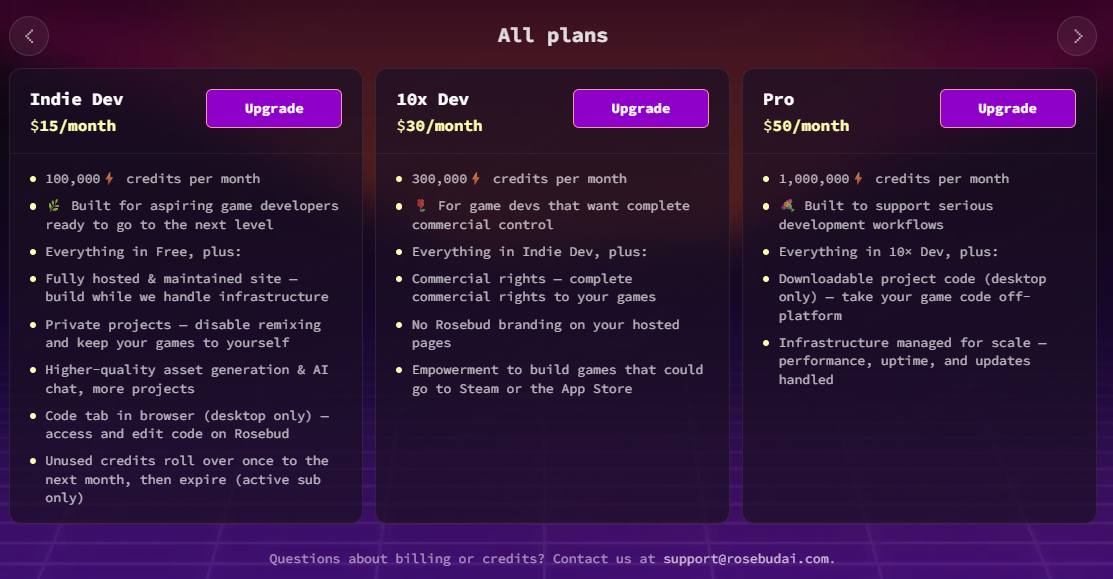
This is where people get frustrated with most reviews—pricing is often vague or outdated. Let me give you the actual breakdown.
Free Plan
You get:
- Several prompts to start
- 8000 credits per week
- Access to your projects
- Game links that remain active
The free plan is genuinely useful for exploring the platform and creating small projects. But 8000 credits per week fills up fast once you start iterating on your game.
10x Dev / Pro Plan
Here's what you get:
- Commercial usage rights — You can sell and publish games
- No commissions or fees — You keep 100% of profits
- Full code access — Edit your game's source code
- Unlimited prompts — Build without restriction
- Priority support — Faster help when issues arise
If you want to actually publish a game or take Rosebud AI seriously, you'll need this plan. The good news is they don't take a cut of your earnings—the "keep 100% of profits" isn't marketing fluff.
For exact current pricing, you'll need to check their official site, as the company adjusts these periodically. What I can tell you is that the Pro plan is positioned as an affordable option compared to traditional game development tools or engines.
Is It Worth the Cost?
If you're just experimenting, the free plan is sufficient. If you're serious about creating and publishing games, the Pro plan pays for itself quickly—no revenue sharing means even modest game earnings make it worthwhile.
Pros and Cons of Rosebud AI
After testing extensively, here's my real assessment:
What I Genuinely Like
Where It Falls Short
1. Prompt sensitivity — Results vary wildly based on how you phrase requests. "Add an enemy" might work perfectly or create something completely different than expected. This learning curve frustrates many beginners.
2. Bugs and instability — From community feedback, some features break unexpectedly. Complex game mechanics often require multiple attempts, and not all issues have clear solutions.
3. 3D limitations — Complex 3D projects can be ambitious. The platform handles simpler projects well, but ambitious creators may hit walls.
4. Processing time — Large projects slow down noticeably. If you're building something complex, expect longer wait times for code generation.
Real User Pain Points (From Community Research)
During my research, I found several issues that users repeatedly mention:
- "My game breaks when I add too many features" — Complex games hit performance issues and unexpected bugs. The workaround is building incrementally and testing frequently.
- "The AI doesn't understand what I want" — This is the most common complaint. Success requires learning how to prompt effectively. Users who invest time in learning prompt craft get much better results.
- "I lost progress when the AI generated bad code" — The History feature saves checkpoints. Use it. Every time you make significant changes, save a checkpoint before continuing.
- "My games look generic" — Custom assets help, but the default generation tends toward generic aesthetics. Adding your own visual assets makes a huge difference.
- "The free plan fills up quickly" — 8000 credits per week sounds like a lot until you're iterating. Budget your prompts or upgrade when you hit the limit.
Who Should Use Rosebud AI?
Not everyone will get the same value from this platform. Let me break down who Rosebud AI is actually for.
Perfect For:
- Complete beginners who want to make games without learning code first
- Game design students looking to prototype ideas quickly
- Non-technical creators with game concepts but no programming background
- Educators teaching game development concepts
- Casual creators who want to make simple games for fun or to share with friends
- Aspiring developers who want to learn game logic by examining generated code
Probably Not For:
- Professional game developers who need full control and complex features
- Anyone expecting polished, commercial-grade games without significant refinement
- People who need robust 3D capabilities for advanced projects
- Creators who don't enjoy iterative work — AI generation rarely produces perfect results on the first try
If Rosebud AI's limitations give you pause, it's worth exploring other Rosebud AI alternatives that focus on faster prototyping, browser-based workflows, and more accessible free tiers.
SoonLab offers a compelling alternative with a different focus:
| Feature | SoonLab | Rosebud AI |
|---|---|---|
| Pricing | Completely free | Paid subscription required |
| Focus | Pure game creation & social sharing | Full ecosystem with monetization |
| Best For | Casual experimentation & community play | Serious game projects with revenue goals |
SoonLab is a better choice if you're looking to explore AI game creation without any upfront commitment. It's especially suitable for users who want to experiment freely before deciding whether to invest time or money into a more advanced platform.
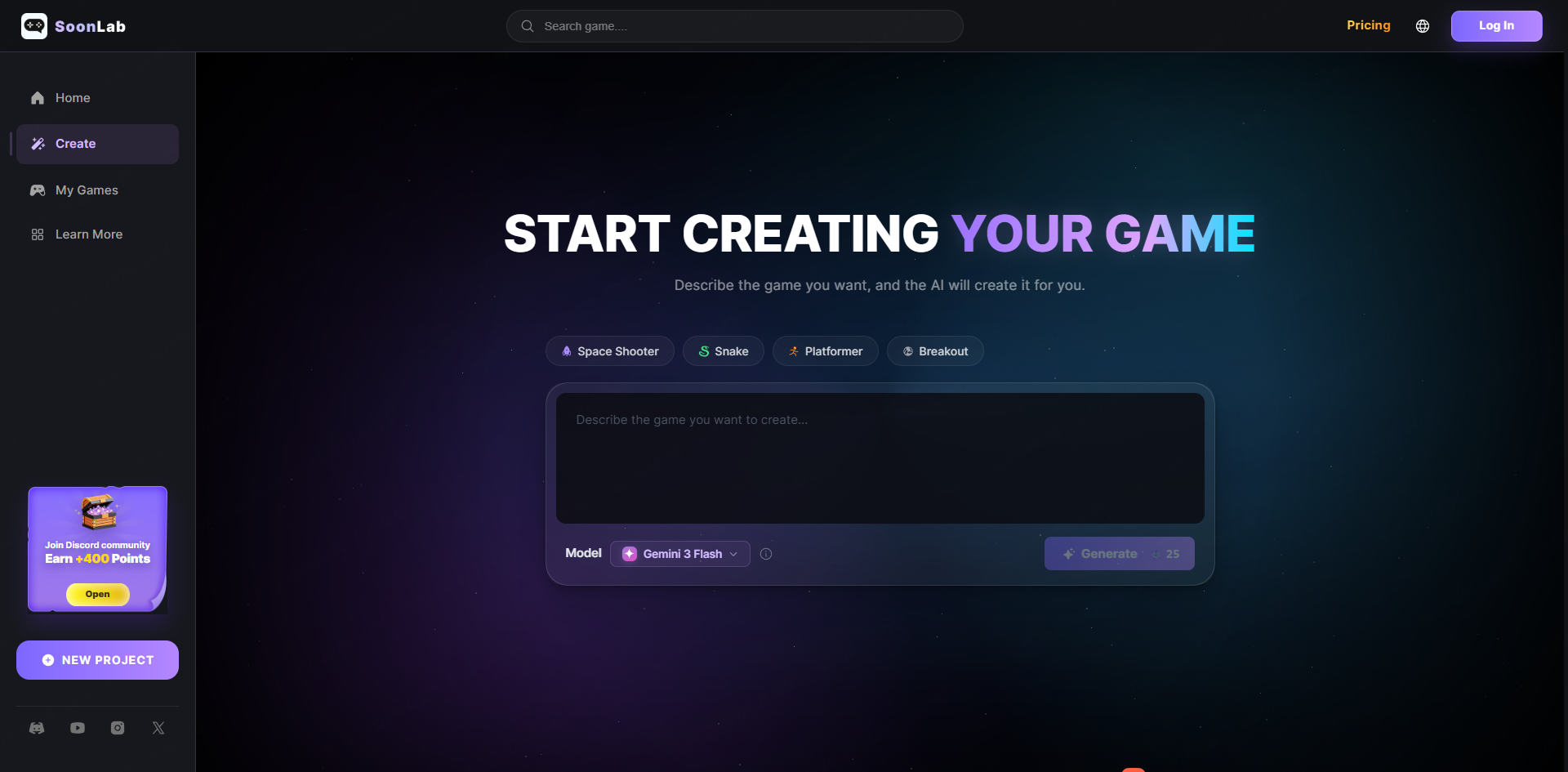

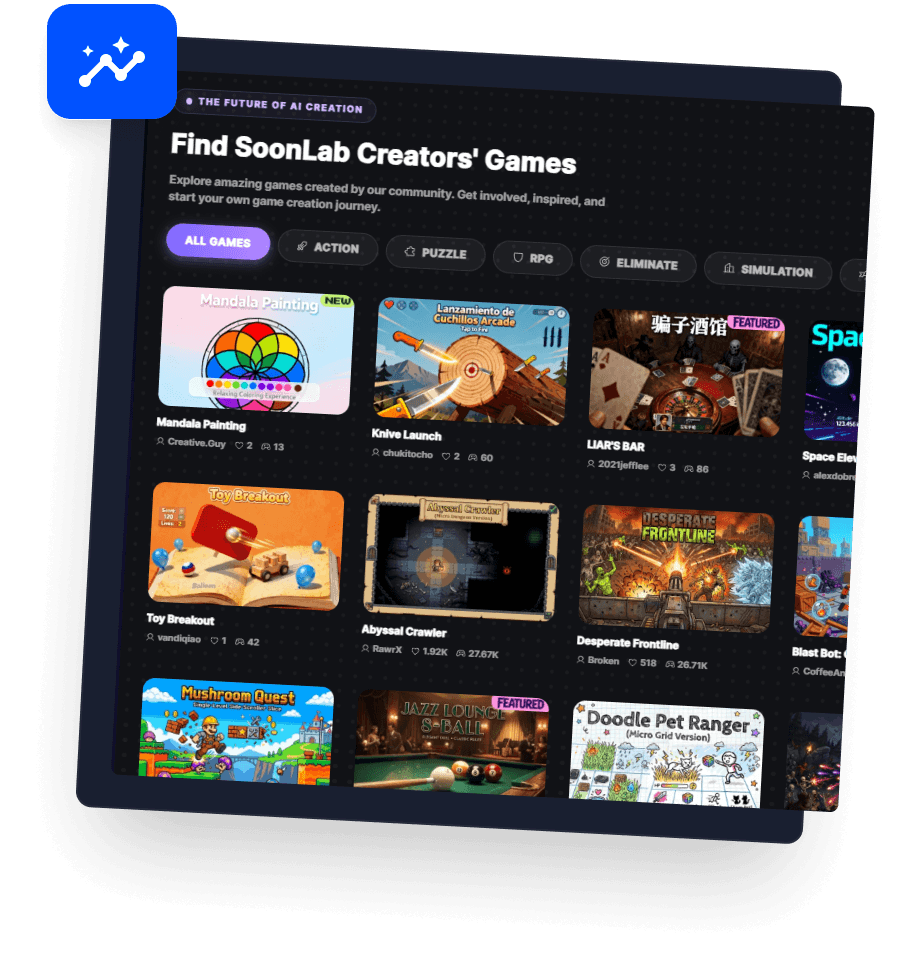
For casual creators, students, or hobbyists, SoonLab offers a more relaxed and social experience where the focus is not only on building games but also on playing and discovering what others have created. Instead of requiring a structured or technical workflow, it allows you to quickly turn ideas into playable games, making it ideal for testing creative concepts or even just having fun with game design.
If your goal is to move fast, try unconventional ideas, or simply experience AI-generated games in a lightweight and community-driven environment, SoonLab tends to feel more approachable compared to more complex, tool-heavy platforms.
Conclusion: Is Rosebud AI Worth Using in 2026?
After spending real time with this platform, Rosebud AI clearly shows how far AI game creation has come. It lowers the barrier for people who want to build games without coding, and the speed from idea to playable prototype is genuinely impressive.
That said, it's not a perfect system. You'll still need to refine prompts, fix issues, and iterate along the way. It supports creation, but it doesn't remove the need for game design thinking.
My recommendation: start with the free plan, experiment with simple projects, and see if the workflow fits your style. If you enjoy the process and want more advanced capabilities, upgrading can make sense.
However, if you prefer something even more lightweight—focused on instant play, simplicity, and a more community-driven experience—you might also want to explore newer tools like SoonLab AI, which emphasizes fast prompt-to-play creation with a more casual creative flow.
In the end, it depends on your style: structured building with deeper tools, or fast experimentation with instant results.