
Scratch is a great first step, but it is not the only path after visual coding. The best Scratch alternatives depend on whether you want structured lessons, younger-child coding, text-based programming, app creation, robotics, or faster game prototyping.
Alternatives to Scratch are tools that help learners create games, stories, apps, or coding projects with visual blocks, guided lessons, text-based coding, or AI-assisted creation. Some are designed for children. Some are better for classrooms. Others help older beginners and new game creators move from a Scratch-style idea to a more complete playable project.
This guide compares the strongest Scratch alternatives by age, learning goal, classroom fit, game creation value, and next-step path.
Turn your idea into aplayable game
Describe the game you want to make, and SoonLab will help you start building it.
What Are Scratch Alternatives?
Scratch alternatives are beginner-friendly tools for learning coding, creating interactive projects, or building simple games without jumping straight into traditional programming languages.
These tools usually fall into five groups:
- Younger-child tools: simplified block coding for early readers and younger learners.
- Lesson-based platforms: structured coding courses for home or classroom use.
- Blockly and visual programming tools: drag-and-drop coding that can lead toward real programming concepts.
- Game creation tools: platforms for building playable games, worlds, or prototypes.
- Text-code transition tools: environments that help learners move toward JavaScript, Python, Lua, or app logic.
A newer path is also emerging: natural-language-assisted creation. Recent research such as NL2Scratch shows that prompt-to-code and prompt-to-project workflows are entering the block-based programming space. That does not mean AI replaces coding education. It means learners now have another bridge from idea to project.
Why Look for an Alternative to Scratch?
Scratch is still one of the best starting points for learning coding concepts, creative logic, events, loops, and simple interactive projects. For many beginners, it makes programming feel visual, playful, and less intimidating.
However, learners often need a different tool as their goals change. Younger children may need a simpler interface. Teachers may want structured lessons and classroom-friendly features. Teens or adult beginners may want something less childlike. New game creators may want a faster way to build and share playable games.
In other words, the question is not whether Scratch is good or bad. The better question is: what should the learner use next?
If the learner still wants to stay with Scratch and build a real game first, a simple platformer is a good next project. You can start with this step-by-step guide on how to make a platformer on Scratch before deciding whether a Scratch alternative is needed.
Best Scratch Alternatives at a Glance
| Tool | Best For | Free? | Learning Path | Good for Games? |
|---|---|---|---|---|
| ScratchJr | Ages 5-7 | Yes | Early visual coding | Simple stories and games |
| Blockly Games | Logic practice | Yes | Blocks to programming concepts | Game-like puzzles, not full game creation |
| Code.org | Classrooms and structured lessons | Mostly free | Blocks, App Lab, JavaScript concepts | Good for learning, limited for polished games |
| Tynker | Kids who want guided projects | Free and paid options | Blocks to Python/JavaScript | Good for guided game projects |
| Kodable | Elementary classrooms | Varies | Early computational thinking | Better for learning than open-ended games |
| Hopscotch | Creative coding on iPad | Free and paid options | Mobile visual coding | Good for simple games and animations |
| Roblox Studio | Older kids and teens | Yes | Lua and 3D game creation | Strong for multiplayer worlds |
| MIT App Inventor | App creation | Yes | Blocks to mobile app logic | Better for apps than games |
| TurboWarp | Advanced Scratch projects | Yes | Scratch-style performance upgrades | Good for faster Scratch-like games |
| SoonLab | AI-assisted browser game creation | Free and paid options | Prompt to playable prototype | Strong for fast game prototyping and creating |
Best Scratch Alternatives for Younger Kids
For younger children, the best choice is usually not a harder tool. It is a simpler environment with fewer blocks, less text, and more guided play.
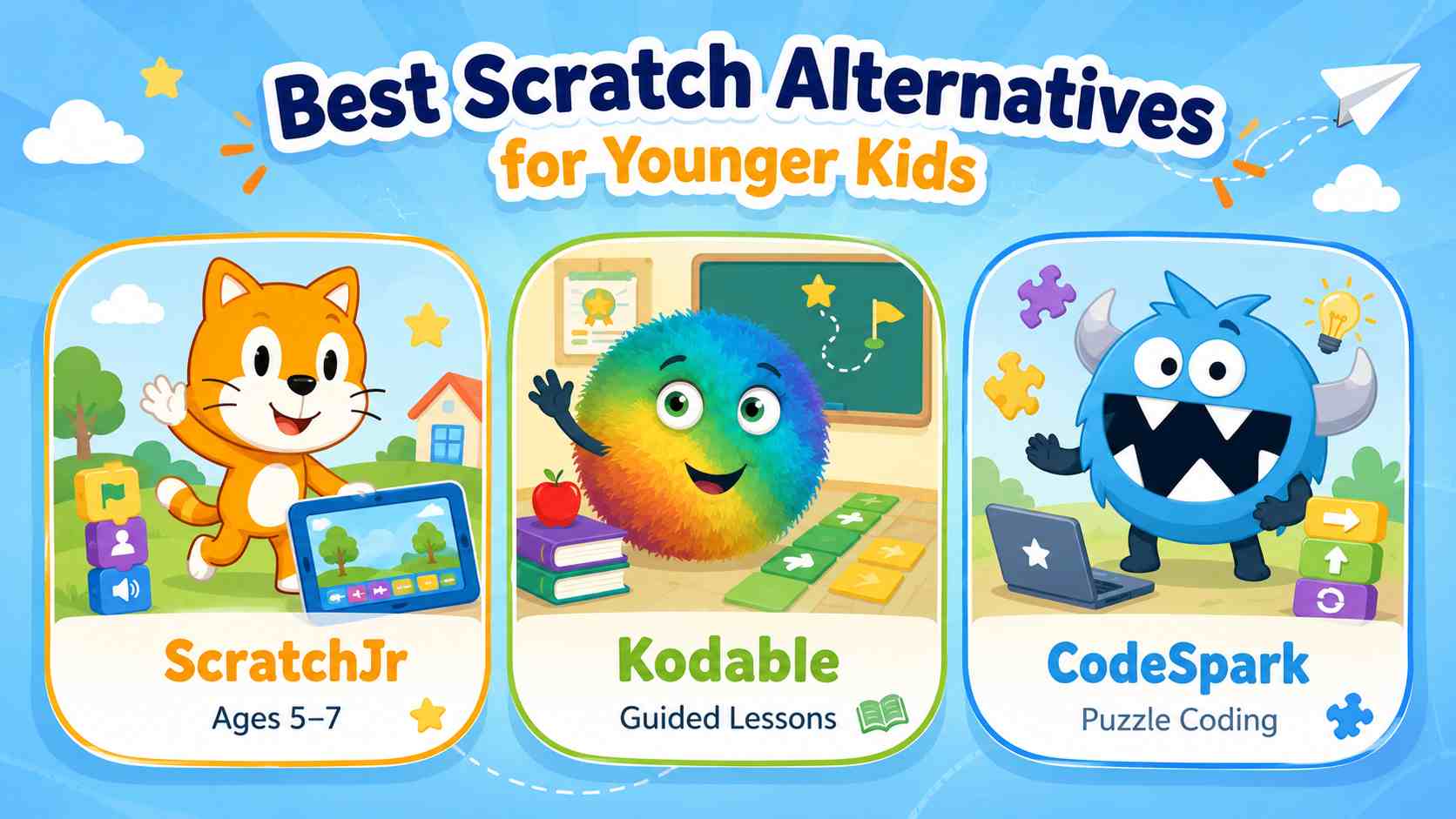
ScratchJr
ScratchJr is designed for children ages 5-7 who want to create interactive stories and simple games. Choose this if your child is not ready for full Scratch yet. Skip it if the learner already wants variables, complex game logic, or longer projects. Next step: move to Scratch or Code.org when reading and sequencing skills improve.
Kodable
Kodable works well for elementary classrooms and parents who want a more structured path through sequencing, conditions, and problem solving. Choose this if you want guided lessons. Skip it if your child mainly wants open-ended game creation. Next step: move from guided puzzles to Scratch, Tynker, or Code.org.
CodeSpark
CodeSpark is strong for early computational thinking through puzzle-like activities. Choose this for younger learners who need playful structure. Skip it for older students who want to build original browser games. Next step: graduate to Scratch-like coding tools with more creative freedom.
Best for kids: ScratchJr for ages 5-7, Kodable for structured elementary learning, and CodeSpark for puzzle-based early coding.
Best Scratch Programming Alternatives for Learning Real Coding
If the goal is to move from block-based coding toward real programming concepts, choose tools that make the transition visible. The learner should understand variables, conditions, loops, functions, and debugging before jumping into a complex IDE.
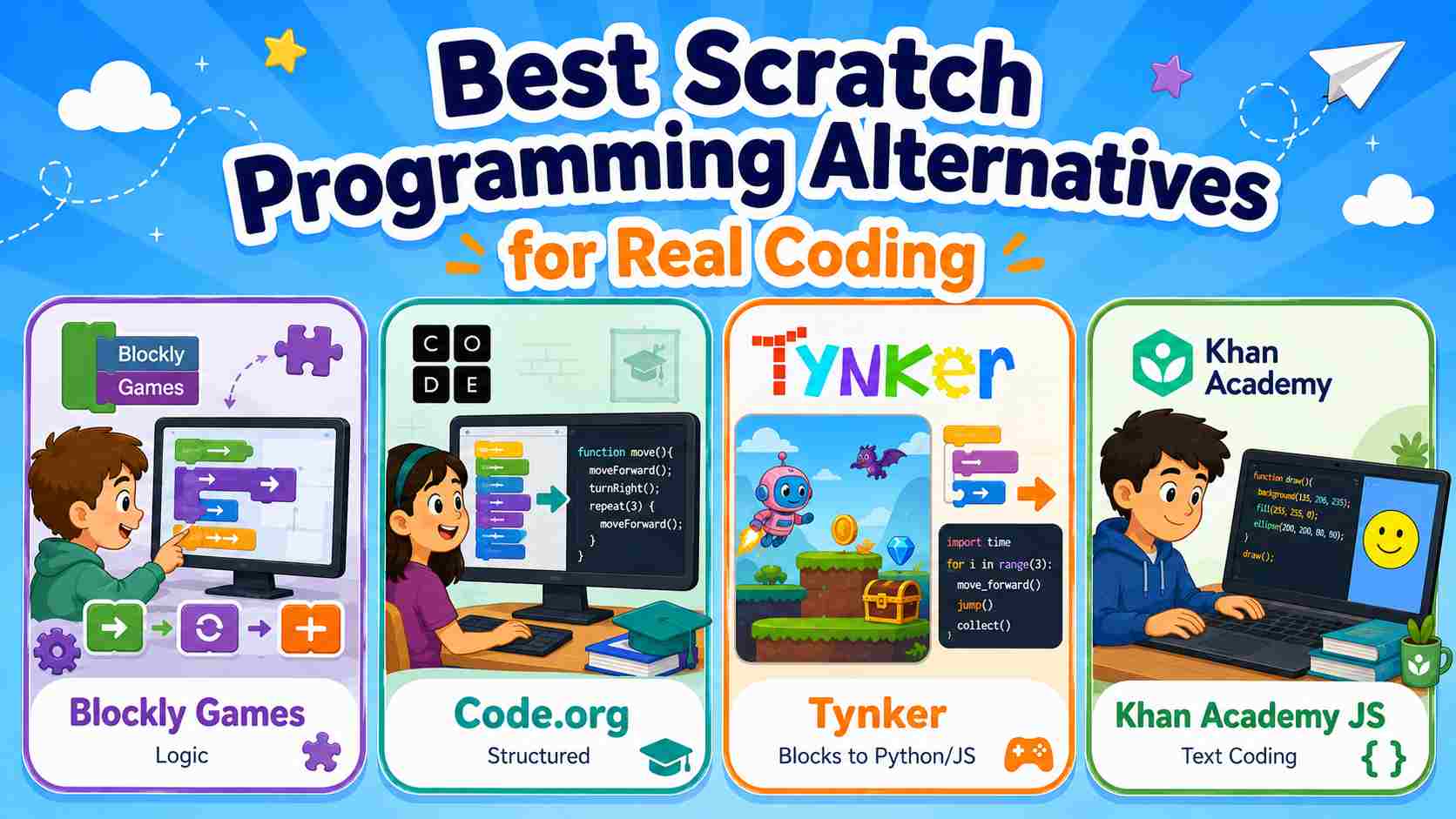
Blockly Games
Blockly is an open-source, flexible library for building visual programming editors with drag-and-drop blocks. Blockly Games is useful for learners who want block-based logic puzzles that feel more directly connected to programming concepts. Choose it for logic practice. Skip it if the goal is to publish original games.
Code.org
Code.org is one of the strongest classroom-friendly scratch coding alternatives because it combines guided lessons, block-based exercises, App Lab, and progression toward text-based coding. Choose it for teachers, STEM programs, and structured home learning. Skip it if the learner mainly wants open-ended game prototyping.
Tynker
Tynker is useful for students who want guided projects and a bridge from blocks to Python or JavaScript. Choose it when motivation comes from themed activities, games, Minecraft-style projects, or a more course-like path. Skip it if you want a fully free, open-ended creation space.
Khan Academy JavaScript
Khan Academy is a good next step for older beginners who are ready for text-based coding but still want visual results. Choose it for drawing, animation, and JavaScript basics. Skip it for younger children who still need drag-and-drop blocks.
Best for classroom: Code.org for structured progression, Blockly Games for concept practice, and Tynker when guided projects help motivation.
Best Scratch Alternatives for Making Games
If the learner wants to make games, the choice changes. Scratch is excellent for learning logic, but it can feel limiting when creators want smoother gameplay, 3D worlds, faster sharing, or AI-assisted prototyping.
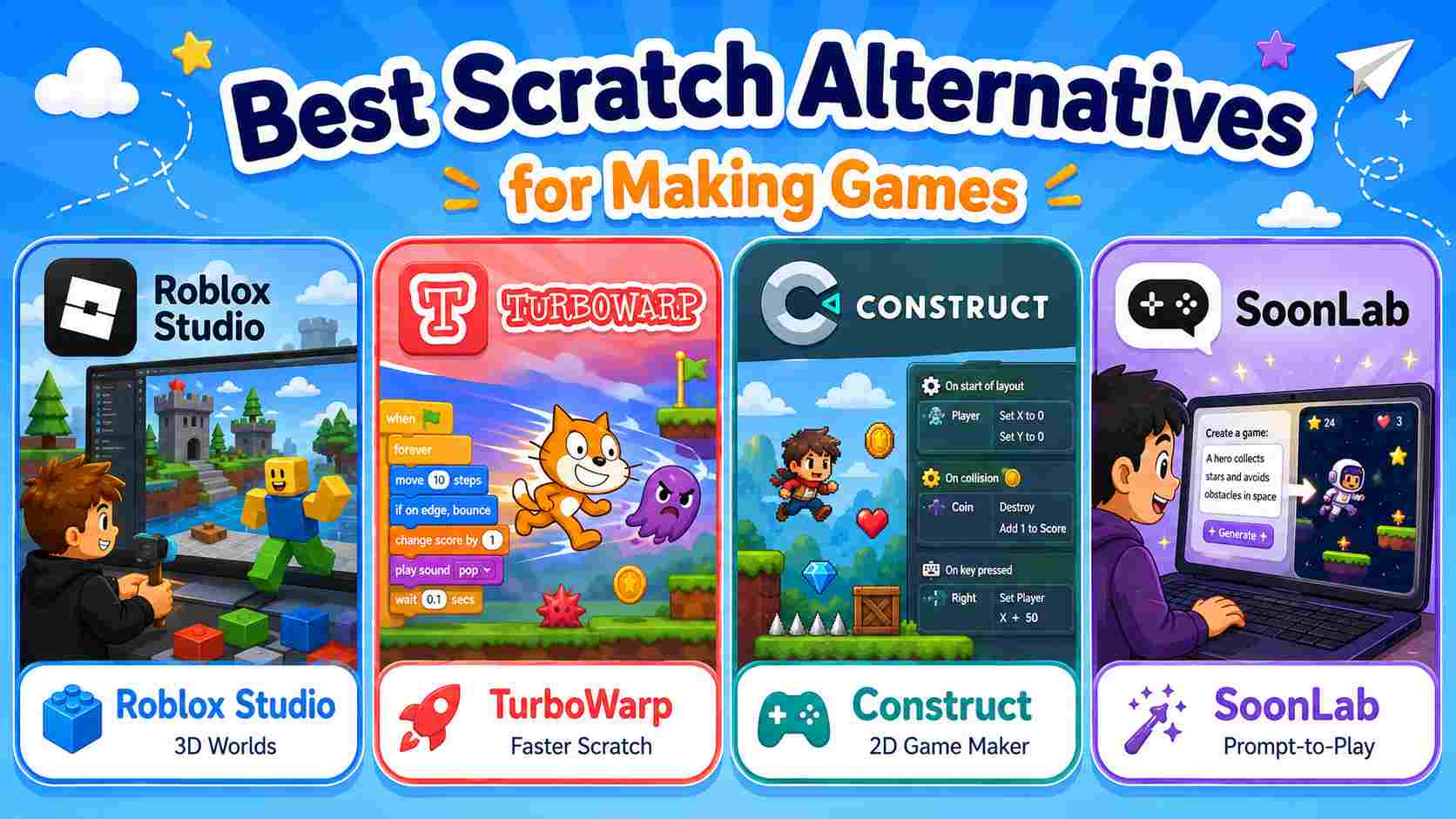
Roblox Studio
Roblox Studio is a strong step for older kids and teens who want 3D worlds, multiplayer experiences, and Lua scripting. Choose this if the learner is excited by Roblox and ready for a steeper learning curve. If you're looking for other options that might be a better fit, check out our guide on Roblox Studio alternatives to compare different platforms. Skip it for younger beginners who need simple block-based logic first.
TurboWarp
TurboWarp is useful when a learner wants to stay close to Scratch but needs better performance or packaging options. Choose this for advanced Scratch-style games. Skip it if the creator wants a new workflow or natural-language game creation.
Construct and GDevelop
Construct and GDevelop are strong beginner game maker options for 2D projects. Choose them if you want visual events, more game-focused tools, and export options. Skip them if the main pain point is setup time, blank-canvas friction, or writing detailed event logic.
SoonLab
AI-assisted game creation tools are different from most Scratch-like platforms because they focus less on dragging coding blocks and more on turning ideas into playable projects. Tools such as Rosebud AI and Astrocade explore this direction, while SoonLab focuses on prompt-to-play browser game creation.
Turn your idea into aplayable game
Describe the game you want to make, and SoonLab will help you start building it.
For example, a beginner may start with a Scratch-style idea such as “a cat jumps over obstacles and collects stars.” They understand the game concept, but may not know how to build characters, levels, scoring, fail conditions, enemy timing, music, or a shareable browser version.
With SoonLab, the creator can describe the game in a prompt: a cat character, side-scrolling platforms, stars to collect, moving obstacles, three lives, upbeat BGM, and a win screen. The AI game maker helps turn that idea into a playable browser game. The creator can then use natural language to adjust speed, enemies, music, level goals, difficulty, and pacing before sharing the game link.
You can play the games I generated using prompts with SoonLab.
Choose SoonLab when the goal is to turn a game idea into a playable browser prototype or mini-game quickly. Skip it if the main goal is to teach every coding concept step by step through blocks.
Scratch is still one of the best tools for learning coding concepts. An AI game maker like SoonLab is a better fit when the goal is to test a game idea, create a playable prototype, share it, and iterate without starting from code.
Best for making games: Roblox Studio for 3D worlds, TurboWarp for advanced Scratch-style projects, GDevelop or Construct for 2D visual events, and SoonLab for prompt-to-play browser prototypes.
Best Scratch Alternative for Adults and Older Beginners
Adults and older teens often have a different problem: Scratch may feel too childish, but Python, JavaScript, Unity or Unreal can feel too serious too soon.
For adults who want a gentle path into video game development, try Blockly-based tools, Code.org App Lab, Khan Academy JavaScript, or MIT App Inventor. These keep the learning path structured while introducing app logic and text-based ideas. For adults who mainly want to make games, Roblox Studio, GDevelop, Construct, and AI-assisted browser game makers are stronger options.
Choose a Scratch alternative for adults based on the real goal. If the goal is programming literacy, use a structured coding platform. If the goal is a playable game prototype, use a beginner game maker or AI game maker.
Best for adults: Khan Academy JavaScript for text-code confidence, GDevelop or Construct for 2D game logic, and AI-assisted creation for fast no-code game creation from a prompt.
For families and classrooms, the safest choice is usually the tool that matches the next learning step, not the most advanced platform. A child who still enjoys stories may need ScratchJr or Code.org. A teen who wants to publish a game may need Roblox Studio, GDevelop, or an AI-assisted browser workflow. An adult beginner may need a tool that feels respectful, practical, and fast to test.
How to Choose the Right Scratch Alternative
Do not choose only by popularity. Choose by age, learning goal, classroom needs, and what the learner wants to make.
- Start with age: ages 5-7 need simpler tools such as ScratchJr; older kids can handle Scratch-like coding tools.
- Define the goal: coding concepts, app creation, robotics, game making, or fast prototyping.
- Check the learning path: blocks only, blocks to text, visual events, Lua, JavaScript, Python, or AI-assisted creation.
- Consider the setting: home learning, classroom management, STEM curriculum, game jam, or solo creator project.
- Check devices: browser, iPad, Chromebook, desktop, or mobile app.
- Review budget: some platforms are free, while guided courses may require paid plans.
- Decide whether games matter: if the goal is playable game creation, choose a tool built for games, not just lessons.
FAQs About Alternatives to Scratch
What is the best free Scratch alternative?
For younger kids, ScratchJr is a strong free choice. For classroom lessons, Code.org and Blockly Games are useful. For advanced Scratch-style projects, TurboWarp is a good option. The best free choice depends on age and goal.
What is the best Scratch alternative for kids?
ScratchJr works well for ages 5-7. Kodable and CodeSpark are good for early logic practice. Older kids can move to Code.org, Tynker, Hopscotch, Roblox Studio, or Blockly-based tools depending on whether they want lessons, games, apps, or text-code preparation.
Is there a Scratch alternative for adults?
Yes. Adults can try Khan Academy JavaScript, Code.org App Lab, MIT App Inventor, GDevelop, Construct, Roblox Studio, or an AI game maker. The best choice depends on whether the adult wants to learn coding or make playable games quickly.
What is the best alternative to Scratch programming?
For coding concepts, Code.org, Tynker, Blockly Games, and Khan Academy are strong choices. For app logic, MIT App Inventor is useful. For game creation, GDevelop, Construct, Roblox Studio, and AI-assisted browser game makers are more game-focused.
Is an AI game maker a Scratch alternative?
SoonLab is not a direct replacement for Scratch as a block-based coding education platform. It is a useful alternative path for creators who want to turn a game idea into a playable browser game using prompts.
Should kids move from Scratch to Python or Roblox Studio?
It depends on motivation. If the child wants to understand programming more deeply, Python or JavaScript can be a good next step. If they want 3D worlds and multiplayer creation, Roblox Studio may be more motivating. If they want fast playable browser prototypes, an AI-assisted game maker can be a lighter starting point.
Conclusion
The best Scratch alternatives depend on what the learner wants to do next. Younger children may need ScratchJr or Kodable. Classrooms may benefit from Code.org or lesson-based platforms. Older beginners may prefer Khan Academy, App Inventor, GDevelop, or other tools that make the move toward real coding less intimidating.
For game creators, the next step may be different. Scratch is still one of the best starting points for block-based coding and computational thinking, but it can feel limiting when the goal is to build, test, and share a more complete playable game. In that case, Roblox Studio, TurboWarp, Construct, GDevelop, or an AI game maker may be a better fit.
If you want to move from a Scratch-style idea to a playable browser game faster, SoonLab offers a new path. You can describe your game idea, generate a browser-playable prototype, improve it with prompts, and share the game link without starting from code.