
![9 Best Astrocade Alternatives in 2026 [Free Options Included]](https://ssr.iappsign.com/soonlab/admin/images/4e9f0e41d14dd9377f98ba353e4d0045.png)
If you are searching for Astrocade AI alternatives, you probably like creating games with AI but want to compare workflows before choosing a platform. Astrocade combines AI creation with social discovery, remixing, and a creator community. Other tools emphasize browser prototypes, visual control, classroom learning, UGC, or full engine ownership.
We reviewed official product pages, documentation, pricing pages, and app listings available in 2026. We compared idea-to-playable workflow, editing control, learning curve, publishing, pricing transparency, and beginner suitability. Product terms change, so confirm important limits on the official site before committing a serious project.
Quick answer: consider SoonLab for fast browser prototypes, Rosebud AI for broad AI-assisted creation, GDevelop or Construct 3 for visual control, Scratch for learning, Roblox Studio for Roblox publishing, and Godot or Unity for long-term development. The right choice depends on speed, control, publishing, and the game you want to finish.
What Is Astrocade AI?
Astrocade is an AI-powered social game creation platform. Users can describe a game in natural language, generate a playable experience, customize it, publish it, and discover projects made by other creators. Its current Google Play listing says generation can include art, sound, music, and gameplay, with visual and code editors for further changes.
It is more than an AI game generator. Its remix system lets creators copy and modify public projects, while its feed, multiplayer features, profiles, analytics, game jams, and creator programs connect creation to distribution. In this context, remix means using an existing project as the starting point for a new variation.
The official creators page emphasizes discovery, analytics, training, game jams, and rewards. A May 2026 Fortune report also connected the platform with the creator economy, where creators can gain distribution, rewards, revenue, or audience growth. For more context, read our Astrocade AI review.
Why Look for Astrocade Alternatives?
People compare alternatives when they need a different balance of speed, control, education, ownership, publishing, and community. That does not make Astrocade a poor tool. A social AI game platform and a traditional engine simply solve different problems.
A creator testing a one-screen puzzle may prefer a direct browser workflow. A teacher may prioritize block-based logic, moderation, and lesson resources. An indie developer may require local files, source control, custom code, or exports that support a long production cycle.
Pricing also matters. Free access can still involve generation credits, project limits, sharing rules, or paid exports. Check current terms if you need commercial use, private projects, asset ownership, downloadable builds, or collaboration. The useful question is not which platform is biggest, but which workflow can help you complete your next playable game.
9 Best Astrocade Alternatives for AI Game Creation and Game Development
Astrocade combines AI-assisted game creation with editing, remixing, publishing, and social discovery. That workflow can be useful for creators who want to make and share games inside one community, but it is not the best fit for every project.
The best Astrocade alternatives depend on what you want to create. Some tools focus on turning a text prompt into a playable browser game. Others provide visual event systems, block-based programming, Roblox publishing, or full control over code, assets, scenes, and exports.
This comparison covers nine alternatives to Astrocade, ranging from beginner-friendly AI game makers to professional game engines. The tools are not ranked universally. Each one is strongest for a different type of creator, workflow, and final result.
| Tool | Best For | Core Workflow | Why Choose It Over Astrocade? | Main Limitation |
|---|---|---|---|---|
| SoonLab | Fast browser game prototypes | Describe, generate, play, refine, publish, and share | Faster path from a text idea to a playable browser game | Not designed as a full production engine |
| Rosebud AI | AI-assisted games, characters, assets, and stories | Start with a prompt or template and continue developing with AI | Broader creative workflow beyond basic game generation | Export, usage, and project limits require review |
| GDevelop | No-code creators who want more control | Build logic with visual events, preview, test, and publish | Lets creators inspect and edit gameplay rules directly | Requires more setup and manual development |
| Scratch | Children, teachers, and first-time creators | Combine blocks, sprites, sounds, variables, and events | Better for learning programming logic step by step | Limited for advanced or commercial game production |
| Construct 3 | Structured 2D browser game development | Design layouts, create visual events, test, and export | Provides more deliberate control over 2D systems | Most gameplay logic must be created manually |
| Jabali AI | Rapid experiments across different game genres | Describe a game, generate a result, and continue in its studio tools | Useful for testing several prompt-generated game concepts | Editing and output options may vary by model |
| Roblox Studio | Roblox experiences, multiplayer games, and UGC | Build 3D worlds, script systems, test, collaborate, and publish | Offers direct access to the Roblox platform and audience | Projects remain tied to the Roblox ecosystem |
| Godot | Independent 2D and 3D game development | Create scenes, write scripts, manage assets, test, and export | Provides open-source engine control and flexible exports | Requires programming and game development knowledge |
| Unity | Long-term, cross-platform game projects | Develop scenes, code systems, import assets, optimize, and publish | Supports complex systems, larger teams, and broader production needs | Has a steeper learning and production curve |
1. SoonLab: Best for Fast Prompt-to-Play Browser Games
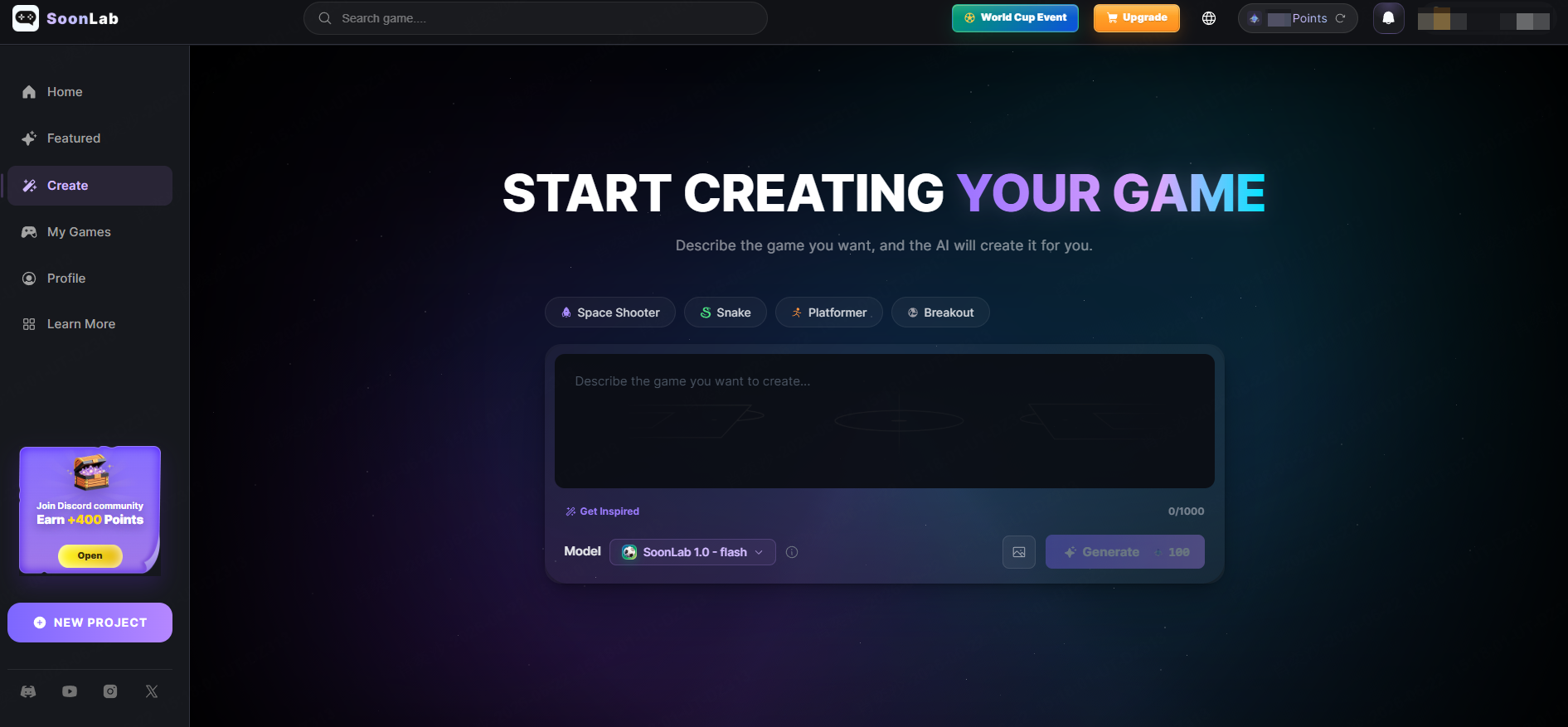
SoonLab is one of the most direct Astrocade AI alternatives for creators who want to turn a written game idea into something playable without first learning a traditional engine. You describe the game, generate an initial version, open it in the browser, test the result, and continue refining the experience.
Turn your idea into aplayable game
Describe the game you want to make, and SoonLab will help you start building it.
This workflow is especially useful for small game concepts with a clear objective, such as collecting objects, avoiding enemies, answering questions, surviving for a set amount of time, or reaching an exit. Because the result can be played immediately, creators can evaluate movement, collision, scoring, difficulty, failure conditions, and restart behavior instead of judging the idea from a static concept image.
You can play the game I generated with simple prompts in SoonLab.
Compared with Astrocade, SoonLab is better suited to creators who prioritize fast browser-based validation over a platform-centered social workflow. It can be used to test whether a core game loop is understandable before spending time on detailed artwork, complex systems, or a larger production plan.
 Choose SoonLab If
 Main Limitation
2. Rosebud AI: Best for Broader AI-Assisted Creative Projects
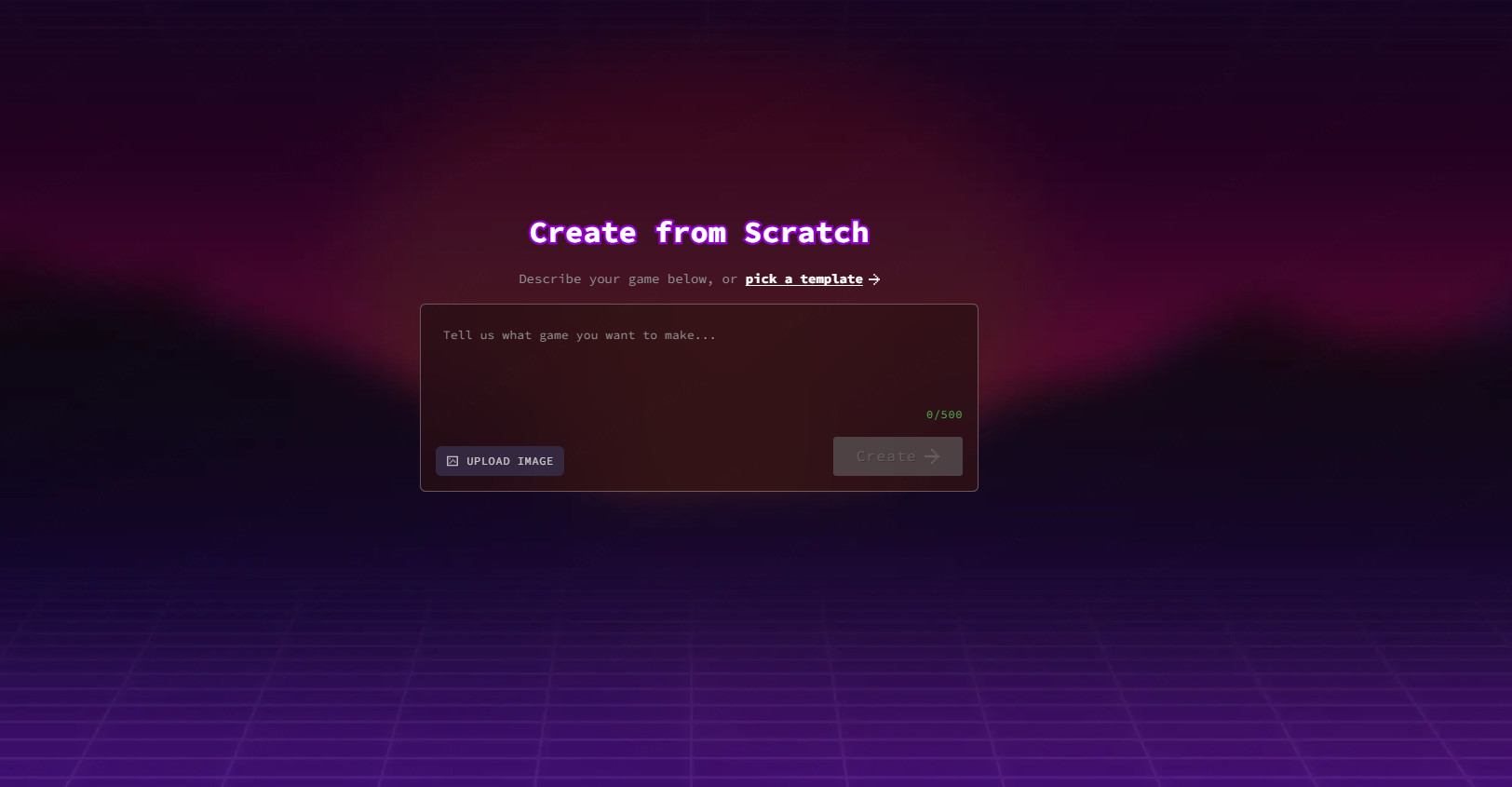
Rosebud AI combines game creation with AI-assisted characters, assets, stories, templates, and interactive experiences. It is a stronger option for users who want AI to support multiple parts of the creative process rather than only generating a basic game loop.
Creators can begin by describing an idea or selecting an existing template. From there, they can continue developing the project with AI assistance. This makes Rosebud AI useful for narrative games, character-driven experiences, visual experiments, and creators who need help moving from an initial concept toward a more developed interactive project.
Compared with Astrocade, Rosebud AI may offer a broader creative starting point. Astrocade places more emphasis on making, remixing, publishing, and discovering games within its platform, while Rosebud AI is more relevant when the creator wants to work across game concepts, characters, visual assets, and stories.
Choose Rosebud AI If Main Limitation3. GDevelop: Best No-Code Alternative for Deeper Gameplay Control
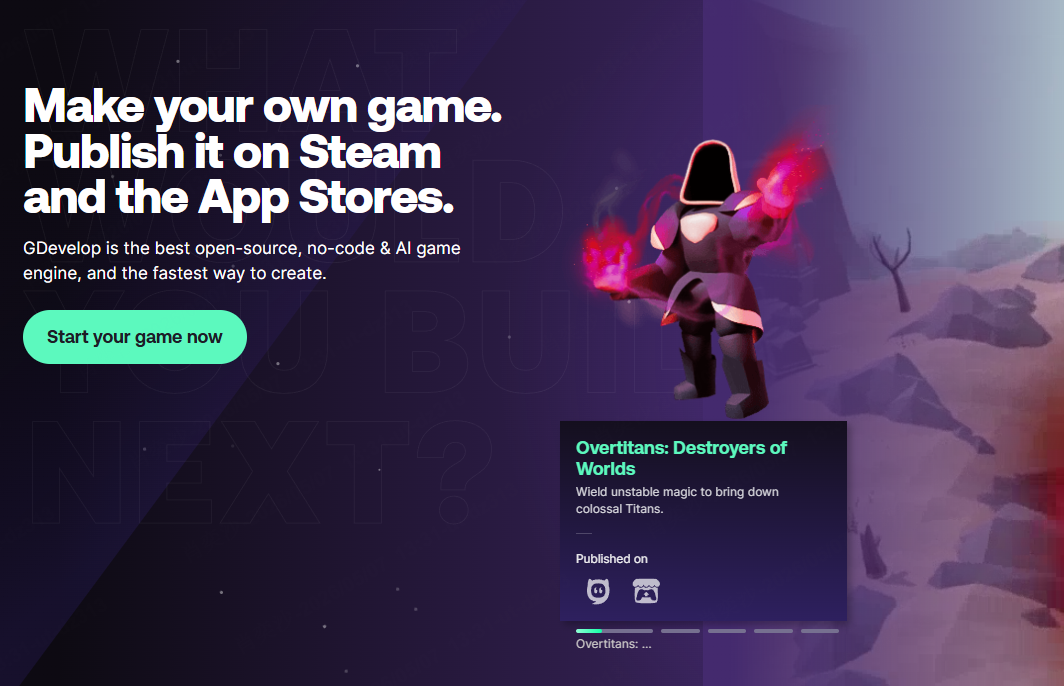
GDevelop is a no-code game engine built around a visual event system. Instead of relying entirely on prompts, creators define conditions and actions that control how the game behaves. For example, an event can state that when the player touches an enemy, health decreases and the player returns to a checkpoint.
This visual structure makes GDevelop one of the strongest Astrocade alternatives for users who want to understand and edit the rules behind their game. It supports live previews, scene editing, behaviors, variables, extensions, and publishing options for different platforms.
GDevelop requires more manual work than a prompt-first AI game maker, but that additional work provides more control. Creators can inspect individual events, adjust exact values, build menus, manage multiple scenes, create custom enemy behavior, and refine game logic without depending entirely on regenerated output.
Choose GDevelop If Main Limitation4. Scratch: Best for Kids, Classrooms, and Learning Game Logic
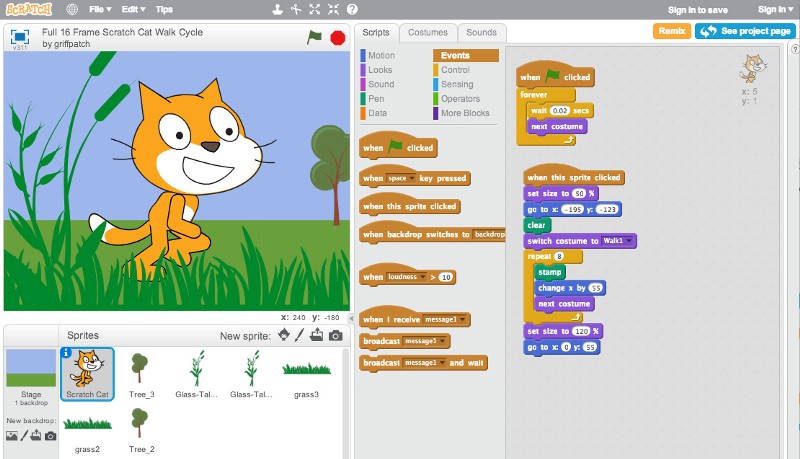
Scratch is designed for children, students, teachers, and complete beginners. Users create projects by connecting visual programming blocks that control sprites, movement, dialogue, sounds, variables, conditions, loops, and events.
Scratch is not a direct prompt-to-game platform, but it is one of the best alternatives to Astrocade when the real goal is education. Instead of hiding most game logic behind AI generation, Scratch shows learners how a project works. A student can see that pressing a key triggers movement, touching an object changes a score, or reaching a condition ends the game.
The platform also supports sharing and remixing, making it useful for classrooms and creative communities. Teachers can use it to explain sequencing, cause and effect, conditional logic, variables, and basic computational thinking through interactive projects.
Choose Scratch If Main Limitation5. Construct 3: Best for Controlled 2D Game Development in a Browser
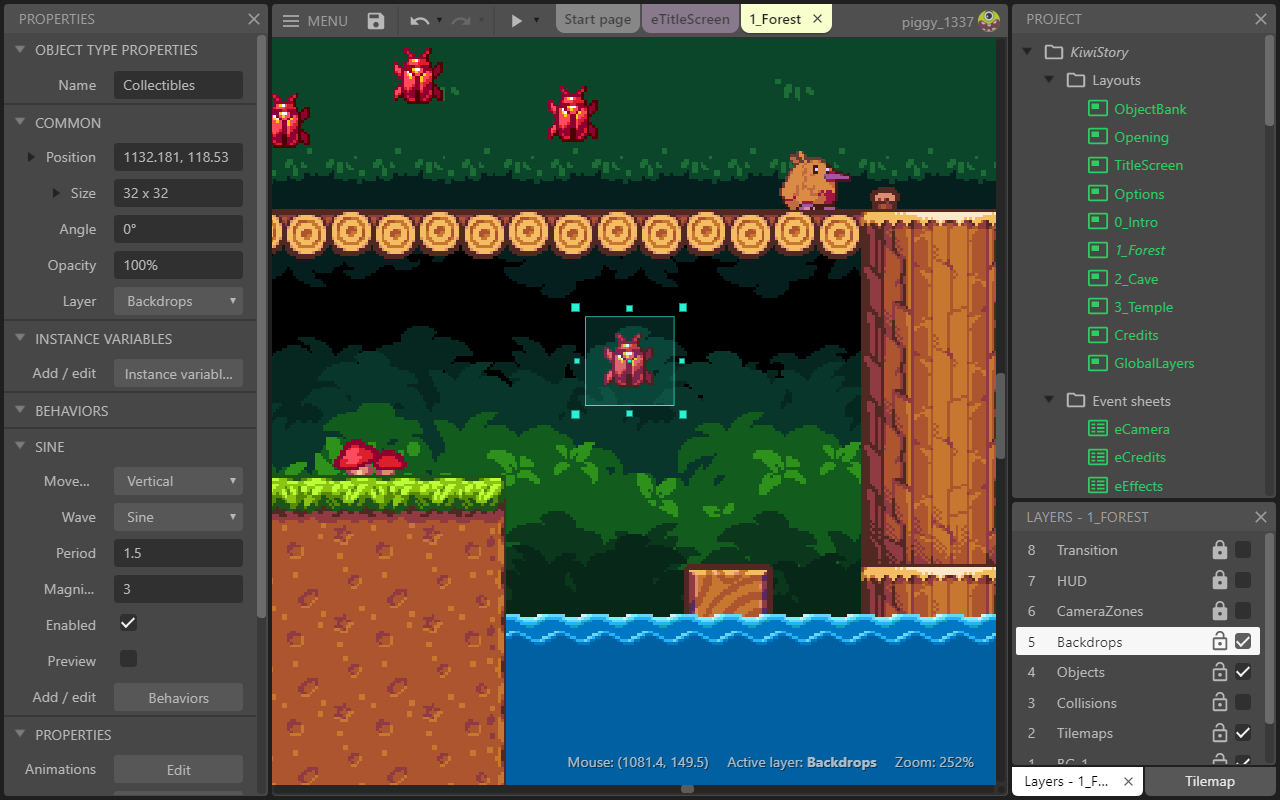
Construct 3 is a browser-based game development tool that uses visual events instead of requiring conventional programming for most common tasks. Creators build layouts, place objects, add animations, define behaviors, create event sheets, test the project, and prepare it for publishing.
It is particularly strong for structured 2D games such as platformers, arcade games, puzzle games, tower defense projects, top-down action games, and mobile-friendly prototypes. Its visual event system provides more predictable control than a fully generative workflow.
Compared with Astrocade, Construct 3 gives creators more responsibility for designing the game. It will not usually turn one short sentence into a complete result, but it allows users to decide exactly how movement, scoring, levels, menus, enemies, and interface elements should work.
Choose Construct 3 If Main Limitation6. Jabali AI: Best for Rapid Genre and Concept Experiments
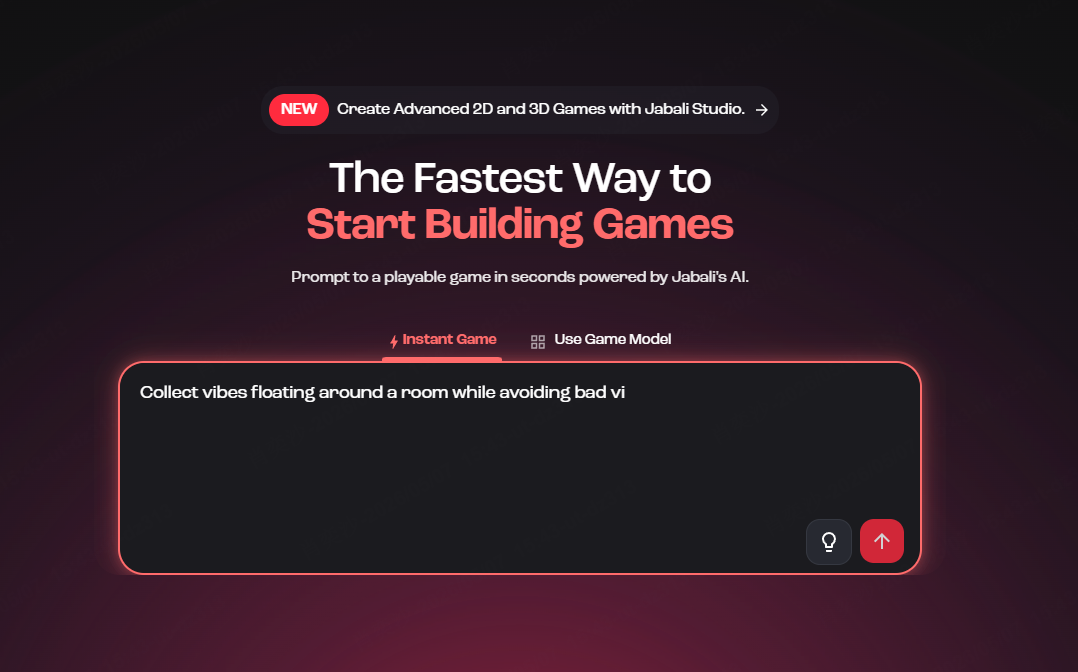
Jabali AI focuses on prompt-first game generation and provides tools for creating different types of games through AI models and studio workflows. It may appeal to creators who want to test several game genres without starting each prototype from an empty project.
For example, a creator could experiment with an arcade idea, a platforming concept, a puzzle mechanic, or a simple role-playing structure and compare which one produces the most promising playable loop. This makes Jabali AI useful during early ideation, when speed and variety matter more than production-level polish.
Compared with Astrocade, the main reason to consider Jabali AI is its emphasis on AI-generated genre experimentation. The important comparison is not only which platform produces the most attractive first result, but also which one makes it easier to change mechanics, correct failures, replay the game, and move the output into the next stage of development.
Choose Jabali AI If Main Limitation7. Roblox Studio: Best for Roblox Games and User-Generated Experiences
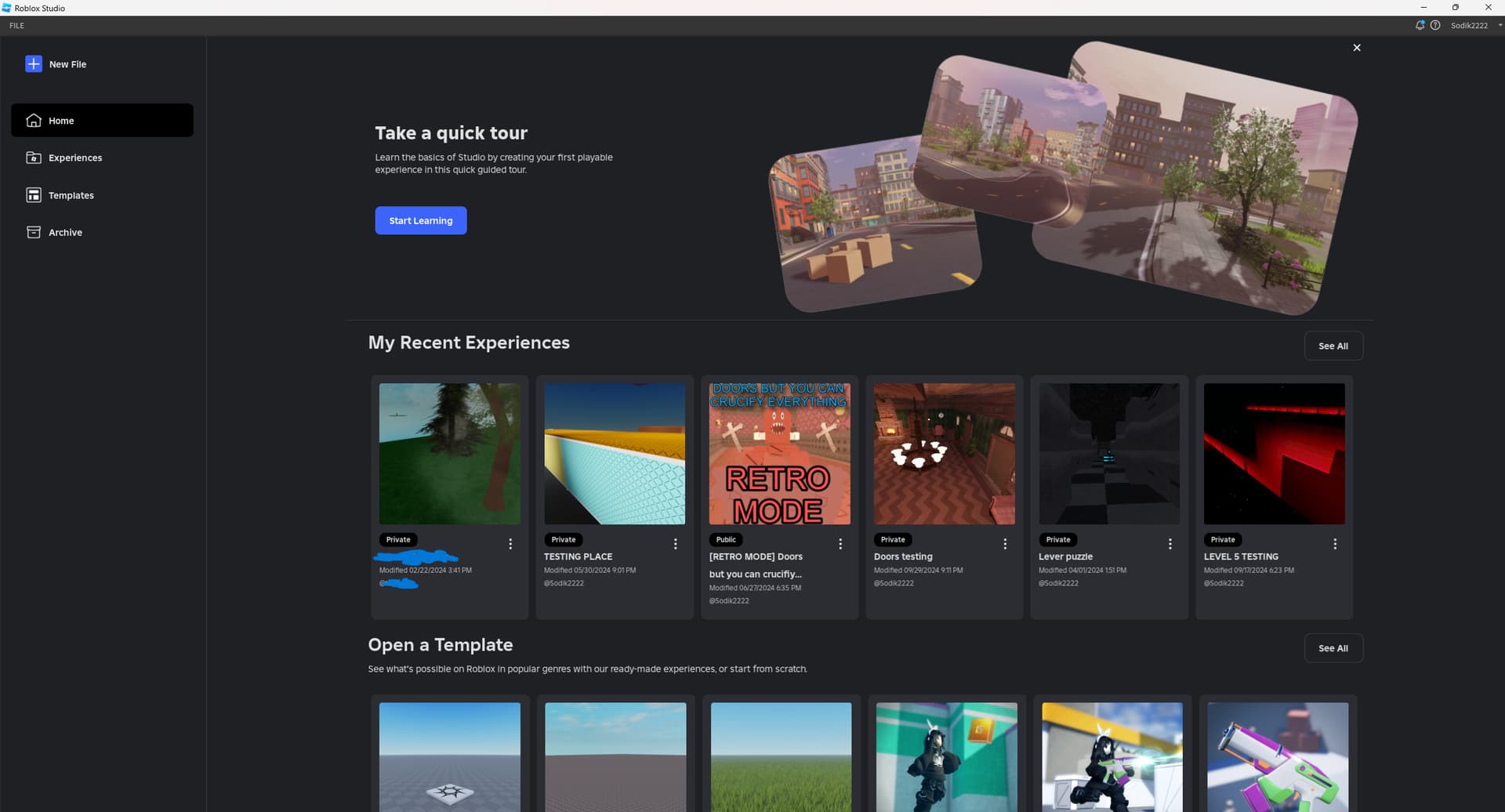
Roblox Studio is the most direct choice for creators whose final destination is Roblox. It provides tools for building 3D environments, importing assets, scripting gameplay, testing multiplayer interactions, collaborating with other creators, and publishing experiences to the Roblox platform.
Unlike most prompt-first Astrocade AI alternatives, Roblox Studio is a complete development environment for one specific ecosystem. Creators can build obstacle courses, simulators, role-playing experiences, social spaces, horror games, tycoons, and multiplayer projects designed around Roblox players and platform systems.
Roblox Studio requires more technical learning than Astrocade. Creators may need to understand 3D building, object properties, Lua scripting, client-server behavior, optimization, monetization rules, and Roblox-specific publishing requirements. However, that learning provides significantly more control over a Roblox experience.
Choose Roblox Studio If Main Limitation8. Godot: Best Open-Source Engine for Independent Developers
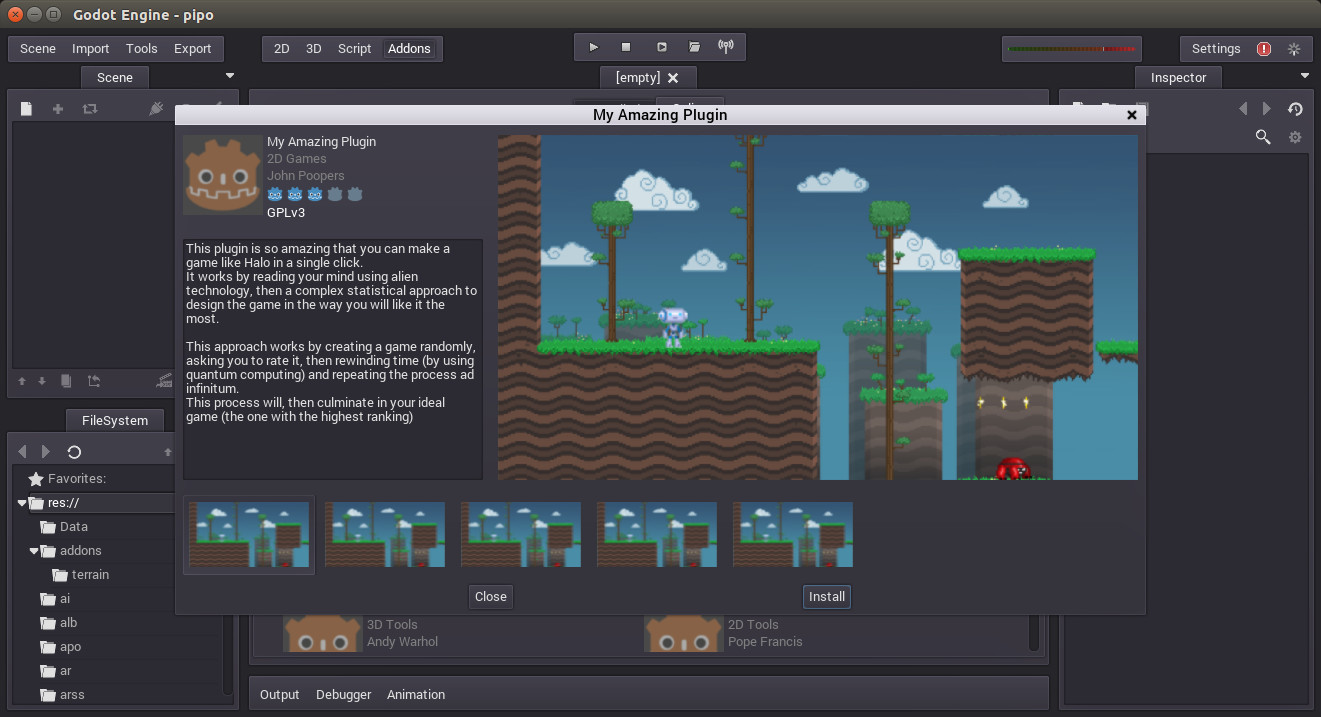
Godot is a free and open-source game engine for 2D and 3D development. It gives creators control over scenes, nodes, scripts, signals, physics, interfaces, animations, assets, and exports. It is suitable for developers who want to build a complete game rather than only validate a small concept.
Godot is especially popular for independent projects because the engine is lightweight, flexible, and not tied to a closed publishing ecosystem. Its scene and node structure can work well for platformers, puzzle games, role-playing games, simulations, action games, and other projects that require custom systems.
Compared with Astrocade, Godot represents a major increase in control and responsibility. AI may help with scripts, planning, debugging, or asset references, but the developer still needs to construct the project, organize files, implement systems, test edge cases, and prepare builds.
Choose Godot If Main Limitation9. Unity: Best for Larger and Long-Term Cross-Platform Projects
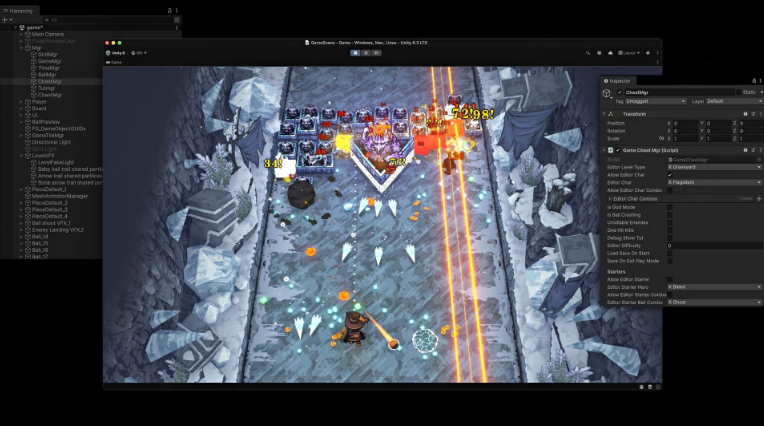
Unity is a full game engine used for 2D, 3D, mobile, desktop, web, virtual reality, and other interactive applications. It provides scene tools, physics, animation systems, scripting, asset management, profiling, testing, and publishing workflows for projects ranging from small indie games to larger commercial productions.
Unity is a practical Astrocade alternative when the creator needs a mature development ecosystem, advanced third-party assets, custom code, detailed performance control, or support for a larger production team. It can handle systems that prompt-first tools are not designed to manage, including complex user interfaces, data structures, multiplayer frameworks, platform integrations, and optimization requirements.
The difference is production overhead. Astrocade helps reduce the distance between an idea and an initial playable experience. Unity gives developers control over nearly every part of production, but they must design, build, test, debug, optimize, and maintain those systems.
Choose Unity If Main Limitation Also read
Which Astrocade Alternative Should You Choose?
Start with the result you need rather than the tool with the longest feature list. A playable prototype, classroom exercise, Roblox experience, 2D release, and commercial indie game require very different workflows.
- Choose SoonLab when you want to turn a prompt into a playable browser game and validate an idea quickly.
- Choose Rosebud AI when you want AI assistance across games, stories, characters, and creative assets.
- Choose GDevelop when you want no-code development with direct access to gameplay rules.
- Choose Scratch when the priority is education, classroom use, or learning programming logic.
- Choose Construct 3 when you want to build a controlled 2D game through a browser-based visual editor.
- Choose Jabali AI when you want to experiment quickly with several prompt-generated genres.
- Choose Roblox Studio when you plan to publish specifically for the Roblox ecosystem.
- Choose Godot when you want open-source engine control for an independent 2D or 3D project.
- Choose Unity when you need a mature engine for a larger, long-term, or cross-platform production.
Before making a final decision, build the same tiny project with two or three shortlisted tools. Test movement, objectives, feedback, failure conditions, replay, editing, sharing, and export options. A simple maze with one enemy and one exit can reveal more about a platform than a long feature list.
Are Astrocade Alternatives Worth Trying?
Yes, when your current workflow does not match your goal. Astrocade remains worth considering for social discovery, remix culture, multiplayer experiences, creator education, and built-in distribution. Another tool becomes useful when you prioritize browser testing, classroom learning, visual logic, standalone production, or source control.
The category is changing quickly. Astrocade announced $56 million in new funding in May 2026, and its updates show investment in creation, distribution, and analytics. This does not mean everyone needs one platform; it shows that AI game creation is developing into distinct workflows.
Choose the tool that helps you complete the next playable milestone. For a first project, that may be one level with controls, feedback, a win condition, and retry. For a mature project, it may be maintainable code, exports, analytics, or multiplayer testing.
FAQs About Astrocade Alternatives
What is the best Astrocade AI alternative?
There is no single best choice. SoonLab suits fast browser prototypes, Rosebud supports broad AI-assisted work, GDevelop and Construct provide visual control, Scratch teaches logic, Roblox Studio serves Roblox creators, and Godot or Unity fit developers who need a fuller production engine.
Why do people look for Astrocade AI alternatives?
Creators compare tools for different editing control, pricing, publishing, classroom support, exports, or ownership. Some want a prototype without entering a social platform; others need visual events or a full engine. Astrocade remains attractive when discovery, remixing, and community participation matter.
How much do Astrocade alternatives cost?
Costs range from free learning tools and open-source engines to subscriptions with credits or cloud services. Scratch and Godot are free; GDevelop offers a free engine plus paid services. AI generation limits change frequently, so check official pricing before selecting a long-term workflow.
Can beginners create games without coding?
Yes. Prompt generators, block coding, and visual event systems all support beginners. Prompt tools reach a first result quickly, while visual editors require more learning but expose more logic. Complex commercial projects may still require programming, technical art, testing, and production expertise.
Is switching from Astrocade worth it?
Switch only when a specific limitation conflicts with your goal. Stay if social discovery, remixing, multiplayer, and creator programs are priorities. Test another tool if you need different exports, deeper logic, classroom features, or focused prototyping. One small trial is more useful than feature-list speculation.
Conclusion
The best Astrocade AI alternatives are not interchangeable. Scratch teaches logic, GDevelop and Construct expose visual systems, Roblox Studio serves Roblox publishing, prompt-led tools speed up validation, and full engines support long-term development. Astrocade remains compelling when creation, remixing, discovery, and community belong together.
If you are unsure, test one tiny idea before committing. Try SoonLab for free and turn your game idea into a playable browser game: start with one prompt, test the result, refine one mechanic, and share what you learn.