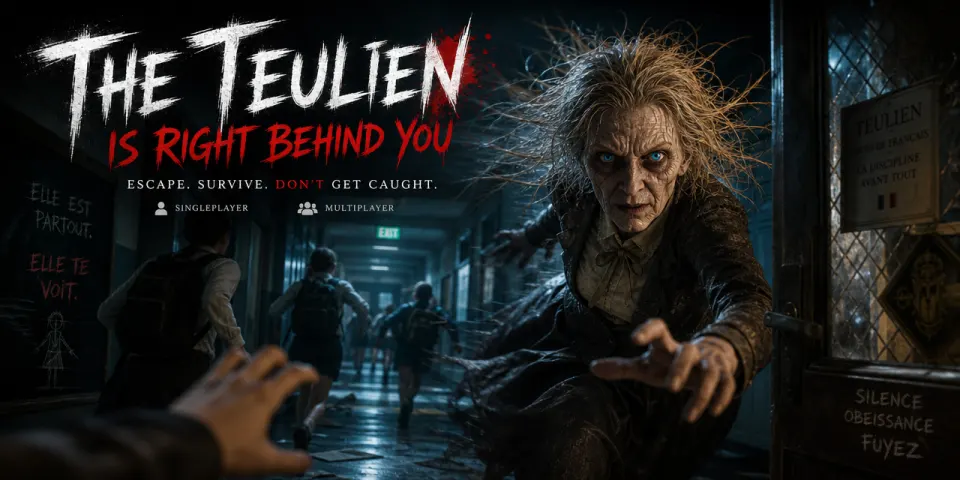
Escape Room Maker: Create Your Own Escape Game
A hidden message. A locked drawer. One last clue that opens the door. Turn your idea into a playable browser adventure with SoonLab’s escape room maker. Describe the setting, puzzles, and escape route, then play, refine, and share your game—no coding required. Start with the Points available to your account; creation and edits use Points.
0/10000
Explore Escape Room Games Made With SoonLab
Explore these related SoonLab games for ideas about setting, atmosphere, and player goals. The selection includes horror, pursuit, and escape experiences. Your own room can take a different direction: a cozy bookshop, a mechanical workshop, or a mystery with no countdown.
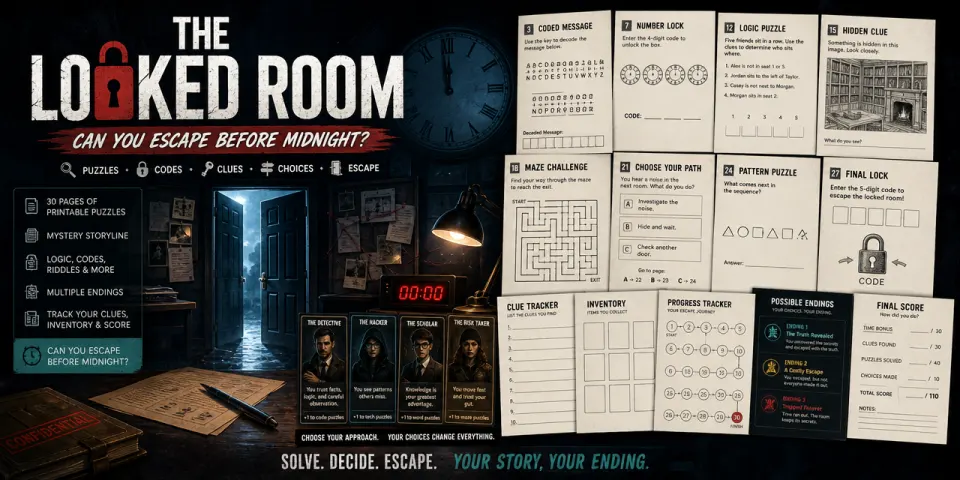
Shadows of the Midnight Vault
Play Game
真夜中のテーマパーク:3つの鍵と着ぐるみ
Play Game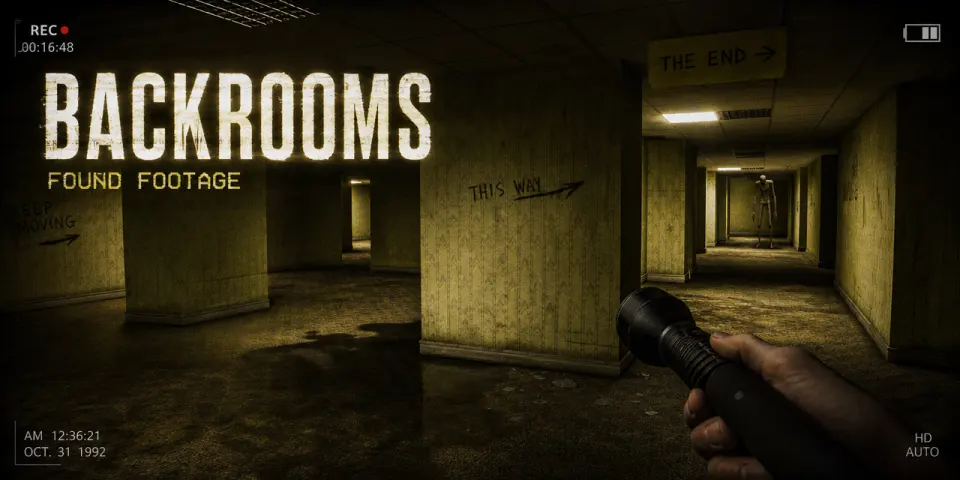
VHS Tape: Liminal Descent
Play GameWhy Make Your Escape Room With SoonLab?
Turn Your Idea Into Playable Discoveries
Describe a mysterious library, a broken space station, or a museum after closing time. Use SoonLab as a digital escape room maker by asking for objects to inspect, clues to collect, codes to enter, and doors that respond to progress. SoonLab helps turn those instructions into a first playable version without coding.
Create Escape Game
Shape the Experience Through Conversation
Want a gentler opening, a more useful hint, or a different ending? Describe the change in a follow-up message. Keep developing the same idea through playable revisions, adjusting the rules, visuals, controls, and difficulty as you go.
Create Escape Game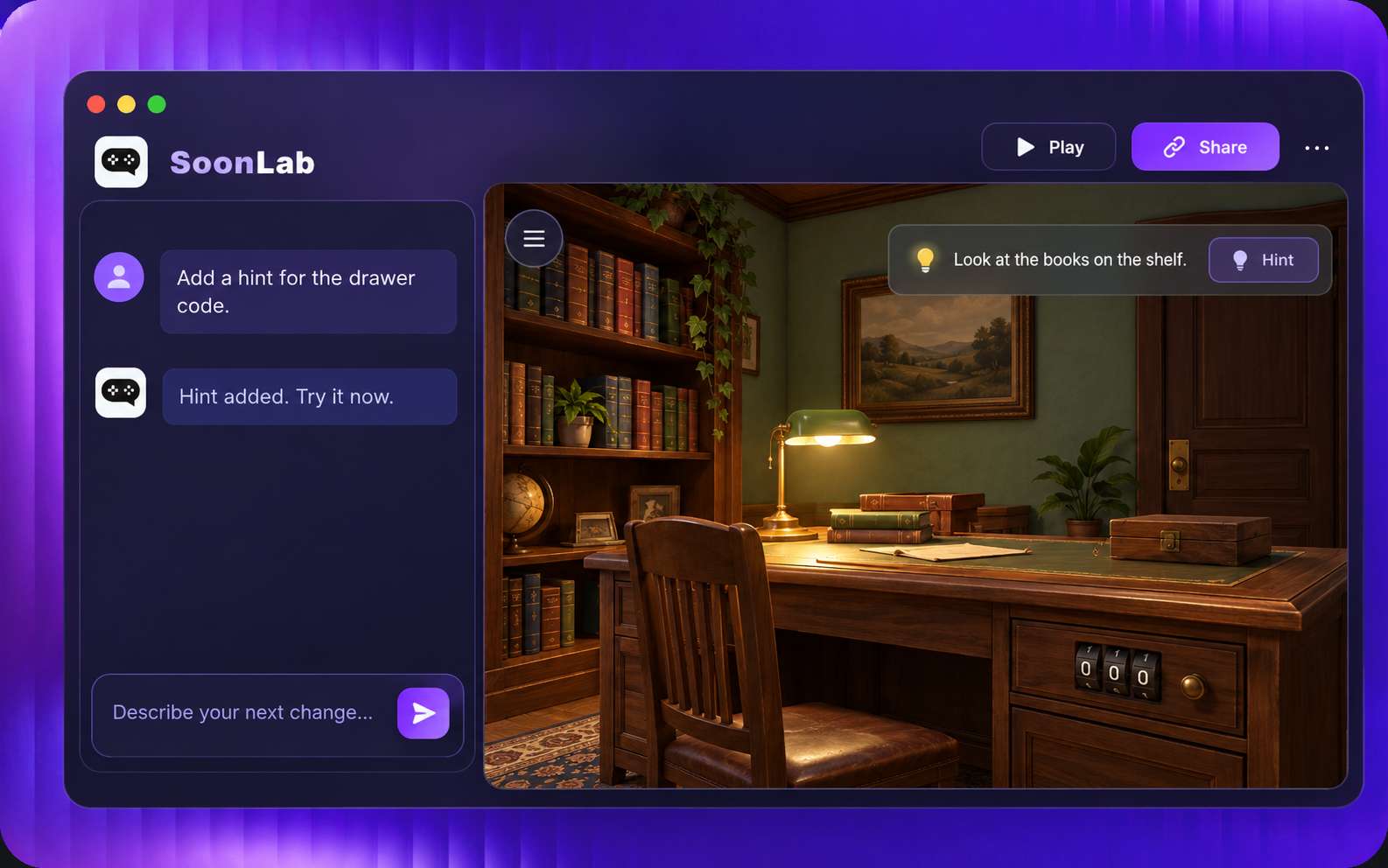
Share Something Friends Can Play
Publish your finished game and share its game-page link. Friends can open it in a supported browser and try the mystery you designed. If you want to keep or host the game elsewhere, check your plan’s export options; paid plans include code viewing and export.
Create Escape Game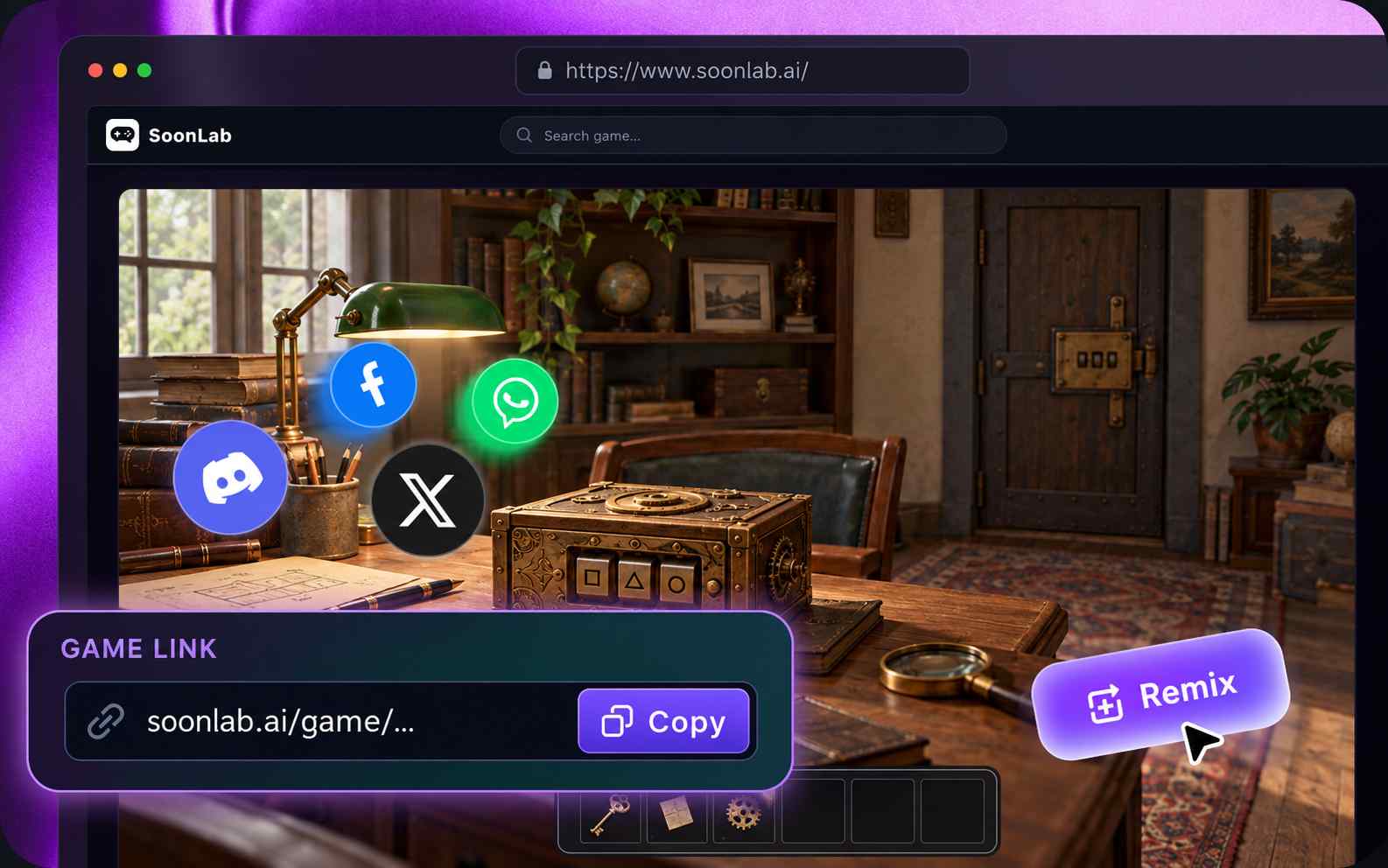
How to Make an Escape Game With SoonLab
Create your own escape room game by starting with a small mystery and a clear solution. Describe how the clues connect, generate the first version, and improve it through playtesting and follow-up instructions.

Step1.Describe the Adventure
Choose the setting, player goal, and puzzles between them and the exit. Include the controls, correct answers, item interactions, and what each solution unlocks. Start with one room: find a clue, solve a lock, collect a key, and escape.

Step2.Generate a Playable Version
Enter your prompt in SoonLab. The escape room generator uses your instructions to build a browser game you can preview and play. Follow the intended solution, try incorrect answers, and check that the clues match the answers.

Step3.Edit, Publish, and Share
Ask for clearer clues, a new object interaction, larger controls, or a different puzzle order. Play the updated version, check the escape condition, and publish when you are ready. Share the game link with your first players.
What Kind of Escape Room Game Will You Create?
Point-and-Click Escape Games
Create a room players explore by clicking objects, opening drawers, and collecting useful items. Describe what they can inspect, how items are used, and what unlocks the exit. Try a locked workshop where a missing gear repairs a clock and reveals the door key.
Create a Point-and-Click Escape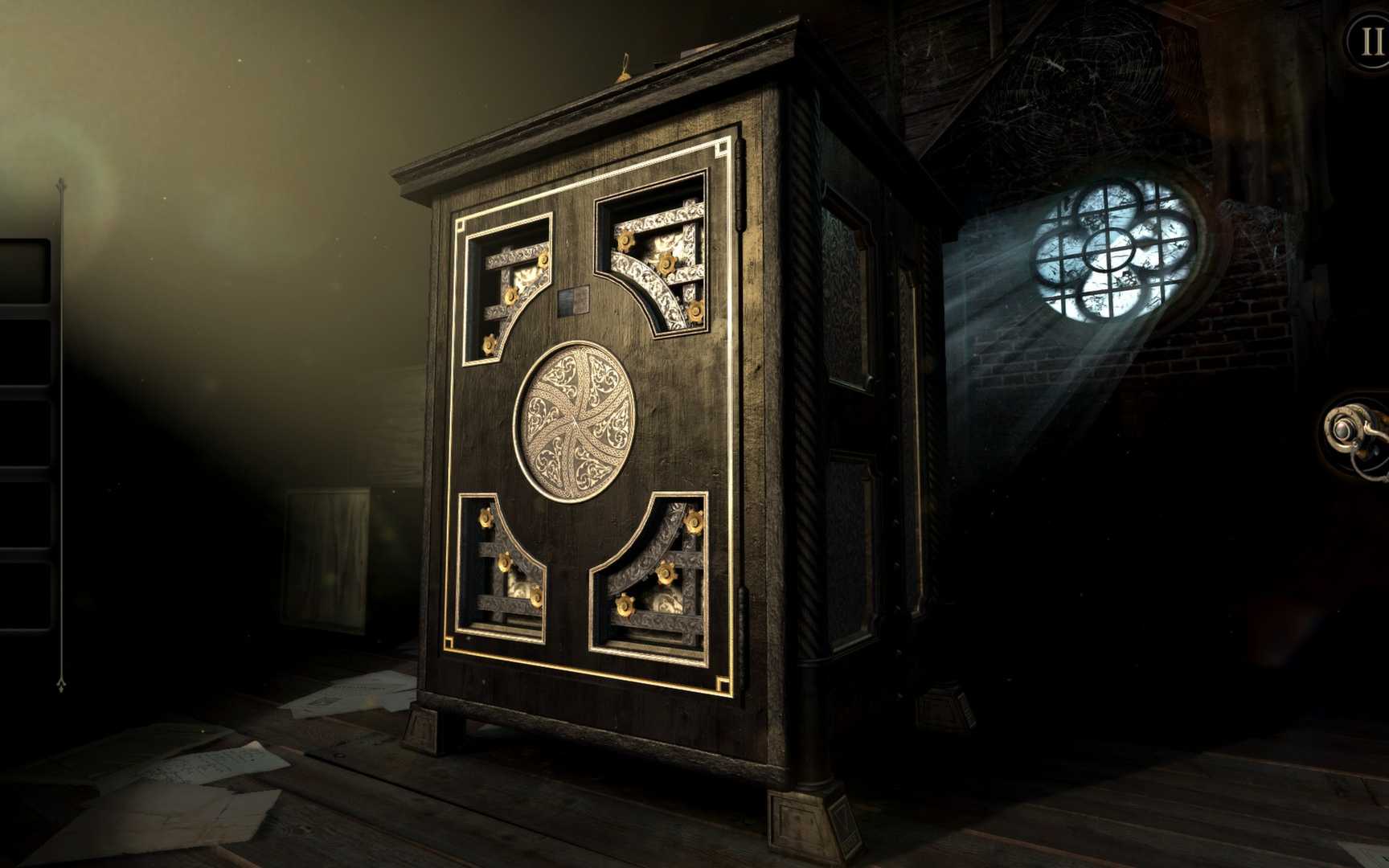
Code-Breaking Escape Games
Build an escape game around hidden messages, symbol sequences, and combination locks. Specify the clues, correct answers, and what each code opens. Try a secret archive where players use a cipher key to decode a note and unlock the final door.
Create a Code-Breaking Escape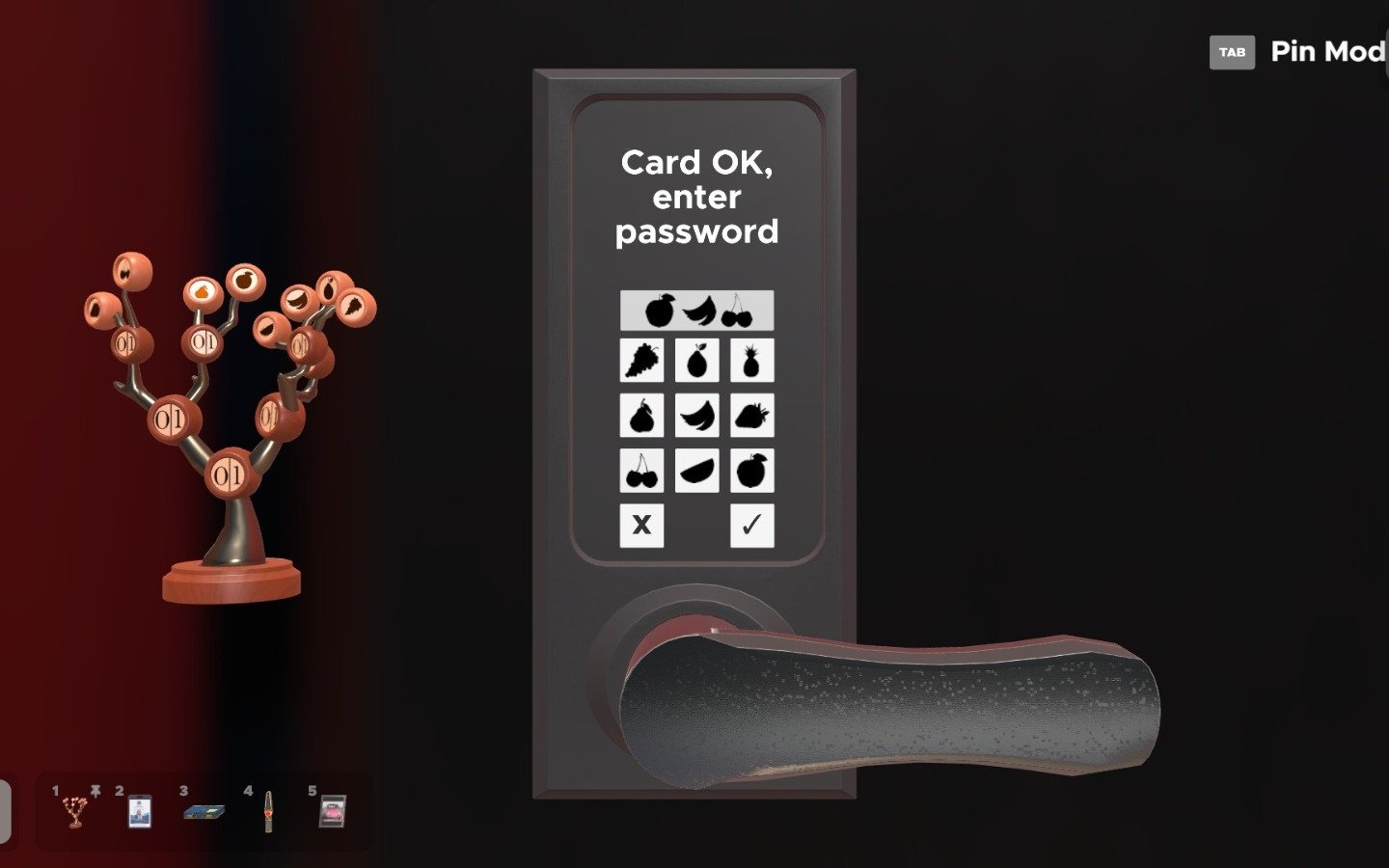
Horror Escape Games
Combine escape puzzles with a frightening setting and a clear source of danger. Describe the threat, its warning cues, and how players can avoid it while searching for a way out. Try an abandoned hospital where restoring power unlocks the exit but alerts a creature.
Create a Horror Escape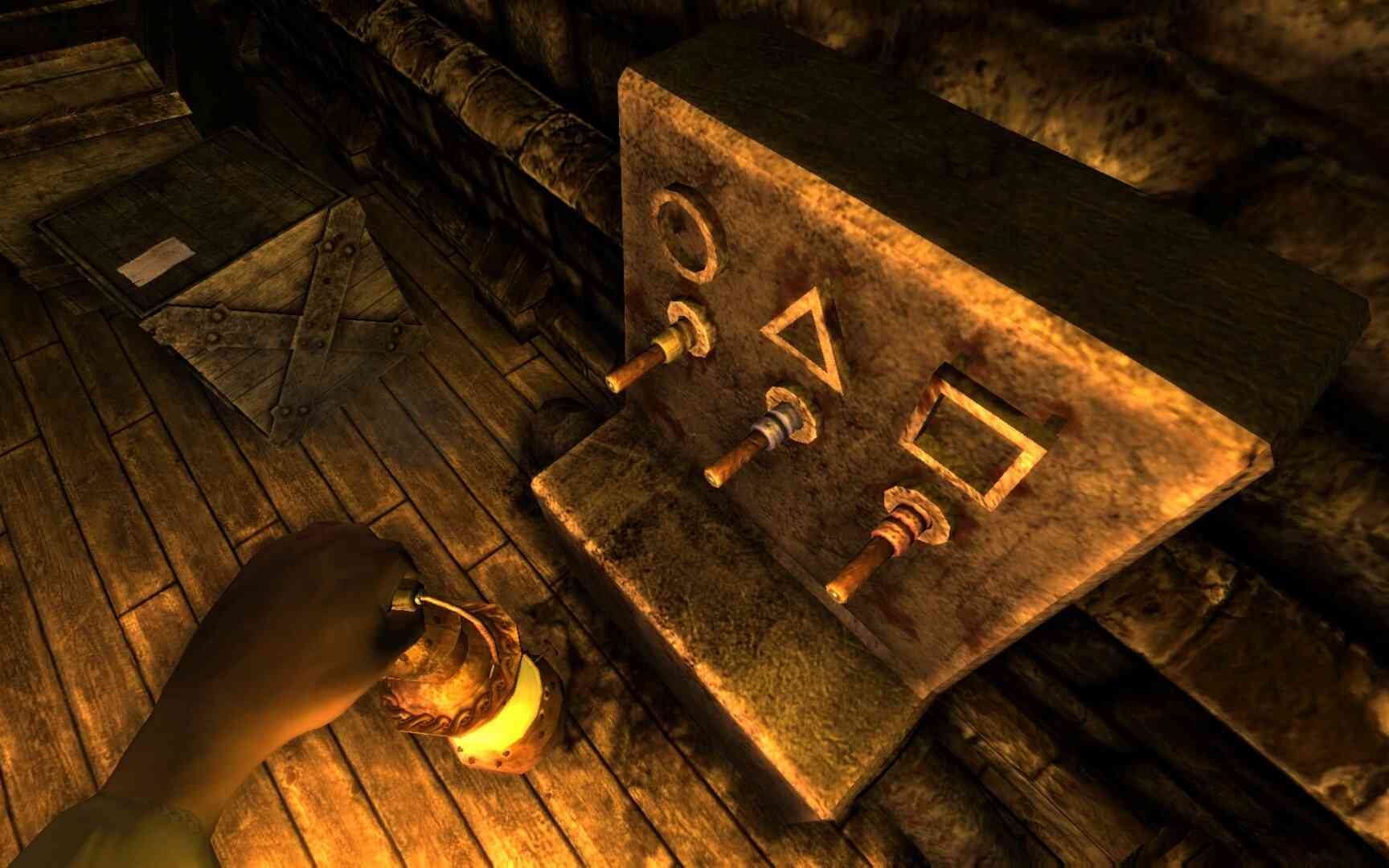
Educational Escape Games
Turn a lesson into an escape challenge where each answer opens the next stage. Provide the subject, reading level, questions, and solutions. Try a museum room where players read exhibit cards and solve geometry clues to unlock a case holding the exit key.
Create an Educational Escape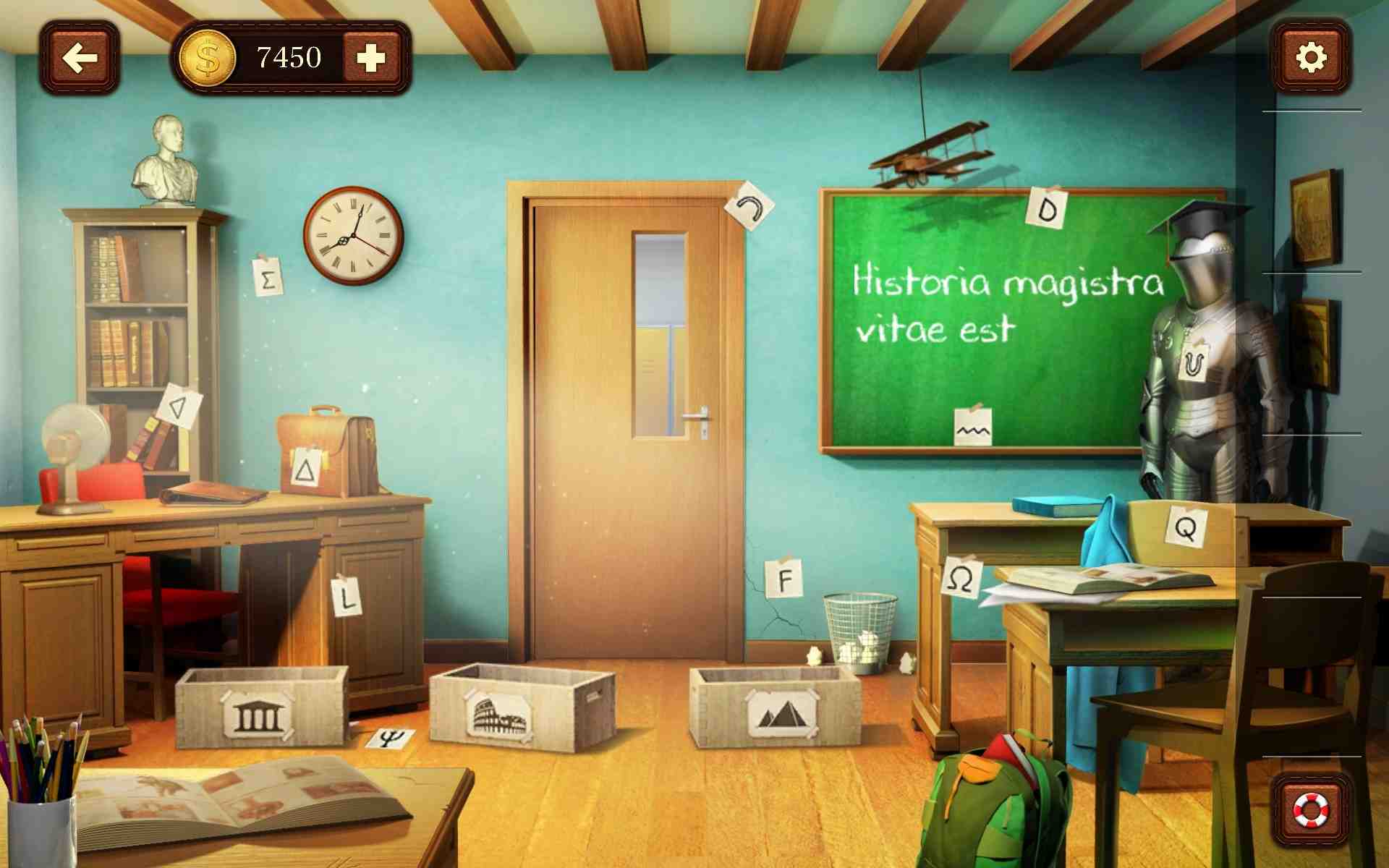
Escape Game Ideas You Can Make Your Own
Ready to build your own escape room game? Pick an idea, copy its prompt, and change the setting or puzzle. These are starting designs to generate, test, and develop, rather than finished game templates.
| Prompt idea | Prompt | Difficulty | Best for | Style | Copy |
|---|---|---|---|---|---|
| The Last Bookshop | Create a single-player 2D point-and-click escape game in a cozy bookshop. Include three shelves labeled Sun, Moon, and Star, holding 3, 5, and 2 books respectively. Put a note on the desk that says, "Read Moon, Star, Sun." The desk drawer opens only with code 523 and contains a brass key. Let the player collect the key and use it on the exit door to win. Add a visible inventory, two optional hints, clear feedback for wrong codes, and a restart button. Use readable English text, mouse controls, and warm illustrations. No timer or horror. | Beginner | Observation and code puzzles | Cozy illustrated mystery | |
| Signal Lost | Create a single-player 2D escape game inside a space-station control room. A wall diagram shows Triangle, Circle, Square in that order. Include three switches with matching text labels and symbols. Pressing them in the correct order restores power; a wrong press resets only the sequence. Activate the exit button only after power is restored. Show the power state and sequence feedback. Add an optional hint pointing to the diagram, a success screen, and restart. Use mouse controls and a clean sci-fi style. | Beginner | Sequence puzzles | Clean sci-fi control room | |
| The Clockmaker’s Secret | Create a single-player 2D point-and-click escape game in a clockmaker’s workshop. Hide a small gear inside an unlocked desk drawer. Let players inspect the drawer, collect the gear, and select it from a visible inventory. Using the gear on the stopped wall clock repairs it and opens a compartment containing a door key. The exit opens only when that key is collected and used on the door. Give helpful feedback for incorrect item use. Add one optional hint for each stage, a success screen, and restart. Use detailed brass-and-wood illustrations and no countdown. | Intermediate | Item interactions and mechanical discoveries | Brass-and-wood workshop | |
| After-Hours Museum | Create a single-player 2D point-and-click museum escape. Include three readable exhibit cards: A shows a triangle with 3 sides, B shows a square with 4 sides, and C shows a pentagon with 5 sides. A note says, "Count the sides in order: C, A, B." A display case opens only with code 534 and contains the exit key. Let players collect and use the key to leave. Keep the cards available for rereading. Add gentle feedback, an optional hint, a success screen, and restart. Use friendly illustrations and mouse controls. | Beginner | Learning and classroom activities | Friendly museum illustrations |
Tips for Making a Better Escape Room Game
Start with one room and a short, complete solution. Include the clues, answers, item behavior, and exit conditions in your SoonLab prompt. After testing, describe changes precisely: "The door opens without the key. Require the player to collect the brass key and use it on the door before winning."
Plan Clues Players Can Follow
- Write the solution before generating the game. Map a short chain such as desk note → drawer code → key → exit, and include every connection in your prompt.
- Give each lock a matching clue. Use the same symbol or label on both so players can work out which clue belongs to which puzzle.
- Specify exact answers and how to find them. For a three-digit code, explain where all three digits appear and what determines their order.
- Make items behave consistently. State where an item is found, where it works, and whether it stays in the inventory after use.
- Write two hints for each difficult puzzle: one pointing to the relevant clue and another explaining the method. Keep the full answer separate.
- Give the opening puzzle a simple solution that teaches players how to inspect objects, collect items, and recognize an unlock.
Test the Whole Escape Before Sharing
- Play from a fresh start without using answers from memory. Check that every required clue is accessible before the puzzle that needs it.
- Try incorrect codes and items. Ask for useful feedback without removing collected objects or resetting unrelated progress.
- Attempt to open the exit early. Confirm that the game checks every required condition before showing the success screen.
- Click important objects more than once. Check that keys cannot be collected repeatedly and solved puzzles do not accidentally reset.
- Ask someone who does not know the answers to play. If they get stuck, note whether they missed a clue, misunderstood it, or could not use the controls.
- Request one specific fix at a time, then replay the full clue chain. Test text size, object selection, and inventory controls on the devices your players will use.
Tools and Guides for Your Escape Game
Need help connecting your clues or describing the rules? Follow the puzzle-making guide, adapt a prompt example, or learn how to test a small prototype. Explore the related tools for learning activities, darker mysteries, and story-driven escapes.
10 Best Escape Games for Solo Players, Couples, and Friends
Best Puzzle Adventure Games to Play
AI Game Prompts: 35 Copy-and-Use Ideas to Create Games with AI
Prototyping Video Games With AI: How to Build a Playable Game Prototype
How to Make a Hide and Seek Game With AI: Rules, Prompts, and Game Ideas
12 Best Visual Novels for Mystery, Romance, and More

15 Best Games Like It Takes Two for Co-Op in 2026
15 Simple 3D Game Ideas You Can Build and Make Your Own
Easy Games to Make for Beginners: 8 Ideas You Can Actually Finish
FAQs About Escape Room Maker
Yes. SoonLab lets you describe your game in natural language and refine it through follow-up messages. Include the setting, controls, puzzle rules, answers, and ending so the generated version has a clear design to follow.
Make Your Own Escape Game
Choose the room. Hide the clue. Decide what opens the door. Use SoonLab to turn that idea into a browser game you can play, improve, and share.
Create Your Escape Game