Game Prototype Maker: Turn Your Idea Into a Prototype
Use the prompts to describe your core mechanic, controls, goal, visual style, etc. SoonLab will turn your idea into a playable 2D or 3D game prototype that you can test and edit — no coding required!
0/10000
Game idea and development sources







Play Game Prototypes Made With SoonLab
These playable games show how a prototype can test one important part of an idea, such as movement, combat, aiming, difficulty, upgrades, or level flow. Play a few examples, notice what works, and use that insight to shape your own prototype.
Spud Outbreak
Play Game
Pistol Colosseum
Play Game
Orbit Color Reflex
Play Game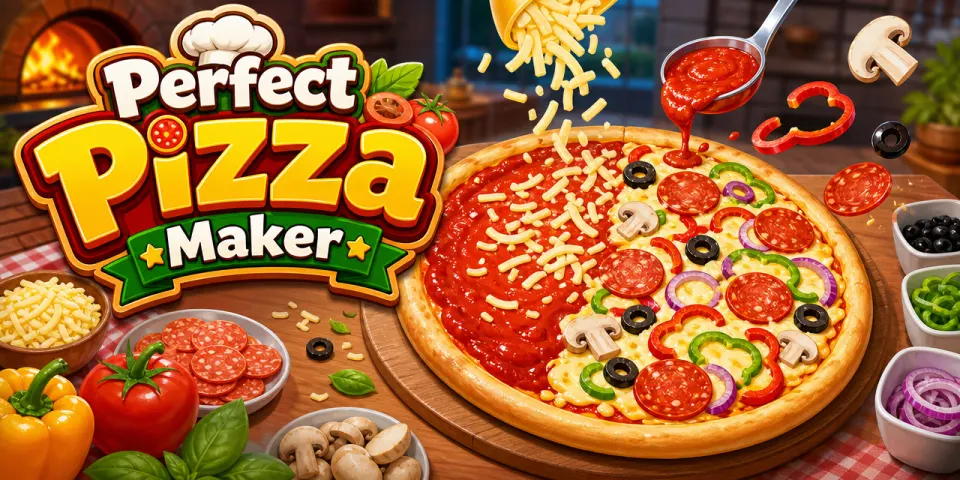
Perfect Pizza Maker
Play GameHow to Make a Game Prototype With AI
A useful prototype does not need to be a complete game. It needs one playable loop that helps you test an important idea before you spend more time on development.

Step 1Choose One Question to Test
Start with one clear question. Is the movement fun? Do the controls feel natural? Can players understand the puzzle? Write down the core mechanic, player action, goal, challenge, and win or failure condition.

Step 2Generate and Play the First Version
Enter your idea in SoonLab and confirm the important details with AI. SoonLab then creates a playable 2D or 3D browser game. Open the result and test the main action before adding more mechanics or visual details.

Step 3Refine, Share and Download
Watch people play and note where they seem confused, bored or frustrated. Use prompts to make small changes to one or two parts at a time. Keep improving the first model until it does what you want it to do. Then you can share and download.
What Should Your Game Prototype Test?
Core Mechanics
Test the action players will perform most often, such as jumping, shooting, building, driving, matching, or choosing dialogue. A strong prototype lets you repeat this action several times and see whether it remains interesting.
Test a Game Mechanic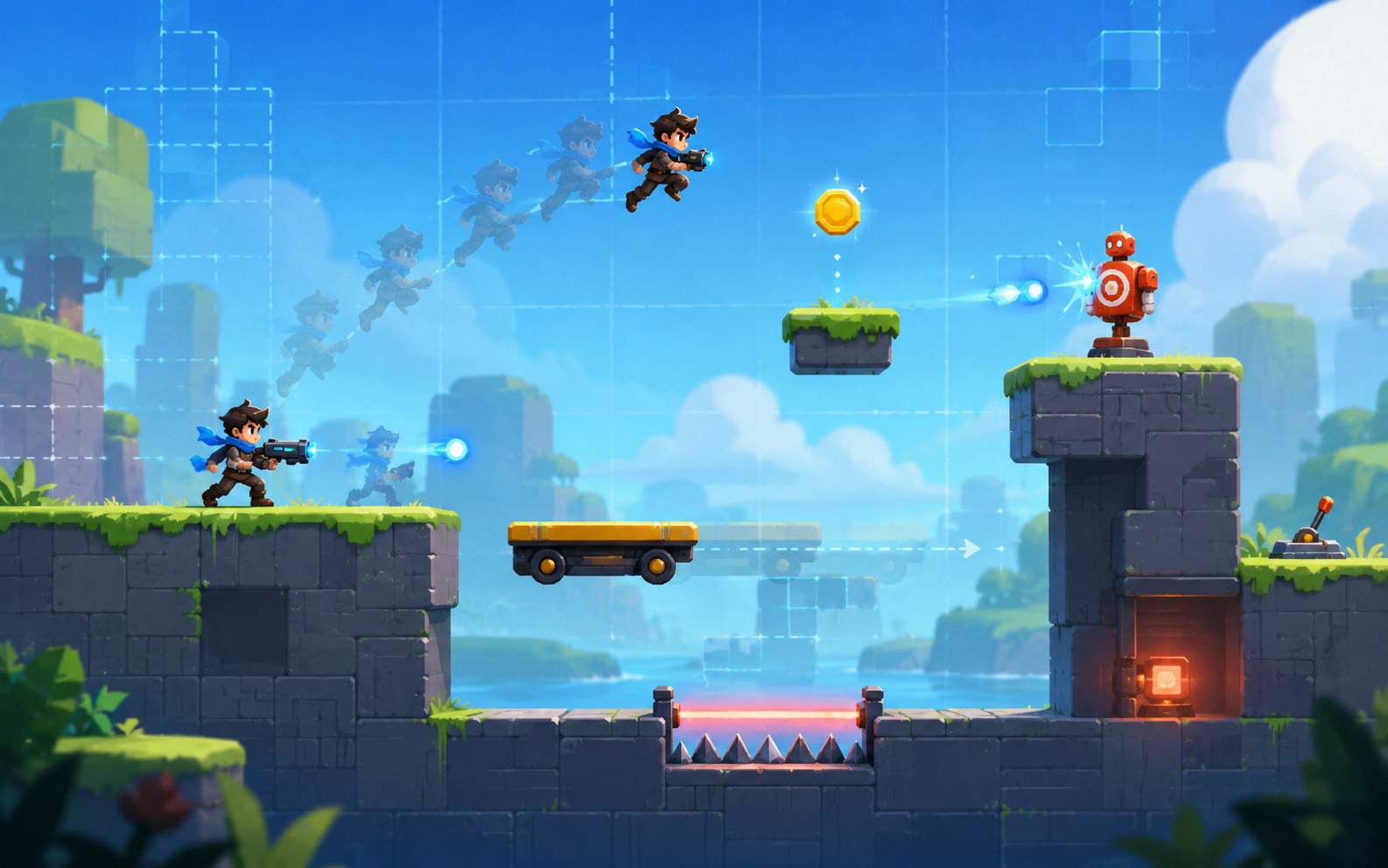
Controls and Movement
Check whether players can move, aim, jump, interact, or control the camera without fighting the game. Test one control system before adding several abilities, weapons, or movement modes.
Test Game Controls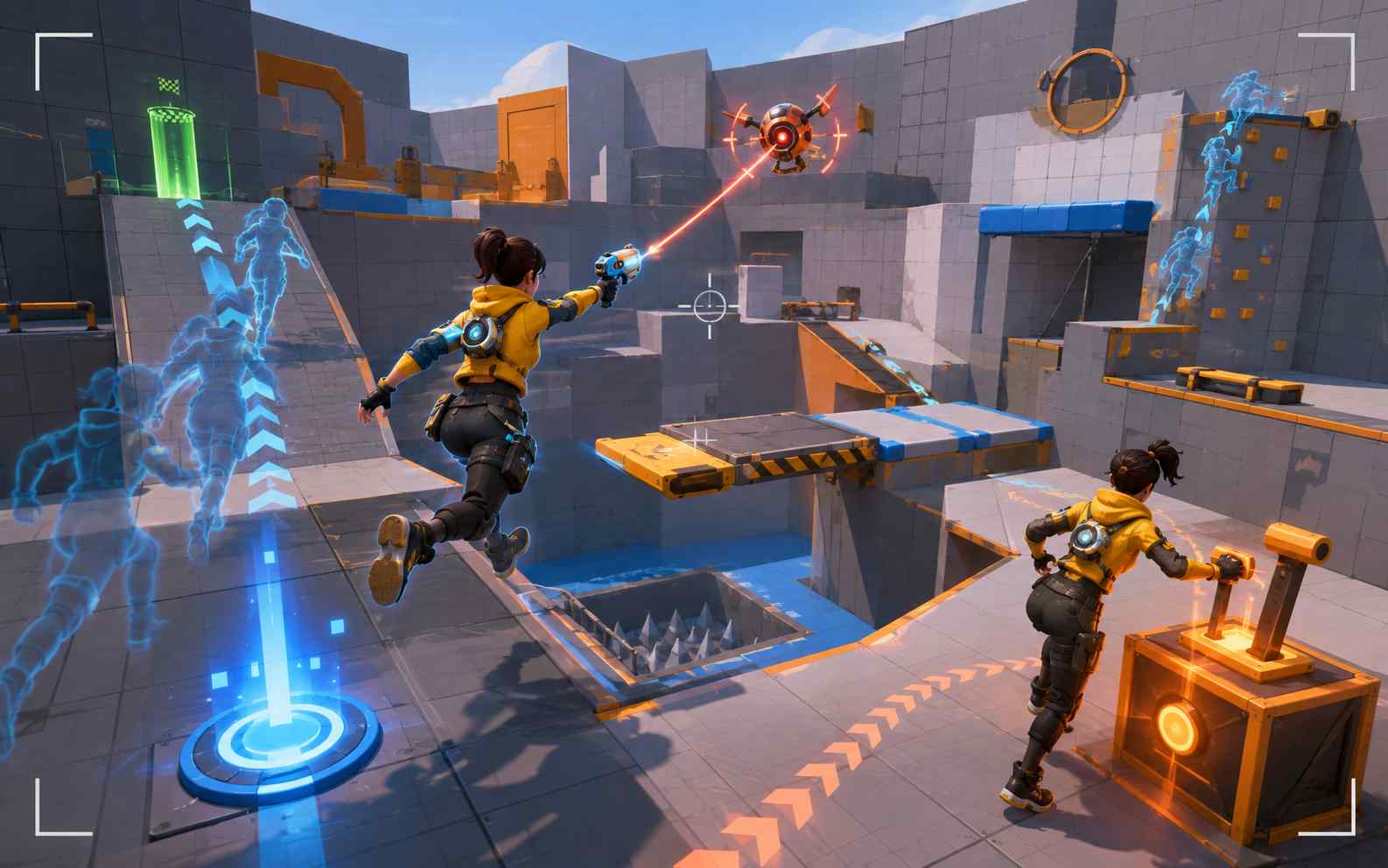
The Core Game Loop
Build a short cycle of action, feedback, reward, and another decision. For example, collect resources, survive a wave, choose an upgrade, and try the next wave. The loop should give players a reason to continue.
Build a Core Loop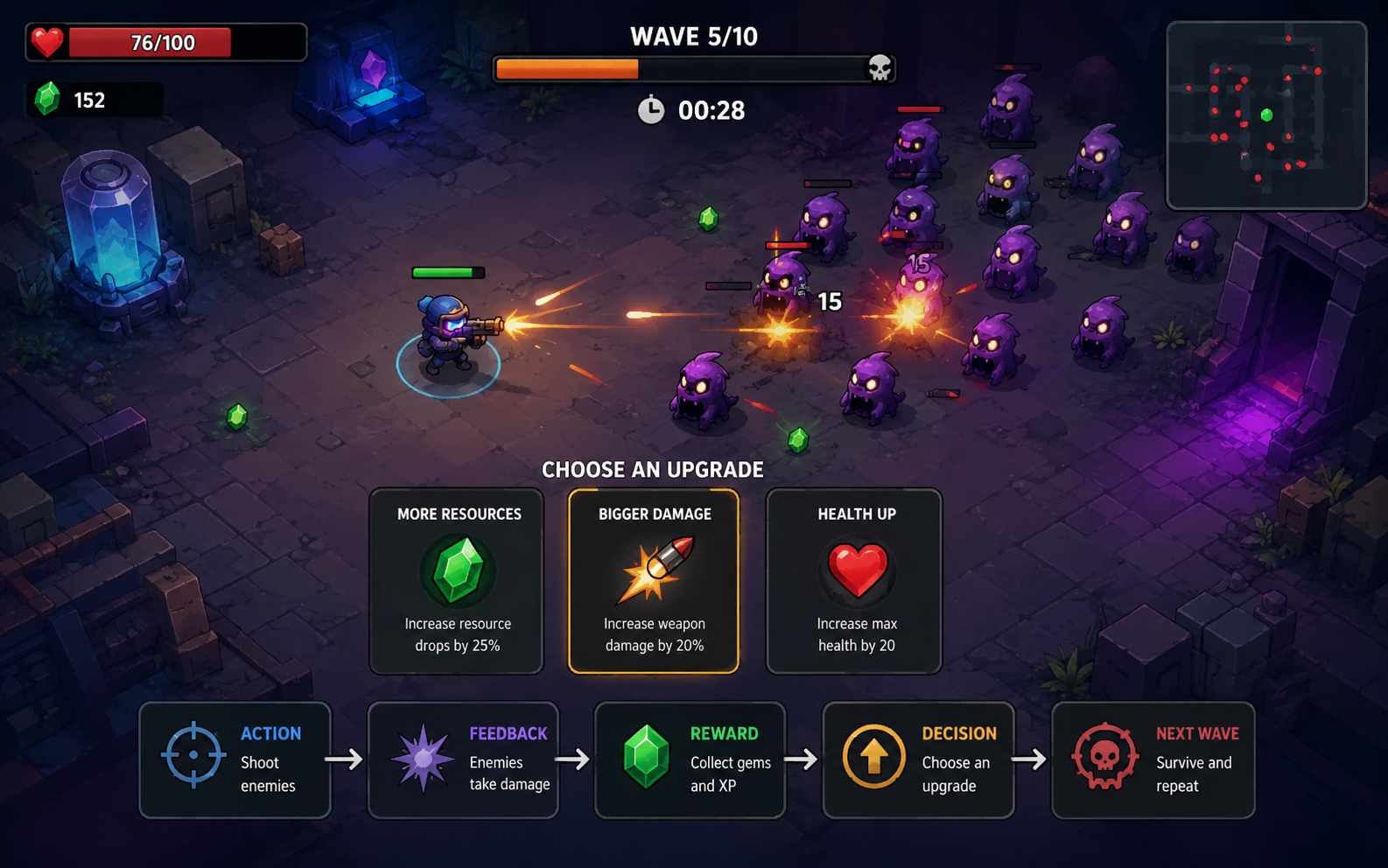
Rules and Player Understanding
Find out whether players understand the goal, rules, hazards, and feedback. This is especially important for puzzle, strategy, card, and simulation ideas. Let people try the prototype before explaining every rule.
Test Your Game Rules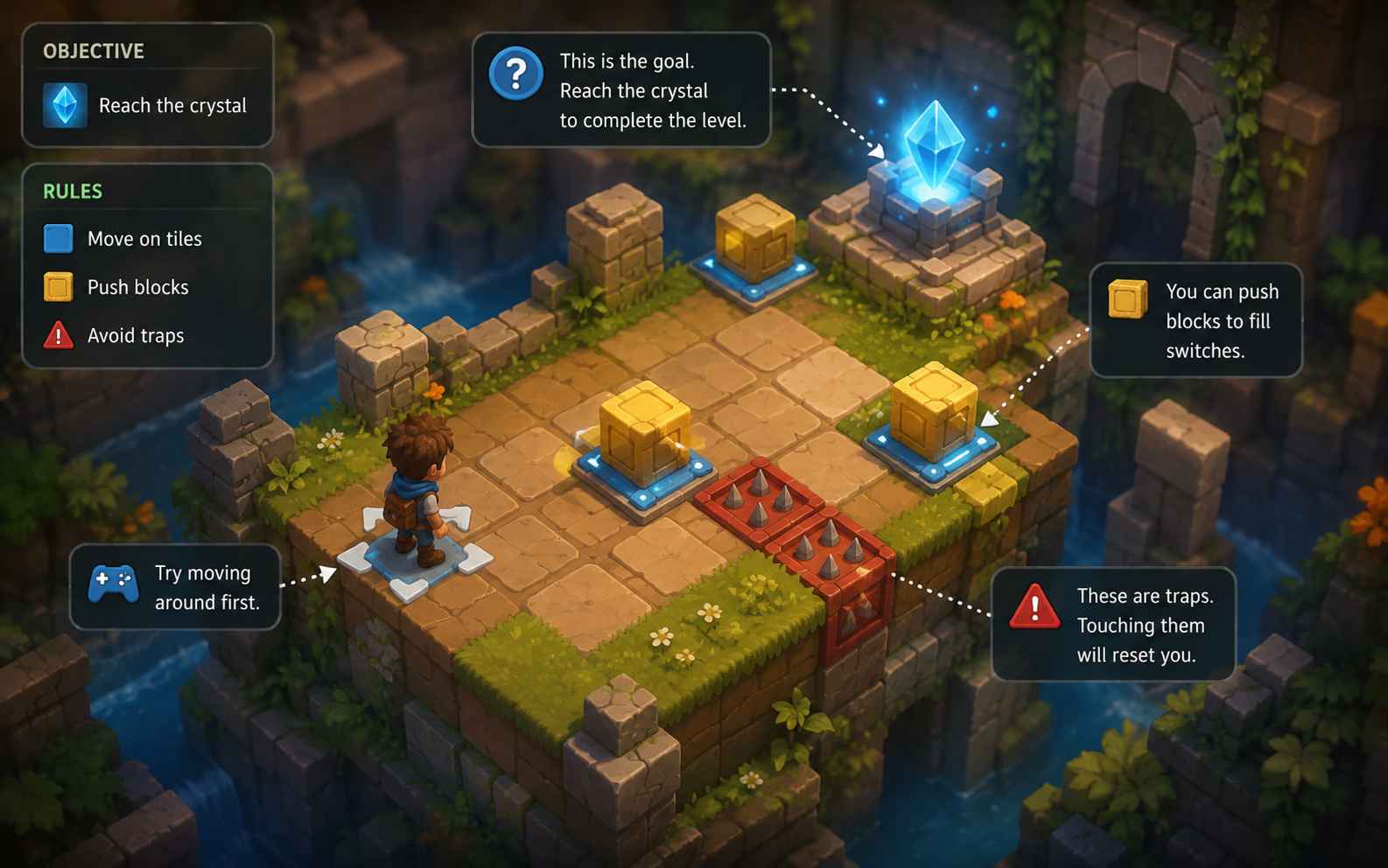
Difficulty and Feedback
Test whether players understand why they succeeded or failed. Use clear visual and audio feedback, readable attacks, and gradual challenges. Difficulty should create useful decisions instead of unexplained failure.
Test Game Difficulty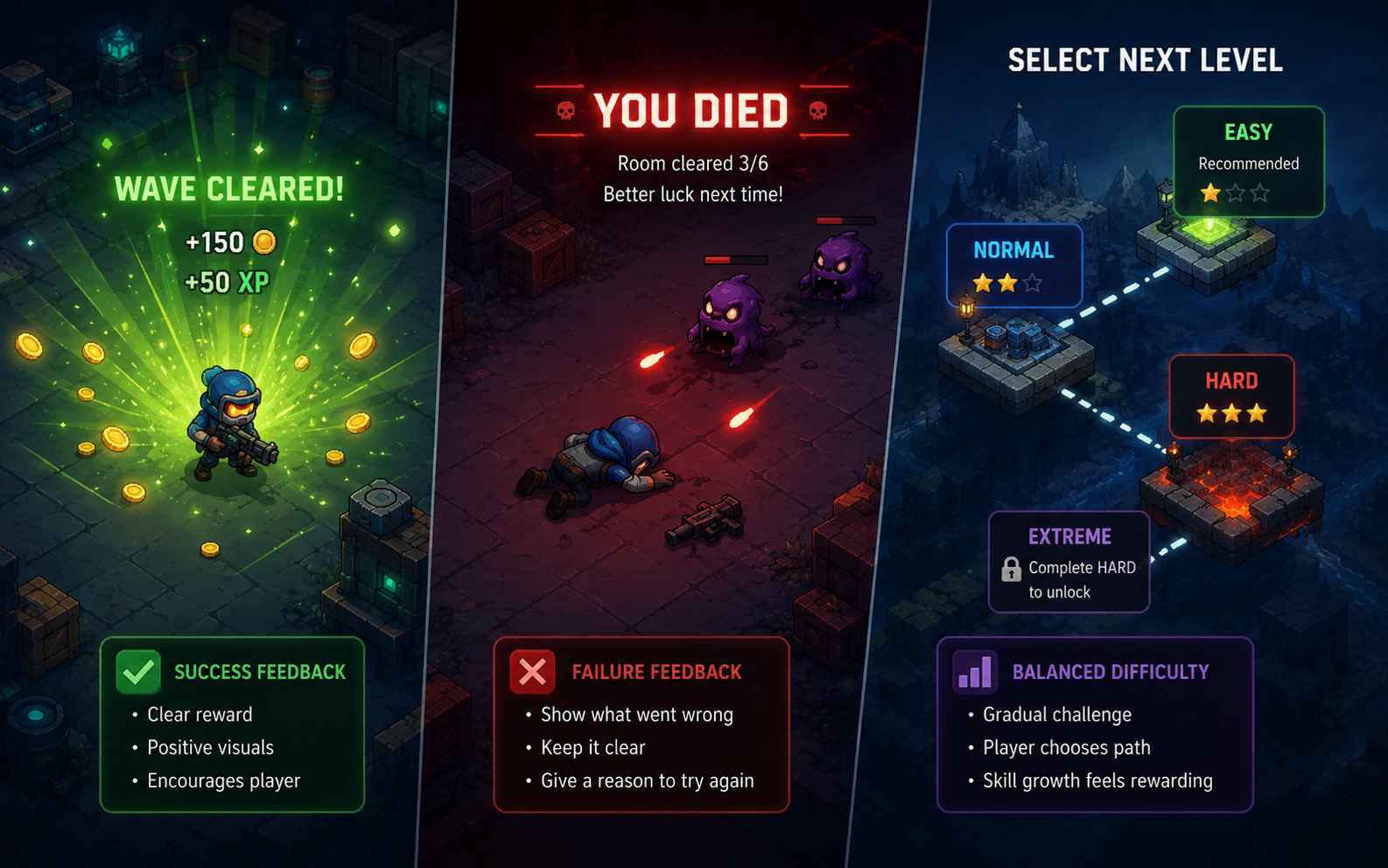
3D Camera and Level Scale
For a 3D game prototype, start with a small space that tests movement, camera control, collisions, and navigation. A compact area can reveal camera problems before you spend time building a larger world.
Create a 3D Prototype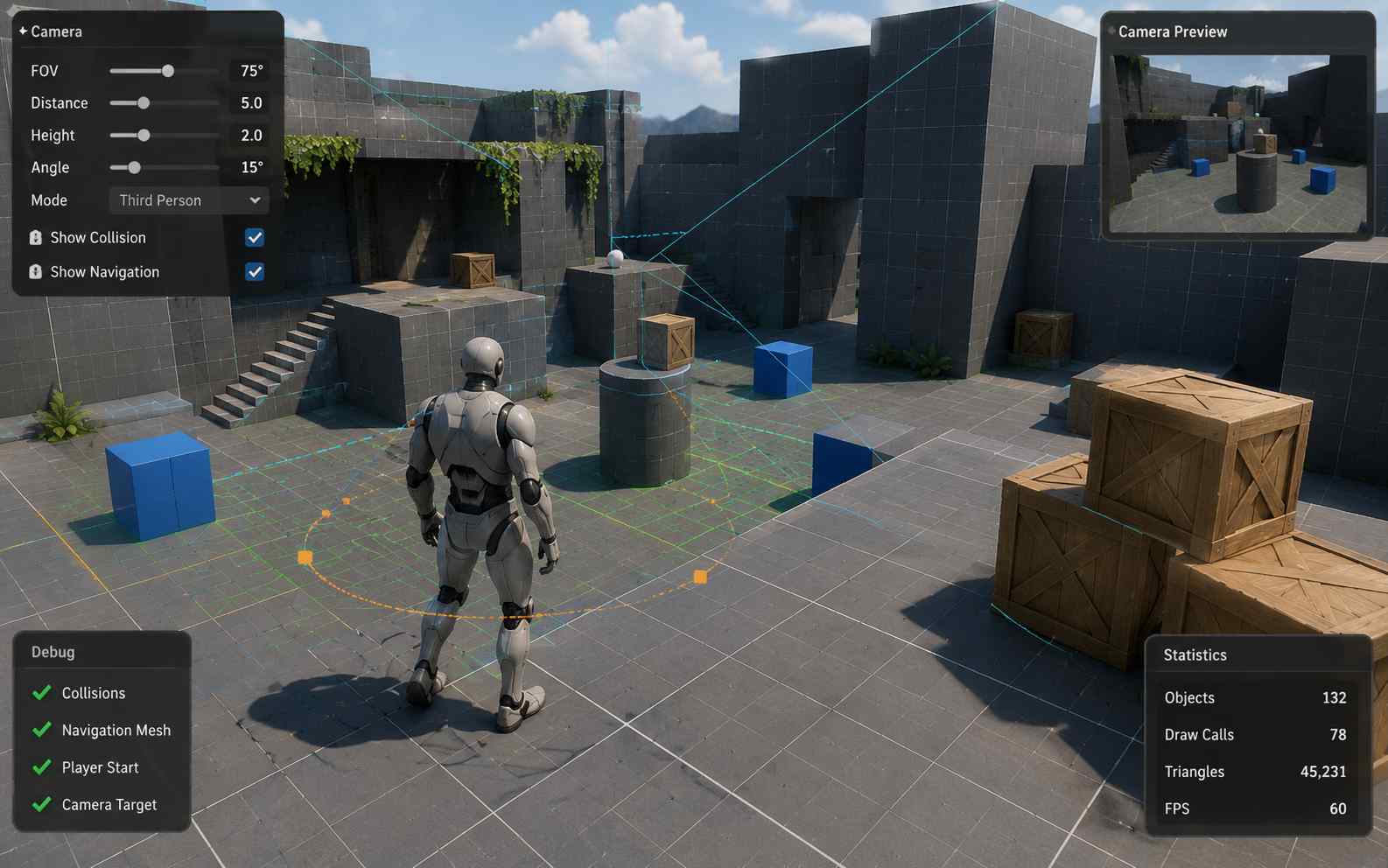
How to Test and Improve a Game Prototype
A prototype is valuable because it helps you learn. Observe what players do, ask clear questions, make focused changes, and use the results to decide whether the idea should move into full development.
Watch Players Before Explaining
- Give players the controls, but avoid explaining every solution or strategy before they begin.
- Watch where they stop, make mistakes, or repeat the same action.
- If every player needs the same explanation, improve the instructions, controls, level design, or feedback.
Ask Questions That Produce Useful Feedback
- Ask what players thought the goal was and which action felt most satisfying.
- Ask where they felt confused, bored, or unfairly punished.
- Avoid asking only whether they liked the game. Specific questions produce more useful answers.
Change One or Two Things at a Time
- Adjust one important variable, such as movement speed, attack range, camera distance, or enemy timing.
- Play the new version and compare it with the previous result.
- If you change the controls, rules, level, art, and difficulty together, it becomes difficult to know what helped.
Know When to Stop Prototyping
- Stop when the prototype has answered the question you created it to test.
- Continue the idea when players understand the loop and want to repeat it.
- Change or leave the idea when the core mechanic still does not work after several focused tests.
More Tools and Guides for Game Prototype
Explore more AI game-making tools and practical guides for turning small ideas into playable 2D and 3D games.
Prototyping Video Games With AI: Build a Playable Prototype
How to Make a Game Without Coding: A Beginner’s Guide
Vibe Coding Games: Build Your First AI Game
8 Best AI Tools for Game Development in 2026
How to Get Into Video Game Development in 2026
How to Make a Mobile Game: Beginner Guide
How to Make a Video Game: From Idea to Playable System
FAQs About Game Prototype Maker
A game prototype maker helps you create an early playable version of a game idea. The prototype is used to test a mechanic, control system, game loop, level structure, or technical idea before full production begins. SoonLab turns a written description into a playable 2D or 3D browser game that you can test and improve.
Make Your First Game Prototype
Start with one mechanic, one goal, and one question you want to answer. SoonLab can turn that idea into a playable 2D or 3D prototype, helping you test it before committing to full development.
Create a Game Prototype