Spooktacular Savings! No Tricks, Just Treats
Spooktacular Savings!No Tricks, Just Treats
Use code SLTOP10 at checkout to Save 10% site-wide. Don't miss out! 👻
Describe your idea and use GPT-6 Astra in SoonLab to create a playable browser game you can test, refine, publish, and share.
Explore playable 2D and 3D games made with GPT-6 Astra in SoonLab, discover different mechanics and visual styles, and find inspiration for your own browser game.
Skip the setup of Blender, MCP, Codex, and a separate game engine when you only want to test an idea. SoonLab brings GPT-6 Astra into a prompt-to-play workflow so you can generate a browser game, play it, and refine it through conversation.
Try GPT-6 Astra in SoonLab
Turn a simple idea into a playable game with visuals, controls, rules, and a clear objective working together.
Create with GPT-6 Astra
Describe the visual style, mechanics, camera, controls, challenge, and player goal before GPT-6 Astra starts building.
Start with Your Idea
Play the generated game, then use follow-up prompts to improve the difficulty, controls, pacing, visuals, and game logic.
Build Your Game
Choose Blender and Godot for deeper technical control, or use SoonLab for a faster path from prompt to playable prototype.
Start with one clear game loop, test the first version, and improve it with focused follow-up prompts.

Define the main action, goal, controls, challenge, and visual style. Keep the first version small enough to test quickly.

Choose GPT-6 Astra and start generating. SoonLab turns the prompt into a 2D or 3D browser game you can open and play.

Test the controls, camera, difficulty, pacing, and feedback. Request one focused change at a time, then publish, share, or download the HTML version when available.
Build a delivery game with character or vehicle controls, timed objectives, collectible items, obstacles, and a colorful 3D world.
Create This Game
Design an explorable world with first-person or third-person movement, interactive objects, hidden areas, environmental clues, and a clear goal.
Create This Game
Make a platform game with running, jumping, enemies, hazards, collectibles, checkpoints, and levels that become more challenging.
Create This Game
Turn a puzzle idea into a playable game with clear rules, interactive objects, visual clues, progressive challenges, and instant feedback.
Create This Game
Explore related game makers, prompt tools, model comparisons, and practical game-development guides.
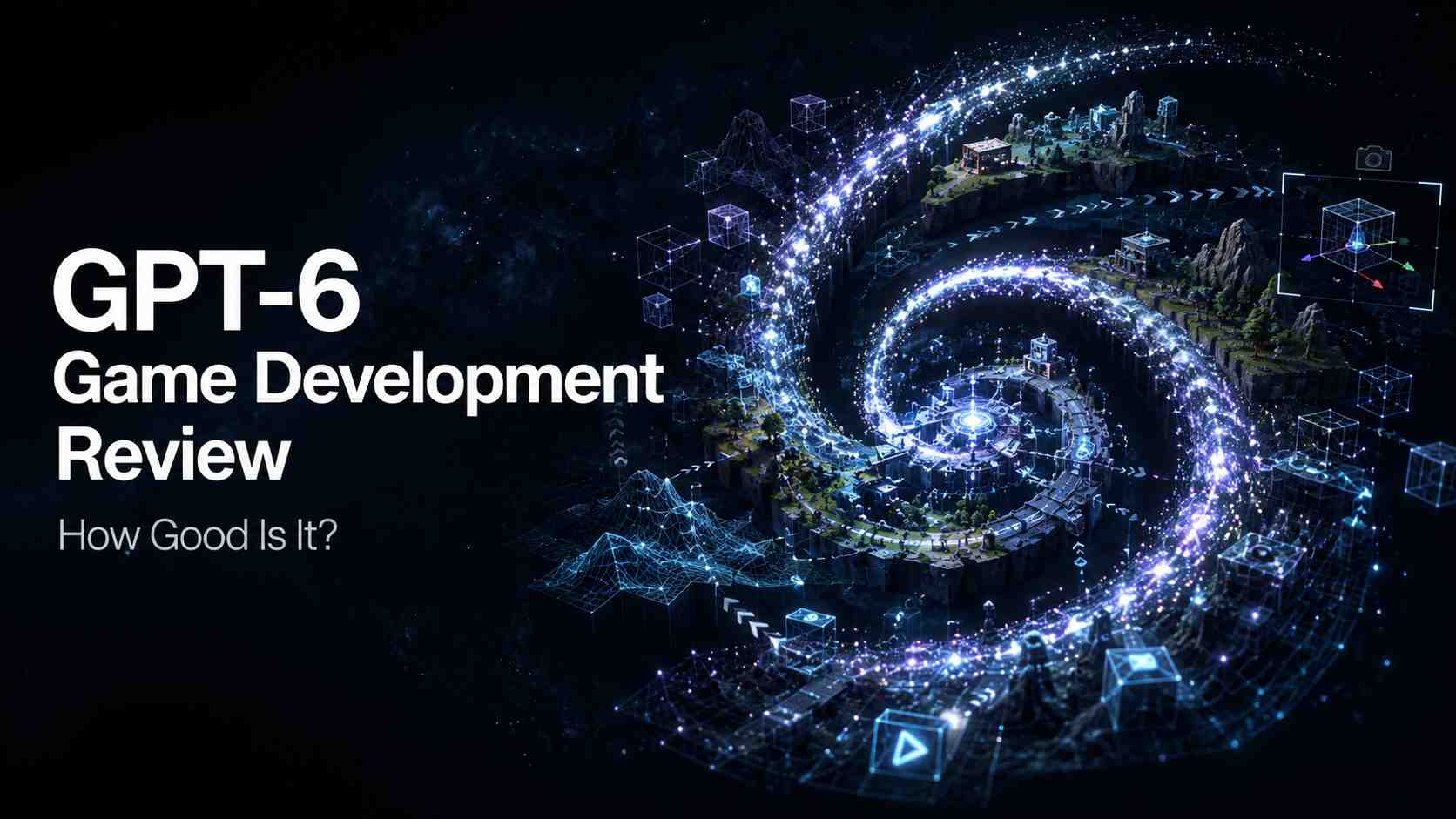
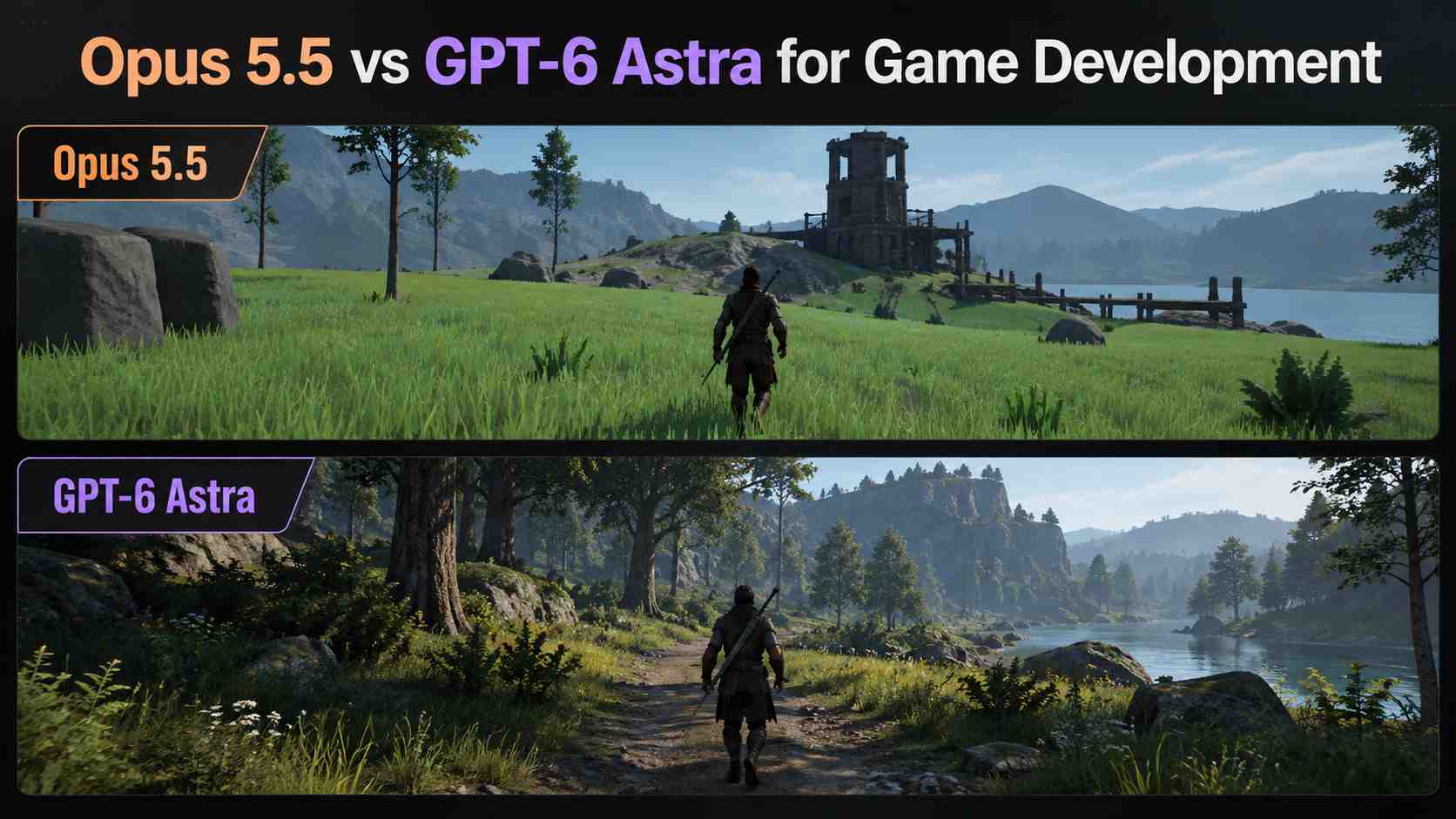
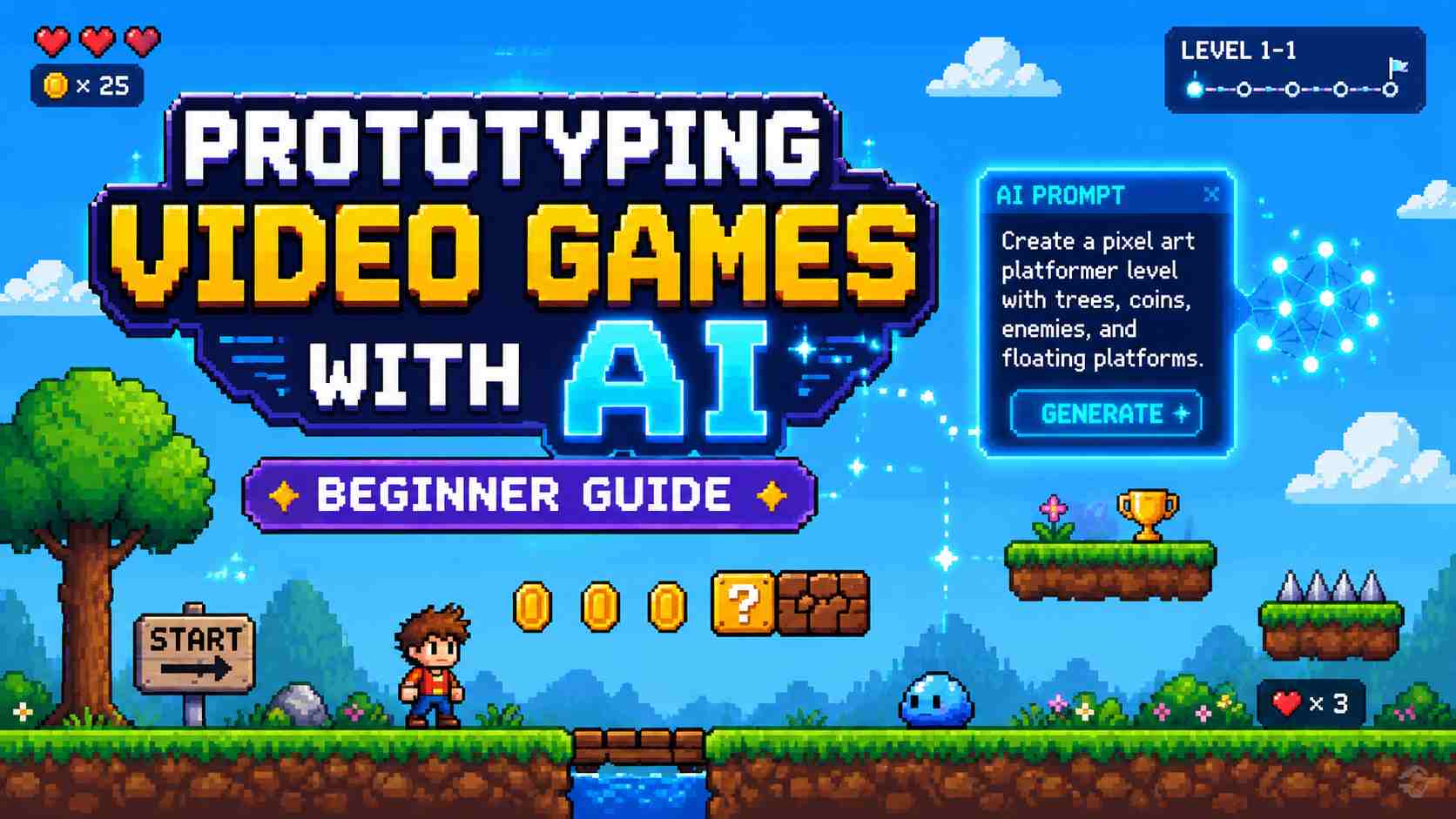
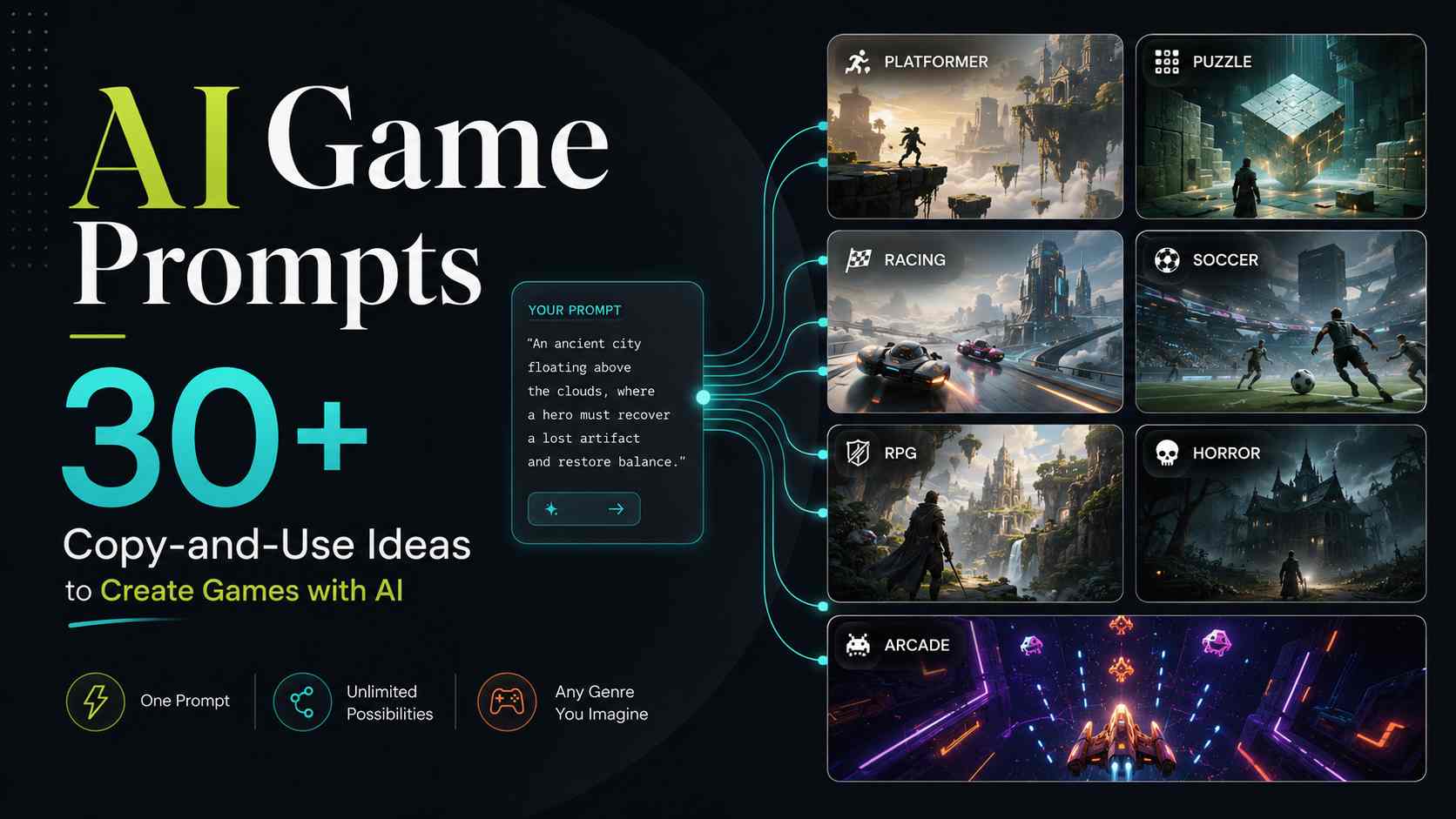
GPT-6 Astra can support coding and tool-based game-development workflows. In SoonLab, it is used inside a prompt-to-play workflow that helps turn an idea into a playable browser game you can test and refine.
Describe one playable loop, generate it with GPT-6 Astra in SoonLab, and improve what you can actually play.
Create a Game with GPT-6 Astra