
The best 3D game engine isn't the one with the most features-it's the one that helps you actually complete your project. By the end of this guide, you will know exactly how to match your game idea with the right 3D game engine and realistically gauge the development effort required.
We break down where major workflows like SoonLab, Godot, Unity, and Unreal Engine fit into real-world projects, while highlighting dedicated options like PlayCanvas, GDevelop, and Panda3D. You'll walk away with a clear blueprint for choosing a tool based on your current coding skills, target platform, and project scope-whether you're planning a quick web puzzle, a mobile racer, or a detailed 3D adventure. Let's go!
Best 3D Game Engines at a Glance
| 3D Game Engine | My recommended use | Gameplay workflow | Cost to start |
|---|---|---|---|
| SoonLab | Creating playable 3D games from prompts | Describe, generate, play, and edit through chat | Free points; usage depends on your plan |
| Godot | Small independent 3D games | GDScript or C# | Free, open source |
| Unity | C# projects across several platforms | C#; visual scripting available | Free Personal plan for eligible users |
| Unreal Engine | Detailed worlds and ambitious visuals | Blueprints or C++ | Free to start; game royalties can apply |
| GDevelop | Small 3D games with visual logic | Events and behaviors | Free access; paid services available |
| PlayCanvas | 3D browser games | Visual editor and JavaScript | Free access |
| Panda3D | Python-led games and simulations | Python or C++ | Free, open source |
A 3D game engine brings together systems such as rendering, input, scenes, and other tools for making an interactive world. The important difference is how you work with those systems: through scripts, visual rules, or a mixture of both.
7 Best 3D Game Engines for Different Projects
1. SoonLab - My Pick for Creating Playable 3D Games Through Chat
If you have a 3D game idea but do not know how to code it, I would start with SoonLab. Its AI 3D game maker turns a written prompt into a playable browser game. Describe the camera, controls, environment, obstacles, and goal, then play the first version and see how the idea feels.
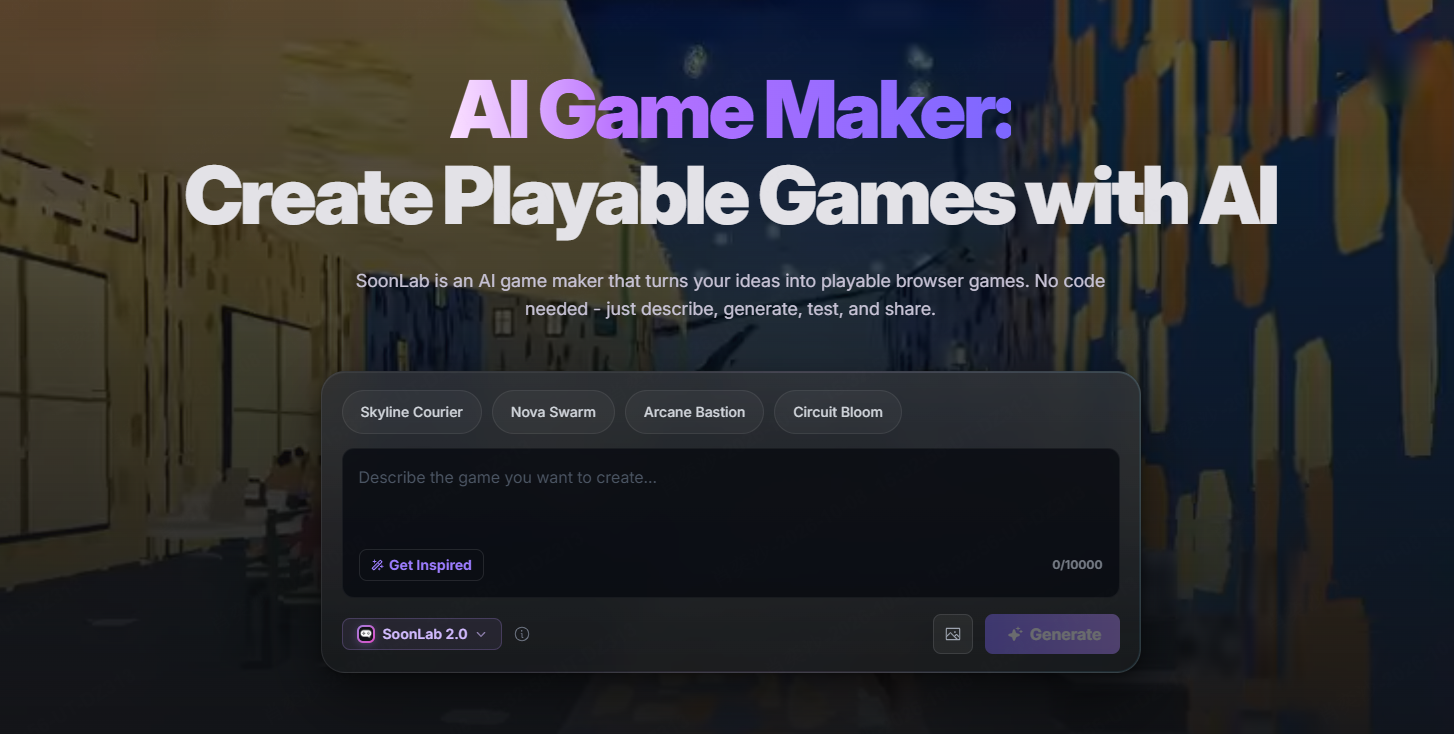
What appeals to me is being able to judge the idea by playing it. In a third-person obstacle course, you can check whether the character responds well, the jumps feel fair, and the camera shows the next hazard. Follow-up prompts let you request changes, then play the updated version.
Start with one clear idea. Describe the camera, player controls, environment, obstacles, and goal. Keep the first version small so you can test the main gameplay quickly.
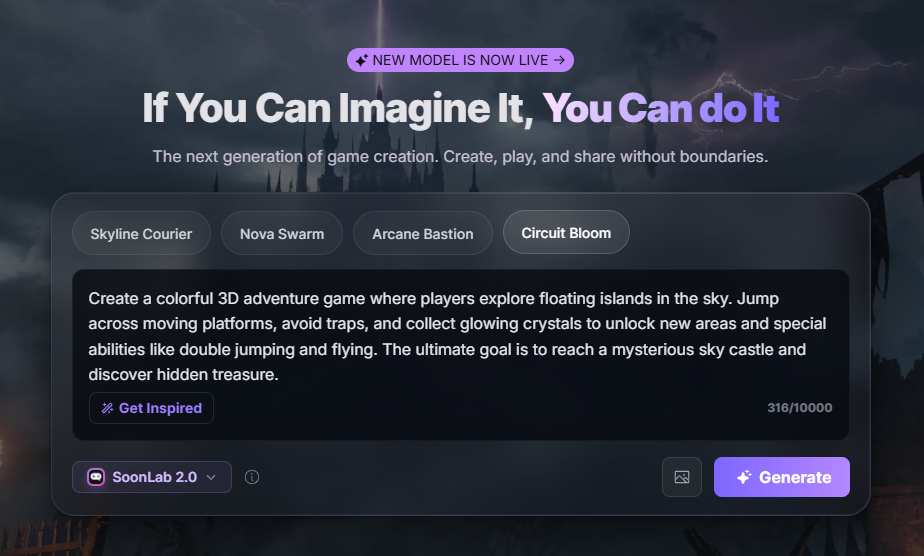
Play the generated game and see how it feels. Check the movement, camera, collisions, scoring, and ending before adding more levels or features.
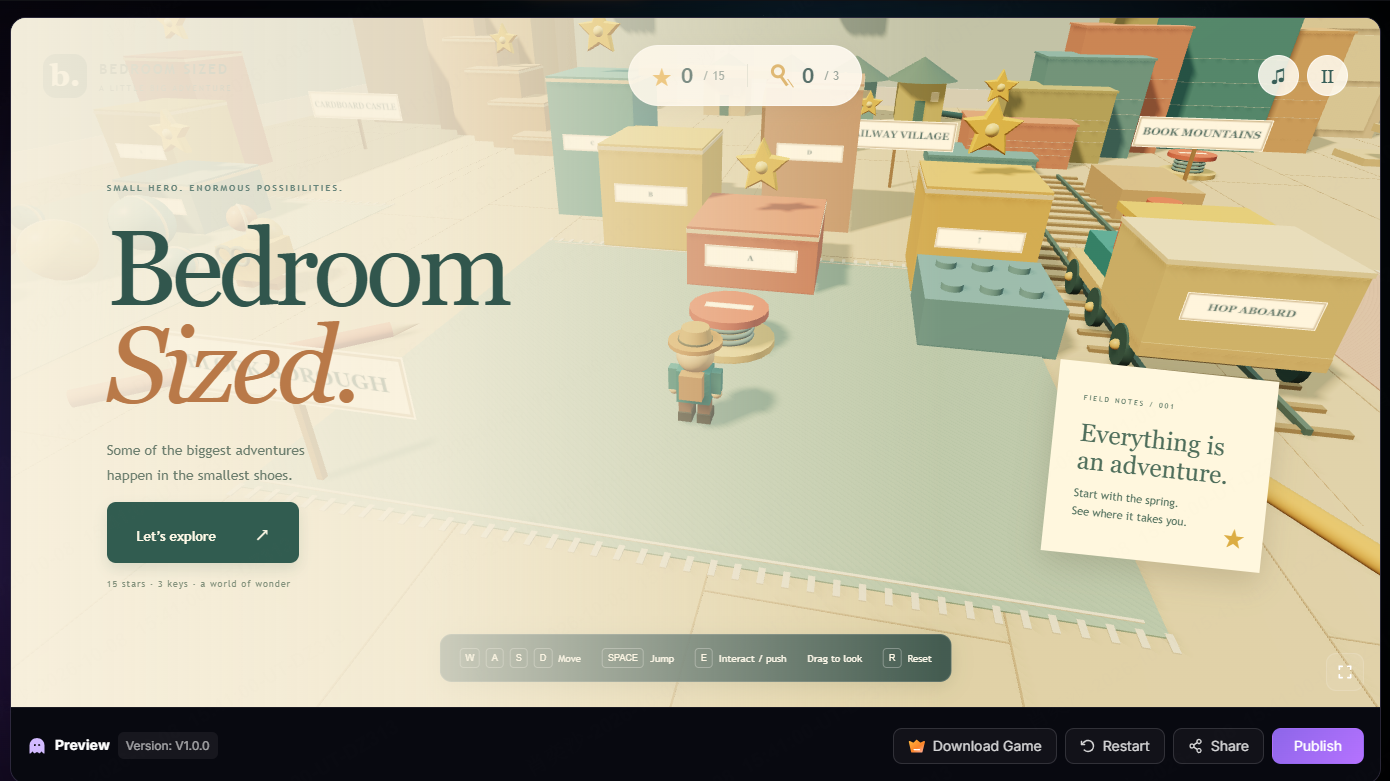
Chat with SoonLab to edit your game. You might slow the player down, widen the platforms, adjust the camera, or make the goal clearer. Play the new version and continue refining it.
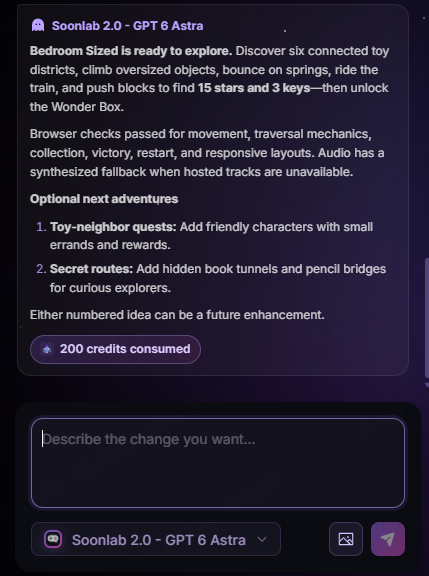
When the game is ready, you can share its playable page or download the HTML. SoonLab generates browser games rather than native engine projects, but the result can still serve as a finished small game or a working prototype for a larger production.
 Pros
Pros Cons
Cons2. Godot - My Pick for Small Independent 3D Games
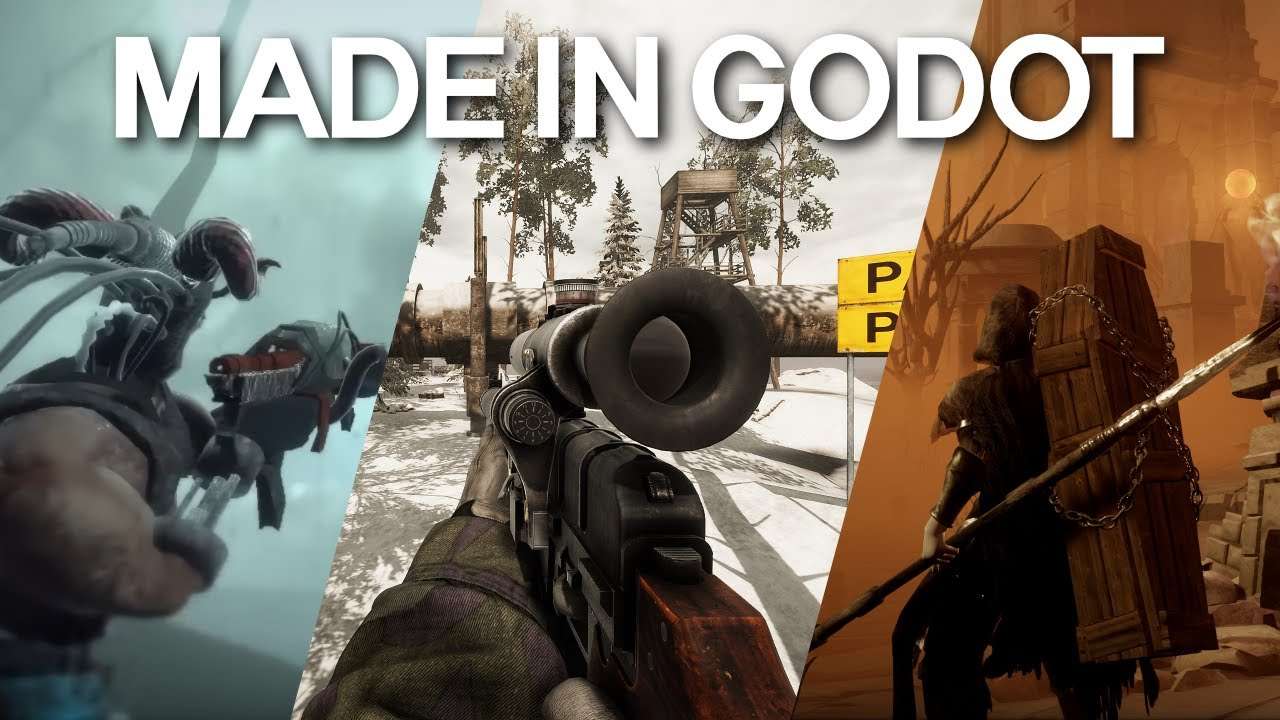
I would choose Godot for a compact exploration game, puzzle, or stylized adventure. Its scene system lets you turn elements such as doors, enemies, and player characters into reusable parts, then combine them to build a larger game world.
Godot supports GDScript and C#, along with model importing, animation, physics, and several rendering options. Its official feature overview confirms that the engine uses the MIT license, with no subscription or royalty requirement for the engine itself.
Pros Cons
ConsFor a first project, I would build one room with one useful interaction before creating a larger world. If you need help planning scripts, fixing errors, or understanding unfamiliar Godot features, our guide to the best AI agents for Godot compares tools that can support those tasks.
If you are still choosing an engine, our Godot vs Unity comparison explains how their languages, workflows, and project strengths differ.
3. Unity - My Pick for a Flexible C# Workflow
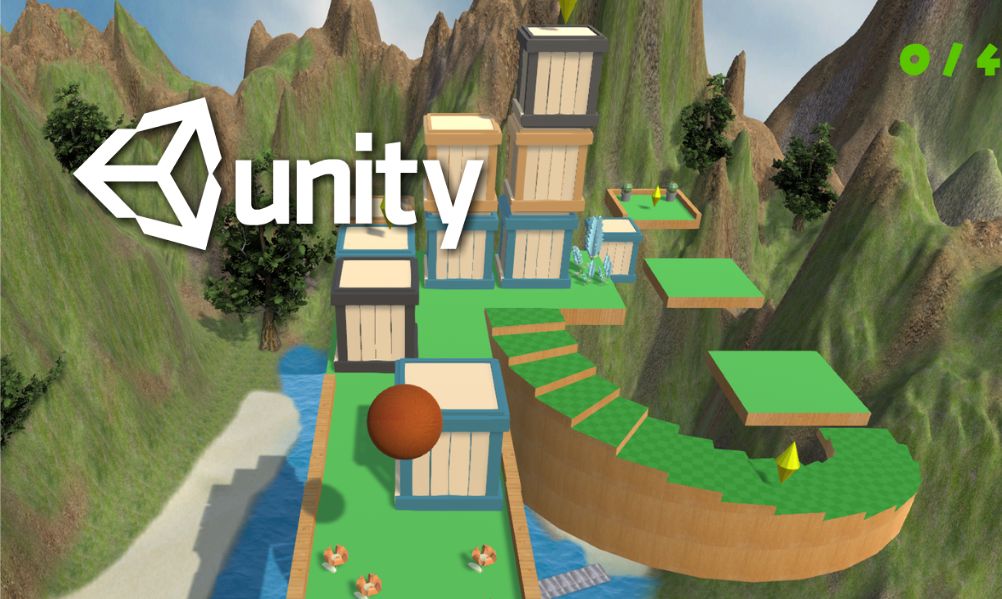
Unity is a strong option if you want to create a 3D game while developing your C# skills. Its component-based workflow lets you attach behaviors to objects, then connect movement, physics, cameras, animation, audio, and interface elements.
I would consider it for a racer, simulation, or action game that may eventually target several platforms. Unity also has a large collection of learning materials and assets, which can make it easier to find examples related to your project.
Pros ConsStart with one current tutorial and keep the project setup simple until the first level works. Under the Unity Personal eligibility rules, eligible individuals and small organizations can use the free plan with less than $200,000 in applicable revenue and funding over the past 12 months. Check how the terms apply to your circumstances.
4. Unreal Engine - My Pick for Visually Ambitious 3D Games
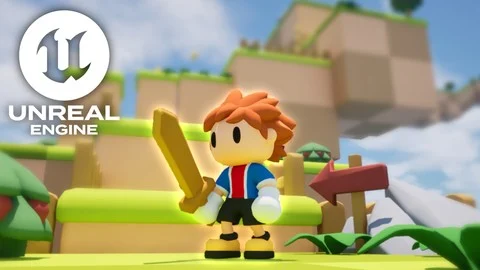
I would shortlist Unreal Engine for a detailed first-person environment, cinematic adventure, or game where lighting and materials shape the experience. Lumen and Nanite support ambitious visual work, while Blueprints let you create gameplay through connected visual nodes.
Blueprints can make a simple interaction easy to follow: the player enters a trigger, a door opens, and a sound plays. Larger graphs still need careful structure because visual scripting uses the same logic, state, and timing decisions as written code.
Pros ConsBefore planning a large environment, I would build one representative scene on the computer I intend to use. Unreal is free to start for game development, but royalties may apply under Epic’s licensing terms. Our Unity vs Unreal Engine guide compares the two workflows more closely.
5. GDevelop - My Pick for Learning Through Visual Game Logic
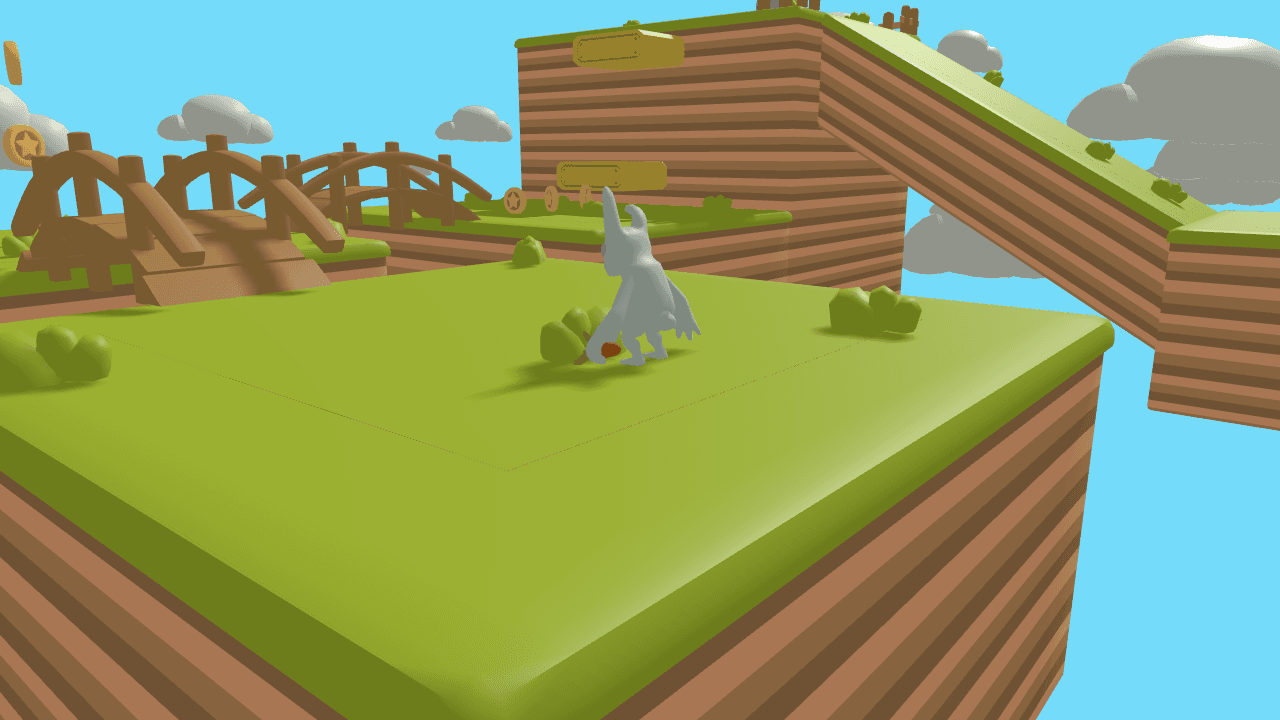
GDevelop is an accessible starting point if writing code is keeping you from making a game. Its event system expresses gameplay through conditions and actions, while ready-made behaviors handle common types of movement and interaction.
For example, one event can increase the score when the player collects an object. Another can open an exit when the score reaches a target. Each rule connects directly to an action you can see while playing.
Pros ConsI would use GDevelop for a contained project and check its current behaviors and extensions against the mechanics I need. Our GDevelop beginner tutorial explains how to turn event-based rules into a playable game.
6. PlayCanvas - My Pick for 3D Browser Games
PlayCanvas belongs on your shortlist when players need to open the game through a browser link. Its visual editor and JavaScript workflow are designed around interactive web experiences.
I would consider it for a short 3D arcade game, an interactive demonstration, or another experience that should run without an installation. Since development and delivery both center on the web, browser testing becomes a natural part of the process.
Pros ConsThe PlayCanvas engine is open source. The hosted editor offers a free plan for public projects, while private projects and additional services depend on the plan. Test a small build on your target phones and computers before adding detailed models or large textures.
7. Panda3D - My Pick for Developers Who Want to Use Python
Panda3D is worth considering if you already know Python and want to use it for a 3D game or simulation. It is a free, open-source engine controlled through Python or C++ code.
I would choose it when writing code feels more natural than arranging most of the project inside a large visual editor. It works well for experiments where you want direct control over objects, movement, cameras, and interactions.
Pros ConsIf Python is your main reason for considering Panda3D, begin with a small playable example. Familiar syntax helps, but you still need to understand 3D coordinates, cameras, assets, collisions, and game logic.
How to Choose a Good 3D Game Engine?
Build One Small, Complete Scene
Before comparing more features, write down a scene you could finish: a character crosses a room, collects a key, opens a door, and reaches an ending. This gives you something concrete to build in your two strongest candidates.
In an engine, try importing a model, changing the camera, adding collisions, and exporting a playable build. In an AI game maker, check how well the generated game follows your instructions and how easily you can revise it. Choose the workflow you can use to finish that scene.
If the first scene already needs many characters, a large map, and online multiplayer, reduce the scope. Our guide to building a playable game prototype can help you choose a smaller starting point.
Choose How You Want to Build Gameplay
Choose scripting if you want to learn programming and control the game through code. Visual events or Blueprints let you connect rules without typing every line. An AI game maker lets you describe the result and revise it through chat. Each approach still needs clear rules and careful testing.
Choose tutorials that match your engine version, and change a small feature after each lesson. Making the character jump differently or adding another win condition helps you see whether you understand the rule well enough to use it yourself.
Test Your Hardware, Assets, and Target Platform Early
A lightweight 3D game engine can be helpful on a modest computer, but the scene matters too. Detailed models, large textures, lighting, and effects can make even a small project demanding. Test a realistic sample before choosing on the basis of an empty scene.
If you are importing assets into an engine, start with a few models in a consistent style and check their licenses. Our guide to free game asset websites can help you find starting materials.
If you are still deciding whether your idea needs depth, camera movement, and 3D models, our 2D vs 3D game guide explains how that choice changes the workload.
FAQs About 3D Game Engine
What is the best free 3D game engine?
I would choose Godot if you want a visual editor and a free, open-source engine. Panda3D is another option if you prefer Python. Unity has a free plan for eligible users, and Unreal is free to start, with commercial licensing conditions. Free engine access does not cover every asset, service, or publishing cost.
What is the easiest 3D game engine for beginners?
GDevelop is a useful starting point if you prefer visual events. Godot is worth considering if you want to learn scripting in a scene-based editor. If your goal is to make a small game through prompts, SoonLab offers a different starting point. Try one short project before choosing a tool for a larger game.
Can I make a 3D game without coding?
Yes. SoonLab can create a 3D browser game from your description and revise it through chat. GDevelop uses visual events, while Unreal offers Blueprints. You can avoid writing code for many small projects, but you still need to define the rules, test the result, and fix problems.
Is Godot good for 3D games?
Yes. Godot includes 3D rendering, physics, animation, and model importing. I would consider it for a small exploration game, puzzle, or stylized adventure. If your project needs complex lighting or large environments, test a scene with those requirements before committing to the engine.
Should I learn 2D before making a 3D game?
You can start with 3D. Movement, collisions, scoring, and game states matter in both formats, but 3D adds camera control, depth, and more asset work. Start with simple shapes and one short level. A small 2D project can help you learn the basics, but it is not a requirement.
Conclusion
The best 3D game engine for you depends on your project, coding skills, and target platform. I would choose Godot for a small indie game, Unity for a flexible C# workflow, or Unreal Engine for detailed 3D environments. If you want to turn an idea into a playable browser game through chat, SoonLab offers an accessible starting point.
Choose one tool and build a small game with a working camera, one main mechanic, and a clear ending. Playing and improving that first version will tell you more about whether the tool fits your needs than another feature comparison.