世界盃特惠:$145.99 降至 $49.99,再享額外 10% 折扣,使用優惠碼 SLTOP10


Free 2D Game Maker Online
Use SoonLab 2D game maker to create a playable 2D game from a simple text prompt. Describe the controls, goals, obstacles, and visual style, then play and improve your game online.
0/1000
Game inspiration sources







2D Game Examples You Can Play
Play 2D games made with SoonLab and see how they use movement, enemies, scoring, and restart rules. Use these ideas to plan your own game.
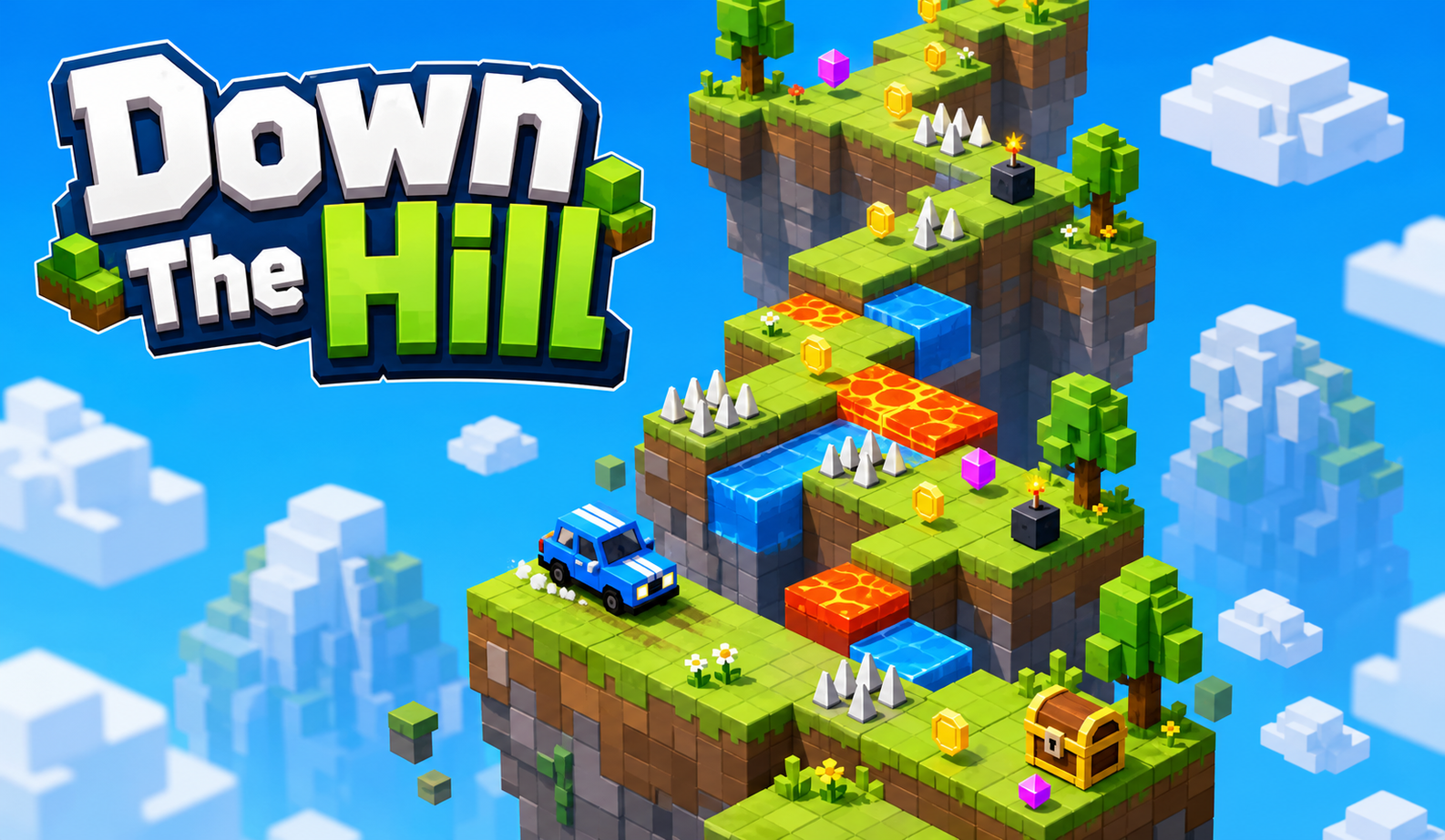
Down the hill cover
Play Game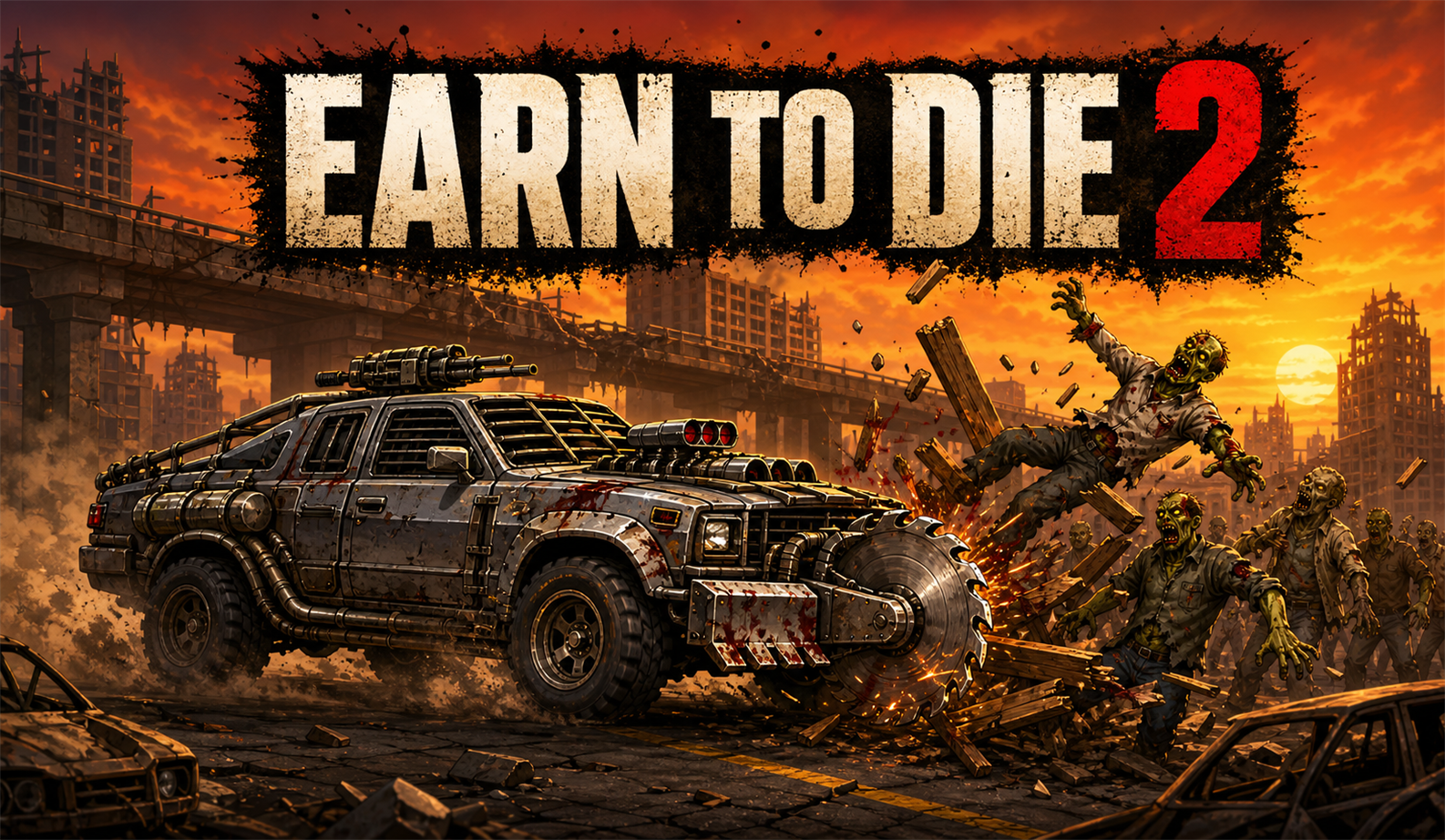
Earn to Die
Play Game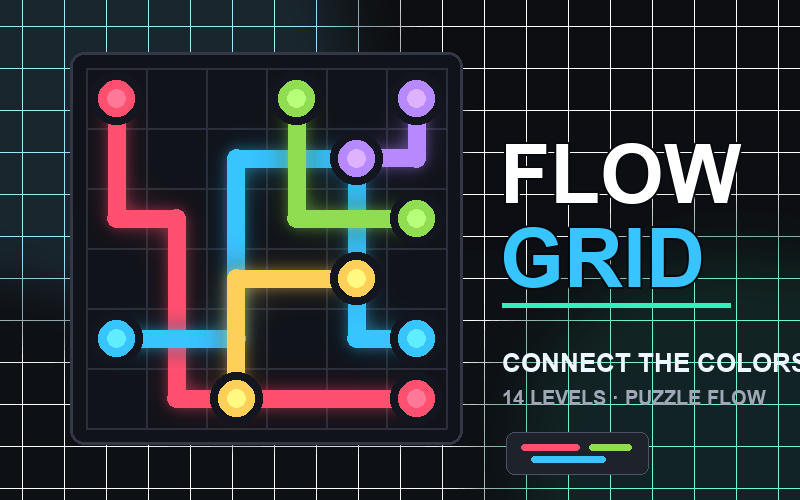
Flow Grid
Play Game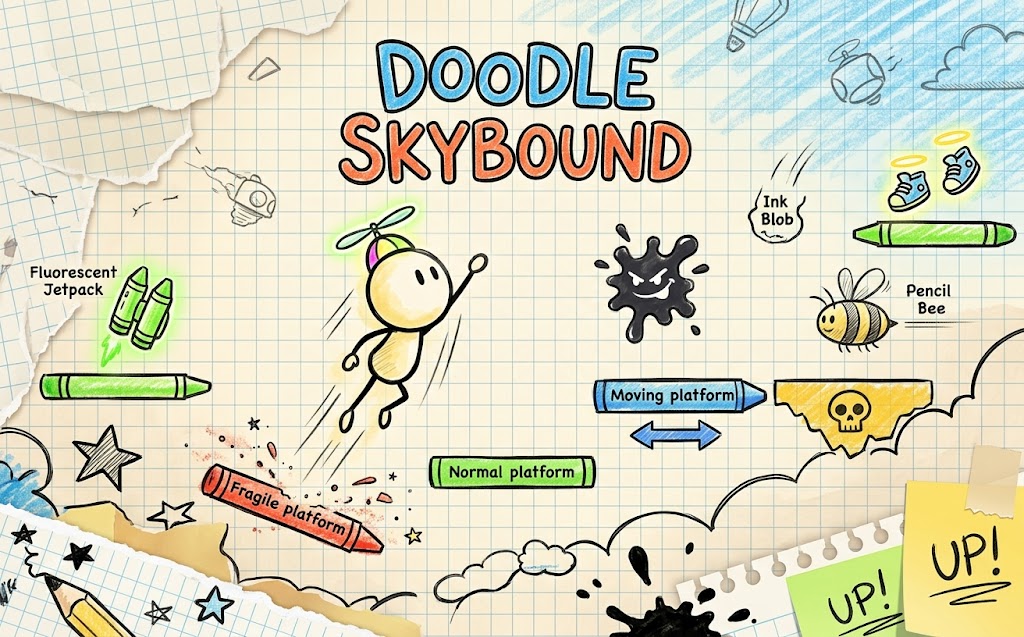
Doodle Skybound
Play Game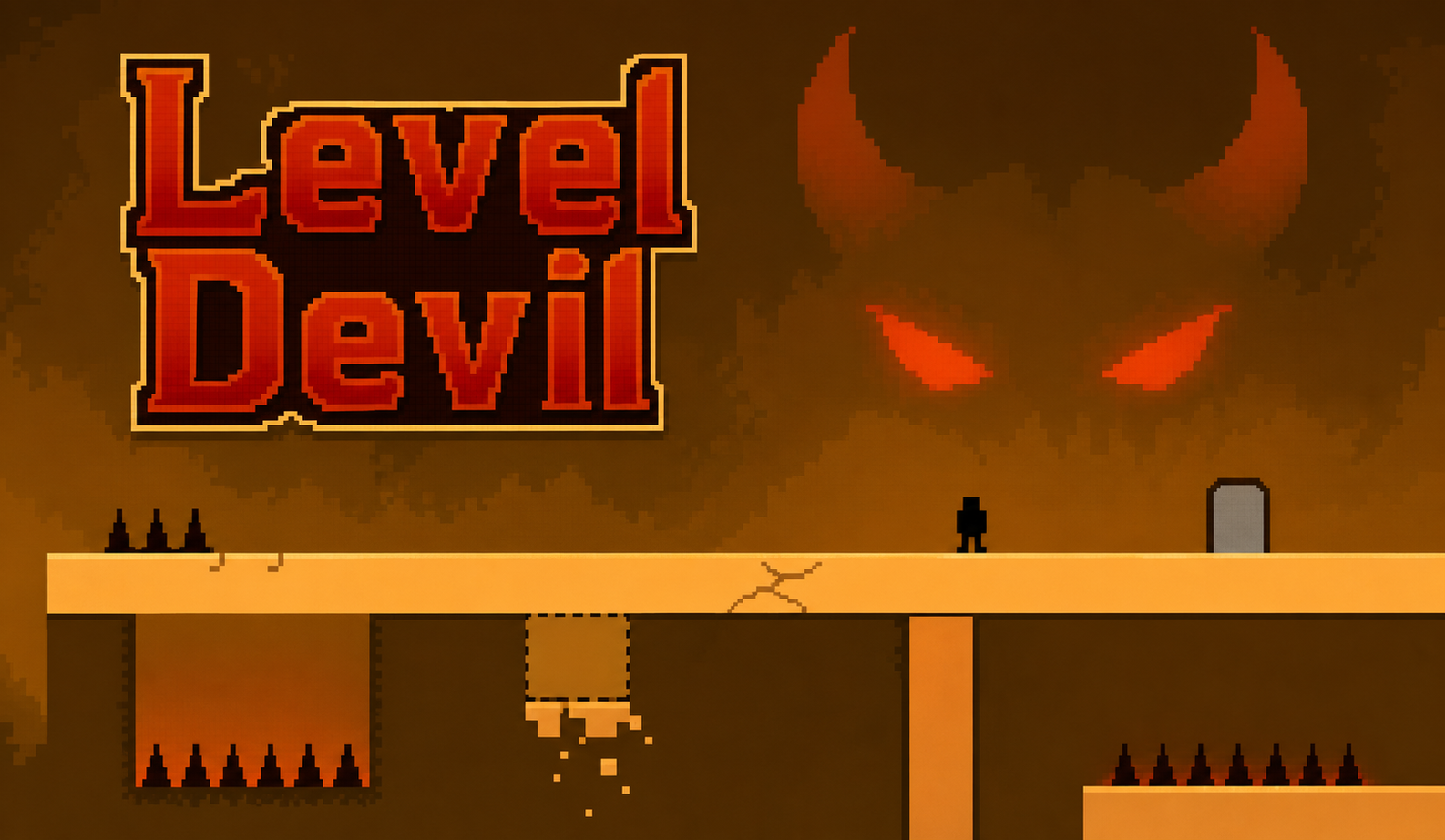
Level Devil
Play GameWhy Make a 2D Game with SoonLab?
Create a Playable Game from a Text Prompt
Describe your 2D game idea, and SoonLab turns it into a playable game. This helps you test the idea before building a larger 2D project.
Create a 2D Game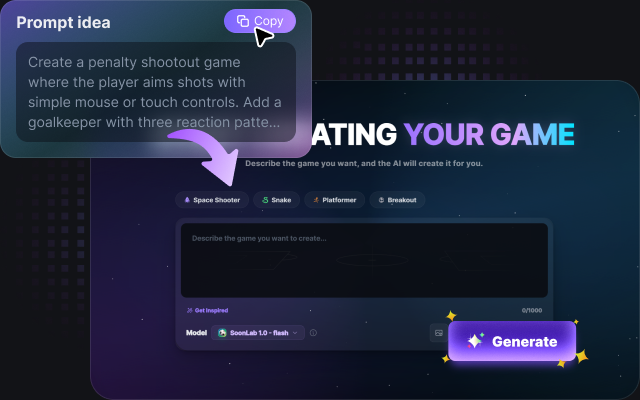
Make Games Without Coding or Installing Software
Add the controls, goal, obstacles, scoring, levels, and visual style in your prompt. You can create a 2D game online without writing code or setting up game development software.
Make a 2D Game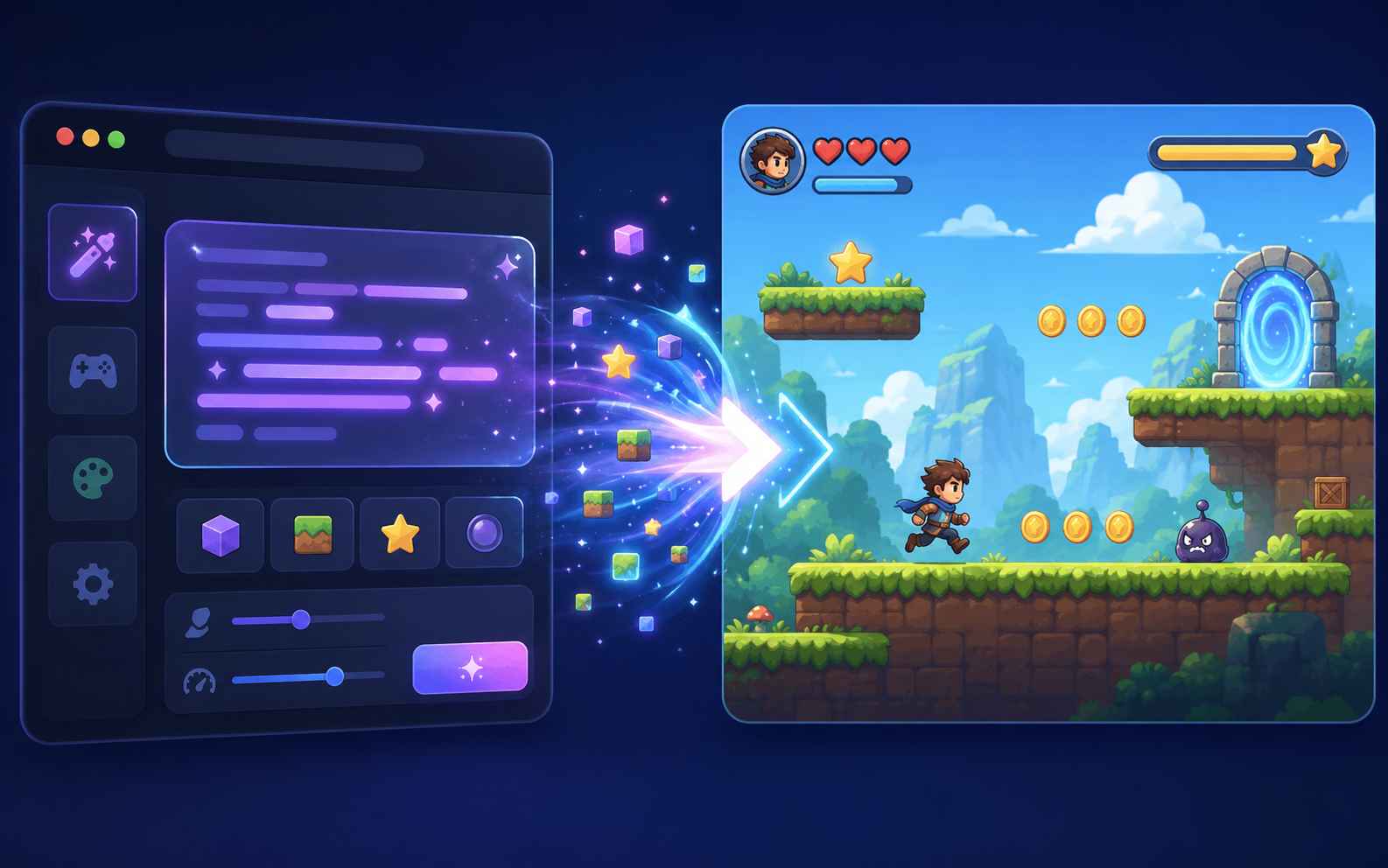
Play, Edit, and Test Your Game Online
Play the first version, find what needs improvement, and update it with follow-up prompts. Adjust movement, enemy speed, level design, scoring, or the win condition until the game feels better.
Create Your Game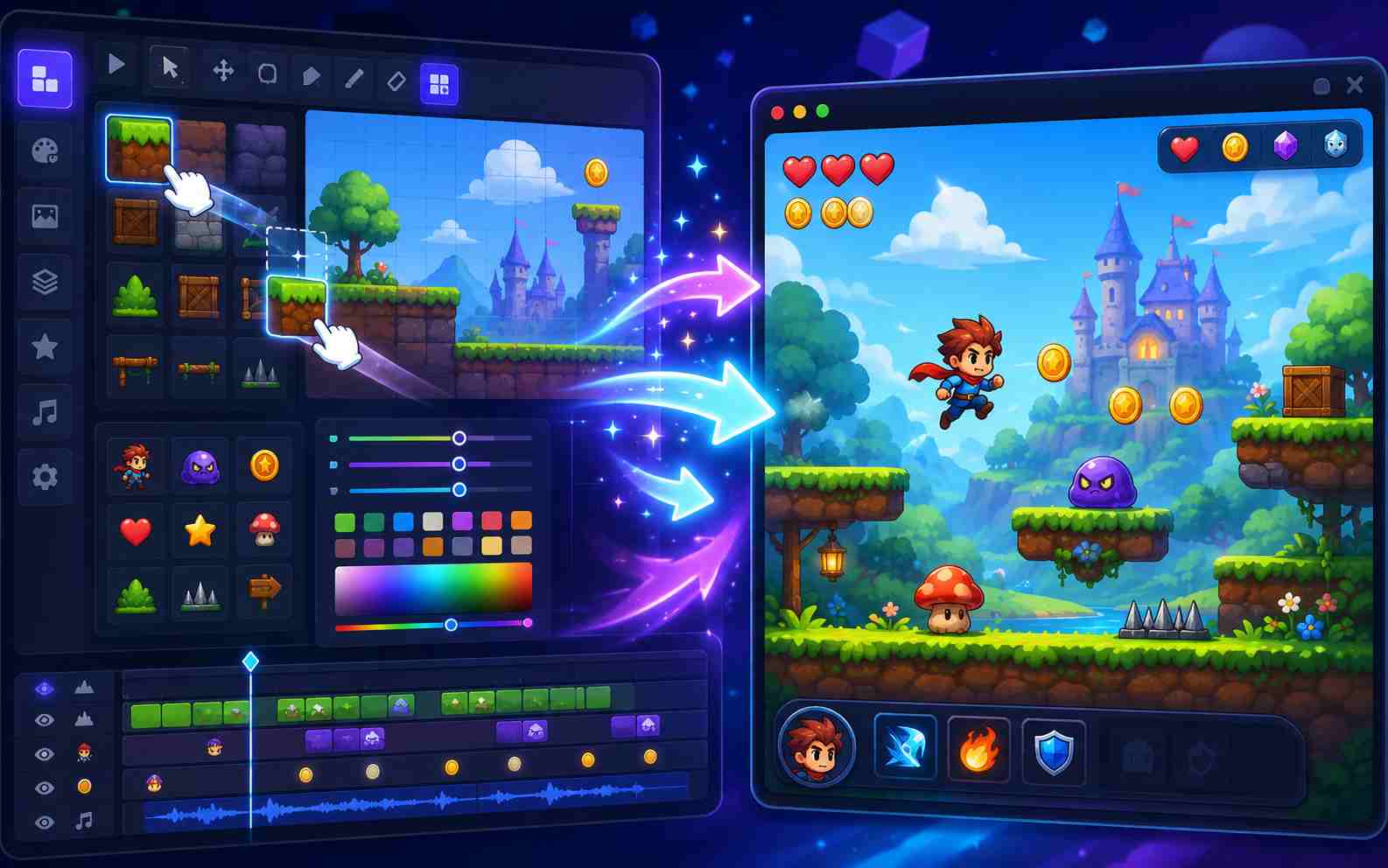
How to Make a 2D Game with SoonLab
SoonLab works best when your idea is simple and clear. Start with one small game, generate a playable version, then test and improve it.

Step1.Describe Your Game Idea
Choose a simple format, such as a platformer, maze, arcade shooter, puzzle, or collecting game. Explain what the player controls, how they move, what obstacles they face, how they earn points, and how the game ends.

Step2.Generate a Playable 2D Game
Paste your prompt into SoonLab and generate the first version. Play from start to finish and check that the controls work, the goal is clear, hazards are easy to see, and the game restarts correctly.

Step3.Play and Improve the Game
Use follow-up prompts to change one part at a time. You can adjust jump speed, enemy movement, level length, checkpoints, touch controls, hit effects, scoring, or the win condition.
2D Game Maker Prompts You Can Use
Skyline Coin Dash
Prompt: "Create a side-scrolling 2D platformer where the player controls a rooftop runner with keyboard and touch controls. The goal is to collect 20 coins and reach the exit before the timer ends. Add jump pads, moving platforms, spike hazards, checkpoints, a coin counter, a timer, and a restart button. The player wins by reaching the exit with at least 15 coins and loses by falling three times. Use a bright pixel-city visual style."
Use This Prompt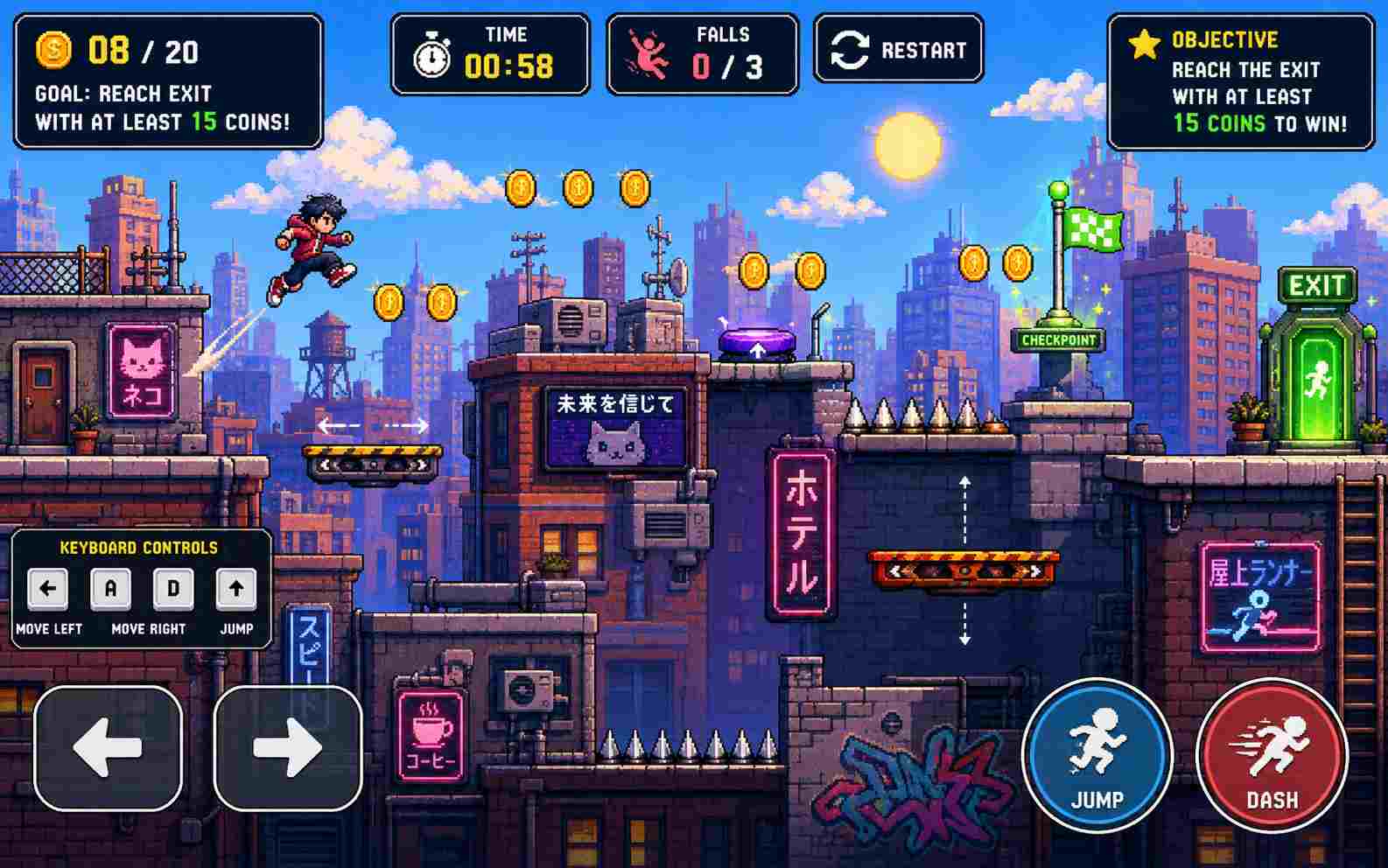
Garden Maze Rescue
Prompt: "Create a top-down 2D maze game where the player moves a tiny gardener with arrow keys or swipe controls. The goal is to rescue five lost fireflies while avoiding patrolling beetles and locked gates. Add keys, simple enemy paths, safe zones, a rescue counter, sound cues for danger, and a clear win screen when all fireflies are found. The player loses if three beetles touch them. Use a cozy hand-drawn garden style."
Use This Prompt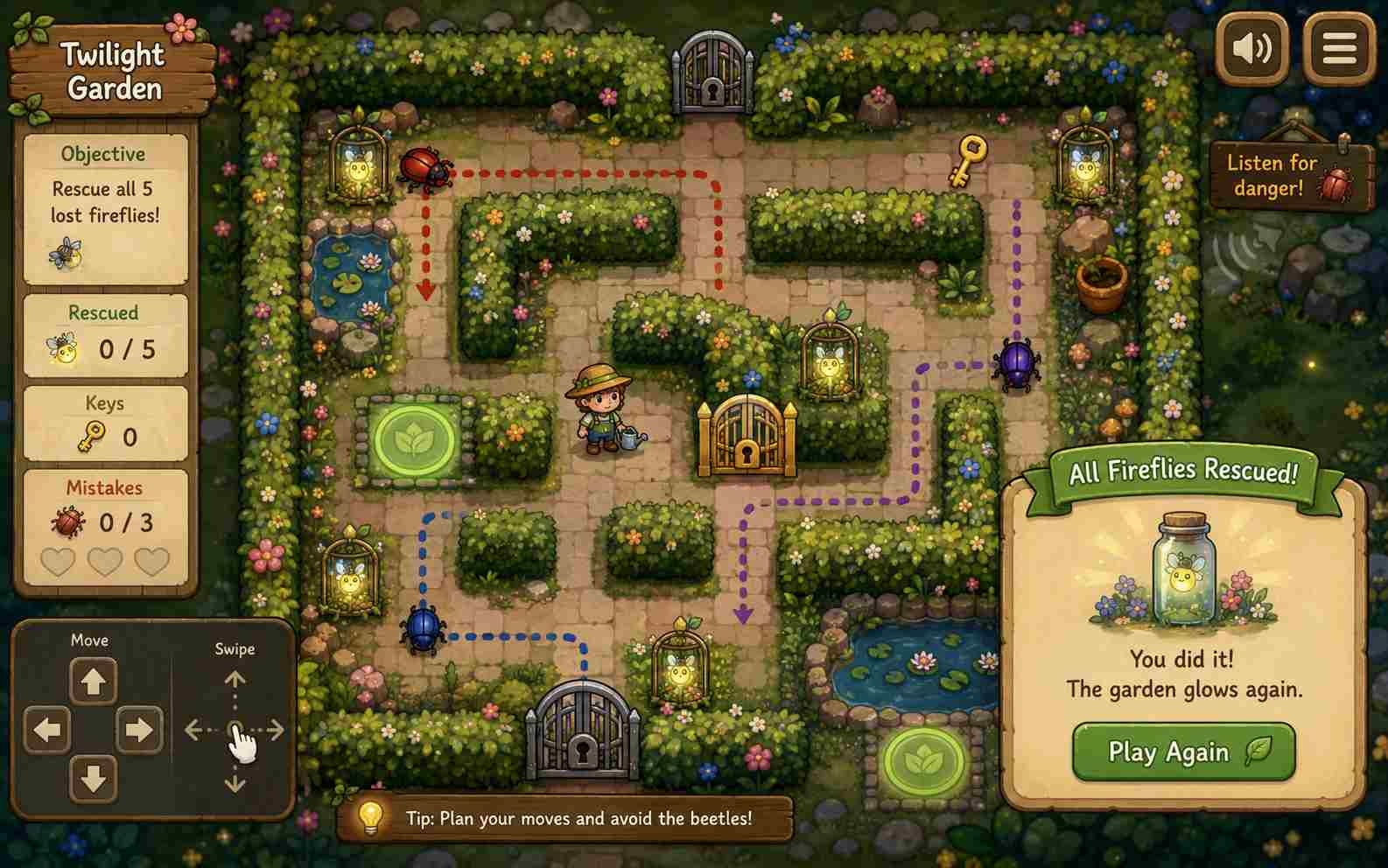
Asteroid Paint Defender
Prompt: "Create a 2D arcade shooter where the player pilots a small paint ship with mouse, keyboard, or touch controls. The goal is to color incoming asteroids before they hit the base. Add three asteroid sizes, a paint meter, combo scoring, shield health, increasing waves, hit feedback, and a final score screen. The player wins by surviving five waves and loses if base health reaches zero. Use a colorful neon space style."
Use This Prompt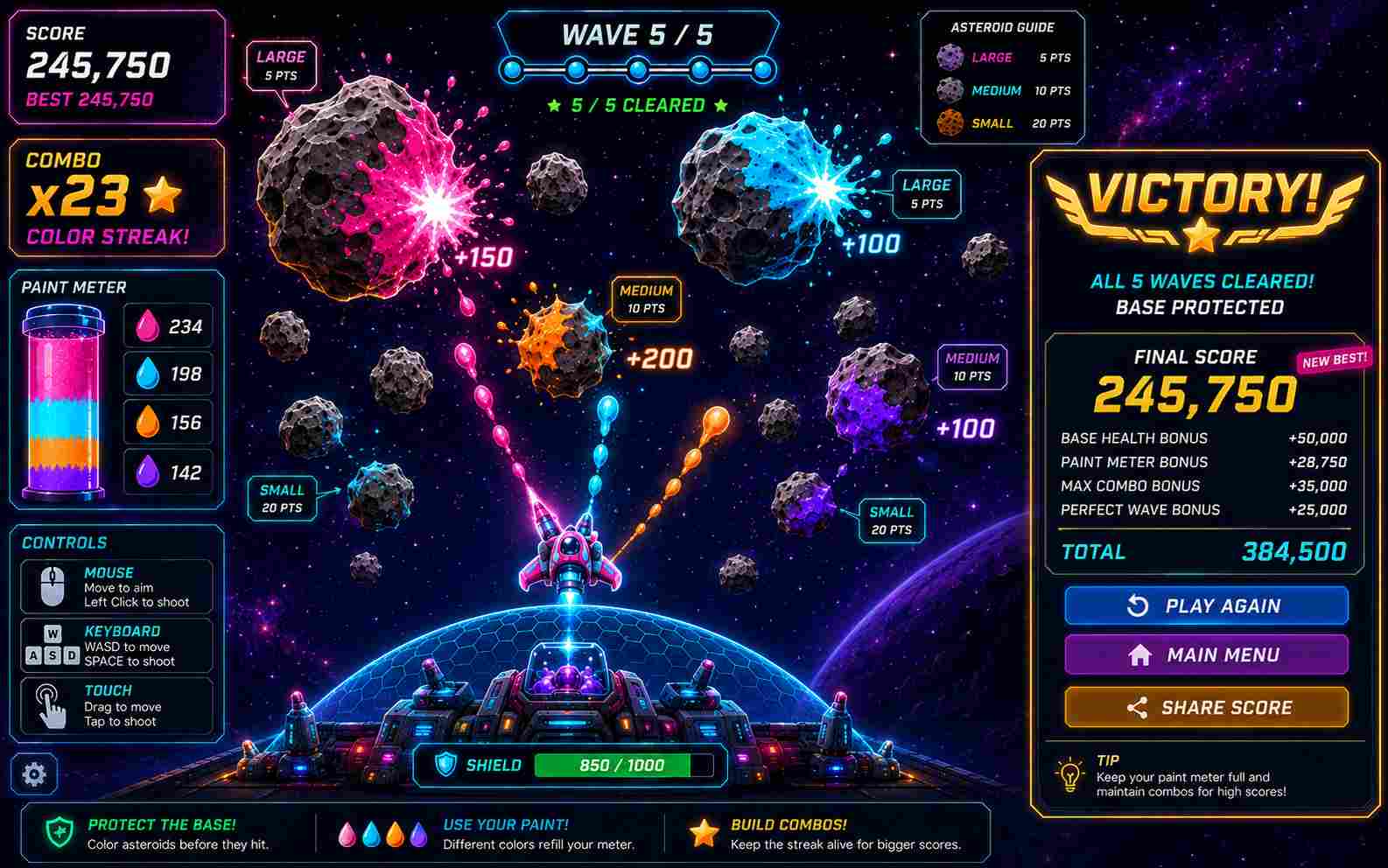
Compare Popular 2D Game Makers
Compare popular 2D game maker tools and copy a starter prompt for each workflow. SoonLab can generate a playable 2D game directly from a prompt, while prompts for other 2D game makers can be used as project briefs or instructions for a coding assistant.
| 2D game maker | Starter prompt | Coding required | Best for | Pricing | Copy |
|---|---|---|---|---|---|
| SoonLab | Create a simple 2D platform game where the player controls a small robot collecting five energy crystals. Add left and right movement, jumping, moving platforms, two enemy types, three short levels, health, checkpoints, and a glowing exit portal. Use colorful arcade-style visuals and make the controls easy for beginners. | No coding | Fast prototypes and playable browser games | Free to try; paid plans available | |
| Unity | Create a 2D platformer project in Unity using C#. Add a player controller with movement and jumping, tilemap-based levels, collectible coins, simple patrol enemies, health, checkpoints, and a level-complete screen. Organize the scripts and explain where each component should be attached in the Unity Editor. | Coding | Customized and cross-platform 2D projects | Free Personal plan; paid Pro plans | |
| GameMaker | Build a 2D pixel-art platformer in GameMaker. Create player movement, jumping, collision with solid objects, collectible items, patrolling enemies, health, checkpoints, and a level exit. Use clear GameMaker Language code and explain which events each code block belongs in. | Moderate | Indie platformers, action games, and pixel games | Free for non-commercial use; paid commercial licence | |
| GDevelop | Create a no-code 2D platform game in GDevelop. Add platformer movement, collectible stars, enemy patrol behavior, three lives, checkpoints, a score counter, and a level-complete condition. Explain the objects, behaviors, variables, and event-sheet logic needed for each feature. | Moderate | Beginners, education, browser games, and mobile games | Free tier; optional paid plans | |
| Godot | Create a 2D platformer in Godot using GDScript. Use CharacterBody2D for the player, TileMap for the level, Area2D for collectibles, and simple enemy patrol logic. Add movement, jumping, health, checkpoints, a score counter, and a level-complete screen. Explain the node structure and provide the required scripts. | Coding | Open-source projects and full development control | Free and open source |
How to Make Your 2D Game Better
A clear 2D game maker prompt should explain what the player does, how the game works, and how they win or lose. Include the controls, goal, obstacles, scoring, and visual style to create a stronger first version.
2D Game Design Tips
- Choose one clear camera view, such as side-scrolling, top-down, fixed-screen, or vertical scrolling.
- Give the player one main action, such as jumping, dodging, shooting, collecting, or solving.
- Keep the first level short so you can test the game quickly.
- Make goals, damage, rewards, and results easy to see.
- Increase difficulty slowly with faster enemies, harder obstacles, or shorter time limits.
- Test one change at a time, such as speed, difficulty, level length, or scoring.
Common 2D Game Maker Mistakes
- Starting with a game idea that is too large.
- Describing the visual style without explaining the goal, controls, and rules.
- Adding too many enemies, levels, or power-ups too early.
- Making obstacles too small, fast, or difficult to see.
- Forgetting a clear win condition, fail screen, or restart button.
- Treating the first version as finished instead of testing and improving it.
Related 2D Game Maker Tools and Guides
Explore more AI game maker resources, no-code creation guides, and asset planning articles for building browser-playable game prototypes.
Best 2D AI Game Maker Tools: Build and Design 2D Games with AI
How to Make a 2D Game: Free No-Code Beginner Guide

Best 2D Fighting Games Still Worth Playing

Unity vs Unreal Engine: Which Game Engine Is Better?
AI Worlds Are Not AI Games Yet: What Mirage 2 Reveals About Generative Play
Best Free Game Asset Websites for Indie Developers
How to Launch Steam AI Games That Players Actually Want to Play
2D Game Maker FAQs
Yes. SoonLab lets you create a playable 2D game from a text prompt without writing code. Describe the controls, goal, obstacles, scoring, visual style, and win condition, then generate and test the game online.
Make Your Own 2D Game
Turn your 2D game idea into a playable browser game. Write a simple prompt, generate the first version, and improve it with SoonLab.
Create a 2D Game