
Yes, Kimi K3 appears capable of creating playable 3D game prototypes, but the evidence does not support the idea that one prompt can produce a finished AAA game. Official materials show K3 working through code, live screenshots, and visual feedback to improve interactive projects. Public demos also show browser-based games with movement, camera control, physics, and collision.
That is more useful than generating a game concept or a block of code that never runs. However, most of the current examples are selected demonstrations. They do not show the full prompt history, failed attempts, total cost, or every bug that had to be fixed.
This Kimi K3 review separates what has been demonstrated from what still needs independent testing. It also explains how to make a game with Kimi K3 using a prompt that produces a result you can actually evaluate.
This review is based on Kimi's official documentation and public demos available as of July 2026.
Kimi K3 Game Generation: Quick Verdict
| Question | Short answer |
|---|---|
| Can Kimi K3 make a playable game? | Yes. Public examples show playable browser prototypes, not only code or video. |
| Can Kimi K3 create a 3D game? | Yes. Demonstrations include third-person movement, jumping, camera controls, collisions, and 3D levels. |
| Can it make a finished commercial game from one prompt? | There is no reliable evidence of this. A working prototype is not a balanced, secure, polished release. |
| Do you need coding skills? | Not always to generate the first version, but coding knowledge helps you inspect files, diagnose bugs, and control the project. |
| Who is it best for? | Developers and technical creators who want an agent to build, run, inspect, and revise a game project. |
What Is Kimi K3, and Why Is It Relevant to Game Development?
Kimi K3 is Moonshot AI's flagship multimodal model for long-running coding and reasoning. According to the official Kimi K3 technical blog, it has 2.8 trillion total parameters, native visual understanding, and a context window of up to one million tokens.
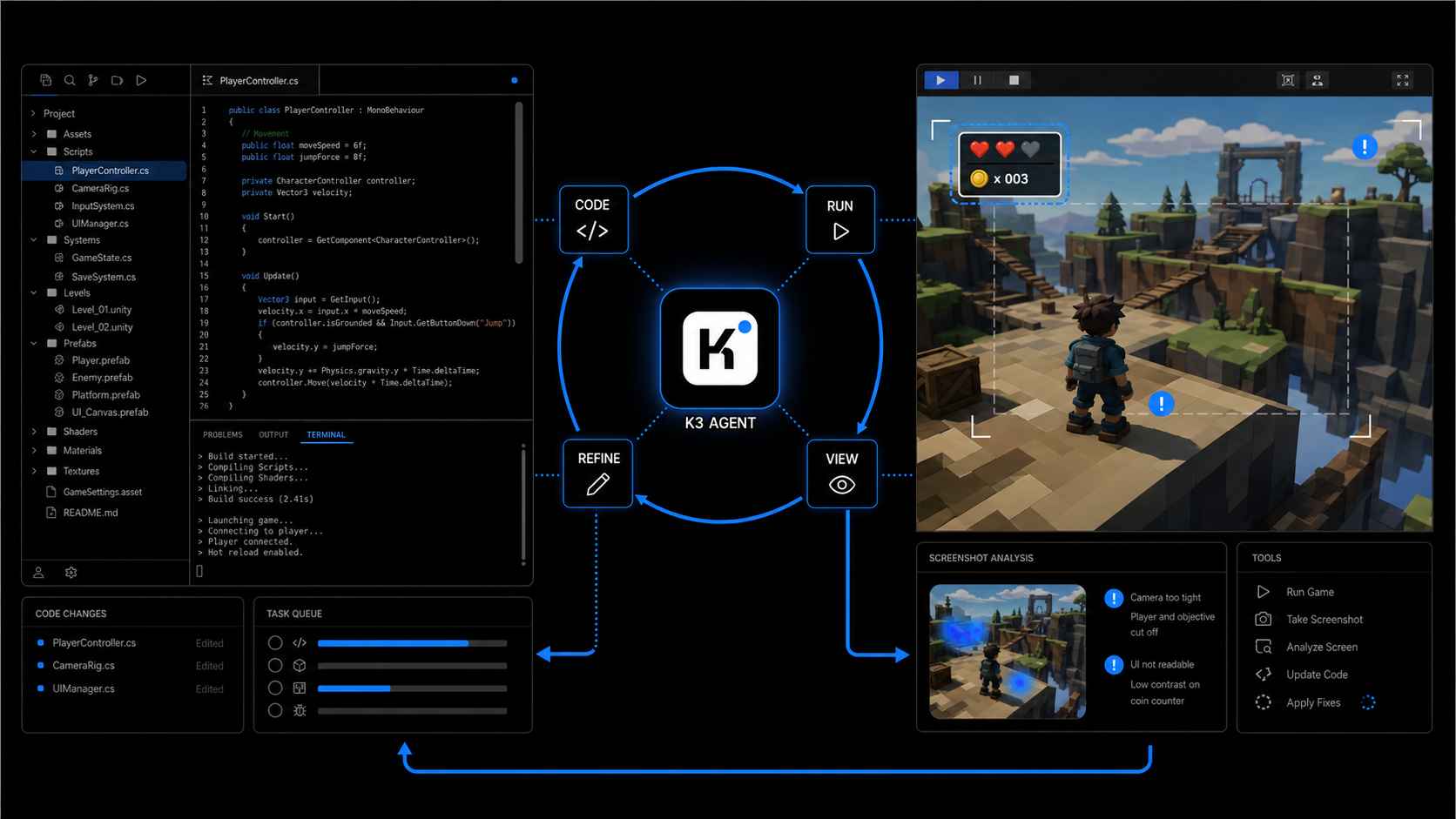
More importantly, K3 can work as a coding agent: inspect a project, edit files, run tools, view the result, and continue making changes. Kimi calls this visual process "vision in the loop." It lets the model use live screenshots to find problems such as poor camera framing or unreadable UI instead of stopping after it writes code.
Can Kimi K3 Really Make a Playable 3D Game?
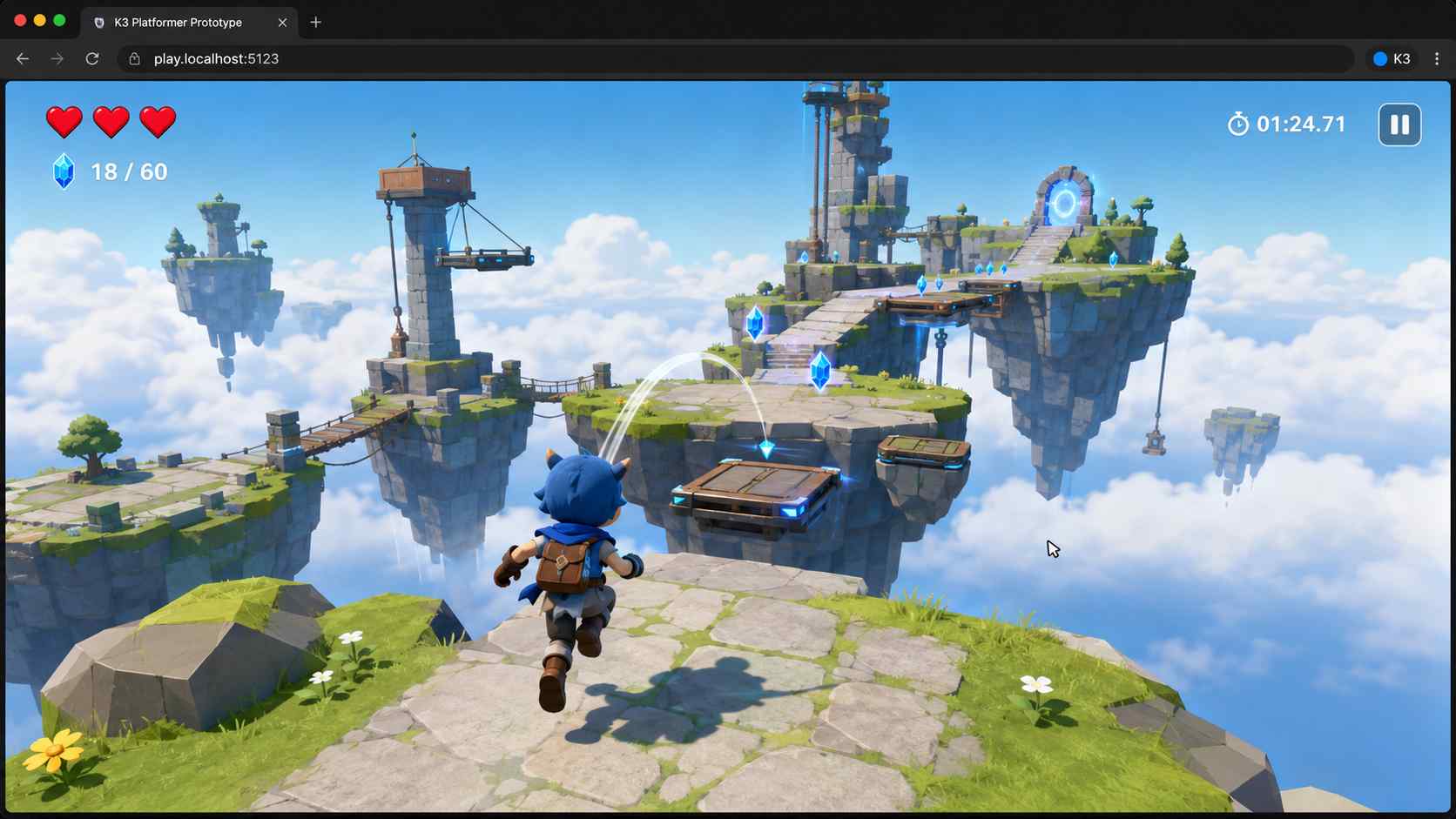
The strongest public evidence is a browser-based 3D platformer shared shortly after launch. It shows third-person movement, jumping, camera control, collision handling, and navigable level geometry. A model can write plausible code for these systems and still produce a broken game, so a prototype that runs is a meaningful result.
Still, the viral examples should be treated as demonstrations, not a controlled benchmark. The public clips do not consistently provide the original prompt, complete session history, number of retries, token use, project files, or success rate across repeated runs. Some examples also use K3 inside a broader agent environment, which makes it difficult to separate the model's ability from the tools and workflow around it.
The fair conclusion is simple: Kimi K3 can generate playable 3D game prototypes, but we do not yet know how reliably it can do so across different games and users.
How to Make a Game with Kimi K3
You can access K3 through Kimi's web products, Kimi Code, or the API. A coding-agent workflow is most useful because the model needs to create files, run the project, inspect errors, and revise its work. Kimi Code users can select K3 with the /model command.
1. Start with a Small but Testable Game
Do not begin with "make an open-world multiplayer RPG." Start with one level and one clear loop. A small 3D platformer, racing track, or exploration game is enough to test movement, collisions, camera behavior, UI, and visual iteration.
2. Give Kimi K3 a Structured Prompt
A useful game prompt should define the platform, controls, core loop, required systems, visual direction, and finish conditions. It should also tell the agent to run and test the game instead of stopping after it writes the code.
Build an original browser-based 3D platform game using Three.js.

Game concept:
The player is a small sky courier exploring floating islands. Collect five energy fragments, avoid moving hazards, and reach a portal to win.

Required systems:
- WASD movement and Space to jump
- A smooth third-person camera
- Gravity, ground detection, and reliable collision
- Five collectible fragments with a visible counter
- Three moving hazards that reset the player to the last safe platform
- A start screen, short control instructions, win screen, and restart button
- Responsive layout for a desktop browser

Visual direction:
Use an original low-poly sky world with warm sunset colors. Do not use copyrighted characters, logos, music, or game assets.

Development requirements:
- Keep the code organized and explain the file structure
- Use only free and clearly licensed dependencies
- Run the game and fix console errors
- Play through the complete win path
- Inspect screenshots and improve camera framing, contrast, and UI readability
- Do not stop after generating code; finish with a working local build and a short list of known limitations
3. Play the First Version Before Asking for More Features
Test the smallest complete loop first: move, jump, collect one item, touch one hazard, and reach the goal. If those actions do not work, adding enemies, upgrades, dialogue, or extra levels will create more problems.
Record visible failures in plain language. "The game feels wrong" gives the model little direction. A better message is: "The character slides for about one second after I release W, and it can jump again before touching the ground."
4. Use Screenshots for Visual Iteration
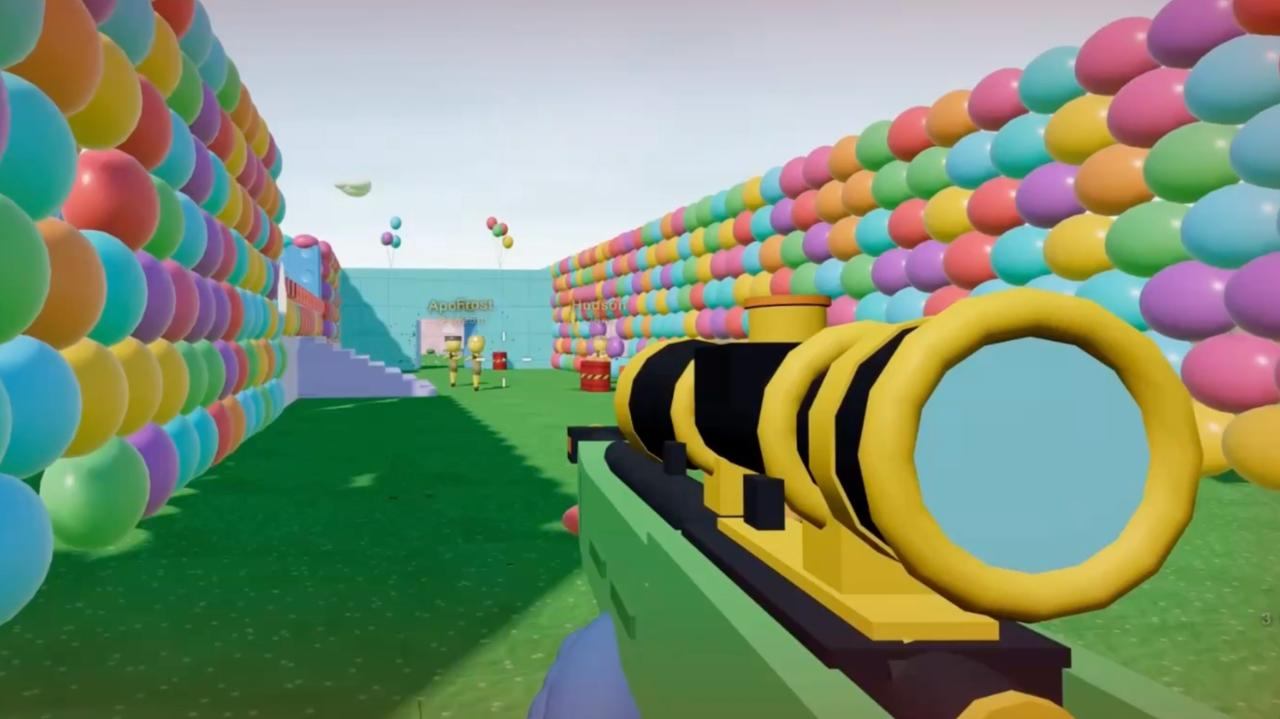
Kimi K3's visual ability is most useful when you provide clear evidence. Attach a screenshot and point to one problem at a time.
The player blends into the platform in this screenshot. Increase separation without changing the low-poly style. Add a soft outline or rim light to the player, darken the platform directly below it, and keep the UI readable against the sky. Run the game and show the updated view.
This is a better test of Kimi K3 game development than repeatedly asking it to "make the game look better."
5. Ask for a Final Test Report
Before treating the project as complete, ask K3 to list what it tested, what still fails, which dependencies it used, and how to run the game from a clean environment. Then verify those claims yourself. An agent's report is useful, but it is not a substitute for playtesting.
How to Evaluate a Kimi K3 Game Fairly
A strong Kimi K3 game generation test should measure the complete experience, not only visual quality. Use the same prompt and clean environment for every run, and record failed attempts as well as successful ones.
| Area | What to check |
|---|---|
| Playability | Does the game load, respond to input, and support a complete win or fail path? |
| Controls and collision | Are movement and camera behavior predictable, and can the player become stuck? |
| Prompt accuracy | Are the requested mechanics, art direction, UI, and goal present? |
| Iteration | Can K3 fix a specific problem without breaking a working feature? |
| Cost and time | How long, how many turns, and how much paid usage were needed for a working result? |
For original value, repeat each test at least three times. A model that creates one impressive game but fails the next two runs is less useful than a model that produces a simpler but stable result.
Kimi K3 Limitations You Should Know
Kimi's own documentation warns that K3 can become unstable when a tool does not preserve its full thinking history. It may also be overly proactive when instructions are unclear. In a game project, that could mean replacing a working system or adding an unrequested dependency. Set clear boundaries, use version control, and review changes.
Other practical limitations include:
- A prototype is not a finished game. Balance, accessibility, onboarding, performance, security, and player retention still need human work.
- Large projects increase regression risk. Fixing one mechanic can break another unless the project has tests and version control.
- Copyright still matters. Do not ask the model to clone recognizable characters, levels, music, or branded games.
- Local use may be impractical for most people. K3 is extremely large, so most users will access it through a hosted product or API even after model weights become available.
Research on LLMs in game development points to a similar trade-off: LLMs can increase variation and personalization, but they can also create problems with correctness, difficulty calibration, and structural consistency.
Kimi K3 vs. a Dedicated AI Game Maker
Kimi K3 and SoonLab solve different parts of the game creation problem. K3 is a general multimodal model that can operate inside a coding workflow. SoonLab is a dedicated AI game maker built around generating, playing, editing, publishing, and sharing browser games.
| Area | Kimi K3 | SoonLab |
|---|---|---|
| Best for | Developers who want control over code, frameworks, and project files | Beginners and creators who want a guided prompt-to-play workflow |
| Starting process | Set up an agent environment and describe the project | Describe the game in a browser |
| Technical control | High, if the user can inspect and manage the code | Focused on simple prompt-based creation and follow-up edits |
| Testing | The user manages the run, debug, and review workflow | The generated browser game can be played during the creation flow |
| Publishing and sharing | Depends on the chosen framework, hosting, and workflow | Built into the product workflow |
| Learning curve | Higher for complex projects | Lower for non-technical creators |
Choose Kimi K3 if you want an AI coding agent that can work deeply inside a custom game project. Choose SoonLab if your priority is to create a playable browser game from a prompt without first setting up a development environment.
Turn your idea into aplayable game
Describe the game you want to make, and SoonLab will help you start building it.
If you are still comparing workflows, see our guides to vibe coding games and the best game engines. They explain the difference between code-first AI agents, full game engines, and dedicated prompt-to-game tools.
FAQs
Can Kimi K3 create games?
Yes. Official materials and public examples show playable browser games, including 3D prototypes. Generated results still need testing for control, collision, balance, and performance problems.
Can Kimi K3 make a 3D game from one prompt?
Public demonstrations show one-prompt 3D prototypes. They do not prove that every first attempt works or is ready to publish. Expect to playtest and revise the result.
Is Kimi K3 a game engine?
No. It is a multimodal language model that works through an agent and still relies on code, libraries, tools, and a runtime.
Is Kimi K3 free for game development?
Access depends on the Kimi product and plan you use. The official API uses pay-as-you-go token pricing, while access and limits in Kimi's web, app, and coding products may differ. Check the current Kimi pricing page before starting a long agent session.
Final Verdict: Is Kimi K3 Good for Game Development?
Kimi K3 stands out because it combines long-running coding work with visual feedback. Its public 3D demos show that it can coordinate several systems well enough to produce a playable prototype. But it has not proved that one prompt can reliably create a finished commercial game, and public demos do not replace repeatable testing.
For developers, K3 is worth testing as an agent inside a controlled project. For beginners, a dedicated prompt-to-game product may provide a faster and clearer start. In both cases, the winning workflow is the same: begin with a small game, play it, identify one problem, and improve it step by step.