

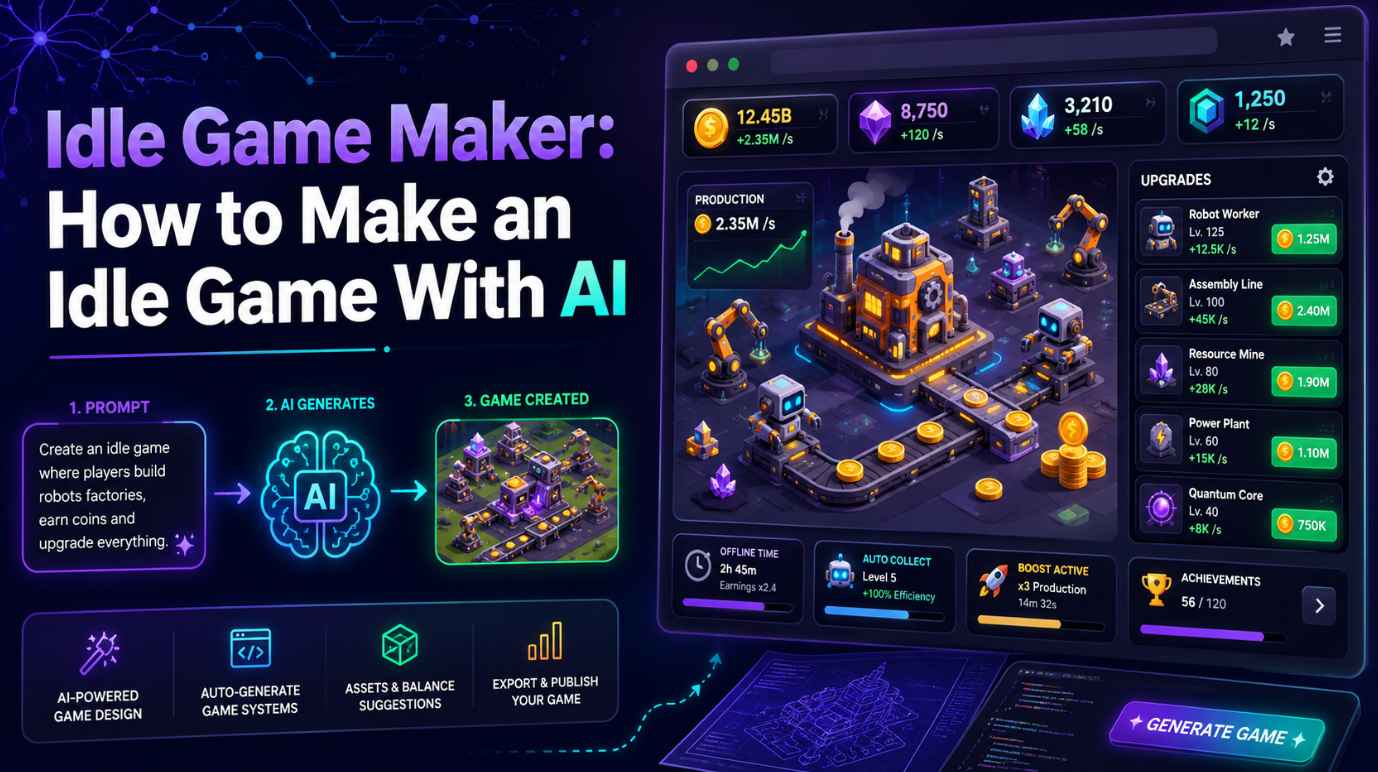
Idle games may look simple at first, but the best ones are built around smart progression. Players start with a small action, earn resources, buy upgrades, unlock automation, and come back later to see their progress grow. This simple loop is why idle games, clicker games, and incremental games are so addictive.
Today, you do not need to be an experienced developer to create one. With an idle game maker, you can design the core loop, add upgrades, create automatic production, and even test a playable version much faster than before.
In this guide, we will explain what an idle game maker is, what makes a good idle game, which tools are worth trying, and how to make an idle game with AI step by step. If you want to turn a simple idea into a playable idle game, this article will give you a clear starting point.
What Is an Idle Game Maker?
An idle game maker is a tool that helps you create idle games, clicker games, or incremental games without building every system from scratch. In an idle game, players usually collect resources, buy upgrades, unlock automation, and continue making progress even when they are not actively playing.
A good idle game maker should help you create the basic systems that define this game genre, such as resource generation, upgrade loops, auto-production, offline progress, achievements, and long-term goals. For beginners, AI game makers and no-code engines can be especially useful because they let you start with an idea instead of a blank code editor.
What Makes a Good Idle Game?
A good idle game is not just a game where numbers go up. The best idle games make players feel that every click, upgrade, and return visit matters.
- A clear core loop: most idle games follow a simple structure:
Earn resources → Buy upgrades → Generate faster → Unlock automation → Reach bigger goals
This loop needs to feel rewarding from the first few seconds. If players click for too long without progress, they may leave. If upgrades come too quickly, the game may feel shallow. Good pacing is one of the most important parts of idle game design.
- Automation: a clicker game becomes more like an idle game when players can buy workers, machines, pets, robots, buildings, or systems that generate resources automatically. Automation gives players a sense of growth and makes the game feel alive even when they stop clicking.
- Offline progress: many players expect idle games to reward them when they come back later. This can be simple: the game records when the player left and calculates how many resources they earned while away. Offline progress makes the player feel that time itself has value.
- Long-term motivation: this can come from achievements, new areas, rare upgrades, prestige systems, or permanent bonuses after resetting. Without long-term goals, players may enjoy the first few minutes but lose interest quickly.
Best Idle Game Makers
There are many ways to make an idle game. Some tools are designed specifically for incremental games, while others are broader AI game makers or engines. Here are some of the best idle game maker options to consider.
Orteil's Idle Game Maker
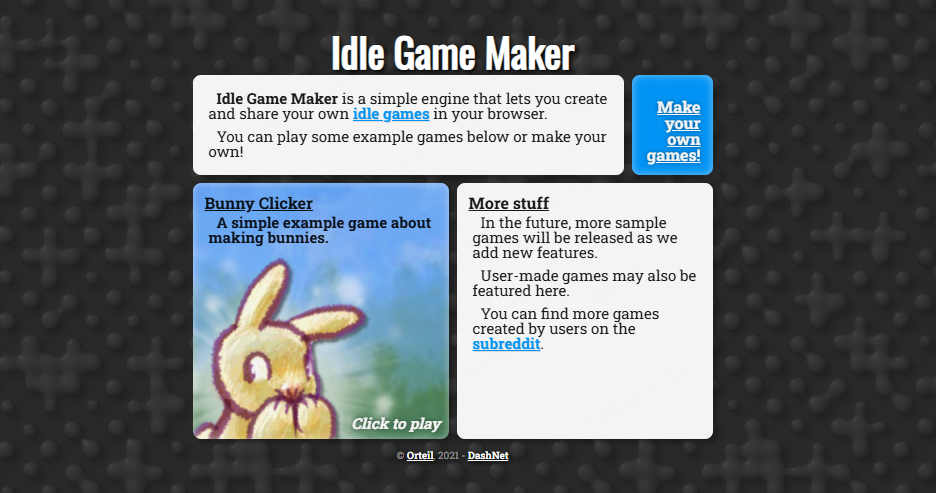
Orteil’s Idle Game Maker is one of the most well-known classic tools. It is closely associated with the incremental game community and is especially useful for creators who want to understand the structure of traditional idle games.
This tool is a good fit if you want to create a classic resource-based idle game using a more text-driven workflow. It can help you think clearly about resources, upgrades, achievements, and progression systems. For people who enjoy old-school incremental games, Orteil’s Idle Game Maker is still worth knowing.
However, it may not be the easiest choice for users who want modern visuals, AI assistance, or instant playable browser game generation. It also requires you to learn its own structure and format. If your goal is to study classic idle game logic, it is useful. If your goal is to quickly create and share a playable game with AI, a modern AI game maker may be a better fit.
SoonLab
SoonLab is a modern AI game maker that can help users create playable browser games from prompts. For idle games, SoonLab is especially useful because the genre is built around clear systems: resources, upgrades, automation, offline rewards, and long-term progression. These systems can be described naturally in a prompt.
Instead of starting with code, you can write something like: “Create an idle mining game where players collect gold, hire workers, upgrade drills, unlock deeper caves, and earn offline rewards.” This makes SoonLab a strong choice for beginners, students, content creators, AI tool users, and indie creators who want to test an idle game idea quickly.
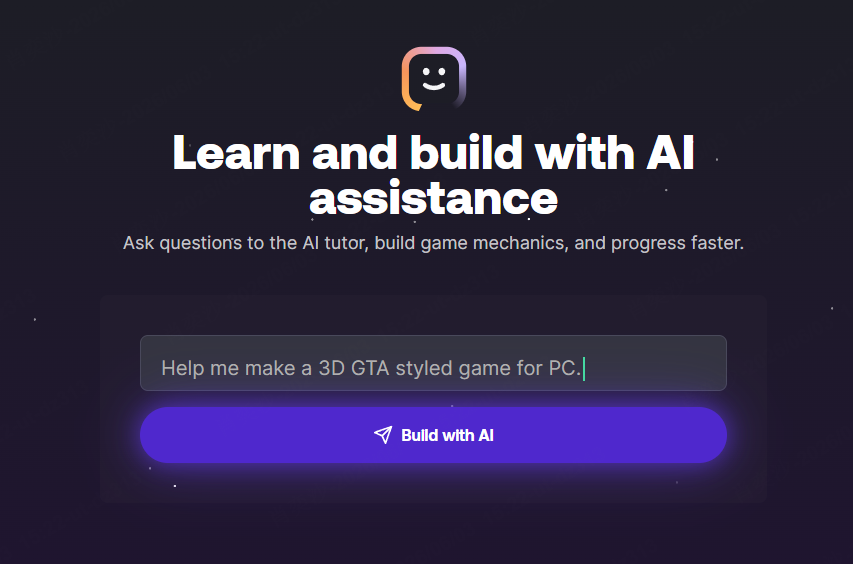
Turn your idea into aplayable game
Describe the game you want to make, and SoonLab will help you start building it.
SoonLab is best for users who want a fast prompt-to-play workflow. You can describe the theme, gameplay loop, upgrade system, visual style, and reward structure, then generate a playable result in the browser. It is also helpful for prototyping different idle game ideas before deciding which one deserves deeper development.
For more complex idle games, you still need to think carefully about balance, progression speed, and player motivation. AI can help you build faster, but a good prompt and clear design direction still matter.
Rosebud AI
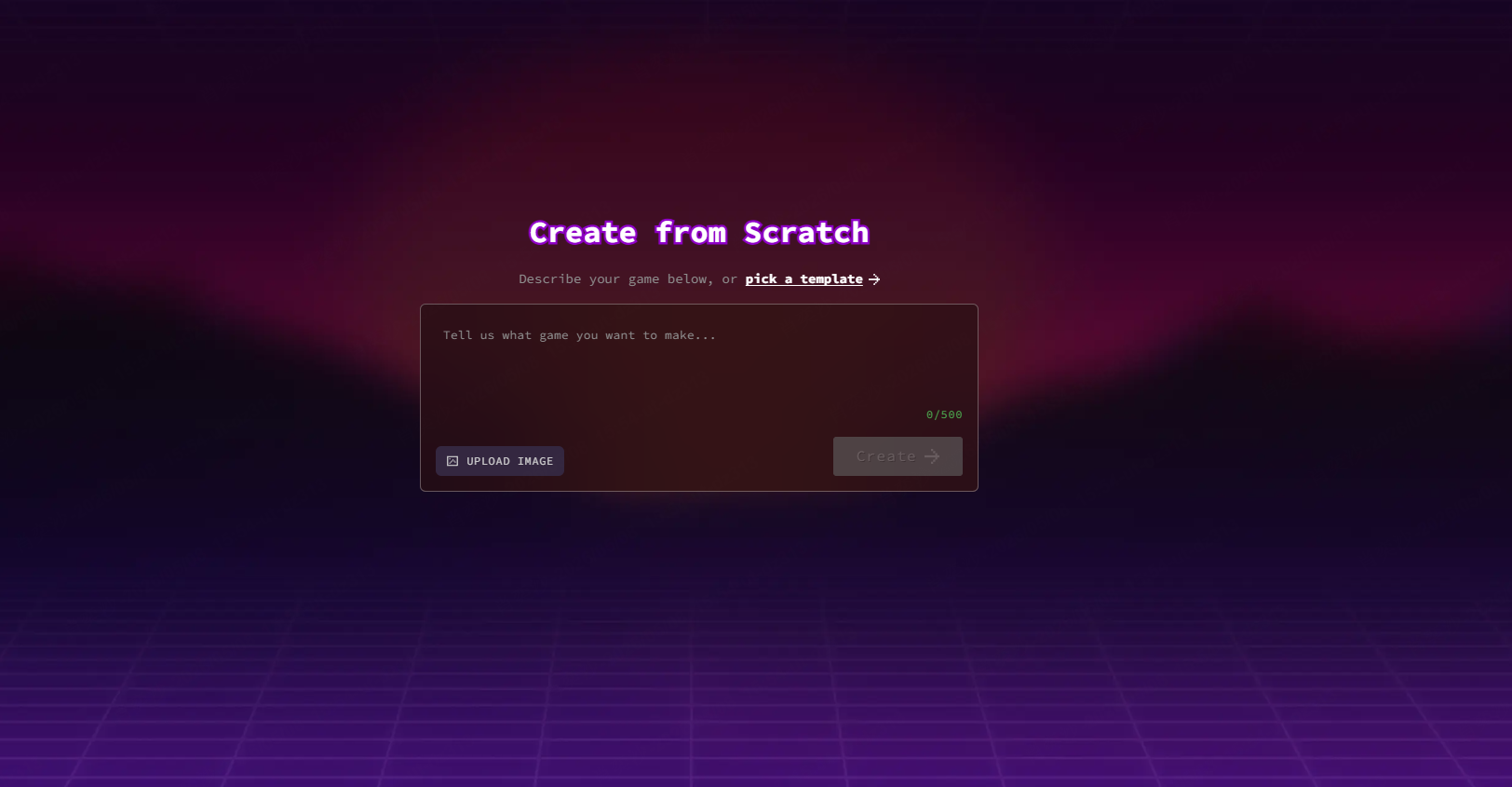
Rosebud AI is another AI game maker that can be used to create browser-based game prototypes. It is not only for idle games, but it can work well for idle clickers, tycoon games, RPG idle games, and simple incremental experiences if the prompt is detailed enough.
Rosebud AI is useful for creators who want to experiment with different game genres through AI. For idle games, it works best when you clearly define the core loop, resources, upgrade path, automation, and long-term goals. For example, a vague prompt like “make an idle game” may produce a basic result, while a detailed prompt about a coffee shop tycoon or robot factory idle game will usually give the AI more direction.
The main advantage of Rosebud AI is flexibility. It can help users explore game ideas quickly. The limitation is that it is not specifically focused on idle games, so creators may need to refine the game logic, balance, and UI through several iterations.
For a deeper breakdown, check out our SoonLab vs Rosebud AI guide, where we compare both tools from the perspective of AI game creation, browser playability, prompt workflow, and beginner friendliness.
Unity
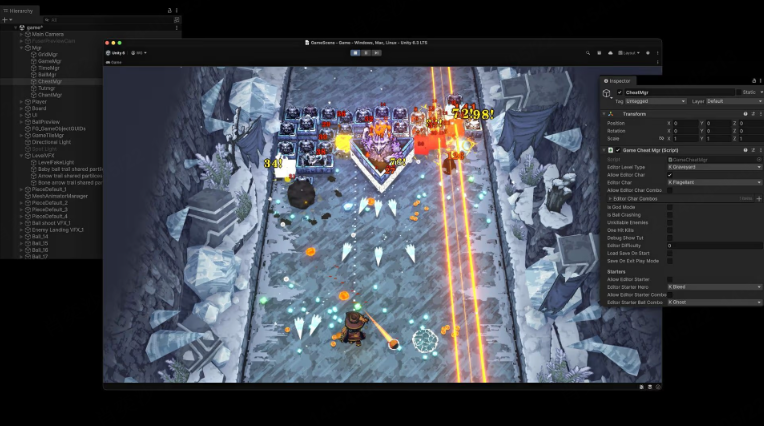
Unity is not a dedicated idle game maker, but it is one of the strongest engines for building advanced idle games. If you want to create a commercial mobile idle game, add ads or in-app purchases, connect analytics, use cloud saves, or build deeper systems, Unity gives you much more control than most no-code or AI tools.
Unity is a good choice for experienced developers or teams who want full ownership over the game logic. It is especially useful for games that need complex economy systems, polished UI, mobile publishing, backend support, and long-term updates.
The trade-off is difficulty. Unity has a higher learning curve and usually requires coding. It is not the fastest path for beginners who only want to test a simple idle game idea. But if you already know development or plan to build a serious idle game for mobile or multiple platforms, Unity is a powerful option.
GDevelop
GDevelop is a no-code and low-code game engine that works well for 2D games, including clicker games and simple idle games. It is a good middle-ground choice between AI game makers and professional engines.
With GDevelop, you can build gameplay using events, variables, buttons, timers, and conditions. This makes it useful for idle game systems such as clicking for coins, buying upgrades, increasing income per second, and unlocking auto-generators.
GDevelop is easier than Unity for beginners, but it gives more manual control than many AI game makers. It is a strong option if you want to learn how idle game logic works without writing traditional code. However, if your main goal is to generate a playable game from a prompt as quickly as possible, SoonLab or another AI game maker may feel faster.
How to Make an Idle Game with AI
With SoonLab, you can make an idle game by writing a clear prompt and turning it into a playable browser game. The key is to describe the game idea, core loop, upgrades, automation, offline rewards, and long-term goals in one prompt first, then improve the result after testing.
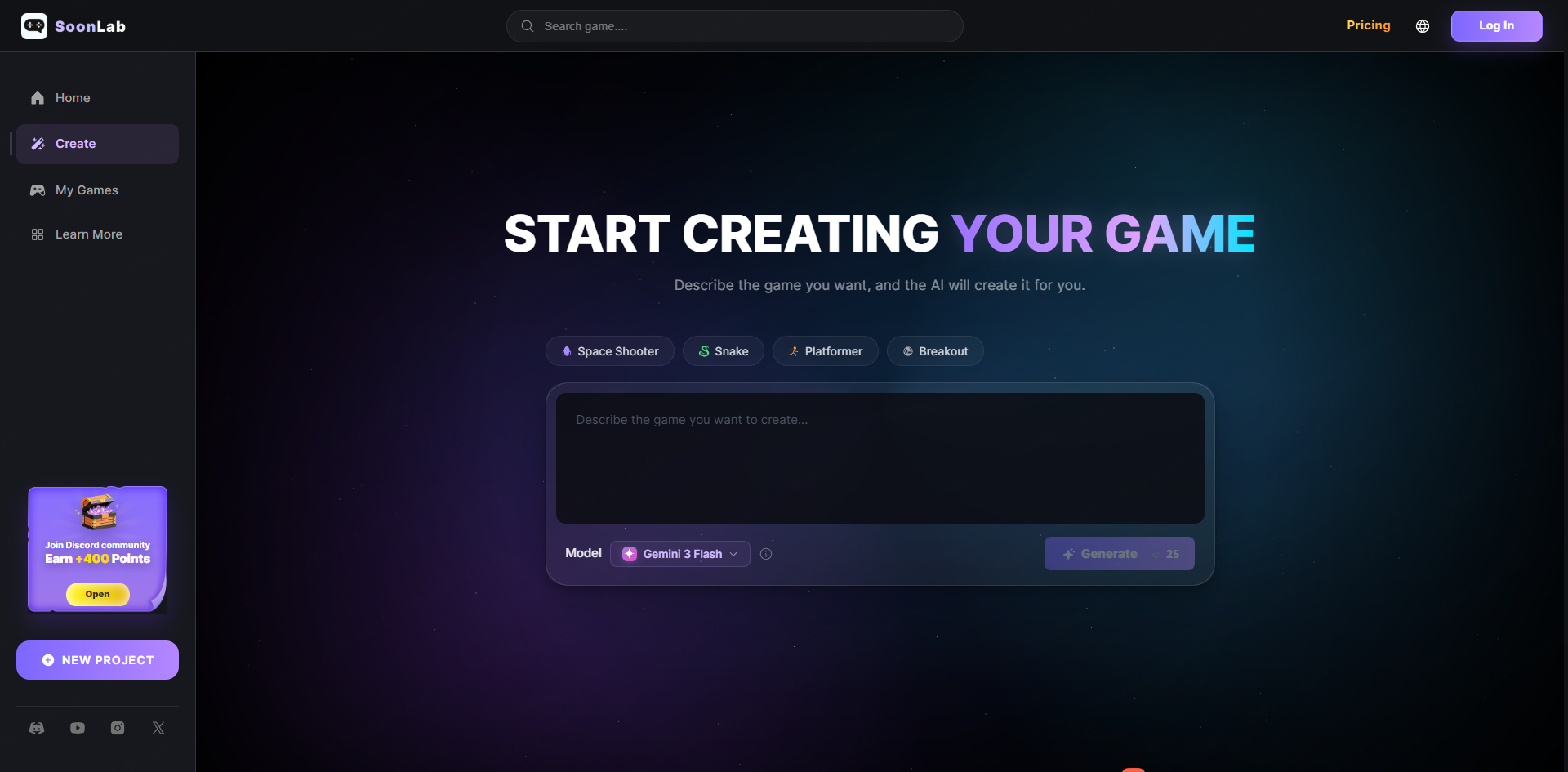
STEP 1 Start a New Game on SoonLab
Open SoonLab and start a new AI game creation project.
STEP 2 Write a Complete Idle Game Prompt
Describe your idle game in detail, including the theme, resource system, upgrades, automation, offline progress, prestige system, and visual style.
STEP 3 Generate and Play the First Version
Let SoonLab generate the game, then play it directly in your browser to see whether the core loop feels fun.
STEP 4 Improve the Game with Follow-Up Prompts
After testing, use new prompts to adjust the pacing, rebalance upgrades, improve the UI, add effects, or make the game more rewarding.
STEP 5 Publish and Share Your Idle Game
When the game feels ready, publish or share it so other players can try your idle game.
AI Idle Game Maker Prompt Examples
Here are a few prompt examples you can use as a starting point.
FAQ About Idle Game Makers
What is an idle game maker?
An idle game maker is a tool that helps users create idle, clicker, or incremental games. It can be a classic idle game tool, an AI game maker, a no-code engine, or a professional game engine.
Can I make an idle game without coding?
Yes. You can use AI game makers like SoonLab, no-code engines like GDevelop, or classic idle game tools. Coding is helpful for advanced systems, but it is not required for a simple prototype.
What is the easiest way to make an idle game?
The easiest way is to use an AI idle game maker and start with a detailed prompt. Describe the theme, resources, upgrades, automation, offline progress, and long-term goals.
Is an idle game the same as a clicker game?
No. A clicker game focuses on active clicking or tapping, while an idle game usually includes automation and progress over time. Many idle games start as clicker games and become more automated later.
What features should an idle game include?
A basic idle game should include resources, upgrades, automation, clear UI feedback, offline progress, and long-term goals such as achievements or prestige.
Conclusion
The best idle game maker depends on what you want to create. Orteil’s Idle Game Maker is useful for classic incremental game fans. GDevelop is a good no-code choice for 2D clicker and idle prototypes. Unity is powerful for advanced commercial games. Rosebud AI and SoonLab represent the modern AI game maker path.
If your goal is to quickly test an idea and create a playable idle game without coding, AI game maker SoonLab is a strong place to start. With the right prompt, you can describe your core loop, upgrades, automation, offline progress, and visual style, then turn your idea into a browser game much faster than building everything from scratch.